How to add a conversation guideline in an outbound AI voice agent in Aircall
Here is how to add a conversation guideline in an outbound ai voice agent in aircall
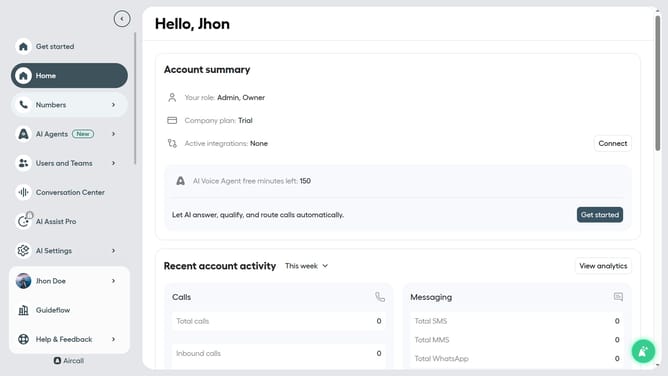
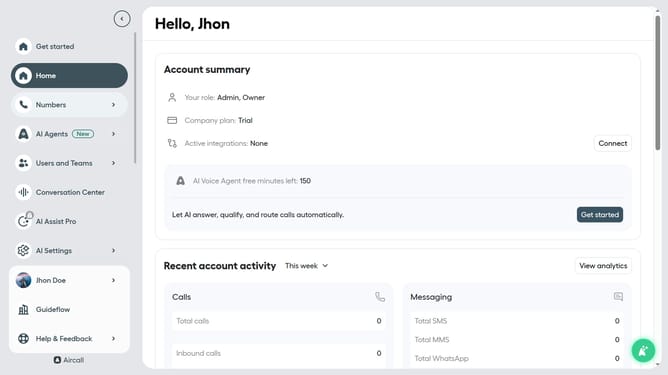
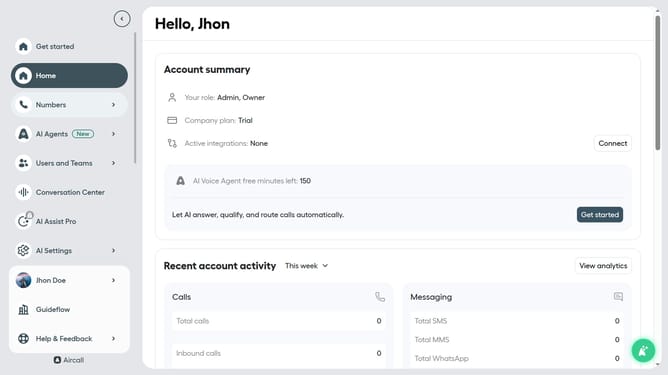
- First click on "AI Agents" tab in the left sidebar
- Then click on "AI Voice Agents" link
- Next, click on outbound AI voice agent in the list of agents
- After that, click on "Call script" in the left section
- Then click on the "Conversation guidelines" section to edit it
- Finally, click on the "Save" button
Why should you add a conversation guideline in an outbound AI voice agent in Aircall
Aircall is a cloud-based phone system that simplifies business communications.
Adding a conversation guideline in an outbound AI voice agent in Aircall is a straightforward process that significantly enhances call efficiency and consistency. This feature ensures that conversations remain on track, leading to more productive interactions with clients.
The ability to set guidelines helps to maintain a professional tone and ensures key points are covered, minimizing missed opportunities. By establishing clear conversation paths, your team can improve client satisfaction and boost overall performance.
Last update