You booked eight jobs this week. Two of the customers moved, one rescheduled by text, and one is now a week overdue on a $180 invoice you forgot to send. The route you planned in your head sent one crew across town twice. And somewhere in a text thread is the gate code for a job tomorrow morning that nobody wrote down.
That is not a discipline problem. It is a tooling problem. When you run scheduling on a whiteboard, quotes in a notes app, and payment follow-up from memory, every job carries hidden admin cost. The SMEs adopting field service tools know this: small and mid-sized firms now make up roughly 45% of cleaning services software adoption, per MarketGrowthReports (2024), as smaller operators move off spreadsheets. Cloud deployments make up about 60% of installations in the USA in the same report, which tells you where the category is headed.
The right window cleaning software collapses that admin chain into one system: lead comes in, quote goes out, job gets scheduled, route gets optimized, crew gets the details, invoice gets sent, payment gets collected. Fewer dropped balls. Faster cash. Less of the business running through your head.
This guide compares six tools built to run that chain, from broad field-service systems to lean quoting workflows. We look at what each does well, who it fits, and what it costs, so you can shortlist fast and test in a real week of work.
What's inside
This is a buyer's guide for owner-operators, small-agency founders, and operations leads choosing window cleaning business software. We compare six platforms across the operational chain that actually decides your margins: scheduling, dispatch, route planning, quoting, CRM, invoicing, and payment collection.
We selected tools based on four criteria:
- Vertical fit: how well the tool handles recurring window cleaning work, not just one-off jobs.
- Workflow coverage: whether it spans lead to quote to schedule to route to invoice to payment.
- Ease of adoption: how fast a small team can go live without a consultant.
- Support for recurring work: repeat visits, automated reminders, and predictable billing.
Pricing and G2 ratings reflect verified public sources where available. Where a vendor does not publish a figure, we say so rather than guess.
TL;DR
- Best for end-to-end field operations: OctopusPro covers quotes, bookings, dispatch, invoicing, and a customer portal in one platform.
- Best for financial backbone: Service Fusion pairs dispatch with recurring billing and QuickBooks integration for operators who care about clean books.
- Best all-around service platform: Jobber balances quoting, scheduling, reminders, and payments with a high G2 rating and quick setup.
- Best for easy onboarding: Housecall Pro gets fast-moving owners live quickly with booking, invoicing, and a strong mobile app.
- Best for lean quoting: Quotebee focuses on budget planning and estimate comparison for owners who want cost control over a full suite.
- Best for multi-crew visibility: FieldPulse offers deep dispatch, mobile field operations, and job tracking for teams running several crews.
What is window cleaning software?
Window cleaning software is a field-service platform that manages the operational workflow of a window cleaning business: scheduling jobs, routing crews, sending quotes, collecting payments, and keeping customer records in one place.
The category breaks down into a set of core jobs to be done. A capable window cleaning management software covers most of these:
- Scheduling and dispatch: assign jobs to crews, handle reschedules, and manage recurring visits without a paper calendar.
- Route planning for window cleaners: sequence stops so a crew works a tight geographic loop instead of crisscrossing a city.
- Quoting and estimate approvals: send a priced quote, let the customer approve it, and convert it into a booked job.
- Payment collection: invoice on completion, take card payments, and chase overdue balances automatically.
- Window cleaning CRM: hold customer history, property details, access instructions, and communication in one record.
- Follow-up and customer reminders: automated texts and emails that cut no-shows and prompt recurring rebooks.
- Mobile field operations: give technicians job notes, checklists, and payment context on their phone.
There is a real difference between niche window-cleaning tools and broad field-service platforms. Niche tools model the trade's rhythm directly: recurring rounds, weather reschedules, and door-to-door route density. Broader field-service platforms like Jobber, Housecall Pro, and FieldPulse serve many trades and trade some window-specific nuance for wider operational range and deeper financial tooling. Neither is automatically better. It depends on whether your bottleneck is round management or overall business operations.
When to use window cleaning software
You do not need software the day you start. You need it the day the manual system starts costing you jobs and cash. Three signals tell you it is time.
When scheduling is breaking down
Route density and recurring visits are where spreadsheets crack. A window cleaner running weekly, monthly, and quarterly rounds is tracking dozens of return dates at once. Add a rained-out morning and three reschedules, and a manual calendar turns into missed appointments. Dedicated window cleaning scheduling software recalculates the round, flags what slipped, and keeps recurring jobs from falling through. If you are spending evenings rebuilding tomorrow's schedule, the tool pays for itself in reclaimed hours.
When quoting and booking need to speed up
Leads go cold in the gap between "can you give me a price" and "you're booked." If a quote takes you two days to send and another to approve, a faster competitor wins the job. Window cleaning quoting software cuts that gap: send a priced estimate on-site or same-day, let the customer approve it with a tap, and drop the approved job straight onto the schedule. Faster approvals mean more won work and cash that arrives sooner.
When field crews need mobile access
When you run more than one crew, information stuck in your head becomes a bottleneck. Technicians need the property details, the gate code, the dog warning, and the payment context before they arrive, not a phone call mid-route. Mobile field operations put all of that on the crew's phone, so handoffs are clean and callbacks drop. Fewer "what was the access again" texts means more billable stops per day.
Comparison table
The table below ranks the six tools by fit for a window cleaning business. Read the Intent column to find the situation closest to yours, then jump to that tool's section.
| # | Product | Intent | Key differentiation | Pricing | G2 rating |
|---|---|---|---|---|---|
| 1 | OctopusPro | End-to-end field service | Quotes, bookings, dispatch, invoicing, and customer portal in one | From $36.25/mo | Not listed |
| 2 | Service Fusion | Financial-backbone FSM | Recurring billing plus QuickBooks integration | From $208/mo (annual) | 4.1/5 |
| 3 | Jobber | All-around service platform | Quoting, reminders, and payments with strong reviews | From $149/mo (annual) | 4.8/5 |
| 4 | Housecall Pro | Fast onboarding all-in-one | Easy setup with strong mobile app | From $59/mo | 4.3/5 |
| 5 | Quotebee | Lean quoting workflow | Quote comparison and budget-first planning | Free plan available | Not listed |
| 6 | FieldPulse | Multi-crew field visibility | Deep dispatch, mobile ops, and job tracking | From $99/user | 4.7/5 |
Pricing reflects the lowest publicly visible entry point at time of writing. Always confirm current tiers on each vendor's site before you commit, since plans and user counts change.
1. OctopusPro
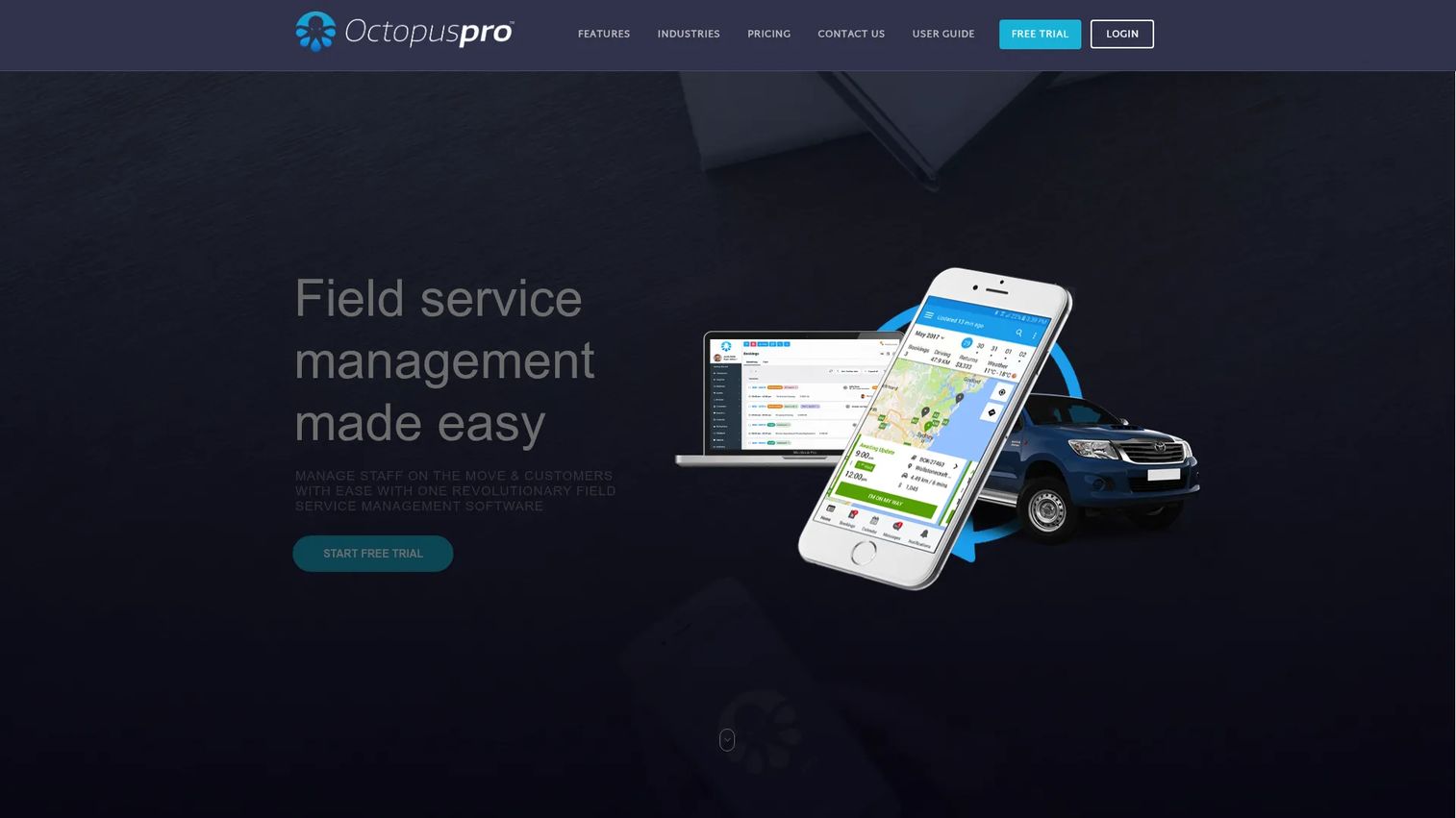
OctopusPro is cloud-based field service software that covers the full operational chain: bookings, scheduling, dispatch, invoicing, payments, and customer communication. For a growing window cleaning business that is outgrowing a single-purpose tool, its breadth is the draw. You can run lead capture, online quotes, job dispatch, and payment collection from one system rather than stitching together three.
The platform includes CRM and lead management, so customer records and property details stay in one place. Online quotes, bookings, scheduling, and dispatch move a lead from inquiry to booked job without manual re-entry. Invoicing, payment collection, and reminders close the loop on cash, and a customer portal plus a mobile fieldworker app keep both sides informed. That end-to-end coverage makes it a strong window cleaning dispatch software option for multi-crew teams.
Best for: Growing service businesses that want quotes, dispatch, invoicing, and a customer portal in a single platform.
Key strengths
- End-to-end workflow: Quotes, bookings, dispatch, and invoicing live in one connected system.
- Customer portal and mobile app: Clients self-serve while fieldworkers get job details on the go.
- Payment collection and reminders: Invoicing and automated follow-up keep cash moving.
Why choose OctopusPro: When your operation spans several crews and a real booking pipeline, breadth beats niche depth. OctopusPro gives you the operational range to scale without bolting on extra tools.
OctopusPro pricing: The Starter plan begins at $36.25 per month. The Established plan is seat-based at $60 per admin seat per month plus $6 per fieldworker seat per month. The Unlimited Users plan carries a $99 platform fee per month with additional usage-based fees. A 14-day trial is available.
2. Service Fusion
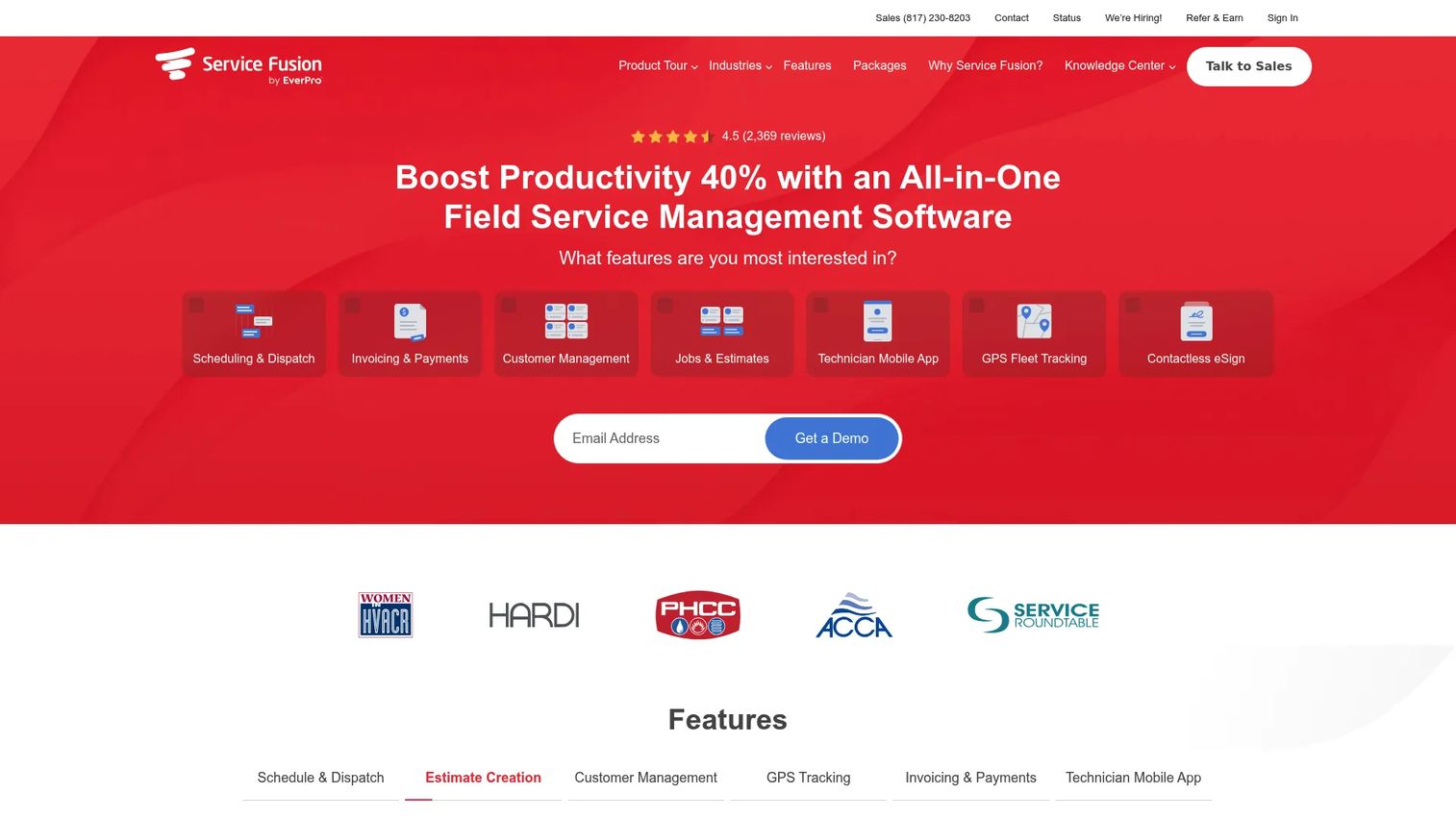
Service Fusion is field service management software aimed at contractors who want a solid financial backbone alongside their scheduling and dispatch. For window cleaning operators who care as much about clean books as clean glass, that emphasis is the differentiator. It pairs day-to-day operations with recurring billing and accounting sync.
The platform covers customer management, scheduling and dispatching, and invoicing and payments in one place. Recurring billing suits route-heavy businesses with repeat customers, and QuickBooks integration means your window cleaning invoicing software talks to your accounting without double entry. Unlimited users on all plans is worth noting for teams that grow headcount, since you are not paying per seat as you add crew.
Best for: Small to mid-sized field service businesses that want an all-in-one operations platform with strong financial operations.
Key strengths
- Recurring billing: Repeat window cleaning customers get billed predictably without manual invoices.
- QuickBooks integration: Financial data syncs to accounting, cutting double entry.
- Unlimited users on all plans: Add crew without per-seat pricing pressure.
Why choose Service Fusion: If your headache is the finance side, late invoices, messy books, manual QuickBooks entry, Service Fusion's billing depth earns its place. It is the field-service backbone for operators who treat cash flow as a first priority.
Service Fusion pricing: Plans start at $208 per month for Starter, $325 for Plus, and $533 for Pro when billed annually. Monthly billing runs $245, $382, and $627 respectively. Annual billing is discounted roughly 15%, and all plans include unlimited users. Service Fusion holds a 4.1 out of 5 rating on G2.
3. Jobber
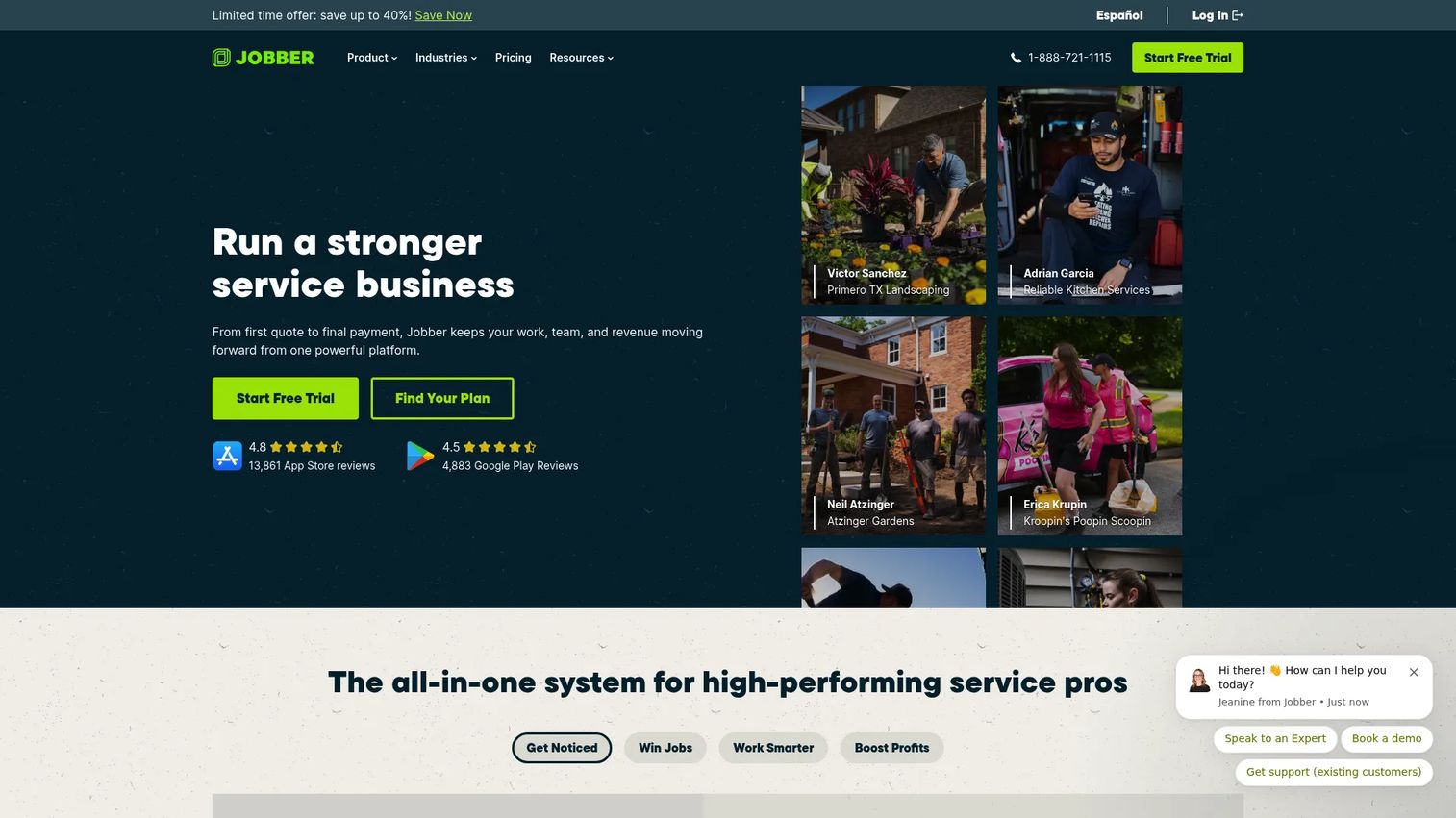
Jobber is field service management software for home and commercial service businesses, and it is one of the most broadly adopted options on this list. For a window cleaning business that wants a proven, well-rounded platform without a steep learning curve, Jobber is a safe shortlist entry. Its 4.8 out of 5 G2 rating reflects that polish.
The platform handles job scheduling and dispatching, quotes, invoicing, and client communication in one flow. Its mobile app carries job details, forms, checklists, and GPS tracking, so crews have what they need in the field. Automated customer reminders reduce no-shows, and integrated payments help you get paid faster. That balance of quoting, scheduling, and payment collection makes it a strong general-purpose choice for small and mid-sized teams.
Best for: Service contractors that want a well-reviewed, all-around platform for scheduling, quoting, invoicing, and field management.
Key strengths
- Quoting to invoicing flow: Estimates convert to jobs and invoices without re-entry.
- Mobile job management: Forms, checklists, and GPS tracking keep crews organized in the field.
- Automated reminders and payments: Customer reminders cut no-shows while integrated payments speed cash.
Why choose Jobber: Jobber wins on balance and reputation. Its broad, polished workflow and strong review base make it low-risk for a team that wants one dependable system.
Jobber pricing: The Grow plan starts at $149 per month billed annually, or $199 per month billed monthly. The Plus plan runs $399 per month billed annually, or $499 per month billed monthly. Pricing varies by user count, and a free trial is available with no credit card required. Jobber holds a 4.8 out of 5 G2 rating.
4. Housecall Pro
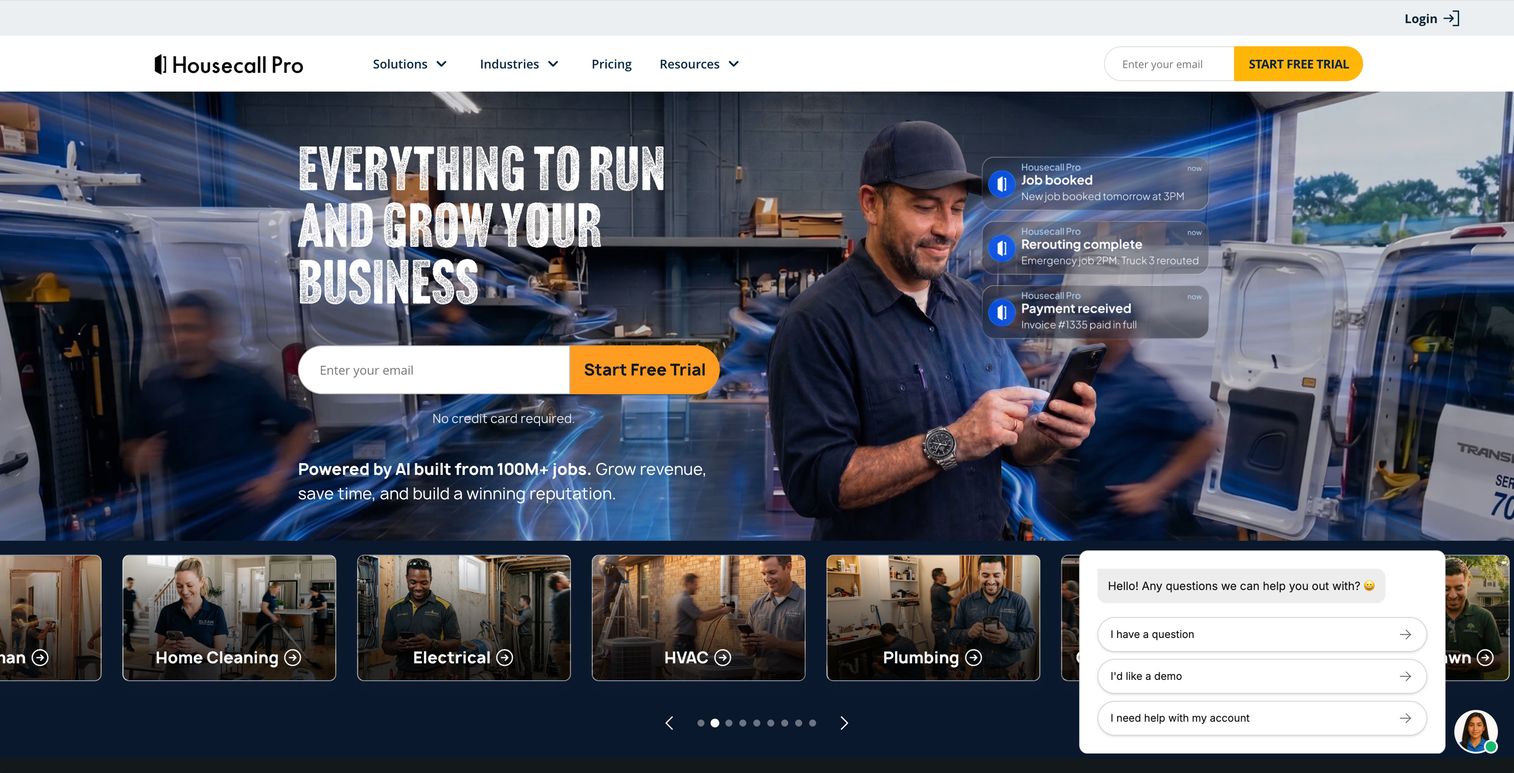
Housecall Pro is field service management software for home service businesses, built around fast setup and a strong mobile experience. For a fast-moving owner who wants to be live this week rather than next quarter, its ease of adoption is the selling point. You get an all-in-one platform without a long implementation.
The platform covers online booking, scheduling and dispatch, and estimates and invoicing in one place. Customers can book online, which reduces phone tag, and the mobile app keeps field workflows moving. Automated customer reminders and integrated invoicing round out the operational chain from booking to payment. For owners who value speed to value over deep configuration, that simplicity is a real advantage.
Best for: Home service teams that want an easy-to-adopt all-in-one platform for booking, scheduling, and invoicing.
Key strengths
- Online booking: Customers self-schedule, cutting phone back-and-forth.
- Scheduling and dispatch: Jobs assign to crews with a mobile-first field experience.
- Estimates and invoicing: Quotes and payment collection live in the same flow.
Why choose Housecall Pro: If you want to stop wrestling with spreadsheets and start running jobs quickly, Housecall Pro's onboarding speed and clean mobile app make it easy to adopt. It trades some deep customization for getting you operational fast.
Housecall Pro pricing: The Basic plan starts at $59 per month and the Essentials plan starts at $149 per month. The MAX plan uses custom pricing. A 14-day free trial is available. Housecall Pro holds a 4.3 out of 5 rating on G2.
5. Quotebee
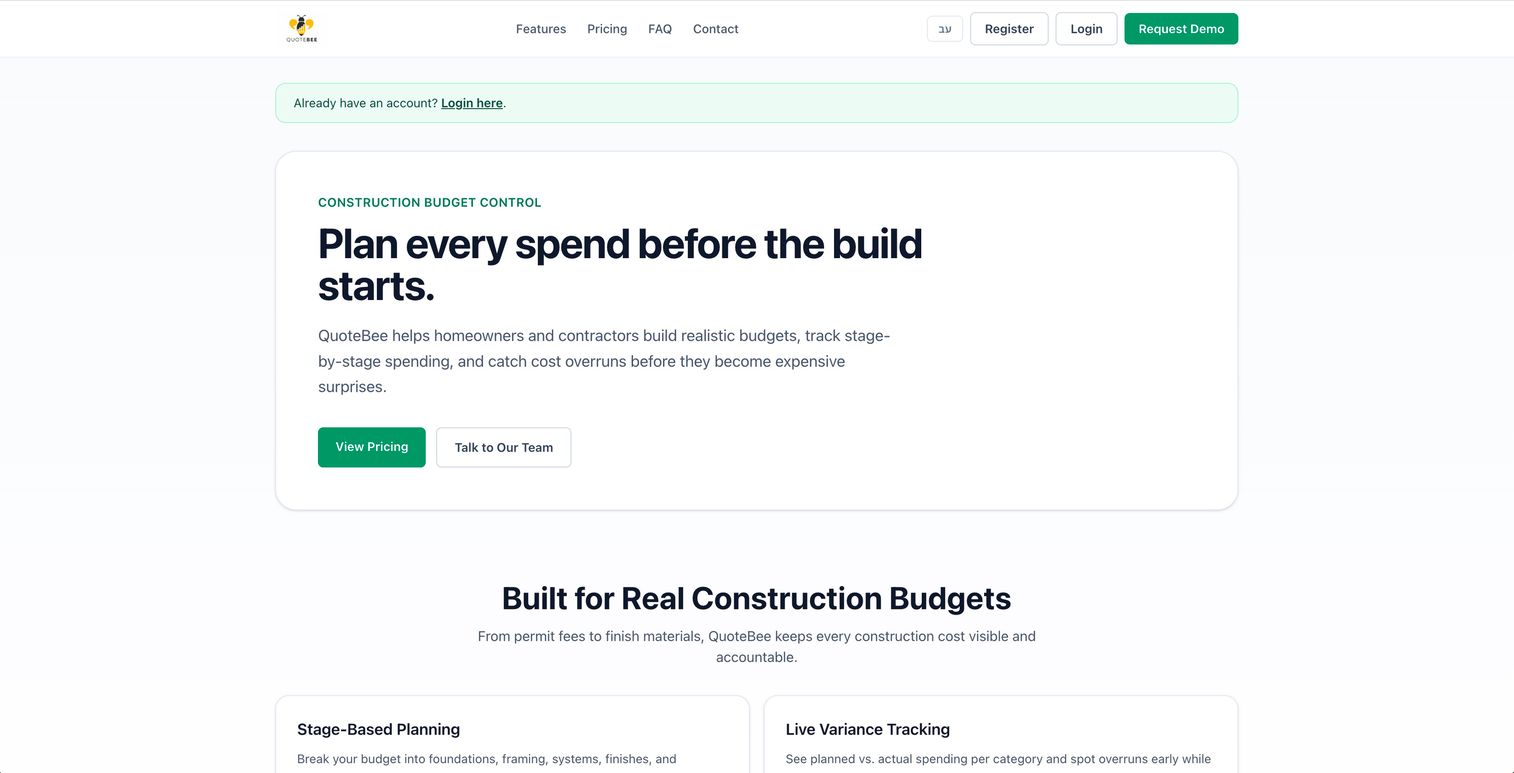
Quotebee takes a quote-first approach, built around budget planning and estimate comparison. It is worth a look for owners who want a leaner workflow centered on quoting and cost control rather than a full field-service suite. Its origins lean toward construction budgeting, so evaluate the fit against your specific window-cleaning workflow before committing.
The platform offers stage-based budget planning, live variance tracking, and supplier quote comparison. For a small operator whose bottleneck is pricing jobs accurately and controlling costs, that focus on the quote and budget stage is useful. It is a narrower tool than the all-in-one platforms above, which can be an advantage if you do not want to pay for features you will not use.
Best for: Small teams that want tight budget control and quote comparison rather than a full operations platform.
Key strengths
- Stage-based budget planning: Plan and track job budgets in structured stages.
- Live variance tracking: See where actual costs drift from the estimate in real time.
- Supplier quote comparison: Compare quotes to keep job costs in check.
Why choose Quotebee: If quoting and cost control are your weak points and you do not need heavy scheduling or dispatch, a lean, budget-focused tool keeps your stack simple. Confirm it maps to recurring window-cleaning work before you standardize on it.
Quotebee pricing: The Starter plan is free. The Builder plan is priced at 149 shekels per month, and the Pro Office plan uses custom pricing. Confirm current currency and regional pricing directly with Quotebee before you commit.
6. FieldPulse
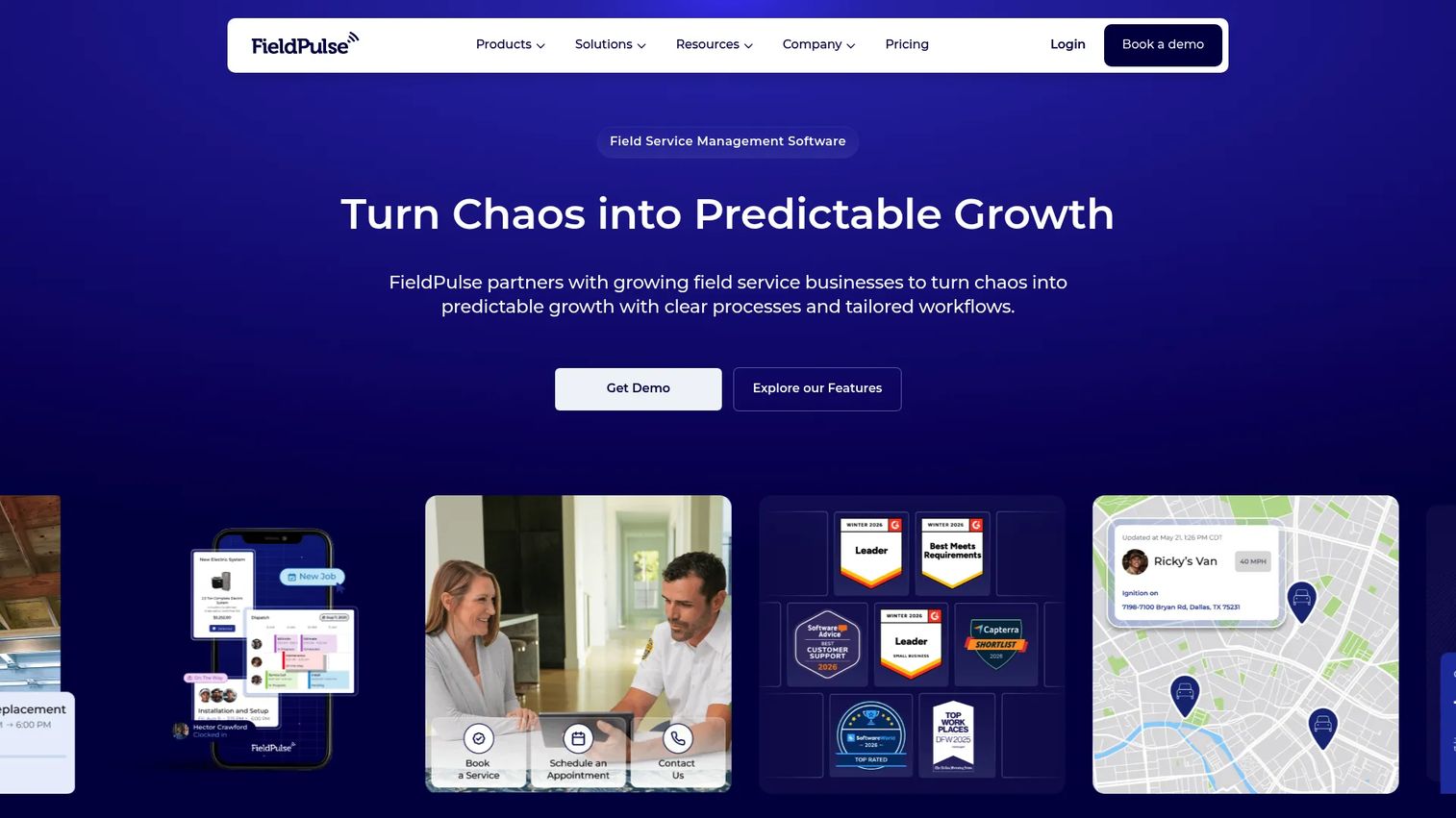
FieldPulse is field service management software built for scheduling, dispatch, estimates, invoices, reporting, and mobile field teams. For a window cleaning business running several crews that needs strong field visibility, FieldPulse is a flexible operational fit. It leans into dispatch and record keeping rather than niche-trade specialization.
The platform covers scheduling and dispatch, estimates and invoices, and a customer portal in one system. Job tracking and reporting give owners visibility into what crews are doing and where money is going. The mobile experience supports field teams directly, so multi-crew handoffs stay clean. Its 4.7 out of 5 G2 rating reflects that operational depth. For teams whose priority is coordinating multiple crews with clear records, that visibility is the draw.
Best for: Small-to-mid-sized field service businesses that need an all-in-one platform with strong multi-crew dispatch and field visibility.
Key strengths
- Scheduling and dispatch: Coordinate multiple crews with clear job assignment.
- Estimates and invoices: Quote and bill from the same platform.
- Customer portal and job tracking: Clients stay informed while owners track field activity.
Why choose FieldPulse: When you are managing several crews and need visibility into field operations and records, FieldPulse's dispatch depth and reporting earn their place. It is built for coordination at scale rather than single-operator simplicity.
FieldPulse pricing: FieldPulse core Field Service Management pricing starts at $99 per user, with the base plan quote-based. Add-on products carry public prices, including an Engage Phone System at $125 per month for five users and Fleet Management at $30 per vehicle. FieldPulse holds a 4.7 out of 5 G2 rating.
Considerations
Before you commit, pressure-test each shortlisted tool against the criteria that actually decide whether it earns its place in your stack.
Vertical fit versus operational range
Decide where your real bottleneck is. If it is recurring rounds and route density, a niche tool built for the trade wins. If it is broad business operations across quoting, dispatch, and finance, a wider field-service platform earns its keep. Do not buy range you will not use, and do not force a niche tool to do jobs it was not built for.
Recurring work and route planning
Confirm the tool treats recurring jobs as a core concept, not an afterthought. Test how it handles weekly, monthly, and quarterly rounds, plus a weather reschedule that ripples across the calendar. Check whether route planning for window cleaners actually sequences stops into a tight loop rather than just listing them.
Invoicing and payment collection
Cash flow is the point. Verify the tool sends invoices on job completion, takes card payments, and chases overdue balances automatically. If your books matter, confirm QuickBooks integration works the way you expect before you rely on it.
Setup time and adoption
Your crew has to use it or it fails. Test the mobile app the way a technician would: pull up job notes, access instructions, and payment context in the field. A tool your team ignores is worse than the spreadsheet you already tolerate.
Conclusion
The right window cleaning software depends on your bottleneck. If you want end-to-end operations across quotes, dispatch, and invoicing, OctopusPro covers the full chain. Service Fusion is the pick when clean books and recurring billing matter most, with QuickBooks integration doing the heavy lifting. Jobber is the balanced, well-reviewed all-arounder, Housecall Pro gets you live fastest, Quotebee keeps quoting and cost control lean, and FieldPulse gives multi-crew teams the field visibility they need.
Do not overthink the shortlist. Pick one tool and test it in a real week of work. Run a quote from lead to approval, drop the approved job onto the schedule, sequence a route, and send an invoice on completion. The tool that makes that chain feel effortless, and gets you paid faster, is the one worth standardizing on.
FAQs
There is no single best tool, only the best fit for your bottleneck. OctopusPro, Jobber, and Housecall Pro serve broad operations with quoting, scheduling, and payments, while Service Fusion leans into recurring billing and clean books. Test one against a real week of jobs before you decide.
Yes, once you are tracking more than a handful of repeat customers. A window cleaning CRM holds property details, access instructions, service history, and communication in one record, so nothing lives only in your head or a text thread. Most tools on this list include CRM as part of the platform.
At minimum: scheduling and dispatch, route planning, quoting with estimate approvals, invoicing, payment collection, customer reminders, and a mobile app for crews. For recurring window cleaning work, treat first-class support for recurring jobs as non-negotiable. Anything less and you will still be patching gaps manually.
Yes. Platforms like Service Fusion offer recurring billing for repeat customers, and broader field-service tools handle recurring visits within their scheduling. When you evaluate, test how each tool handles a weather reschedule that shifts a whole round, since that is where recurring scheduling either holds up or falls apart.
Most tools here do. They send invoices on job completion, accept card payments, and automate follow-up on overdue balances. Service Fusion adds QuickBooks integration for accounting sync, while Jobber and Housecall Pro bundle integrated payments into the same flow as scheduling and quoting.
Niche window cleaning software models the trade directly: recurring rounds, door-to-door route density, and weather reschedules. General field-service platforms like Jobber, Housecall Pro, and FieldPulse serve many trades and often add deeper financial tooling and broader operational range. The right choice depends on whether your bottleneck is round management or overall business operations.
Small teams usually want fast setup and low overhead. Housecall Pro gets you live quickly with online booking and a clean mobile app, while Quotebee suits owners who mainly need lean quoting and cost control. Both keep overhead manageable for a small operation.
Start with your bottleneck. If recurring rounds, routing, and repeat-visit tracking are what slow you down, look for a tool that treats recurring work as a core concept. If your constraint is broader, spanning quoting, dispatch, finance, and multi-crew coordination, a general field-service platform gives you the range to grow into.