You pulled numbers from Google Ads, GA4, HubSpot, and three separate spreadsheets. The client still asks what changed and what they should do next. That is not a data problem. It is a trust problem.
A branded client report is not just data delivery. It is how clients perceive the quality of your work. When dashboards show a vendor's logo instead of yours, or when reports arrive late because someone had to manually rebuild a slide deck, clients start wondering what else is inconsistent.
The business intelligence market reached $35.8 billion in 2025 (Market.us, 2025), and 43% of organizations now run AI-powered analytics in production (Strategy, 2025). Despite the investment, most agency teams still spend meaningful hours each month on report assembly that a good white label reporting tool could handle automatically.
This guide helps you choose the right one.
What's inside
This guide covers 17 white label reporting tools suited to agencies, in-house marketing teams, and SaaS companies with client-facing reporting needs.
- Who it's for: Agency owners, growth marketers, marketing ops, and SaaS platform teams
- Selection criteria: Branding depth, integration coverage, automation and scheduling, pricing transparency, and permission controls
- What the comparison table includes: Best-fit use case, key differentiator, verified pricing, and current G2 ratings
- How to read "white label": We distinguish between tools that offer basic visual branding and those that support full custom domains, branded portals, and vendor-brand removal
TL;DR
- Best overall for marketing agencies: Swydo and AgencyAnalytics lead for recurring client reporting with branded dashboards and automated delivery
- Best for fast dashboard setup: DashThis gets clean reports live quickly for teams that do not need deep BI customization
- Best for cross-channel AI reporting: Whatagraph handles multi-channel narratives and AI-assisted summaries starting at €699/month
- Best BI-style white-label analytics: Zoho Analytics starts at $24/month and covers embedded reporting with broad data connectors
- Best free starting point: Looker Studio costs nothing but requires setup effort and connector management
- Best for enterprise BI or embedded analytics: Microsoft Power BI, Domo, and GoodData serve enterprise and SaaS use cases with governed delivery
What is a white label reporting tool?
A white label reporting tool is software that lets a team create dashboards, reports, and client portals under its own brand instead of the reporting vendor's brand.
For a growth marketer or agency, this means clients see your logo on every report, not the software company's name. At its fullest implementation, white labeling covers custom domains, branded login pages, branded email senders, and complete vendor-logo removal. At its most basic, it may only allow a logo on a PDF export.
Core white-label features
The capabilities a mature white label reporting tool should support:
- Logo and brand color customization across reports and dashboards
- Custom report templates with branded headers and footers
- Custom domains (reports hosted at your URL, not the vendor's)
- Branded email sender for scheduled report delivery
- Client portals with controlled access and branded login pages
- Multiple output formats: PDF, live dashboard link, embedded widget
- Scheduled automated delivery by email or portal
- Role-based user permissions and multi-client workspace management
- Data source connectors for marketing channels
What white label does not automatically mean
The term varies significantly between vendors. Some tools only let you add a logo to a PDF export. Others support fully hosted client portals, branded send-from addresses, and complete removal of all vendor references. Before committing to any tool, check whether custom domains, branded email, and vendor-brand removal each require a higher plan.
White label reporting versus embedded analytics
These two categories are frequently confused. White-label reporting typically serves agencies and service teams: You configure reports and dashboards, then share them with clients. Embedded analytics places reporting inside a software product, often with multi-tenant architecture and developer APIs. Some platforms, including Zoho Analytics, Luzmo, and GoodData, support both use cases depending on the plan.
When to use a white label reporting tool
Replace monthly slide decks with live dashboards
Most agencies spend several hours rebuilding the same monthly report from scratch. A white label reporting tool pulls GA4, Google Ads, Meta Ads, SEO, and CRM data into a reusable template that refreshes automatically. Clients get a consistent branded dashboard instead of a manually assembled slide deck. The time savings compound fast across 20 or 30 clients.
Give clients a branded portal with controlled access
A client portal where stakeholders log in to see their own data under your brand builds more long-term trust than a monthly PDF attachment. Custom domains, branded login screens, and permission controls let you give each client exactly the view they need without exposing other accounts.
Scale reporting across many clients without adding headcount
Linked templates, shared metric definitions, and scheduled delivery mean that adding a new client does not add a full hour of monthly report work. Marketing ops teams use this to maintain report consistency while running more accounts per person. That is what actually reduces manual reporting, not just the tool itself.
White label reporting tool comparison
The table below summarizes the 17 tools covered in this guide. Tools are sorted by relevance to typical agency and marketing team workflows. Pricing reflects verified vendor figures as of November 2026.
| # | Product | Best for | Key differentiator | Pricing | G2 rating |
|---|---|---|---|---|---|
| 1 | Swydo | Agency client reporting | White-label templates with custom domain | From €69/month (annual) | 4.6/5 |
| 2 | AgencyAnalytics | Broad multi-channel agency reporting | Per-client pricing with 90+ integrations | From $20/client/month | 4.7/5 |
| 3 | DashThis | Fast dashboard setup | Speed to first published report | From $44/month (annual) | 4.7/5 |
| 4 | Whatagraph | Cross-channel AI-assisted reporting | AI IQ Agents for data transformation | From €699/month (annual) | 4.5/5 |
| 5 | Zoho Analytics | BI-style white-label analytics | 500+ connectors with embedded analytics | From $24/month (annual) | 4.2/5 |
| 6 | Looker Studio | Budget-conscious branded dashboards | Free report builder with Google integrations | Free | 4.4/5 |
| 7 | Supermetrics | Marketing data pipelines into reporting tools | Sends data to Sheets, Power BI, BigQuery | From $44/month (annual) | N/A |
| 8 | Klipfolio | Flexible KPI dashboards | 130+ integrations with custom data modeling | From $120/month (annual) | 4.5/5 |
| 9 | Databox | Executive KPI visibility | AI analyst with free starting tier | Free tier available | 4.4/5 |
| 10 | Cyfe | Simple all-in-one business dashboards | 100+ widgets with low entry price | From $29/month | 4.3/5 |
| 11 | Funnel | Governed marketing data pipelines | 600+ connectors with data normalization | From $300/month (annual) | 4.5/5 |
| 12 | Microsoft Power BI | Enterprise BI with embedding options | Microsoft stack integration, Power BI Embedded | From $14/user/month (annual) | 4.5/5 |
| 13 | Domo | Enterprise data experiences | 1,000+ connectors with low-code app builder | Custom pricing | 4.3/5 |
| 14 | GoodData | Embedded analytics for SaaS products | API-first with semantic layer and multi-tenancy | Contact sales | 4.3/5 |
| 15 | Luzmo | Customer-facing embedded dashboards | White-label self-service analytics with AI | From €1,995/month (annual) | 4.6/5 |
| 16 | Yellowfin BI | Enterprise BI with analytics storytelling | Automated Signals and data stories | Contact sales | 4.4/5 |
| 17 | DashClicks | Agency platform with built-in reporting | Reporting bundled with CRM and fulfillment | From $199/month | 4.7/5 |
Best 17 white label reporting tools for agencies in 2026
1. Swydo
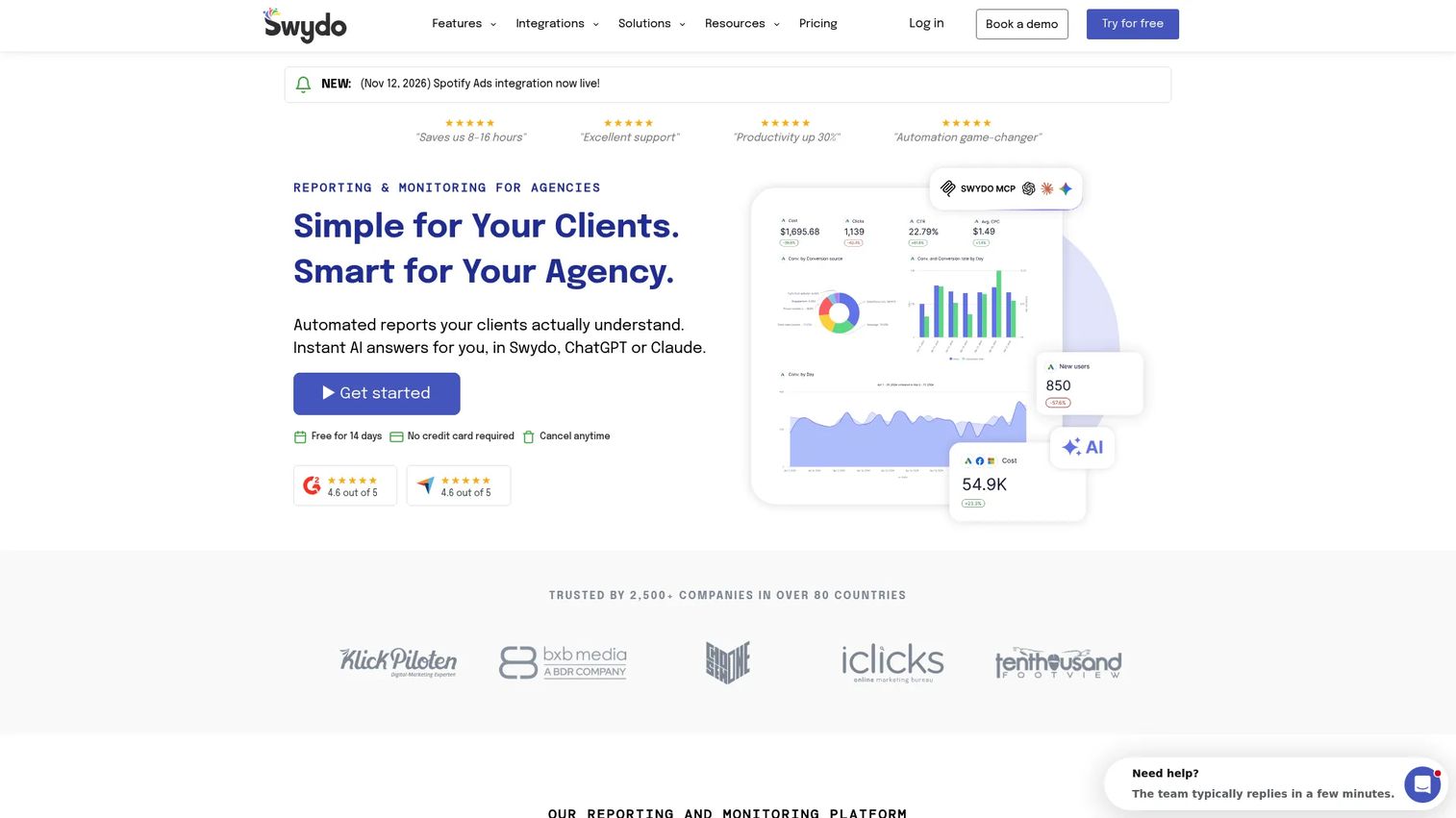
Swydo is a marketing reporting and monitoring platform built specifically for agencies. It covers PPC, SEO, social, and analytics channels through a reporting workflow that includes branded templates, custom domains, and scheduled PDF and dashboard delivery. AI-powered report building and summaries ship as part of the core product, not an expensive add-on.
Best for: Digital marketing agencies that need automated, white-label client reports without building a BI stack.
Key features
- Branded report templates with logo, colors, and custom domain
- Scheduled PDF and online dashboard delivery to clients
- AI-powered summaries and report building
- KPI monitoring, goals, and data-source health checks
- Marketing integrations across paid, SEO, and analytics channels
Why choose Swydo: Swydo fits agencies where recurring branded client reports are the primary output. It is particularly strong when your team wants repeatable, polished reports with minimal manual assembly each month.
Swydo pricing: Plans start at €69/month billed annually, covering all features, 10 data sources, and unlimited clients, users, dashboards, and reports. Additional data sources cost €4.50 each (11 to 100), dropping to €3.00 each from 101 to 500. A 14-day free trial is available.
G2 rating: 4.6/5
2. AgencyAnalytics
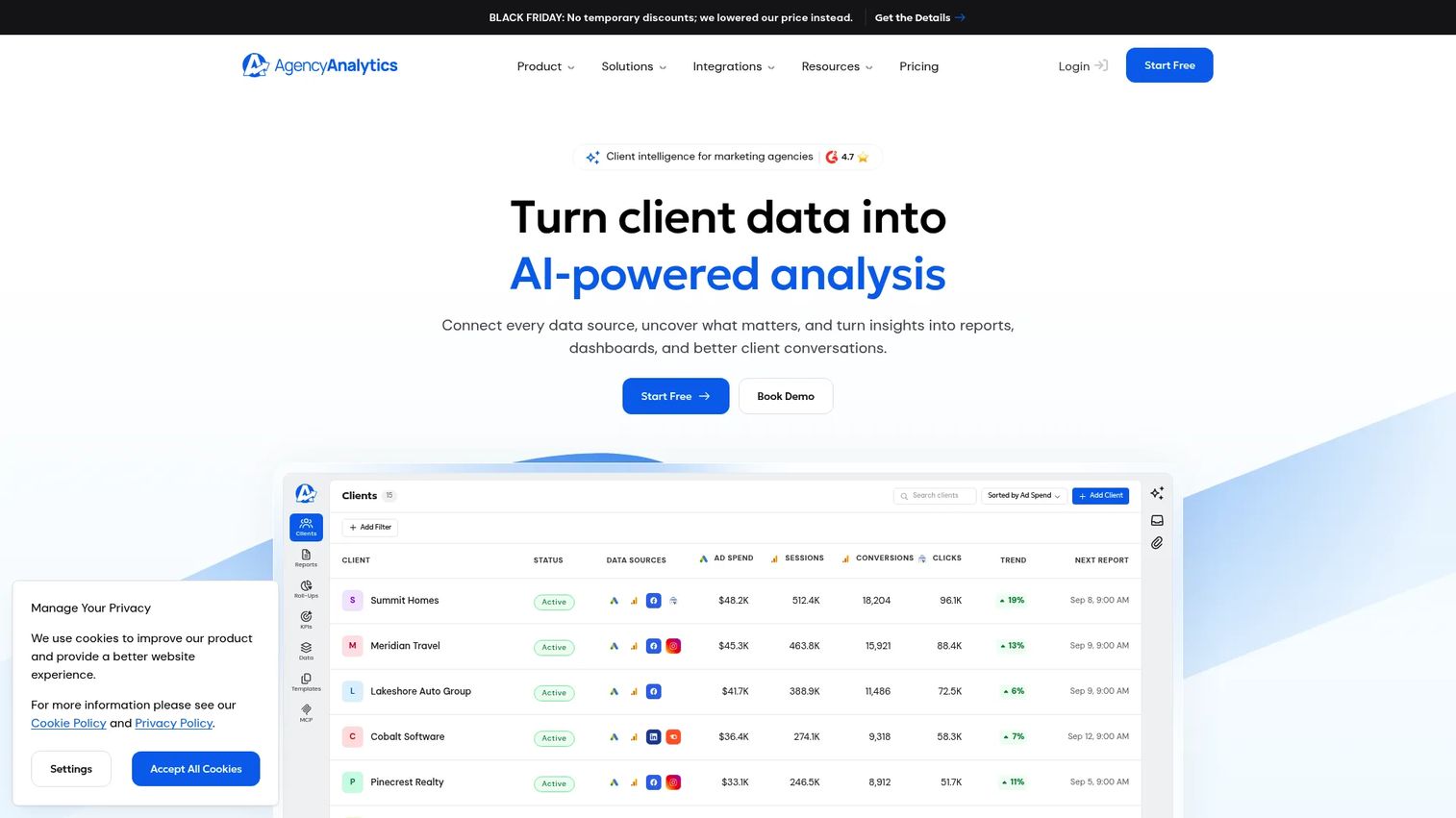
AgencyAnalytics is a client reporting platform built for marketing agencies managing many accounts. It combines white-label dashboards, client login portals, SEO rank tracking, PPC reporting, and automated report scheduling under a per-client pricing model that scales predictably. With 90+ integrations covering search, social, advertising, email, and CRM, it functions as a reporting hub that can replace several separate tools.
Best for: Marketing agencies that want one centralized reporting hub across multiple client channels.
Key features
- White-label dashboards and client login portals
- SEO rank tracking and site auditing
- Automated report scheduling and delivery
- 90+ marketing integrations
- AI-powered insights and anomaly detection
Why choose AgencyAnalytics: The per-client pricing model makes cost predictable as the client roster grows, and the breadth of integrations means most agencies can consolidate their reporting from multiple platforms. Volume pricing kicks in at 25 clients.
AgencyAnalytics pricing: Starts at $20 per client per month, billed annually. All features are included in the core plan. Volume pricing is available for agencies managing 25 or more clients. A free 14-day trial requires no credit card.
G2 rating: 4.7/5
3. DashThis
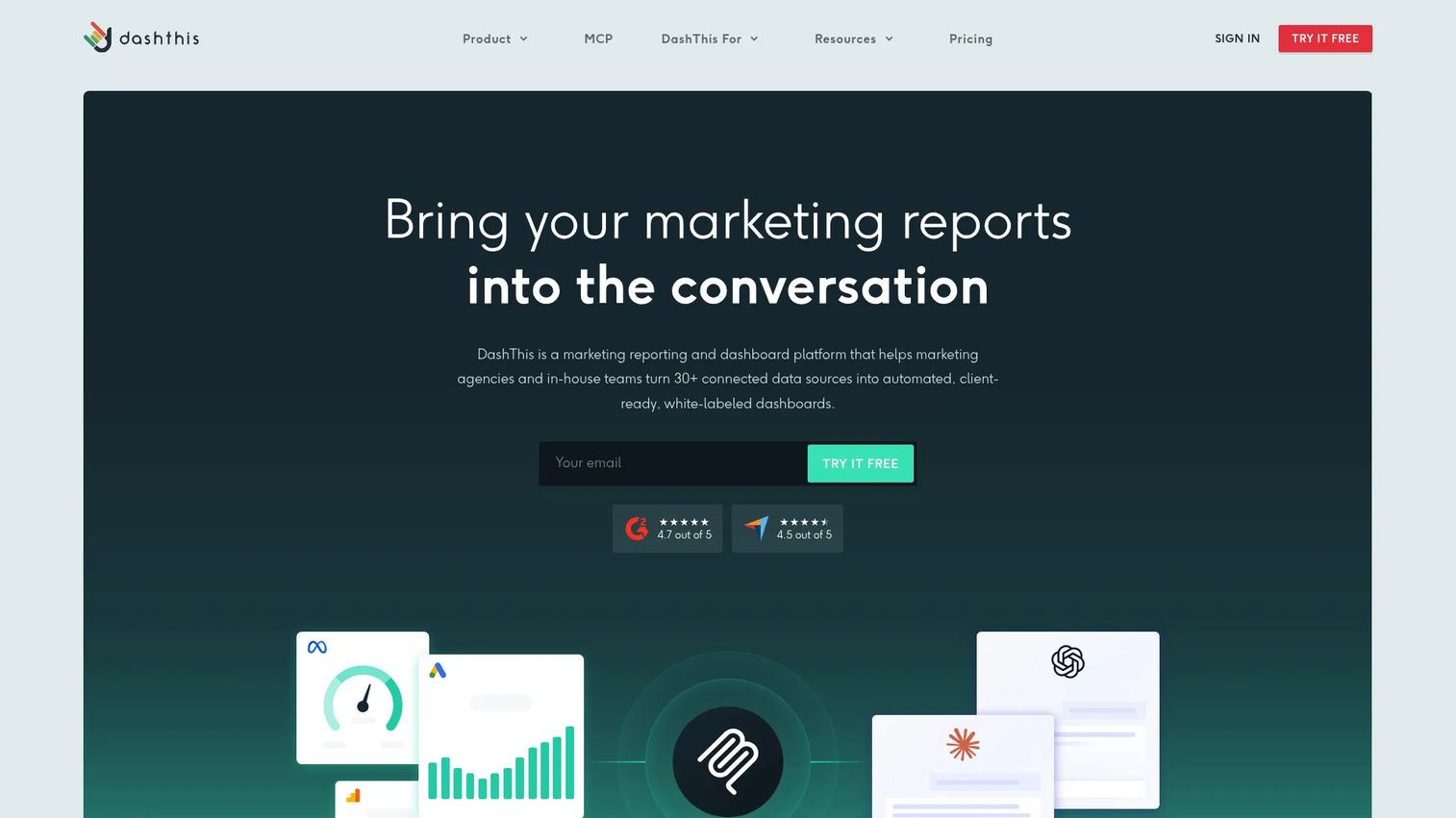
DashThis is a marketing dashboard and automated reporting platform that consolidates data from digital marketing channels into shareable, branded dashboards. It focuses on speed: The template library and drag-and-drop widget system get a clean client-facing dashboard live faster than most alternatives. White labeling, custom domains, and scheduled email reports come with paid plans.
Best for: Small and mid-sized agencies that prioritize speed to first published report over deep BI customization.
Key features
- Dashboard templates with drag-and-drop widget builder
- White-label branding and custom domain support
- Automated scheduled email reports
- 34+ marketing integrations plus CSV uploads
- Shareable client dashboard links
Why choose DashThis: Choose DashThis when your team needs dashboards up and running quickly. It performs best when reporting covers standard marketing channels and you do not need complex data modeling or blended metrics.
DashThis pricing: Plans start at $44/month paid yearly (or $54/month billed monthly) on the Individual tier. The Professional tier is $139/month annually. Business is $279/month and Standard is $429/month annually. A 14-day free trial is available. An AI Insights Pro add-on costs $15/month billed yearly.
G2 rating: 4.7/5
4. Whatagraph
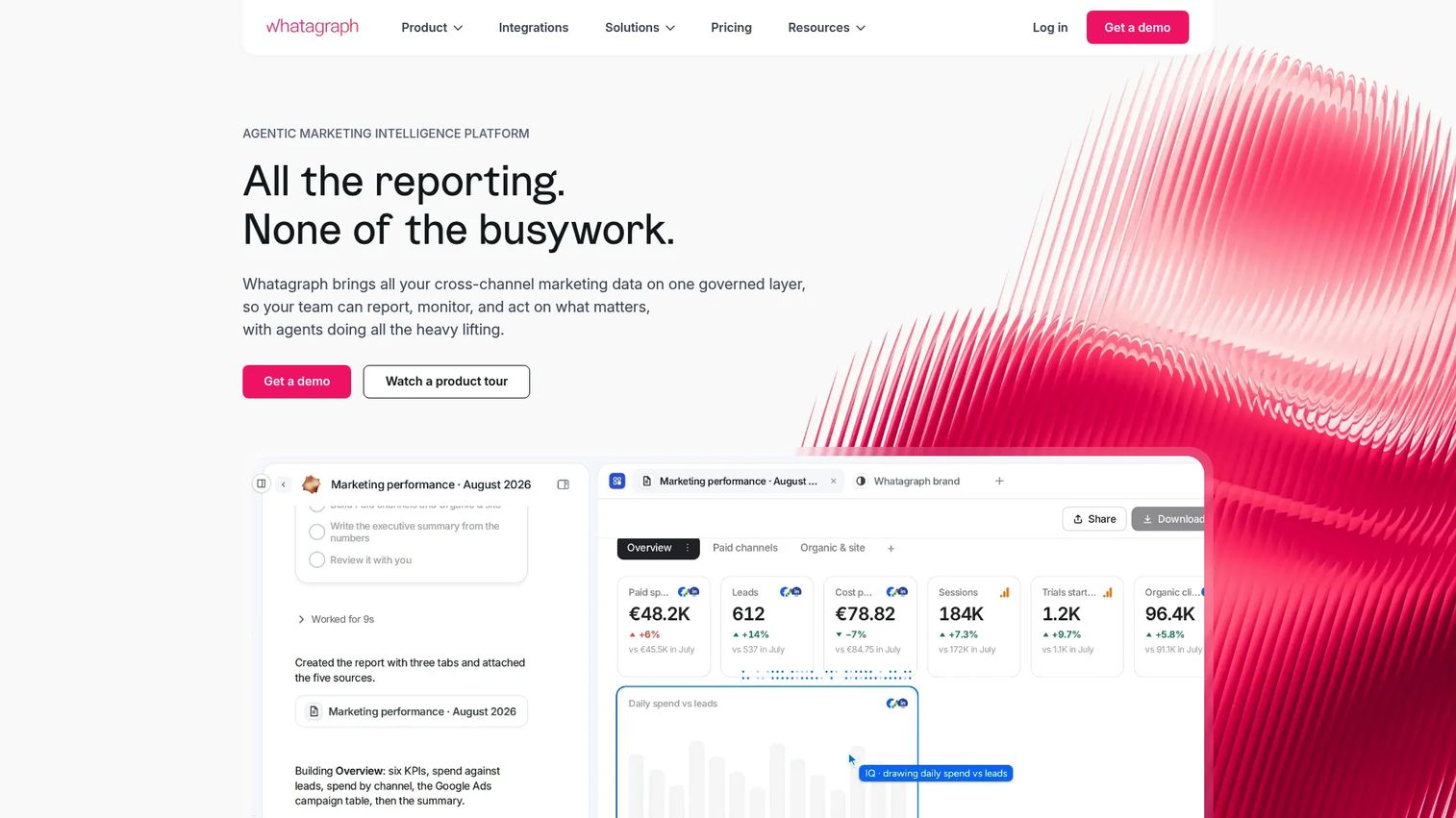
Whatagraph positions itself as an agentic marketing intelligence platform. Beyond standard white-label reports, it offers AI IQ Agents that handle data transformation, report creation, budget pacing, and creative analysis. For agencies managing paid media, SEO, ecommerce, email, and CRM channels simultaneously, the cross-channel blending and AI-generated summaries address the common problem of multi-source reporting that still requires manual narrative writing.
Best for: Agencies handling multiple channels that need polished cross-channel client narratives with AI-assisted analysis.
Key features
- AI IQ Agents for data transformation and report generation
- Cross-channel data blending and custom metrics
- White-label reports, dashboards, and automated PDF emails
- 60+ native integrations including marketing, CRM, and ecommerce
- Version history and scheduled delivery
Why choose Whatagraph: Choose Whatagraph when clients expect narrative context alongside raw metrics. It suits teams reporting across paid, organic, ecommerce, and lifecycle channels where manual narrative writing has become the bottleneck.
Whatagraph pricing: The Max plan starts from €699/month billed annually and includes AI IQ Agents, white-label reports, and a Dedicated Success Manager. The Prime plan is custom pricing and adds a custom report domain, premium integrations, and public API access. No free tier is listed on the pricing page.
G2 rating: 4.5/5
5. Zoho Analytics
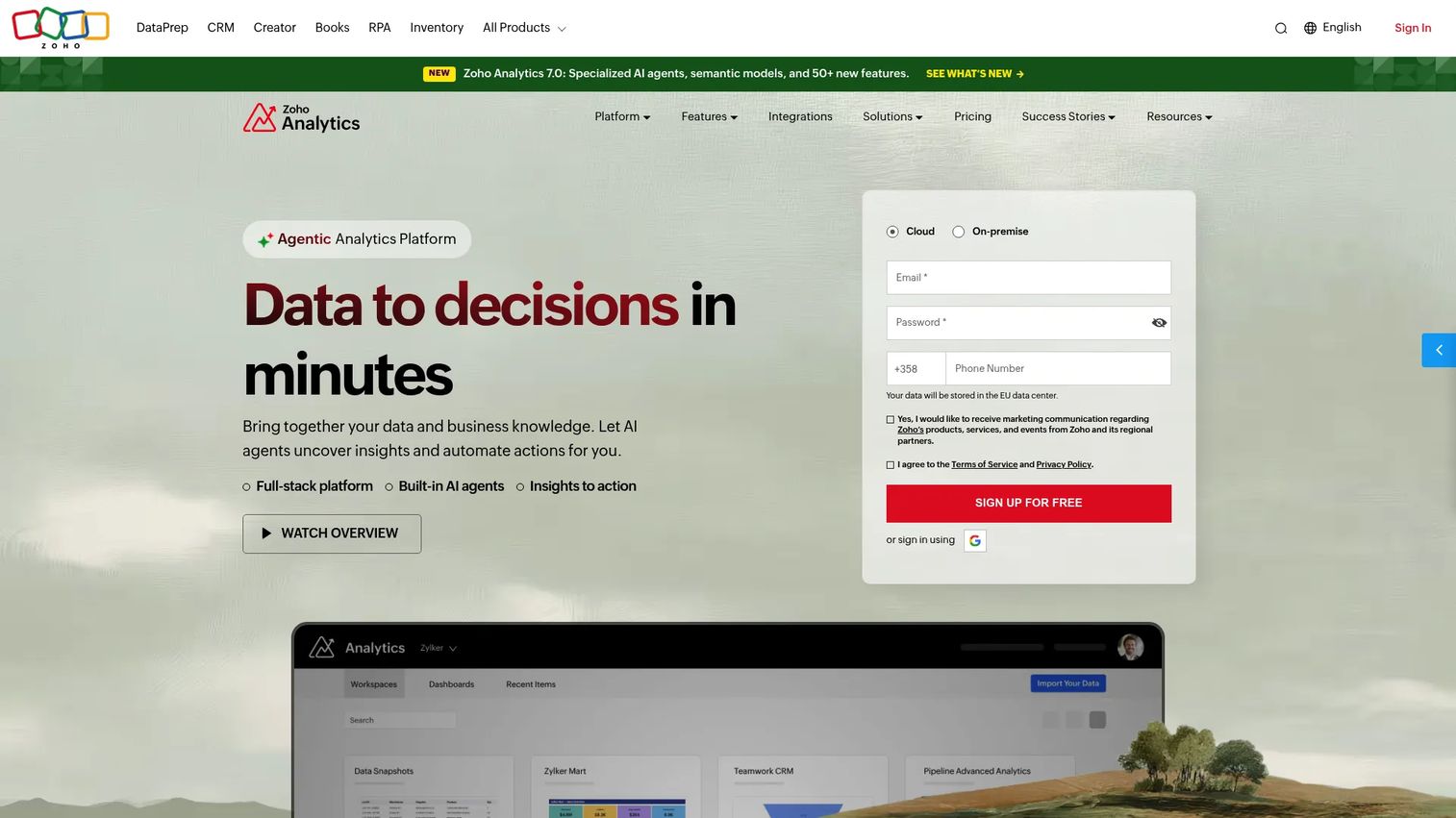
Zoho Analytics is a self-service BI and analytics platform with white-label reporting, embedded analytics, and connections to 500+ live data sources. Unlike the agency-focused tools above, Zoho Analytics suits teams that need deeper data modeling, custom calculations, and governed reporting alongside the branded delivery layer. AI-assisted analysis, forecasting, and anomaly detection are part of the platform.
Best for: Organizations that need BI-style analytics and white-label customer-facing or stakeholder-facing dashboards.
Key features
- 500+ live data source connectors including apps, databases, and warehouses
- White-label dashboards and embedded analytics
- AI-assisted forecasting and anomaly detection
- Role-based user permissions and portal management
- 50+ chart types and mobile analytics
Why choose Zoho Analytics: Choose Zoho Analytics when reporting requirements go beyond agency templates. It is a strong fit for SaaS teams, operations, or analytics functions that need governed dashboards with deeper data modeling.
Zoho Analytics pricing: A free plan covers 2 users, 10,000 rows, and unlimited reports. Paid plans start at $24/month billed annually (Basic) and scale to $48 (Standard), $115 (Premium), and $455 (Enterprise) per month annually.
G2 rating: 4.2/5
6. Looker Studio
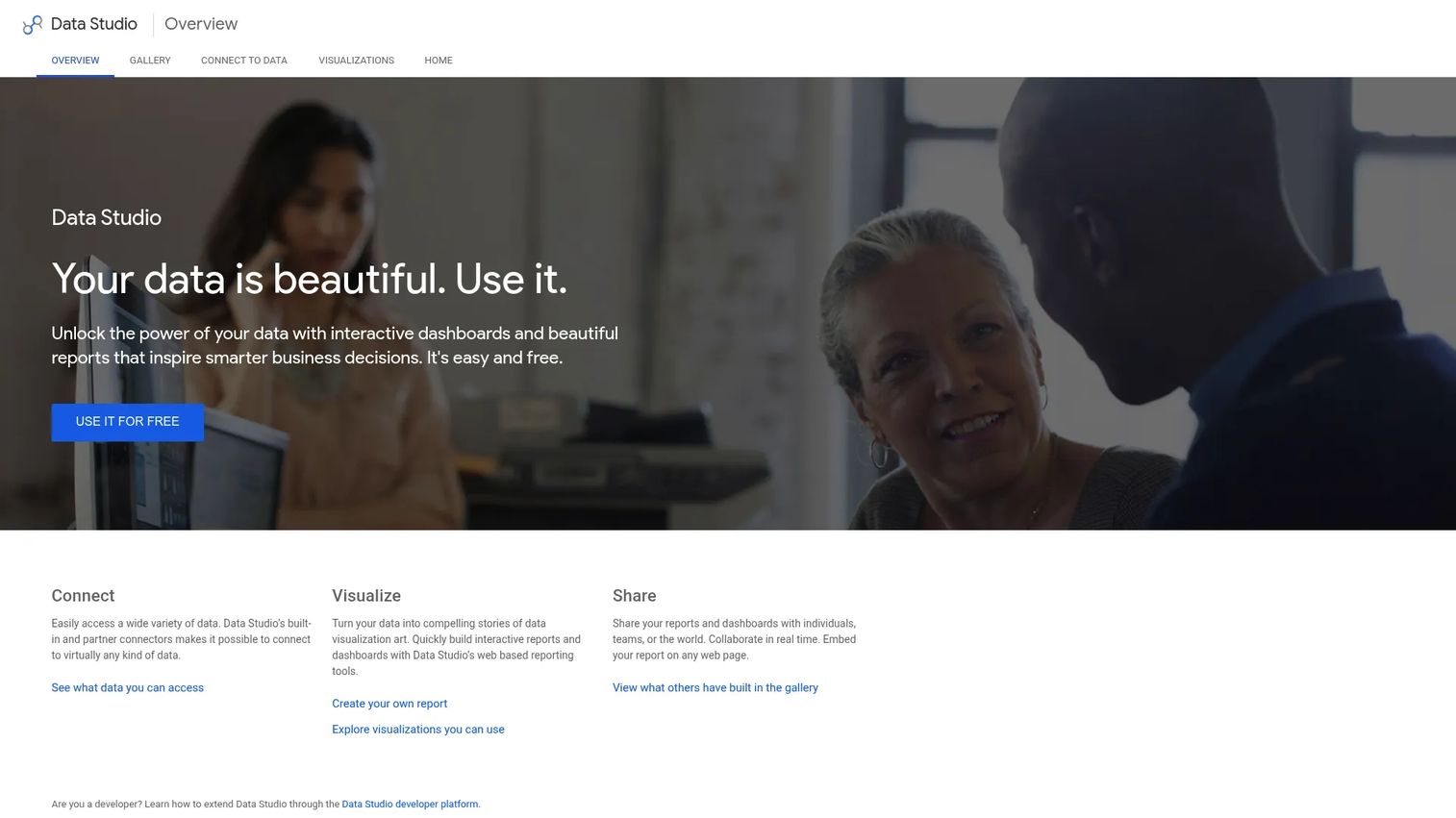
Looker Studio (now also referred to as Data Studio following a April 2026 rename) is Google's free dashboard and reporting tool. Teams can apply logos, brand colors, and layout control to create visually consistent reports. The caveat: Looker Studio is not a full white-label agency reporting platform by default. It lacks native client portals, branded email delivery, and custom domains without additional setup or connectors.
Best for: Teams with tight budgets and enough in-house reporting skill to build and maintain templates.
Key features
- Free drag-and-drop report builder
- Native Google data connectors (GA4, Ads, Search Console)
- Connections to 1,000+ sources through community connectors
- Custom report themes with logo and color control
- Shareable live report links and web embedding
Why choose Looker Studio: Choose Looker Studio when cost is the main constraint. The power is real, but the hidden cost is maintenance time: Building reusable templates, managing connector authentication, and handling data refresh issues requires ongoing attention.
Looker Studio pricing: The core product is free. A Pro subscription adds enterprise capabilities and team management.
G2 rating: 4.4/5
7. Supermetrics
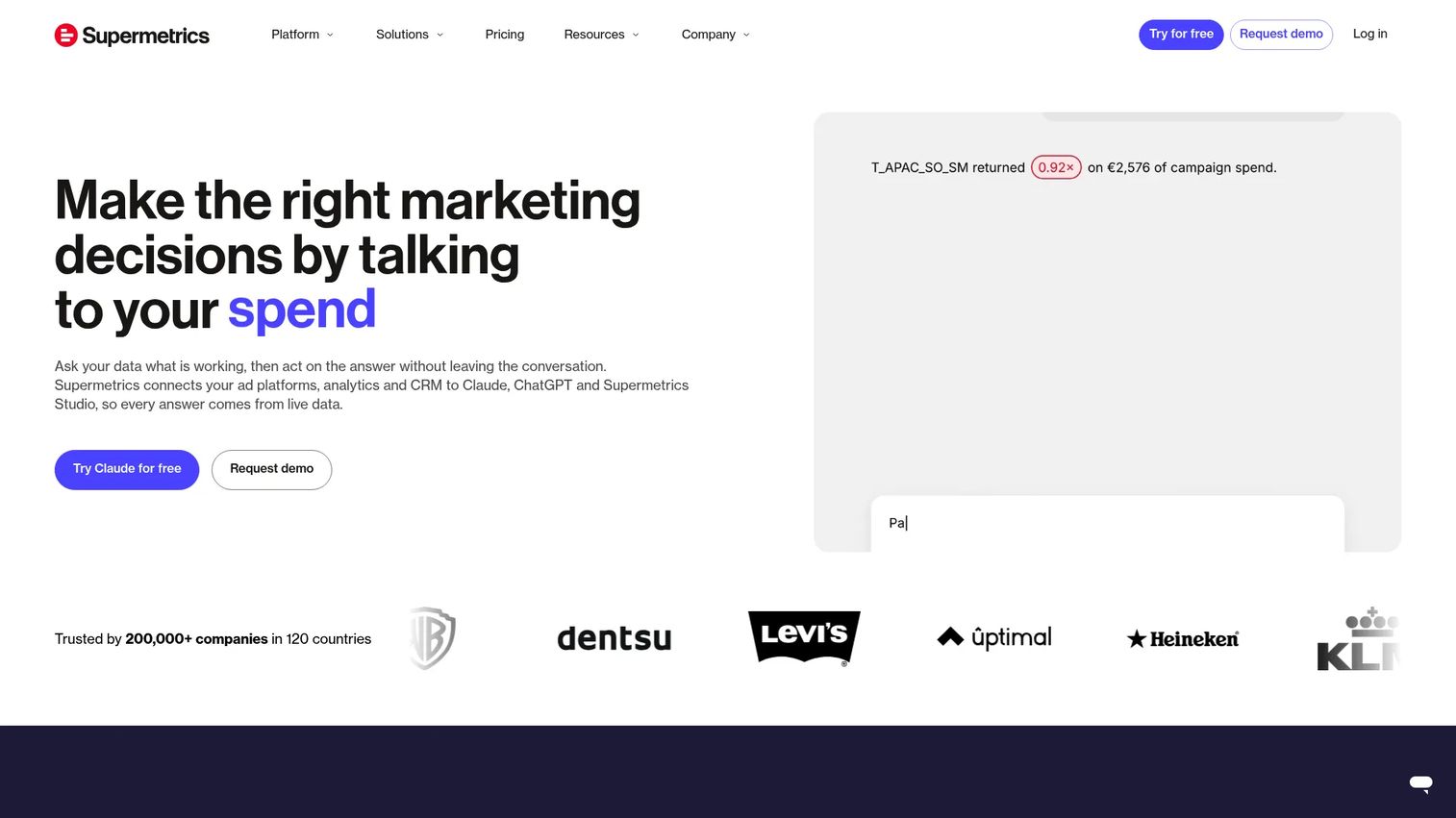
Supermetrics is a marketing intelligence platform, not a traditional report builder. Its job is moving marketing data from advertising, analytics, and CRM platforms into destinations where reports live: Looker Studio, Google Sheets, Excel, Power BI, BigQuery, and Snowflake. Agencies use Supermetrics to build a reliable data pipeline, then apply their own branded templates in the reporting destination.
Best for: Marketing and analytics teams where the bottleneck is data extraction and pipeline reliability rather than the report design layer.
Key features
- Connectors for major marketing, advertising, and analytics platforms
- Destinations: Sheets, Looker Studio, Excel, Power BI, BigQuery, Snowflake
- Automated data consolidation, transformation, and scheduled refreshes
- AI-built dashboards and integrations with Claude, ChatGPT, and Copilot
- Starter, Growth, and Enterprise tiers by connector and destination count
Why choose Supermetrics: Choose Supermetrics when your team already has dashboard templates or BI infrastructure and the reporting breaks because of unreliable data pulls. It is not a standalone white-label solution; it feeds the tools that are.
Supermetrics pricing: Starter is $44/month billed annually (or $55/month billed monthly) and covers 1 destination, 3 data sources, and 1 user. Growth is $177/month annually for 6 data sources and 2 users. Enterprise pricing is by quote for custom limits and advanced governance.
8. Klipfolio
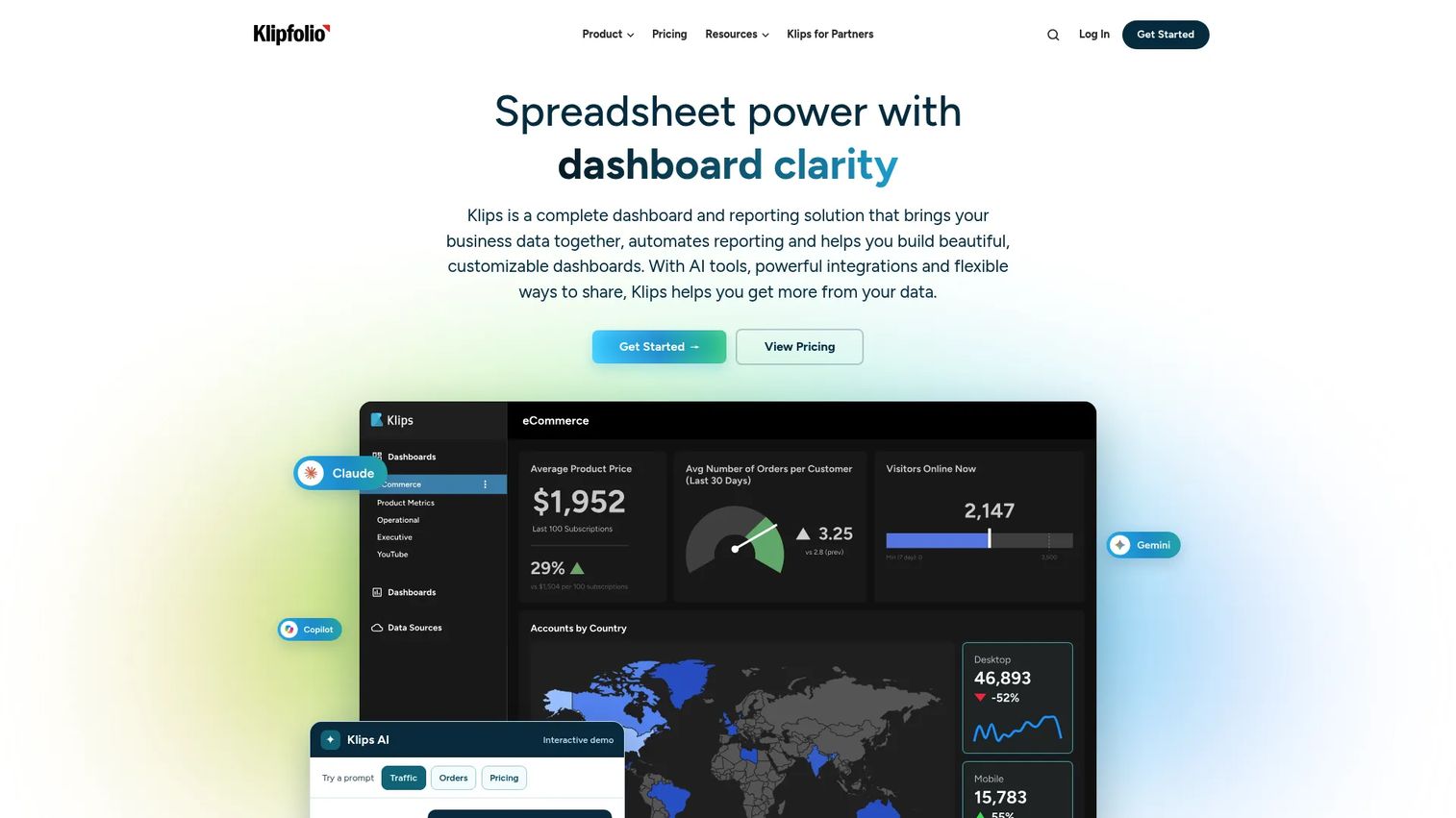
Klipfolio is a dashboard and reporting platform that connects data from cloud apps, APIs, databases, and spreadsheets into configurable KPI dashboards. It offers more data modeling control than template-only agency tools and supports branded dashboard sharing, scheduled PDF reports, role-based access, and embedded analytics options. All plans include unlimited users.
Best for: Teams and agencies that want configurable KPI dashboards with more control over data logic than template-based tools provide.
Key features
- 130+ data integrations including cloud apps, APIs, databases, and CSV files
- Custom data modeling, filtering, and combining multiple sources
- Branded published dashboard links and scheduled PDF reports
- Role-based access controls and client sharing
- Embedded analytics options at higher plan tiers
Why choose Klipfolio: Choose Klipfolio when custom KPI logic matters. It suits teams that need to blend data sources, apply business-specific calculations, or build dashboards that go beyond a standard marketing channel template.
Klipfolio pricing: Plans start at $120/month billed annually (or $140/month monthly) on the Base tier. Grow is $190/month annually, Team is $310/month annually, and Team+ is $600/month annually. No permanent free tier is listed; a 14-day free trial is available.
G2 rating: 4.5/5
9. Databox
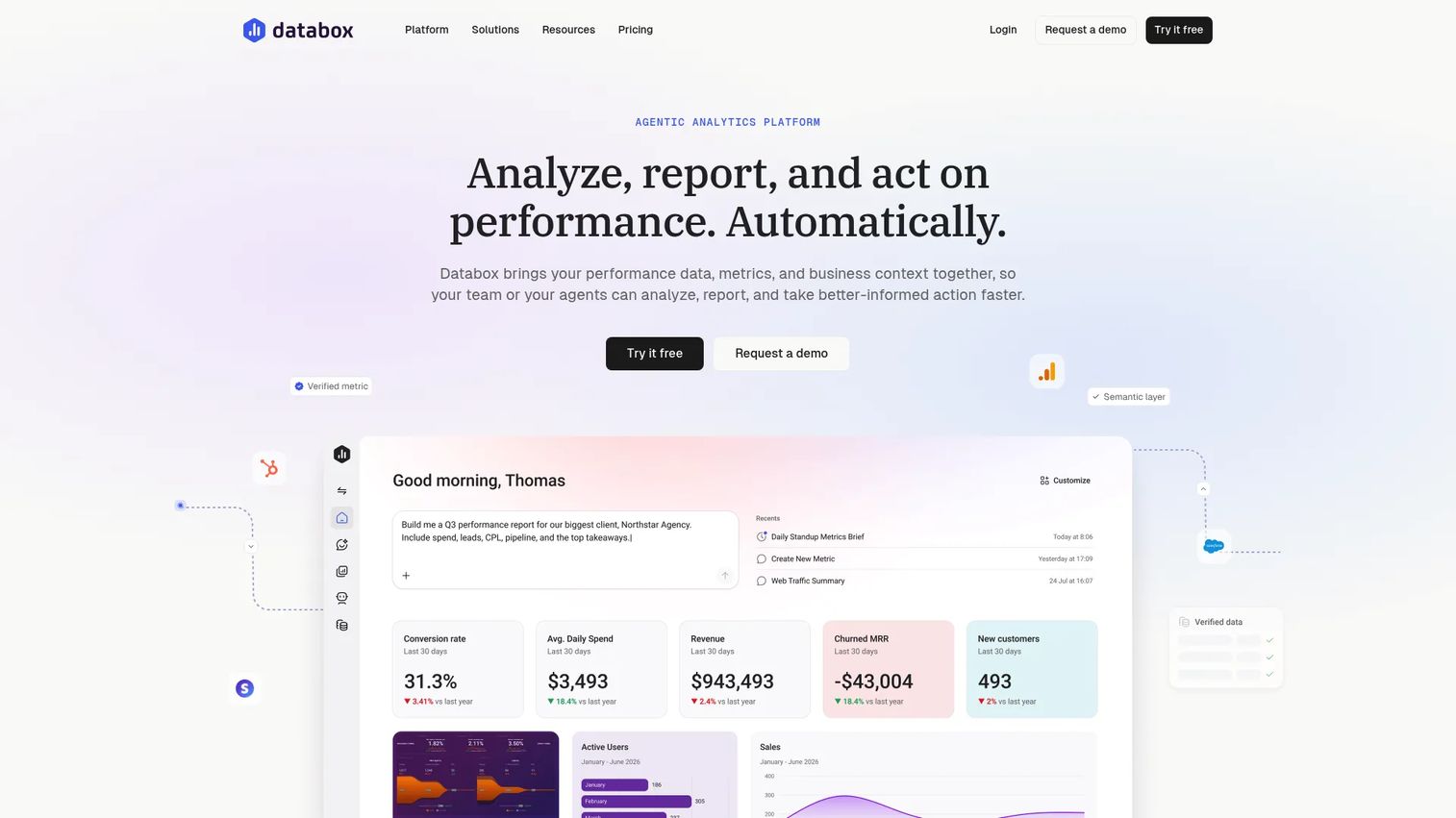
Databox is an AI-powered analytics and reporting platform for connecting business data, building dashboards, and generating performance insights. It includes Genie, an AI analyst that answers questions about performance, plus goals, alerts, scorecards, and anomaly detection. A free tier with meaningful functionality makes it a low-risk starting point for smaller teams.
Best for: Growth teams and agencies that need KPI visibility across marketing and revenue data, with an AI analyst for performance questions.
Key features
- AI analyst (Genie) for natural-language performance queries
- Customizable dashboards, scorecards, and goals
- Anomaly detection and performance alerts
- Cloud and custom data integrations with API and MCP access
- Scheduled reports and data snapshots
Why choose Databox: Choose Databox when stakeholders want frequent KPI visibility and plain-language performance summaries rather than monthly client report PDFs. The Agency plan at $99/month gives agencies a cost-effective path with client account management.
Databox pricing: A free tier covers 1 user, 3 data sources, and 1 dashboard. The Agency plan starts at $99/month. Team Core is $249/month and Team Scale is $399/month. Annual billing reduces cost by 20%. Custom pricing is available for larger requirements.
G2 rating: 4.4/5
10. Cyfe
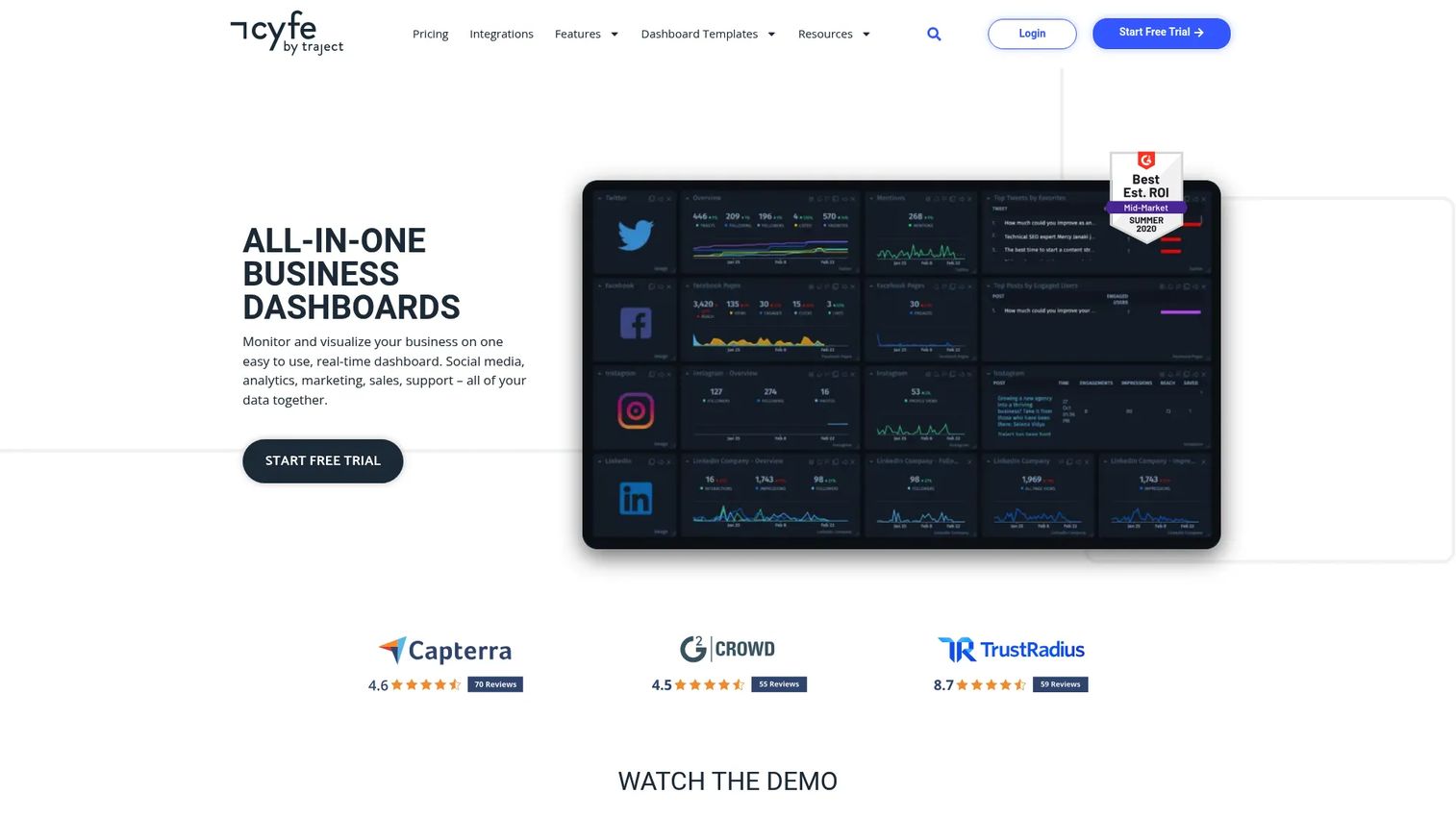
Cyfe is an all-in-one business dashboard platform for monitoring marketing, sales, social, web analytics, and support metrics. It emphasizes breadth and affordability: 100+ prebuilt widgets, a TV dashboard mode, white-label dashboards, and embedded analytics all available at a relatively low price point. The Agency plan supports 100 dashboards and 15 users.
Best for: Small agencies and teams that need broad visibility dashboards without heavy implementation overhead.
Key features
- 100+ prebuilt widgets covering marketing, sales, and web analytics
- White-label dashboards and embedded analytics
- Automated reports and data exports (PNG, JPEG, PDF, CSV)
- TV dashboard mode and widget alerts
- Custom data sources and Push API support
Why choose Cyfe: Choose Cyfe when the reporting need spans multiple business functions and the budget is a real constraint. The wide widget coverage and low entry price make it a practical fit for smaller teams watching cost per tool.
Cyfe pricing: Starter is $29/month (2 dashboards, 1 user). Standard is $39/month (5 dashboards). Pro is $65/month (10 dashboards). Premier is $119/month (20 dashboards). Agency is $190+/month (100 dashboards, 15 users, 10 clients). A 14-day free trial is offered, and the homepage also indicates a free plan is available.
G2 rating: 4.3/5
11. Funnel
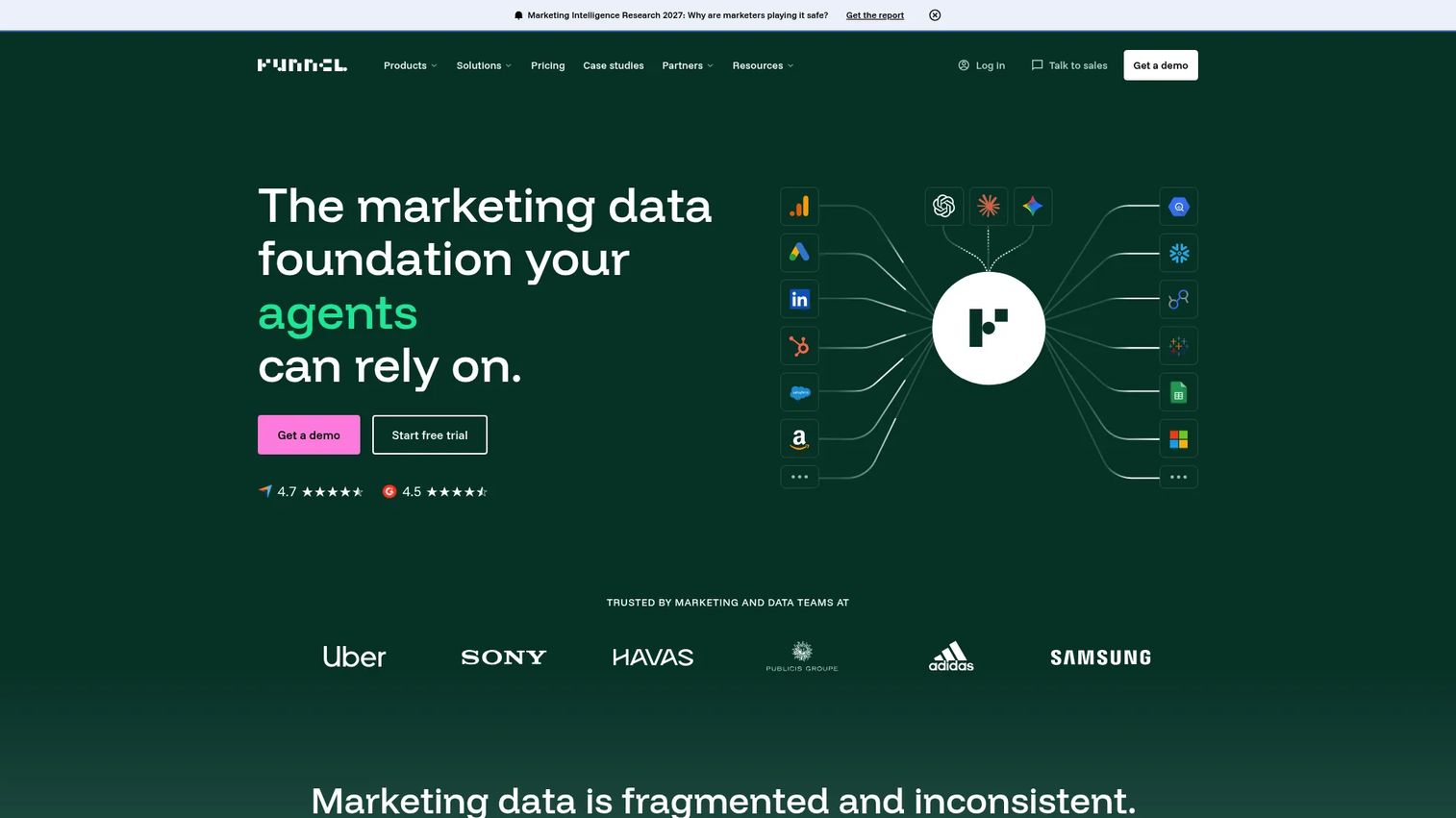
Funnel is a marketing data platform that centralizes, prepares, and activates marketing data across channels. With 600+ connectors, Funnel normalizes data from paid, organic, ecommerce, and CRM sources into a governed data hub. Reports can be published to Looker Studio, Power BI, Tableau, BigQuery, and Snowflake. It is not primarily a branded report generator; its value is making the data reliable enough to trust in reports.
Best for: Marketing operations teams and agencies where broken or inconsistent data pipelines are the root cause of reporting problems.
Key features
- 600+ marketing data connectors with data harmonization
- Dashboard outputs to Looker Studio, Power BI, Tableau, and BigQuery
- Marketing mix modeling and incrementality testing
- Funnel AI and MCP access for querying marketing data
- Budget optimization and cross-channel reporting
Why choose Funnel: Choose Funnel when data quality is the actual problem. If your team's reports break because source data is inconsistent or misaligned across channels, Funnel addresses that at the pipeline level before any branding conversation starts.
Funnel pricing: Starter starts from $300/month billed annually and includes core data hub capabilities, dashboards, Google Sheets, Looker Studio, and Funnel AI. Business starts from $600/month annually and adds advanced destinations and workspaces. Enterprise is custom pricing with SSO, audit logs, and SLA.
G2 rating: 4.5/5
12. Microsoft Power BI
Microsoft Power BI is a unified BI platform for connecting data sources, building interactive dashboards, and delivering governed analytics. For white-label and branded delivery, Power BI Embedded allows organizations to publish reports inside their own applications or client portals. Copilot-assisted natural-language report generation is part of the paid plan. Teams already in the Microsoft stack benefit from deep integration across Azure, Excel, and SharePoint.
Best for: Enterprise organizations using the Microsoft stack that need governed BI reporting with client-facing or embedded delivery options.
Key features
- Interactive dashboards and semantic data models
- Power BI Embedded for customer-facing application delivery
- Copilot-assisted natural-language analysis and report generation
- Secure sharing across Microsoft applications
- Scheduled data refreshes and workspace governance
Why choose Microsoft Power BI: Choose Power BI when governance, Microsoft stack fit, and enterprise analytics outweigh agency-style simplicity. It is powerful but requires BI ownership to maintain and configure effectively. The free desktop version covers report creation; sharing and collaboration require a Pro license.
Microsoft Power BI pricing: A free account supports report creation. Power BI Pro is $14/user/month paid yearly. Power BI Premium Per User is $24/user/month paid yearly. Power BI Embedded pricing is variable and requires contacting sales.
G2 rating: 4.5/5
13. Domo
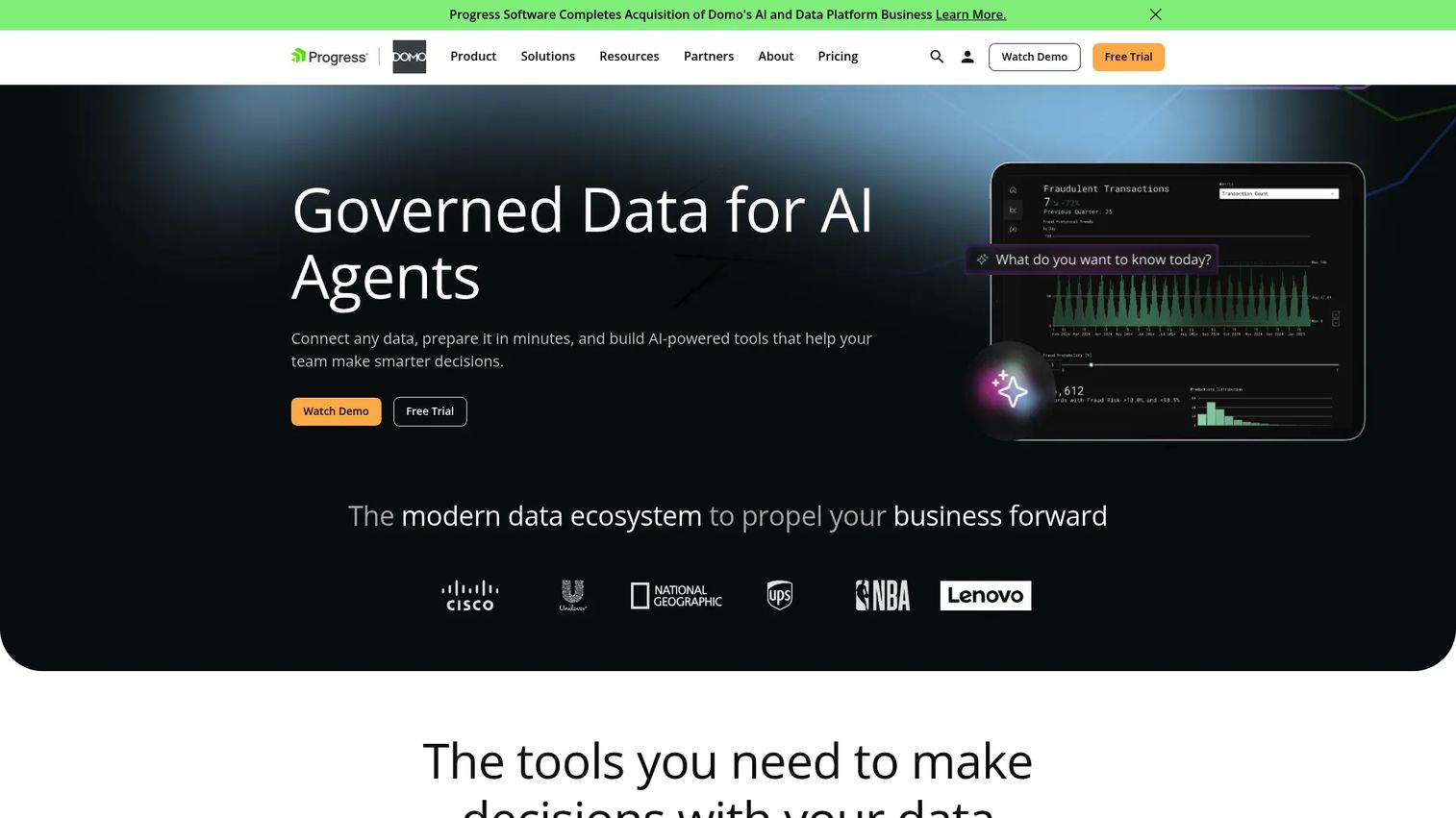
Domo is a cloud BI and data experience platform used by enterprise organizations for governed self-service analytics, executive reporting, and embedded data applications. With 1,000+ pre-built data connectors, Magic ETL visual pipelines, and a low-code app builder, Domo can serve both internal analytics programs and customer-facing reporting delivery. Domo AI enables conversational data exploration.
Best for: Enterprise teams that need broad analytics governance and embedded or customer-facing data experiences at scale.
Key features
- 1,000+ pre-built data connectors with Magic ETL pipelines
- Embedded analytics and low-code data app builder
- Domo AI and conversational data exploration
- Interactive dashboards with 150+ chart types
- Governance controls and security management
Why choose Domo: Choose Domo when reporting is part of a larger analytics and data program across the organization. It fits enterprise teams that need data governance, broad stakeholder access, and the ability to build custom data applications, not just standard dashboards.
Domo pricing: A 30-day free trial is available with unlimited users. Paid pricing is consumption-based using credits. Contact Domo sales for packaging details.
G2 rating: 4.3/5
14. GoodData
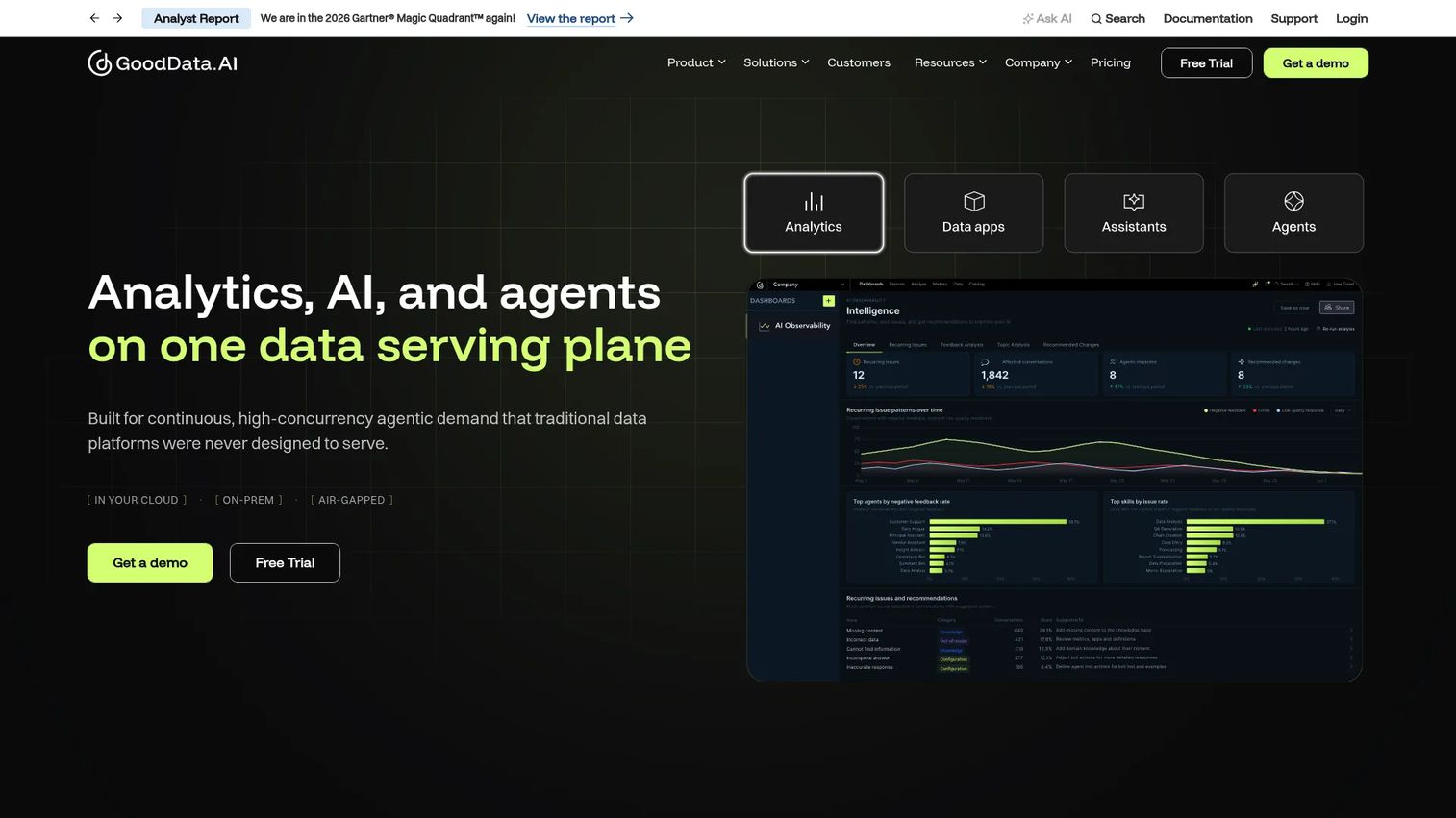
GoodData is an API-first analytics platform for building embedded and customer-facing reporting inside software products. Its semantic layer defines governed metrics once and reuses them across dashboards and APIs. Multi-tenant architecture supports separate data isolation per customer, making it well-suited for SaaS companies that offer analytics as part of their product, not just for internal teams.
Best for: SaaS and platform teams offering branded analytics to their own customers as a product feature.
Key features
- Embedded analytics with APIs and SDKs
- Semantic layer and governed metric modeling
- Multi-tenant architecture with per-customer data isolation
- Interactive dashboards and visualizations
- One-month cloud trial available
Why choose GoodData: Choose GoodData when reporting is part of your product, not just a client deliverable. It is more relevant to SaaS teams building customer analytics than to agencies sending monthly PDF reports.
GoodData pricing: A one-month trial is available. Professional and Enterprise plans require contacting sales. Pricing is by quote for both tiers.
G2 rating: 4.3/5
15. Luzmo
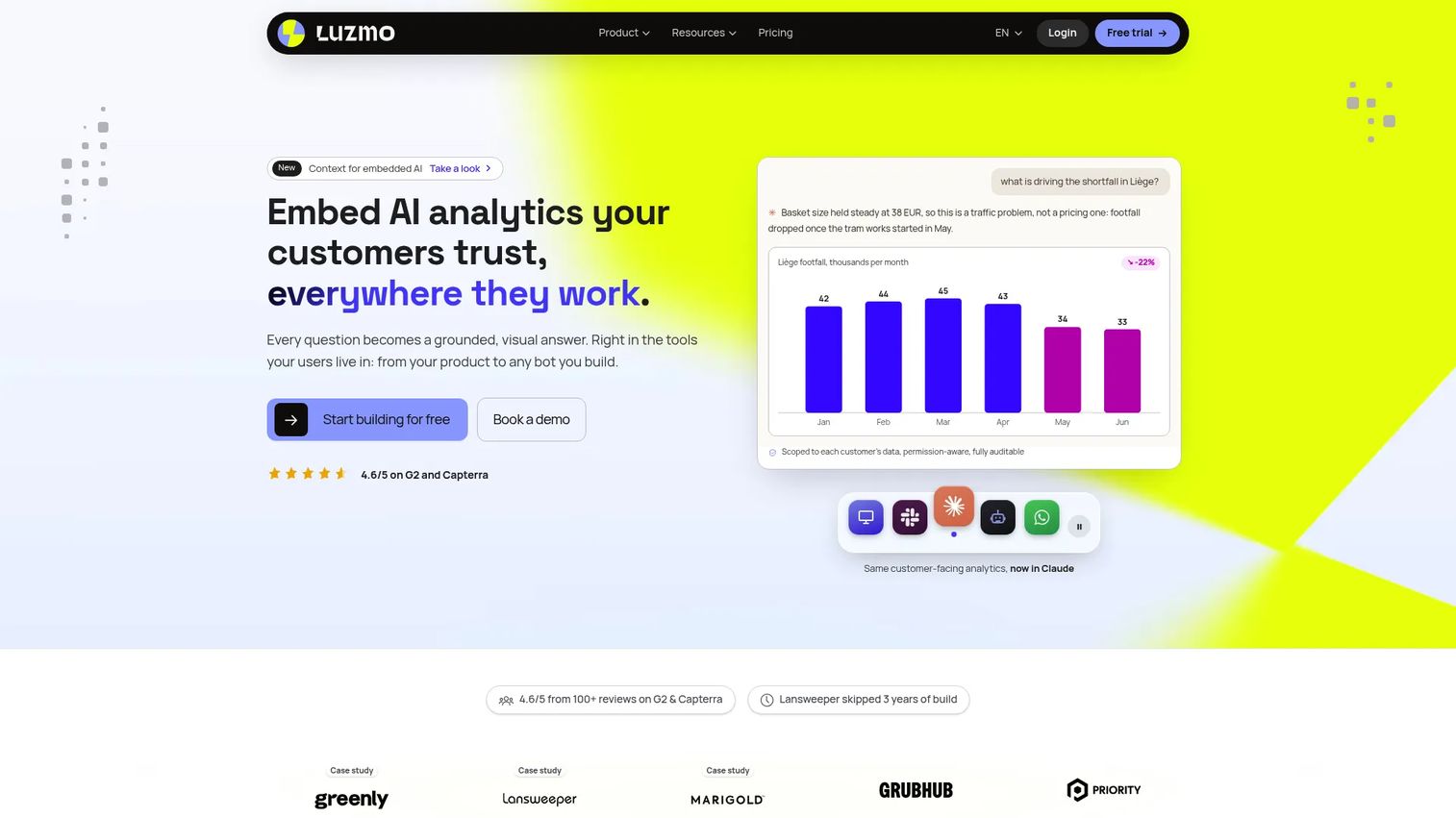
Luzmo is an embedded analytics platform designed specifically for SaaS teams that want to place branded, self-service dashboards inside their own product. It supports white-label responsive UI, secure multi-tenant data access, AI-assisted natural-language analytics, and embedding across apps, chat, and MCP. The single plan is comprehensive, covering analytics, AI, and APIs.
Best for: SaaS product teams that need branded, self-service analytics embedded inside their own application.
Key features
- Fully white-label responsive embedded dashboard UI
- Secure multi-tenant data access with per-tenant isolation
- AI-assisted natural-language analytics for end users
- Developer APIs for embedding across apps and agents
- Self-service dashboard creation for end users
Why choose Luzmo: Choose Luzmo when customers expect reporting inside your software. It is built for SaaS teams that treat analytics as a product feature, not for agencies assembling monthly client report PDFs.
Luzmo pricing: One plan starting from €1,995/month billed annually. It includes white-label analytics, self-service features, AI, APIs, unlimited internal users, 500 AI conversations monthly, and 100 million Warp rows monthly.
G2 rating: 4.6/5
16. Yellowfin BI
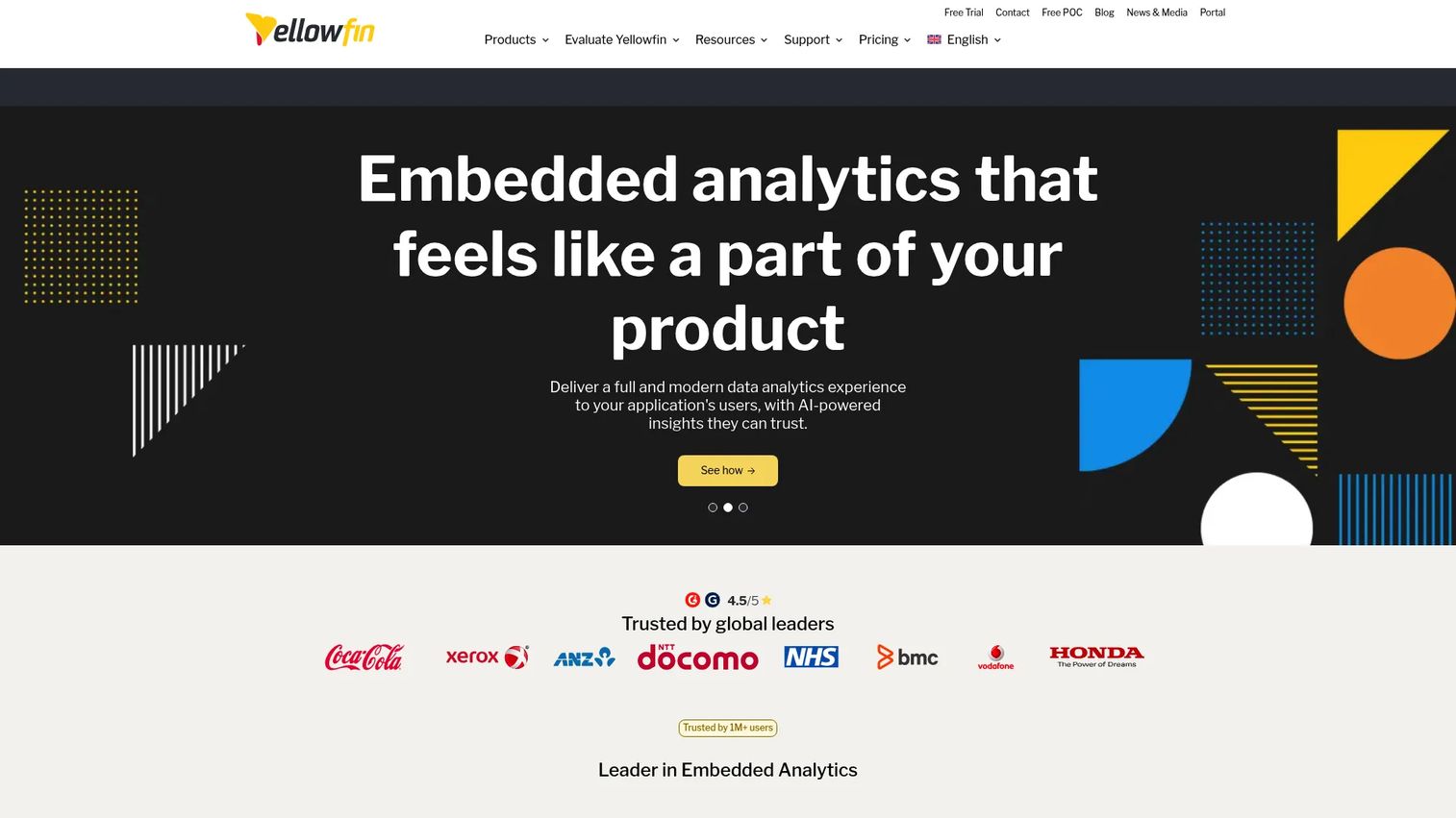
Yellowfin BI is an enterprise BI platform with dashboards, embedded analytics, automated insight discovery, and data storytelling. Its Signals feature proactively surfaces anomalies and threshold alerts without requiring users to manually configure every monitor. Data Stories packages analysis into shareable narratives, which suits teams that need to communicate findings alongside the charts.
Best for: Organizations that need governed enterprise BI with embedded analytics and automated insight delivery.
Key features
- Automated Signals for anomaly and threshold alerts
- Data Stories and collaborative data presentations
- Natural-language querying and conversational analytics
- Embedded analytics with governance controls
- Dashboards, reports, and advanced data visualization
Why choose Yellowfin BI: Choose Yellowfin BI when analytics needs extend beyond standard dashboards to include governed BI adoption, embedded reporting inside a product, and automated insight delivery for non-technical stakeholders.
Yellowfin BI pricing: Pricing is by quote based on named users, server CPU cores, or user type. Contact Yellowfin for current packaging.
G2 rating: 4.4/5
17. DashClicks
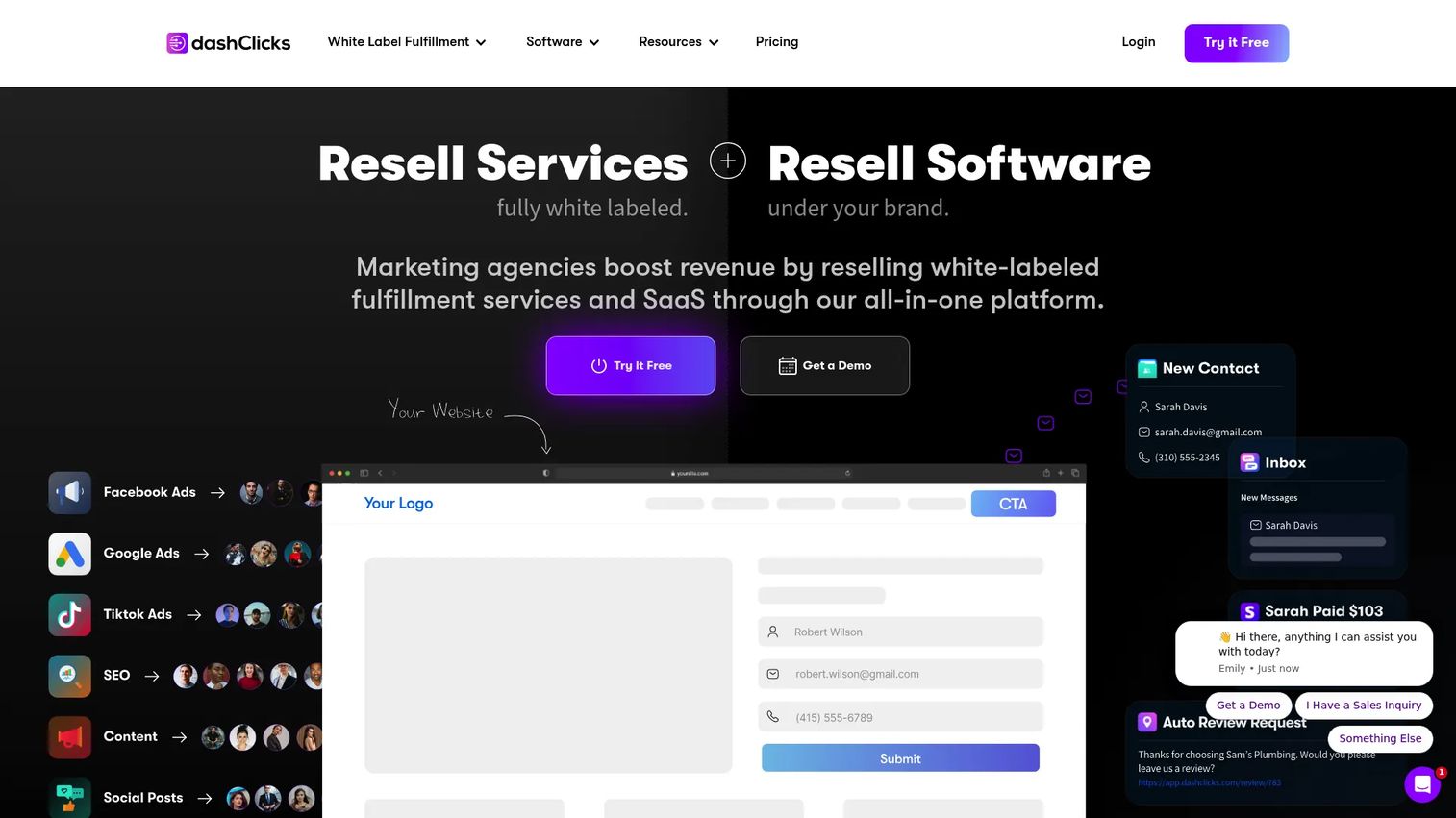
DashClicks is a white-label agency platform that combines client reporting with CRM, pipeline management, reputation management, project management, and service fulfillment. The reporting and analytics module is one part of a broader operating system for running a marketing agency. If you only need dashboards, it may be more than you need. If you want reporting bundled with client management, it covers both.
Best for: Marketing agencies that want reporting integrated into broader client management and fulfillment workflows.
Key features
- White-label client portal and agency dashboards
- CRM, sales pipelines, and lead management
- Reputation and listings management
- Automated reporting and analytics
- Project management and service fulfillment options
Why choose DashClicks: Choose DashClicks when reporting is one part of a larger agency operations problem. It performs best when you want to manage client accounts, deliver services, and report on results from a single platform rather than stitching together separate tools.
DashClicks pricing: DashClicks Pro is $199/month (or $1,788/year billed annually) and includes all apps, unlimited users, and unlimited sub-accounts. A Free Fulfillment Center option is available at no monthly charge, with fees applied per service used.
G2 rating: 4.7/5
Considerations when choosing a white label reporting tool
Branding depth
"White label" covers a wide range, from adding a logo to a PDF export all the way to full custom domain hosting, branded email sender, and complete vendor-logo removal. Before evaluating features, map exactly what branded experience you need to deliver. A client portal with a custom domain is a different requirement from a styled PDF.
Integration coverage
Match your required data sources to the tool's connector list before committing. Common agency sources include GA4, Google Ads, Meta Ads, LinkedIn Ads, TikTok Ads, Shopify, HubSpot, Salesforce, email platforms, call tracking, and SEO tools. Missing a key connector usually means manual workarounds or CSV uploads, which reintroduce the spreadsheet work you are trying to eliminate.
Automation and maintenance
A tool that requires manual cleanup before every report delivery is not actually saving time. Evaluate scheduled delivery, automatic data refreshes, reusable template linking, and annotation features. The cheap option often becomes the expensive one once you count the hours your team spends on monthly report assembly that the tool was supposed to handle.
Permissions and client access
Agencies managing multiple accounts need clear separation between client workspaces. SaaS teams offering customer-facing reporting need per-tenant data isolation. Check role-based access controls, client-specific dashboard views, multi-client workspace management, and whether the tool supports separate login credentials for each client.
Pricing model
The difference between per-dashboard pricing, per-client pricing, per-user pricing, and consumption-based credits has a large impact on total cost as you scale. Run the numbers at 10, 25, and 50 clients before signing anything. A $20/client tool is $1,000/month at 50 clients. A flat-fee tool at $400/month looks expensive at 10 clients and cheap at 50.
Conclusion
White label reporting tools split into distinct categories, and the right choice depends on the job you need them to do.
For marketing agencies focused on client reporting, Swydo, AgencyAnalytics, DashThis, and Whatagraph are the most purpose-built options. AgencyAnalytics and Swydo lead for recurring branded reports at scale. DashThis wins on speed to first dashboard. Whatagraph earns its premium price when cross-channel AI-assisted narratives are the actual deliverable.
For deeper analytics or embedded reporting, Zoho Analytics, GoodData, Luzmo, and Yellowfin BI serve organizations that need governed BI or customer-facing analytics as a product layer. These require more setup time but support use cases the pure agency tools cannot.
For teams with tight budgets or strong data pipeline needs, Looker Studio and Supermetrics serve different parts of the problem: Looker Studio handles the report design layer for free, while Supermetrics handles the data extraction and pipeline layer.
For enterprise-grade data operations, Microsoft Power BI, Domo, and Funnel fit teams where reporting connects to a larger analytics program, governance requirements, and cross-functional data infrastructure.
The practical next step: List your reporting data sources, count your active client accounts, decide whether you need a portal or scheduled PDFs, and price the shortlist at your real client count before committing.
FAQs
A white label reporting tool is software that lets a team publish dashboards, reports, and client portals under its own brand rather than the software vendor's brand. At minimum, this means adding a logo to a report. At maximum, it covers custom domains, branded email delivery, and branded client login portals.
AgencyAnalytics and Swydo are the strongest choices for most marketing agencies handling recurring client reporting. DashThis works well when speed to first dashboard matters most. Whatagraph suits agencies reporting across many channels and wanting AI-assisted summaries. Price the options at your actual client count before deciding.
A capable white label reporting tool should cover custom branding with logo and colors, branded or custom-domain reports, reusable templates, scheduled automated delivery, live dashboard links, client portals, role-based access controls, integrations for your key marketing data sources, and PDF or link export options.
Looker Studio can produce visually branded reports with logos, colors, and layout control, but it is not a full white-label agency reporting platform. It lacks native client portals, branded email delivery, and custom domain hosting without additional configuration or third-party connectors. It is a strong choice for teams with reporting skills and a tight budget.
Pricing models vary widely. Agency-focused tools often price per client (AgencyAnalytics at $20/client/month), per dashboard bundle (DashThis from $44/month), or as a flat subscription (Swydo from €69/month). BI and embedded analytics platforms like Luzmo (from €1,995/month) and enterprise tools like Domo and Yellowfin BI use custom pricing. Calculate cost at your target client count using at least two scenarios before choosing.
White-label reporting is typically for service teams: You configure dashboards and deliver them to clients via links, PDFs, or branded portals. Embedded analytics places reporting inside a software product, usually with multi-tenant architecture and developer APIs, so each customer sees their own data inside your application. Tools like GoodData, Luzmo, and Zoho Analytics can serve both models depending on the plan.
Yes. Most purpose-built agency tools support scheduled email delivery of PDFs or live dashboard links, automatic data refreshes, reusable templates, and client portal access. Automation handles the data aggregation and delivery; your team still needs to review commentary and verify data quality before reports go to clients.
AgencyAnalytics stands out for SEO-specific reporting, with built-in rank tracking, site auditing, and integration with common SEO data sources alongside paid and social channels. Swydo and DashThis also support SEO data through connector integrations. For teams using SEO platforms like Semrush or Ahrefs as data sources, Looker Studio with connector management remains a free option worth evaluating.