You can drive more traffic and still miss your pipeline target. Pages load slowly, search visibility slips, or visitors leave without understanding what to do next.
Website optimization software helps you find those gaps before you spend more on acquisition. The challenge is choosing tools that improve measurable outcomes without creating another expensive, disconnected stack.
Performance deserves particular attention. According to the HTTP Archive 2025 Web Almanac, only 48% of mobile websites delivered good Core Web Vitals in 2025. The figure reached 56% on desktop.
Traffic alone won’t fix a weak conversion path. You need website optimization tools that diagnose problems, help teams ship improvements, and connect the work to revenue.
What’s inside
This guide compares 15 website optimization software options for digital marketers under pressure to improve traffic quality and conversion. We selected tools across the full website workflow:
- SEO research and search visibility
- Technical auditing and speed diagnostics
- Behavior analytics and experimentation
- Content, ecommerce, CMS, and conversion software
- Pricing and free plan context for stack planning
Use the list to identify your current bottleneck. Then choose the smallest toolset that can diagnose the issue, support execution, and measure the result.
TL;DR
- Best for interactive product experiences: Guideflow turns conversion pages into guided, clickable product exploration
- Best for SEO research: Ahrefs combines keyword data, backlinks, competitive intelligence, and site audits
- Best free search data: Google Search Console provides direct query and indexing information
- Best technical diagnostics: Screaming Frog handles full crawls, while Lighthouse checks individual pages
- Best behavior analytics: Microsoft Clarity provides free heatmaps and session recordings
- Best experimentation platform: Optimizely supports structured testing and personalization
- Best ecommerce optimization: Shopify combines storefront management with commerce analytics
What is website optimization software?
Website optimization software helps teams improve how a website performs in search, loads for users, explains value, and converts visitors into measurable business outcomes.
The category covers several layers. SEO optimization software helps marketers understand demand and improve visibility. Technical SEO audit tools identify crawl errors, indexing problems, and broken page elements.
Website speed optimization tools measure loading behavior and Core Web Vitals. Behavior platforms reveal where users click, scroll, hesitate, or abandon a journey. Experimentation software tests whether a proposed change improves results.
Content optimization tools bring guidance into publishing workflows. Conversion optimization tools improve what visitors experience after arriving on the page.
Common capabilities include:
- Search visibility: Keywords, backlinks, rankings, and query performance
- Technical SEO: Crawlability, metadata, redirects, and canonical tags
- Performance diagnostics: Loading speed, rendering issues, and Core Web Vitals
- Behavior analysis: Heatmaps, recordings, scroll depth, and journey paths
- Experimentation: Controlled tests, audience targeting, and personalization
- Publishing workflows: CMS tools, schema controls, and content checks
- Conversion experiences: Lead capture, guided product exploration, and measurement
Core Web Vitals cover three user experience metrics. Largest Contentful Paint measures loading performance. Cumulative Layout Shift tracks visual stability. Interaction to Next Paint measures responsiveness.
No single website optimization tool covers every layer equally well. Most growth teams need a small stack spanning diagnosis, execution, and measurement.
The right combination depends on the constraint. A search visibility problem requires different software than a confusing product page or unstable checkout.
When to use website optimization software
Improve traffic quality before adding spend
Use SEO and content optimization software when organic visibility has stalled or paid acquisition keeps getting more expensive. Search demand, indexing data, and content gaps can reveal opportunities before you increase campaign budgets.
Ahrefs supports research and competitive analysis. Google Search Console provides direct search performance data. Yoast, Rank Math, and WordPress help teams apply changes during publishing.
Fix speed and technical issues that block conversion
Use site performance optimization software when pages load inconsistently or releases introduce regressions. Lighthouse and PageSpeed Insights provide page level diagnostics.
Screaming Frog finds crawl problems across a site. DebugBear tracks Core Web Vitals over time through synthetic testing and real user monitoring.
Turn visitors into measurable pipeline
Optimization continues after the page loads. Google Analytics measures acquisition and conversion paths, while Microsoft Clarity shows user behavior.
Optimizely supports controlled experiments. Guideflow adds interactive product experiences for product pages, campaign landing pages, outbound follow ups, onboarding, customer education, partner enablement, and launch campaigns.
Website optimization software comparison
The table below maps each product to a specific job. This approach helps you avoid buying overlapping web optimization tools that create more reporting work than insight.
Pricing and G2 ratings reflect the provided vendor research dated November 2026. “N/A” means no unambiguous G2 listing was identified.
| # | Product | Best for | Key differentiator | Pricing | G2 rating |
|---|---|---|---|---|---|
| 1 | Ahrefs | SEO research and competitive analysis | Keyword, backlink, audit, and AI visibility data | Free option, paid from $29/month | 4.5/5 |
| 2 | Google Search Console | Free search performance diagnostics | Direct query and indexing data from Google | Free | 4.7/5 |
| 3 | Lighthouse | Page performance and accessibility audits | Open source audits across key quality areas | Free | N/A |
| 4 | Screaming Frog | Technical SEO crawling | Desktop crawler for detailed website audits | Free, paid from $279/year | 4.7/5 |
| 5 | PageSpeed Insights | Speed and Core Web Vitals checks | Lab diagnostics plus field data when available | Free | N/A |
| 6 | Google Analytics | Website analytics and funnel reporting | Cross platform, event based measurement | Free | 4.5/5 |
| 7 | Guideflow | Interactive product experiences on conversion pages | Guided demos plus freely explorable product formats | Free, paid from $35/month | 5.0/5 |
| 8 | Microsoft Clarity | Heatmaps and session recordings | Free behavior analytics without traffic limits | Free | 4.5/5 |
| 9 | Optimizely | Enterprise experimentation | Testing, personalization, content, and commerce capabilities | Custom pricing | 4.2/5 |
| 10 | DebugBear Core Web Vitals monitoring | Continuous performance monitoring | Synthetic tests plus real user performance data | Custom pricing | N/A |
| 11 | SEOTesting | Search performance experiments | Test measurement using Search Console data | From $50/month | 4.8/5 |
| 12 | Yoast | SEO guidance within publishing workflows | WordPress checks and structured data support | Free, Premium from $118.80/year | 4.5/5 |
| 13 | Rank Math | WordPress SEO and schema controls | Integrated schema, tracking, and link checks | Free, Pro from €3.99/month annually | 4.7/5 |
| 14 | Shopify | Ecommerce website optimization | Storefront, checkout, analytics, and operations | From $29/month annually | 4.4/5 |
| 15 | WordPress | Flexible CMS optimization | Broad theme and plugin architecture | Free core software | 4.0/5 |
Best 15 tools for website optimization software
1. Ahrefs
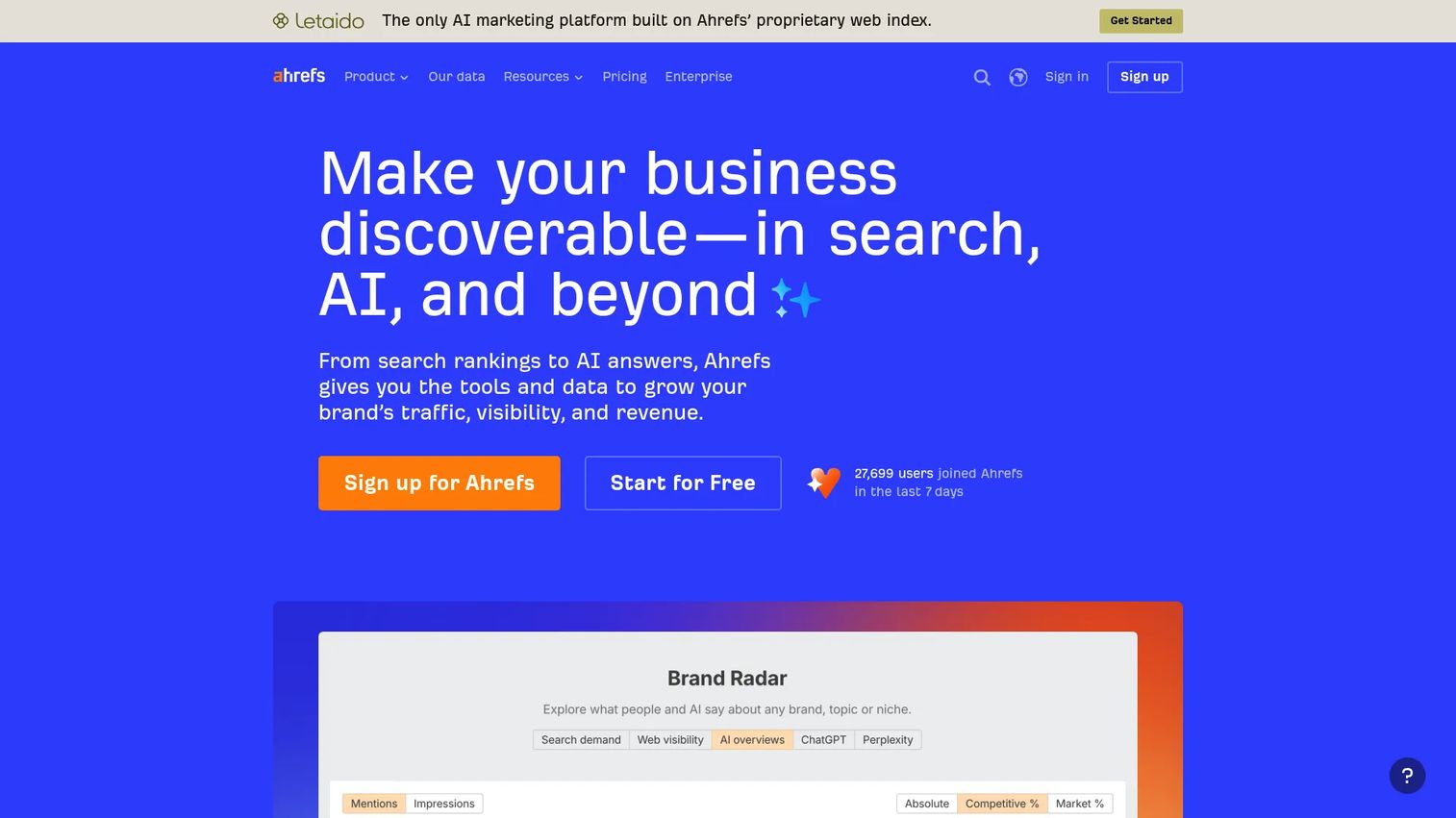
Ahrefs is an SEO research platform covering keywords, backlinks, competitive intelligence, content discovery, and website audits. Marketers use it to decide which pages deserve investment before rewriting content or launching new campaigns.
Its scope also includes AI search visibility, web analytics, bot analytics, and reporting. This makes it useful for teams monitoring traditional search alongside emerging discovery channels.
Best for: SEO and growth teams that need competitive, keyword, backlink, and site audit data.
Key features
- Keywords Explorer and keyword research
- Site Explorer and competitive intelligence
- Site Audit and performance monitoring
- Rank Tracker with SERP history
- Brand Radar for AI visibility
Why choose Ahrefs: Pick it when your main constraint is search visibility or competitive research. Behavior analysis and experimentation require separate tools.
Ahrefs pricing: Ahrefs Free offers limited access. Starter costs $29/month, while Lite starts at $129/month.
G2 rating
Ahrefs has a 4.5/5 G2 rating.
2. Google Search Console
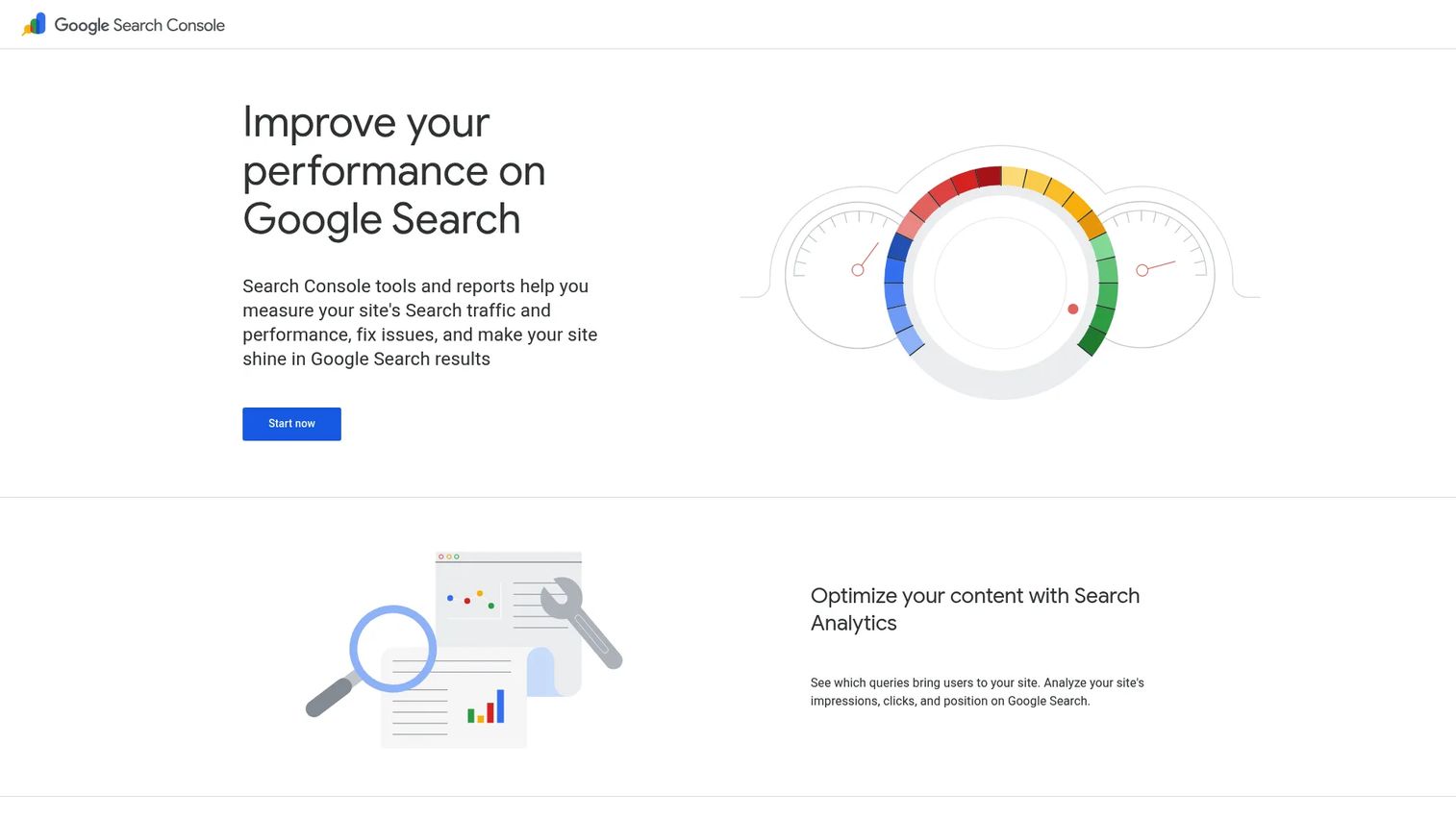
Google Search Console provides direct information about how a website appears in Google Search. It reports queries, pages, clicks, impressions, indexing status, and technical alerts.
Every SEO stack needs a dependable source for search performance data. Search Console provides that baseline without adding subscription cost.
Best for: Website owners and marketers monitoring search visibility, indexing, and technical issues.
Key features
- Search queries and page performance
- Sitemap submission and URL inspection
- Indexing and crawl reports
- Core Web Vitals reporting
- Security and manual action alerts
Why choose Google Search Console: Use it to understand how Google discovers and serves your pages. Pair it with broader keyword research or conversion analytics when deeper analysis is required.
Google Search Console pricing: Google Search Console is free. Its API is also free, subject to usage limits.
G2 rating
Google Search Console has a 4.7/5 G2 rating.
3. Lighthouse
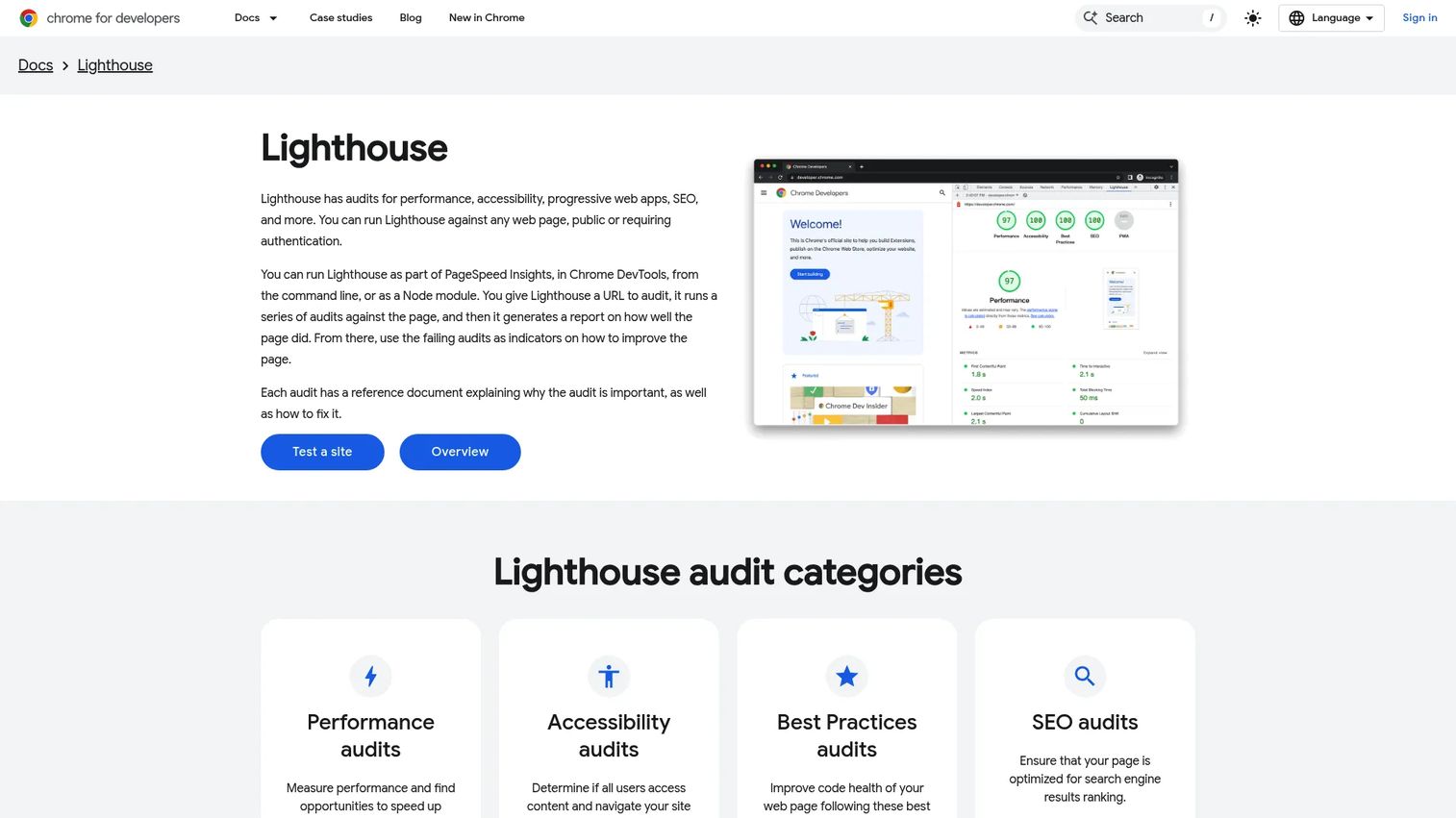
Lighthouse is an open source page optimization tool for automated website quality audits. It evaluates performance, accessibility, SEO, and development best practices.
Teams can run it through browser developer tools, the command line, a Node module, or continuous integration workflows. Reports include diagnostic findings that developers can use during releases.
Best for: Developers and marketers who need quick technical audits of individual pages.
Key features
- Automated performance audits
- Accessibility checks
- Search optimization checks
- Development best practices
- Continuous integration support
Why choose Lighthouse: It works well for page checks before publishing or after major changes. Use a crawler or monitoring platform when you need broader coverage over time.
Lighthouse pricing: Lighthouse is free and open source.
4. Screaming Frog
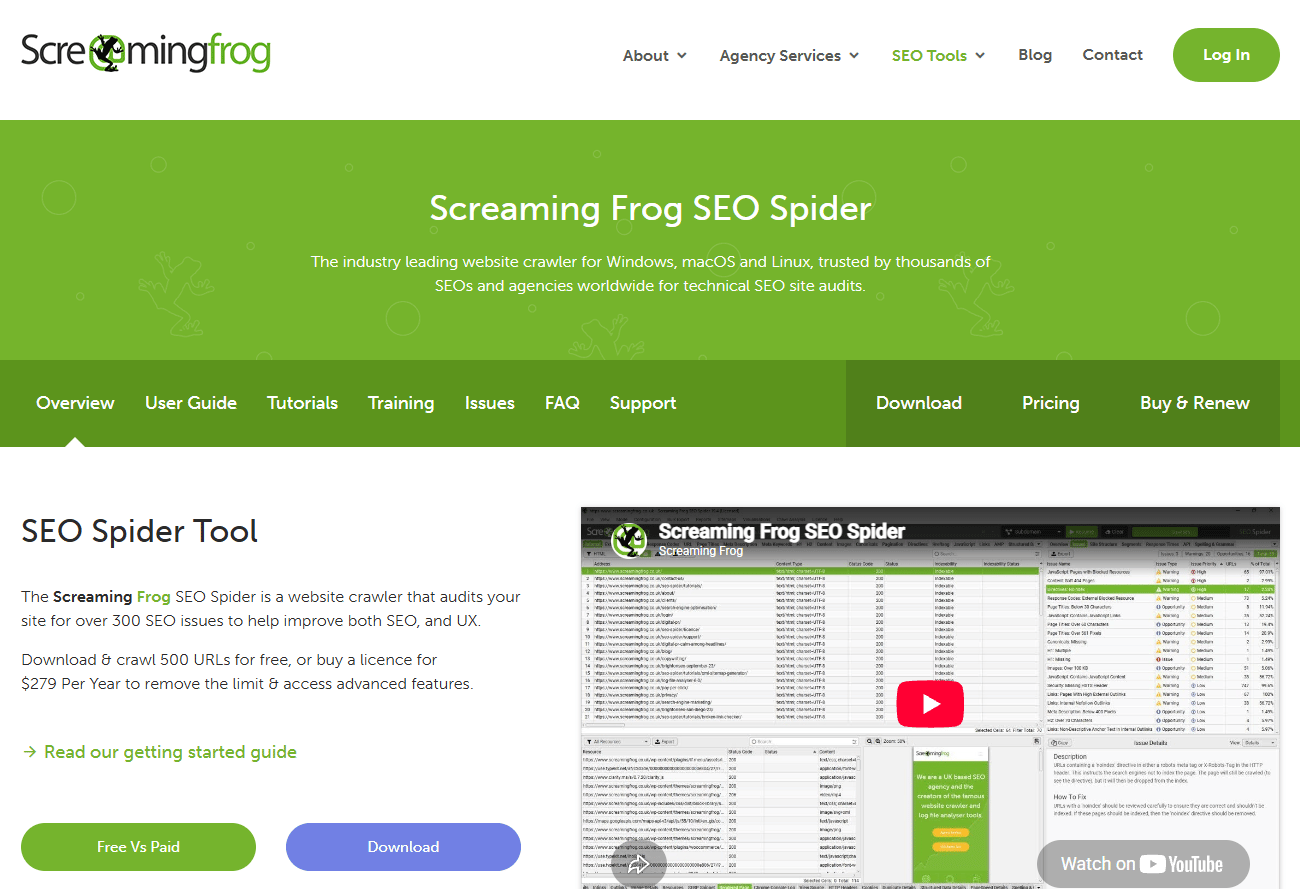
Screaming Frog is a desktop crawler built for technical website audits. It identifies broken links, server errors, redirect chains, metadata issues, and other crawl level problems.
The platform can surface more than 300 SEO issues and opportunities. Advanced workflows include JavaScript rendering, custom extraction, and API connections.
Best for: SEO professionals and agencies auditing medium or large websites with technical complexity.
Key features
- Full website crawling
- Broken link detection
- Redirect chain analysis
- JavaScript rendering
- Custom data extraction
Why choose Screaming Frog: Select it when spot checks cannot explain a sitewide issue. The findings are detailed, so teams need technical SEO knowledge to prioritize them.
Screaming Frog pricing: The free version crawls 500 URLs per run. Paid licenses start at $279 per year.
G2 rating
Screaming Frog has a 4.7/5 G2 rating.
5. PageSpeed Insights
PageSpeed Insights analyzes page performance across mobile and desktop. It combines Lighthouse lab diagnostics with Chrome user data when sufficient field information exists.
The report covers Core Web Vitals and specific optimization opportunities. Marketers can use it to start a focused conversation with developers instead of filing a vague speed request.
Best for: Marketers and developers checking individual pages for performance problems.
Key features
- Mobile and desktop analysis
- Core Web Vitals checks
- Chrome user field data
- Lighthouse lab diagnostics
- Prioritized performance suggestions
Why choose PageSpeed Insights: Use it for fast page level diagnosis and stakeholder communication. Continuous trend tracking belongs in a dedicated monitoring platform.
PageSpeed Insights pricing: PageSpeed Insights is free.
G2 rating
PageSpeed Insights does not have a verified G2 rating.
6. Google Analytics
Google Analytics measures customer journeys across websites and apps. Its event based model supports traffic reporting, funnel analysis, attribution, and audience segmentation.
The platform helps growth marketers connect optimization work to measurable outcomes. Reporting quality still depends on a clear tracking plan and consistent event implementation.
Best for: Teams measuring campaigns, traffic sources, events, funnels, and conversions.
Key features
- Cross platform journey measurement
- Event based reporting
- Funnel and path exploration
- Cross platform attribution
- Google advertising integrations
Why choose Google Analytics: Choose it when you need website analytics software tied to acquisition and conversion. Build governance around naming, events, and reporting before scaling dashboards.
Google Analytics pricing: The standard version is free. Contact Google about enterprise packaging.
G2 rating
Google Analytics has a 4.5/5 G2 rating.
7. Guideflow
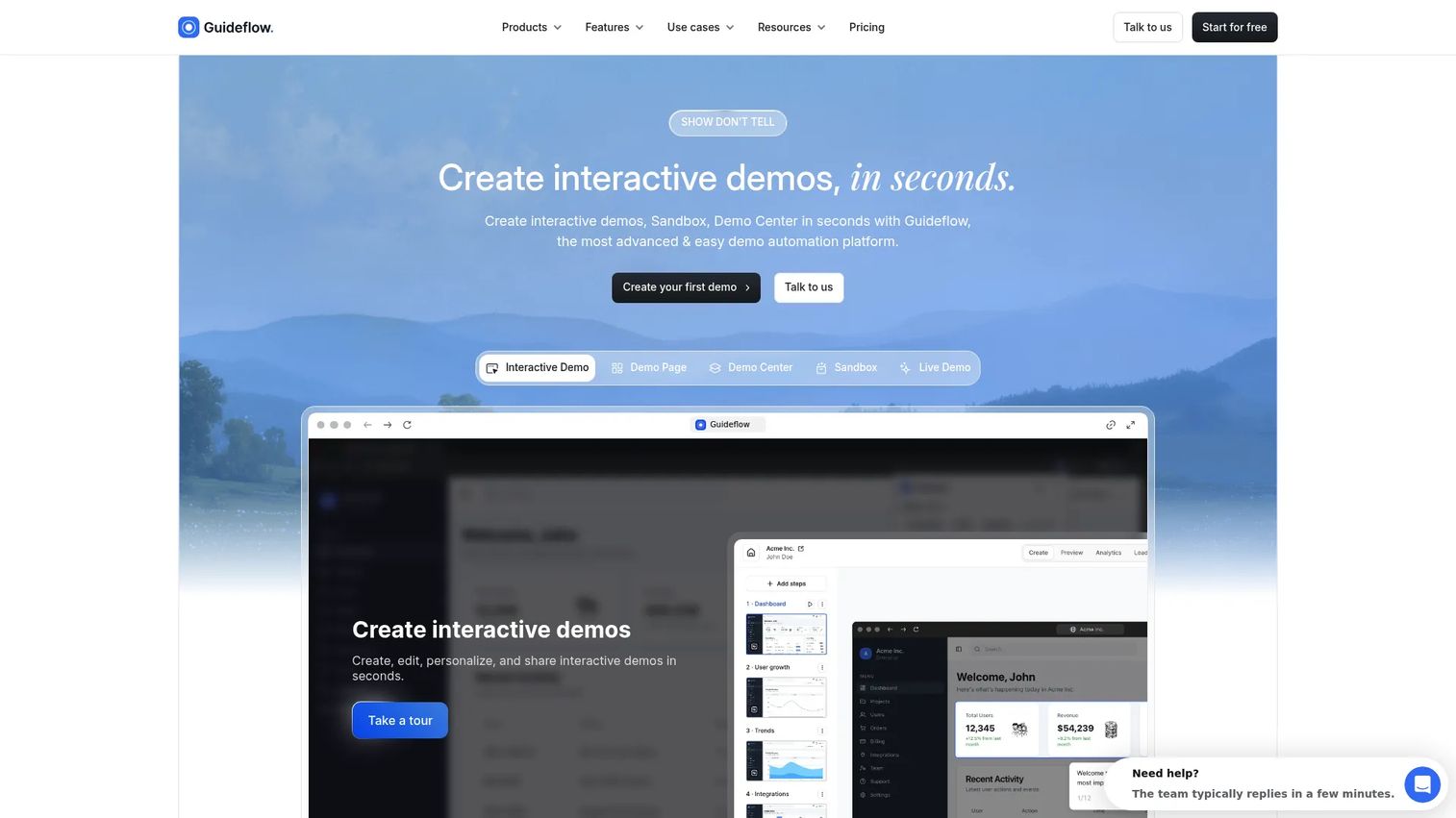
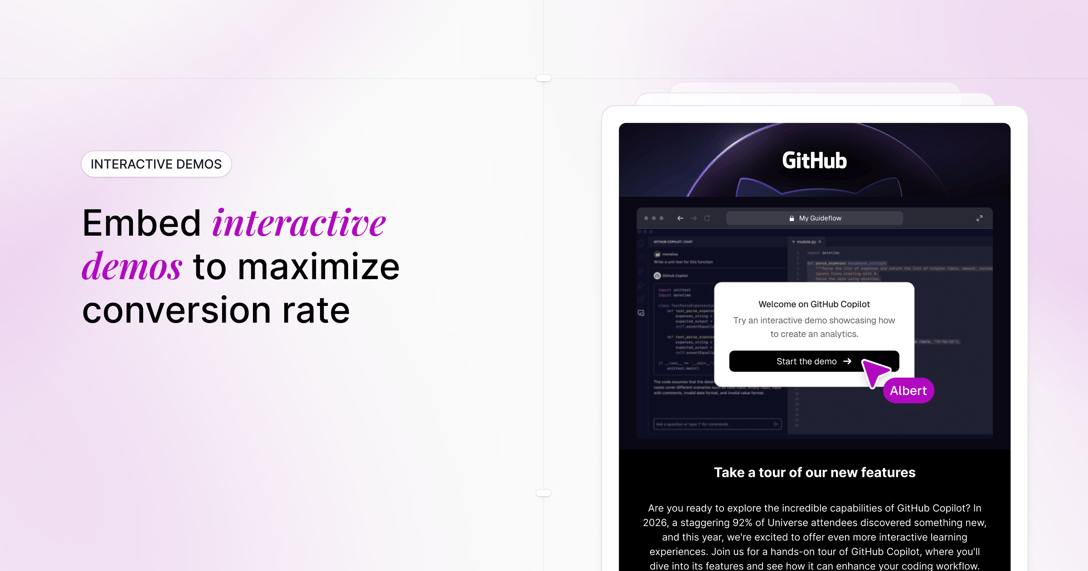
Guideflow is a demo automation platform for conversion focused websites. It helps marketers create guided product stories and open exploration experiences without requiring visitors to enter a production environment.
Interactive demos control the narrative through a clickable path. Sandboxes give users freedom to validate workflows. Demo centers organize assets by persona, product line, use case, or journey stage.
https://app.guideflow.com/embed/np12n5qbzk
Mobile demos present mobile products on phones and tablets. Live demos add presenter led storytelling for sales conversations, webinars, technical discussions, and executive briefings.
Teams can distribute these experiences across landing pages, emails, sales follow ups, social campaigns, help centers, partner programs, onboarding, and product launches. Advanced analytics track impressions, completion, collected leads, and conversion.
Best for: B2B SaaS marketers improving product pages, landing pages, and demand generation campaigns through self serve evaluation.
Key features
- Guided interactive demos
- Open product sandboxes
- Branded demo centers
- Mobile product experiences
- Engagement and conversion analytics
Why choose Guideflow: Use Guideflow when qualified visitors still need to understand the product before converting. Static formats have a fundamentally different engagement model.
Guideflow pricing: A free plan is available. Solo starts at $35/month, while Growth starts at $499/month.
G2 rating
Guideflow has a 5.0/5 G2 rating.
Start your journey with Guideflow today!
8. Microsoft Clarity
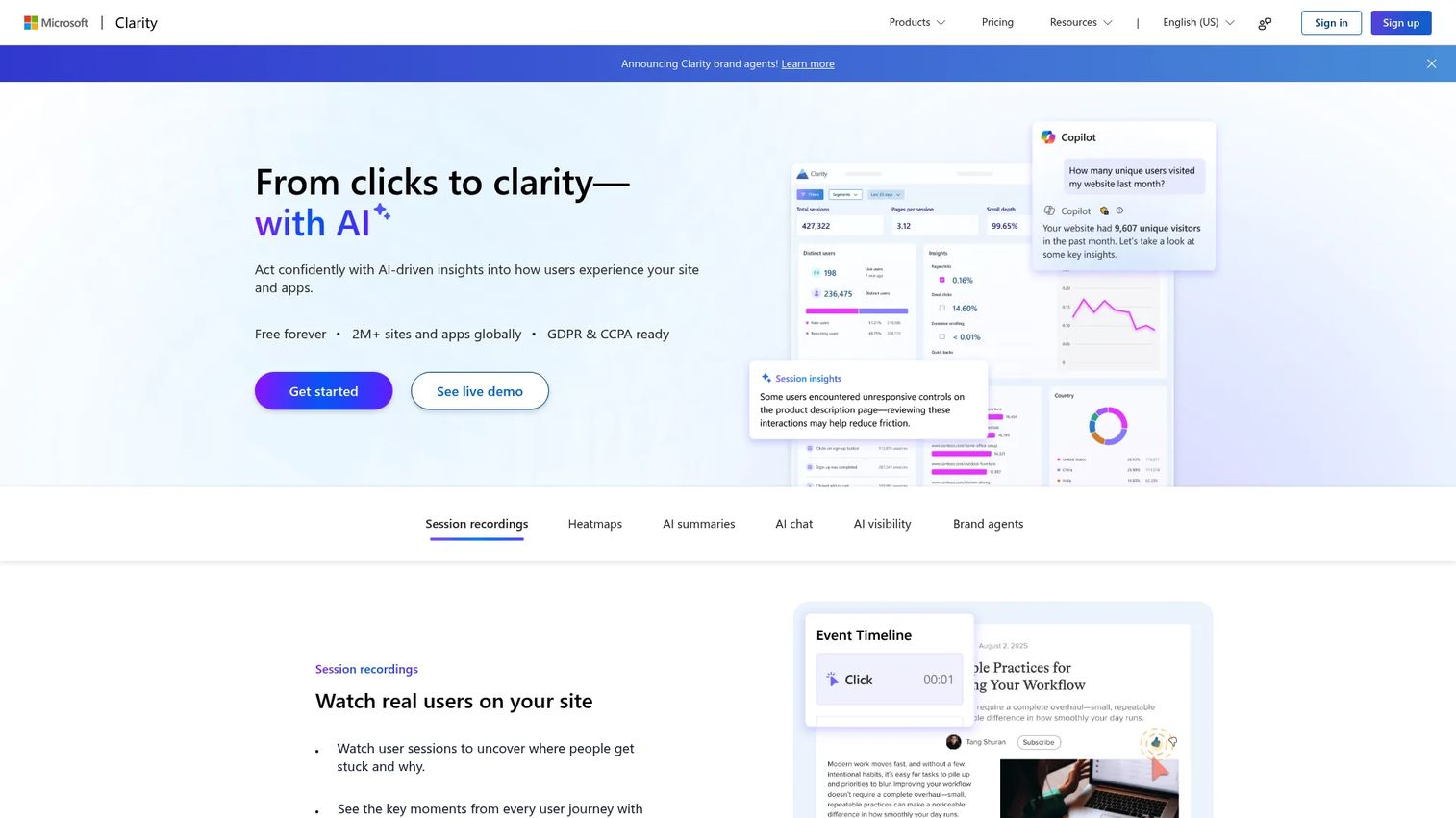
Microsoft Clarity is a behavior analytics platform for understanding how visitors experience websites and apps. It records sessions and produces heatmaps without charging for higher traffic volumes.
Marketers can inspect rage clicks, scroll patterns, and moments of confusion. AI summaries and chat features help teams review large sets of behavior data.
Best for: Marketers who need free user behavior analytics before investing in paid CRO software.
Key features
- Session recordings
- Click and scroll heatmaps
- AI generated summaries
- Behavior filtering
- Google Analytics integration
Why choose Microsoft Clarity: Use it to see what users do after landing on a page. Attribution and controlled experiments still require other software.
Microsoft Clarity pricing: Clarity is free. Microsoft includes unlimited heatmaps, websites, traffic, and team members.
G2 rating
Microsoft Clarity has a 4.5/5 G2 rating.
9. Optimizely
Optimizely supports experimentation, personalization, content management, commerce, and analytics. Its testing capabilities include A/B tests, multivariate experiments, server side experiments, and feature rollouts.
The platform fits teams with established testing programs and enough traffic to reach useful conclusions. Audience targeting helps marketers adapt experiences to defined segments.
Best for: Enterprise growth and product teams running structured experimentation programs.
Key features
- A/B and multivariate testing
- Server side experimentation
- Feature management
- Audience personalization
- Content and commerce tools
Why choose Optimizely: Select it when experimentation has clear ownership and strong measurement discipline. Smaller teams should confirm whether their traffic can support reliable tests.
Optimizely pricing: Custom pricing. Plans are packaged around selected products and implementation requirements.
G2 rating
Optimizely has a 4.2/5 G2 rating.
10. DebugBear Core Web Vitals monitoring
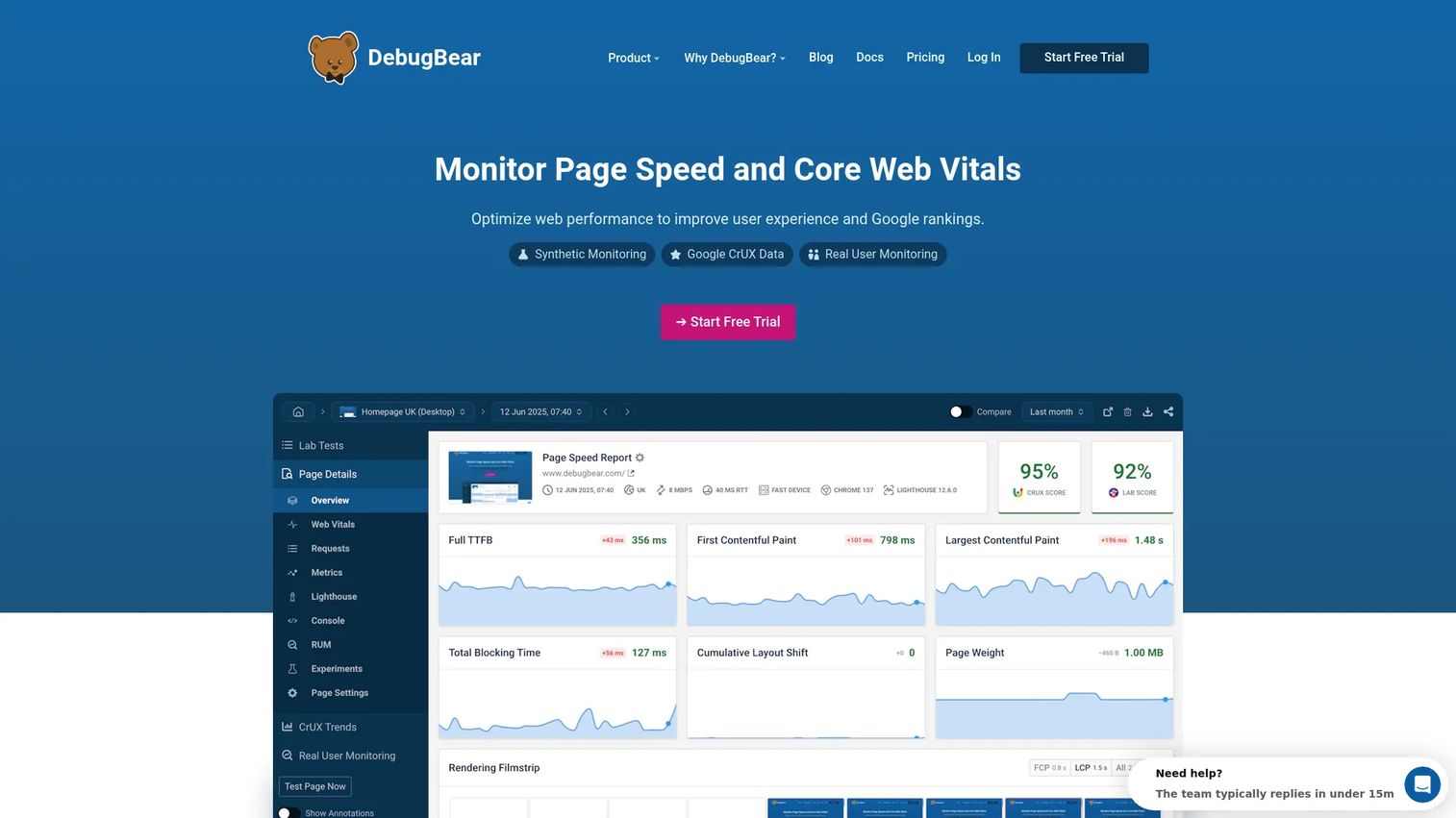
DebugBear Core Web Vitals monitoring tracks website performance through synthetic tests and real user monitoring. It also uses Google Chrome user data for broader field context.
Unlike a one time web page optimization software check, DebugBear watches performance across releases. Automated alerts help teams catch regressions before they become a recurring conversion problem.
Best for: Teams that need continuous site speed monitoring and release level visibility.
Key features
- Core Web Vitals monitoring
- Synthetic page speed tests
- Real user monitoring
- Automated performance alerts
- Regression comparisons
Why choose DebugBear: Choose it when performance changes after releases, CMS updates, or third party script changes. It complements diagnostic tools by preserving trends over time.
DebugBear pricing: Custom pricing.
11. SEOTesting
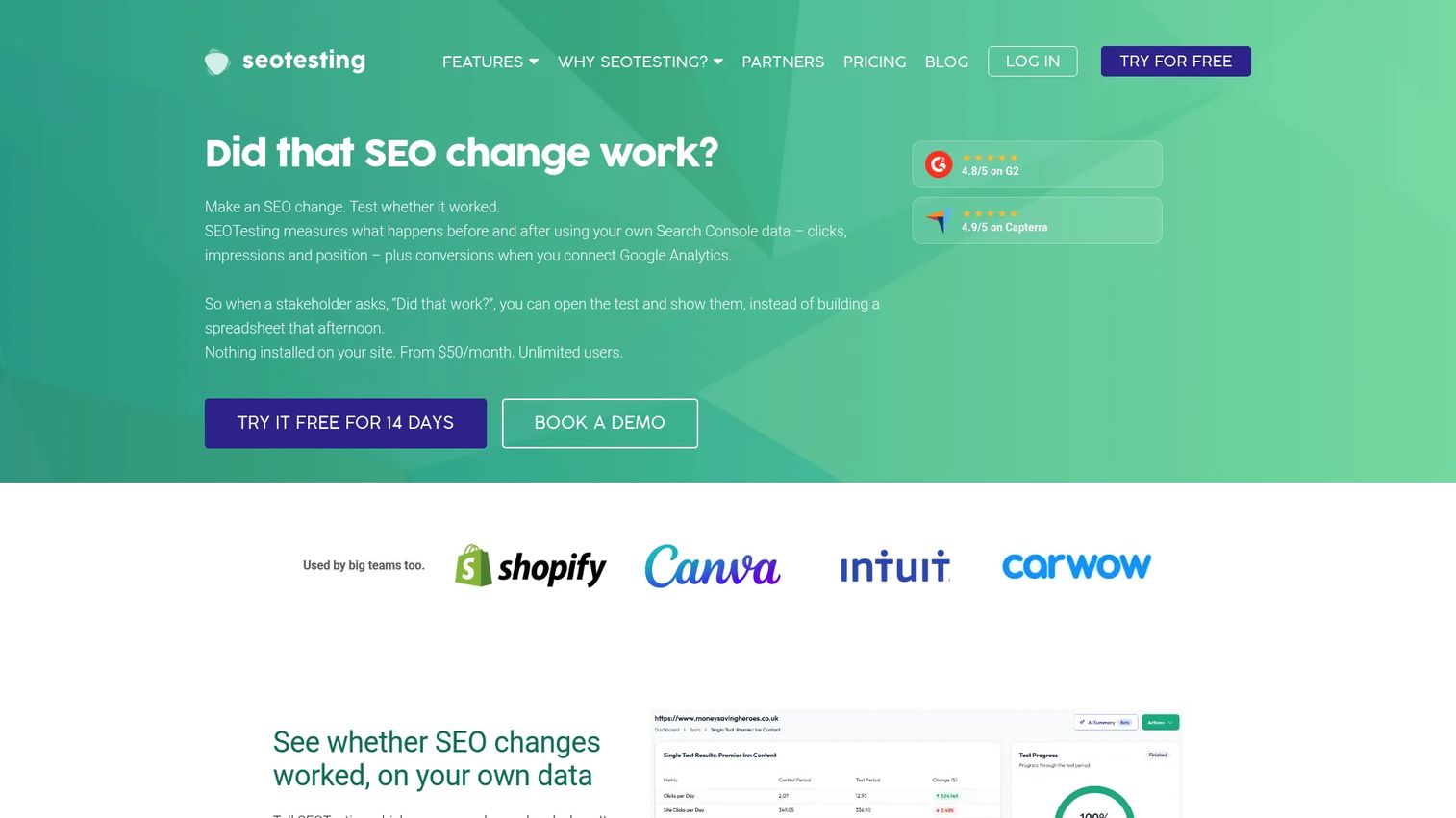
SEOTesting measures the impact of SEO changes through Google Search Console and Google Analytics data. Teams can record content updates, title changes, and other experiments against search performance.
It also supports split testing, content insights, and reports for click through opportunities. Change tracking helps marketers build a record of what moved traffic.
Best for: In house SEO teams and agencies measuring repeated search optimization work.
Key features
- Time based SEO testing
- SEO split testing
- Search Console integration
- Monthly performance reports
- Content and query insights
Why choose SEOTesting: Use it when your team ships frequent SEO changes and needs defensible evidence. Crawling and backlink analysis remain separate jobs.
SEOTesting pricing: Single Site costs $50/month. A fully functional 14 day trial is available.
G2 rating
SEOTesting has a 4.8/5 G2 rating.
12. Yoast
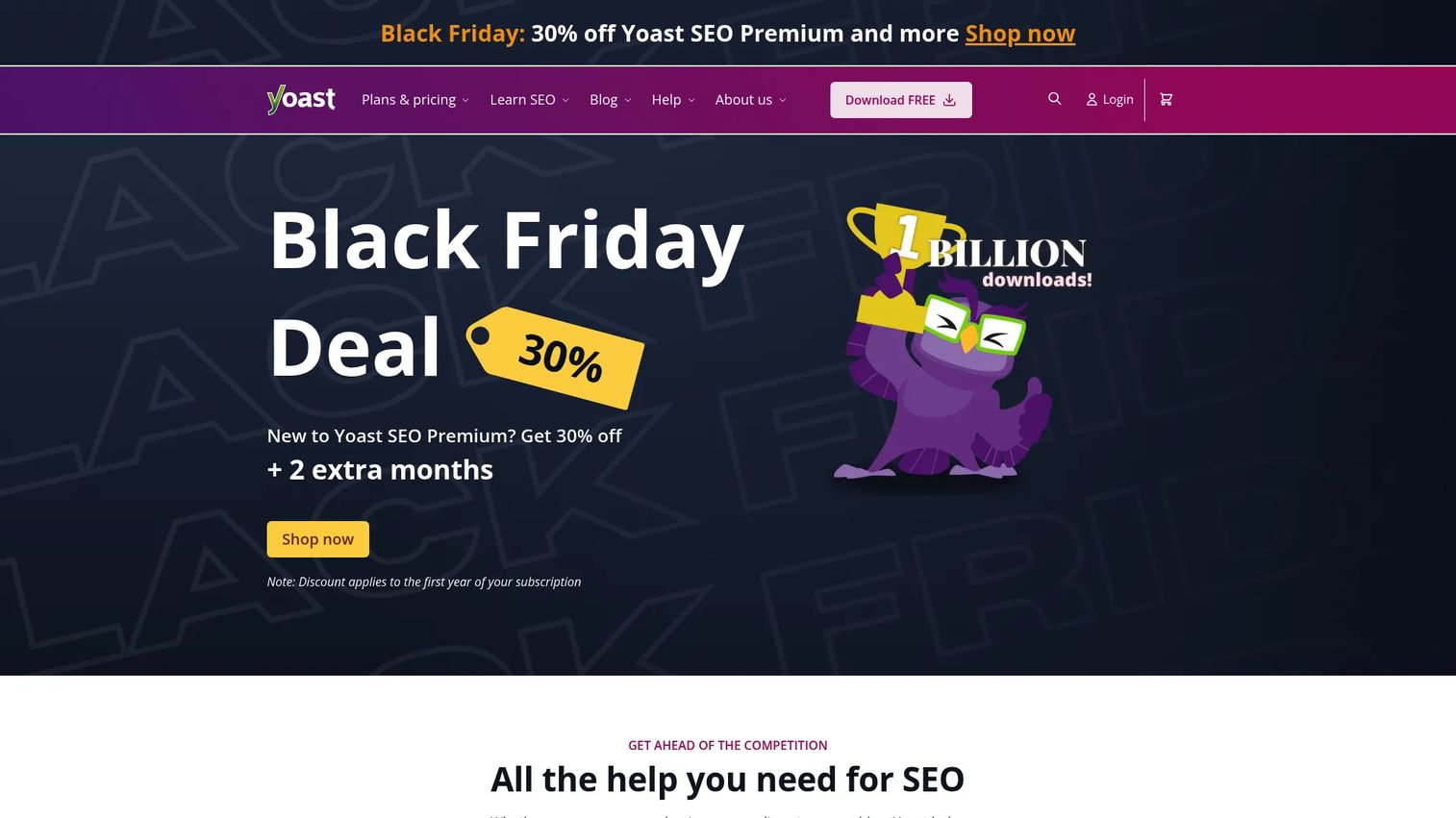
Yoast brings SEO and readability guidance into WordPress publishing. It also supports structured data, XML sitemaps, and automated metadata work.
Content teams can review optimization feedback while editing instead of switching into another platform. That workflow helps standardize basic publishing checks across contributors.
Best for: WordPress teams that want SEO guidance inside their existing editorial process.
Key features
- Search optimization analysis
- Readability feedback
- Automatic XML sitemaps
- Structured data output
- AI assisted metadata generation
Why choose Yoast: Pick it when writers need practical prompts at publishing time. Search performance and conversion measurement still belong in separate platforms.
Yoast pricing: The core WordPress plugin is free. Yoast SEO Premium costs $118.80 per year, excluding VAT.
G2 rating
Yoast has a 4.5/5 G2 rating.
13. Rank Math
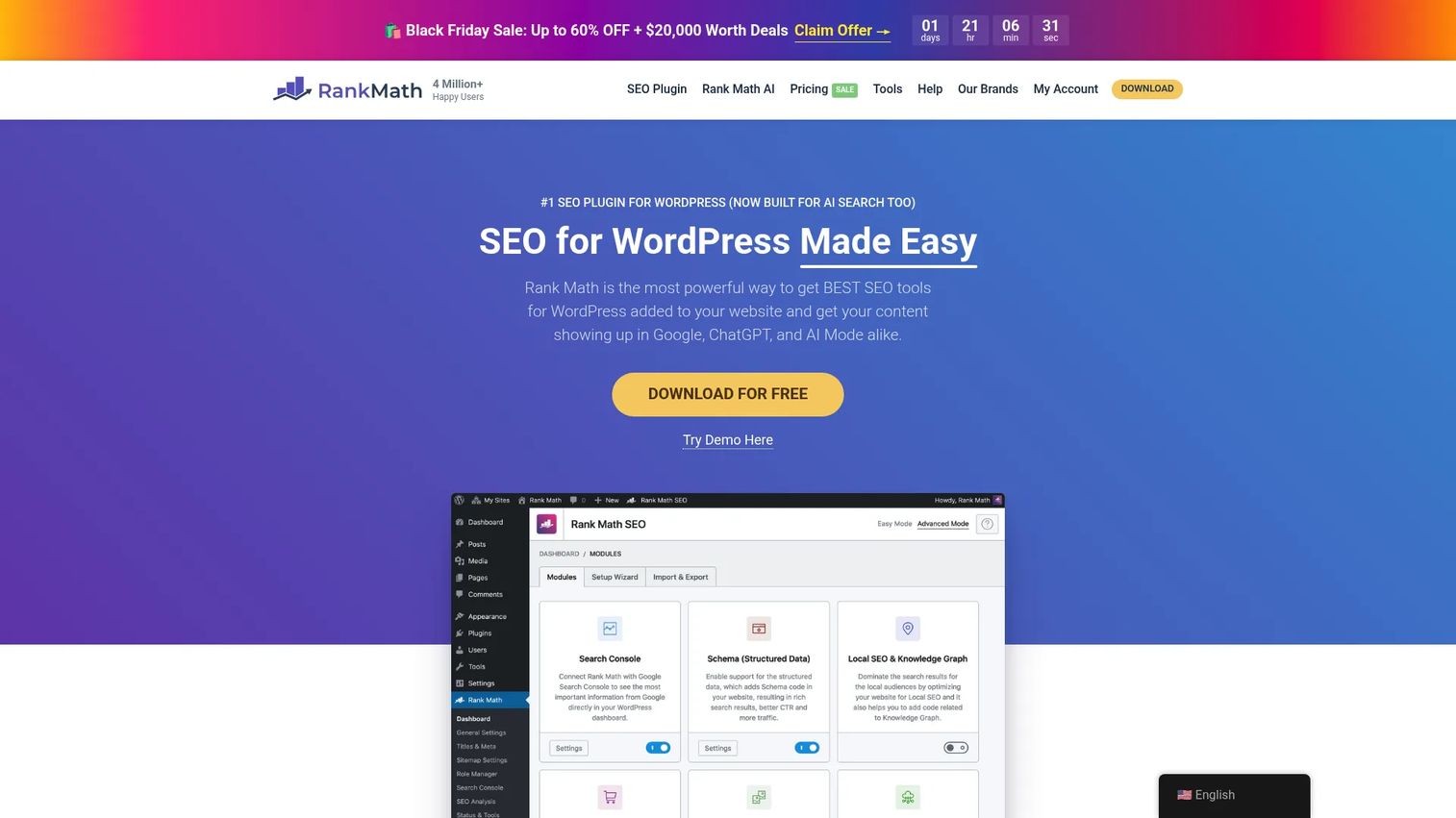
Rank Math is a WordPress SEO plugin with schema, rank tracking, link checks, and automated sitemaps. Its settings give site owners granular control within the CMS.
The plugin also supports keyword linking and SEO score analysis. It suits teams that want deeper configuration without leaving WordPress.
Best for: WordPress users who want detailed SEO controls inside the CMS.
Key features
- Schema generator
- Keyword rank tracking
- Broken link checker
- Automated keyword linking
- XML sitemap generation
Why choose Rank Math: Choose it when WordPress is central to your content optimization workflow. More controls create more setup decisions, so define ownership early.
Rank Math pricing: A free version is available. Pro starts at €3.99/month, billed annually and excluding VAT.
G2 rating
Rank Math has a 4.7/5 G2 rating.
14. Shopify

Shopify is a commerce platform for storefronts, product management, payments, shipping, and analytics. Its website optimization value centers on product discovery, merchandising, checkout, and multichannel sales.
Brands can customize storefronts and extend them through an app marketplace. Built in reporting helps ecommerce teams connect store activity with commercial outcomes.
Best for: Ecommerce brands optimizing product pages, collections, checkout, and store operations.
Key features
- Customizable online storefronts
- Product and inventory management
- Checkout and payment tools
- Commerce analytics
- Multichannel selling
Why choose Shopify: Use it when ecommerce conversion and operations share the same website constraint. Content only publishers need a different CMS.
Shopify pricing: Basic starts at $29/month when paid yearly. A three day trial is followed by a $1/month offer for three months.
G2 rating
Shopify has a 4.4/5 G2 rating.
15. WordPress
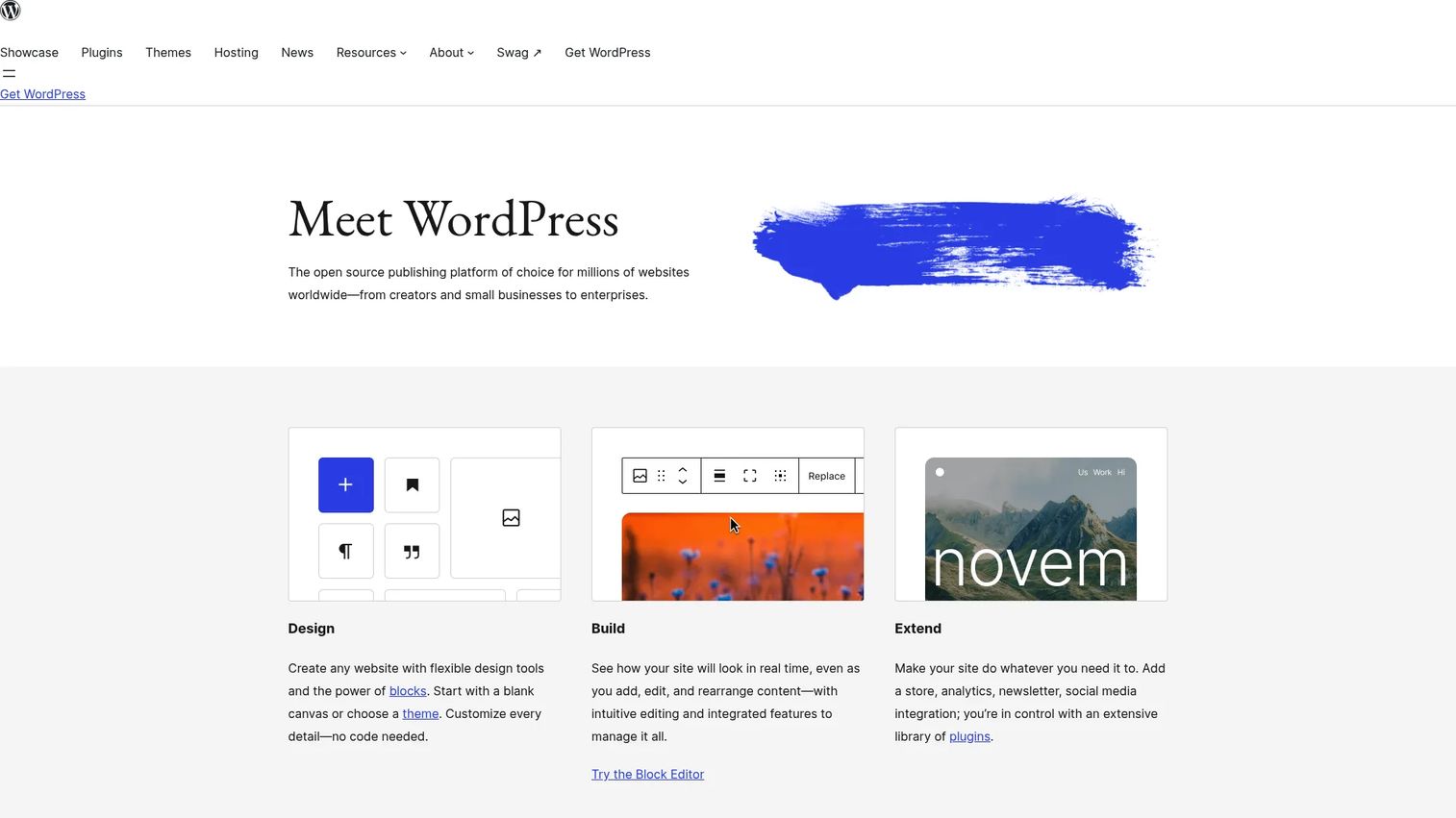
WordPress is free, open source publishing software for websites, blogs, portals, and applications. Its optimization value comes from themes, plugins, hosting choices, and flexible editorial workflows.
The block editor supports page creation and content management. An extensive plugin architecture lets teams add SEO, performance, analytics, and conversion capabilities.
Best for: Content heavy websites that need flexible publishing and extensive customization.
Key features
- Block based editing
- Extensible theme system
- Broad plugin architecture
- Drafts and content scheduling
- Revisions and media management
Why choose WordPress: Pick it when publishing flexibility and content velocity matter. Performance depends on hosting quality, theme design, plugin selection, and ongoing maintenance.
WordPress pricing: WordPress core software is free. Hosting, domains, premium themes, plugins, and managed services add separate costs.
G2 rating
WordPress has a 4.0/5 G2 rating.
Considerations when choosing website optimization software
Start with the bottleneck
Identify whether your main constraint is traffic, speed, usability, conversion, or measurement. An A/B testing platform cannot repair missing indexation.
Likewise, a keyword research tool cannot explain rage clicks. Buy for the current bottleneck rather than the broadest feature list.
Check implementation effort
Some tools deliver value after account connection. Others require developer support, event planning, CMS access, or quality assurance.
Estimate the work needed before purchase. A platform that sits unused adds cost without improving CAC or conversion.
Separate diagnosis from execution
Many web optimization tools identify a problem but do not implement the fix. PageSpeed Insights can surface render blocking resources, while developers or hosting changes address them.
Define who owns each action. Otherwise, reports become another backlog rather than a source of growth.
Verify integrations and reporting
Your data must fit existing CMS, analytics, CRM, and reporting workflows. Check how each platform exports information and handles campaign attribution.
Reporting should help you prove pipeline impact. It should not force another weekly spreadsheet reconciliation.
Watch total stack cost
Tool sprawl creates overlapping data and conflicting dashboards. Start with free diagnostics, then add paid software where automation or competitive intelligence earns its place.
A practical stack often combines search data, one technical audit platform, behavior analysis, and a conversion layer. Add experimentation when traffic volume and team capacity support it.
Conclusion
Website optimization works best as a connected operating model rather than a collection of subscriptions.
Use Ahrefs and Google Search Console to understand search visibility. Lighthouse, PageSpeed Insights, Screaming Frog, and DebugBear cover technical health and performance.
Google Analytics measures outcomes, while Microsoft Clarity reveals user behavior. Optimizely supports structured experiments for teams with mature testing programs.
Yoast and Rank Math bring SEO checks into WordPress. Shopify supports ecommerce website optimization, while WordPress provides flexible publishing infrastructure.
Guideflow fits the conversion experience layer. Use it when visitors need to experience the product across landing pages, emails, sales follow ups, onboarding, partner programs, and launch campaigns.
Start with one constraint and establish a baseline. Add software only when it replaces manual work or provides evidence your current stack cannot.
Start your journey with Guideflow today!
FAQs
Website optimization software helps teams improve search visibility, speed, user experience, analytics, experimentation, and conversion. The category includes diagnostic tools alongside platforms that help teams publish or test changes.
A complete stack usually covers discovery, execution, and measurement. Most teams need several focused products rather than one broad platform.
The best choice depends on the job. Ahrefs supports SEO research, while Google Search Console provides free search data.
Google Analytics measures traffic and conversions. Microsoft Clarity reveals behavior, Optimizely supports testing, and Guideflow adds interactive product experiences to conversion pages.
Google Search Console provides search performance and indexing data. Lighthouse and PageSpeed Insights support technical diagnostics and Core Web Vitals analysis.
Google Analytics offers free website measurement, while Microsoft Clarity provides behavior analytics. WordPress core is free, although hosting and extensions create additional costs.
These tools identify technical friction and reveal where visitors abandon a journey. Speed diagnostics surface performance problems, while behavior analytics show confusing interactions.
Experimentation platforms test proposed changes. Interactive product experiences help visitors understand complex software across websites, emails, onboarding, partner enablement, and sales follow ups.
SEO software focuses on search visibility, crawlability, rankings, backlinks, and content performance. Website optimization software covers a broader operating system for the site.
That wider scope includes speed, behavior analytics, testing, CMS workflows, ecommerce, and conversion. SEO remains an important layer within website optimization.
PageSpeed Insights combines Lighthouse diagnostics with Chrome user data when available. Lighthouse provides lab based analysis for individual pages.
DebugBear supports ongoing Core Web Vitals monitoring through synthetic testing and real user data. Google Search Console also reports page groups with Core Web Vitals issues.
Small businesses can start with free website optimization tools. Search Console, Lighthouse, PageSpeed Insights, Google Analytics, and Microsoft Clarity cover many diagnostic needs.
Paid software becomes useful when teams need competitive research, continuous monitoring, automation, or structured experimentation. Upgrade when the time saved or revenue impact justifies the expense.
Start with one tool for search data and another for measurement. Add technical auditing or performance monitoring when those problems affect acquisition and conversion.
Then choose behavior analytics, experimentation, CMS software, or a conversion experience platform around the current bottleneck. Consolidate overlapping products before adding another subscription.