Your posts are getting impressions. The native dashboard confirms it. But when leadership asks whether the channel is actually moving pipeline, you're back in a spreadsheet, stitching together screenshots and guessing at causality.
That gap between raw metrics and defensible insight is the real problem with X/Twitter reporting. The global social media analytics market hit $13.0 billion in 2025 and is projected to reach $16.5 billion in 2026, according to Grand View Research, which signals just how many teams are paying to close that gap. The question is which tool closes it for your specific workflow, whether that's weekly content reports, campaign post-mortems, competitor benchmarking, or brand monitoring.
This guide cuts through the noise. No generic feature lists. No inflated claims. Just a practical breakdown of 17 X/Twitter analytics tools ranked by how useful they are to growth marketers who need to prove their work.
What's inside
This guide covers 17 Twitter analytics tools evaluated for digital marketers, social media managers, and growth teams who report to leadership.
- Who it's for: Growth marketers, social media managers, demand gen teams, and anyone responsible for X/Twitter channel performance
- Selection criteria:
- Depth of X/Twitter metric coverage (impressions, engagement, follower growth, sentiment)
- Reporting quality and export options
- Pricing transparency and fit across team sizes
- Business use case fit: Native analytics, scheduling plus reporting, social listening, competitor benchmarking, and audience research
TL;DR
- Best overall for social teams: Sprout Social covers publishing, analytics, listening, and reporting from one platform
- Best for agencies and lean budgets: SocialPilot offers solid X/Twitter reporting at a fraction of enterprise prices
- Best for simple scheduling plus analytics: Buffer works well for small teams that need basic performance data without complexity
- Best for competitor benchmarking: Rival IQ turns isolated metrics into market context with automated competitive reports
- Best for campaign and hashtag tracking: Keyhole and Tweet Binder both cover real-time campaign and event measurement on X
- Best for social listening: Brand24 handles mentions and alerts affordably; Talkwalker, Brandwatch, and Meltwater cover enterprise-scale intelligence
- Best native X options: X Premium and X Pro give platform-native visibility before you invest in third-party software
What is Twitter analytics software?
Twitter analytics software, also referred to as X analytics software, helps marketers measure account growth, post performance, engagement, reach, audience behavior, competitor activity, and campaign impact on X/Twitter.
Core metrics Twitter analytics tools track
A capable Twitter analytics tool should cover at minimum:
- Impressions and reach: How many times content was displayed, and to how many unique accounts
- Engagement rate: Total engagements divided by impressions or followers, depending on the reporting standard your team uses
- Post-level interactions: Likes, replies, reposts, bookmarks, and link clicks
- Follower growth: Net new followers, churn, and growth rate over time
- Audience demographics: Location, device, interests, and account types
- Optimal posting windows: When your audience is most active
- Hashtag performance: Reach and engagement driven by specific hashtags
- Mentions and sentiment: Who is talking about you and whether the tone is positive, negative, or neutral
- Share of voice: Your brand's presence relative to competitors in a conversation
- Competitor benchmarks: How your account metrics compare to others in your space
Native analytics versus third-party analytics
X's native dashboard gives you post-level metrics, basic account stats, and engagement summaries. It's useful for quick checks, but it has clear limits: No exports to speak of, no competitor data, limited historical depth, and no cross-channel view.
Third-party tools add automated exports, multi-channel dashboards, historical tracking, social listening across the web, competitor benchmarking, and campaign-level attribution. For anyone reporting to leadership or running channel experiments, native analytics alone rarely covers the job.
How digital marketers should use Twitter analytics
The job isn't to collect metrics. The job is to make decisions. Use X/Twitter analytics to decide which content formats to scale, catch audience shifts before they become performance drops, attribute campaign outcomes to specific posts or windows, compare your posting cadence and engagement against competitors, and connect social work to pipeline conversations with leadership.
When to use Twitter analytics tools
Prove campaign impact beyond engagement
Impressions and likes tell you content was seen. They don't tell you whether a product launch, influencer push, or event campaign moved anything that matters. Use analytics tools to track reach trends during campaign windows, compare engagement quality before and after, and connect social spikes to downstream traffic or conversion signals.
Benchmark competitors before changing strategy
Posting more often or trying a new format makes sense only when you know what's working for the market. Competitor tracking lets you see posting frequency, engagement rate patterns, audience growth, and hashtag usage across the accounts you're watching. That context turns guesses into decisions.
Monitor sentiment before issues become reports
A single mention trending negative can escalate faster than any scheduled alert catches it. Social listening tools track mentions and sentiment shifts across X and beyond, so you spot product feedback, emerging narratives, or PR situations while there's still time to respond rather than react.
Twitter analytics tools comparison
Use the table below to shortlist by primary job. If you need native account stats, look at X Premium or X Pro. For simple post reporting, Buffer or SocialPilot cover most cases. Full social management teams typically land at Sprout Social, Hootsuite, or Agorapulse. Campaign and hashtag tracking points to Keyhole or Tweet Binder. Competitor benchmarking leads to Rival IQ. Enterprise listening means evaluating Talkwalker, Brandwatch, Meltwater, or Brand24. Audience research before a campaign belongs to Audiense or SparkToro.
| # | Product | Best for | Key differentiator | Pricing | G2 rating |
|---|---|---|---|---|---|
| 1 | Sprout Social | Multi-channel social teams | Deep reporting plus publishing and listening | From $79/seat/mo | 4.4/5 |
| 2 | SocialPilot | Agencies and SMB reporting | Affordable scheduling plus analytics | From $25.50/mo | 4.5/5 |
| 3 | Hootsuite | Enterprise social management | Established social dashboard and reporting | From $99/user/mo | 4.3/5 |
| 4 | Buffer | Lean teams and creators | Simple publishing with easy analytics | Free; paid from $5/mo | 4.3/5 |
| 5 | Agorapulse | Social inbox and reporting | Unified engagement, inbox, and reports | From $79/user/mo | 4.5/5 |
| 6 | Keyhole | Hashtag and campaign analytics | Real-time tracking for hashtags and campaigns | Contact for pricing | 4.3/5 |
| 7 | Talkwalker | Enterprise social listening | Large-scale listening and sentiment analysis | Custom pricing | 4.3/5 |
| 8 | Brandwatch | Consumer intelligence | Deep audience and trend intelligence | Custom pricing | 4.2/5 |
| 9 | Meltwater | PR and brand monitoring | Media intelligence plus social listening | Custom pricing | 4.1/5 |
| 10 | Rival IQ | Competitive benchmarking | Competitor performance and industry benchmarks | From $239/mo | 4.5/5 |
| 11 | Brand24 | Brand mention monitoring | Lightweight listening and sentiment alerts | From $249/mo | 4.6/5 |
| 12 | Tweet Binder | X hashtag reports | Campaign and hashtag reporting | Free tier; PRO by request | 4.4/5 |
| 13 | Audiense | Audience segmentation | Community and audience intelligence | Free tier available | 4.5/5 |
| 14 | SparkToro | Audience research | Finds where audiences spend attention | Free; Business from $150/mo | 4.4/5 |
| 15 | X Premium | Native account insights | Platform-native features and creator tools | From $3/mo | 3.6/5 |
| 16 | X Pro | Real-time X monitoring | Column-based monitoring for active users | Included with Premium+ ($40/mo) | 4.4/5 |
| 17 | Grok | AI-assisted X exploration | AI summaries and X-native context | Free; paid from $8/mo | 4.2/5 |
Best 17 Twitter analytics tools for 2026
The list below is ordered by relevance for digital marketers, not alphabetically. Full social management platforms appear first, followed by specialized analytics, listening, and native X options.
1. Sprout Social
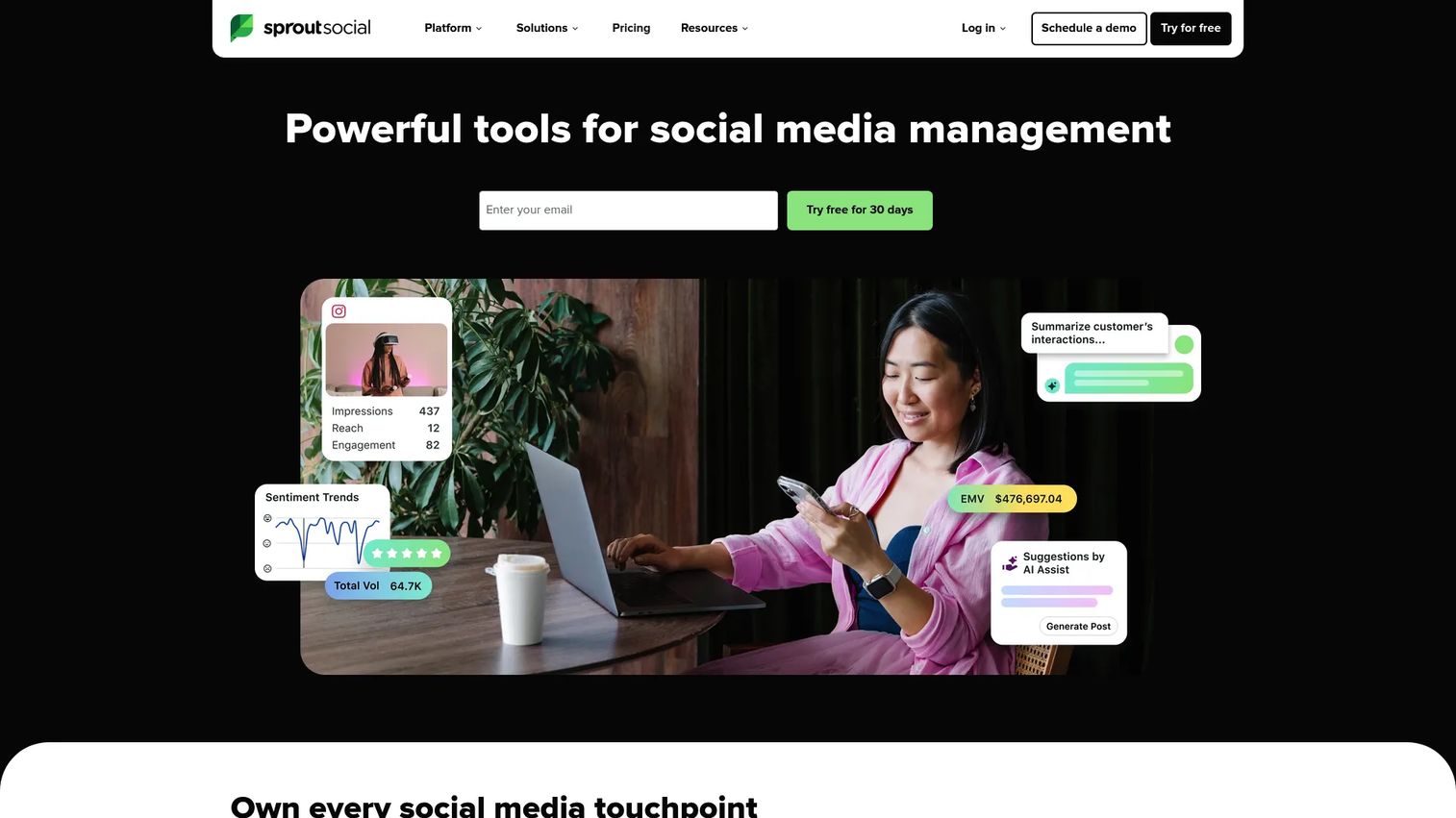
Sprout Social is a full social media management platform covering publishing, inbox management, analytics, social listening, and team workflows across multiple networks including X/Twitter. It's one of the more complete options for teams that need to consolidate social reporting, engagement, and content calendars into a single workflow.
Best for: Mid-market and enterprise teams that need X/Twitter analytics inside a broader social management stack.
Key features
- X/Twitter post and profile analytics
- Competitor benchmarking reports
- Social listening dashboards
- Unified inbox for engagement management
- Scheduled exports and custom report templates
Why choose Sprout Social: Use it when social reporting needs to connect publishing approvals, listening signals, and executive dashboards in one place. It's a strong pick for teams replacing a stack of disconnected tools.
Sprout Social pricing: Plans start at $79 per seat per month on annual billing (Essentials), rising to $199, $299, and $399 per seat for Standard, Professional, and Advanced tiers. A 30-day free trial is available. Enterprise pricing requires a sales conversation.
G2 rating: 4.4/5
2. SocialPilot
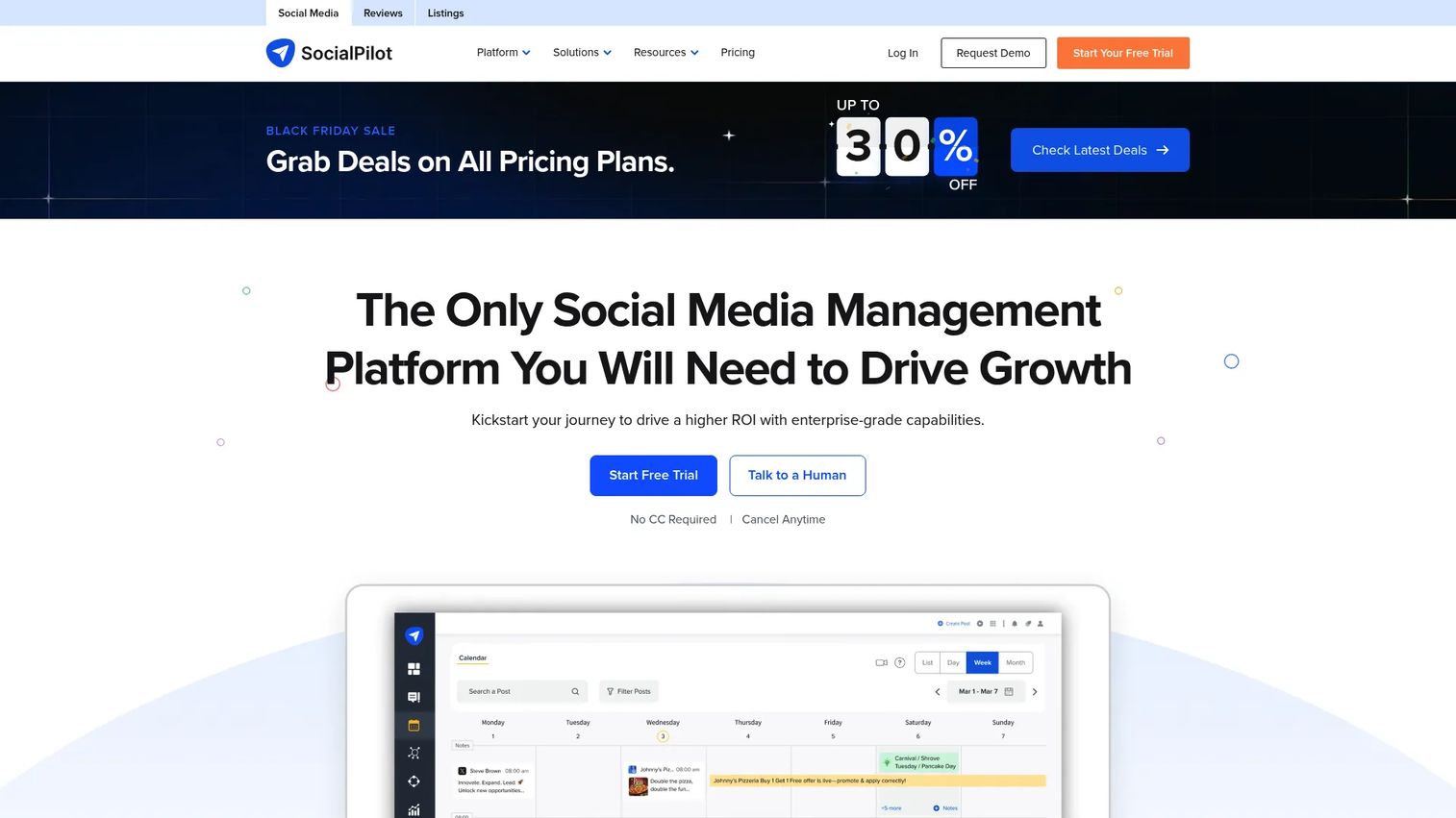
SocialPilot is a social media management platform built for agencies, SMBs, and lean marketing teams. It handles scheduling, analytics, client-ready report exports, team collaboration, and white-label workflows at pricing that fits smaller budgets without cutting the reporting features that matter.
Best for: Agencies and SMB marketers that need reliable X/Twitter analytics and scheduling without moving into enterprise pricing.
Key features
- X/Twitter analytics and reporting dashboards
- White-label client report exports
- AI Pilot content creation tools
- Team and client collaboration workflows
- Multi-account social scheduling
Why choose SocialPilot: A practical consolidation pick for teams that want scheduling and analytics in one tool without paying per-seat enterprise fees. Good fit if client reporting is part of the job.
SocialPilot pricing: Essentials starts at $25.50 per month on annual billing ($30 monthly). Standard is $42.50 per month annually, Premium $85, and Ultimate $170. A 14-day free trial is offered. Enterprise pricing requires contacting sales.
G2 rating: 4.5/5
3. Hootsuite

Hootsuite is one of the more established social media management platforms, covering scheduling, streams, analytics, team collaboration, and AI-assisted content creation. It handles X/Twitter alongside other networks and suits teams that run multiple channels from a central dashboard.
Best for: Larger social media teams managing several channels and needing a mature workflow tool with built-in reporting.
Key features
- Multi-channel analytics and custom report templates
- X/Twitter streams and monitoring columns
- Publishing calendar with team permissions
- Social listening and sentiment analysis
- AI-powered content suggestions
Why choose Hootsuite: A reliable choice when the team needs a platform built around the daily social manager workflow, with scheduling and monitoring tightly integrated. The tool has matured significantly in AI features and reporting depth.
Hootsuite pricing: Standard starts at $99 per user per month on annual billing, Professional at $199, and Advanced at $399. Enterprise pricing is custom. A 14-day free trial applies to self-serve plans.
G2 rating: 4.3/5
4. Buffer
Buffer is a social media tool that prioritizes simplicity. Creators, founders, and small marketing teams use it for scheduling and post performance analytics without needing enterprise listening or complex dashboards. The pricing model charges per channel, which keeps costs low for teams managing a focused set of accounts.
Best for: Small teams and creators who need basic X/Twitter performance reporting alongside scheduling.
Key features
- Post performance analytics per channel
- Publishing queue and scheduling
- Community inbox for comment engagement
- AI Assistant for content creation
- Multi-channel support with per-channel billing
Why choose Buffer: Use it when ease of adoption and cost control matter more than advanced listening or competitor tracking. The free plan supports up to three channels, which covers many small team cases.
Buffer pricing: A free plan is available for up to three channels. Essentials is $5 per month per channel (billed monthly), and Team is $10 per month per channel with unlimited team members and approval workflows.
G2 rating: 4.3/5
5. Agorapulse
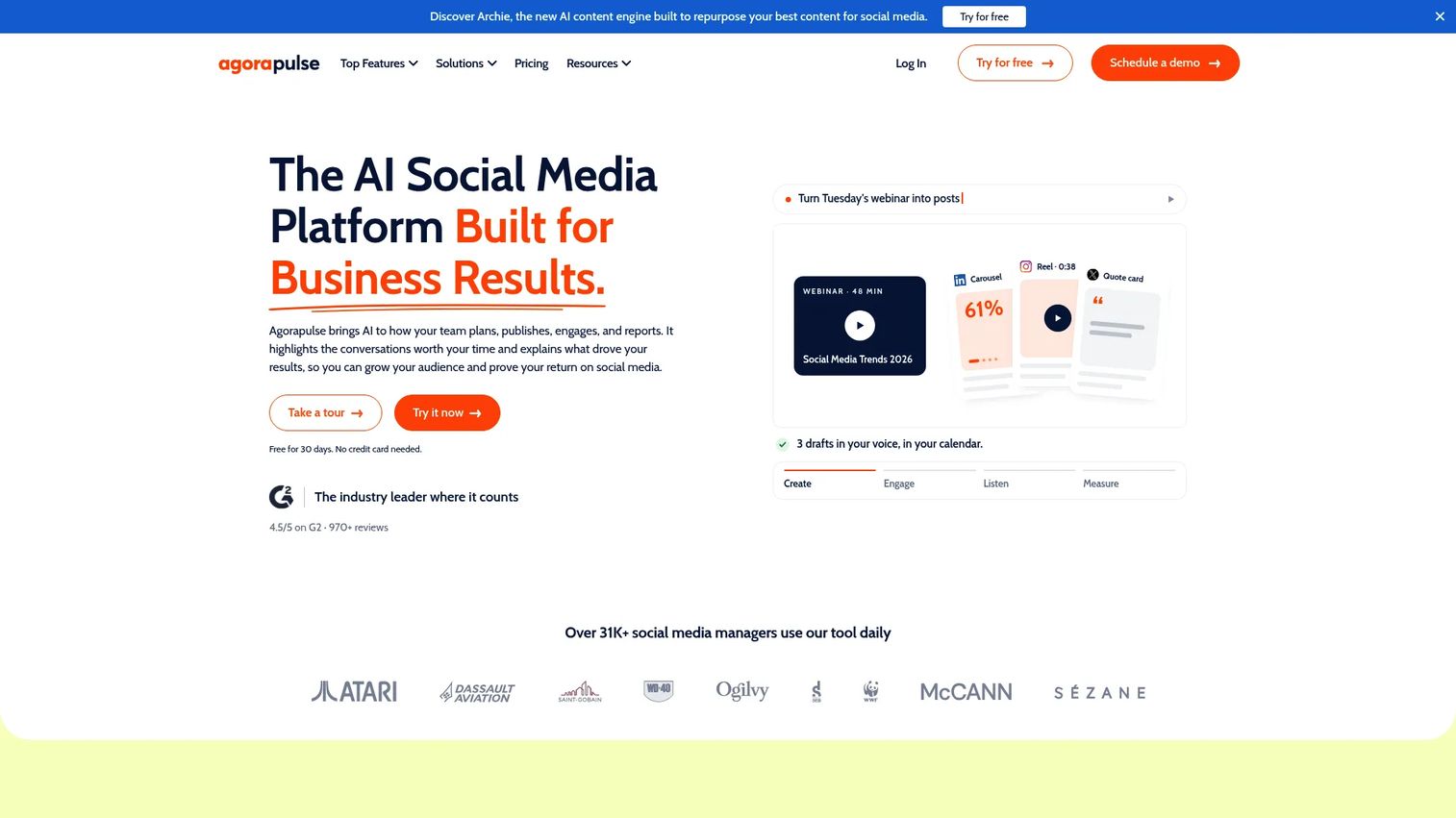
Agorapulse combines social inbox management, publishing, monitoring, and reporting in one platform. It's particularly strong for teams that handle community engagement and analytics together rather than keeping them in separate tools. The AI features, branded Archie, assist with reply suggestions, content repurposing, and sentiment analysis.
Best for: Social teams that need analytics and community management running in the same workflow.
Key features
- Unified social inbox with assignment and moderation
- X/Twitter performance reports with branded exports
- Competitor benchmarking and ROI analysis
- Social listening across networks, Reddit, and news sites
- AI writing assistance and sentiment detection via Archie
Why choose Agorapulse: Fits teams where response management and performance reporting need to stay connected. If you're measuring engagement quality alongside engagement volume, this setup works well.
Agorapulse pricing: Standard starts at $79 per user per month (monthly billing), Professional at $119, and Advanced at $149. A 30-day free trial is available. Custom pricing applies at higher volume.
G2 rating: 4.5/5
6. Keyhole
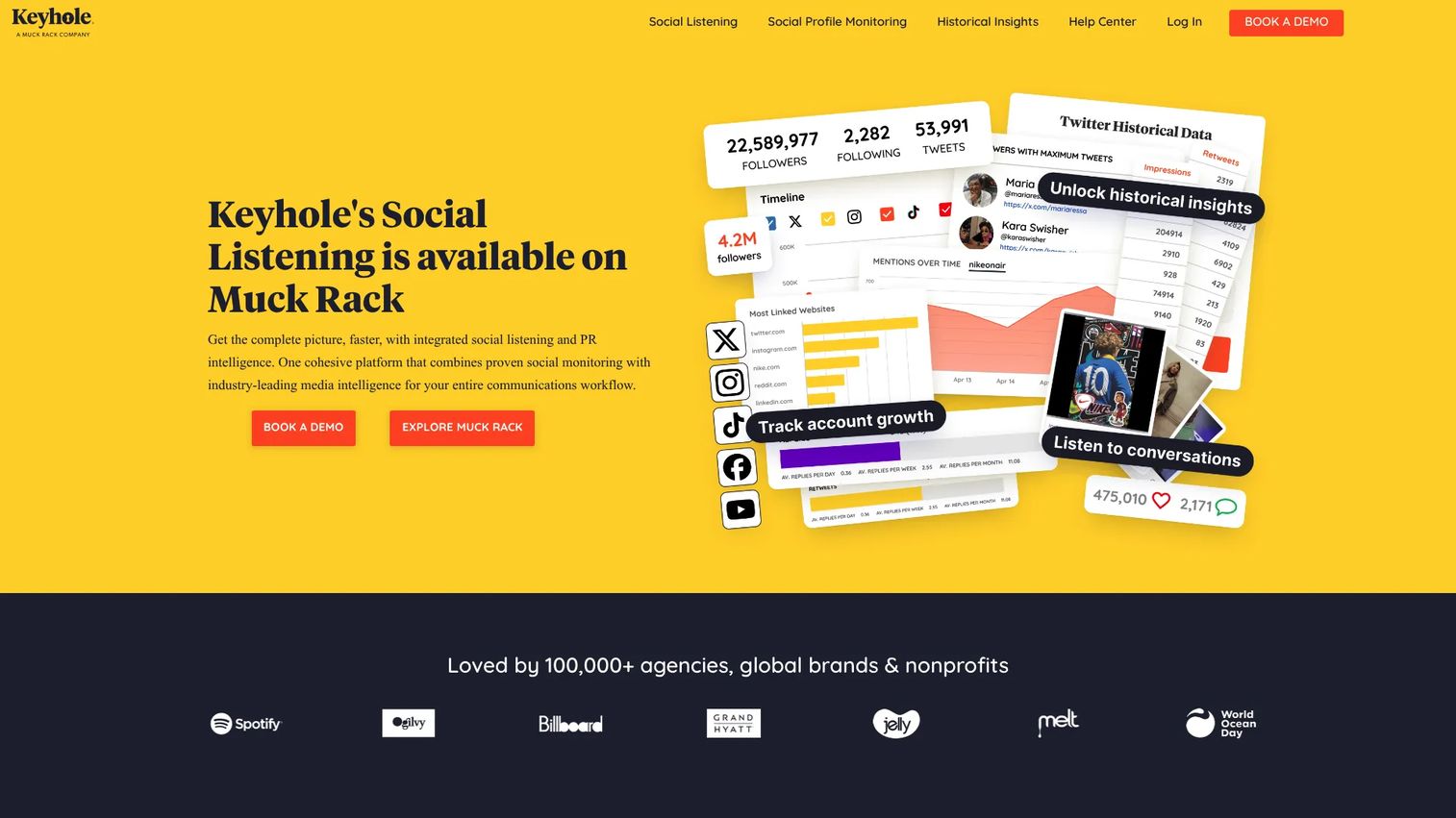
Keyhole focuses on campaign analytics, hashtag tracking, influencer measurement, and real-time social monitoring. It's built for marketers who need to track a specific campaign, event, or hashtag rather than manage daily publishing. The platform includes automated reporting and historical data alongside live dashboards.
Best for: Marketers tracking hashtag campaigns, events, and influencer-driven X activity.
Key features
- Real-time hashtag and keyword tracking
- Campaign analytics with live dashboards
- Influencer tracking and performance analysis
- Sentiment reporting
- Automated PDF and Excel exports
Why choose Keyhole: Use it when measuring a campaign or event matters more than managing daily posts. It's a strong fit for launches, branded hashtag campaigns, and influencer measurement where post-level analytics won't cover the full picture.
Keyhole pricing: Keyhole offers Team and Enterprise plans, with pricing available on request via their site. G2 reviewers report that plans are quote-based.
G2 rating: 4.3/5
7. Talkwalker
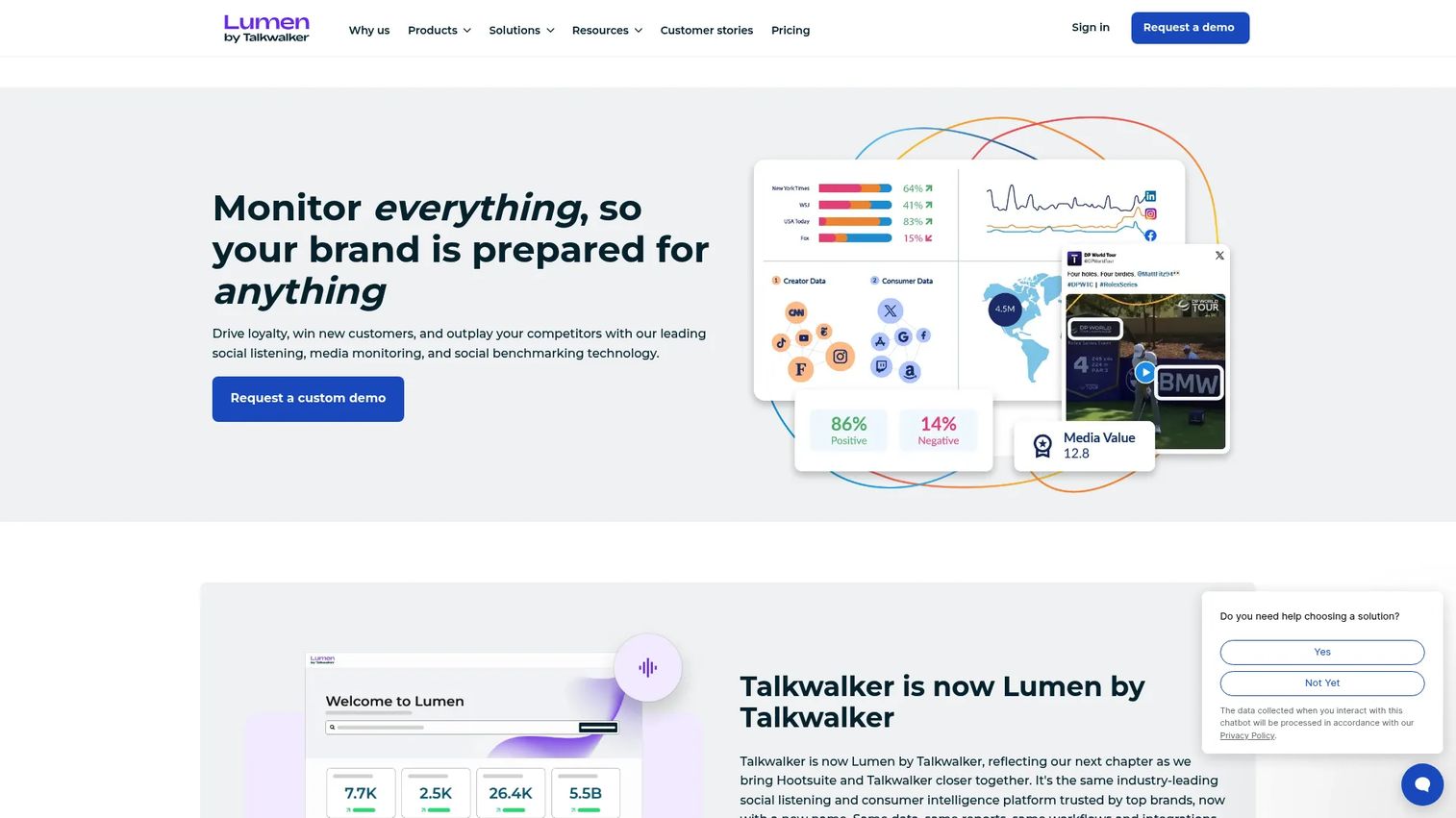
Talkwalker is a consumer intelligence platform covering social listening, media monitoring, sentiment analysis, trend detection, and audience insights at enterprise scale. It monitors more than 30 social networks and 150 million websites, giving large teams a broad view of brand presence and market conversation.
Best for: Enterprise marketing, comms, and insights teams running broad social intelligence programs.
Key features
- Social listening across 30-plus networks and 150 million websites
- Sentiment analysis with AI summaries and visual listening
- Audience segmentation and preference mapping
- Custom alerts and trend detection
- Media monitoring with executive dashboard exports
Why choose Talkwalker: Use it when X/Twitter monitoring is one piece of a larger brand intelligence program. It suits teams where social listening feeds PR, research, and executive reporting simultaneously.
Talkwalker pricing: Core, Analyze, and Business plans are all quote-based. All plans support unlimited users; higher tiers add data volume, additional topics, channels, historical depth, and AI capabilities.
G2 rating: 4.3/5
8. Brandwatch
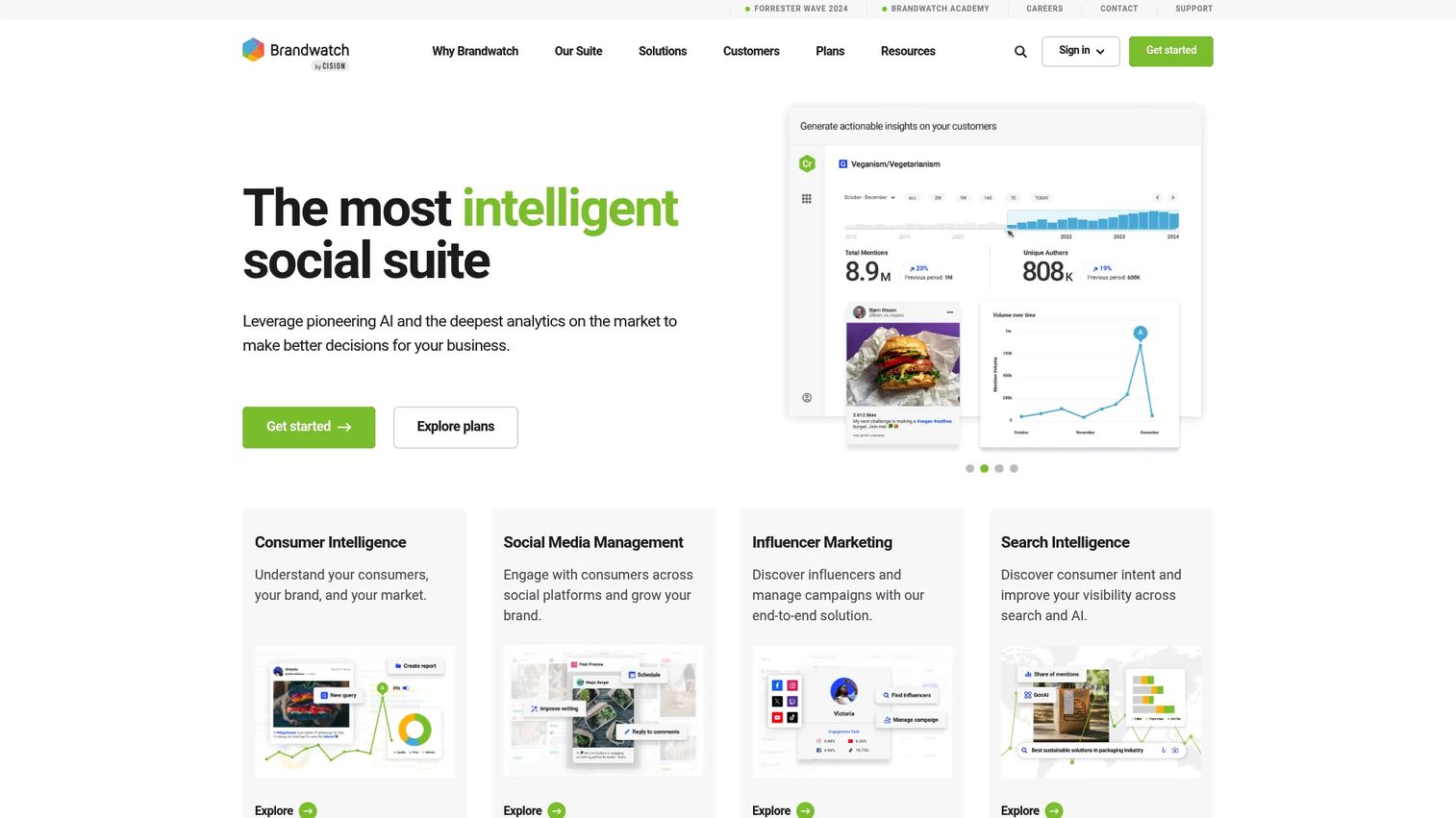
Brandwatch is a social intelligence suite covering consumer research, social media management, influencer marketing, and audience analysis. Its listening capability includes Boolean search, historical data, AI-powered alerts, and image analysis, making it one of the deeper tools for teams that need to understand market conversation rather than just track mentions.
Best for: Enterprise brand, research, and social intelligence teams needing deep consumer insight.
Key features
- Social listening with Boolean search and historical data
- Consumer intelligence with AI analysis and audience segmentation
- Social media management with content calendar and publishing
- Influencer management and discovery
- Custom dashboards and reporting exports
Why choose Brandwatch: Use it when social analytics needs to inform brand strategy, audience research, and C-suite reporting. Post optimization is a secondary use case here; market intelligence is the primary one.
Brandwatch pricing: Consumer Intelligence, Social Media Management, and Influencer Marketing are sold as separate modules, all via custom quote. The plans page directs buyers to request a demo.
G2 rating: 4.2/5
9. Meltwater

Meltwater is a media intelligence platform combining PR monitoring, social listening, influencer analysis, consumer insights, and AI visibility tracking. It's used by PR and comms teams that need to place X/Twitter signals alongside earned media, press coverage, and brand reputation data in one view.
Best for: PR, comms, and brand teams that need social listening connected to media intelligence.
Key features
- Media monitoring and press coverage tracking
- Social listening and brand mention analysis
- AI visibility and sentiment tracking
- Influencer identification and management
- Executive dashboards and PR reporting
Why choose Meltwater: Choose it when X/Twitter metrics need to sit alongside news, analyst coverage, and broader brand reputation signals. It doesn't fit teams whose job is purely social analytics without a PR or comms dimension.
Meltwater pricing: Starter, Pro, Enterprise, and Agency plans are all custom. No free trial is listed; a guided demo is offered for evaluation.
G2 rating: 4.1/5
10. Rival IQ
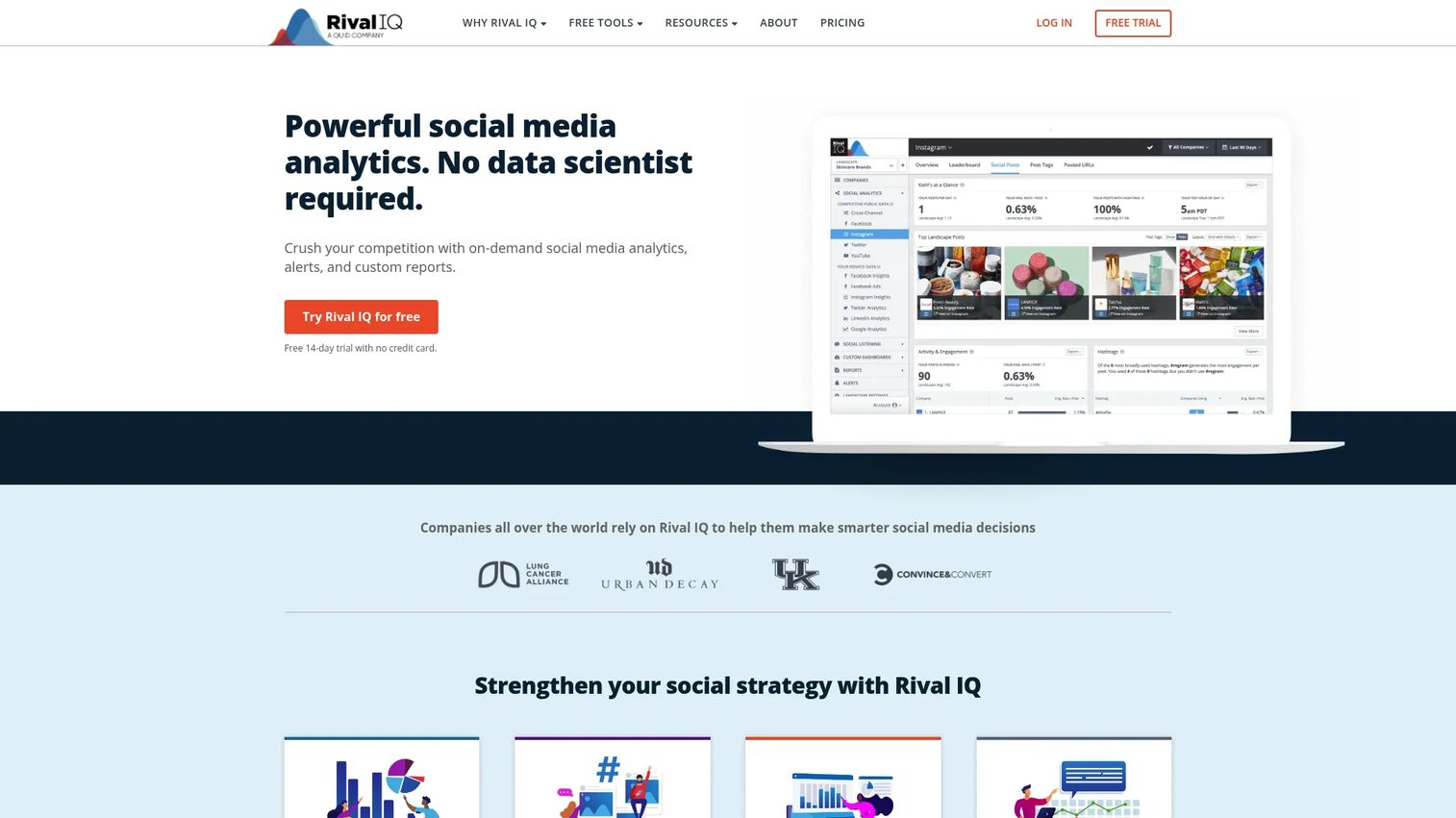
Rival IQ is a competitive benchmarking platform for social media. It tracks competitor posting cadence, engagement rates, top-performing content, hashtag usage, and audience growth, then organizes the data into automated reports you can filter by industry, timeframe, or specific competitor.
Best for: Marketing teams and agencies that need competitive context for X/Twitter performance, not just owned account data.
Key features
- Competitor social media tracking across X, Instagram, Facebook, YouTube, and TikTok
- Industry benchmark comparisons by engagement rate and posting frequency
- Hashtag analytics and popular topic analysis
- Automated reports with custom company filters
- Scheduled email alerts for competitive changes
Why choose Rival IQ: Use it when leadership asks how the brand compares to competitors. It converts isolated metrics into market context, which makes the quarterly social report much easier to defend.
Rival IQ pricing: Drive starts at $239 per month, Engage at $349, and Engage Pro at $559. Annual billing provides a 15% discount. A 14-day free trial is available.
G2 rating: 4.5/5
11. Brand24
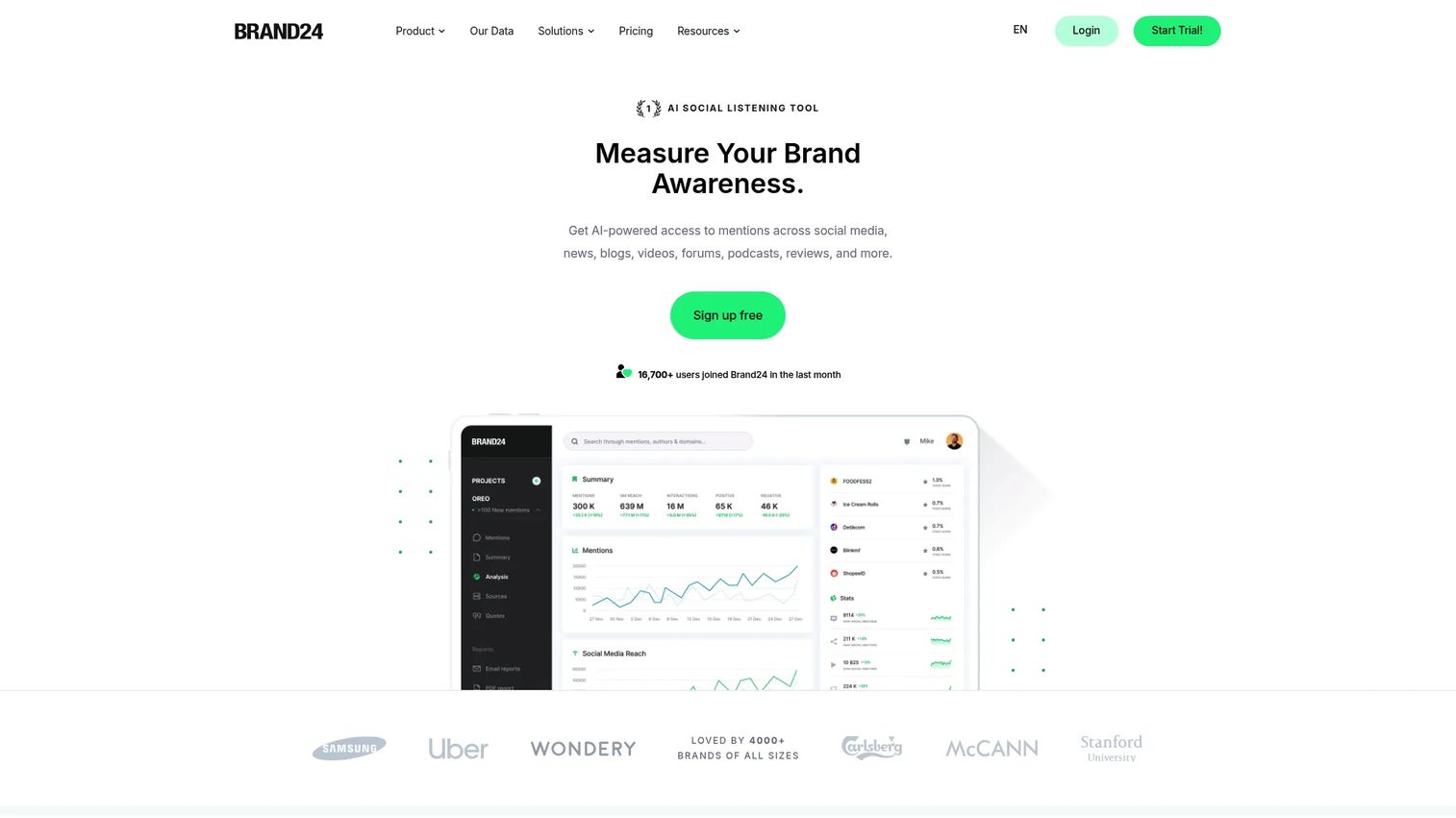
Brand24 is an AI-powered social listening and mention monitoring platform. It tracks online conversations across social media, news, blogs, videos, forums, and podcasts in real time. Compared with heavier enterprise listening suites, Brand24 offers accessible pricing and faster onboarding for teams that need alerts and sentiment data without a lengthy implementation.
Best for: Lean marketing and PR teams that need brand mention monitoring and sentiment alerts without enterprise overhead.
Key features
- Real-time mention monitoring across social and web sources
- Sentiment analysis and AI-powered event detection
- Influencer score and reach analysis
- Share-of-voice tracking
- Automated reports and email alerts
Why choose Brand24: It fits teams that need listening capability before they're ready to invest in Talkwalker or Brandwatch. The alert workflows are practical, and the pricing scales from individual to business use.
Brand24 pricing: Individual starts at $249 per month ($199 annually). Team is $349 per month ($299 annually), Pro $499 per month ($399 annually), and Business $699 per month ($599 annually). A 14-day free trial is available.
G2 rating: 4.6/5
12. Tweet Binder
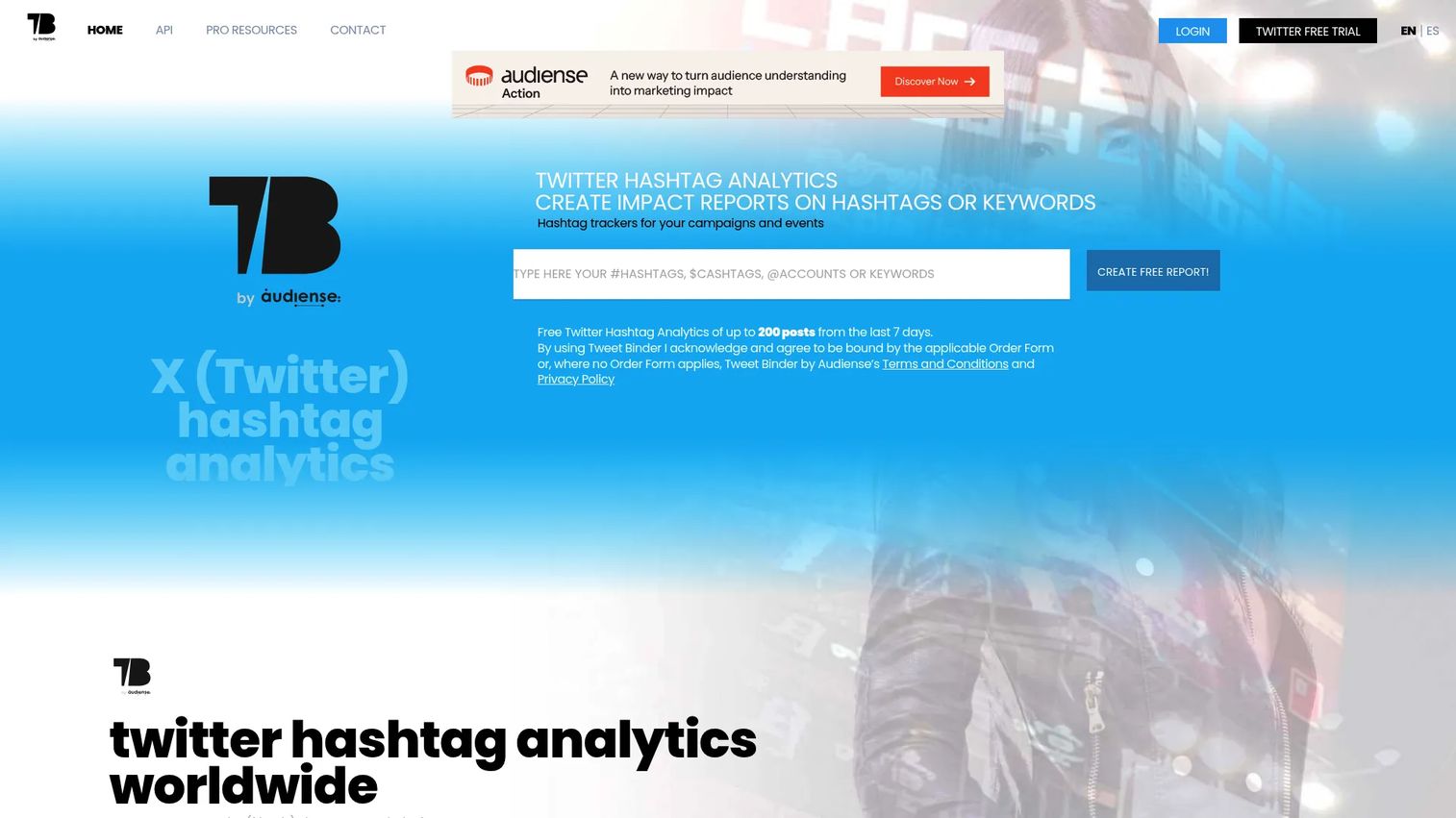
Tweet Binder is focused exclusively on X/Twitter analytics. It generates reports for hashtags, keywords, mentions, campaigns, accounts, and events, with breakdowns covering impressions, reach, engagement, sentiment, contributor rankings, and influencer analysis. It also supports social walls for live event displays.
Best for: Campaign managers and event organizers who need X-specific hashtag and conversation reports.
Key features
- Hashtag, keyword, and mention tracking
- Impressions, reach, engagement, and sentiment analysis
- Contributor rankings and influencer identification
- Historical and real-time report options
- X Analytics API access
Why choose Tweet Binder: Use it when the reporting job is narrow and X-specific. It fits events, branded hashtag campaigns, and sponsor reporting where you need detailed conversation data rather than a broader multi-channel view.
Tweet Binder pricing: A free report covers up to 200 tweets from the last seven days. PRO access is offered as an annual plan available on request through the site.
G2 rating: 4.4/5
13. Audiense
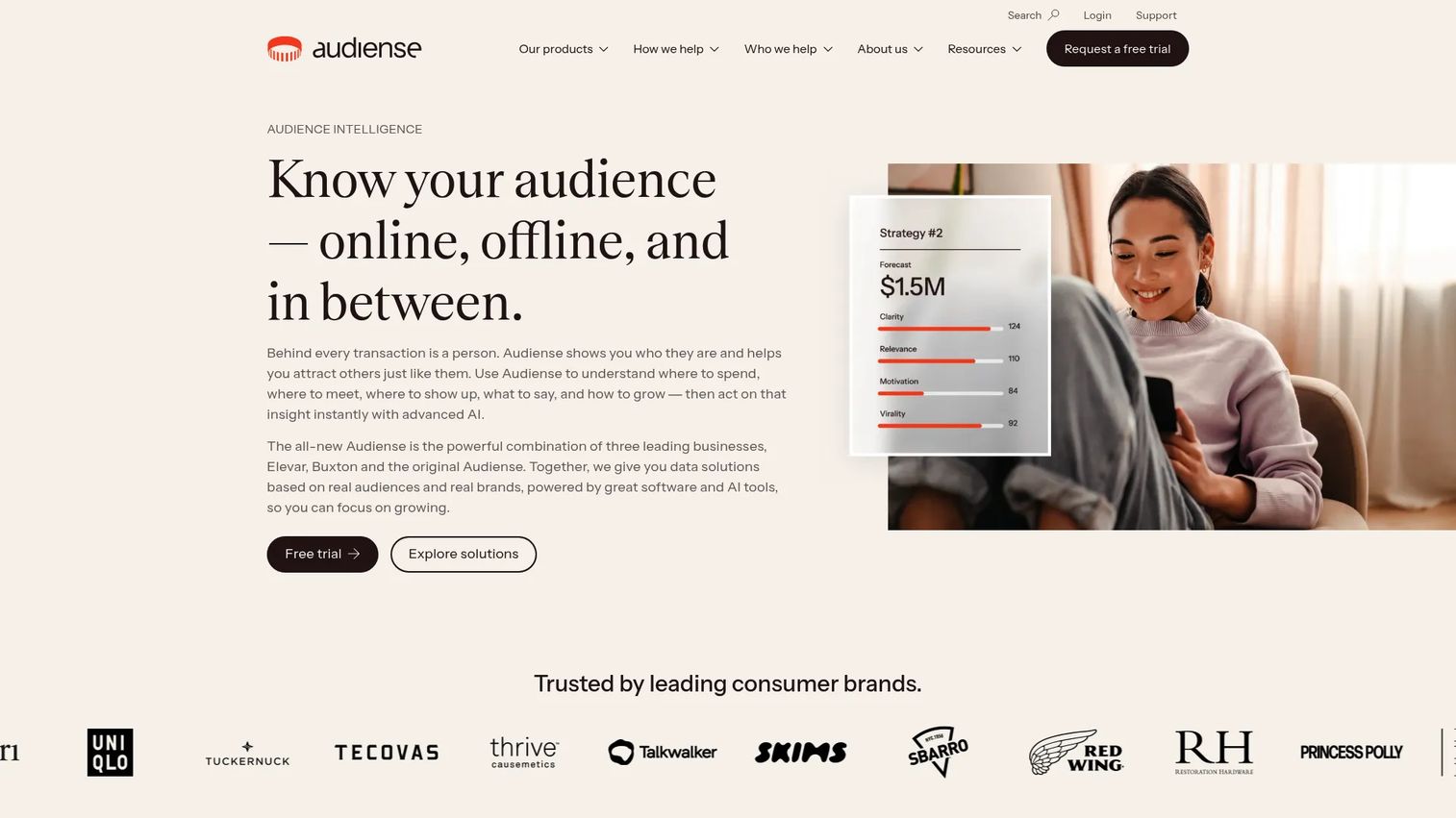
Audiense is an audience intelligence platform that segments and profiles communities based on demographics, interests, affinities, psychographics, and behavioral signals across X, Google, YouTube, TikTok, and other platforms. It's built for teams whose X/Twitter work involves understanding who the audience is, not just how posts perform.
Best for: Marketing, insights, and media planning teams that need audience segmentation before making content or targeting decisions.
Key features
- Audience segmentation and community profiling
- Cross-platform analysis across X, TikTok, YouTube, and others
- Affinity mapping and psychographic insights
- Influencer discovery within specific audience segments
- AI-powered audience discovery and marketing recommendations
Why choose Audiense: Use it when audience quality matters more than post-level metrics. It's particularly useful for positioning work, creator selection, and building paid-social targeting audiences from real behavioral data.
Audiense pricing: Audiense Action is free. Audiense Discover pricing is not listed on the current site; contact Audiense directly for a quote on the full intelligence product.
G2 rating: 4.5/5
14. SparkToro
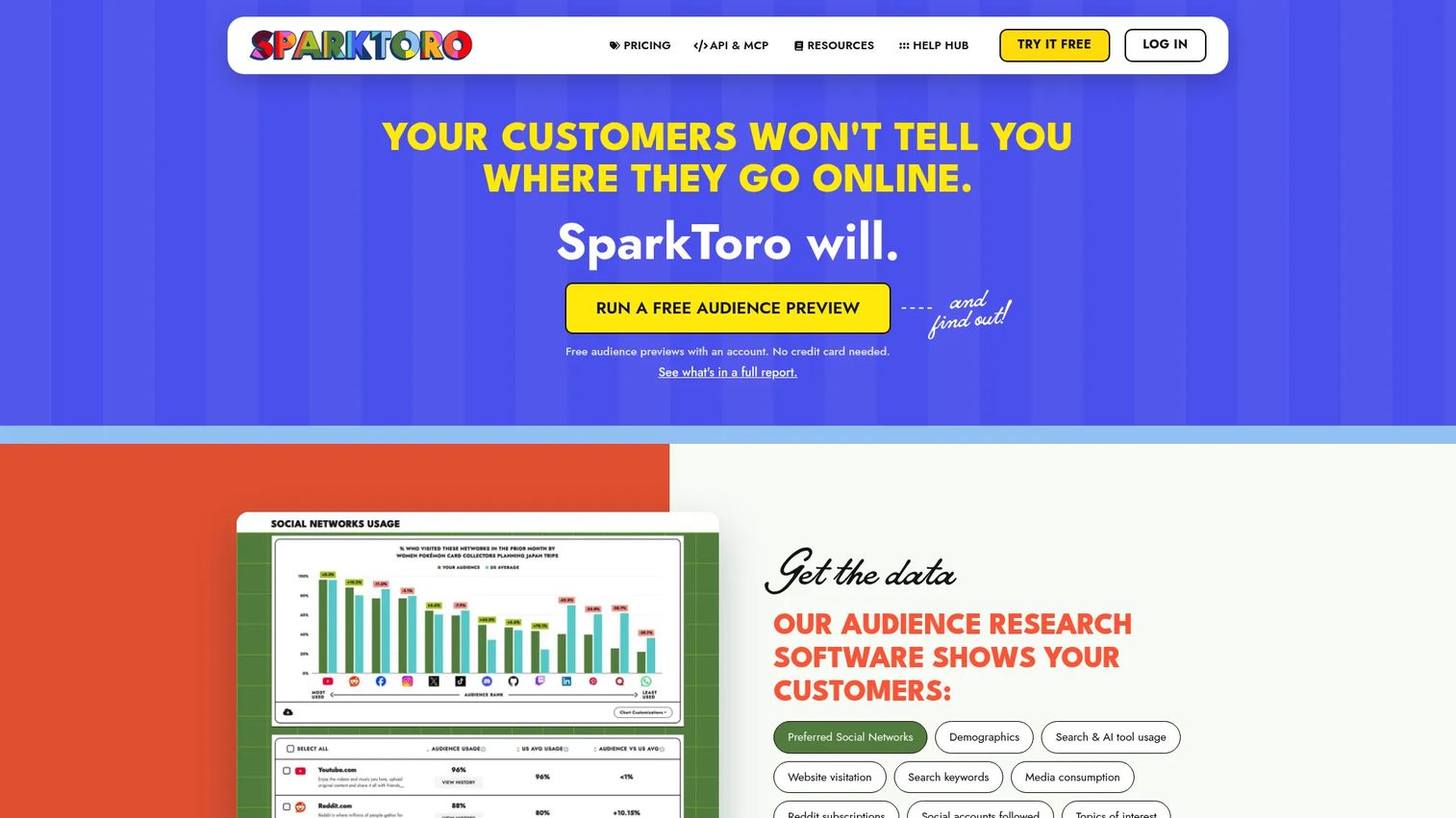
SparkToro is an audience research tool rather than a traditional X analytics platform. You describe an audience in natural language, and it surfaces where that audience spends time online: Which social accounts they follow, which websites they visit, which podcasts they consume, and which keywords appear in their bios and posts.
Best for: Growth marketers doing audience research before content planning, campaign targeting, or influencer selection.
Key features
- Audience research from natural-language descriptions
- Social account and website affinity data
- Podcast, YouTube, and Reddit attention mapping
- AI prompt and keyword insights per audience
- Take Action recommendations for messaging and media planning
Why choose SparkToro: Use it when the question is "Where does this audience pay attention?" rather than "How did our last post perform?" It's a planning tool more than a reporting tool, which makes it complementary to any post-level analytics platform you already use.
SparkToro pricing: A free plan allows three previews per month. The Personal plan is annual-only (price not publicly listed). Business is $150 per month with 25 reports per month. Agency is $300 per month with 250 reports per month.
G2 rating: 4.4/5
15. X Premium
X Premium is X's paid subscription tier. It adds account enhancements, creator features, posting options, and increased access to Grok. For teams evaluating their first X analytics investment, it's worth understanding what platform-native visibility is included before buying a third-party tool.
Best for: Creators, founders, and small teams that want native X features and account enhancements before committing to third-party analytics.
Key features
- Native X account performance signals
- Posts up to 25,000 characters
- Video uploads up to approximately 3 hours
- Blue checkmark eligibility on Premium and Premium+
- Increased Grok usage limits by tier
Why choose X Premium: Use it as a starting point for native X visibility. Teams that need competitor benchmarking, historical reporting, export capabilities, or social listening will outgrow it quickly, but the entry cost is low enough to start here.
X Premium pricing: Basic is $3 per month or $32 annually. Premium is $8 per month or $84 annually. Premium+ is $40 per month or $395 annually. Pricing varies by region.
G2 rating: 3.6/5
16. X Pro
X Pro is X's multi-column monitoring interface, formerly known as TweetDeck. It lets social media managers and power users set up multiple feed columns for timelines, searches, lists, and account streams, all in a single browser view. Access is included with the X Premium+ subscription.
Best for: Social media professionals who monitor X conversations in real time across multiple accounts or search streams.
Key features
- Multiple configurable column-based timelines
- Multi-account management from one interface
- Advanced search and column filtering
- Post scheduling
- Teams access for shared account management
Why choose X Pro: It suits social managers who need live monitoring more than polished analytics reports. Strong for tracking fast-moving conversations, events, and mentions in real time without switching between tabs.
X Pro pricing: X Pro is included with X Premium+, priced at $40 per month or $395 annually.
G2 rating: 4.4/5
17. Grok
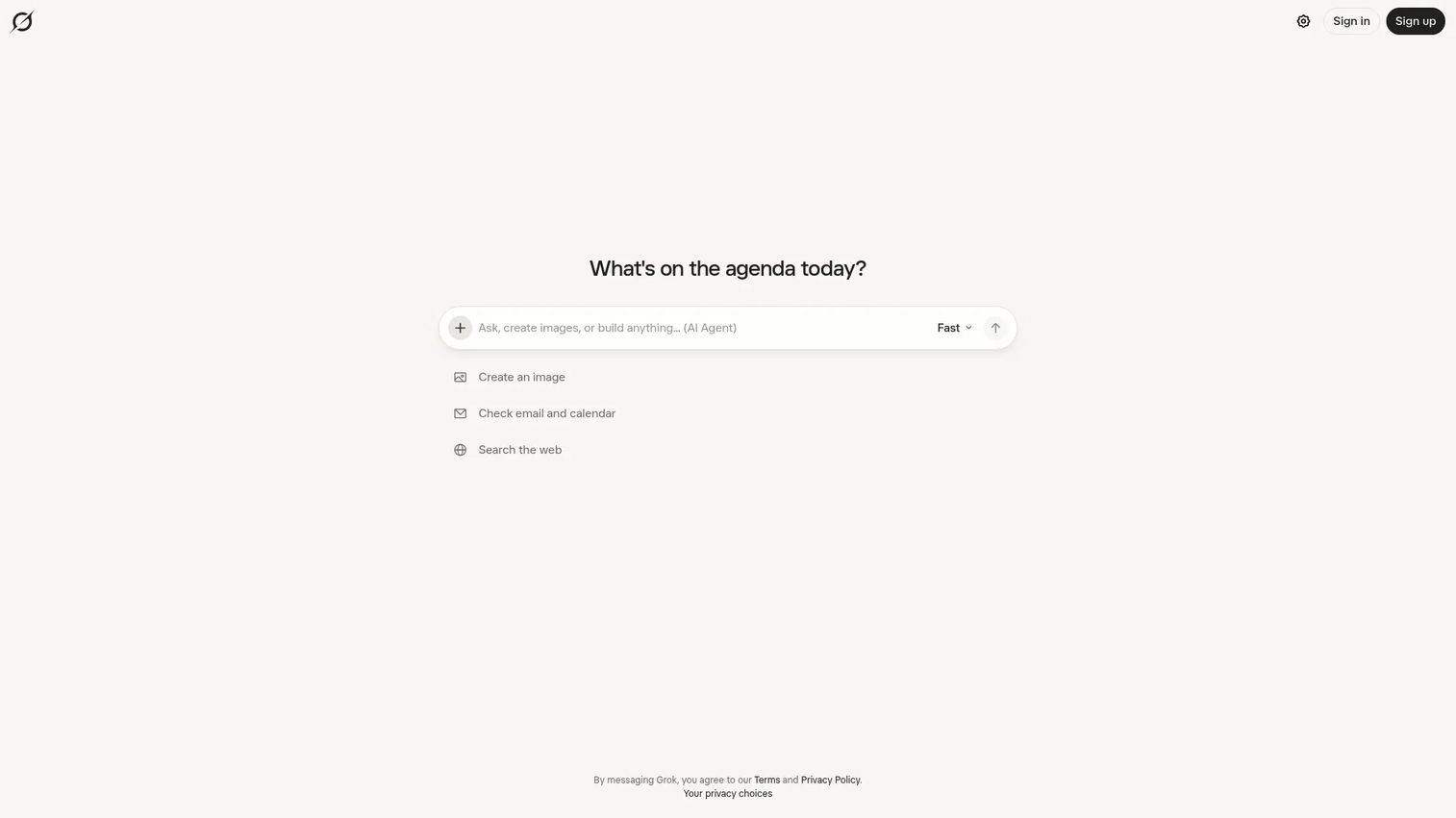
Grok is xAI's AI assistant, integrated into the X environment and available as a standalone product. For marketers, it's most useful as a research and ideation companion: Summarizing trending conversations, explaining context around a topic, or helping analyze information rather than generating verified analytics dashboards.
Best for: Marketers who want AI-assisted context around X conversations and trend exploration.
Key features
- Conversational AI for research and trend exploration
- File upload and analysis for documents and data
- Image and video generation
- Voice interaction
- Connectors for email and calendar workflows
Why choose Grok: Use it as a companion for analysis and content ideation. It can surface patterns and summarize conversations, but it's not a source of record for campaign reporting. Teams still need a verified analytics platform for dashboards and exports.
Grok pricing: A free plan is available. Paid plans start at $8 per month (Plus), $30 per month (Premium), $100 per month (Super), and $200 per month (Ultra). Enterprise pricing requires contacting sales.
G2 rating: 4.2/5
Considerations when choosing Twitter analytics tools
Start with the reporting job
Before evaluating features, name the report you need to produce. A weekly content performance summary, a campaign post-mortem, a competitor benchmark deck, and a brand sentiment alert all require different tools. Buying a full listening suite to generate a weekly engagement summary is as mismatched as using a free native view to run quarterly competitive reporting.
Check native X data limits
X's data access has tightened over time. Before committing to a tool, confirm how far back it can pull historical data, whether it accesses public X data via the API or only owned account data, and what the export options are. Some tools have more limited data access than their marketing suggests.
Match tool depth to team size
Lean teams with limited budgets should avoid buying enterprise listening platforms for jobs that Buffer or SocialPilot cover at a tenth of the cost. Conversely, enterprise teams managing multiple brand accounts and reporting to a VP of Marketing need governance, access controls, and stakeholder exports that lightweight tools don't provide.
Evaluate integrations before pricing
A reporting tool that can't push data to your BI tool, CRM, or marketing automation platform creates a new manual step rather than removing one. Check which integrations come with which tier before comparing sticker prices.
Separate content analytics from social listening
Post performance tools answer what worked on your account. Listening tools answer what the market is saying about you and your competitors. Many teams need post analytics first, then add listening later when brand monitoring becomes a priority. Knowing which job you're solving now prevents buying more than you'll use.
Conclusion
For most social teams, the shortlist follows the job. Sprout Social covers the full scope if you need publishing, analytics, listening, and reporting in one place. SocialPilot and Buffer handle scheduling plus analytics at prices that fit smaller teams. Hootsuite and Agorapulse work well when daily engagement management and performance reporting need to stay connected.
For campaign and event measurement, Keyhole tracks hashtags and influencer activity in real time, while Tweet Binder generates X-specific reports for events and branded campaigns. Rival IQ turns competitive data into benchmarks leadership can actually use. Brand24 handles mentions and alerts without an enterprise contract, while Talkwalker, Brandwatch, and Meltwater cover large-scale intelligence programs for PR and comms teams.
Audiense and SparkToro answer who your audience is before you decide what to say to them. X Premium and X Pro give you platform-native visibility before investing in third-party software. Grok helps with research and context, not campaign reporting.
Pick based on the report you need to produce next week. That's the tool you'll use.
If you're also thinking about how to turn your X/Twitter audience into self-serve product experiences, an interactive demo lets prospects explore your product at their own pace without scheduling a call.
Start your journey with Guideflow today!
FAQs
A Twitter analytics tool, also called an X analytics tool, helps marketers measure how their account and content perform on X/Twitter. It tracks post-level metrics like impressions, engagement rate, and link clicks, as well as account-level data like follower growth and audience demographics. More advanced tools add competitor benchmarking, hashtag tracking, social listening, and campaign reporting.
Engagement rate, impressions, and follower growth are the starting points for most teams. Beyond those, link clicks show whether content drives action, mentions and sentiment reveal how the brand is perceived, and share of voice measures presence relative to competitors. The most important metric depends on the goal: Reach matters for awareness campaigns, clicks matter for traffic, and sentiment matters for brand health.
X's native analytics give you basic account and post performance for free. Buffer's free plan adds scheduling alongside analytics for up to three channels. For hashtag tracking, Tweet Binder offers a free report covering up to 200 tweets from the last seven days. Free tiers work for account-level checks, but paid tools are needed for exports, historical depth, competitor data, and team reporting.
Yes. Competitor benchmarking tools track posting frequency, engagement rates, top-performing content types, follower growth, and hashtag usage for accounts you specify. Rival IQ focuses specifically on competitive social analytics. Sprout Social and Agorapulse include competitor reporting within their broader platforms. Social listening tools like Brand24 also surface competitor mentions across the web.
The two common formulas are: Total engagements divided by total impressions, or total engagements divided by total followers. The impressions-based formula measures how well content performs given its actual reach. The follower-based formula is more consistent for benchmarking across accounts of different sizes. Pick one formula and use it consistently across all reports, since mixing them produces numbers that can't be compared.
For quick checks on individual post performance, native X analytics works. For teams that need to export data, track historical trends beyond a few months, compare performance against competitors, monitor brand mentions, or produce dashboards for leadership, third-party tools are necessary. Native analytics also lacks cross-channel visibility, which matters for teams running campaigns across multiple platforms simultaneously.
Keyhole and Tweet Binder are the most focused options for hashtag and campaign reporting on X. Keyhole offers real-time dashboards, influencer tracking, and sentiment data alongside hashtag metrics. Tweet Binder generates detailed conversation reports for specific hashtags, keywords, or events, including contributor rankings and reach estimates. Broader social management platforms like Sprout Social and Agorapulse also support hashtag tracking within their reporting features.
The right choice depends on scale and budget. Brand24 covers mentions, sentiment, and alerts at accessible pricing and suits lean teams. Talkwalker and Brandwatch are built for enterprise programs that need to monitor large data volumes across many channels, regions, and languages. Meltwater suits PR and comms teams that need social listening integrated with media monitoring. All four track X/Twitter conversations, but they differ significantly in data depth, integrations, and what they cost to run.