Handling money for clients or beneficiaries creates a different class of accounting risk. A stale ledger or missed reconciliation can quickly become an audit, diligence, or board issue.
The software market reflects that pressure. AffiniPay’s 2025 Legal Industry Report found that 37% of firms had legal accounting built into their practice management system. Another 16% used a standalone legal accounting tool.
Choosing trust accounting software still requires careful category matching. Law firms need client ledgers and IOLTA workflows. Fiduciary teams need estate reporting. Institutional trust departments manage portfolios, custody records, cash activity, and regulatory reporting.
The expensive mistake is buying for the wrong version of trust accounting.
What’s inside
This guide compares 15 trust accounting software options for buyers managing client funds, estate assets, or institutional trust accounts.
We assessed each product using these criteria:
- Category fit: Legal, fiduciary, institutional, or general accounting
- Core controls: Reconciliation, ledgers, permissions, and audit trails
- Operational fit: Billing connections, reporting, integrations, and team handoff
- Cost visibility: Starting price, billing model, trials, and quote requirements
The goal is practical: Help you shortlist tools that reduce manual controls without adding another disconnected system.
TL;DR
- Best overall for law firms: TrustBooks focuses on client ledgers, legal trust controls, and three way reconciliation
- Best all in one legal platform: Clio connects matters, billing, payments, and trust workflows
- Best built in legal accounting: CosmoLex combines practice management with trust and business accounting
- Best for QuickBooks centered firms: LeanLaw adds legal billing and trust workflows to QuickBooks Online
- Best fiduciary accounting software: ONESOURCE Fiduciary Accounting covers trusts, estates, guardianships, and conservatorships
- Best for institutional trust operations: FIS AddVantage supports portfolio accounting, asset management, and cash operations
What is trust accounting software?
Trust accounting software helps organizations track, reconcile, report, and protect funds held for clients, beneficiaries, estates, or trust account holders.
The category covers several different financial workflows. Buyers should identify their own before evaluating features or pricing.
Legal trust accounting
Legal trust accounting software tracks money that attorneys hold for clients. Common examples include retainers, settlement funds, court fees, and other amounts that remain client property.
Trust accounting software for lawyers usually connects each transaction to a client or matter. Three way reconciliation compares the bank balance, accounting records, and combined client ledger balances.
IOLTA accounting software also supports the controls needed for pooled legal trust accounts. Jurisdiction requirements vary, so firms must review local rules with qualified professionals.
Fiduciary accounting
Fiduciary accounting software supports trusts, estates, guardianships, and conservatorships. These systems track starting assets, investment activity, beneficiary interests, receipts, and disbursements.
Reporting matters as much as bookkeeping. Trustees and estate professionals may need state specific formats, national accounting standards, or tax related connections.
Institutional trust accounting
Institutional trust account management software serves banks, wealth managers, family offices, and trust departments. These buyers manage investment assets alongside cash and beneficiary records.
Their requirements often include portfolio accounting, securities processing, valuation, fee calculation, custody records, and regulatory reporting. Implementation usually involves more teams and deeper data migration.
Key features to look for
Strong client trust accounting software should support:
- Client or beneficiary level ledgers
- Three way reconciliation
- Negative balance controls
- Detailed audit trails
- Role based permissions
- Trust specific reports
- Matter or estate segmentation
- Bank feeds and reconciliation
- Billing and payment connections
- Tax or wealth system integrations
When to use trust accounting software
Manage client funds without spreadsheet controls
Spreadsheets can record balances, but they rely heavily on manual discipline. They do not enforce matter level rules or produce dependable audit trails by default.
Use dedicated trust fund management software when several people enter transactions, approve payments, or prepare reconciliations. Clear ownership matters when finance leadership changes.
Run three way reconciliations every month
Three way reconciliation software compares the bank statement, book balance, and total client ledger balance. All three figures should match before the period closes.
A repeatable workflow reduces the last minute cleanup that often appears before an external review. It also gives operators a clear monthly control to monitor.
Prepare for audit, diligence, or bar review
Disconnected records make trust accounting difficult to defend. A reviewer needs clear transaction histories, supporting documentation, access records, and consistent reports.
Choose audit trail accounting software when your current process depends on one employee’s spreadsheet knowledge. The system should survive a controller transition without routing every exception through the founder.
Trust accounting software comparison
“Trust accounting” describes several buyer jobs. The table separates law firm trust accounts from fiduciary accounting, institutional operations, and general finance systems.
Pricing comes from vendor sources supplied for this review. Ratings reflect the current G2 values in the research. N/A means no reliable product specific G2 rating was available.
| # | Product | Best for | Key differentiator | Pricing | G2 rating |
|---|---|---|---|---|---|
| 1 | TrustBooks | Small and mid sized law firms | Dedicated legal trust accounting and three way reconciliation | From $59 monthly | N/A |
| 2 | Clio | Law firms wanting a broad legal platform | Matters, billing, payments, accounting, and trust workflows | From $49 per user monthly | 4.6/5 |
| 3 | PracticePanther | Small and mid sized law firms | Case management with billing and trust accounting | From $49 per user monthly | 4.3/5 |
| 4 | CosmoLex | Firms wanting built in legal accounting | Practice management with trust and business accounting | From $49 per user monthly | 4.2/5 |
| 5 | LeanLaw | QuickBooks centered law firms | Legal billing and trust workflows connected to QuickBooks Online | From $55 per user monthly | 4.5/5 |
| 6 | QuickBooks Online | Teams needing general accounting | Broad accounting functions and extensive app connections | Free plan, paid from $38 monthly | 4.0/5 |
| 7 | Xero | Small firms wanting cloud accounting | Bank reconciliation and general ledger workflows | From $27 monthly after promotion | 4.4/5 |
| 8 | MyCase | Firms connecting cases and accounting | Legal operations with billing, payments, and trust accounting | From $50 per user monthly, annual billing | 4.4/5 |
| 9 | TimeSolv Legal Billing | Billing intensive law firms | Legal timekeeping with trust accounting support | From $42.74 per user monthly | 4.5/5 |
| 10 | Tabs3 | Established law firms | Mature legal billing, accounting, and trust management | From $89 per user monthly | N/A |
| 11 | CARET Legal | Firms standardizing legal operations | Practice management with billing and accounting | Custom pricing | N/A |
| 12 | Actionstep | Mid sized firms with defined workflows | Configurable legal workflows and accounting | Custom pricing | 4.1/5 |
| 13 | ONESOURCE Fiduciary Accounting | Trust and estate professionals | State specific fiduciary reporting formats | Custom pricing | N/A |
| 14 | FIS AddVantage | Institutional trust departments | Portfolio accounting and asset management operations | Custom pricing | N/A |
| 15 | Sage Intacct | Finance teams needing broader controls | Multi entity accounting and dimensional reporting | Custom pricing | 4.3/5 |
Best 15 tools for trust accounting software
1. TrustBooks
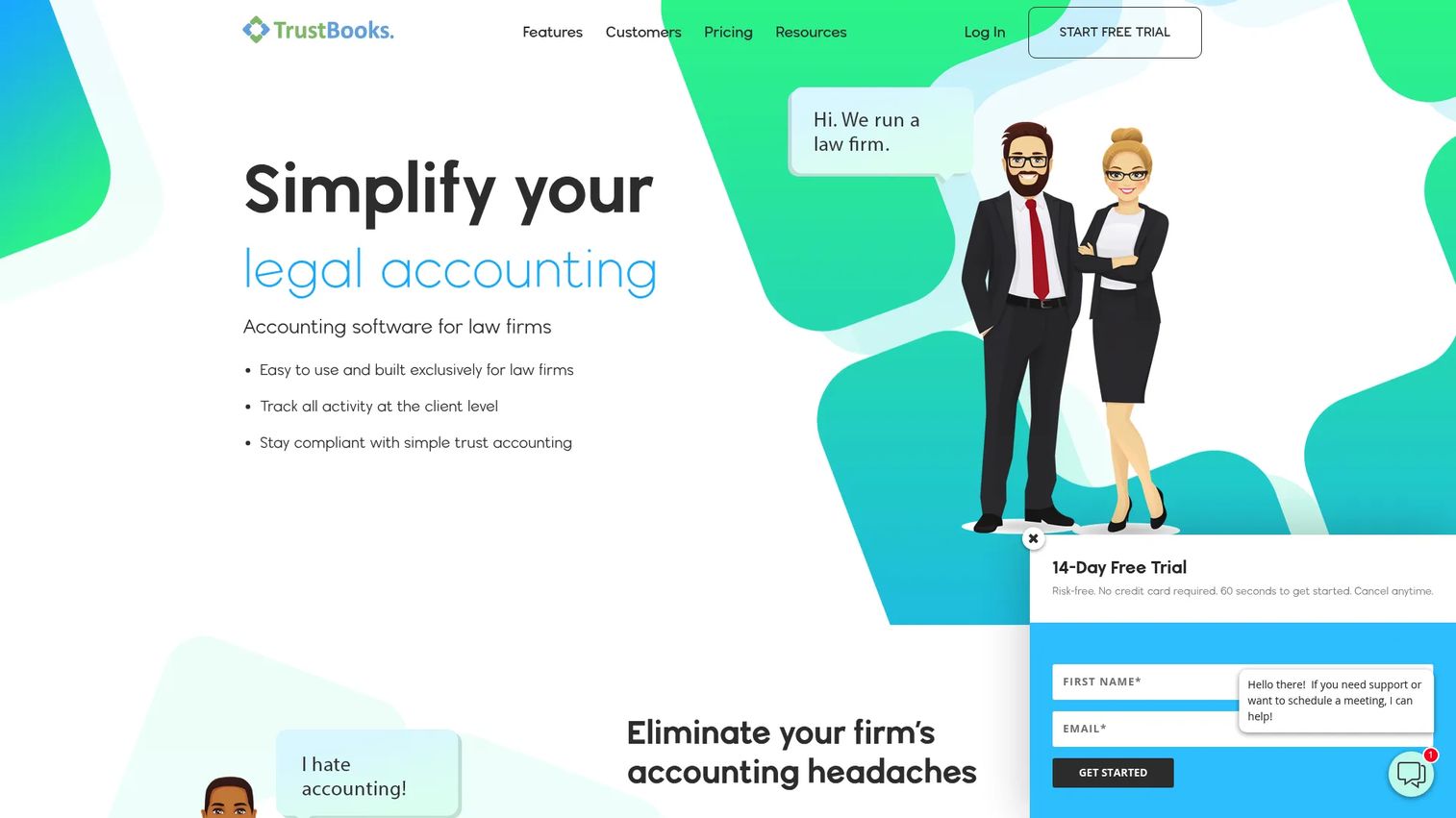
TrustBooks is legal trust accounting software designed specifically for law firms. It supports three way trust reconciliations, client ledger reporting, state bar workflows, and direct check printing.
Its narrower scope is useful for firms that already have separate case management. Leadership can strengthen trust controls without replacing the broader legal stack.
Best for: Small and mid sized law firms that want dedicated trust accounting without spreadsheet based controls.
Key features
- Three way trust reconciliations
- Client trust ledgers
- State bar compliance reports
- Direct check printing
- Operating account reconciliation
Why choose TrustBooks: Choose it when trust accounting is the main problem to solve. The focused design suits firms that do not need another full practice management platform.
TrustBooks pricing
Tier One costs $59 monthly for one user. A 14 day trial is available, while annual payment includes two free months.
Tier Two costs $79 monthly. Tier Three costs $249 monthly and includes reconciliation services.
2. Clio

Clio combines practice management, client intake, legal work, billing, and accounting. Its trust account management sits alongside matter records, time entries, payments, and firm operations.
This breadth can reduce handoffs between attorneys and finance staff. It also means the buying decision affects more than bookkeeping, so adoption across the firm deserves equal attention.
Best for: Law firms that want trust accounting inside a broader legal operating platform.
Key features
- Case and matter management
- Billing and expense tracking
- Trust account management
- Online legal payments
- Accounting integrations
Why choose Clio: It fits firms replacing several disconnected legal systems. Assess the complete workflow rather than treating it as standalone three way reconciliation software.
Clio pricing
Starter begins at $49 per user monthly. Core, Signature, and Elite use custom pricing.
G2 rating: 4.6/5
3. PracticePanther
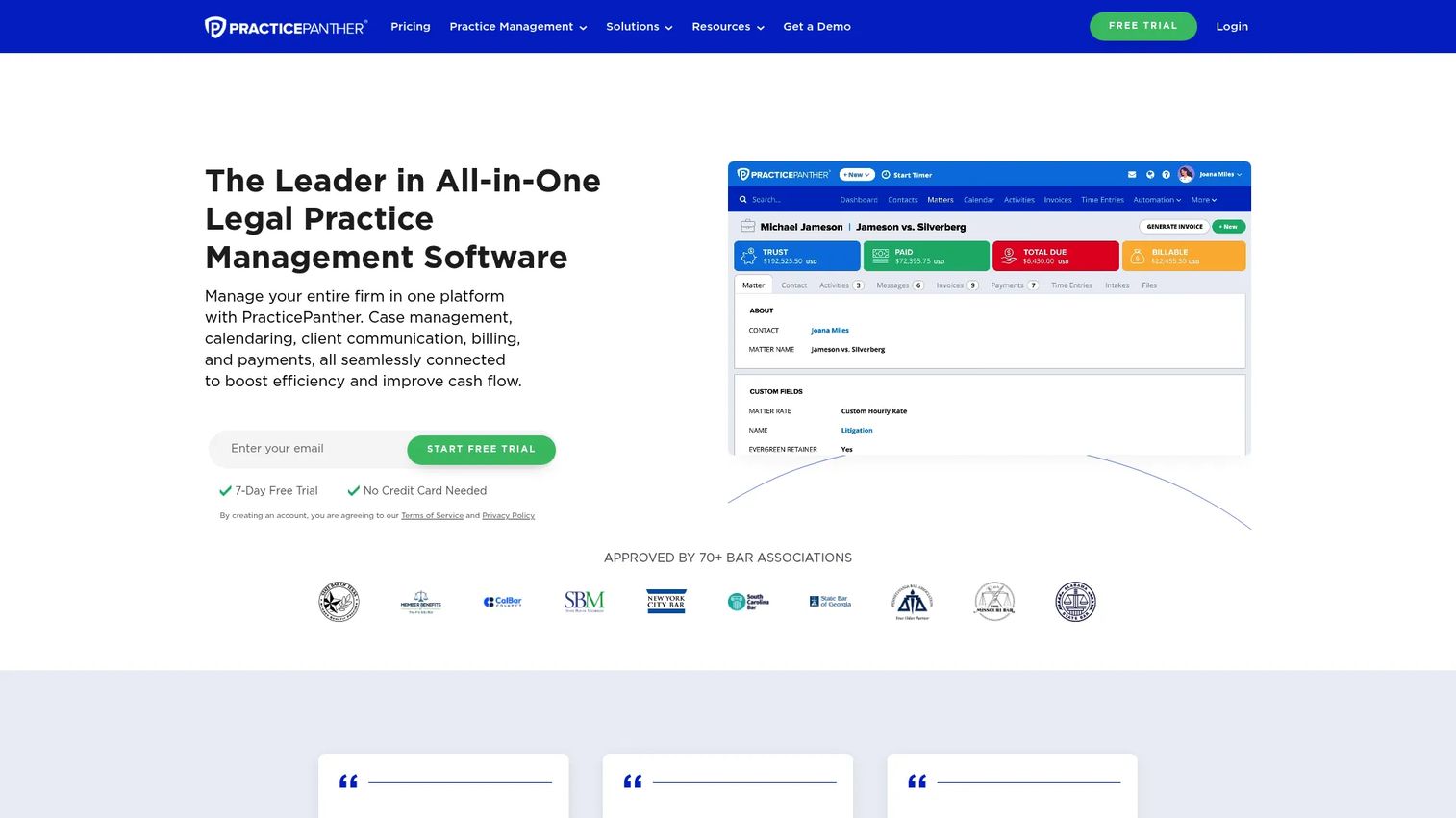
PracticePanther is an all in one legal practice platform for solo, small, and mid sized firms. It combines matter management with billing, native payments, and trust accounting.
The platform connects financial activity to the related case and client. That structure gives administrators operational visibility without stitching together separate matter and accounting records.
Best for: Small law firms that want practice management and legal trust accounting software in the same workflow.
Key features
- Contact and matter management
- Time and expense tracking
- Trust and operating accounting
- Native electronic payments
- Secure client portal
Why choose PracticePanther: It suits firms that want accounting activity attached to case work. Check the required plan before migration because feature availability varies across tiers.
PracticePanther pricing
Solo costs $49 per user monthly. Essential costs $69, Business costs $89, and Business Pro costs $114.
Annual billing saves $120 per user each year. A trial is available.
G2 rating: 4.3/5
4. CosmoLex

CosmoLex combines legal practice management with business and trust accounting. Firms can handle matters, billing, bank reconciliation, client ledgers, and financial reporting inside the same system.
This model reduces dependence on a separate general ledger platform. It can also cut reconciliation handoffs between legal staff, billing administrators, and external accountants.
Best for: Law firms that want legal accounting native to their practice management system.
Key features
- Built in legal accounting
- Trust accounting and ledgers
- Bank reconciliation
- Time tracking and invoicing
- Matter and client management
Why choose CosmoLex: It fits firms that want accounting controls close to daily legal work. Buyers replacing multiple systems should test migration and month end reporting before rollout.
CosmoLex pricing
Launch costs $49 per user monthly. Core costs $99, while Pro costs $129.
CosmoLex offers a trial without requiring a credit card.
G2 rating: 4.2/5
5. LeanLaw
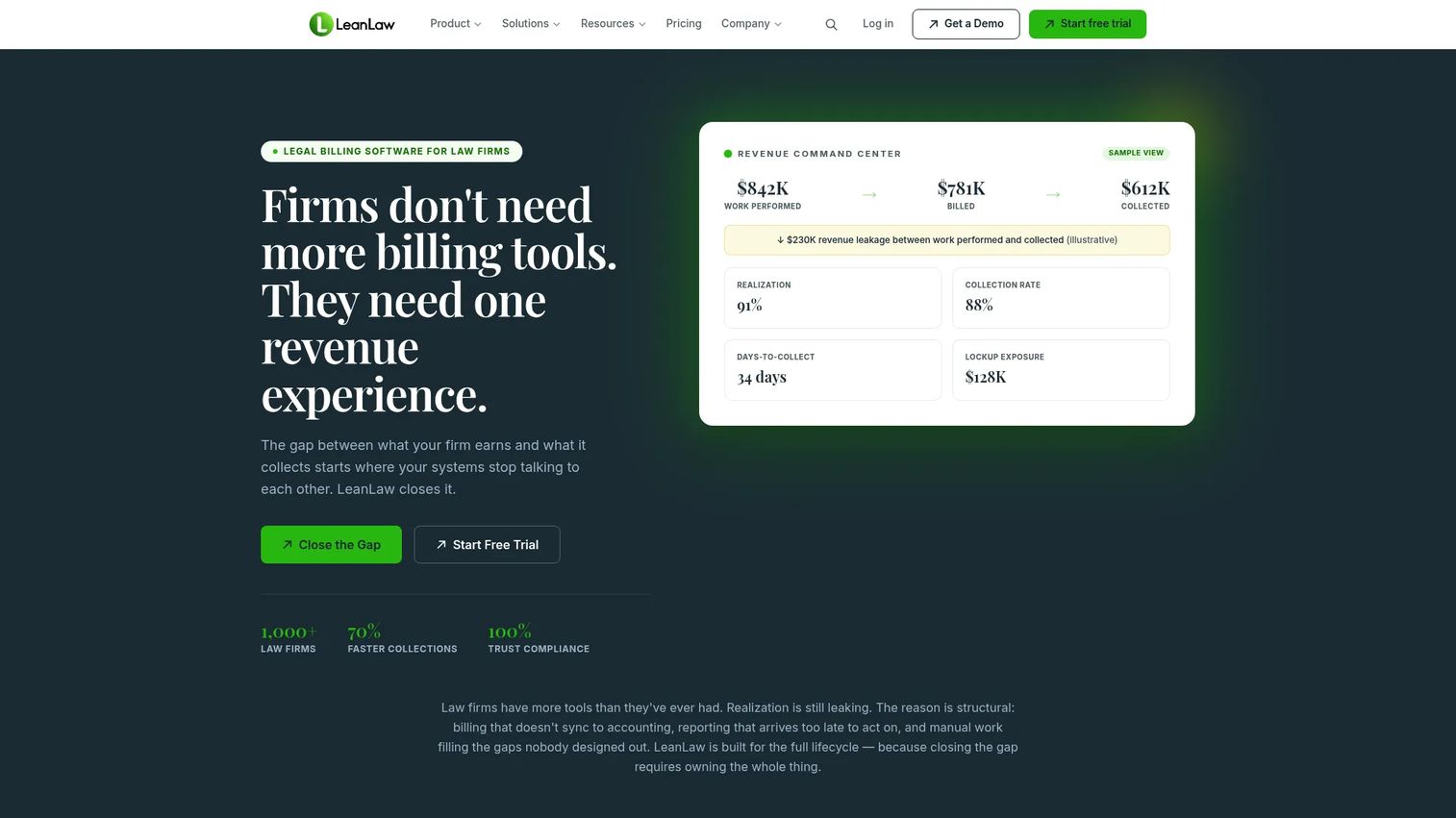
LeanLaw adds legal billing, time tracking, reporting, payments, and trust workflows to QuickBooks Online. It keeps the general ledger in a familiar accounting environment.
That structure works for firms whose accountants already rely on QuickBooks. The critical evaluation point is synchronization quality across matters, invoices, trust activity, and financial records.
Best for: Law firms that want to retain QuickBooks Online as their main financial system.
Key features
- QuickBooks Online connection
- Legal billing and invoicing
- Trust accounting support
- Time and expense tracking
- Matter based financial reporting
Why choose LeanLaw: Choose it when replacing QuickBooks would create more disruption than value. It adds legal workflows while preserving accountant familiarity.
LeanLaw pricing
Core costs $55 per user monthly. Pro costs $75 per user monthly.
Elite and Contingency use custom pricing. A trial is offered, though the supplied first party sources differ on its duration.
G2 rating: 4.5/5
6. QuickBooks Online
QuickBooks Online is general accounting software rather than dedicated legal trust accounting software. It covers bookkeeping, invoicing, bank feeds, bill payment, and financial reporting.
Legal trust accounting requires disciplined setup and professional oversight. Firms must design the chart of accounts carefully and validate every control against applicable requirements.
Best for: Teams with straightforward accounting needs and strong advisor led bookkeeping controls.
Key features
- General ledger
- Bank feeds and reconciliation
- Invoicing and payments
- Financial reporting
- Accountant access
Why choose QuickBooks Online: It fits organizations already operating inside the QuickBooks environment. Law firms should involve a qualified legal accounting professional before using it for client funds.
QuickBooks Online pricing
A free plan is available. Simple Start costs $38 monthly, Essentials costs $85, Plus costs $140, and Advanced costs $340.
The vendor also displayed a temporary discount for the first three months.
G2 rating: 4.0/5
7. Xero

Xero provides cloud accounting for small businesses. Its core functions include bank reconciliation, invoicing, bills, expense claims, reporting, and multi currency accounting.
Xero is not purpose built as IOLTA accounting software. Advisory led teams may still consider it when trust requirements are modest and supported by documented processes.
Best for: Small firms that want cloud accounting with accountant collaboration and bank reconciliation.
Key features
- Bank connections and reconciliation
- Online invoices and quotes
- Bill tracking and payments
- Financial reporting
- Multi currency accounting
Why choose Xero: It suits teams that prioritize cloud bookkeeping and a broad app marketplace. Confirm that local trust controls can be handled safely before selecting a general ledger.
Xero pricing
Early costs $27 monthly after its introductory promotion. Growing costs $59, while Established costs $97.
A free trial is available. The current promotion reduces each plan for six months.
G2 rating: 4.4/5
8. MyCase
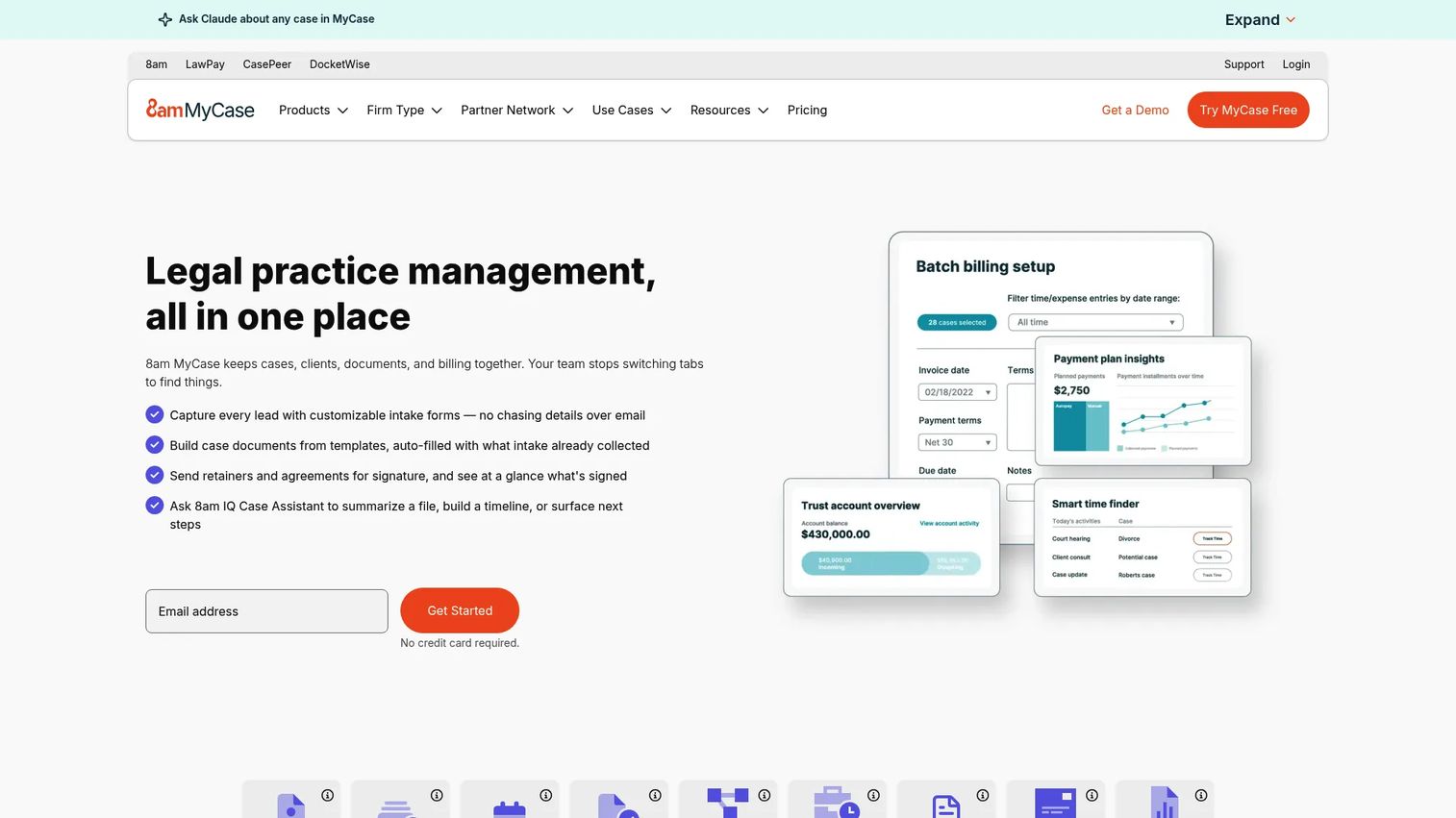
MyCase is cloud legal practice management software covering cases, client communication, billing, documents, payments, and trust accounting. Financial activity remains connected to the relevant legal matter.
It can consolidate daily operations for firms that want fewer handoffs. Buyers should account for the optional accounting add on when comparing total cost.
Best for: Law firms that want accounting workflows connected to case management and client communication.
Key features
- Case and contact management
- Billing and trust accounting
- Document management
- Client portal and texting
- Online legal payments
Why choose MyCase: It fits firms seeking one environment for case work and client payments. Evaluate whether Basic covers the required controls or whether Pro plus accounting is necessary.
MyCase pricing
Basic costs $50 per user monthly with annual billing. Pro costs $100, while Advanced costs $130 under the same billing model.
Monthly prices are higher. The accounting add on costs $39 per user monthly on Pro and Advanced.
G2 rating: 4.4/5
9. TimeSolv Legal Billing
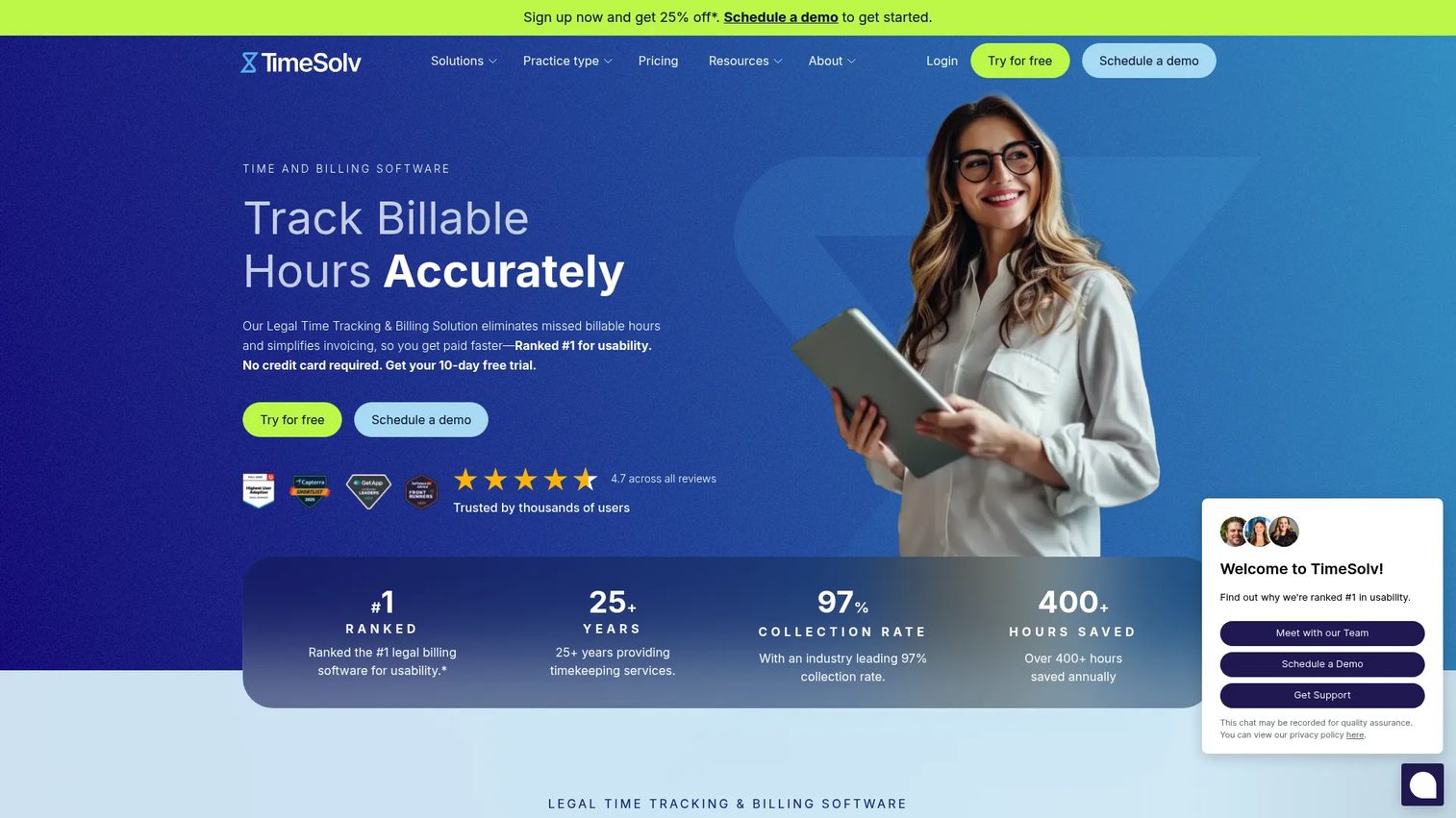
TimeSolv Legal Billing focuses on legal timekeeping, invoicing, project management, payments, and trust accounting. It supports firms where billing discipline directly affects cash flow.
Its legal billing functions include LEDES invoices and ABA task codes. Administrators also get matter budgets, reporting, and client payment workflows.
Best for: Law firms with complex timekeeping, billing, retainer, and trust account requirements.
Key features
- Time and expense tracking
- Legal specific invoicing
- Trust accounting
- Matter budgets
- Client portal and payments
Why choose TimeSolv Legal Billing: It suits firms where time capture and billing operations take priority. Test administrator reports and timekeeper workflows with sample matters before committing.
TimeSolv Legal Billing pricing
A first party comparison page lists prices from $49.99 monthly. Annual pricing starts at $47.50 per user monthly.
Teams with at least 15 users can pay $42.74 per user monthly. A 10 day trial is available.
G2 rating: 4.5/5
10. Tabs3

Tabs3 provides billing, financial management, trust accounting, payments, and legal practice management. Its long standing focus is established firms with mature financial workflows.
The product offers cloud and onsite deployment paths. Firms can add PracticeMaster for matter management, calendaring, document workflows, and conflict checking.
Best for: Established law firms that prioritize legal accounting depth and deployment choice.
Key features
- Legal billing
- Trust accounting
- Financial management
- Electronic payments
- Matter management options
Why choose Tabs3: It fits firms that value mature legal finance functions over a lightweight interface. Include migration effort and staff training in the business case.
Tabs3 pricing
Tabs3 Cloud costs $89 per user monthly. PracticeMaster adds $35 per user monthly.
The onsite subscription costs $69 per user monthly. Its PracticeMaster add on costs $32 per user monthly.
11. CARET Legal
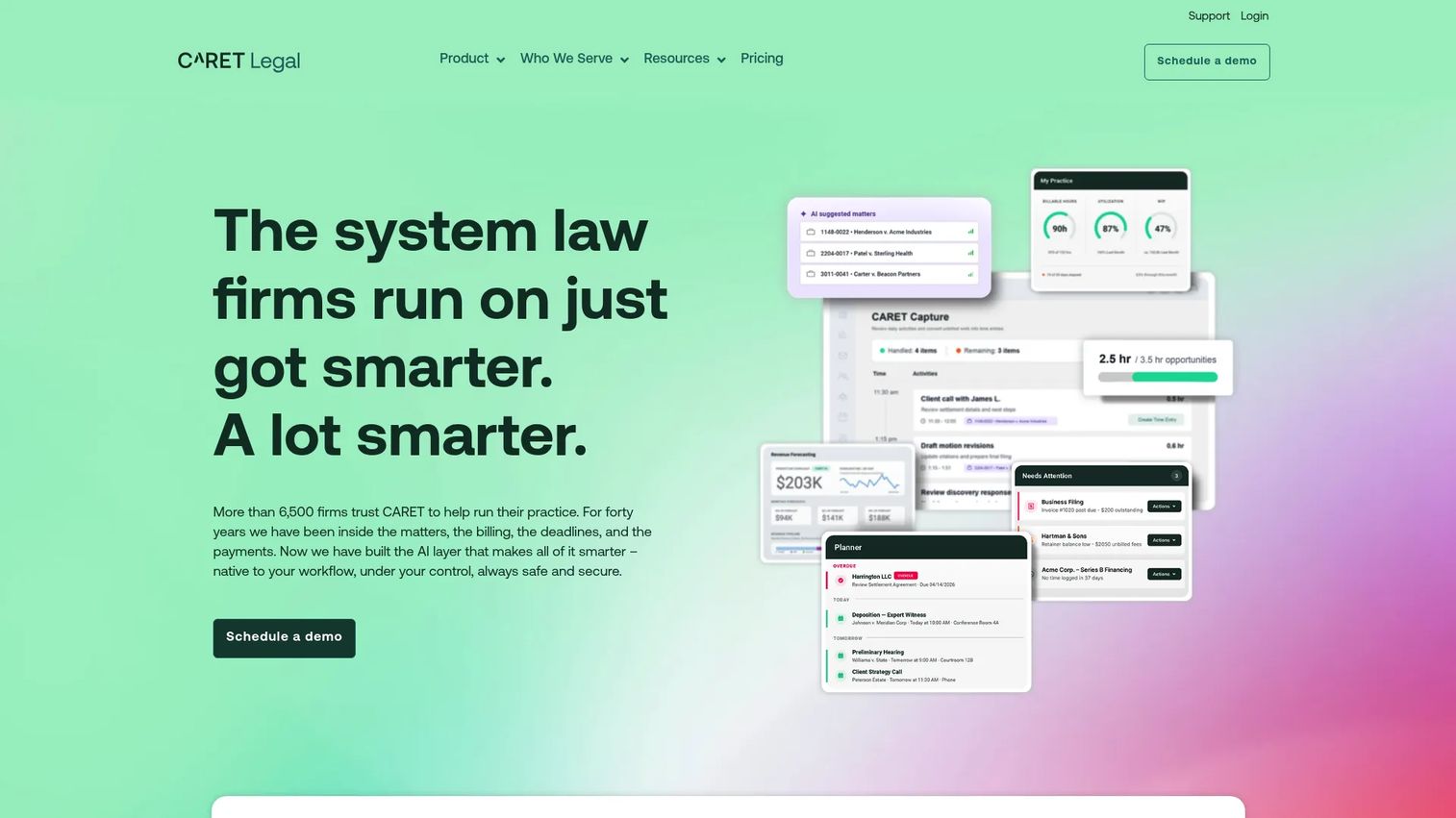
CARET Legal is a cloud legal practice management platform. It covers matters, billing, accounting, documents, payments, reporting, and workflow automation.
The system is broader than a standalone trust ledger. It suits firms that want to standardize operational processes alongside law firm accounting software.
Best for: Law firms combining legal operations, billing, accounting, and document workflows.
Key features
- Case management
- Billing and accounting
- Automated legal workflows
- Document management
- Reporting and analytics
Why choose CARET Legal: Choose it when operational consistency matters beyond reconciliation. Review plan packaging carefully because all listed tiers use request based pricing.
CARET Legal pricing
Custom pricing. Enterprise, Enterprise Plus, and Enterprise Insights use per user subscriptions.
The package includes onboarding, training, data migration, and customer support.
12. Actionstep

Actionstep combines legal practice management, workflow automation, accounting, billing, document management, and reporting. Its configurable processes suit mid sized firms with defined operating procedures.
Trust activity can sit inside matter workflows rather than depending on separate reminders. That model requires internal ownership during configuration and rollout.
Best for: Mid sized law firms that want configurable workflows with legal accounting.
Key features
- Workflow automation
- Legal accounting and billing
- Matter management
- Document automation
- Reporting and analytics
Why choose Actionstep: It fits firms turning internal procedures into repeatable system workflows. Assign an implementation owner before purchase because configuration is part of the value.
Actionstep pricing
Custom pricing. Foundation, Connection, Performance, and Intelligence require annual commitments.
Pricing uses a per user model, with implementation charged separately.
G2 rating: 4.1/5
13. ONESOURCE Fiduciary Accounting
ONESOURCE Fiduciary Accounting supports trust and estate financial reporting. It serves fiduciary teams rather than law firms managing client retainers.
The software handles starting assets, valuation data, transaction processing, and specialized accounting formats. Connections with related fiduciary calendar and tax programs support tax adjacent workflows.
Best for: Trust, estate, guardianship, and conservatorship accounting teams.
Key features
- Starting asset setup
- State specific accounting formats
- National Standard formats
- Guardianship and conservatorship reports
- Fiduciary tax program connections
Why choose ONESOURCE Fiduciary Accounting: It fits professionals whose central job is beneficiary and estate reporting. This is a different use case from legal client trust accounts.
ONESOURCE Fiduciary Accounting pricing
Custom pricing. Contact the vendor for a quote covering product access and any connected fiduciary programs.
14. FIS AddVantage

FIS AddVantage is institutional trust accounting and asset management software. It serves financial institutions, trust companies, wealth managers, family offices, and fiduciaries.
The platform supports portfolio information, securities processing, fund accounting, valuation, fee processing, and integrated cash management. It also covers front office through back office wealth operations.
Best for: Banks and institutional trust departments managing investment assets and fiduciary accounts.
Key features
- Trust and portfolio accounting
- Securities processing
- Fund accounting and valuation
- Integrated cash management
- Historical reporting
Why choose FIS AddVantage: It fits institutions where trust accounting intersects with custody and investment operations. Smaller law firms would carry unnecessary implementation weight.
FIS AddVantage pricing
Custom pricing. Institution size, selected modules, implementation scope, and service model drive the quote.
15. Sage Intacct
Sage Intacct is cloud financial management software for growing and mid sized organizations. It supports multi entity accounting, dimensional reporting, project accounting, and finance automation.
Sage Intacct is not dedicated client trust accounting software. It fits organizations whose requirements extend beyond trust records into broader financial controls and consolidation.
Best for: Finance teams needing scalable cloud accounting and multi entity reporting.
Key features
- Multi entity accounting
- Dimensional dashboards
- Accounts payable automation
- Project accounting
- Planning and forecasting
Why choose Sage Intacct: It suits teams that have outgrown small business accounting. Buyers handling client funds should validate trust specific controls before migration.
Sage Intacct pricing
Custom pricing. Cost depends on organization size, selected modules, user count, and entity count.
G2 rating: 4.3/5
Considerations when choosing trust accounting software
Start with the trust accounting use case
Separate law firm client funds from fiduciary reporting and institutional wealth operations. A category mismatch creates more manual work, even when the software has strong accounting functions.
Write down the controlled funds, responsible roles, required reports, and monthly close process before comparing vendors.
Verify three way reconciliation
Ask each legal vendor to demonstrate the bank balance, book balance, and total client ledger balance inside one reconciliation workflow. Then test the process with sample data.
The output should be clear enough for a finance lead to review without reconstructing transactions elsewhere.
Check jurisdiction and reporting requirements
Law firms should evaluate applicable bar rules and IOLTA expectations. Fiduciary teams may need state specific formats or standardized account reports.
Software cannot guarantee compliance. Get professional advice on the requirements that apply to your organization.
Evaluate audit trails and permissions
Review who can create entries, edit transactions, approve payments, and export sensitive records. The system should make ownership visible.
Also test how corrections appear in the audit trail. Silent changes weaken the control environment.
Test integrations before migration
Accounting, payments, tax systems, and document workflows often break at the handoff. Run sample transactions through the planned stack before signing a long contract.
Include a month end close in the test. A tool should replace manual controls rather than sit beside them.
Conclusion
The right trust accounting software depends on the funds you manage and the reporting obligations attached to them.
TrustBooks offers a focused option for legal trust accounting. Clio and PracticePanther connect client funds to broader firm operations, while CosmoLex brings accounting into practice management.
LeanLaw makes sense for firms committed to QuickBooks Online. Tabs3 provides mature legal finance functions for established practices.
Different categories require different systems. ONESOURCE Fiduciary Accounting addresses trust and estate reporting. FIS AddVantage serves institutional trust operations, while Sage Intacct handles broader financial management.
Build a shortlist of three tools that match your use case. Then run a sample reconciliation, review permissions, and test the month end reporting process.
The winner should reduce risk during the first quarter without creating another spreadsheet beside the new system.
FAQs
Trust accounting software tracks, reconciles, reports, and protects funds held for other parties. Those parties may include clients, beneficiaries, estates, or institutional trust account holders.
The software usually separates balances by client, matter, estate, or account. It also creates records for review and reporting.
TrustBooks fits firms seeking dedicated legal trust accounting and three way reconciliation. Clio or PracticePanther suit buyers who also need practice management.
CosmoLex is relevant when the firm wants legal accounting built into its operational platform. The best choice depends on existing systems and reporting requirements.
Three way reconciliation compares the trust bank balance, accounting book balance, and combined individual client ledger balances. Each figure should agree before the account is considered reconciled.
This process helps identify missing entries, posting errors, or unexplained differences. Many firms complete it as part of their monthly close.
QuickBooks Online is general accounting software. Legal trust accounting may require specialized setup, disciplined operating controls, and close professional oversight.
Consult a qualified accountant or legal accounting professional before using it for client trust funds. The required treatment varies by jurisdiction.
Legal trust accounting usually tracks client funds held by a law firm. It focuses on matter level ledgers, retainers, IOLTA accounts, and three way reconciliation.
Fiduciary accounting covers trusts, estates, guardianships, conservatorships, beneficiary reporting, and asset activity. Its reporting formats differ from legal client accounting.
Core features include client level ledgers, bank reconciliation, detailed audit trails, and negative balance controls. Buyers should also review permissions, reporting formats, transaction approvals, and relevant integrations.
Legal buyers should test three way reconciliation. Fiduciary and institutional teams need reporting suited to their account structures.
Small law firm products in this comparison start at $49 to $59 monthly. Per user pricing becomes more common in broader practice management systems.
Fiduciary and institutional platforms often use custom pricing. Modules, user count, implementation scope, and service requirements influence the quote.
Excel can record trust balances, but it does not enforce trust controls by default. Permissions, reconciliation steps, audit histories, and review procedures rely on manual setup.
A spreadsheet process becomes fragile when knowledge sits with one employee. Dedicated software creates stronger structure, though professional oversight remains necessary.