Your SDR answers on mobile. The AE calls from a laptop. A manager needs consistent call controls, while IT needs reliable SIP and PBX compatibility.
Without a shared setup, customer calls spread across personal numbers, desktop apps, and disconnected systems. Missed calls become missed handoffs. Support requests rise because every rep configures their phone differently.
Softphone software replaces the physical desk phone with computer calling or a phone app for business calls. The broader shift is already well underway. The Insight Partners valued the global VoIP softphone market at $2.56 billion in 2025, according to its 2026 research.
The best softphone for business must do more than register a SIP account. It needs to work with your devices, provider, headsets, security requirements, and daily sales workflow.
What’s inside
This guide compares 17 softphone software options for sales teams, small businesses, remote operators, and technical buyers.
We evaluated each option using practical buying criteria:
- SIP and PBX compatibility: Support for existing business calling infrastructure
- Platform coverage: Desktop and mobile availability across common operating systems
- Call quality: Codec options, audio controls, and headset support
- Security: TLS, SRTP, ZRTP, provisioning, and account controls
- Workflow fit: Setup effort, administration, call handling, and rep adoption
- Cost: Current vendor pricing and available G2 ratings
Treat the shortlist as a starting point. Test your finalists with your network, headsets, and SIP provider before rollout.
TL;DR
- Best overall for broad business VoIP: Zoiper covers desktop and mobile calling with business focused features
- Best open source option: Linphone gives technical teams SIP interoperability and source level control
- Best lightweight Windows SIP client: MicroSIP combines free calling software with a small footprint
- Best mobile first option: Acrobits Groundwire supports frequent business calling on iOS and Android
- Best for managed team calling: Bria Teams adds central administration and shared configuration
- Best for privacy focused communication: Jami provides distributed, encrypted messaging and calling
What is softphone software?
Softphone software is an application that lets users make and receive voice over IP calls from a computer, tablet, or smartphone instead of a physical desk phone.
A softphone, sometimes written as soft phone, provides a dialer and call controls through software. It uses an internet connection, microphone, speaker, or headset to handle conversations.
Most SIP softphone tools register with one of these systems:
- A SIP provider
- A hosted PBX
- An on premises IP PBX
- A company phone server
- A business telephone number
A SIP client focuses on registering accounts and handling standards based calls. Broader VoIP software may include its own calling service, team messaging, administration, or video meetings.
The distinction matters when you compare pricing. Some products sell only the application. You still pay a separate provider for numbers and call usage. Others bundle the calling service with the app.
Common softphone capabilities include:
- Voice calling: Incoming and outgoing internet calls
- Video calling: Camera based conversations where supported
- Account registration: Connection to SIP providers or PBX systems
- Call controls: Hold, mute, transfer, forwarding, and DTMF
- Audio management: Codec selection and headset switching
- Security: TLS signaling and SRTP media encryption
- Messaging: SMS, chat, file sharing, or presence
- Recording: Local or cloud based call capture
- Contact management: Address books and directory synchronization
- Platform coverage: Desktop and mobile applications
A softphone for VoIP gives sales teams more flexibility than a fixed desk device. SDRs can call from laptops, field reps can use mobile apps, and managers can standardize the core calling workflow.
However, the app is only one part of call quality. Your network, provider configuration, codec selection, and headset still affect the customer experience.
When to use softphone software
Make business calls without desk phones
Use a softphone when reps work from home, travel, or move between offices. A laptop or mobile softphone lets them keep a business number without carrying dedicated telephone hardware.
Confirm headset support and audio device switching before rollout. Bring your own device policies should also cover account access and local call recordings.
Connect SIP providers and PBX systems
A SIP softphone can connect an existing provider or PBX to Windows, macOS, Linux, iOS, or Android devices. This approach lets you keep established numbers and routing rules.
Ask IT to check registration settings, NAT traversal, ports, codecs, and encryption. Provider documentation should explain the required values.
Standardize calling for remote sales teams
Shared software helps sales leaders reduce inconsistent call handling across SDR, AE, and manager workflows. Reps get familiar controls for transfer, hold, mute, and voicemail.
A managed rollout can also reduce setup drift. Adoption still matters, so test the daily workflow with the people who make customer calls.
Softphone software comparison
This softphone software comparison covers free SIP clients, paid mobile apps, and centrally managed business platforms. Pricing refers to the application unless the vendor also sells calling services.
Do not choose from the table alone. Test call quality using the network, SIP provider, PBX, and headsets your team already uses.
Some G2 ratings cover the broader vendor product because a separate softphone listing was unavailable. N/A means no current rating was verified.
| # | Product | Best for | Key differentiator | Pricing | G2 rating |
|---|---|---|---|---|---|
| 1 | Zoiper | Broad business VoIP calling | Cross platform SIP softphone with business features | Free; Pro €59.95 once; mobile €2.49 monthly, billed annually | 4.4/5 |
| 2 | Linphone | Open source SIP calling | Open source architecture and SIP interoperability | Free SIP service; custom pricing for professional services | 4.4/5 |
| 3 | MicroSIP | Lightweight Windows calling | Small Windows client with low resource use | Free; branded builds from €150 once | 4.2/5 |
| 4 | VoIP.ms Softphone | Existing VoIP.ms customers | Provider aligned mobile app | Free app; calling usage charged separately | 4.6/5 overall |
| 5 | Acrobits Groundwire | Mobile business calling | Premium SIP app for iOS and Android | $9.49 once on Android | N/A |
| 6 | Bria Teams | Managed team calling | Central administration and shared configuration | $4.95 per user monthly, annual term | 4.4/5 overall |
| 7 | Bria Solo | Individual professional calling | Individual account management across devices | Free personal tier; paid plan $2.95 monthly, annual term | 4.4/5 overall |
| 8 | Jami | Privacy focused communication | Distributed encrypted communication | Free | N/A |
| 9 | Ringotel | Team messaging and calling | Managed communications with white label options | From €2.49 per user monthly | N/A |
| 10 | Softphone.Pro | Agent calling workflows | PBX connectivity with supervisor controls | Custom pricing; 14 day trial | 4.6/5 |
| 11 | Blink | Standards based SIP use | Voice, video, chat, and file transfers | Free; Blink Pro custom pricing | N/A |
| 12 | Express Talk | Simple desktop calling | Basic SIP and PBX calling | Free noncommercial trial | N/A |
| 13 | PhonerLite | Windows SIP calling | Freeware with encryption and transcription | Free | N/A |
| 14 | SessionTalk | Managed mobile deployments | Cloud provisioning and white label apps | From $100 monthly; 14 day trial | N/A |
| 15 | SIPnetic | Android SIP calling | Free Android client with multiple accounts | Free | N/A |
| 16 | Telephone | Simple Mac calling | Lightweight macOS SIP app | Free; Pro from $3.99 monthly | N/A |
| 17 | tSIP | Buyers investigating a technical Windows option | Product identity needs further vendor clarification | N/A | N/A |
Best 17 softphone software tools for business in 2026
1. Zoiper
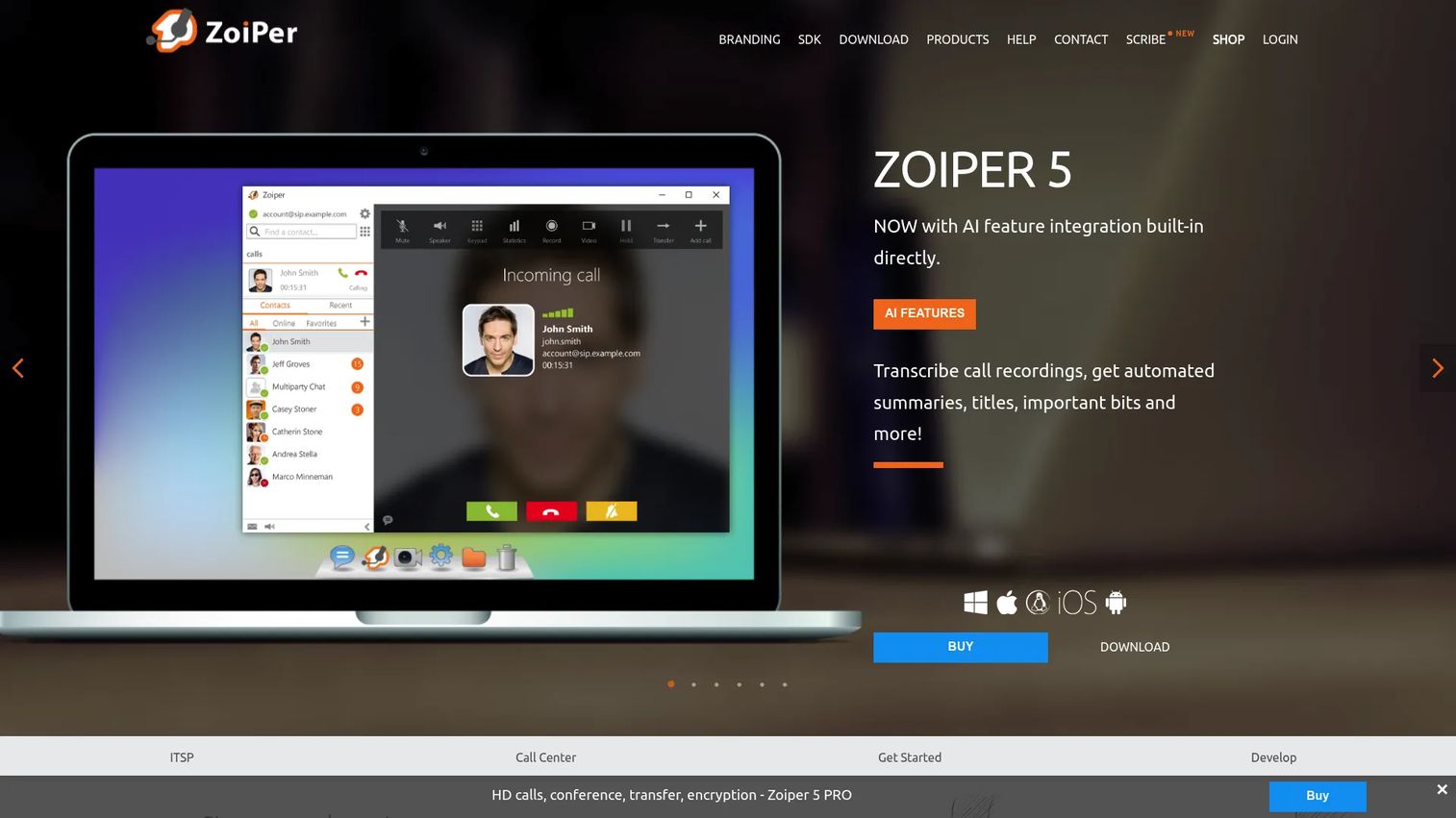
Zoiper is a cross platform VoIP softphone for desktop and mobile devices. It supports voice and video calls, conferencing, recording, and encrypted communication.
Its broad device coverage suits sales organizations where office based and remote reps use different hardware. Directory and contact integrations also help users avoid rebuilding address books inside another app.
Best for: Sales teams needing one SIP softphone across desktop and mobile devices.
Key features
- Voice and video calling
- Windows, macOS, Linux, iOS, Android
- TLS, SRTP, and ZRTP encryption
- Call recording and conferencing
- CRM, Outlook, LDAP, and address book integrations
Why choose Zoiper: Choose it when broad platform coverage matters more than committing to one operating system. Verify provider compatibility and required paid features during your pilot.
Zoiper pricing: Zoiper 5 Free costs nothing. Pro costs €59.95 once, while mobile starts at €2.49 monthly with annual billing.
G2 rating
Zoiper has a verified G2 rating of 4.4/5.
2. Linphone
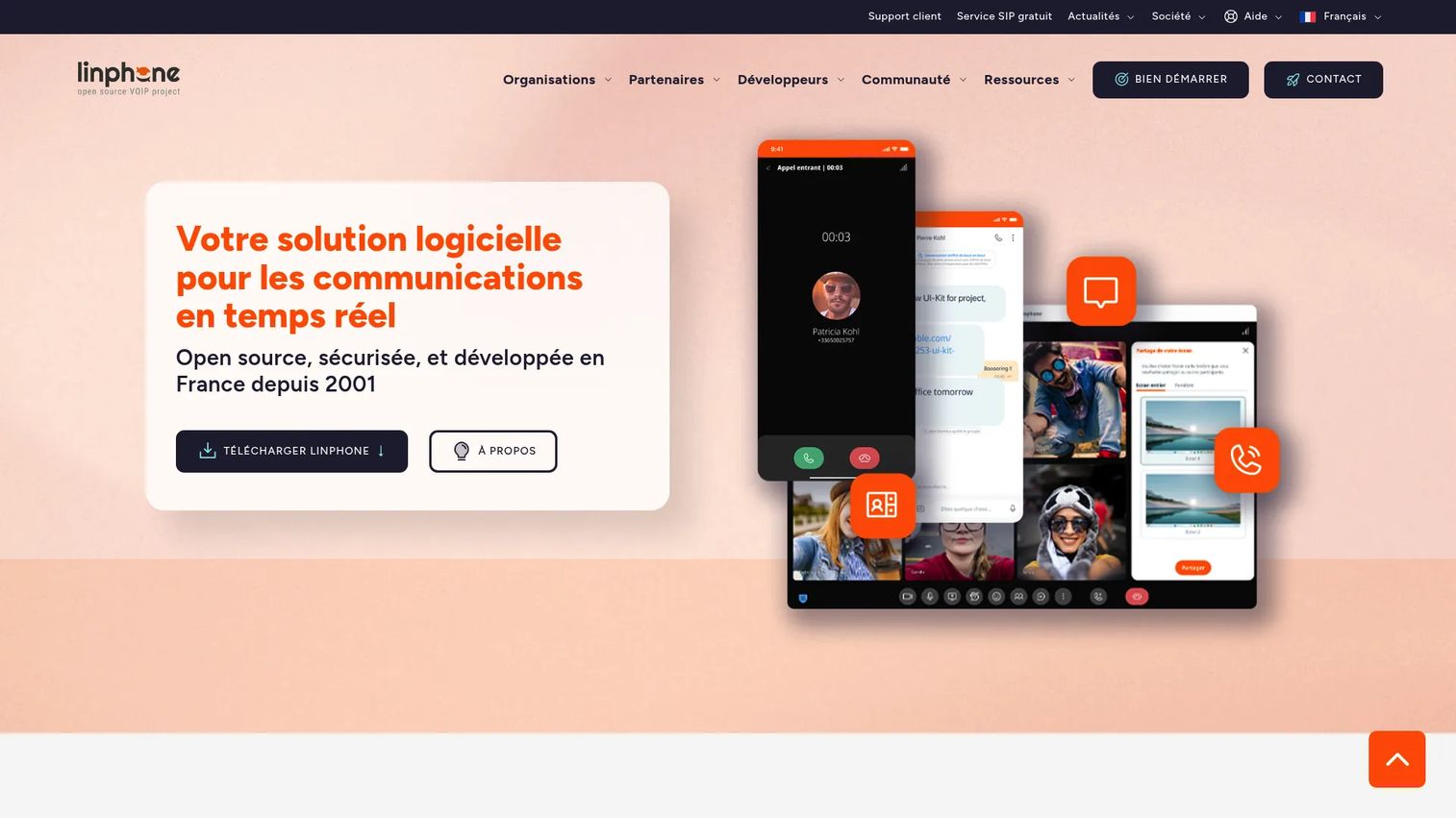
Linphone is an open source communications application built around SIP. It handles voice, video, instant messaging, group calls, and file sharing.
The platform supports desktop and mobile devices. Its interoperability with IP PBXs and other SIP infrastructure gives technical teams greater control over deployment.
Linphone offers GPLv3 licensing alongside proprietary licensing and professional services. That flexibility matters when developers need an SDK or a customized application.
Best for: Organizations with technical resources and open source requirements.
Key features
- Open source SIP client
- HD audio and video calls
- Group calling and conferencing
- Encrypted communications
- LDAP and CardDAV contact synchronization
Why choose Linphone: It fits teams that value source access and SIP interoperability. Sales organizations without technical support should budget time for configuration and testing.
Linphone pricing: The individual SIP service is free. Professional services, proprietary licensing, support, and custom development use custom pricing.
G2 rating
Linphone has a verified G2 rating of 4.4/5.
3. MicroSIP
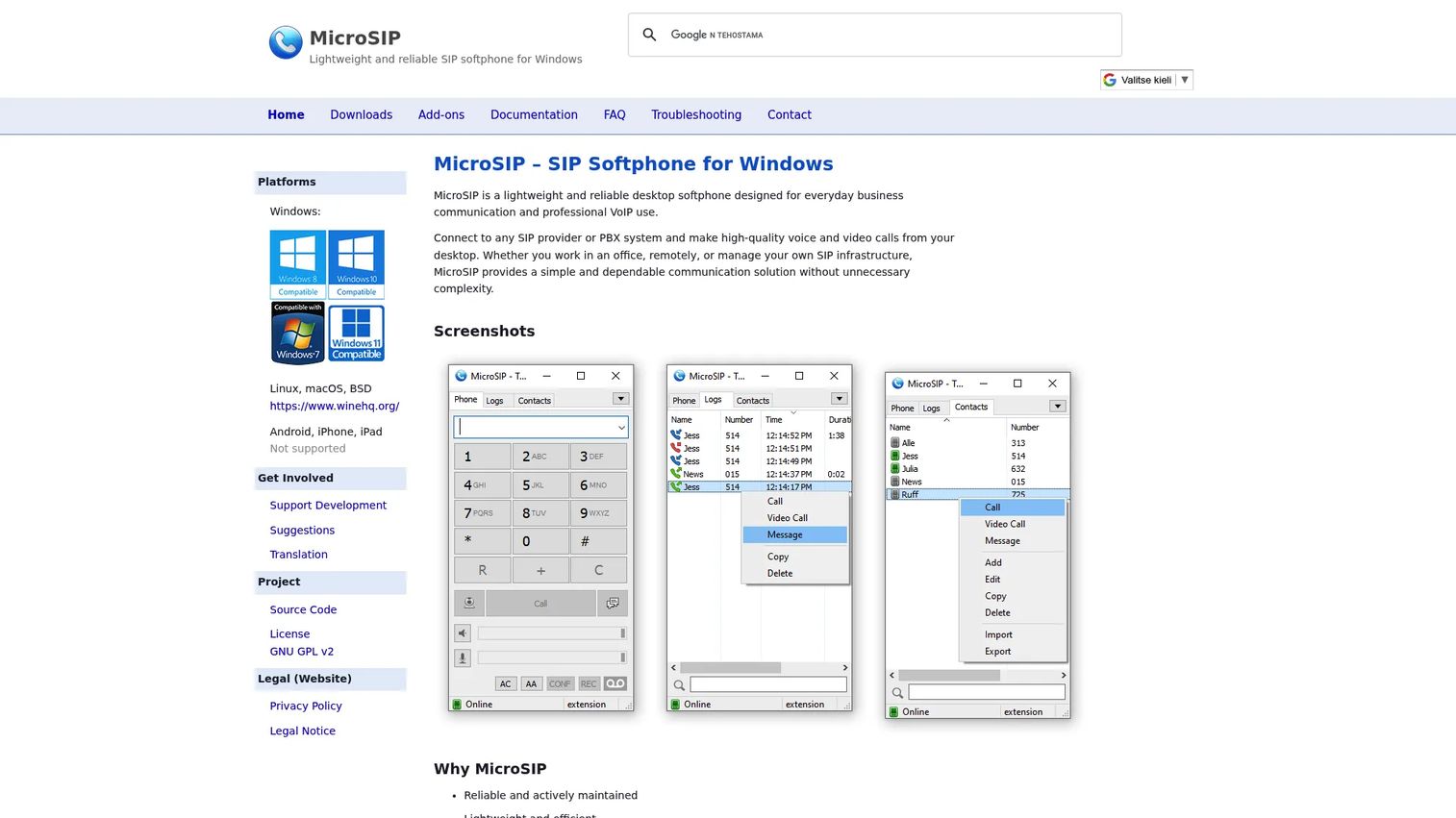
MicroSIP is a lightweight Windows SIP softphone for voice and video communication. It connects to SIP providers or PBX systems and supports direct IP calling.
The client handles multiple calls, conferencing, blind transfers, and attended transfers. Messaging, presence, and DTMF cover practical business calling requirements.
MicroSIP suits Windows heavy teams that want a focused dialer without a larger communications package.
Best for: Windows based teams seeking a free, compact SIP client.
Key features
- Windows voice and video calling
- Blind and attended transfers
- Instant messaging and presence
- TLS and SRTP security
- Direct IP calling
Why choose MicroSIP: Its small footprint works well on Windows machines where resource use matters. Mixed device teams will need another option for native mobile or Mac coverage.
MicroSIP pricing: The standard software is free. Custom branded builds start at €150 as a one time payment.
G2 rating
MicroSIP has a verified G2 rating of 4.2/5.
4. VoIP.ms Softphone
VoIP.ms Softphone is a free mobile app for customers using the provider’s calling services. It covers incoming calls, outgoing conversations, SMS, and voicemail.
Caller ID, forwarding, push notifications, and recording support common mobile business workflows. Provider alignment also reduces the work involved in configuring an unrelated SIP client.
The app targets iOS and Android rather than a broad desktop deployment.
Best for: Teams already using VoIP.ms that need mobile access to business calling.
Key features
- Incoming and outgoing calls
- SMS messaging
- Caller ID
- Call recording and forwarding
- Push notifications
Why choose VoIP.ms Softphone: It is the logical starting point for existing provider customers. Teams needing a desktop softphone should evaluate a separate client.
VoIP.ms Softphone pricing: The application is free. Phone numbers and calls follow the provider’s usage based rates.
G2 rating
VoIP.ms has an overall verified G2 rating of 4.6/5. The softphone app does not have a separate rating.
5. Acrobits Groundwire
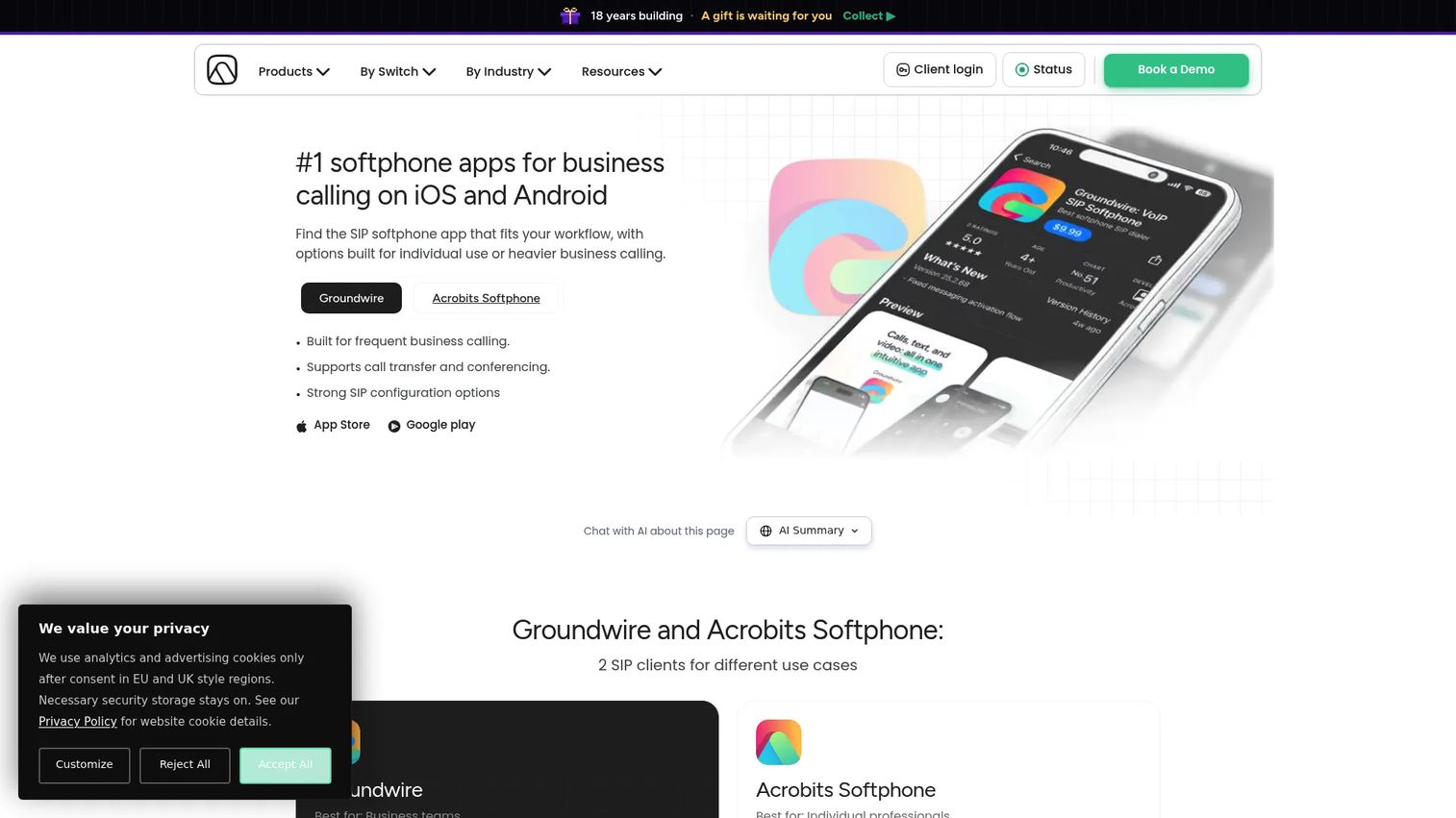
Acrobits Groundwire is a mobile SIP softphone for business calling on iOS and Android. It supports multiple SIP accounts with separate controls for each one.
Call transfer, conferencing, voicemail, recording, and group calls give mobile reps more than a basic dialer. The one time purchase model also avoids another monthly application subscription.
Test push behavior and call quality with your provider before deploying it across a field team.
Best for: Reps and small teams that handle frequent business calls from mobile devices.
Key features
- iOS and Android applications
- Multiple SIP accounts
- Call transfer and conferencing
- Voicemail and call recording
- Per account controls
Why choose Acrobits Groundwire: It fits mobile first workflows where reps rarely call from a desktop. Office based teams may still need a companion application.
Acrobits Groundwire pricing: Groundwire costs $9.49 as a one time Android purchase. No free tier was verified.
G2 rating
No product specific G2 rating was available.
6. Bria Teams
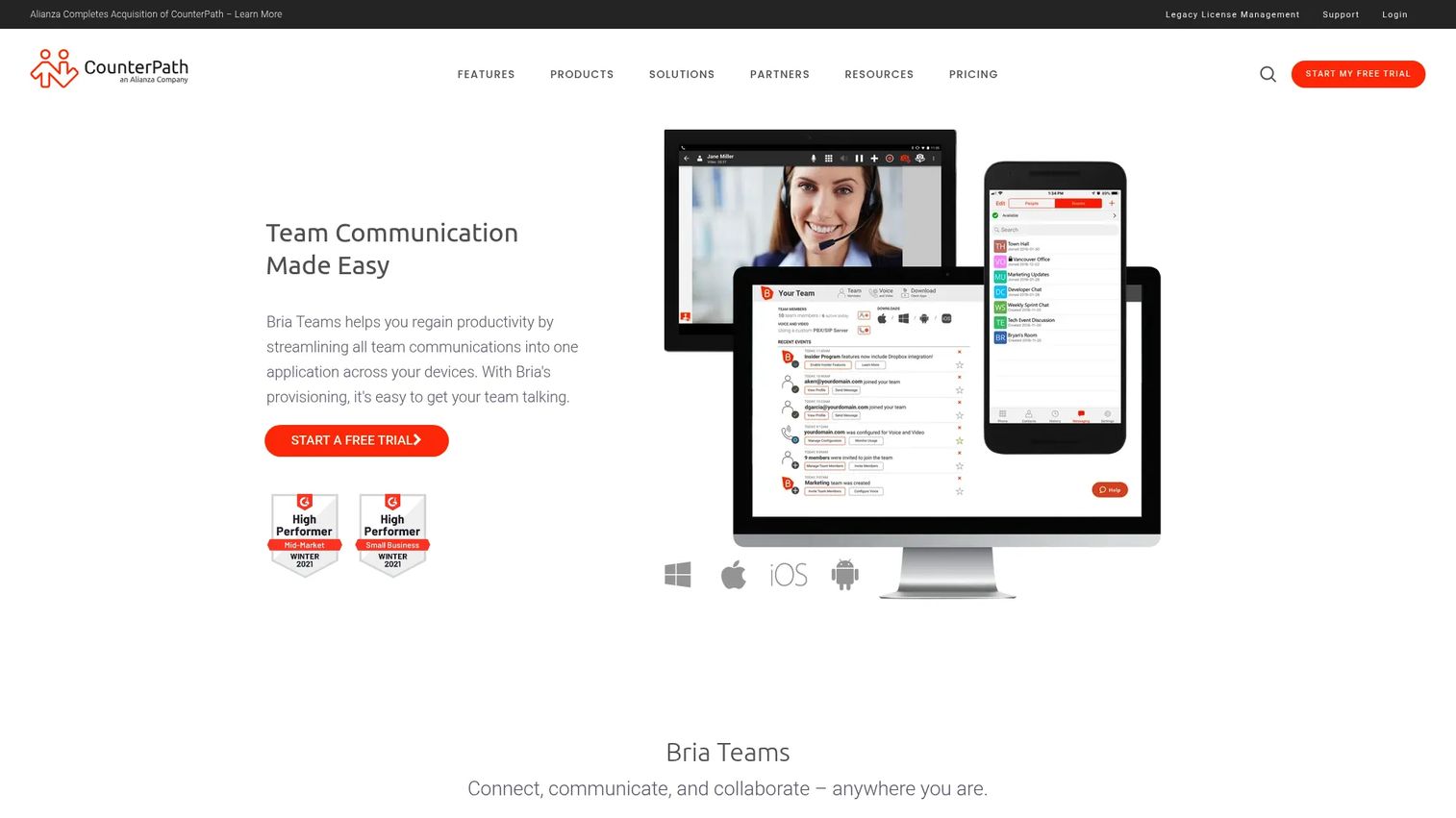
Bria Teams combines business calling with centralized administration. It supports voice, video, messaging, presence, file sharing, and screen sharing.
The cloud administration portal helps RevOps or IT manage users without configuring every app independently. Each user can access supported desktop and mobile devices.
That management layer separates Bria Teams from individual SIP clients. It is better suited to a coordinated rollout across a sales organization.
Best for: Sales teams that need centralized user administration and shared configuration.
Key features
- HD voice and video calls
- Team messaging and presence
- Screen sharing
- Cloud administration portal
- Desktop and mobile support
Why choose Bria Teams: Choose it when consistency across reps matters more than individual customization. Its annual per user model should be tested against your expected headcount.
Bria Teams pricing: Bria Teams costs $4.95 per user monthly on an annual term. A free trial is available.
G2 rating
Bria has an overall verified G2 rating of 4.4/5.
7. Bria Solo
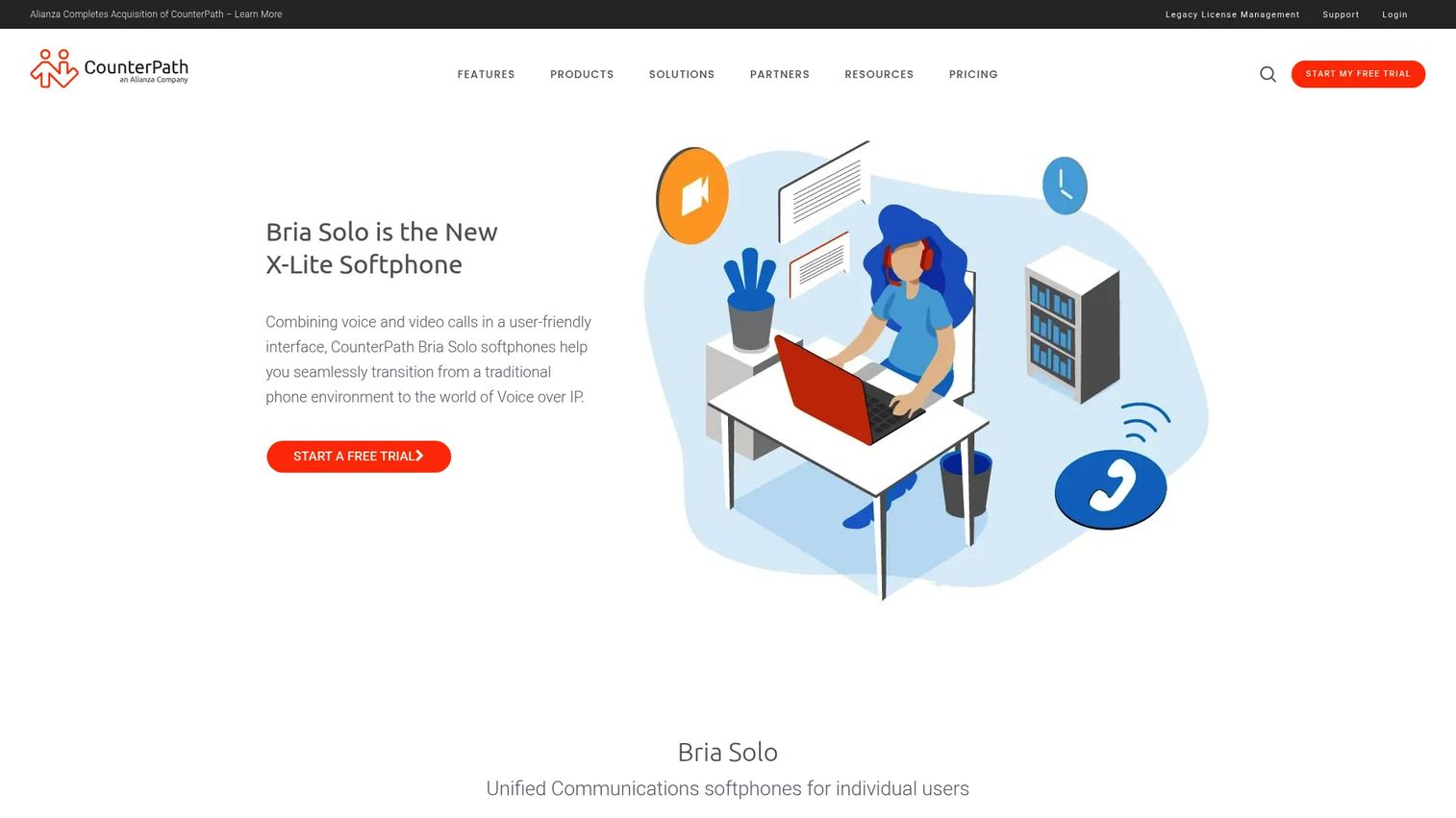
Bria Solo connects an individual user to existing VoIP services or call servers. It supports desktop and mobile applications with up to five calling accounts on the paid plan.
Call transfer, forwarding, auto answer, recording, and history provide professional controls. Contact integrations cover common desktop and mobile address books.
Solo works for consultants or independent reps managing their own phone stack. Teams needing centralized administration should compare the managed edition instead.
Best for: Individual professionals who want a polished softphone across several devices.
Key features
- Desktop and mobile applications
- Up to five calling accounts
- HD voice and video
- Transfer, forwarding, and recording
- Contact integrations
Why choose Bria Solo: It offers more account management than a bare SIP dialer. The free version is restricted to personal, noncommercial use.
Bria Solo pricing: Solo Free costs $0 for personal use. The paid plan costs $2.95 monthly on a $35.40 annual subscription.
G2 rating
Bria has an overall verified G2 rating of 4.4/5.
8. Jami
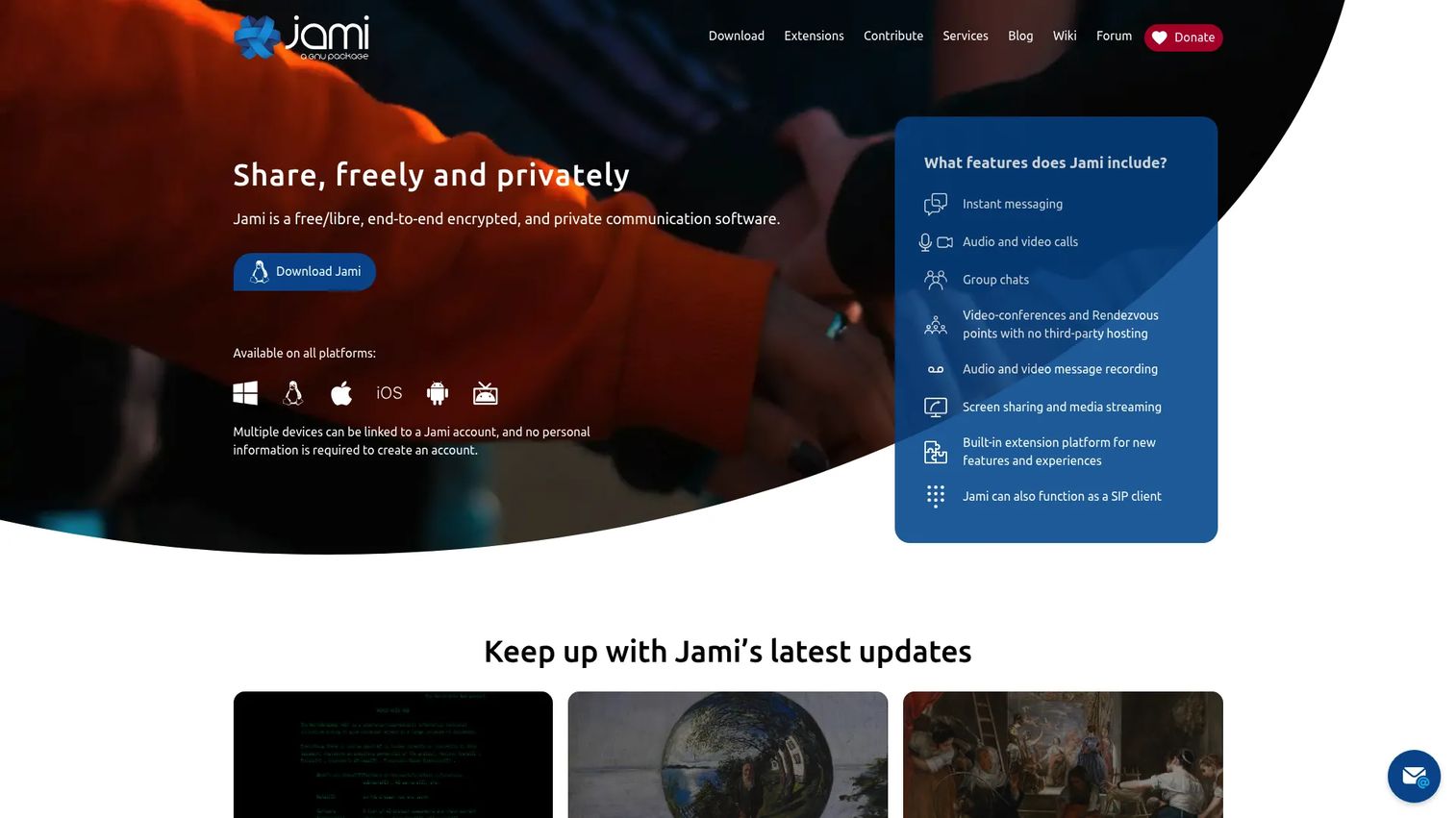
Jami is free communication software built around a distributed architecture. It supports instant messaging, audio calls, video conversations, group conferences, and screen sharing.
Its privacy focused design appeals to organizations that want encrypted communication without relying on a central service. Jami runs across common desktop and mobile platforms.
It differs from a conventional SIP client connected to a hosted PBX. Buyers needing business number registration should verify that distinction against their calling requirements.
Best for: Privacy conscious teams needing distributed communication across devices.
Key features
- Instant messaging and group chats
- Audio and video calls
- Group conferences
- Screen sharing
- End to end encryption
Why choose Jami: Choose it when private distributed communication drives the decision. Traditional SIP and PBX workflows require separate evaluation.
Jami pricing: Jami is free software. No paid tiers were identified.
G2 rating
No current G2 rating was available.
9. Ringotel
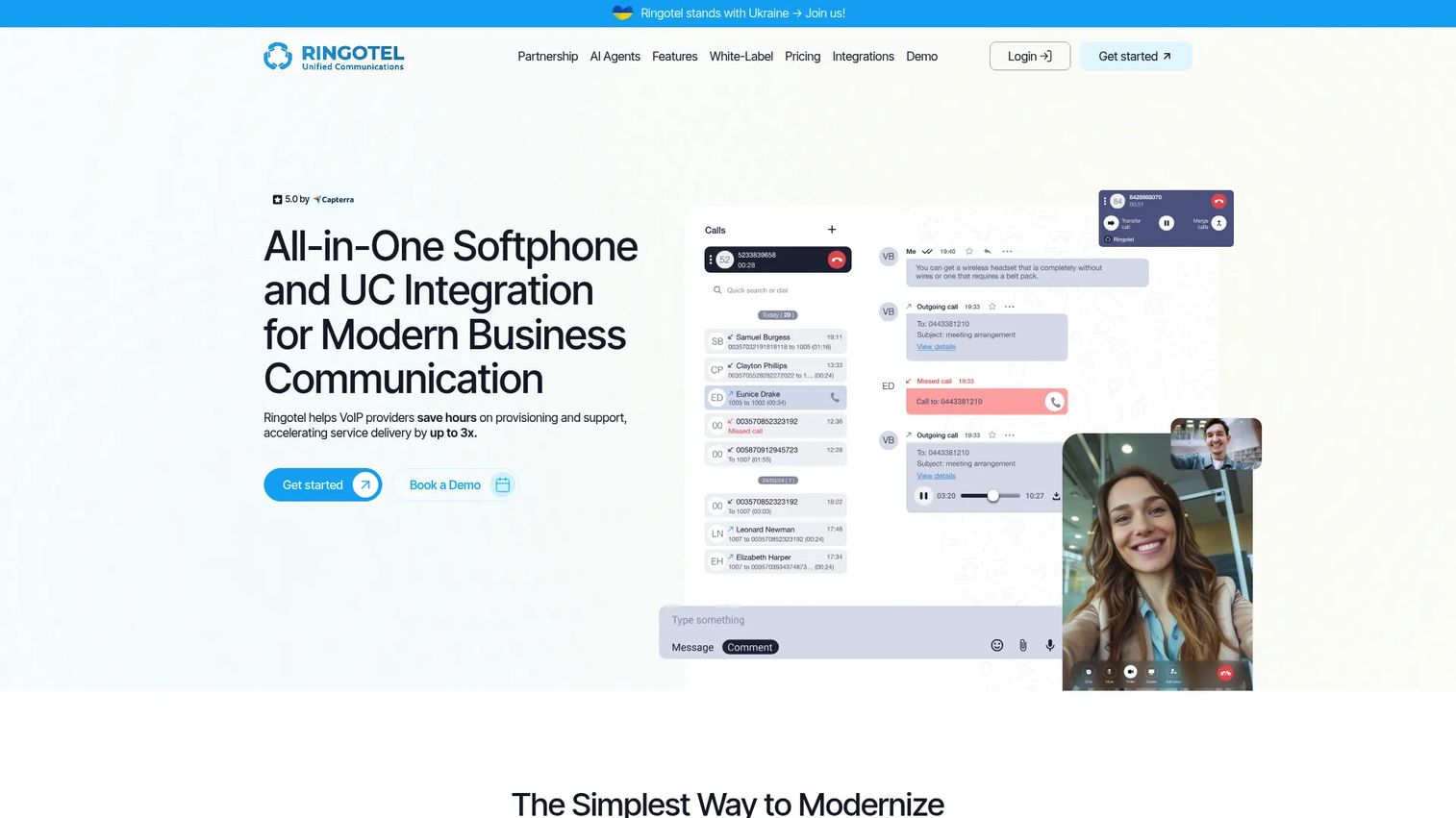
Ringotel is a managed softphone and communications platform for businesses, resellers, and VoIP providers. It combines calling with internal messaging, SMS, presence, and contacts.
Applications cover iOS, Android, Mac, Windows, and Linux. The platform also provides centralized provisioning, an administration portal, and white label options.
Advanced call controls include transfer, conferencing, hold, parking, and forwarding. This breadth makes Ringotel a better fit for managed deployments than a basic dialer.
Best for: Businesses wanting team communication and centrally managed softphone applications.
Key features
- Advanced call controls
- Business SMS and messaging
- Desktop and mobile apps
- Centralized provisioning
- White label applications
Why choose Ringotel: It suits teams needing calling plus a broader communication layer. Confirm supported providers and required integrations during testing.
Ringotel pricing: Essentials starts at €2.49 per user monthly. Pro costs €4.98 per user monthly.
G2 rating
No current G2 rating was available.
10. Softphone.Pro
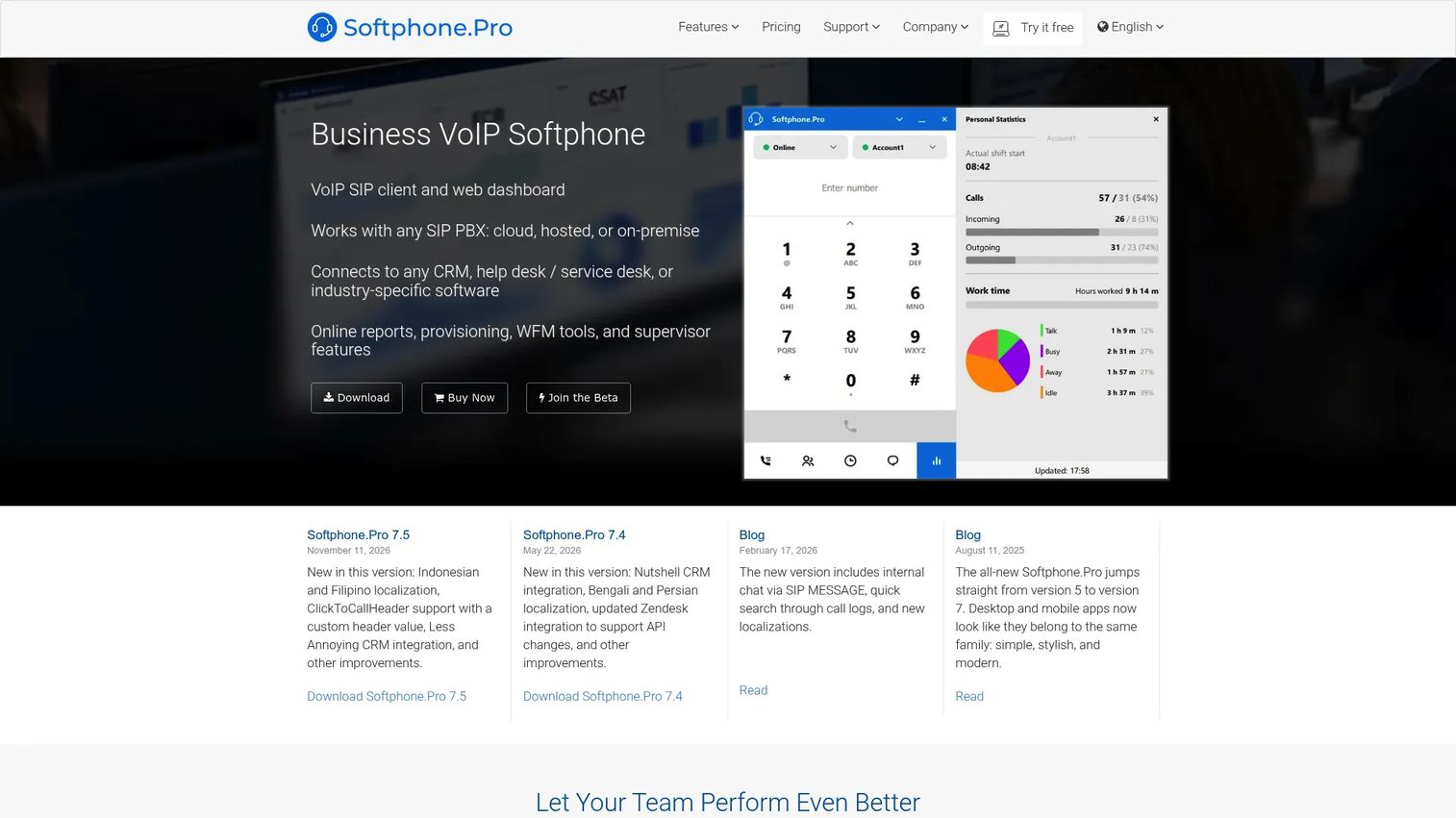
Softphone.Pro is a business SIP softphone built for cloud, hosted, or on premises PBX systems. Its feature set targets agents, supervisors, and teams handling frequent calls.
The application supports transfer, hold, conferencing, voicemail drop, recording, and conditional forwarding. CRM and help desk integrations add click to call and caller based screen pop.
Supervisor tools include agent monitoring, centralized configuration, workforce management, and reporting. Those controls suit sales or support teams with structured call handling.
Best for: High volume teams needing agent controls and centralized PBX configuration.
Key features
- Advanced agent call controls
- CRM and help desk integrations
- Call recording
- Centralized provisioning
- Supervisor reporting
Why choose Softphone.Pro: It fits teams that need operational oversight around SIP calling. Test the interface and your required integrations with frontline users.
Softphone.Pro pricing: Custom pricing applies to Softphone.Pro 7 and the Team edition. A 14 day free trial is available.
G2 rating
Softphone.Pro has a verified G2 rating of 4.6/5.
11. Blink
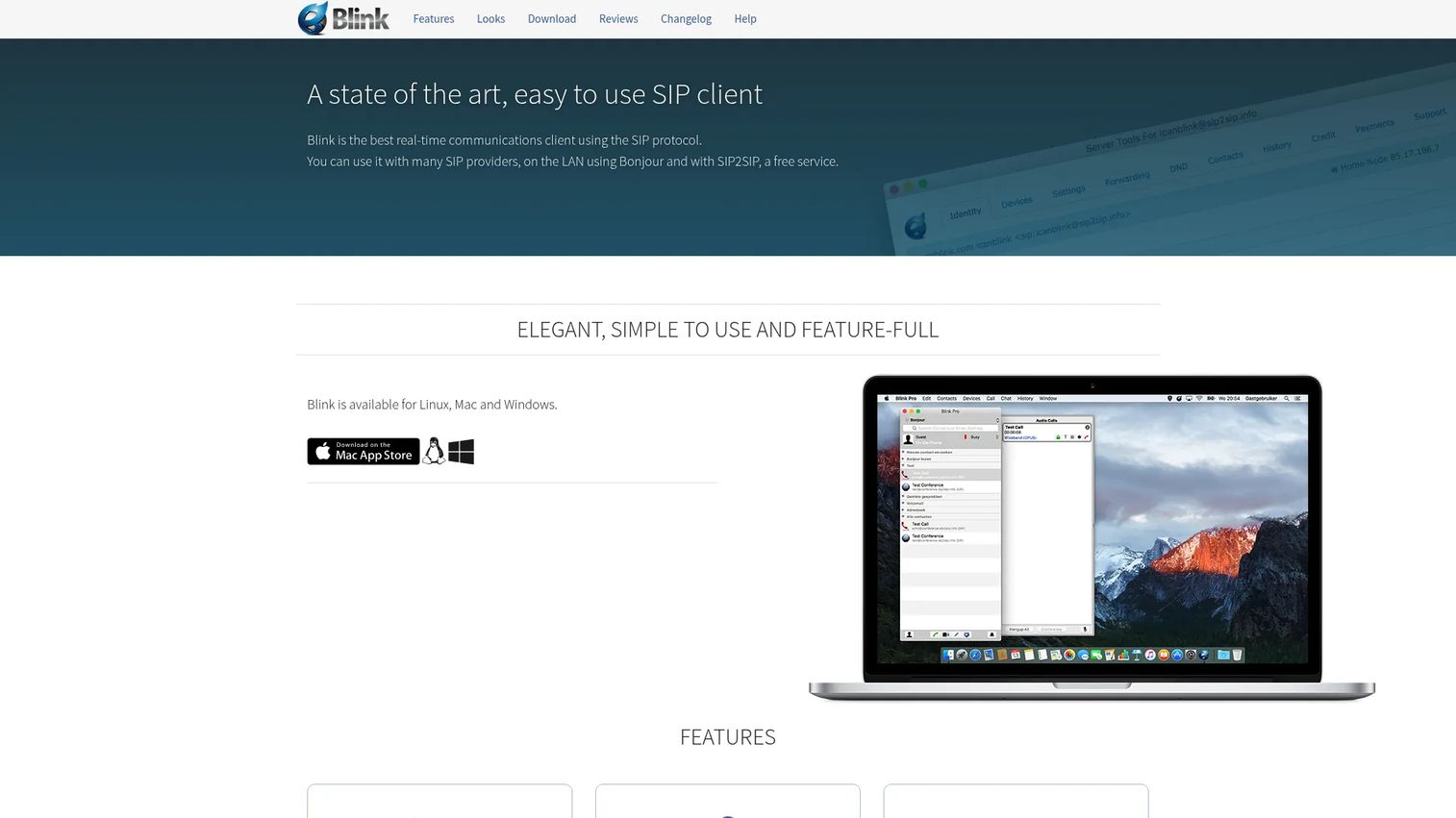
Blink is a standards based SIP client for voice, video, messaging, file transfers, and screen sharing. It supports multiple SIP accounts across Linux, Mac, and Windows.
The client includes several audio and video codecs. ZRTP and OTR provide encryption options, while local conferencing supports multi participant calls.
Blink fits technical users who understand SIP account configuration. A nontechnical sales rollout may require setup documentation or IT assistance.
Best for: Technical teams seeking a cross platform SIP client for communication and collaboration.
Key features
- Voice and video calling
- Multiple SIP accounts
- Chat and file transfers
- Screen sharing
- ZRTP and OTR encryption
Why choose Blink: It provides broad standards based communication without centering team administration. Plan for more setup support than a managed business platform.
Blink pricing: The standard client is free. Blink Pro uses custom pricing.
G2 rating
No applicable G2 rating was available.
12. Express Talk
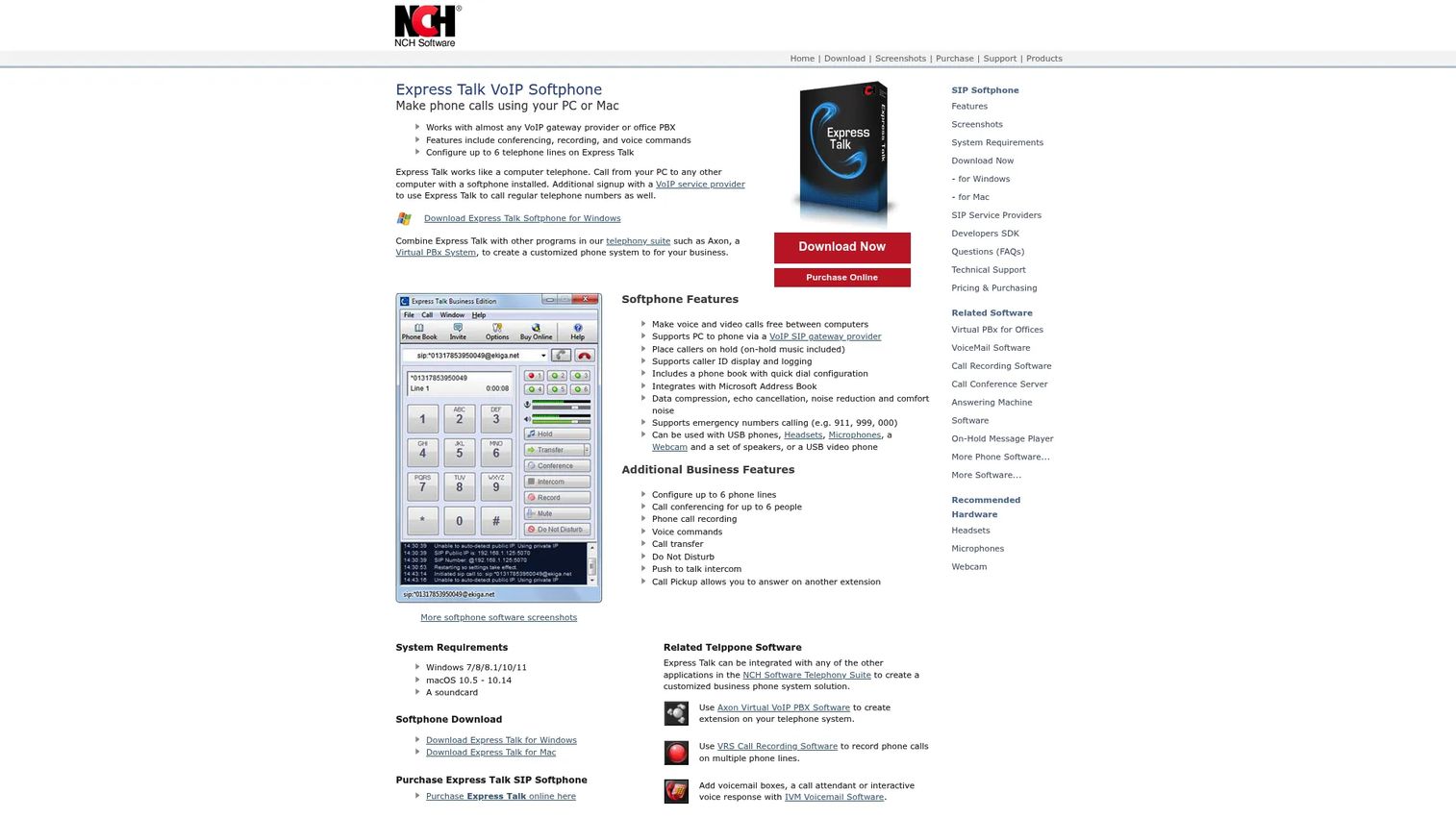
Express Talk is a desktop VoIP softphone for SIP providers and office PBX systems. It supports voice and video calls between computers.
The application can manage up to six lines and conference up to six participants. Recording, transfer, caller ID, call logging, and an address book cover common desktop needs.
Its focused interface may suit small businesses that do not need central administration. Larger sales organizations should evaluate management and integration requirements carefully.
Best for: Small businesses wanting straightforward desktop SIP calling.
Key features
- Desktop voice and video calls
- Up to six telephone lines
- Six person conferencing
- Call recording and transfer
- Caller ID and call logs
Why choose Express Talk: It covers the core desktop calling workflow without adding team messaging. Confirm operating system fit and licensing before business deployment.
Express Talk pricing: A free trial is available for noncommercial home use. Paid licenses are purchased through the vendor.
G2 rating
No current G2 rating was available.
13. PhonerLite
PhonerLite is a free Windows SIP softphone for desktop internet calling. Its official product site also supports private and business use.
Multiple SIP profiles help users manage separate accounts. TLS, SRTP, and ZRTP provide encryption options, while codec support covers different network and provider requirements.
PhonerLite also includes call recording, transcription, scripting, and text to speech capabilities. This makes it more configurable than its compact interface first suggests.
Best for: Windows users seeking a free SIP client with advanced technical controls.
Key features
- Multiple SIP profiles
- TLS, SRTP, and ZRTP encryption
- Call recording and transcription
- IPv4 and IPv6 support
- Scripting and text to speech
Why choose PhonerLite: It offers a focused Windows experience without license costs. Mixed device teams still need a separate mobile or Mac application.
PhonerLite pricing: PhonerLite is free for private and business environments. No paid tiers were identified.
G2 rating
No G2 rating was available because the listing had no reviews.
14. SessionTalk
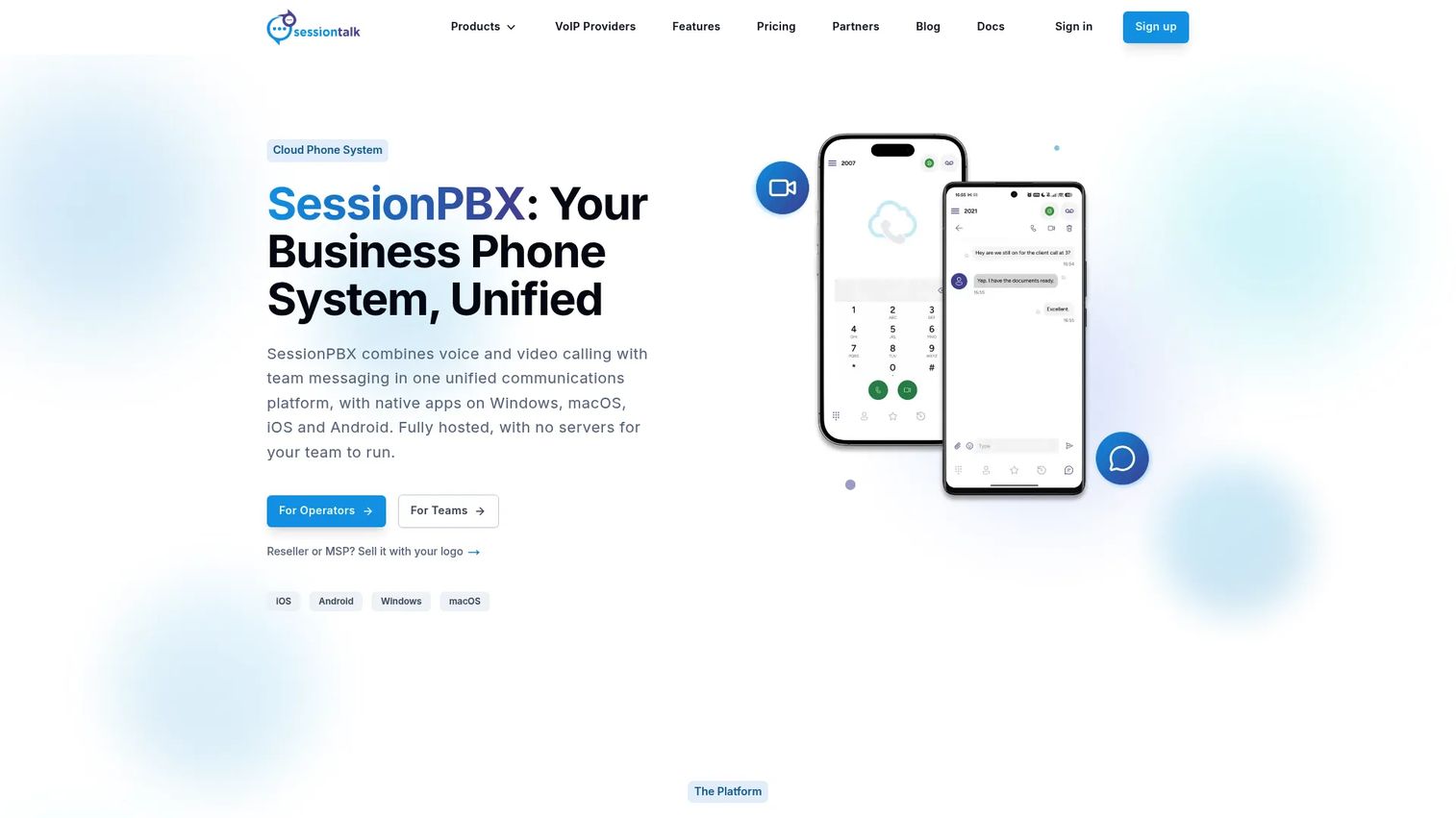
SessionTalk provides cloud managed SIP softphones for businesses and VoIP providers. It supports branded mobile and desktop applications.
Cloud provisioning and QR based setup can reduce manual account entry. Push notifications, multiple SIP accounts, video calling, conferencing, and encryption support managed mobile deployments.
SessionTalk is priced for organizational rollout rather than individual app purchases. VoIP providers can also use its white label plans.
Best for: Businesses or providers deploying centrally managed SIP apps across many users.
Key features
- Cloud provisioning
- QR code account setup
- Push notifications
- Multiple SIP accounts
- TLS and SRTP encryption
Why choose SessionTalk: It fits managed deployments where branding and provisioning matter. Individual users will find lower cost options elsewhere in this list.
SessionTalk pricing: Generic service starts at $100 monthly for 50 users. White label mobile or desktop plans start at $400 monthly, with a 14 day trial.
G2 rating
No current G2 rating was available.
15. SIPnetic
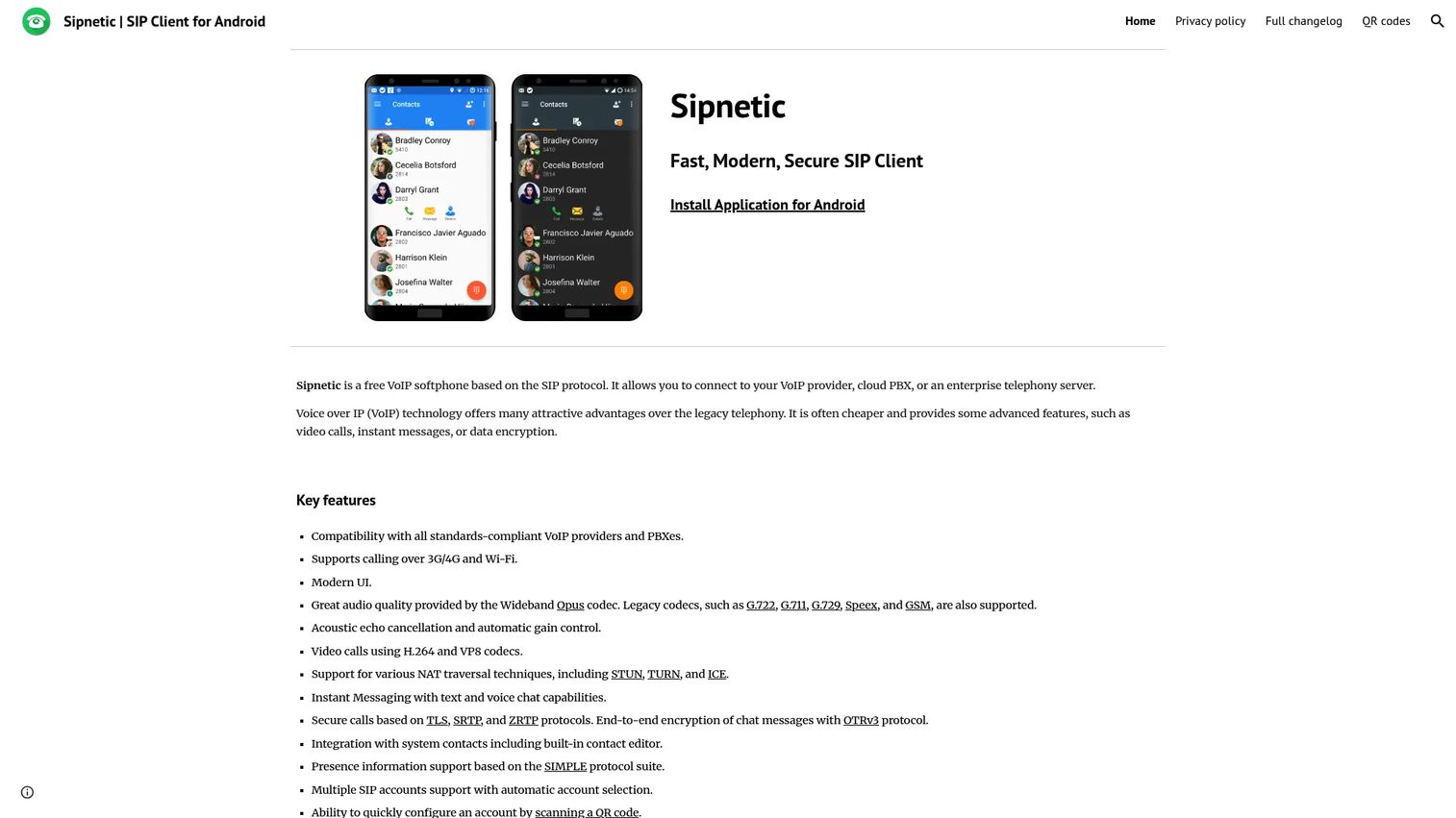
SIPnetic is a free Android VoIP softphone. It connects to external SIP providers, cloud PBXs, and enterprise telephony servers.
The app supports calls over mobile networks and WiFi. Video, instant messaging, multiple accounts, and QR based setup extend it beyond basic audio calling.
Call hold, attended transfer, DTMF, number rewriting, and voicemail indication cover practical mobile use. Several encryption protocols protect signaling, media, and messages.
Best for: Android users who already have a SIP provider or PBX account.
Key features
- Android SIP calling
- Multiple SIP accounts
- Voice and video calls
- Attended transfer and DTMF
- TLS, SRTP, ZRTP, and OTR encryption
Why choose SIPnetic: It is a focused option for Android first users. Teams also using iPhones or desktops will need broader platform coverage.
SIPnetic pricing: SIPnetic is free. Users must obtain calling service from an external SIP provider.
G2 rating
No current G2 rating was available.
16. Telephone
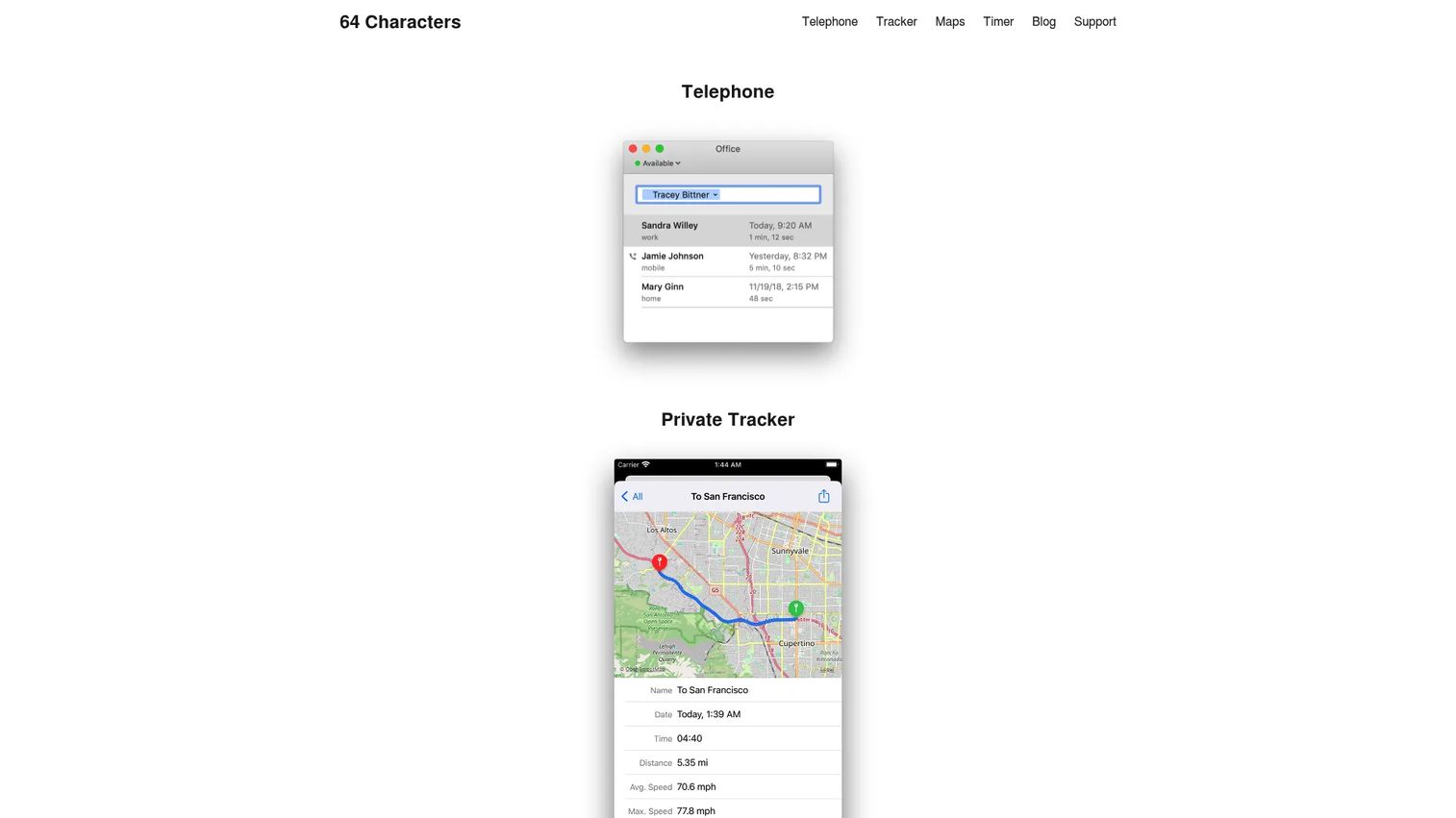
Telephone is a lightweight SIP softphone for macOS. It connects Mac users to an internet telephone provider or company phone server.
The application supports multiple accounts, contact autocomplete, call history, mute, hold, transfer, and call waiting. Users can also initiate calls through SIP and telephone links.
TLS and SRTP provide encrypted signaling and media where the provider supports them.
Best for: Mac users wanting a focused SIP calling application without a broader communications package.
Key features
- macOS SIP calling
- Multiple SIP accounts
- Contact autocomplete
- Hold, transfer, and call waiting
- TLS and SRTP encryption
Why choose Telephone: It fits Mac only workflows where a compact interface matters. Sales teams with mixed devices should select a cross platform product.
Telephone pricing: The Mac application has a free tier. Pro costs $3.99 monthly or $39.99 yearly.
G2 rating
No current G2 rating was available.
17. tSIP

The supplied website for tSIP resolves to a German patent firm rather than an identifiable softphone product. No reliable product page, current documentation, or software pricing could be established from that domain.
This creates a material procurement risk. Buyers cannot assess operating system support, SIP compatibility, maintenance status, or security from the supplied source.
Keep tSIP off a production shortlist until the correct developer page and download source are identified.
Best for: Technical buyers who can independently establish the correct product source and maintenance status.
Key features
- Product details unavailable
- Vendor identity requires clarification
- Pricing information unavailable
- Current support status unknown
Why choose tSIP: Do not deploy it from the supplied domain. Request the correct first party software source before downloading or testing anything.
tSIP pricing: N/A.
G2 rating
No matching G2 rating was available.
Considerations when choosing softphone software
SIP and PBX compatibility
Start with your existing provider, hosted PBX, or IP PBX. Confirm registration details, NAT traversal, ports, supported codecs, and provisioning methods.
A strong application still fails if your provider does not support its configuration. Ask for current setup documentation before testing.
Audio quality and headset support
Call clarity depends on the network, codec, jitter, echo cancellation, and audio hardware. Test the USB and Bluetooth headsets your reps use daily.
Also check device switching. Reps should move between laptop speakers and headsets without losing a customer call.
Desktop and mobile coverage
Map the operating systems across your team. A Windows only client may work for a fixed office but create another tool for mobile reps.
Mixed device sales organizations usually need Windows, macOS, iOS, and Android coverage. Narrow tools still work when the use case is equally narrow.
Security and governance
Evaluate TLS for signaling and SRTP for media encryption. Some tools also support ZRTP or additional message encryption.
Managed teams should review provisioning, user access, credential handling, and account removal. Involve IT before the pilot reaches customer data.
Adoption and workflow fit
A technically capable SIP client provides little value when reps avoid it. Test click to call, contact synchronization, transfer, hold, DTMF, and mobile notifications.
Measure setup time during the pilot. Every repeated configuration step becomes an IT ticket when the team scales.
Conclusion
The right softphone software depends on how your team calls, where reps work, and who manages the setup.
Zoiper offers broad desktop and mobile coverage for general business VoIP. Linphone suits technical organizations that want open source control, while MicroSIP is a strong Windows focused option.
For mobile calling, compare Acrobits Groundwire with SessionTalk. Bria Teams fits organizations that need central administration, while Jami prioritizes private distributed communication. Technical Windows users may also consider PhonerLite.
Shortlist tools by device coverage first. Then register each candidate with your current SIP provider and run calls on the networks your team uses.
Test transfer, hold, DTMF, push notifications, and headset switching. Review encryption and provisioning with IT before issuing accounts broadly.
The winner should reduce support work and give reps a calling setup they will use. A long feature list cannot compensate for poor call quality or a broken daily workflow.
FAQs
Softphone software is an application for making and receiving VoIP calls on a computer, tablet, or mobile device. It replaces a physical desk telephone with a software dialer and digital call controls.
Many products connect to a SIP provider, hosted PBX, or company phone system. The application may not include telephone numbers or calling service.
A softphone runs as software on a device you already own. A VoIP phone usually refers to dedicated hardware that sits on a desk and connects through the internet.
Both can use SIP and internet based calling. The main difference is the physical device and how users access the call controls.
Most standalone SIP clients need an account from a SIP provider or PBX administrator. The provider supplies credentials, server details, telephone numbers, and calling service.
Some communication apps include their own service. Check whether the listed price covers only the software or also includes calls.
The best softphone for business matches your device mix, SIP provider, call controls, and administration model. Zoiper provides broad platform coverage, while Bria Teams supports managed deployment.
Linphone suits open source requirements. MicroSIP works well for Windows focused teams, while mobile users can evaluate Acrobits Groundwire or SessionTalk.
Linphone, MicroSIP, Jami, PhonerLite, and SIPnetic offer free options for different operating systems. Their use cases differ, so free does not mean interchangeable.
Verify licensing and provider compatibility before business rollout. You may still pay for SIP service, numbers, and call usage.
SIPnetic is a focused Android SIP client with multiple account support and business call controls. Acrobits Groundwire also supports Android through a paid mobile application.
VoIP.ms customers can use the provider’s free mobile app. The best choice depends on push reliability, codec support, and your SIP account.
Yes. Several mobile softphone products support both Android and iOS. Others cover only one mobile operating system or focus entirely on desktops.
Test push notifications, battery settings, mobile data behavior, and background calling. Reliability also depends on your provider and network.
Softphone software can support secure business calling when configured correctly. TLS protects signaling, while SRTP encrypts call media where both sides support it.
Use strong account credentials and provider side access controls. IT managed provisioning also reduces configuration mistakes across larger teams.
Test registration stability, call quality, transfer, hold, mute, DTMF, voicemail, and missed call handling. Use the same networks and headsets reps rely on during customer conversations.
Check mobile notifications and contact synchronization as well. Finally, measure setup time and confirm how quickly IT can remove or reassign an account.