You collected the reviews. Real ones. Four-and-a-half stars, a couple hundred of them, sitting inside your Google Business Profile where almost nobody visiting your site will ever see them.
That gap is the problem. Reviews build trust, but only if they show up at the moment someone is deciding whether to buy. A five-star average buried on a third-party page does nothing for the visitor staring at your pricing table, hesitating.
The ratings and reviews platform market hit $11.4 billion in 2025 and is projected to reach $31.2 billion by 2034, growing at an 11.8% CAGR, with software components holding a 62.3% share, according to Dataintelo (2025). That growth reflects a simple shift: buyers now expect proof on the page, not a link to go find it elsewhere.
Review widget software closes that gap. It pulls your existing reviews onto the page where they matter and turns social proof into conversion. This guide breaks down seven tools worth your time.
What's inside
This guide is for website owners, marketers, agencies, and product marketing managers who want to display Google reviews or testimonials without hand-coding a testimonial section.
We evaluated each tool against four criteria that actually affect the buying decision:
- Setup speed: how fast you go from account to embedded widget
- Customization: layout options, color control, branding, and white-label
- CMS compatibility: how cleanly it installs on common site builders
- Pricing clarity: free-plan limits and what triggers an upgrade
We skipped tools with thin feature sets or opaque pricing. Every pick here earns its place on at least one of those four fronts.
TL;DR
- Best free option: Featurable offers a free-forever plan with unlimited reviews and a clean no-code embed. Strong fit for budget-conscious teams.
- Best for agencies: SuperReviewWidget packages white-label widgets, smart routing, and a centralized dashboard built for multi-client delivery.
- Best all-around widget ecosystem: Elfsight covers reviews plus dozens of other website widgets, ideal if you want one vendor for many needs.
- Best for broad review management: Trustindex pairs display widgets with collection tools like email campaigns, QR codes, and AI replies.
- Best for social proof plus reviews: EmbedSocial and Tagembed both combine review widgets with social feed aggregation for richer proof.
What is review widget software?
Review widget software is a tool that pulls customer reviews or testimonials from sources like Google and displays them on your website through an embeddable, no-code widget.
Instead of screenshotting reviews or building a static testimonial block by hand, you connect a review source, style the widget, and paste an embed snippet. The reviews update automatically as new ones come in.
Core capabilities to expect:
- Pull reviews from Google Business Profile and, in many tools, other sources like Facebook, Trustpilot, or Yelp
- Customize layout, colors, and branding across formats like carousels, grids, badges, and sliders
- Embed on WordPress, Webflow, Shopify, Squarespace, and similar platforms with a snippet or plugin
- Filter, reorder, or curate reviews so your best feedback leads
- Track views, clicks, or engagement where the tool supports analytics
The strongest tools add structured data for SEO, white-label controls for agencies, and multi-source aggregation so one widget can pull from several review platforms at once.
When to use review widget software
Build trust on landing pages and service pages
Social proof works hardest near a conversion moment. A visitor reading your pricing page or a service description is weighing risk. A row of recent five-star reviews right there answers the unspoken question: do other people trust this?
Placing a google reviews widget for website conversion points, not just a buried testimonials page, is where the lift shows up. Reddit threads in the small business community debate whether widgets change behavior, and the honest answer is placement matters more than the widget itself.
Save time on custom testimonial code
You could hand-build a testimonial section. Then a new review comes in, and someone has to update the markup. Then the layout breaks on mobile. Then a review gets edited on Google and your site shows the old version.
A widget handles updates, maintenance, and consistency automatically. New reviews sync in. The styling stays intact across breakpoints. Nobody on your team touches code after the first embed.
Support agencies and multi-location brands
Agencies and multi-location brands need more than a single embed. They need to deploy the same widget across dozens of client sites, keep it on-brand for each client, and manage everything from one place.
White-label controls remove the vendor's branding so the widget looks native to each client. Centralized dashboards make recurring delivery and reusable deployment practical. This is where a review widget for agencies stops being a nice-to-have and becomes core infrastructure.
Comparison table
The table below helps you match a tool to your situation fast. Scan the "Best for" column first, then check pricing and any rating we could verify.
| # | Product | Best for | Key differentiator | Pricing | G2 rating |
|---|---|---|---|---|---|
| 1 | Featurable | Budget-conscious teams | Free-forever plan with unlimited reviews | Free; Pro $29/mo billed annually | Not listed |
| 2 | SuperReviewWidget | Agencies and multi-client operators | White-label widgets with smart routing | Free; paid from $6/mo | Not listed |
| 3 | Elfsight | Teams wanting many widgets | Large widget ecosystem beyond reviews | Free tier available | Not listed |
| 4 | Trustindex | Broader review management | Collection plus display in one tool | Free; paid from $65/year | Not listed |
| 5 | Widgets for Google Reviews | Simple Google embeds | Free no-code Google reviews widget | Free | Not listed |
| 6 | EmbedSocial | Social proof plus reviews | Reviews and social feeds combined | Free; Pro €24/mo billed yearly | 4.9/5 |
| 7 | Tagembed | Flexible multi-source embeds | Social aggregation with review display | Free; Starter $79/mo | 4.7/5 |
Best review widget software for 2026
Each tool below is broken down by fit, not just features. The goal is to help you pattern-match to your own situation, whether you run a single landing page or a hundred client sites.
1. Featurable
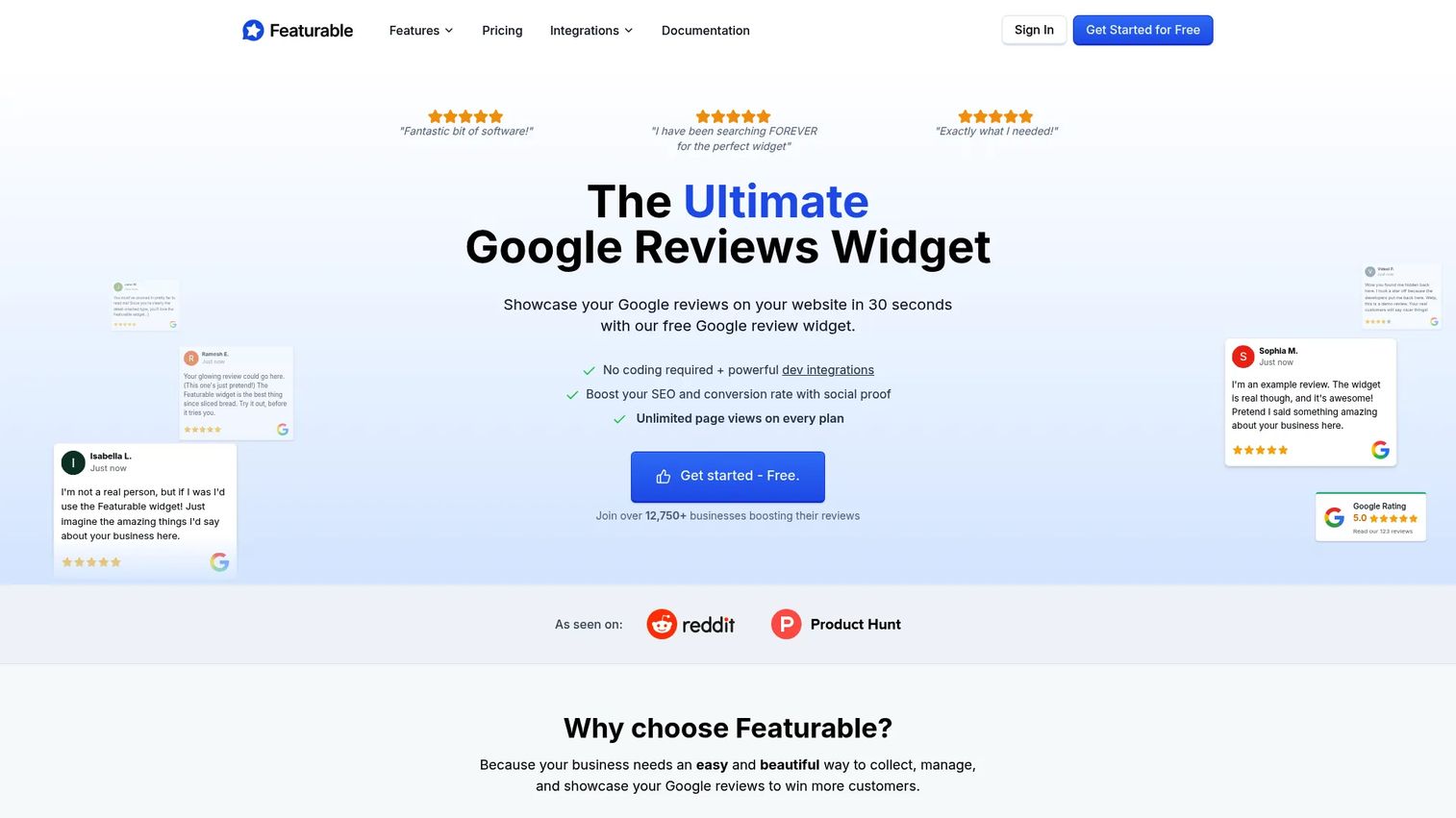
Featurable is a Google review widget and testimonial management tool built around a genuinely useful free tier. It pulls reviews from your Google Business Profile locations and displays them through a no-code embed that installs on any common site builder. The pitch is simple: get real reviews on your page without paying upfront or writing code.
Best for: Budget-conscious teams and website owners who want a clean, free google review widget without setup friction.
Key strengths
- Free-forever plan available
- Unlimited reviews on paid plans
- Unlimited widgets on paid plans
- Google Business Profile location support
- API access for custom implementations
Why choose Featurable: If cost is your first constraint and you want a straightforward Google reviews embed, Featurable is hard to beat. The free plan does real work, and the paid tiers unlock unlimited widgets and reviews when you scale. It fits PMMs and small teams who need proof on a landing page today, not after a procurement cycle.
Featurable pricing: Free Forever plan available. Pro is $29/month billed annually, and Enterprise is $79/month billed annually. Paid plans include a 14-day free trial.
2. SuperReviewWidget
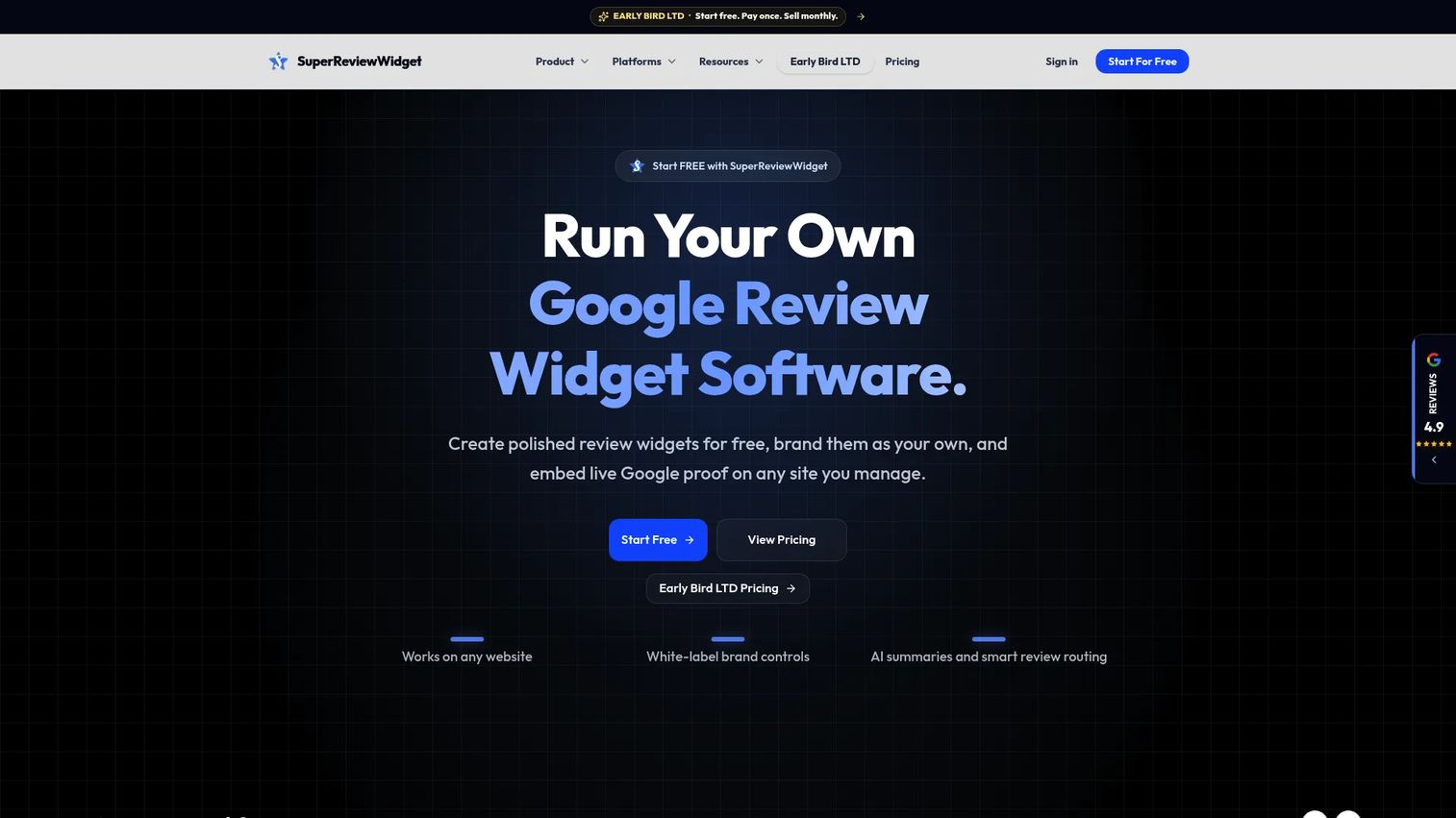
SuperReviewWidget is white-label Google review widget software built with agencies in mind. It combines a branded widget builder, smart review routing, and a centralized dashboard so operators can manage widgets across many clients from one place. The framing is recurring-software: build once, deploy across a client roster, keep it on-brand.
Best for: Agencies and multi-client operators who need branded, reusable review widgets at scale.
Key strengths
- White-label widget builder
- Smart review routing
- Embeddable widgets for common site platforms
- Centralized management for multiple clients
Why choose SuperReviewWidget: When you deploy the same widget across a dozen client sites, white-label and centralized management stop being extras. SuperReviewWidget is packaged for exactly that motion, which makes it a natural fit for agencies selling review display as a recurring service.
SuperReviewWidget pricing: Free plan at $0/month. Paid plans are Basic at $6/month, Pro at $12/month, and Premium at $24/month, all billed monthly. Any paid plan can be tried free for 30 days.
3. Elfsight

Elfsight is a broad widget platform where a Google reviews widget is one of many options. If your site already runs Elfsight widgets for forms, chat, or galleries, adding a reviews widget keeps everything under one vendor and one dashboard. It works across major website builders with a copy-paste embed.
Best for: Teams already using builder plugins who want reviews plus other website widgets from a single provider.
Key strengths
- Large widget ecosystem beyond reviews
- Website builder compatibility across platforms
- Visual customization and layout control
- Copy-paste embed with no coding
Why choose Elfsight: The value here is consolidation. Instead of stitching together separate tools for reviews, forms, and social feeds, you run them all through Elfsight. That trade of specialization for breadth suits teams that want fewer vendors and one styling system.
Elfsight pricing: Elfsight offers a free tier to get started, with paid plans that scale by widget usage and views. Check the current pricing page for tier details before committing.
4. Trustindex
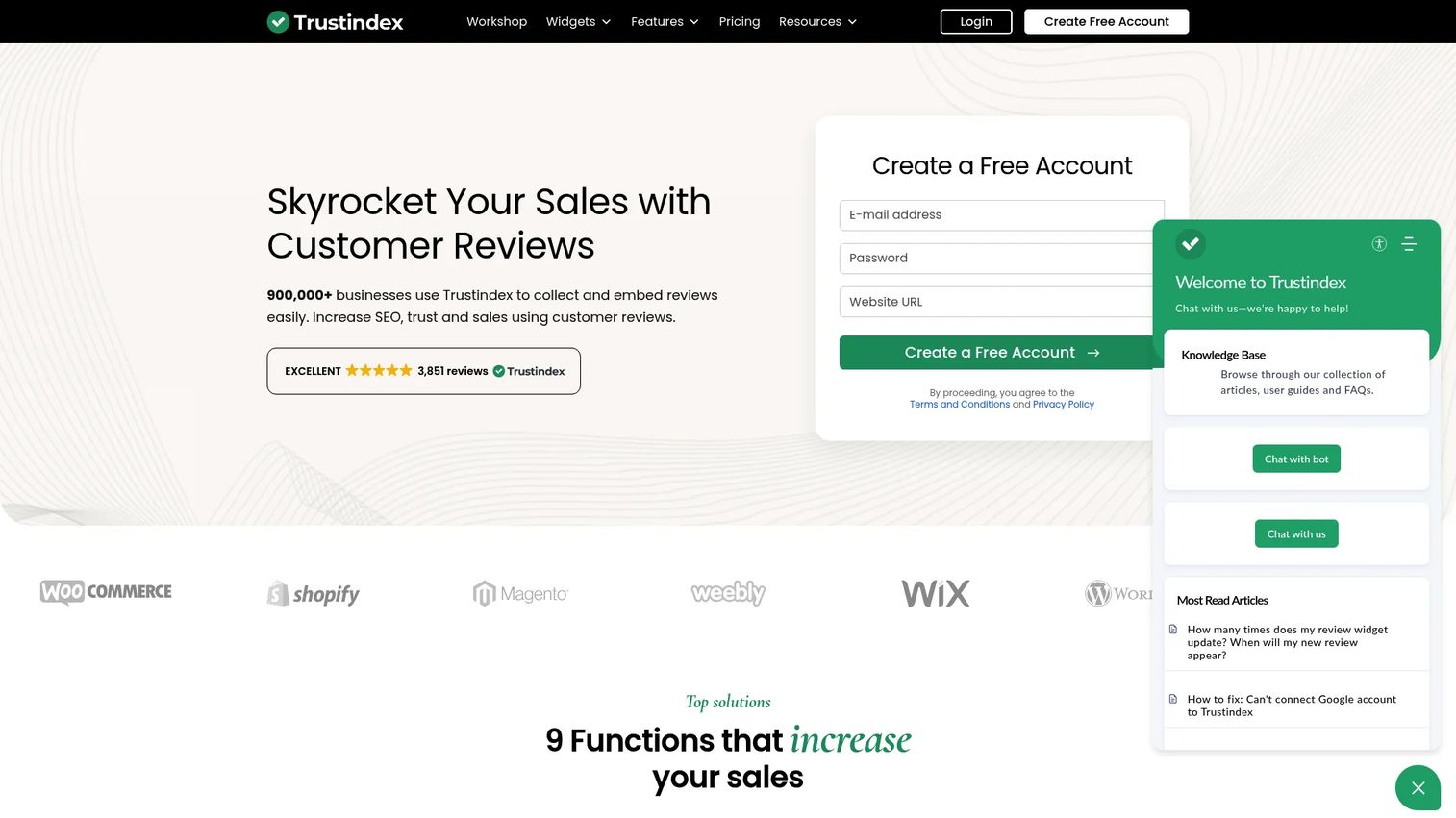
Trustindex goes beyond display into review management. Alongside embeddable widgets, it helps you collect reviews through email campaigns, QR codes, NFC cards, and integrations, then filter, tag, and reply to them. It is closer to a full reputation workflow than a pure embed tool.
Best for: Businesses that want to collect, manage, and embed reviews from one platform rather than bolt collection on separately.
Key strengths
- Review widgets across many platforms
- Review collection via email, QR codes, NFC cards, and integrations
- Review management with filtering, tagging, and AI reply features
- Templates and layout controls
Why choose Trustindex: If your reviews widget for website work is part of a larger reputation-management goal, Trustindex covers both ends. You generate more reviews and display them without juggling two tools. That breadth is the draw for teams that treat reviews as an ongoing program, not a one-time embed.
Trustindex pricing: Free package available. Paid plans are Single at $65/year, Pro at $125/year, and Ultimate at $349/year, with annual billing and a 7-day trial on paid features.
5. Widgets for Google Reviews
Widgets for Google Reviews is the no-frills pick. It focuses on a free, no-code Google Reviews widget generator with a straightforward embed flow. Pick a template, generate the widget, paste it on your site. That is the whole workflow, and for many sites that is all you need.
Best for: Businesses that want a simple, free google review widget for website use without extra features to configure.
Key strengths
- Free Google Reviews widget generator
- Templates: carousel, badge, grid, list, slider, sidebar
- AI review summary, filtering, and translation
- Schema markup and custom JavaScript support
Why choose Widgets for Google Reviews: When your only job is getting Google reviews onto a page cleanly, a specialized free tool beats a heavier platform. The template range covers most layouts, and schema markup helps with SEO. It is the practical choice for straightforward site use cases.
Widgets for Google Reviews pricing: The Google Reviews widget is offered free to use. No public paid plan or numeric pricing was listed on the brand site at the time of writing.
6. EmbedSocial
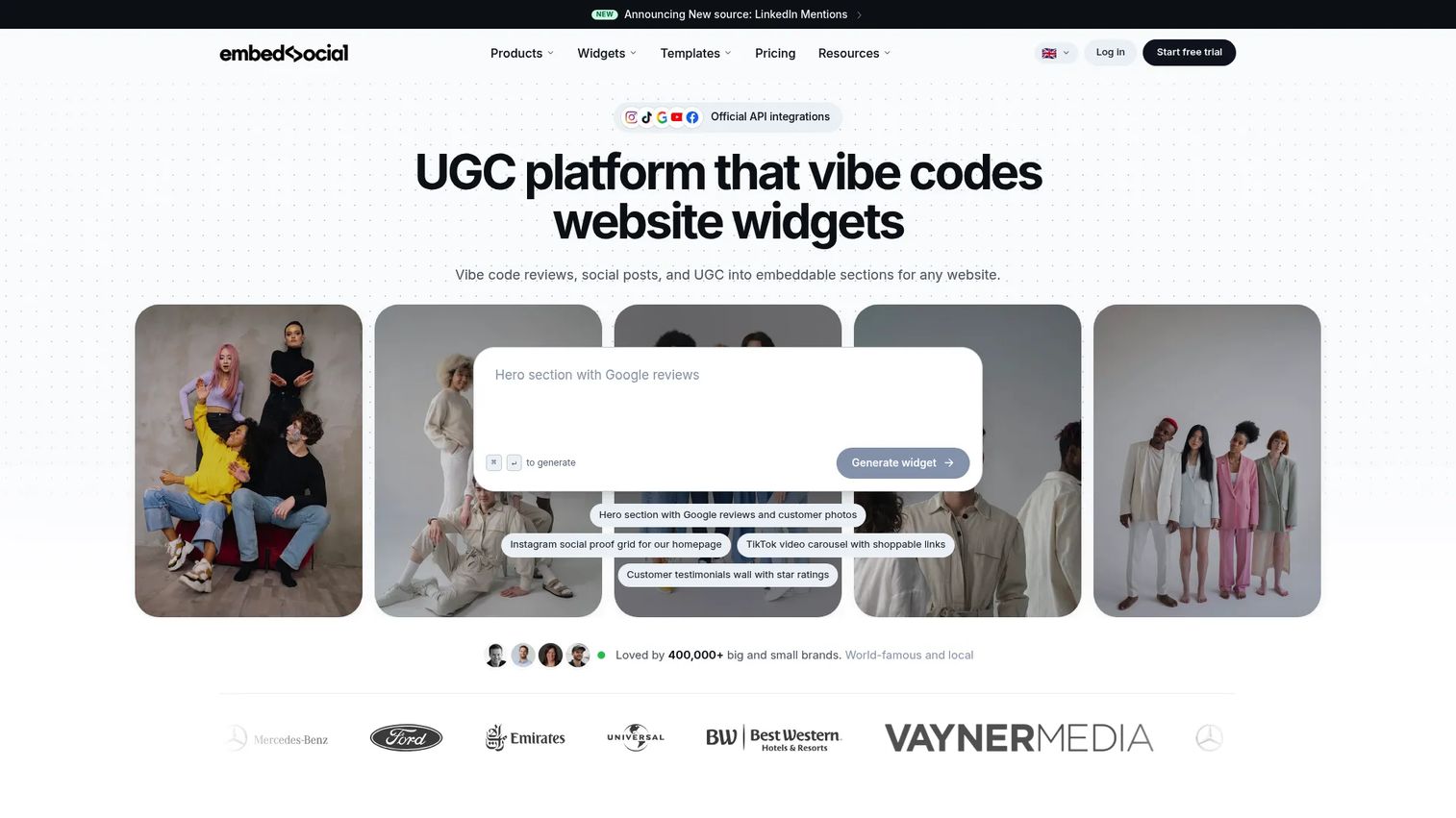
EmbedSocial combines review widgets with social content aggregation. Beyond Google reviews, it pulls from Instagram, TikTok, Facebook, YouTube, Trustpilot, and X, so a single tool can power both your reviews section and your social proof feed. Auto-sync and analytics round it out.
Best for: Businesses that want website-embedded social proof, reviews, and UGC widgets from one platform.
Key strengths
- Unlimited widgets
- Review and social widgets from Google, Instagram, TikTok, Facebook, YouTube, Trustpilot, and X
- Auto-sync so content stays current
- Analytics on widget performance
Why choose EmbedSocial: If your social proof strategy includes user-generated content and social feeds alongside reviews, EmbedSocial handles all of it. That makes it a better fit than a reviews-only tool when you want one system for every kind of proof. Its G2 seller profile carries a 4.9/5 rating.
EmbedSocial pricing: Free plan at €0/month. Paid plans are Pro at €24/month, Pro Plus at €40/month, and Premium at €80/month, all billed yearly, plus a custom Enterprise tier.
7. Tagembed

Tagembed is a social media aggregator and widget platform that also handles reviews. It aggregates feeds and reviews, offers customization and embed options, and works across multiple platforms. It rounds out this list as the flexible option for teams comparing embeds across several sources.
Best for: Teams that need to embed social proof and social feeds alongside reviews on a website.
Key strengths
- Social media feed aggregation
- Review collection and display
- Widget customization and embed options
- Multi-platform compatibility
Why choose Tagembed: Tagembed sits in the same space as EmbedSocial: social feeds plus reviews in one widget. If you are weighing aggregation tools and want layout flexibility across sources, it earns a spot on the shortlist. Its G2 listing shows a 4.7/5 rating.
Tagembed pricing: Free plan at $0/month. Paid plans are Starter at $79/month and Advance at $99/month, with an Agency tier at custom pricing. Monthly and annual billing are available.
Considerations
Check Google source access and permissions
A review widget only works if it can reach your reviews cleanly. That means confirming you own or are authorized on the Google Business Profile you want to pull from. Verify the account connection and review syncing during setup, before you commit to a plan, so you know the pipeline works end to end.
Match the widget to the site builder
Your builder shapes how fast this goes. WordPress, Webflow, Shopify, and Squarespace each handle embeds differently, some through plugins, others through raw snippets. Before you buy, confirm the tool supports your platform and check the exact install method. A tool that installs in two clicks on one builder may need manual code on another.
Decide how much control you need
There is a real difference between a simple feed and a curated, branded widget. A basic embed drops recent reviews on the page. A more capable tool lets you filter reviews, reorder them, control colors and layout, and white-label the whole thing. Match the control level to the job. A single landing page needs less than a multi-client agency deployment.
Look at pricing beyond the entry tier
Free plans and entry tiers hide their limits. Watch for caps on page views, number of widgets, client accounts, or available layouts. Those limits are usually what triggers an upgrade. Read the free-plan restrictions carefully and map them to your actual usage so the real cost is clear before you scale.
Prioritize trust and conversion, not just aesthetics
A good-looking widget that does not build credibility is decoration. The point is to reduce friction at the moment someone decides to buy. Judge each tool by whether it strengthens trust on your landing pages and conversion-focused pages, not just by how the widget looks in a demo.
Conclusion
The right pick depends on your role and scale.
If budget is your first constraint, start with Featurable and its free-forever plan. If you run an agency or manage many client sites, SuperReviewWidget is built for white-label, multi-client delivery. If you want reviews plus a broader set of website widgets, Elfsight consolidates it under one vendor. For teams treating reviews as an ongoing program, Trustindex pairs collection with display. When you only need a clean Google embed, Widgets for Google Reviews keeps it simple. And if social feeds matter as much as reviews, EmbedSocial and Tagembed both combine the two.
Your next step: pick the tool that matches your builder and scale, connect your Google Business Profile, and embed a widget on your highest-intent page first. Measure whether it moves conversion there before rolling it out site-wide.
FAQs
There is no single best. Featurable leads for budget-conscious teams with its free-forever plan, SuperReviewWidget for agencies needing white-label delivery, and EmbedSocial or Tagembed when you want reviews plus social feeds. Match the tool to your builder, budget, and whether you need multi-client management.
Yes. Featurable offers a free-forever plan, Widgets for Google Reviews provides a free Google Reviews widget generator, and SuperReviewWidget, Trustindex, EmbedSocial, and Tagembed all have free tiers. Free plans usually limit widgets, page views, or layouts, so check the caps against your usage.
Yes. Most review widgets install on WordPress, Shopify, Webflow, and Squarespace through a plugin or a copy-paste embed snippet. The exact method varies by builder, so confirm your platform is supported and check the install steps before you commit.
They can, but placement drives the result. Reviews shown near a decision point, like a pricing table or service page, reduce hesitation more than a buried testimonials page. The widget provides the proof; where you put it determines whether it lifts conversion.
A review widget displays existing reviews on your site. A review management tool also helps you collect reviews, filter and reply to them, and monitor reputation across sources. Trustindex is an example of a tool that spans both display and management.
Look for white-label controls that remove vendor branding, a centralized dashboard to manage many client accounts, and reusable deployment. SuperReviewWidget is packaged specifically for this. Confirm the plan supports the number of clients and sites you serve before committing.
They can help when the tool outputs structured data, or schema markup, that lets search engines read your review stars. Widgets for Google Reviews and other tools support schema markup for this reason. Widgets that load slowly or block rendering can work against you, so check performance.
Most widgets auto-sync new reviews on a regular interval, so fresh reviews appear without manual work. Sync frequency varies by tool and plan. If showing the latest reviews quickly matters to you, confirm the sync cadence before choosing a tool.