



A user's screen freezes. You are 400 miles away. The old fix was a 40-minute call where you narrate clicks and hope they follow.
That friction is why remote desktop software keeps eating budget. More than 84% of IT service desks now rely on remote desktop tools for troubleshooting, according to Market Growth Reports (2026). Over 72% of enterprises globally deploy at least one remote desktop platform, the same source found.
For presales teams and sales engineers, this is not abstract. You use these tools to run technical validation on a prospect's environment, unblock a stalled POC, or troubleshoot a demo box mid-cycle. The wrong tool means slow sessions, security review flags, and a stack that does not talk to your CRM.
The market is growing fast, from USD 3.92 billion in 2025 toward USD 11.98 billion by 2032, per Fortune Business Insights (2025). More vendors, more noise, harder shortlisting.
So which remote access software actually earns a place in your stack? Below is a ranked, opinionated shortlist with verified pricing and security guidance.
What's inside
This guide is for IT admins, support teams, MSPs, and presales engineers who need secure access to another machine without wasting time on setup. Here is how we chose and compared the seven tools:
- Security and access control: encryption, session logging, permissions, and audit trails
- Cross-platform support: coverage across Windows, macOS, Linux, iOS, and Android
- Attended vs unattended access: support sessions plus always-on device access
- Ease of setup and daily use: how fast you get connected and how little admin it demands
- Pricing clarity: whether pricing is public and predictable
Every pricing figure and rating below was verified against vendor pages and G2 at generation time.
TL;DR
- Best overall: TeamViewer covers remote support, device management, and enterprise IT operations with broad platform reach.
- Best for budget-conscious teams: RemotePC starts at $1.84 per month with cross-device access and file transfer.
- Best for cross-platform IT teams: Splashtop pairs secure access with endpoint management under one platform.
- Best for support workflows with a free tier: Zoho Assist offers a free edition plus low-cost remote support tiers.
- Best for fast, lightweight sessions: AnyDesk delivers responsive remote access for quick support.
- Best for secure device access: RealVNC Connect focuses on end-to-end encrypted connections.
- Best for enterprise support: BeyondTrust Remote Support targets privileged, security-sensitive environments.
What is remote desktop software?
Remote desktop software lets you view and control another computer over a network as if you were sitting in front of it. It is the backbone of remote support, remote work, and device management.
The core capabilities to look for:
- Access and control a remote computer from anywhere, over the internet or a private network
- Support attended and unattended sessions, so you can help a live user or reach an unmanned machine
- Transfer files and manage multiple devices from a single console
- Work across operating systems, including Windows, macOS, Linux, iOS, and Android
- Provide secure access controls, including encryption, permissions, and session logging
The category overlaps with related terms. Remote access software and remote connection software usually describe the same job: reaching a machine you are not physically near. Remote control software emphasizes taking over the input, mouse, and keyboard of that machine. Remote management software leans toward monitoring and administering fleets of devices at scale.
For a presales engineer, the distinction matters at buying time. A quick support session needs a lightweight remote desktop app. A long POC on a customer sandbox needs unattended access, tight permissions, and logs your security team will accept. Both live under the same category, but the right pick depends on the job.
The best remote desktop programs also plug into the rest of your stack. Directory services for authentication. Ticketing tools for support context. Alerts into Slack or email. If a tool cannot connect to what you already run, it becomes another silo, which is the exact objection your team will raise.
When to use remote desktop software
Support users without being on site
Help desk and IT support are the classic use case. Instead of walking someone through a fix over the phone, you take control and do it yourself. First-contact resolution rises, average handle time drops, and the user stops guessing which menu you meant. For presales, this is how you unblock a prospect stuck on a config step during evaluation.
Access office computers from anywhere
Remote work, travel, and after-hours access all depend on reaching your own machine. You leave a workstation on, connect from a laptop or phone, and pick up where you left off. Unattended access is the key feature here, because the target machine has no one sitting at it to approve the session.
Manage devices securely at scale
Larger teams and MSPs need centralized control over many endpoints. That means unattended access to fleets, granular permissions per technician, session recording for audit, and role-based access so the right people reach the right machines. This is where enterprise-grade remote management software earns its keep, especially in security-sensitive environments.
Comparison table
Here is a side-by-side view of the seven tools, sorted by relevance for the remote desktop software keyword. Use it to shortlist fast, then read the full entries for fit. Pricing and G2 ratings were verified at generation time; enterprise tiers that are quote-based are marked as contact sales.
| # | Product | Best for | Key differentiator | Pricing | G2 rating |
|---|---|---|---|---|---|
| 1 | TeamViewer | Secure remote support and device management | Broad platform reach plus asset and patch management | Free trial; enterprise Tensor via contact sales | 4.5/5 |
| 2 | RemotePC | Affordable access across mixed devices | Low entry price with file transfer and remote printing | From $1.84/month | 4.7/5 |
| 3 | Splashtop | Cross-platform IT teams | Access plus endpoint management on one platform | From $6/month | 4.7/5 |
| 4 | Zoho Assist | Support workflows with a free tier | Free edition plus low-cost remote support | Free; Standard from $10/tech/month | 4.7/5 |
| 5 | AnyDesk | Fast, lightweight sessions | Responsive remote access with unattended control | Free tier; paid licenses from PLN344.72/month | 4.5/5 |
| 6 | RealVNC Connect | Secure device access | End-to-end encrypted connections | From £10.75/month per connection | 4.7/5 |
| 7 | BeyondTrust Remote Support | Enterprise, security-sensitive support | Privileged access with deep session auditing | Contact sales | 4.7/5 |
Best 7 remote desktop software tools for 2026
Each entry below covers what the tool does, who it fits, key strengths, and verified pricing. Ratings sit in a separate line so pricing stays clean.
1. TeamViewer
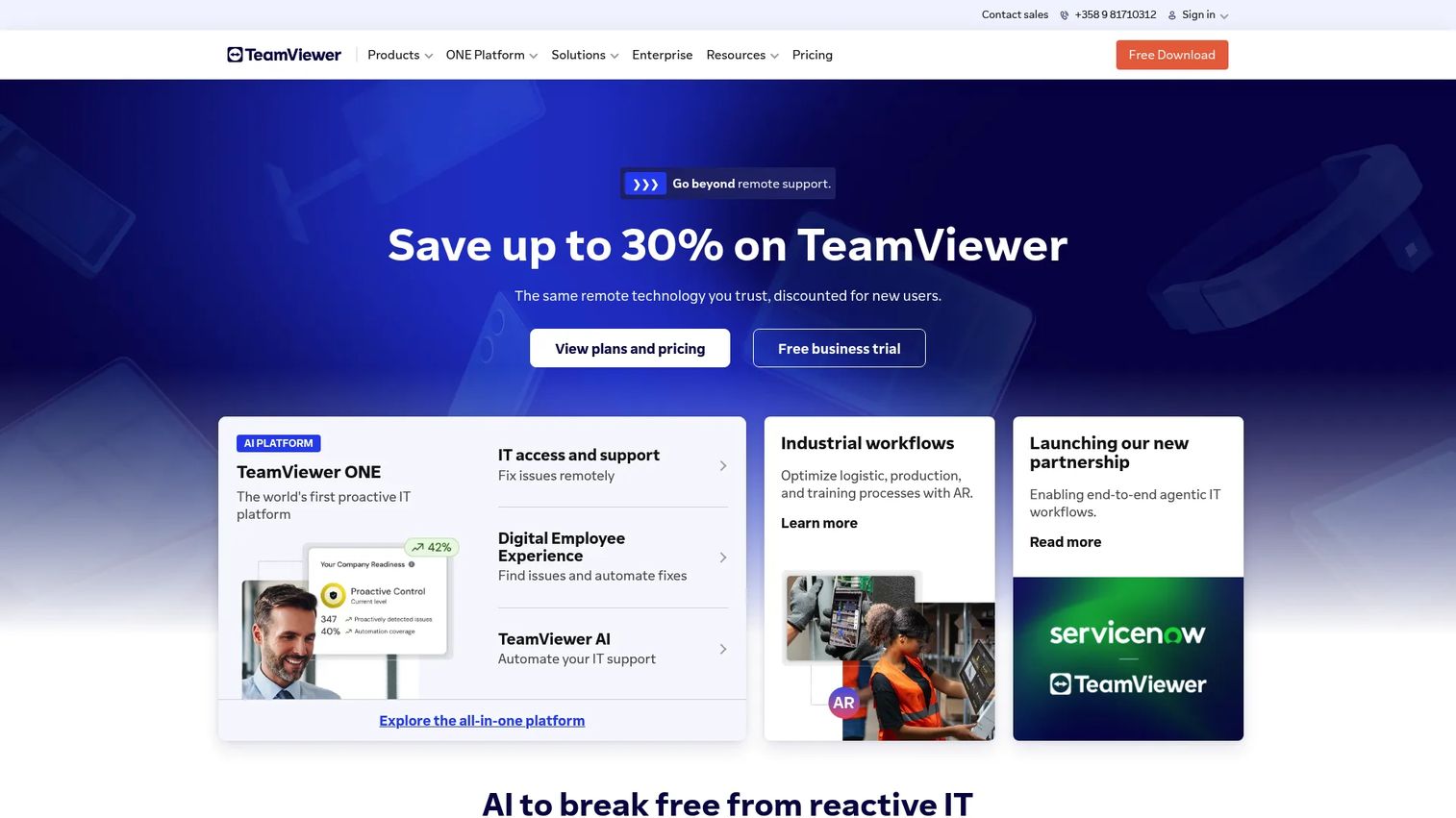
TeamViewer is remote connectivity and digital workplace software for remote support, device management, and enterprise IT operations. It stays a default choice because it covers the widest range of platforms and use cases: ad hoc support sessions, unattended access to servers and workstations, file transfer, and mobile control. For presales engineers, it is the tool you reach for when a prospect needs help across a mixed fleet without a setup argument.
The platform layers in asset and patch management and digital employee experience tooling, so it scales from a single support session to enterprise IT operations. That breadth is the reason it survives on so many shortlists.
Best for: Teams needing secure remote access, remote support, and centralized device management.
Key features
- Remote support and control across desktop and mobile
- Asset and patch management
- Digital employee experience monitoring
- File transfer during sessions
- Cross-platform support for Windows, macOS, Linux, iOS, Android
Why choose TeamViewer: If you want one tool that handles casual support and enterprise device management without stitching products together, TeamViewer is the safe default. It fits teams that value breadth over a narrow specialty.
TeamViewer pricing: TeamViewer offers a 30-day free trial. Plans are grouped into TeamViewer Remote for personal and SMB use, with the enterprise TeamViewer Tensor tier available through contact sales. Numeric pricing is arranged with sales.
TeamViewer holds a 4.5/5 rating on G2.
2. RemotePC
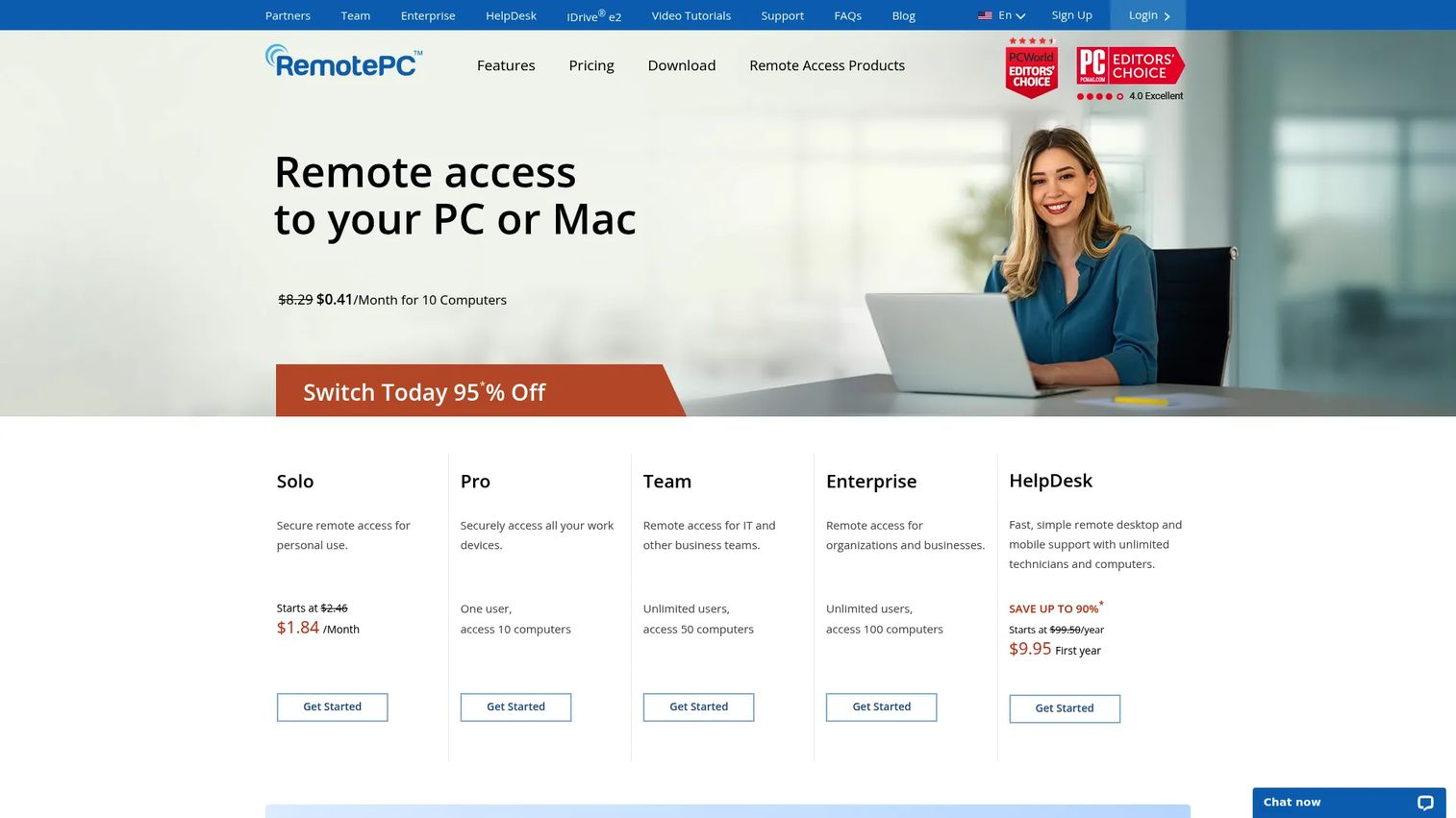
RemotePC is remote desktop access software for consumers, teams, and enterprises. Its pitch is simple: straightforward remote access without a heavy admin burden, at a price that is hard to argue with. You get platform-independent access from PC, Mac, and Linux, plus file transfer and remote printing, which covers most day-to-day remote work.
For teams that want secure access without building a management program around it, RemotePC keeps the setup light. That makes it a strong fit for small businesses and remote workers who need reliable connections more than deep fleet controls.
Best for: Businesses needing affordable remote access across mixed devices.
Key features
- Platform-independent access from PC, Mac, Linux
- File transfer and remote printing
- Multi-monitor support
- Session recording
- Cross-device access from mobile
Why choose RemotePC: If budget and simplicity top your list, RemotePC delivers dependable access without a steep learning curve. It fits teams that want value over enterprise-grade governance.
RemotePC pricing: Consumer plans start at $1.84 per month. Pro runs $6.22 per month and Team is $18.72 per month. A 7-day free trial is available, along with a free-for-personal-use option with limited functionality.
RemotePC holds a 4.7/5 rating on G2.
3. Splashtop
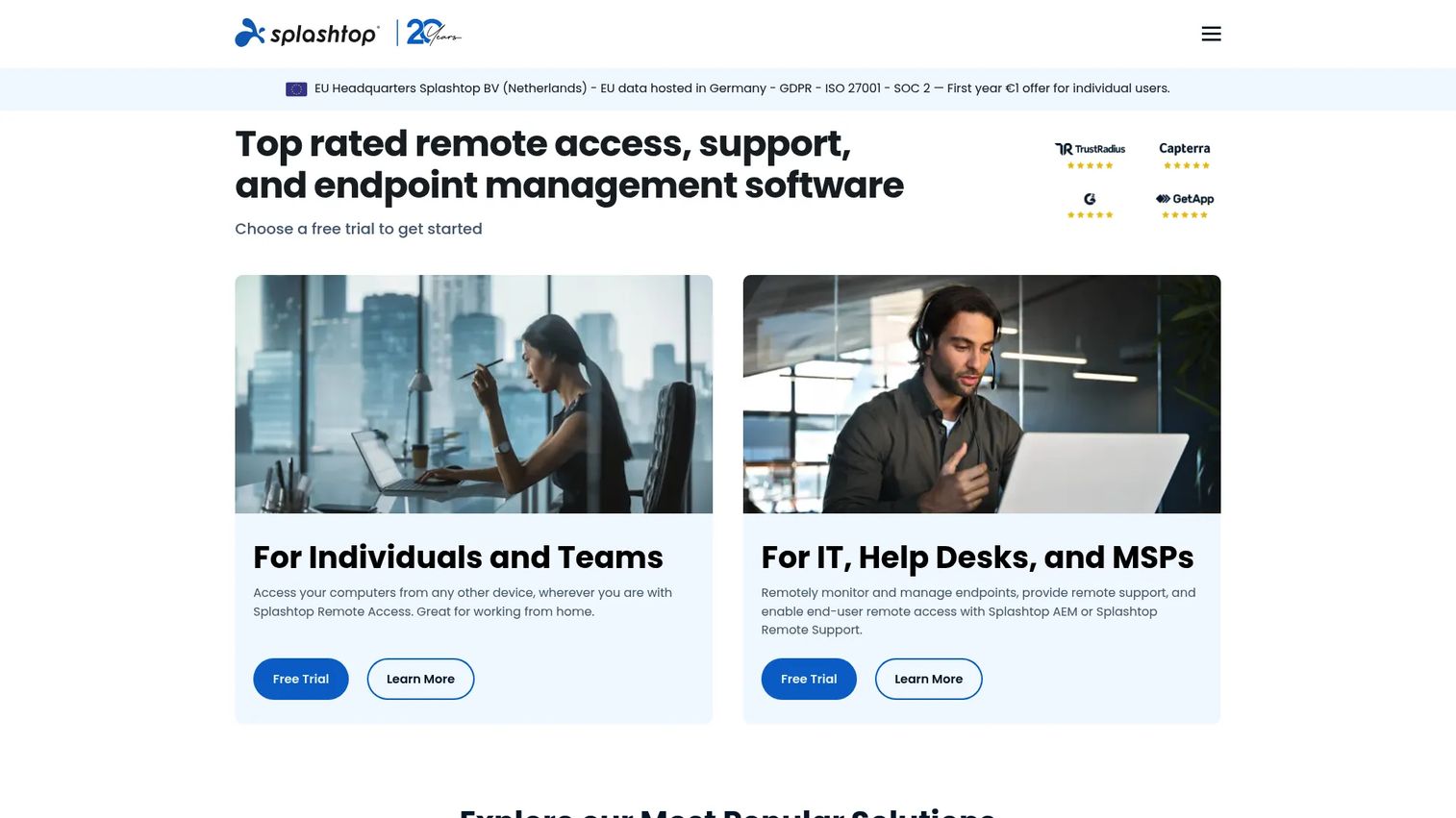
Splashtop is remote access, remote support, endpoint management, and security software for individuals, teams, IT, and businesses. Its appeal is the unified platform angle: you get secure remote access plus support and endpoint management under one roof, which reduces tool sprawl for IT teams.
That combination fits organizations that want remote control software and device management without buying two separate products. Unattended access, file transfer, and multi-monitor remote desktop cover the core jobs, while the endpoint management layer handles the fleet.
Best for: Teams and IT organizations needing secure remote access and support.
Key features
- Unattended remote access
- File transfer
- Multi-monitor remote desktop
- Endpoint management
- Cross-platform support
Why choose Splashtop: If your team wants access and management on one platform rather than a patchwork, Splashtop consolidates the stack. It fits IT teams tired of juggling separate tools.
Splashtop pricing: Solo starts at $6 per month billed annually at $72. Pro is $8.25 per user per month, and Performance is $13 per user per month. Remote Support SOS starts at $22 per month per concurrent user license, and Enterprise is quote-based via contact sales.
Splashtop holds a 4.7/5 rating on G2.
4. Zoho Assist
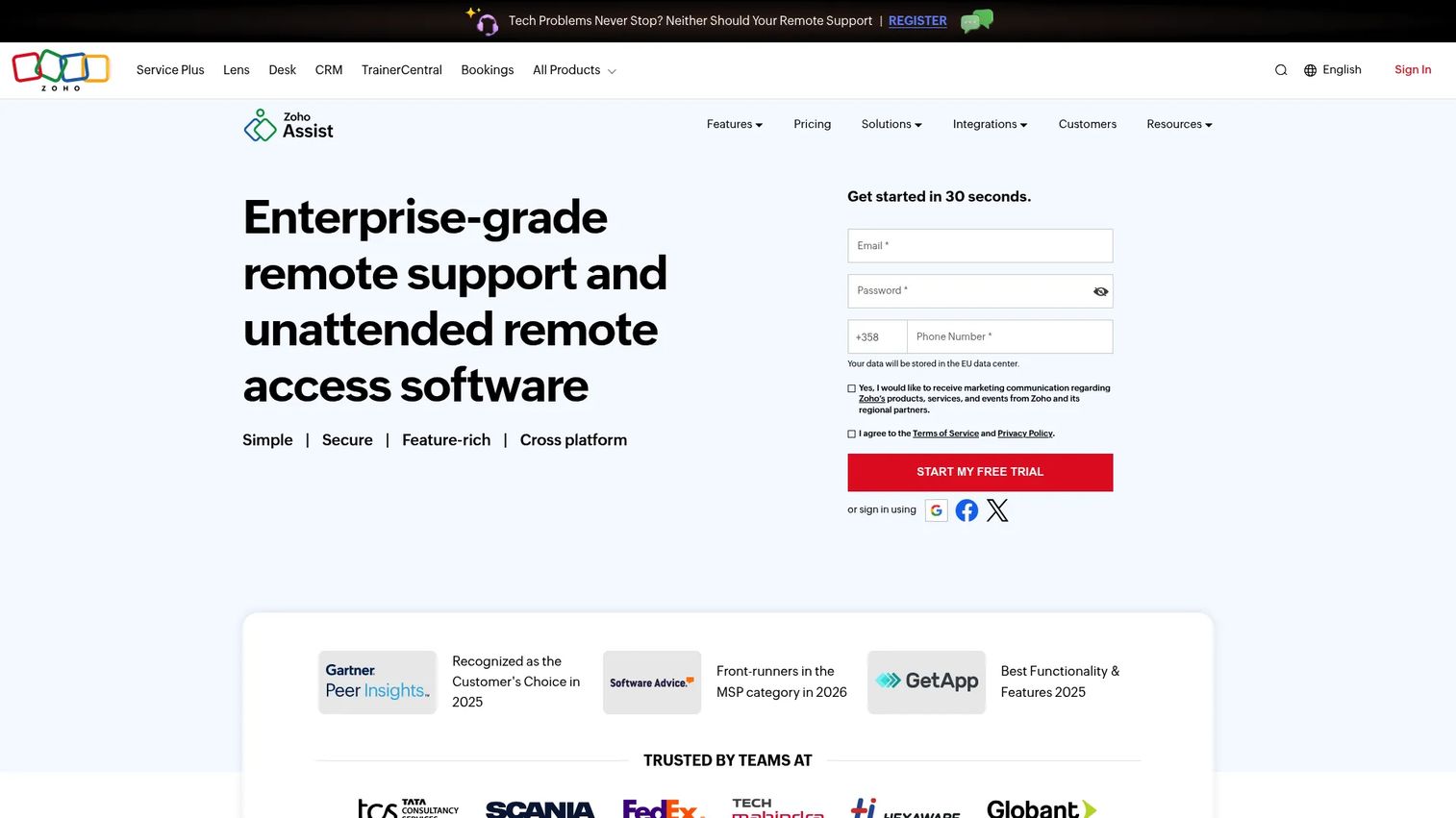
Zoho Assist is cloud-based remote support and unattended access software for IT and customer support teams. It is built around support workflows, so remote support sessions, unattended device access, file transfer, and multi-monitor support are all first-class. If you already run other Zoho products, the integration ecosystem is a real draw.
For presales and support engineers who need to jump into a prospect or customer machine quickly, the free edition lowers the barrier to trying it. Paid tiers stay affordable while adding the depth larger support teams need.
Best for: Teams needing remote support and unattended device access with a free entry tier.
Key features
- Remote support sessions
- Unattended access
- File transfer
- Multi-monitor support
- Zoho ecosystem integrations
Why choose Zoho Assist: If you want a support-first tool with a genuine free tier and a low upgrade cost, Zoho Assist fits. It suits IT and customer support teams already invested in the Zoho stack.
Zoho Assist pricing: A Free Edition is available forever. Standard remote support runs $10 per technician per month billed annually, and Professional is $15 per technician per month billed annually. Enterprise and higher-concurrency options are quote-based.
Zoho Assist holds a 4.7/5 rating on G2.
5. AnyDesk
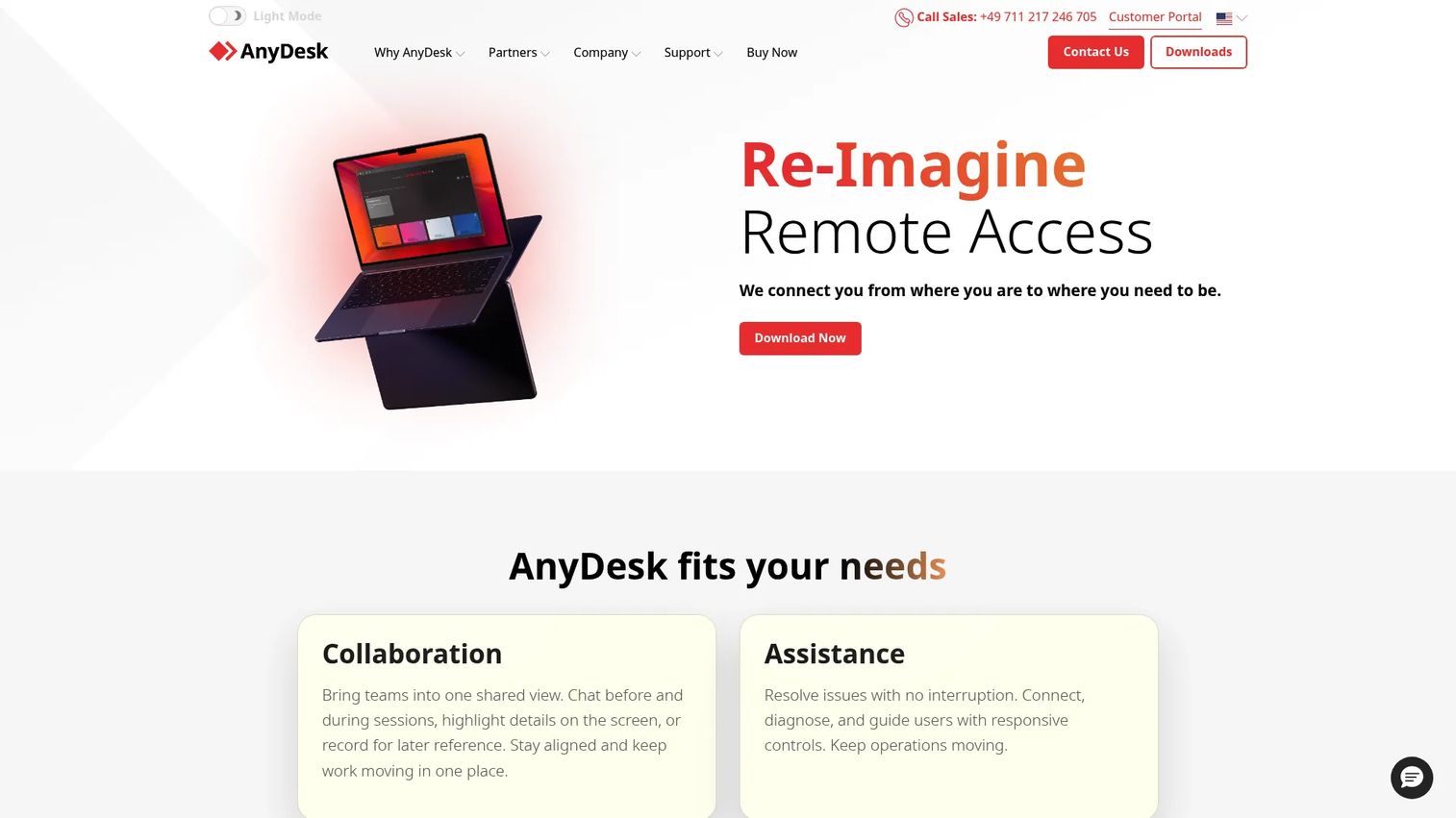
AnyDesk is remote desktop software for secure remote access, support, and collaboration. Its reputation is speed: lightweight sessions that stay responsive even on modest connections. That makes it a strong pick when a support session needs to feel immediate rather than laggy.
Desktop sharing, interactive access, and unattended access cover the main jobs, so it works for both live troubleshooting and always-on machine access. Where enterprise-heavy suites can feel like overkill for a quick fix, AnyDesk fits teams that value a fast, focused remote connection.
Best for: Teams needing secure remote desktop, support, and device access.
Key features
- Desktop sharing
- Interactive access
- Unattended access
- Responsive low-latency sessions
- Cross-platform support
Why choose AnyDesk: If session responsiveness matters more than a broad management suite, AnyDesk keeps connections quick and simple. It fits teams that prioritize fast support over deep fleet tooling.
AnyDesk pricing: AnyDesk offers a free tier for personal use. Paid licenses include Solo, Standard, Advanced, and Ultimate. Solo and Standard start from PLN344.72 per month billed annually, while Advanced and Ultimate move to quote-based pricing.
AnyDesk holds a 4.5/5 rating on G2.
6. RealVNC Connect
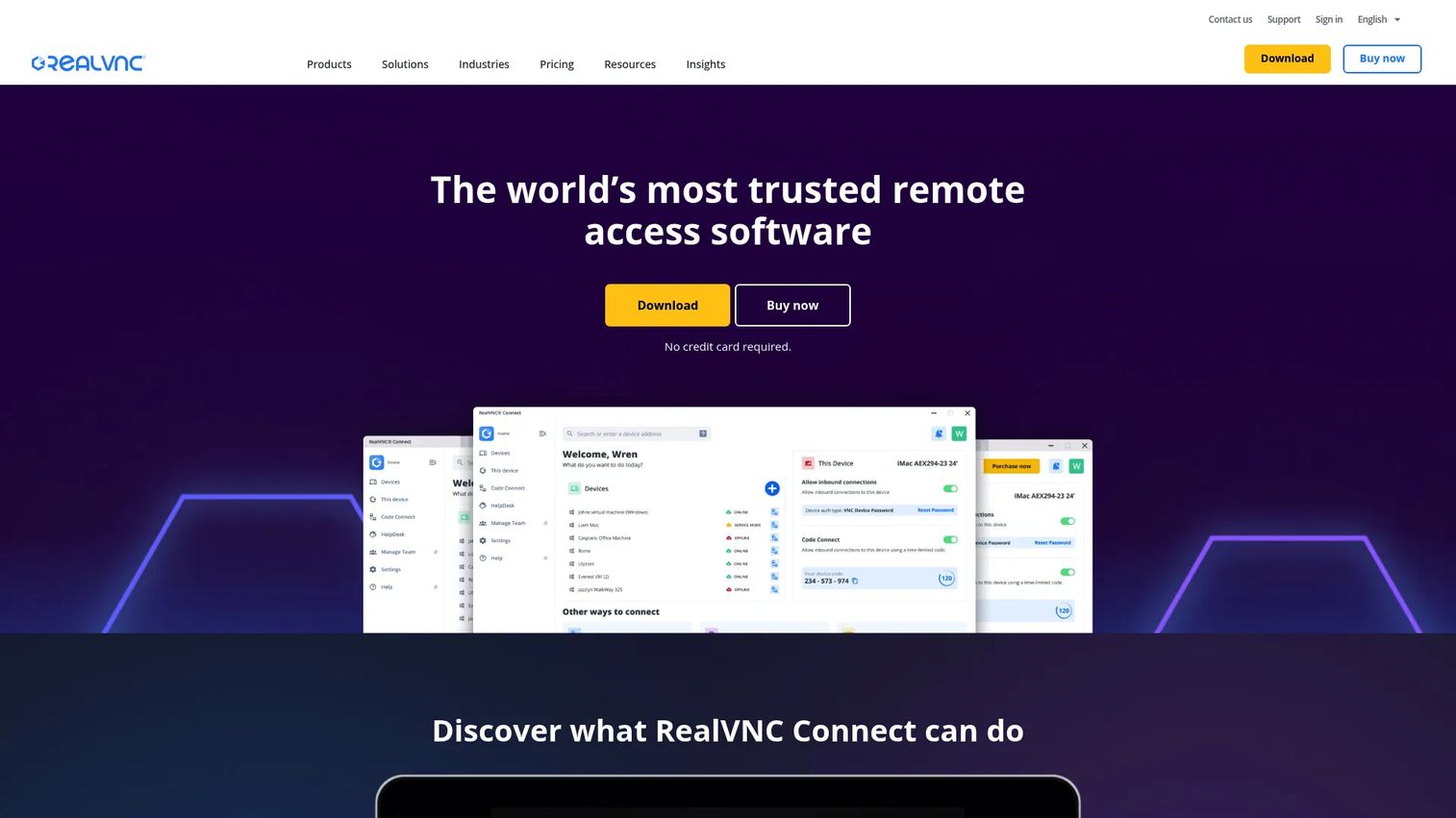
RealVNC Connect is remote access and support software for connecting to and managing devices securely. Security is its calling card: end-to-end encrypted connections, attended and unattended access, and multi-level device lists with session recording. For teams that care about private networks and tighter security posture, that focus lands well.
It fits IT teams working across mixed-device environments who want secure remote desktop software without unnecessary bloat. The device-list structure keeps larger deployments organized, which helps when you manage access for several technicians.
Best for: IT teams needing secure remote access and support across mixed-device environments.
Key features
- End-to-end encrypted remote connections
- Attended and unattended access
- Multi-level device lists
- Session recording
- Cross-platform support
Why choose RealVNC Connect: If encryption and controlled device access are non-negotiable, RealVNC Connect makes security the default rather than an add-on. It fits security-conscious IT teams.
RealVNC Connect pricing: Essentials starts at £10.75 per month per active connection, billed annually. Plus starts from £16.50 and Premium from £29.75, both per month billed annually. Enterprise is custom priced via contact sales. A 14-day free trial is available.
RealVNC Connect holds a 4.7/5 rating on G2.
7. BeyondTrust Remote Support
BeyondTrust Remote Support is enterprise remote support software for secure attended and unattended access across many device types and platforms. It is the enterprise-heavy option here, built for privileged access and security-sensitive environments where audit and control outweigh setup speed.
Session auditing, logging, and security controls sit at the center, alongside broad platform support and workflow integrations. For regulated organizations and large service desks, that governance is the whole point. Presales teams selling into security-conscious buyers will recognize the requirements it satisfies.
Best for: IT and service desk teams needing secure enterprise remote support.
Key features
- Attended and unattended remote access control
- Session auditing and logging
- Security controls and permissions
- Broad platform support
- Workflow integrations
Why choose BeyondTrust Remote Support: If you operate under strict audit and privileged-access requirements, BeyondTrust is built for that scrutiny. It fits enterprises where security governance drives the decision.
BeyondTrust Remote Support pricing: BeyondTrust does not list prices publicly. The pricing page directs you to contact sales for a custom quote based on your environment and scale.
BeyondTrust Remote Support holds a 4.7/5 rating on G2.
Considerations
Before you commit, run the shortlist through this checklist. It maps to the criteria your security and IT stakeholders will raise anyway.
Security and access control
Check the encryption model, whether sessions are logged, and how permissions are assigned per user. Look for role-based access, multi-factor authentication, and session recording if you operate in a regulated environment. Ask what an administrator can see and whether audit trails satisfy your compliance review.
Cross-platform support
Confirm the tool covers every OS your fleet runs, not just Windows. Verify mobile access on iOS and Android if technicians work from phones. Mixed environments break the cheapest tools first, so test the exact combination you support before buying.
Attended versus unattended access
Decide whether you mostly help live users or reach unmanned machines. Attended access needs someone to approve the session; unattended access runs without a person at the target. Most teams need both, so confirm the tier you are pricing includes unattended access rather than gating it behind an upgrade.
Ease of setup and day-to-day use
Time how long it takes to connect from a cold start. Lightweight tools connect in seconds; heavier suites trade speed for governance. For high-volume support, connection speed compounds across every ticket, so weigh it against the management depth you actually need.
Pricing and licensing model
Check whether pricing is per technician, per device, or per concurrent connection, because the model changes your total cost as you scale. Watch for features gated to higher tiers, and confirm whether the free trial reflects the plan you intend to buy.
Conclusion
The right remote desktop software depends on your job, not on a leaderboard. Match the tool to the scenario.
For broad coverage across support and device management, TeamViewer is the default. For the lowest entry cost, RemotePC starts at $1.84 per month. For access plus endpoint management on one platform, Splashtop consolidates the stack. For a support-first tool with a free tier, Zoho Assist lowers the barrier. For fast, lightweight sessions, AnyDesk stays responsive. For security-first device access, RealVNC Connect leads with encryption. For enterprise, privileged, audited support, BeyondTrust Remote Support is built for scrutiny.
Your next step: shortlist two tools that match your access model and platform mix, then run a free trial against a real support scenario before you sign anything.
Presales teams juggle more than remote access. When your job is helping buyers validate a product, the way you show it matters as much as how you troubleshoot it. Tools like Guideflow help sales engineers build interactive demos, sandboxes, and demo centers so prospects can explore, test workflows, and validate technical fit without waiting on a live environment. That covers landing pages, sales follow-ups, product-led onboarding, and partner enablement across the deal cycle.
Start your journey with Guideflow today!
FAQs
TeamViewer, RemotePC, Splashtop, and AnyDesk all offer strong Windows support with unattended access and file transfer. TeamViewer is the broadest default, while RemotePC wins on price. For Windows-heavy support desks, the deciding factor is usually your access model and how sessions integrate with ticketing.
Yes, when configured correctly. Reputable remote access programs use end-to-end encryption, session logging, and access controls. Risk comes from weak passwords, missing multi-factor authentication, and open ports. Enable MFA, restrict access by user, and keep the client updated to stay secure.
The terms overlap heavily. Remote desktop usually means viewing and controlling another machine's full graphical session. Remote access is the broader idea of reaching a resource, which can include files, applications, or a whole desktop. In practice, most tools listed here do both.
Yes. Most tools here support unattended access, which lets you connect to a machine with no one sitting at it. This is essential for reaching servers, kiosks, and your own office computer after hours. Confirm the pricing tier you choose includes unattended access, since some gate it behind an upgrade.
AnyDesk and RemotePC are known for quick setup and fast connections. Zoho Assist also lowers the barrier with a free edition you can try immediately. Ease of setup matters most for high-volume support, where connection speed compounds across every ticket.
Zoho Assist and Splashtop are built around support workflows, with unattended access and endpoint management. For large, security-sensitive service desks, BeyondTrust Remote Support adds privileged access and deep session auditing. The best fit depends on your scale and compliance requirements.
Not usually. Modern remote desktop programs establish their own encrypted connection, so a separate VPN is optional. Some organizations still require a VPN for policy or network-segmentation reasons. Check with your security team, since layering a VPN can add latency without adding much protection when the tool already encrypts traffic.
Prioritize end-to-end encryption, multi-factor authentication, granular per-user permissions, and session recording for audit. Confirm cross-platform coverage for your exact fleet, and check whether logs satisfy your compliance review. Finally, verify the pricing model scales sensibly as you add technicians or devices.










