Your team shipped the feature. The engineering ticket is closed, the deployment is live, and someone sends a Slack message saying "it's out." Now the harder part starts.
Customers miss the update. Sales still pitches the old workflow. CS fields tickets about behavior that changed three sprints ago. And leadership wants to know whether the release actually moved adoption.
According to a 2022 study published in Empirical Software Engineering, 90% of surveyed app developers said release notes are useful for notifying users, yet 78% said they would appreciate a tool for generating them faster. The gap between "it shipped" and "users understand why it matters" is exactly where release notes software earns its place in the PMM stack.
The best tools in this category do more than post a changelog. They help you keep launch messaging accurate across customer segments, give Sales and CS something they can actually use, and close the loop with users who asked for the feature in the first place.
What's inside
This guide compares 12 release notes and changelog tools for SaaS product and PMM teams in 2026. Tools were selected based on four criteria:
- Publishing workflow: How fast can a PMM move from draft to live update?
- Segmentation and targeting: Can you send the right note to the right audience?
- Feedback and roadmap connection: Does the tool link shipped features back to customer requests?
- Adoption support: Can the tool help users understand what changed, not just know it shipped?
One tool on this list, Guideflow, does not publish changelogs. It belongs here because it solves the step after the note goes live: Showing users how the new feature works through an interactive demo.
TL;DR
- Best for formal release communication: LaunchNotes, for PMM and Product Ops teams managing governed, multi-audience release workflows
- Best for in-app announcements: Beamer, for SaaS teams that want targeted update widgets where users already work
- Best for feedback-connected releases: Canny, Featurebase, or Frill, depending on how much roadmap depth you need
- Best lightweight changelog: Headway, for teams that need a clean update feed without a heavy process
- Best for showing the new feature beside the note: Guideflow, for PMMs who need users to experience a change, not just read about it
- Best for roadmap-connected release context: Productboard, for product organizations tying customer insights to launch planning
What is release notes software?
Release notes software helps teams write, publish, organize, and distribute product updates so customers and internal teams understand what changed, why it matters, and what to do next.
The category overlaps with several adjacent formats, and the distinction matters for PMMs evaluating tools:
Release notes vs changelog: Release notes explain changes in customer-friendly language, with context, value framing, and next steps. Changelogs are chronological records of changes, often more technical. Many tools support both under one roof.
Release notes vs roadmap: Roadmaps communicate planned or in-progress work. Release notes announce what has shipped. Some tools, like Canny, Featurebase, and Productboard, connect both surfaces.
Release notes vs in-app announcements: In-app announcements push updates directly into the product experience through widgets or modals. Release notes provide a durable, findable source of truth outside the product. Tools like Beamer and AnnounceKit handle both.
Release notes vs interactive demos: Release notes publish the message. An interactive demo shows the workflow beside the message, so users can experience the new feature without reading a text-only description.
Key features to look for
- Public changelog page with custom domain support
- In-app announcement widget or banner
- Audience segmentation by user type, plan, or behavior
- Email subscriptions and digest notifications
- Feedback or feature request linking
- Roadmap integration
- Approval workflows and publishing schedules
- Engagement analytics and reaction tracking
- Integrations with Jira, Linear, GitHub, Slack, and CRM tools
- AI-assisted drafting or commit-based summaries
For PMMs, the most important question is governance. The best tool is not the one that posts the fastest. It is the one that keeps launch messaging accurate across customers, Sales, CS, and Product without creating another content silo.
When to use release notes software
Turn shipped work into customer-facing communication
Engineering output rarely maps cleanly to customer value. A "dependency update" means nothing to a user; "your data now exports 40% faster" does. Release notes software gives PMMs a workflow for translating technical changes into clear, outcome-oriented language. For teams running frequent releases, templates and scheduling features keep that translation repeatable, not reactive.
Close the loop with users who requested features
When a user votes for a feature or submits a request, they create a trust expectation. Release notes software with feedback linkage lets teams automatically notify those users when the feature ships. This matters for retention: Users who see their request fulfilled are more likely to adopt the new capability and advocate for the product internally.
Reduce message drift across launch channels
A release note becomes the source of truth for every downstream channel. Sales decks, CS macros, support docs, lifecycle emails, and in-app messages should all say the same thing. Tools with structured templates, versioning, and approval workflows help PMMs catch drift before it reaches a customer. Positioning that stays consistent across every touchpoint starts with a governed update process.
Release notes software comparison
Twelve tools, one table. Pricing and G2 ratings reflect verified data from each vendor's pricing page and G2 listing. Guideflow appears at row 5 as a release note companion, not a changelog publisher.
| # | Product | Best for | Key differentiator | Pricing | G2 rating |
|---|---|---|---|---|---|
| 1 | LaunchNotes | Formal release communication | Governed release pages, stakeholder workflows, subscriptions | From $799/mo | 4.9/5 |
| 2 | Beamer | In-app product updates | Targeted widgets, newsfeed, and push notifications | Free; paid from $49/mo | 4.7/5 |
| 3 | AnnounceKit | Multi-channel announcements | Changelog widgets, email, segmentation, NPS | From $59/mo | 4.8/5 |
| 4 | Canny | Feedback-connected release notes | Links shipped updates to user requests and roadmap | Free; paid from $79/mo | 4.5/5 |
| 5 | Guideflow | Interactive demos beside release notes | Shows new feature as a clickable experience next to the note | Free; paid from $35/mo | 5.0/5 |
| 6 | Featurebase | Feedback, roadmap, and changelog | AI support combined with feedback, changelog, and help center | Free; paid from $29/seat/mo | 4.7/5 |
| 7 | Headway | Lightweight changelog publishing | Simple public changelog, widget, and subscriber notifications | Free; paid from $29/mo | N/A |
| 8 | Frill | Feedback plus announcements | Ideas, roadmap, announcements in one flat-rate plan | From $25/mo | 4.9/5 |
| 9 | ReleaseNotes.io | AI-assisted release notes | Turns commits and inputs into drafted release notes | Free; paid from $39/project/mo | 5.0/5 |
| 10 | Noticeable | Branded product updates | News pages, widgets, email, and audience targeting | Free; paid plans available | 4.8/5 |
| 11 | Olvy | AI-powered changelog workflow | Unifies feedback and converts it to customer-facing updates | Free; paid from $60/mo | 5.0/5 |
| 12 | Productboard | Roadmap-connected release context | Customer insights, roadmap planning, and launch context | Custom pricing | 4.2/5 |
Best 12 tools for release notes software in 2026
1. LaunchNotes
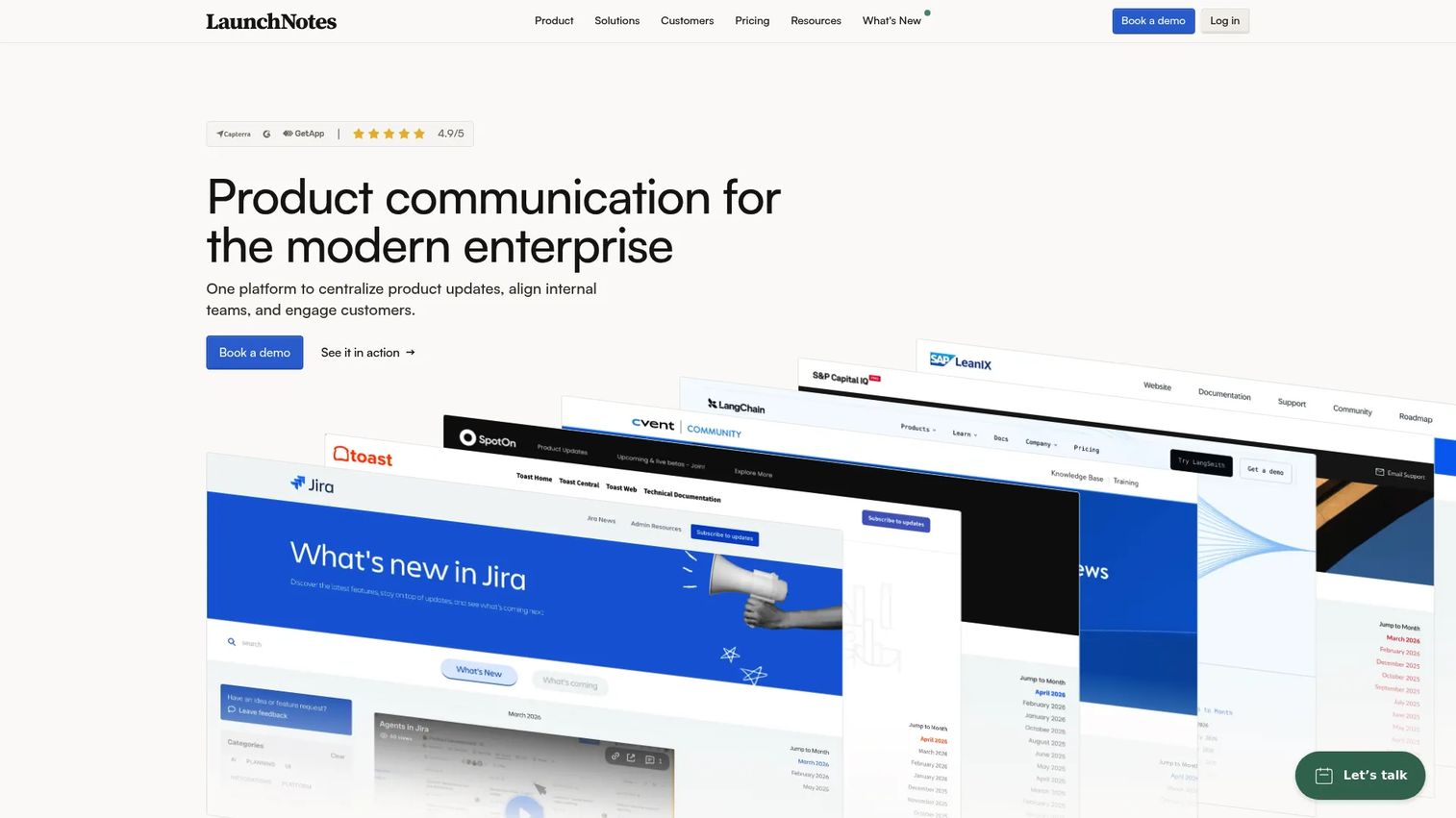
LaunchNotes is a product communication platform built for SaaS teams that need more process than a basic changelog. It centralizes announcements, roadmaps, and feedback behind a governed release workflow, with subscriber management, segmentation, and AI-assisted drafting built in. PMMs and Product Ops teams use it to coordinate launches across internal stakeholders and multiple customer audiences without losing messaging consistency.
Best for: PMM and Product Ops teams managing formal, multi-audience release communication.
Key features
- Public release pages with custom branding
- Stakeholder subscriptions and segmented announcements
- Visual roadmap and feedback management
- Smart Draft AI Writer for release copy
- Jira, Slack, Confluence, and Zapier integrations
Why choose LaunchNotes: Choose it when your release process involves approval steps, multiple subscriber segments, and stakeholders across Product, Sales, and CS who all need a single, accurate source of truth.
LaunchNotes pricing: Plans start at $799/month billed annually (or $999/month billed monthly) for the Growth plan, which includes one LaunchNotes page, two users, announcements, roadmap, feedback management, and SSO. A 14-day free trial is available. Premium pricing is custom.
G2 rating: 4.9/5
2. Beamer
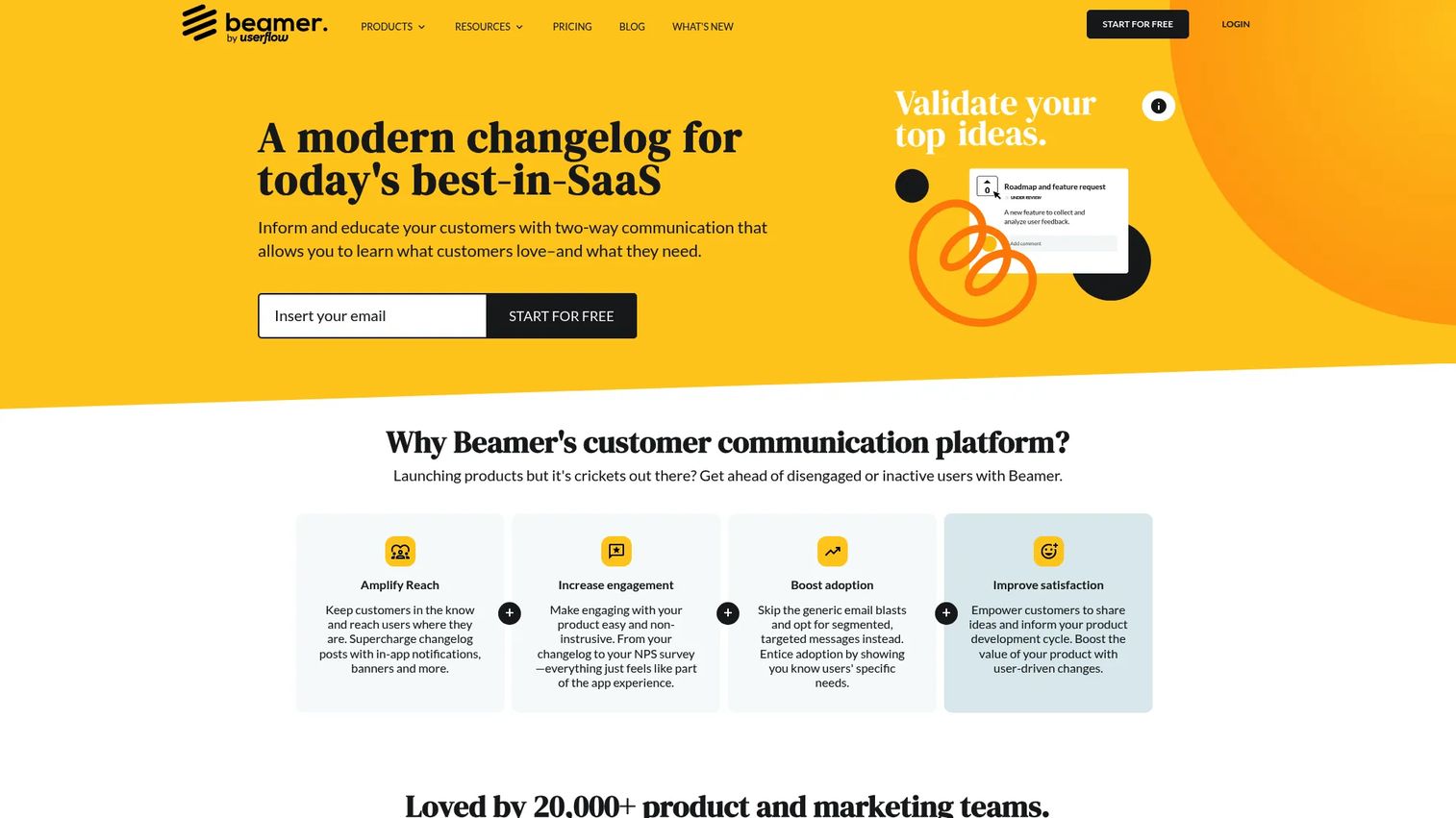
Beamer is a customer communication platform focused on in-app product announcements. It places a newsfeed widget directly inside the product, so users see updates where they already work rather than hunting for a blog post. Push notifications, audience segmentation, and NPS surveys round out a tool built for teams that want release visibility at the point of use.
Best for: SaaS teams that want in-app release communication with segmentation and reaction tracking.
Key features
- In-app newsfeed and standalone changelog
- Targeted announcements with user segmentation
- Push notifications and feedback reactions
- NPS surveys and engagement analytics
- API, webhooks, and integrations
Why choose Beamer: Reach is the main argument. If your users routinely miss blog-based changelogs, Beamer puts updates where they cannot be ignored, with the segmentation controls to make sure the right segment sees the right message.
Beamer pricing: A free plan is available. Paid plans start at $49/month with annual billing (Starter), rising to $99/month (Pro) and $249/month (Scale) for larger teams and additional features. Monthly billing is higher at $59, $119, and $299 respectively. Enterprise pricing is available on request.
G2 rating: 4.7/5
3. AnnounceKit
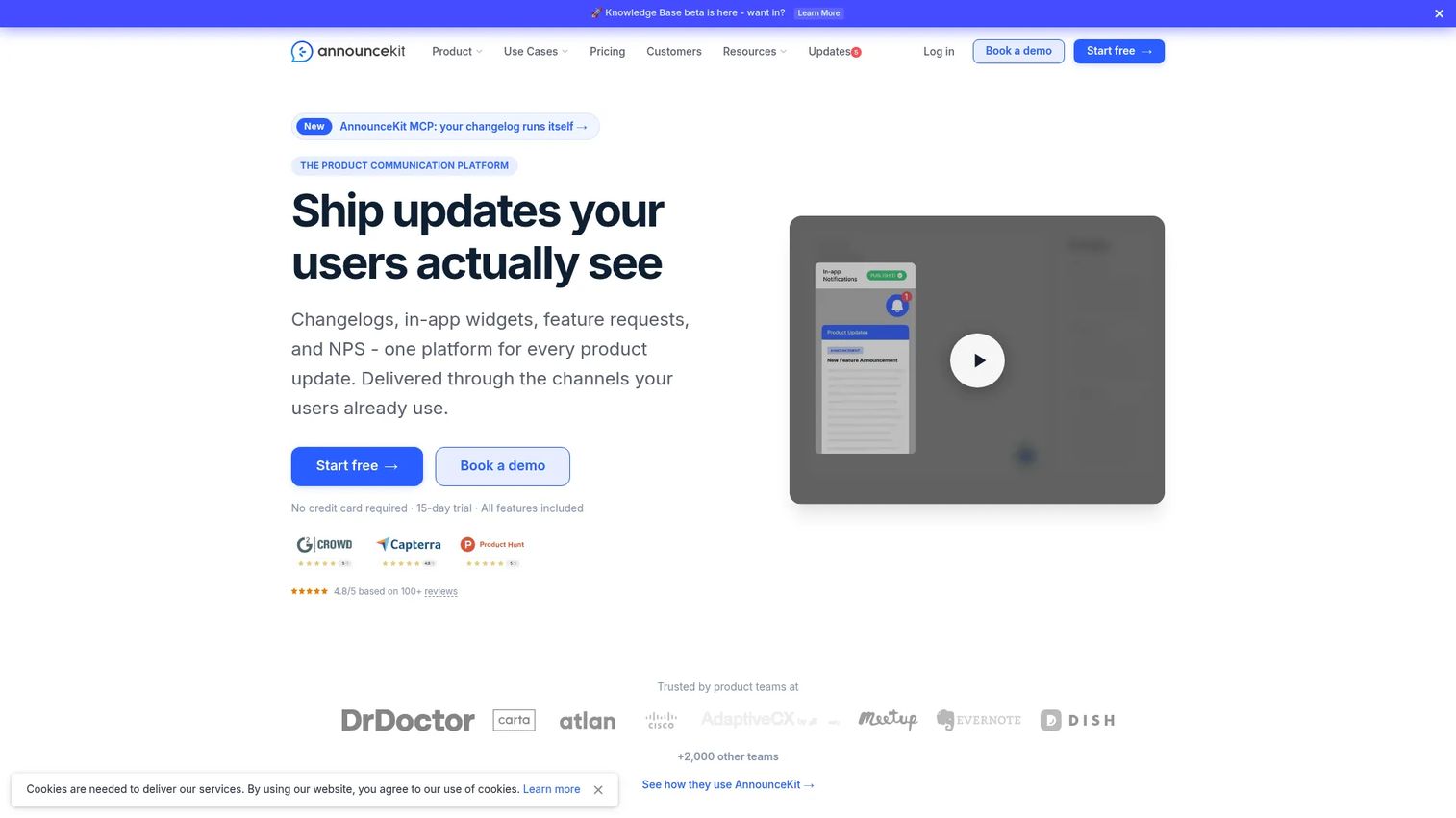
AnnounceKit is a modular product communication platform combining changelogs, in-app messaging, feature requests, NPS surveys, and email digests. Teams buy products individually and combine them, so a PMM running a changelog plus email notifications pays only for those two modules rather than a bundled suite they may not need.
Best for: Teams that want release notes across web, in-app, and email without committing to a full-suite contract.
Key features
- Changelog pages with 10+ in-app widget types
- Email digests and audience segmentation
- Feature requests, voting, and roadmap with Jira integration
- NPS surveys and reaction tracking
- AI post generation and an official MCP server
Why choose AnnounceKit: The modular structure gives PMMs control over scope and cost. Start with a changelog at $59/month and add in-app notifications or NPS as workflows mature, rather than paying for everything from day one.
AnnounceKit pricing: Each product is priced separately. The Changelog module starts at $59/month. In-app notifications start at $99/month. Feature Requests and Roadmap start at $49/month. A 15-day free trial is available. Enterprise plans start from $799/month billed annually.
G2 rating: 4.8/5
4. Canny
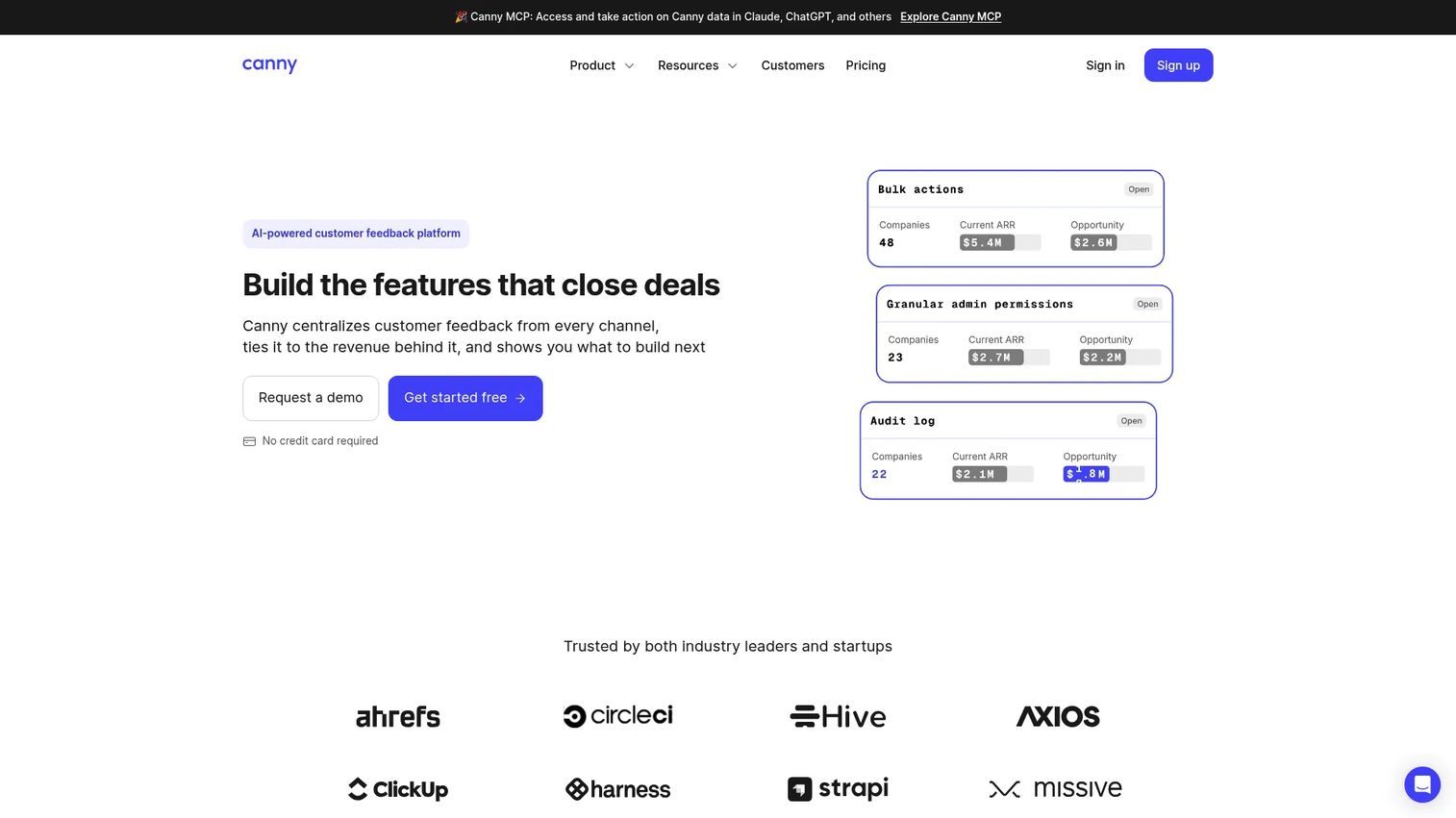
Canny is an AI-powered customer feedback platform with feedback boards, a public roadmap, and a changelog. Its strongest differentiator for PMMs is the automatic notification feature: When a user votes for a request and the team marks it shipped in the changelog, Canny notifies that user. That loop is what most standalone changelog tools miss entirely.
Best for: Product teams that need feedback collection, roadmap visibility, and release notes to work as a connected system.
Key features
- Feedback portals, boards, and embeddable widgets
- AI Autopilot for feedback discovery and deduplication
- Public roadmap with status updates
- Changelog posts with requester notifications
- Revenue-linked feedback prioritization
Why choose Canny: Closing the loop with users who requested a feature builds more trust than any announcement copy. Canny is the right call when that feedback-to-shipped connection matters more than publishing speed or widget placement.
Canny pricing: A free plan covers 25 tracked users and unlimited feedback submissions. The Pro plan starts at $79/month billed yearly. Business pricing is custom.
G2 rating: 4.5/5
5. Guideflow
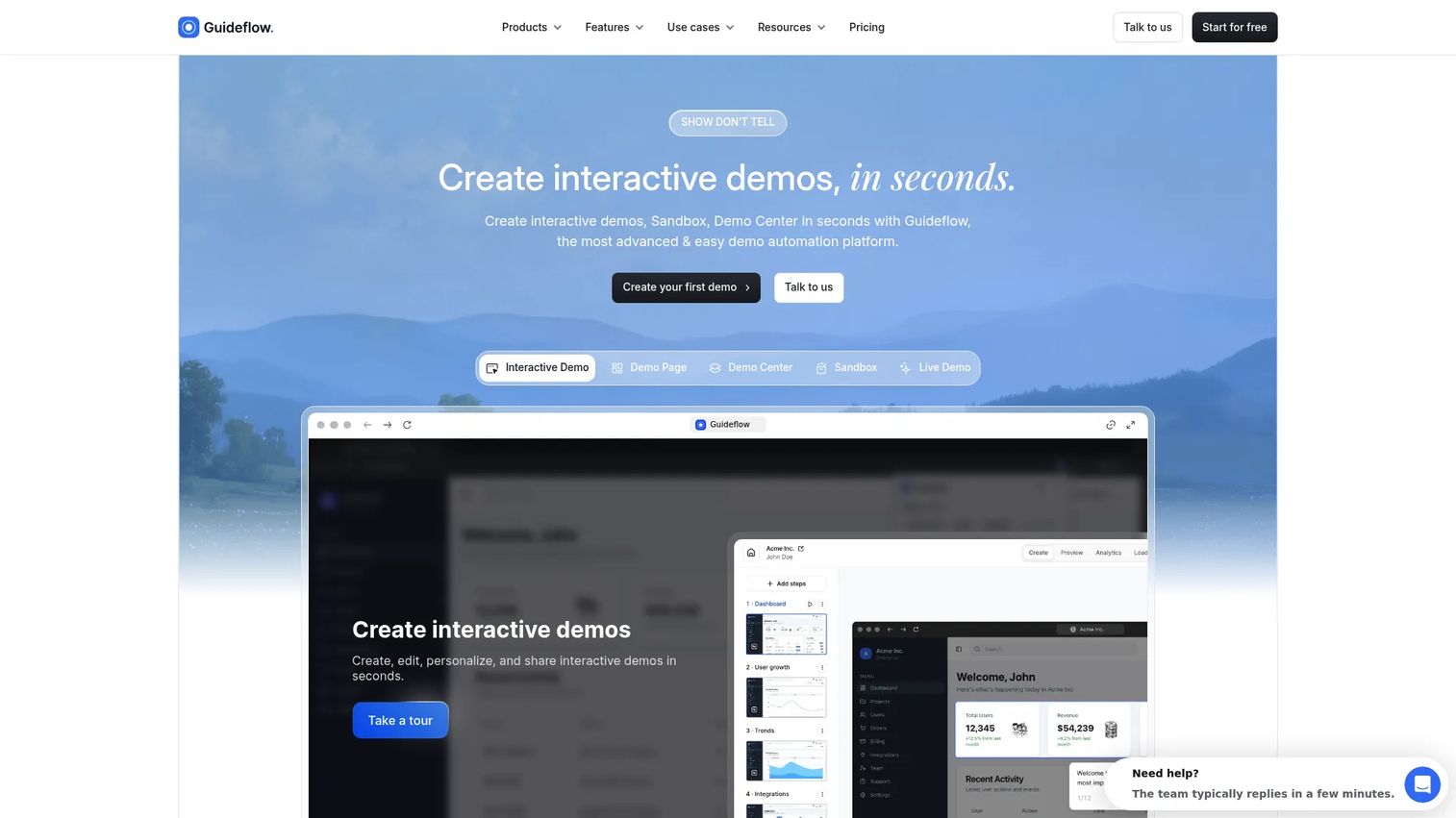
Guideflow does not publish changelogs, host a public roadmap, or manage release notes. It belongs in this list because many release notes fail at the step after publishing: Helping users understand how the new feature actually works. Guideflow lets teams capture a product flow in a few clicks and embed a clickable, step-by-step demo directly beside the release note, inside an email, or on a landing page, so users experience the change rather than read a static description of it.
Best for: PMMs who need to show a new feature inside a release note, not only describe it.
Key features
- Interactive product demos with no-code capture and editing
- Website, email, and in-app embed support
- Personalization by audience, segment, or account
- Engagement analytics tracking step-level completion and drop-off
- Demo centers, sandboxes, mobile demos, and live demos for broader launch coverage
Why choose Guideflow: Choose it when the release note needs proof. The release notes tool publishes the update. Guideflow shows the new feature through a clickable product experience beside it. For complex feature launches, Sales and CS walkthroughs, or mobile product changes, the full suite covers every surface:
- Interactive demos guide users through the new workflow
- A Demo Center organizes multiple feature demos by launch, persona, or product line
- Sandboxes let users explore the new functionality freely when deeper validation is needed
- Mobile demos show mobile product changes exactly as they appear on a device
- Live demos support presenter-led launch enablement for Sales and CS teams
Guideflow pricing: A free plan is available with no credit card required. Solo plans start at $35/month. Growth plans start at $499/month. Advanced plans start at $1,499/month. Enterprise pricing is available on request.
G2 rating: 5.0/5
Start your journey with Guideflow today!
6. Featurebase
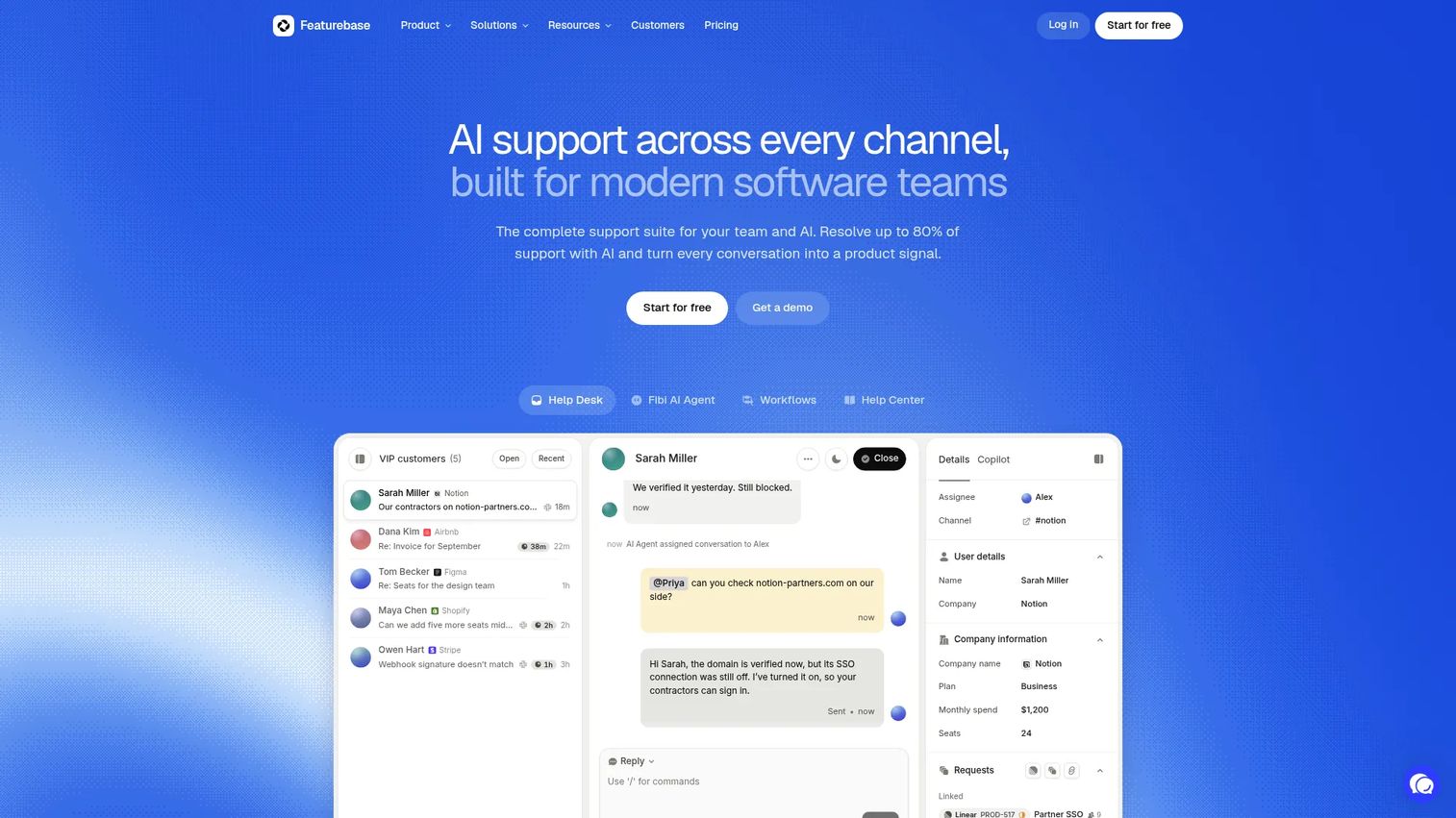
Featurebase is an AI-powered product feedback and customer support platform. It combines a help center, an omnichannel inbox, an AI support agent, feedback boards, roadmaps, and a changelog under one roof. For PMMs who want announcements connected to customer requests and support context without managing multiple tools, Featurebase positions itself as a consolidation play.
Best for: SaaS teams building a customer-facing product feedback hub that includes release communication.
Key features
- Omnichannel inbox with AI-powered ticket routing and responses
- Customer feedback boards, voting, and prioritization
- Public roadmap and changelog posts
- Help center with API documentation support
- Integrations with Slack, Linear, Jira, GitHub, HubSpot, and Salesforce
Why choose Featurebase: If your team manages support tickets, feature requests, and product updates in separate tools, Featurebase consolidates those workflows. PMMs get changelog publishing and feedback linkage; support teams get an AI agent and inbox. It is a broader platform than a focused changelog tool.
Featurebase pricing: A free plan is available. Paid seats start at $29/seat/month billed yearly ($37/month billed monthly). Professional is $59/seat/month billed yearly. Enterprise is $99/seat/month billed yearly. Additional costs include $0.49 per AI resolution, $19/seat/month for unlimited AI Copilot, and $69/month to remove Featurebase branding.
G2 rating: 4.7/5
7. Headway
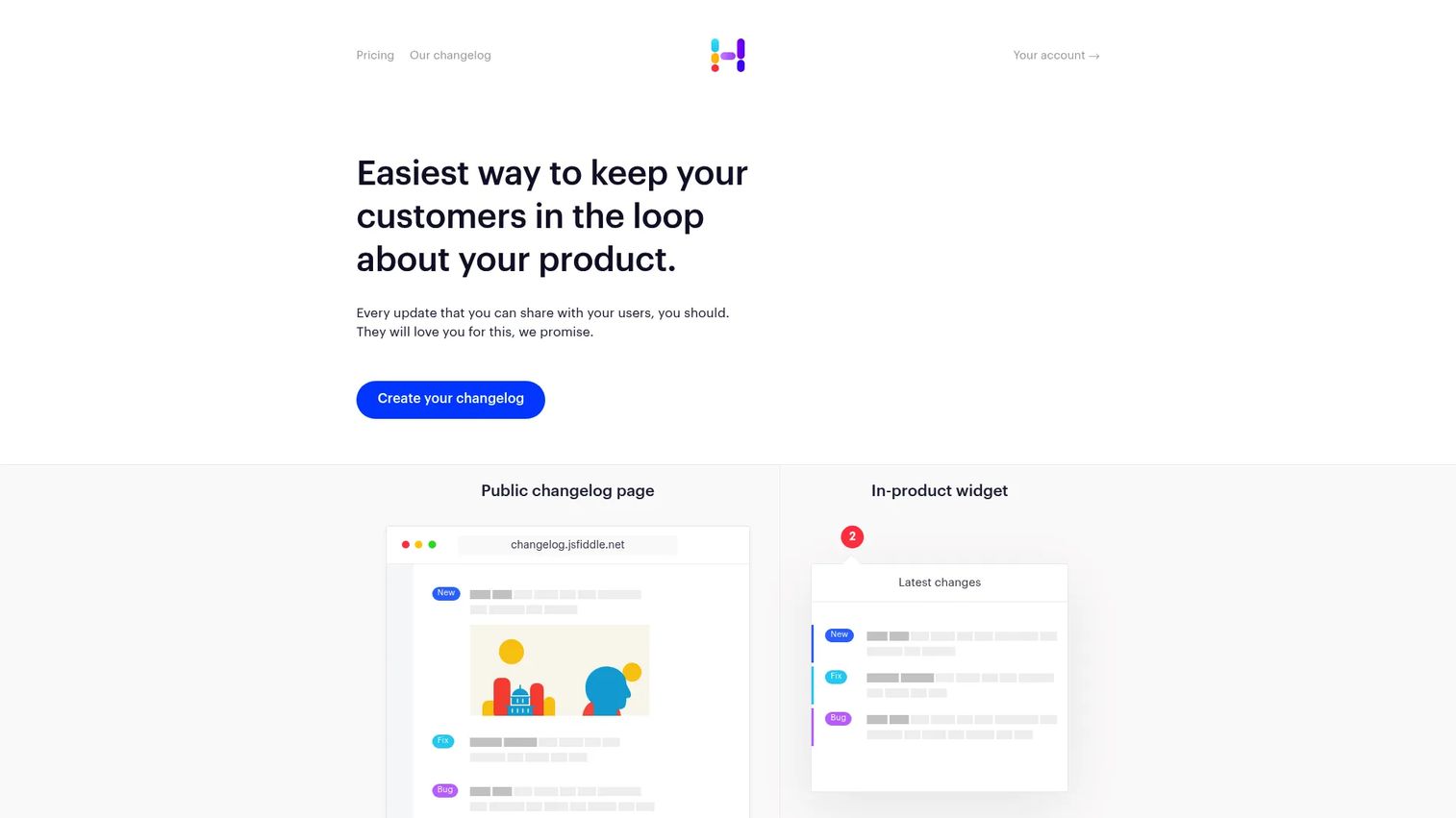
Headway is a focused changelog tool for product teams that need a clean, branded update feed without an attached roadmap or feedback system. It covers the basics well: A public changelog page, an in-product widget, subscriber notifications, and scheduled publishing. Teams that want to move fast without a heavy process will find it straightforward to set up.
Best for: Startups and small product teams that need a clean, working changelog quickly.
Key features
- Public changelog with custom branding and categories
- In-product update widget with Eyecatcher badge
- Subscriber email notifications
- Scheduled publishing and markdown editor
- Private changelogs and custom domains on the Pro plan
Why choose Headway: It fits when the release notes workflow is straightforward and the team does not need feedback boards, roadmaps, or AI drafting attached to it. Headway does one thing and keeps that thing easy to maintain.
Headway pricing: A free plan is available with unlimited changelogs, public page customization, and widget support. The Pro plan is $29/month and adds whitelabeling, custom domains, integrations, team management, and private changelogs.
8. Frill
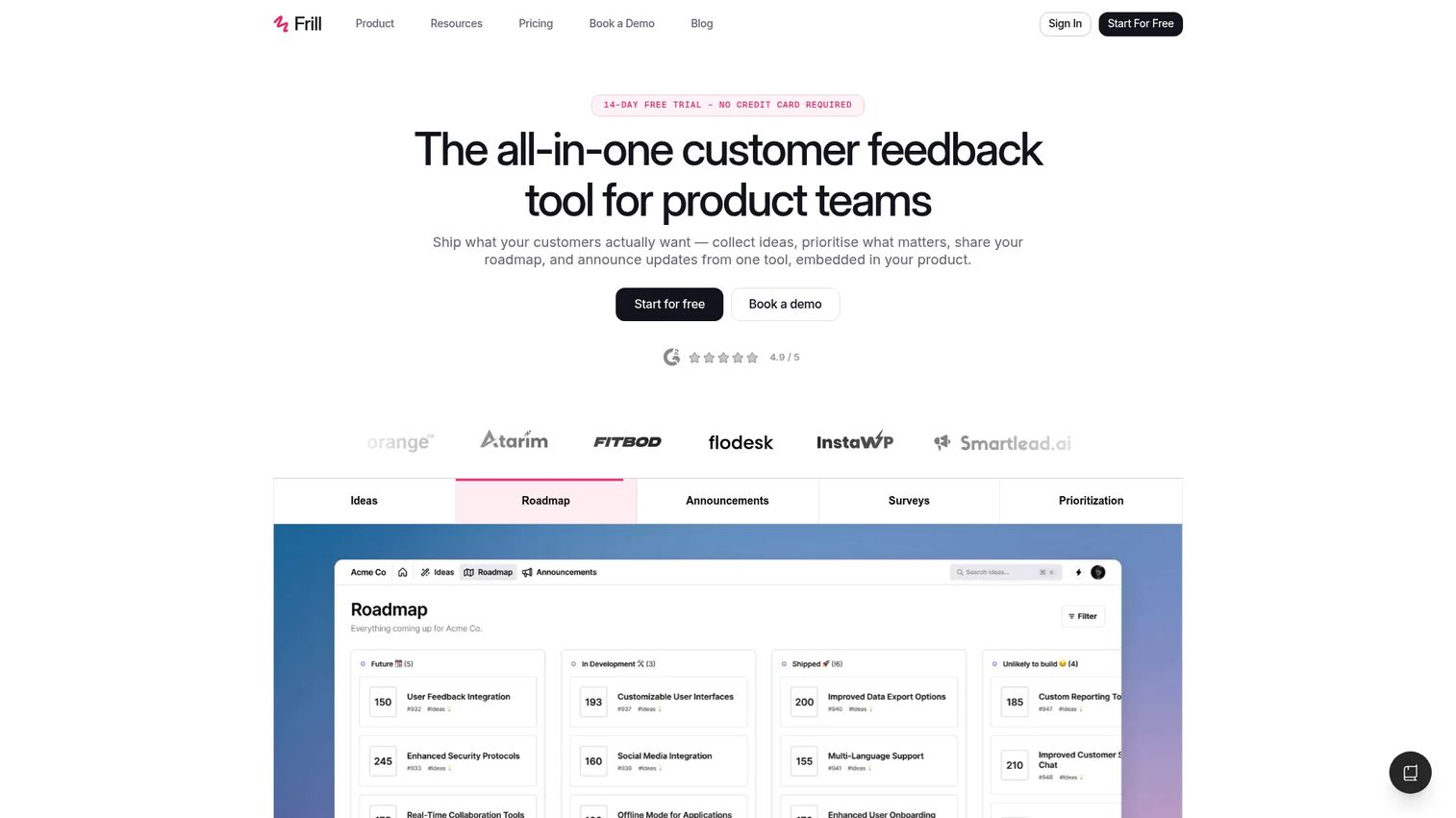
Frill is a customer feedback and product communication platform combining idea boards, roadmaps, announcements, surveys, and embeddable widgets under flat-rate pricing. For early-stage and mid-market teams that want a feedback-to-announcement workflow without per-seat pricing, Frill's flat monthly structure is a practical alternative to larger suites.
Best for: Teams that want ideas, roadmap, and announcements connected under a predictable flat-rate plan.
Key features
- Idea boards with voting, comments, and duplicate merging
- Public roadmaps with customizable statuses and timelines
- Announcements and changelog with reactions and comments
- NPS, CSAT, and quick-poll surveys
- Embeddable widgets, SSO, API, and webhooks
Why choose Frill: The flat-rate structure removes the per-seat math that makes larger tools expensive for growing teams. If the feedback-to-shipped announcement loop is central to your release process and cost predictability matters, Frill handles both without an enterprise contract.
Frill pricing: A 14-day free trial is available with no credit card required. Startup plan starts at $25/month (50 active ideas). Business is $49/month (unlimited ideas). Growth is $149/month and adds white labeling, privacy controls, and unlimited surveys. Enterprise starts at $349/month.
G2 rating: 4.9/5
9. ReleaseNotes.io
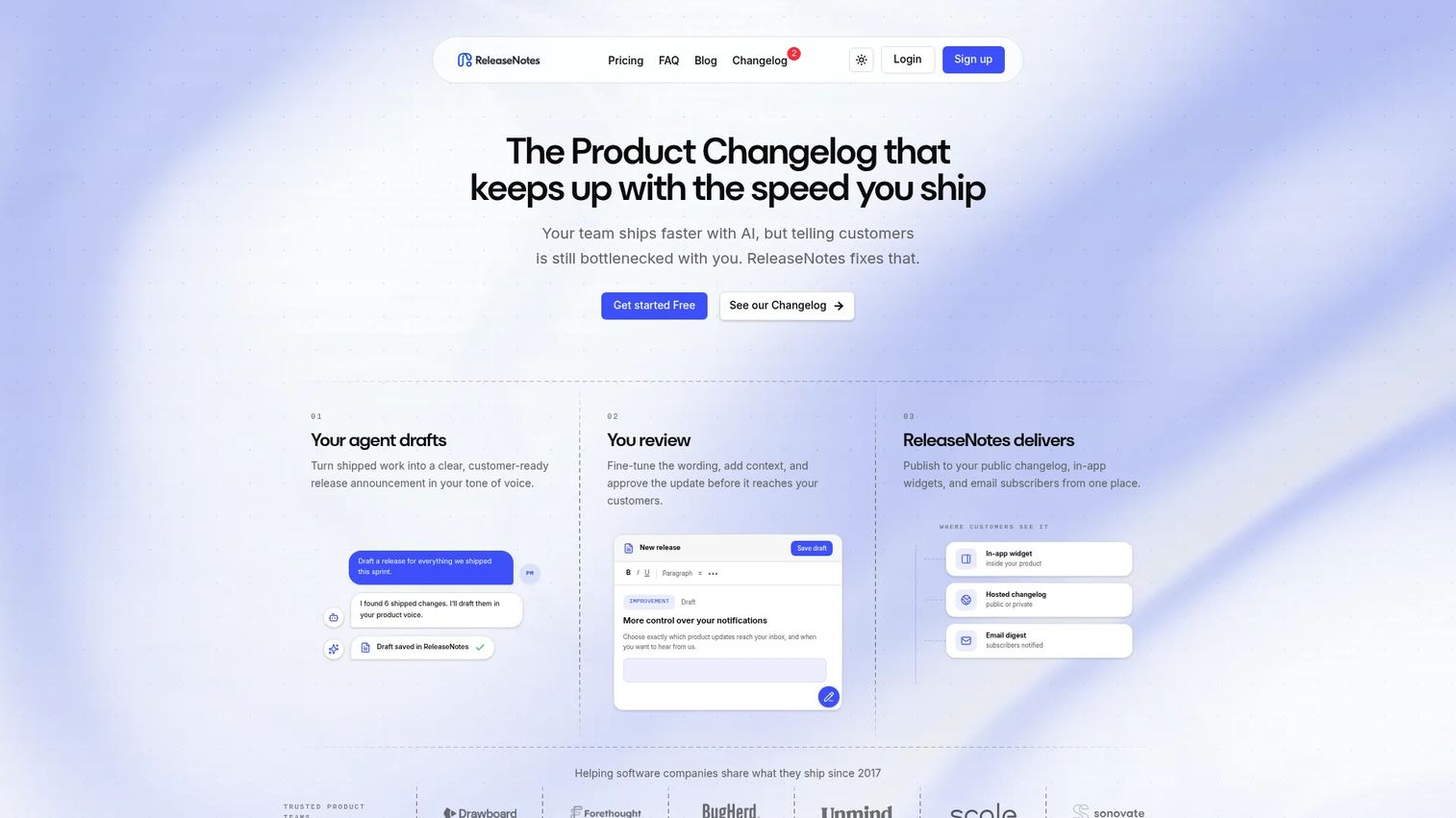
ReleaseNotes.io is a release notes drafting and publishing platform built around AI-assisted workflows. Teams connect it to their AI tools via MCP integrations with Claude, ChatGPT, and Cursor, then generate structured release note drafts from commits, tickets, or plain-language inputs. The bottleneck this solves is the writing step itself, which often sits unassigned between Engineering and PMM.
Best for: Teams whose main bottleneck is turning technical updates into readable, customer-facing release notes.
Key features
- AI-assisted drafting via MCP integrations with Claude, ChatGPT, and Cursor
- Hosted changelog with customizable themes and custom domains
- In-app popup and banner widgets
- Email subscriber notifications and Slack notifications
- Scheduling, analytics, tags, and customer reactions
Why choose ReleaseNotes.io: If the release note backlog exists because nobody owns the writing step, this tool addresses the root problem. Connecting it to an AI workflow means engineering context can flow directly into a draft without PMM doing manual extraction from every ticket.
ReleaseNotes.io pricing: A free Starter plan is available with a hosted site, one team member, and five releases within 90 days. The Teams plan is $39/project/month and adds AI-powered releases, widgets, email subscribers, unlimited releases, integrations, and analytics. Business is $79/project/month and adds unlimited email subscribers, a custom domain, private releases, and custom theme code.
G2 rating: 5.0/5
10. Noticeable
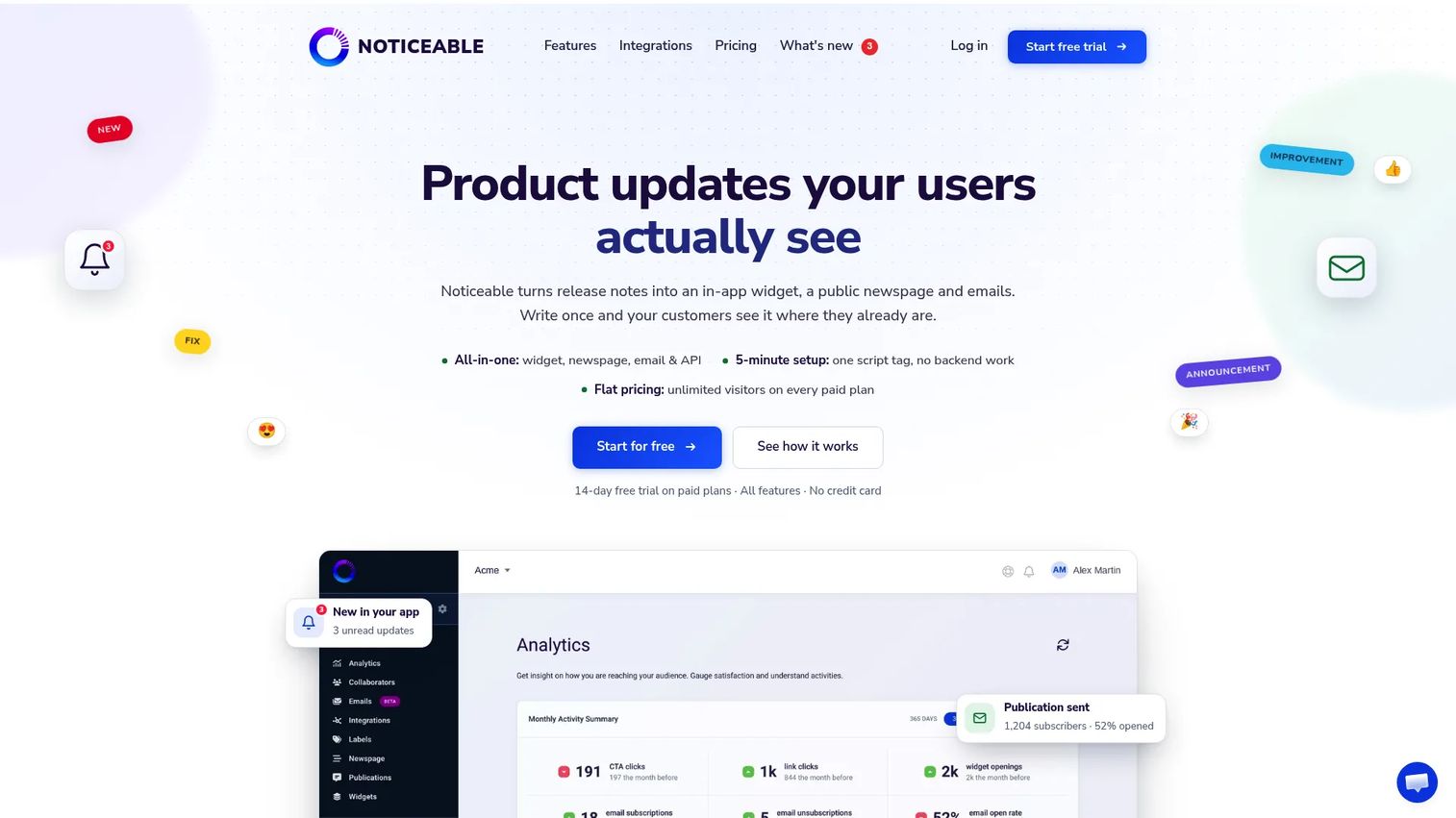
Noticeable is a product update platform for teams that want announcements to feel like a branded communication channel rather than a static log. It supports in-app widgets, SEO-friendly news pages, branded email distribution, RSS, and audience targeting, with Slack, Discord, Zapier, and SDK integrations connecting it to the broader stack.
Best for: Teams that want product updates to match the quality and branding of their other customer communications.
Key features
- In-app update widget with reactions and inline feedback
- SEO-friendly news pages with custom domains
- Branded email distribution and RSS feed
- Audience targeting, multi-language support, and publication scheduling
- Slack, Discord, Zapier, GraphQL API, and SDK integrations
Why choose Noticeable: Choose it when product updates need to feel as polished as a customer newsletter, with the distribution controls to reach the right audiences across channels. The branding and segmentation features make it a fit for growth-stage teams where customer communication quality is part of the brand.
Noticeable pricing: A free plan is available. Paid plans (Starter, Growth, Business, Enterprise) are available with a 14-day free trial.
G2 rating: 4.8/5
11. Olvy
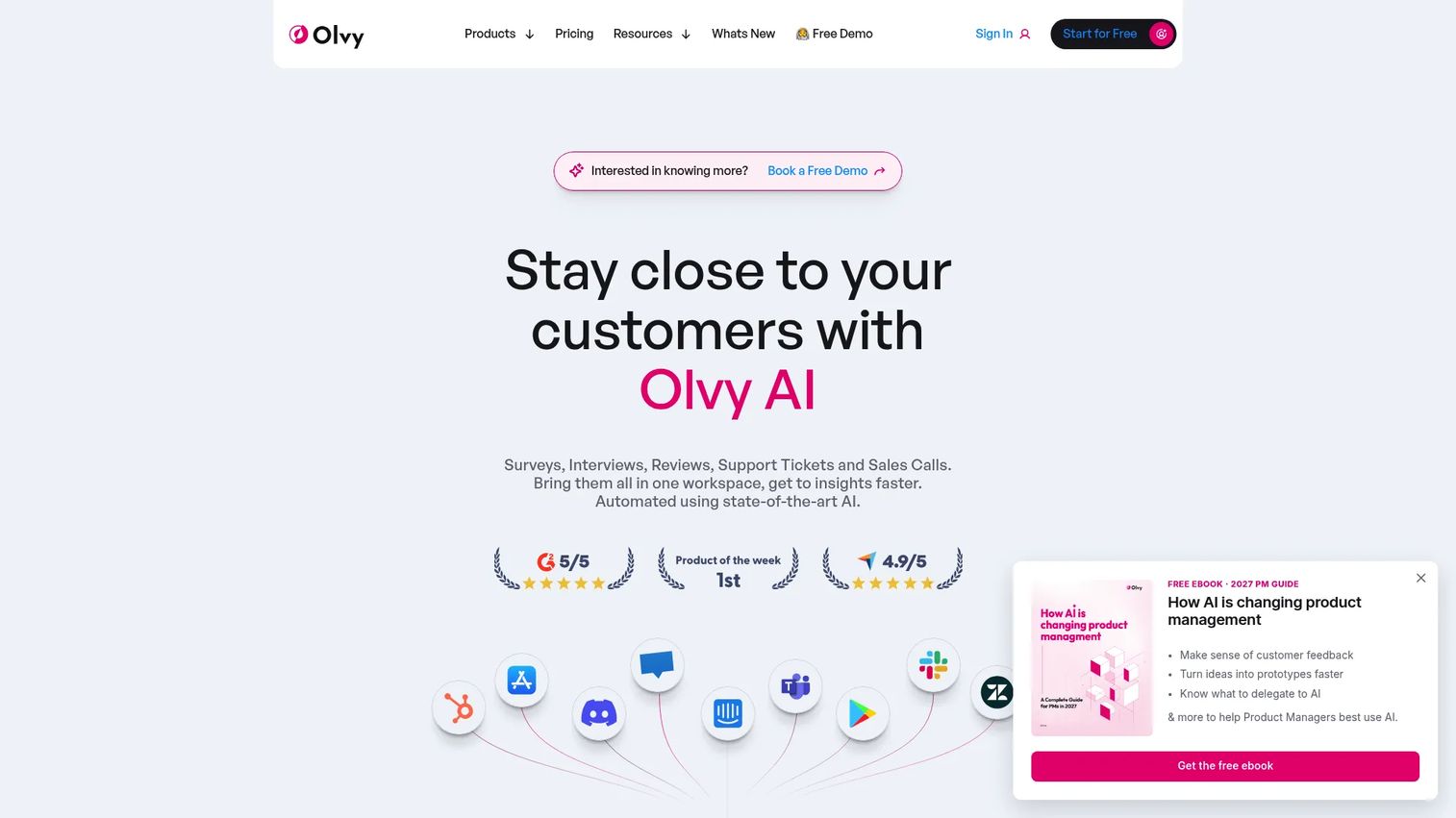
Olvy is an AI-powered customer feedback platform that unifies feedback from surveys, support tickets, app reviews, and sales calls, then connects that feedback to changelog publishing. For PMMs managing frequent releases across multiple input channels, Olvy reduces the time spent manually tracking what customers care about before drafting the next update.
Best for: Teams that want AI-assisted analysis of customer feedback connected to their changelog workflow.
Key features
- Unified feedback repository from multiple channels
- AI-powered feedback analysis and insight generation
- Changelog publishing with announcement widgets
- Feedback and survey collection tools
- Integrations with Slack, Intercom, Zendesk, Zapier, and app stores
Why choose Olvy: The feedback analysis layer is what separates Olvy from simpler changelog tools. If your PMM process involves synthesizing customer input before writing release copy, Olvy handles both the analysis and the publishing in one workflow rather than requiring a separate research tool.
Olvy pricing: A free plan is available. The Essentials plan is $60/month and covers feedback analysis and customization. Business is $240/month and adds expanded analysis, summarization, unlimited integrations, API keys, CRM integrations, and multilingual support. Enterprise pricing is available on request.
G2 rating: 5.0/5
12. Productboard
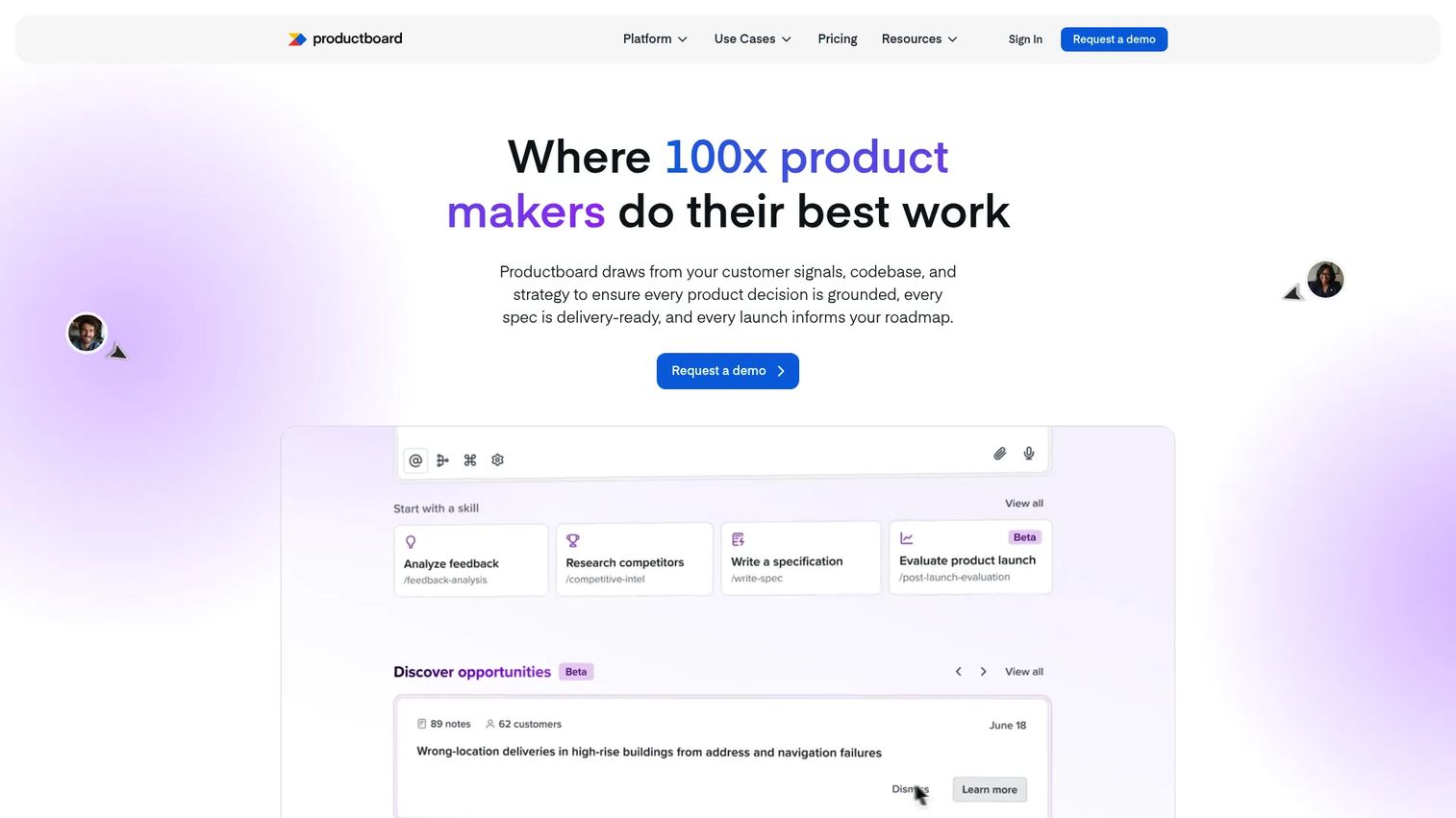
Productboard is a product management platform, not a focused release notes tool. It earns a place on this list for PMMs who need release communication connected to the upstream decisions that drove the feature: Customer insights, prioritization scores, and roadmap planning. Its portal lets customers submit and track feature requests, and its integrations with Jira, Salesforce, and Amplitude connect product work to revenue and usage signals.
Best for: Product organizations where release communication is part of a broader product planning and customer feedback system.
Key features
- Customer insights repository and feedback forms
- Timeline and column-based roadmaps with prioritization formulas
- Release planning and feature scoring
- Product Portal for customer feature requests and status updates
- Integrations with Jira, Azure DevOps, Salesforce, Amplitude, and Slack
Why choose Productboard: Choose it when release notes are downstream of a planning workflow that involves customer signals, strategic scoring, and cross-functional alignment. It is a larger investment than a standalone changelog tool, but it replaces a broader set of spreadsheets and scattered inputs.
Productboard pricing: Business and Enterprise plans are available; contact Productboard directly for current pricing. G2 reviewers report pricing in the range of several hundred dollars per month for smaller teams.
G2 rating: 4.2/5
Considerations when choosing release notes software
Publishing workflow
Before committing to any tool, map how a release note actually moves from draft to live at your company. Some tools assume a solo PMM publishing directly; others support multi-step review, scheduling, and versioning for teams with approval requirements. The right tool fits your current process, not an idealized one.
Audience targeting
Not every update matters to every user. Admin changes, end-user feature additions, beta program notes, and enterprise security updates all have different audiences. Tools with segmentation let you route the right message to the right segment instead of sending one generic announcement that half your users ignore.
Feedback and roadmap connection
Release communication is stronger when users who requested a feature hear back when it ships. If your team uses a feedback or roadmap tool, check whether the release notes platform integrates with it, or whether the same platform handles both. Closing that loop reduces churn risk and builds trust with the users most likely to advocate for your product.
Analytics and adoption signals
View counts alone tell you very little. Look for tools that track engagement by segment, measure reaction rates, monitor subscriber growth over time, and report click-throughs to deeper resources. For feature releases tied to adoption KPIs, those signals matter more than raw page views.
Integration with the launch stack
Release notes should feed, not duplicate, the rest of your launch workflow. Check integrations with Jira or Linear for pulling in engineering context, Slack for internal distribution, and your CRM or marketing automation platform for downstream customer communication. Avoiding another content silo starts at the tool evaluation stage.
Conclusion
The right release notes software depends on where your team's process breaks down.
LaunchNotes is the strongest pick for PMMs managing formal, governed release communication across multiple audiences. Beamer and AnnounceKit fit teams whose priority is in-app reach and segmented announcement delivery. Canny, Featurebase, and Frill each connect release notes to the feedback loop, with different depth and pricing structures. Headway and ReleaseNotes.io cover lightweight publishing and AI-assisted drafting respectively. Productboard belongs in the conversation when release communication is part of a larger product planning motion.
Guideflow fits a different moment: When the written note is not enough and users need to see the new feature in action. Add an interactive demo beside the release note, and the update becomes something users can experience rather than just read.
Release notes software publishes the update. The stronger launch motion helps users understand it, act on it, and remember why it matters.
Start your journey with Guideflow today!
FAQs about release notes software
Release notes software helps teams write, publish, and distribute product updates so customers and internal teams understand what changed and what to do next. Most tools in this category support public changelog pages, in-app announcement widgets, email subscriptions, and engagement analytics. Some also include roadmap visibility, feedback collection, and AI-assisted drafting.
Release notes are written in customer-friendly language, with context about why a change matters and what users should do next. Changelogs are chronological records of changes, often more technical in nature. Many tools support both formats; the distinction matters most when deciding how much editorial investment each update deserves.
For formal release communication with governance and stakeholder management, LaunchNotes is the strongest option. Teams that prioritize in-app reach and segmented delivery will find Beamer or AnnounceKit a closer fit. Canny or Featurebase suit teams that want feedback and changelog connected. Headway covers lightweight changelog publishing without the extra overhead.
It helps, but only when updates reach the right users with clear value framing. Tools with audience segmentation increase the chance the right person sees the update. In-app placement, email subscriptions, and changelog widgets each reduce the friction between "it shipped" and "user noticed." For complex features, pairing a written note with an interactive demo gives users a concrete next action rather than a text description to interpret.
The range is wide. Free plans or trials are available from Beamer, Canny, Featurebase, Headway, Olvy, and ReleaseNotes.io. Mid-market tools like Frill start at $25/month and AnnounceKit starts at $59/month per module. LaunchNotes starts at $799/month billed annually and targets teams with more complex release workflows. Productboard pricing is quote-based.
PMM typically owns the customer-facing narrative and launch messaging, while Product and Engineering supply the technical details. CS and Support contribute accuracy checks for the user-facing language. Release notes software helps manage that multi-contributor workflow by giving PMM a governed place to draft, review, and publish, without everything happening in a shared doc that nobody owns.
Many tools in this category include both. Canny, Featurebase, Frill, and Productboard all let teams manage an active roadmap alongside their changelog. If you want a roadmap and changelog but already have a separate roadmap tool, check the integration options before committing to a bundled platform. Some tools connect to existing roadmap systems rather than replacing them.
Add one when the update changes an existing workflow, introduces a feature that is hard to describe in text, or requires users to take a specific action to get value. A written note tells users what changed. An interactive demo shows them exactly how the new flow works, step by step, in the actual product interface. This is especially useful for complex features, mobile updates, and launches where Sales or CS need a shareable walkthrough for their own conversations.