Qwilr builds polished web-based proposals. For many sales teams, that is exactly the job. But a proposal page alone does not train new reps, standardize SOPs, run a quote approval workflow, or let a buyer explore your product at their own pace. When those gaps show up, teams start searching for qwilr alternatives, and the field splits into several distinct categories.
The best Qwilr alternative depends on the workflow you are fixing. Guideflow is the top pick for interactive demos used in internal training, employee onboarding, SOPs, and product education. PandaDoc and Proposify are the strongest direct proposal replacements. GetAccept and DealHub.io cover digital sales rooms and CPQ. DocSend handles secure document tracking. Adobe Acrobat Sign fits signature-first workflows. Vidyard and Wistia cover sales and marketing video.
This roundup covers all eleven tools, with verified pricing, G2 ratings, category labels, and honest trade-offs for the sales teams evaluating them.
TL;DR
- Best for interactive demos and internal training: Guideflow, with a free plan and paid plans starting at $35 per user per month (annual).
- Best direct proposal alternative: PandaDoc for document-workflow breadth, or Proposify for team governance and approvals.
- Best for agency and small-team proposals: Better Proposals, starting at $13 per user per month (annual).
- Best for digital sales rooms and buyer collaboration: GetAccept, with plans from $25 per user per month.
- Best for CPQ and complex quoting: DealHub.io, with custom pricing based on team size and configuration needs.
- Best for sales video: Vidyard leads on personalized sales video; Wistia is stronger for branded video hosting and marketing analytics.
- This list spans five categories: Interactive guide platform, proposal software, digital sales rooms, document tracking and e-signature, and video platforms.
What's inside
- Why sales teams look for Qwilr alternatives
- How the shortlist separates five distinct categories
- A side-by-side comparison table with pricing, ratings, and category labels
- Eleven ranked tool cards with verified data
- Use-case picks by sales workflow
- FAQs for proposal software buyers
What is Qwilr?
Qwilr is proposal software that turns sales documents into interactive web-based proposal pages. Instead of sending a static PDF, teams create branded pages with embedded pricing blocks, analytics, e-signature, payment options, and CRM integrations.
Key strengths: Polished proposal pages with real-time buyer engagement tracking, interactive pricing blocks that let prospects accept and pay in a single flow, and CRM integrations including HubSpot and Salesforce. It suits agencies, SaaS AEs, and services firms whose primary sales asset is the proposal itself.
Where Qwilr fits less well: Teams that need interactive product education, CPQ for complex deal configurations, or deep digital sales rooms built around multi-stakeholder buying committees. Those workflows pull teams toward a different category entirely.
Why teams look for Qwilr alternatives
The search for Qwilr alternatives usually starts at one of four workflow gaps, not because Qwilr fails at proposals.
The workflow needs more than a proposal page
A proposal page closes a deal. It does not onboard a new rep, standardize how the team demos the product, or let a buyer explore a feature set before they talk to sales. Teams building repeatable sales motions need interactive product education assets alongside their documents, and Qwilr does not cover that category.
Pricing or seat minimums create friction at scale
Qwilr's Growth plan carries a minimum of five users at $55 per user per month (annual billing), and the Scale plan requires at least ten users at $75 per user per month. G2 reviewers note that the per-seat cost becomes a sticking point when teams grow quickly or need to give proposal access to a wider group without paying for every seat at the highest tier.
Approval workflows and governance need more depth
For teams with manager approval chains, role-based content libraries, and strict template governance, Qwilr's approval controls can feel limited. G2 reviewers who moved to Proposify or PandaDoc often cite the need for structured content libraries and multi-step approvals as the driver.
Teams want interactive product experiences, not static documents
According to Gartner (2025), 61% of B2B buyers prefer a rep-free buying experience. A proposal page gives buyers content to read. An interactive demo gives them a product experience to navigate. Teams that want to show how the software works, before or after the proposal stage, need a separate tool for that job.
CPQ complexity outgrows proposal builders
Enterprises with product catalogs, discount rules, subscription configurations, and quote approval chains need a CPQ layer. Qwilr's pricing blocks cover simple interactive quotes but do not handle guided selling, approval escalations, or multi-product bundle configuration at the depth tools like DealHub.io provide.
How we picked these Qwilr alternatives
Tools on this list were selected based on clear relevance to sales teams evaluating Qwilr, distinct category fit, pricing clarity from vendor pricing pages, G2 ratings from named review listings, and cross-role value for SDRs, AEs, SEs, Enablement, and RevOps.
The list spans five categories: Interactive guide platform, proposal software, digital sales rooms and CPQ, document tracking and e-signature, and video platforms. Category labels appear in the table and in every tool card so readers can tell a like-for-like proposal swap from a category upgrade. Any statistic cited carries a named source and year.
Qwilr alternatives at a glance
Guideflow leads as the top pick for interactive product demos and internal training. PandaDoc and Proposify are the closest direct proposal replacements. GetAccept and DealHub.io cover digital sales rooms and CPQ. DocSend and Adobe Acrobat Sign serve document tracking and e-signature. Vidyard and Wistia cover video.
| # | Tool | Category | Best for | G2 rating | Free plan | Starting price |
|---|---|---|---|---|---|---|
| 1 | Guideflow | Interactive guide platform | Internal training, employee onboarding, SOPs, product demos | 5.0 | Yes | $0 |
| 2 | PandaDoc | Proposal and document automation | Proposals, quotes, contracts, e-signature | 4.7 | Yes | $0 (free tier) |
| 3 | Proposify | Proposal management software | Team proposal workflows and approvals | 4.6 | No (14-day trial) | $39/user/mo (annual) |
| 4 | Better Proposals | Proposal software | Agencies and service teams | 4.3 | No (14-day trial) | $13/user/mo (annual) |
| 5 | GetAccept | Digital sales room | Buyer collaboration and deal rooms | 4.6 | No (14-day trial) | $25/user/mo |
| 6 | DealHub.io | CPQ and deal execution | Complex quotes and sales configuration | 4.7 | No | Custom pricing |
| 7 | DocSend | Document tracking | Secure proposal and deck engagement | 4.6 | No (14-day trial) | $10/user/mo |
| 8 | ClientPoint | Sales content and proposal platform | Enterprise proposal experiences | 4.5 | Yes | $42/mo |
| 9 | Adobe Acrobat Sign | E-signature software | Signature-first document workflows | 4.4 | No | $16.99/license/mo (annual) |
| 10 | Vidyard | Sales and marketing video | Personalized sales videos | 4.5 | Yes | Free tier available |
| 11 | Wistia | Video hosting and marketing video | Branded video hosting and analytics | 4.6 | Yes | $0/mo |
The best Qwilr alternatives in 2026
1. Guideflow (interactive guide platform)
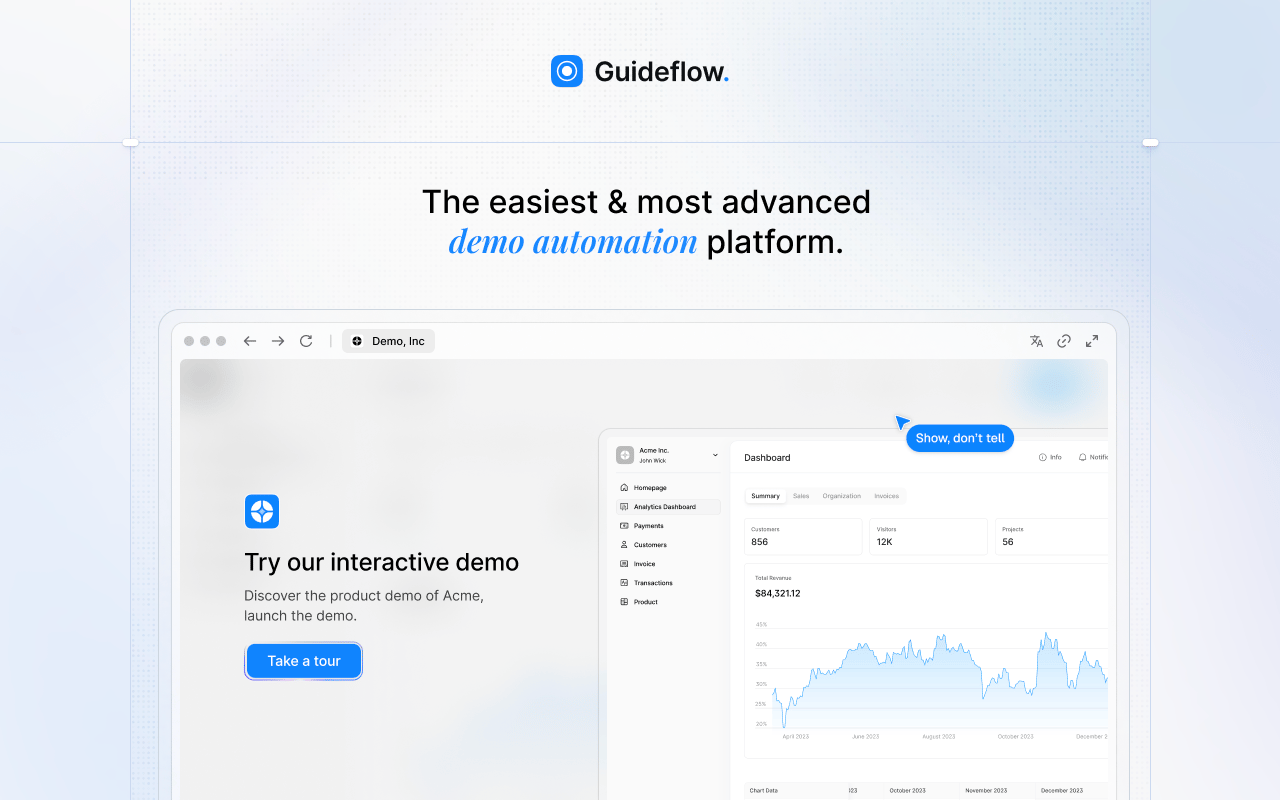
Guideflow is the top pick for sales teams that need interactive product demos for internal training, employee onboarding, SOPs, and buyer-facing product education. Record your software once using the Chrome extension or the native app, and the demo is ready to share with reps, new hires, or prospects in about two and a half minutes.
Best for: Sales teams that need interactive demos for onboarding, internal training, SOPs, product education, and buyer-facing experiences across the full sales cycle.
What it is: Guideflow is a demo automation platform that produces six types of interactive demos: Interactive demos, demo pages, demo centers, sandboxes, live demos, and mobile demos. Teams use them for rep onboarding, feature training, SOPs, and self-serve buyer experiences, covering every stage from first touch to post-sale.
Key features:
- Capture through the Chrome extension or the native app, with screenshot, HTML, and video capture modes
- Step content and CTAs written automatically after capture
- Editor supports text, images, graphs, and branching
- Step-level completion, drop-off, and viewer flow analytics
- Integrations with HubSpot, Salesforce, Pipedrive, Zoho, and Marketo
- Translation into more than 30 languages
Where Guideflow falls short: Look elsewhere if your primary need is a traditional proposal builder with e-signature, payment collection, and interactive pricing tables. Guideflow does not replace proposal software. It also does not cover passive video hosting for teams whose core need is a branded video library.
Pricing: Free plan at $0. Solo at $35 per user per month (annual). Growth at $499 per month (annual). Advanced at $1,499 per month (annual). Enterprise from $2,999 per month (annual), adding SSO, advanced governance, and enterprise security.
G2 rating: 5.0
How it compares to Qwilr: Qwilr sends interactive proposal pages that prospects read and sign. Guideflow produces interactive product demos that reps, new hires, and buyers click through step by step. The jobs overlap in buyer-facing product education, but Guideflow covers the full internal training and enablement layer that Qwilr does not touch.
Start your journey with Guideflow today!
2. PandaDoc (proposal and document automation)
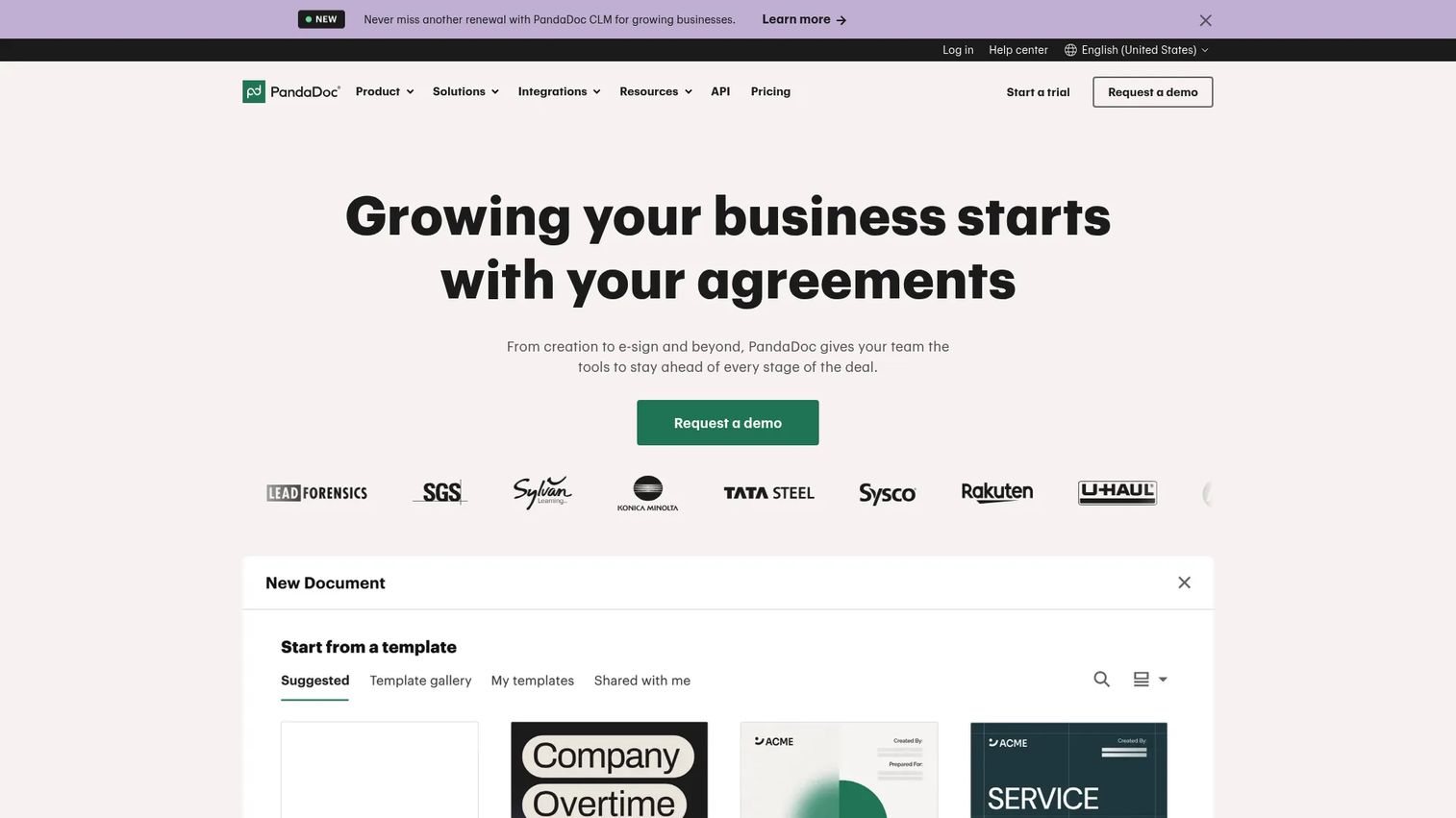
PandaDoc is the most direct Qwilr replacement for teams whose daily workflow spans proposals, quotes, contracts, and e-signatures. It covers more document types than Qwilr and connects them inside a single platform with a free starting tier.
Best for: Sales and operations teams that need proposals, quotes, contracts, and e-signatures in one document workflow with strong CRM integration.
What it is: PandaDoc is a document workflow platform for creating, sending, tracking, and signing proposals, quotes, and contracts. Its content library, pricing tables, and approval workflows make it a workhorse for revenue teams managing high document volume. It holds a 4.7 G2 rating.
Key features:
- Drag-and-drop editor with templates and a reusable content library
- Electronic signatures and audit trails
- Pricing tables, product catalogs, and payment collection
- CRM integrations and document tracking
- Approval workflows and deal rooms on paid plans
Where PandaDoc falls short: G2 reviewers note that advanced capabilities including approval workflows, CRM integrations, and custom branding land on the Business and Enterprise tiers. Teams on Starter get limited workflow depth. Template setup takes time to get right, and some reviewers describe the editor as requiring more configuration than expected before it matches brand standards.
Pricing: Free plan supports up to five documents per month. Starter at $19 per month (annual). Business at $49 per seat per month (annual). Enterprise pricing is custom.
G2 rating: 4.7
How it compares to Qwilr: PandaDoc is more document-workflow oriented. Qwilr centers the visual proposal page experience. Teams that need to manage contracts and quotes alongside proposals will find PandaDoc's document breadth more practical.
3. Proposify (proposal management software)
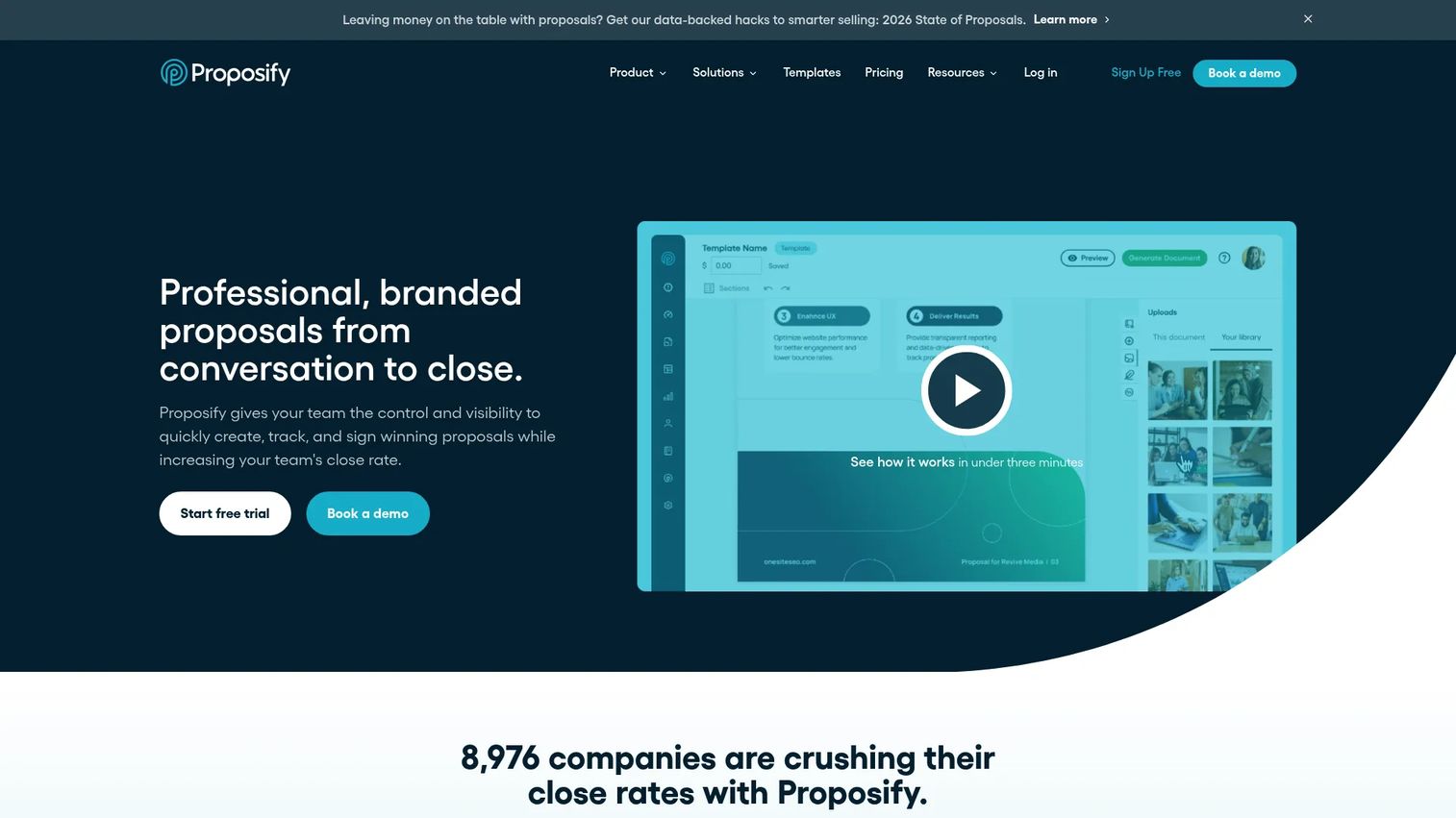
Proposify earns its spot for sales teams where proposal governance matters as much as proposal creation. If reps are sending inconsistent versions or managers lack visibility into what goes out the door, Proposify's controls are the lever.
Best for: Sales teams that need approval workflows, role-based content libraries, and visibility into proposal engagement and close rates.
What it is: Proposify is proposal management software built around reusable content, template governance, approval workflows, and proposal analytics. It covers e-signature and CRM integration, with deeper permission controls than most proposal tools at its price point.
Key features:
- Content library with controlled reuse and template management
- Approval workflows and role-based permissions
- Proposal engagement analytics and notifications
- E-signature with legally binding signing
- CRM integrations and API access on higher plans
Where Proposify falls short: G2 reviewers flag a steeper editor learning curve compared with other proposal tools. The Scale plan carries a $12,800 annual platform fee for ten users, making it expensive for smaller teams. Some reviewers note that template maintenance requires discipline to keep the library current.
Pricing: Build at $39 per user per month (annual; $49 monthly). Grow at $65 per user per month (annual). Scale at $107 per user per month (annual, with a $12,800 annual platform fee covering ten users). A 14-day trial is available; no permanent free tier.
G2 rating: 4.6
How it compares to Qwilr: Proposify is better suited to teams that need governance and approval controls. Qwilr centers the polished web proposal experience. For managers who want to control what leaves the building, Proposify gives more structural oversight.
4. Better Proposals (proposal software)
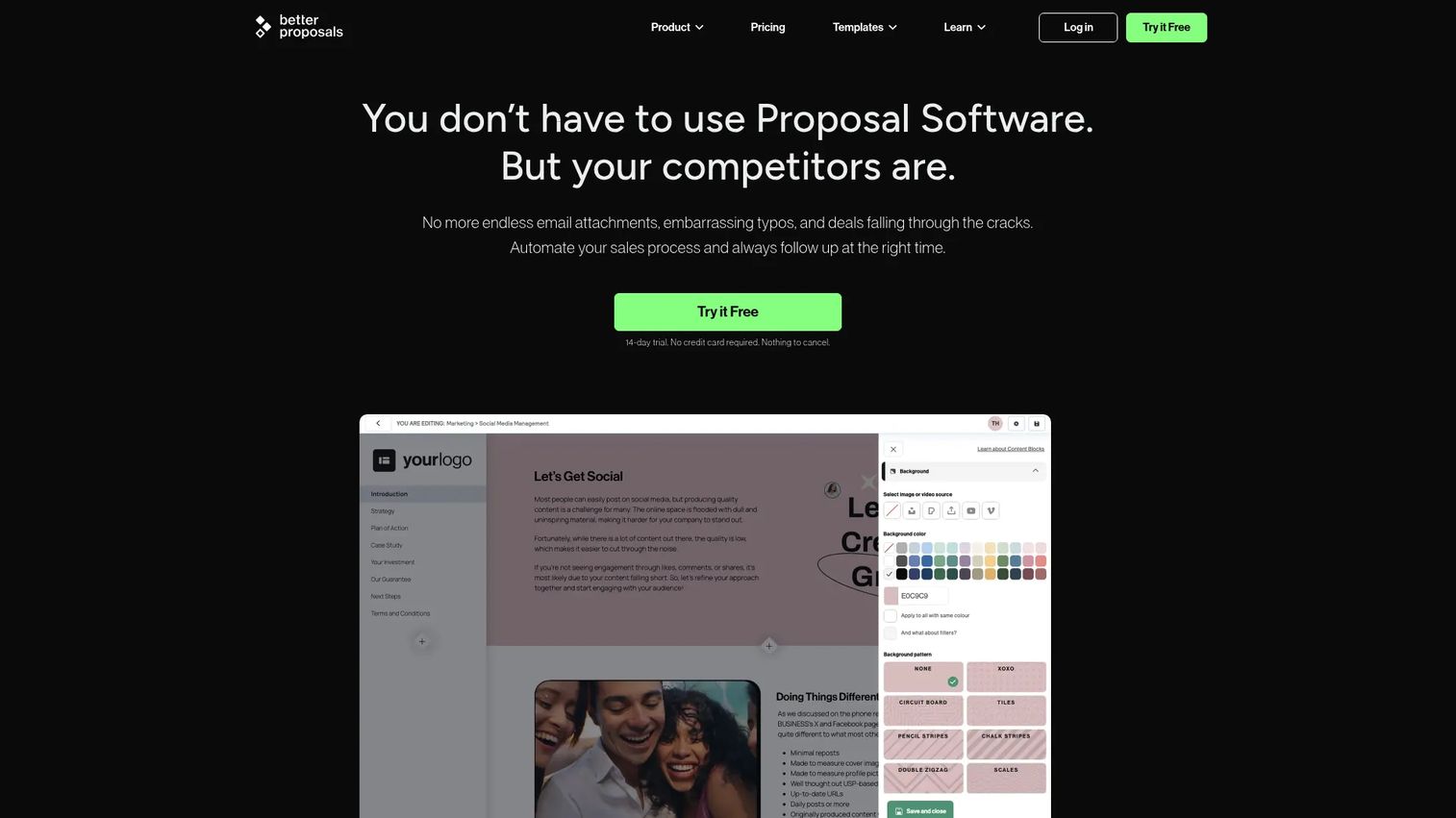
Better Proposals earns its place as the most accessible direct Qwilr alternative for agencies, freelancers, and small service teams. The pricing starts at $13 per user per month, and the feature set covers the core proposal workflow without enterprise overhead.
Best for: Agencies, consultants, and small service teams that need branded proposals with signatures, payments, tracking, and integrations without a heavy approval chain.
What it is: Better Proposals is proposal software for creating, sending, tracking, signing, and collecting payments from professional documents. Its interactive pricing tables, custom domains, and CRM integrations via Zapier cover most proposal workflows at a price that scales with smaller headcounts.
Key features:
- Legally binding digital signatures
- Interactive pricing tables
- Payment integrations for collecting deposits on signing
- CRM integrations via Zapier
- Document tracking with open notifications
Where Better Proposals falls short: G2 reviewers note that the Starter plan limits document sends to ten per month and covers only one user. Advanced governance features including content locking, simultaneous editing, and manager approvals land on the Enterprise tier at $42 per user per month. Teams that need deeper CRM workflow automation may find the Zapier layer less direct than native integrations in PandaDoc or Proposify.
Pricing: Starter at $13 per user per month (annual). Premium at $21 per user per month (annual). Enterprise at $42 per user per month (annual). A 14-day trial is available.
G2 rating: 4.3
How it compares to Qwilr: Better Proposals is a direct proposal alternative with a lower entry price. Qwilr's visual presentation and buyer analytics are more polished at the mid-market level, but Better Proposals closes the gap for smaller teams that want signatures and payments without the seat minimums.
5. GetAccept (digital sales room)
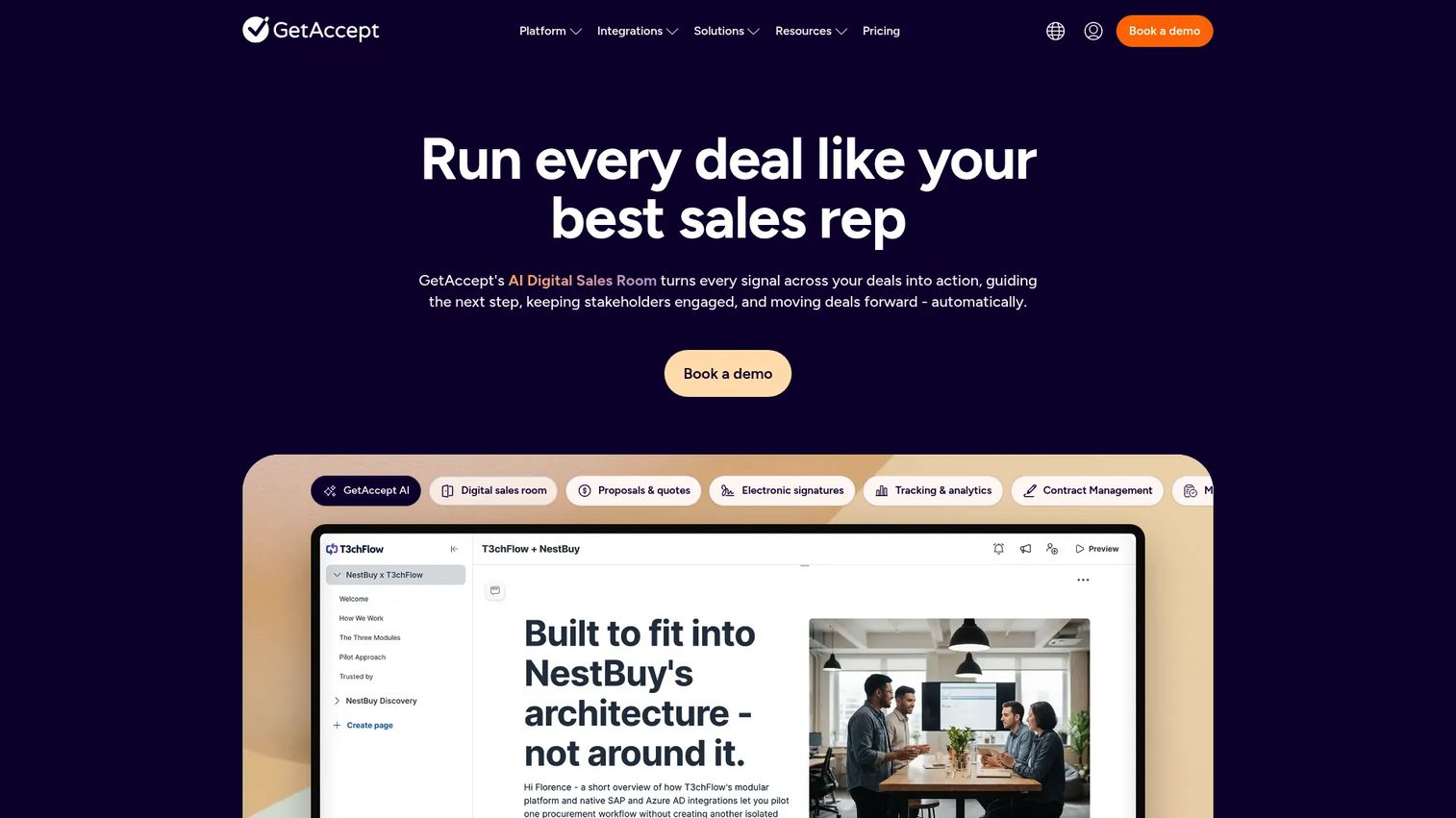
GetAccept expands beyond the proposal into a shared buyer-seller collaboration space. For AEs managing deals with multiple stakeholders and next steps, the digital sales room layer gives everyone involved a single destination.
Best for: B2B revenue teams running complex sales cycles that need proposal collaboration, e-signature, buyer engagement tracking, and mutual action plans inside a shared deal room.
What it is: GetAccept is an AI digital sales room platform combining proposals, quotes, e-signatures, contract management, and buyer engagement tools. It includes video messaging, chat, meeting summarizers, and an AI knowledge base. G2 rates it at 4.6.
Key features:
- Digital sales rooms for shared buyer-seller collaboration
- Proposals, quotes, and interactive pricing tables
- Legally binding e-signatures
- Contract management with renewal reminders
- Buyer engagement tracking with video, chat, and mutual action plans
Where GetAccept falls short: G2 reviewers note that setup time for the full platform can be significant. At scale, the per-user cost on the Professional plan (minimum five users) adds up quickly for larger teams. Some reviewers flag that the breadth of features creates admin overhead for teams that only need a subset of the platform.
Pricing: eSign plan at $25 per user per month. Professional at $49 per user per month (annual, minimum five users). Enterprise pricing requires contacting sales. A 14-day trial is available.
G2 rating: 4.6
How it compares to Qwilr: GetAccept covers the digital sales room layer that Qwilr leaves to CRM and email. For deals with multi-stakeholder buying committees, GetAccept gives everyone involved a shared space with tracked engagement and next-step visibility.
6. DealHub.io (CPQ and deal execution)
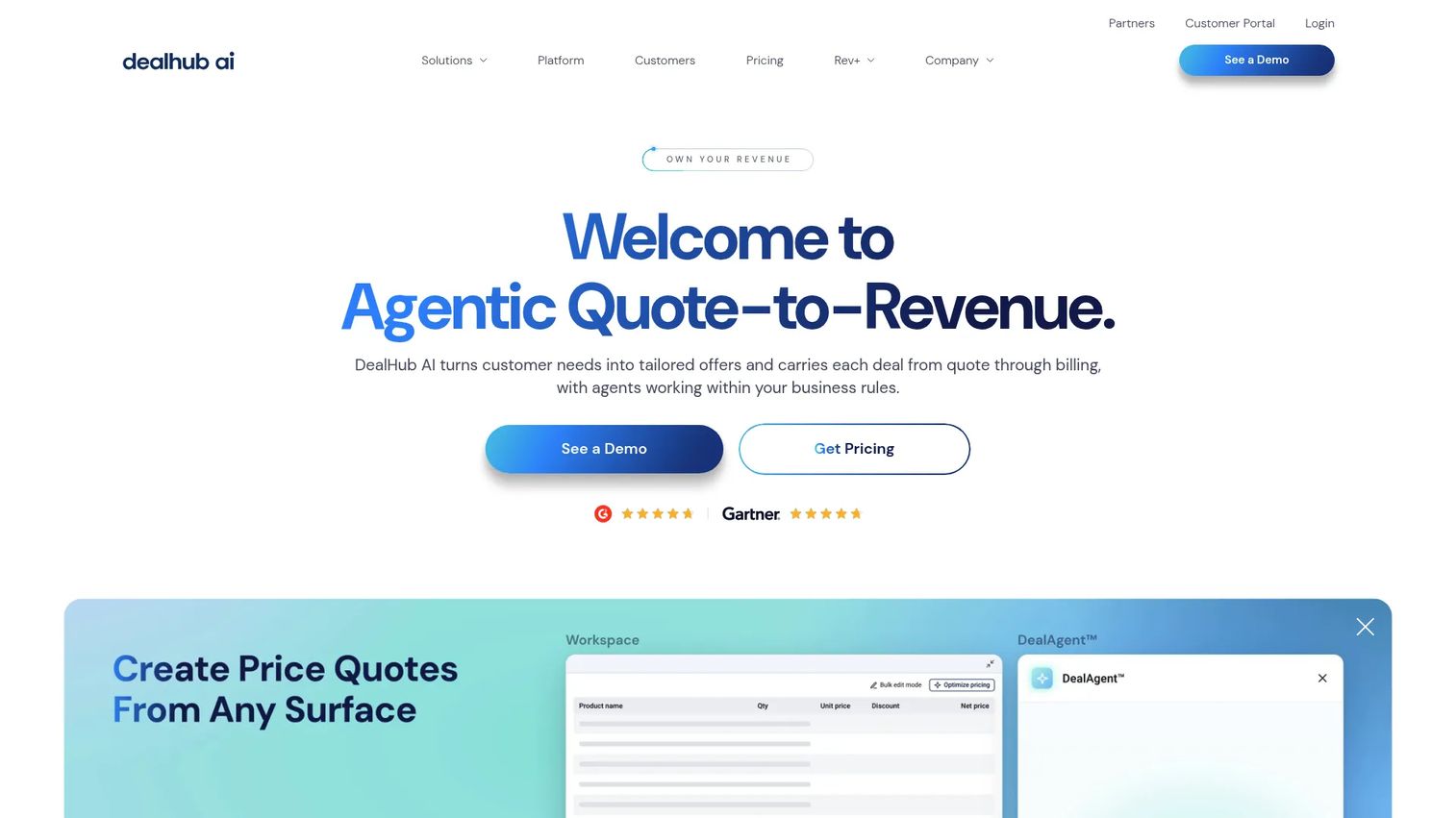
DealHub.io belongs in this list for revenue teams whose quoting process has outgrown a proposal builder. When deals involve product catalogs, discount approval chains, subscription configurations, and multiple line items, CPQ is the right tool.
Best for: Revenue teams managing complex quoting, contract lifecycle, subscription billing, and quote-to-revenue workflows with structured approval chains.
What it is: DealHub is an AI-powered quote-to-revenue platform combining CPQ, contract lifecycle management, deal room collaboration, subscription management, and billing. It handles guided selling, adaptive pricing, bundles, and revenue intelligence across the full deal cycle.
Key features:
- CPQ with guided selling, adaptive pricing, bundles, discounts, and approval workflows
- Contract lifecycle management with dynamic templates, redlining, and approvals
- Subscription and billing management supporting recurring and usage-based pricing
- Deal room collaboration for buyer-seller alignment
- CRM-connected selling workflows
Where DealHub.io falls short: DealHub's pricing page does not display public figures, so teams must contact sales for a quote. G2 reviewers describe an implementation effort that suits mature RevOps teams rather than early-stage companies. The platform rewards investment in configuration, and teams that want a lightweight proposal tool may find DealHub's scope heavier than needed.
Pricing: Custom pricing. DealHub presents Growth and Scale capability groupings on its pricing page but requires contacting sales for specific figures.
G2 rating: 4.7
How it compares to Qwilr: DealHub.io covers complex quoting and CPQ. Qwilr handles visually polished proposal pages. Teams that need both a branded proposal experience and complex quote approval workflows often run a CPQ tool for configuration and a proposal tool for the buyer-facing document.
7. DocSend (document tracking)
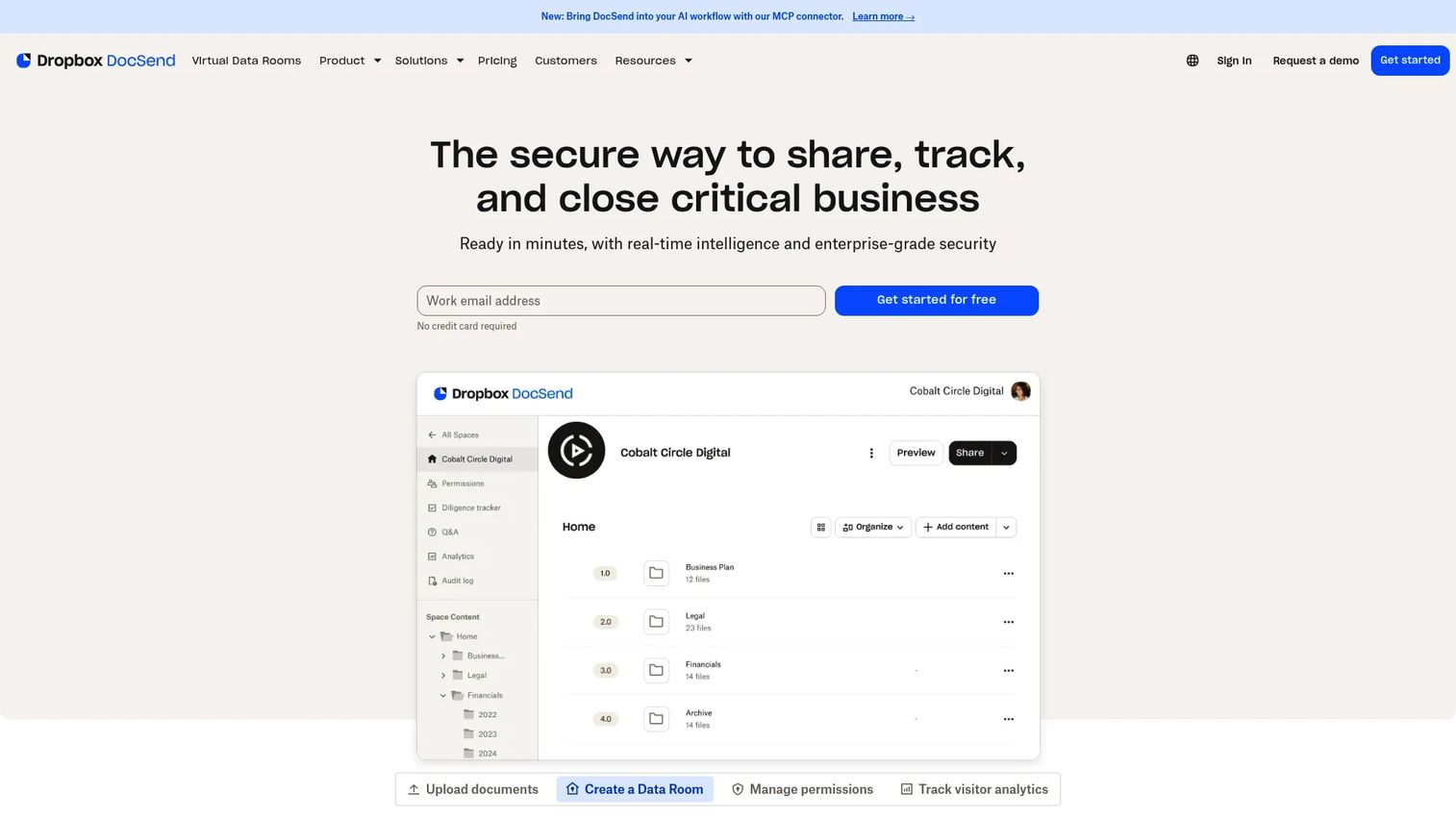
DocSend solves a narrower problem than the proposal tools above: Once a document exists, how do you share it securely and know exactly who engaged with it? For teams that already have polished decks, PDFs, and investor materials, DocSend provides the tracking layer.
Best for: Teams that need secure link-based sharing, page-level engagement analytics, and access controls for existing documents and sales collateral.
What it is: DocSend is a secure document sharing and virtual data room platform built by Dropbox. It combines access controls, real-time engagement analytics, and audit trails for proposals, decks, investor materials, and due-diligence workflows.
Key features:
- Secure link sharing with password protection, expiration, and email gate options
- Real-time and page-level document engagement analytics
- Virtual data rooms with permissions and audit logs
- eSignature capabilities
- Version management
Where DocSend falls short: G2 reviewers note that DocSend does not build documents. Teams that need to create proposals from templates will need a separate tool. The Standard and Advanced plans carry higher per-user costs compared with dedicated proposal platforms, and some reviewers find the eSignature capabilities less mature than tools built specifically for signing workflows.
Pricing: Personal at $10 per user per month (monthly). Standard at $45 per user per month (monthly). Advanced at $150 per month (monthly). Advanced Data Rooms at $180 per month (monthly). A 14-day trial is available.
G2 rating: 4.6
How it compares to Qwilr: DocSend tracks existing documents. Qwilr creates web-based proposal pages from scratch. Teams that need both creation and tracking often use a proposal tool to build the document and DocSend to control distribution and monitor engagement.
8. ClientPoint (sales content and proposal platform)
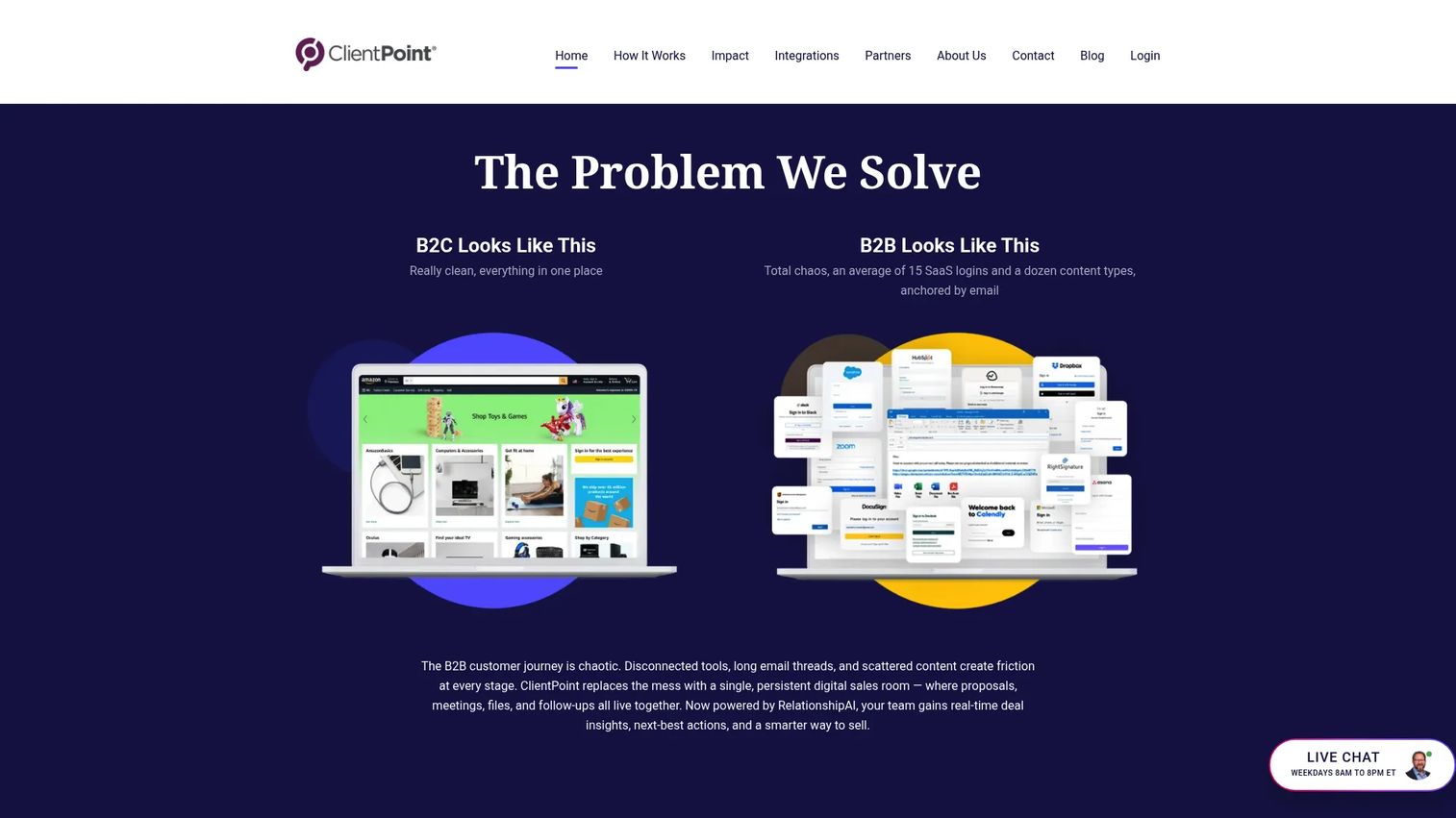
ClientPoint targets enterprise sales teams that need a branded buyer experience beyond a single proposal page. The platform combines proposal automation with client portals, content engagement tracking, and scheduling inside a single destination.
Best for: Enterprise B2B sales and customer-facing teams that need branded digital sales rooms, interactive proposals, and engagement intelligence across the buyer lifecycle.
What it is: ClientPoint is an AI-powered digital sales room and business relationship platform. It includes proposal automation with multimedia content, branded client portals, buyer engagement tracking with real-time alerts, e-signatures, CRM integrations, and meeting scheduling.
Key features:
- Branded digital sales rooms with multimedia content support
- Proposal automation with engagement tracking and alerts
- e-signatures, meeting scheduling, and messaging
- CRM and business-software integrations
- Client portal organization for content distribution
Where ClientPoint falls short: G2 reviewers note that pricing for enterprise deployments is not displayed, and certain subscription tiers carry a minimum annual commitment of $40,000. Setup and configuration effort makes ClientPoint a better fit for teams with dedicated RevOps support. Some reviewers describe the UI as dated compared with newer digital sales room tools.
Pricing: Small Business starting at $42 per month. Enterprise pricing requires contacting sales. A free version at clientpoint.me is referenced.
G2 rating: 4.5
How it compares to Qwilr: ClientPoint is more enterprise sales-content oriented with a full client portal layer. Qwilr focuses on the web proposal creation experience. For enterprise AEs managing long cycles with multiple stakeholders, ClientPoint's breadth may justify the investment; for mid-market teams, Qwilr or PandaDoc typically cover more ground at a predictable price.
9. Adobe Acrobat Sign (e-signature software)
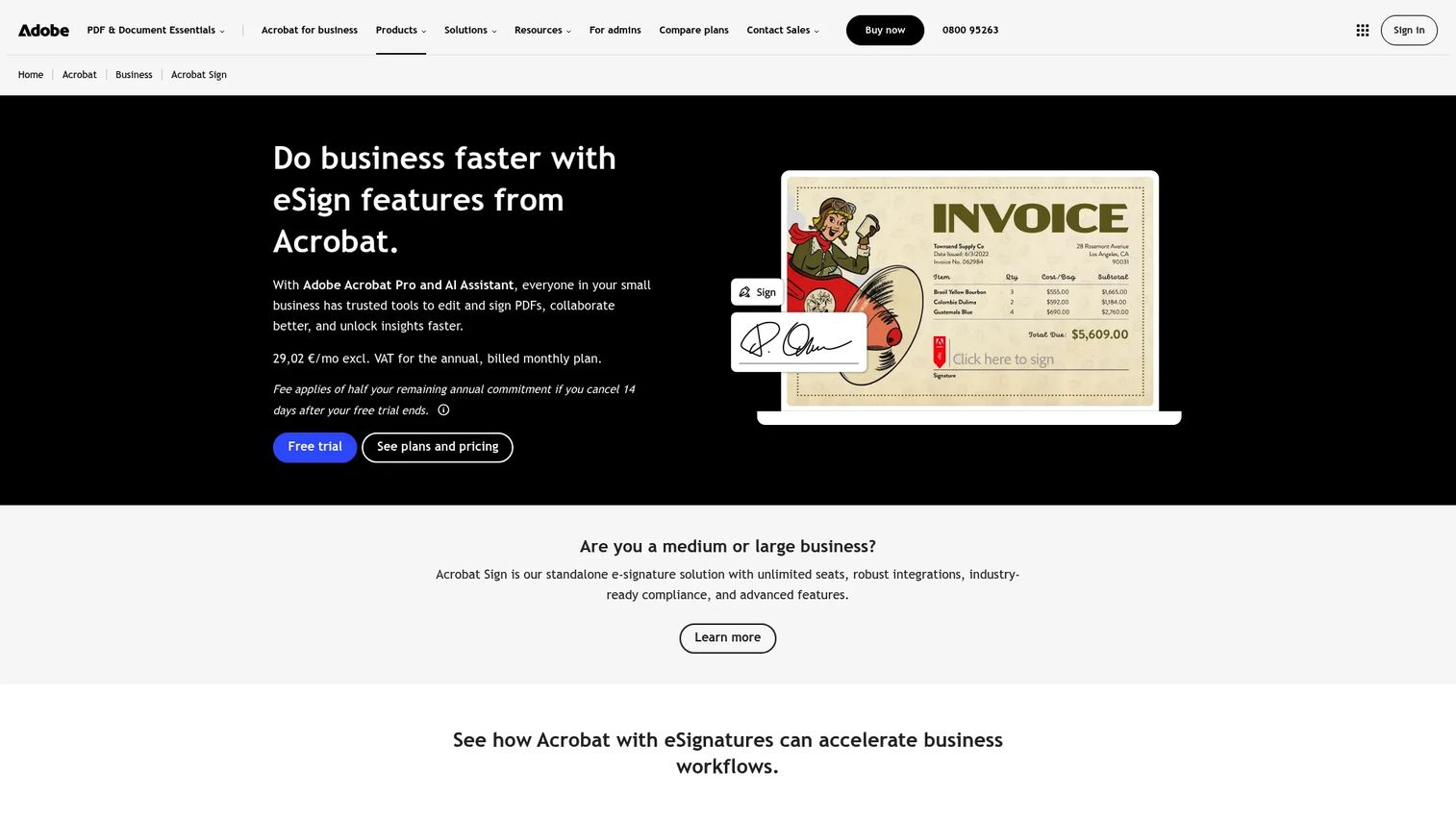
Adobe Acrobat Sign belongs in this list for sales teams whose primary gap is reliable, audit-trail-backed e-signature rather than proposal design. When legal, procurement, or compliance teams set the requirements, Adobe's enterprise credentials carry weight that proposal-native signatures sometimes cannot.
Best for: Teams whose core workflow is secure e-signature, audit trails, and PDF document management integrated with enterprise systems.
What it is: Adobe Acrobat Sign is an electronic signature solution for sending, signing, tracking, and managing agreements. It integrates with Microsoft, Salesforce, Box, Google, and Workday, and supports bulk sending, mobile signing, reusable forms, and custom branding.
Key features:
- Electronic signatures with audit trails
- Reusable form templates and bulk sending
- Real-time tracking, notifications, and reminders
- Mobile signing and document management
- Integrations with enterprise ecosystems including Microsoft and Salesforce
Where Adobe Acrobat Sign falls short: G2 reviewers describe the platform as oriented toward document signing rather than proposal creation. Teams expecting Qwilr-style visual proposal pages will find the design layer limited. Enterprise deployments can carry admin complexity, and the Acrobat Sign Solutions tier (beyond team plans) requires contacting sales for pricing.
Pricing: Acrobat Standard for teams at $16.99 per license per month (annual, billed monthly). Acrobat Pro for teams at $23.99 per license per month (annual). Acrobat Studio for teams at $29.99 per license per month (annual). Acrobat Sign Solutions pricing requires contacting sales.
G2 rating: 4.4
How it compares to Qwilr: Adobe Acrobat Sign handles signature workflows with enterprise-grade compliance. Qwilr handles proposal presentation and buyer engagement. Teams that need both a polished proposal experience and a governance-grade signing workflow sometimes use the two tools together.
10. Vidyard (sales and marketing video)
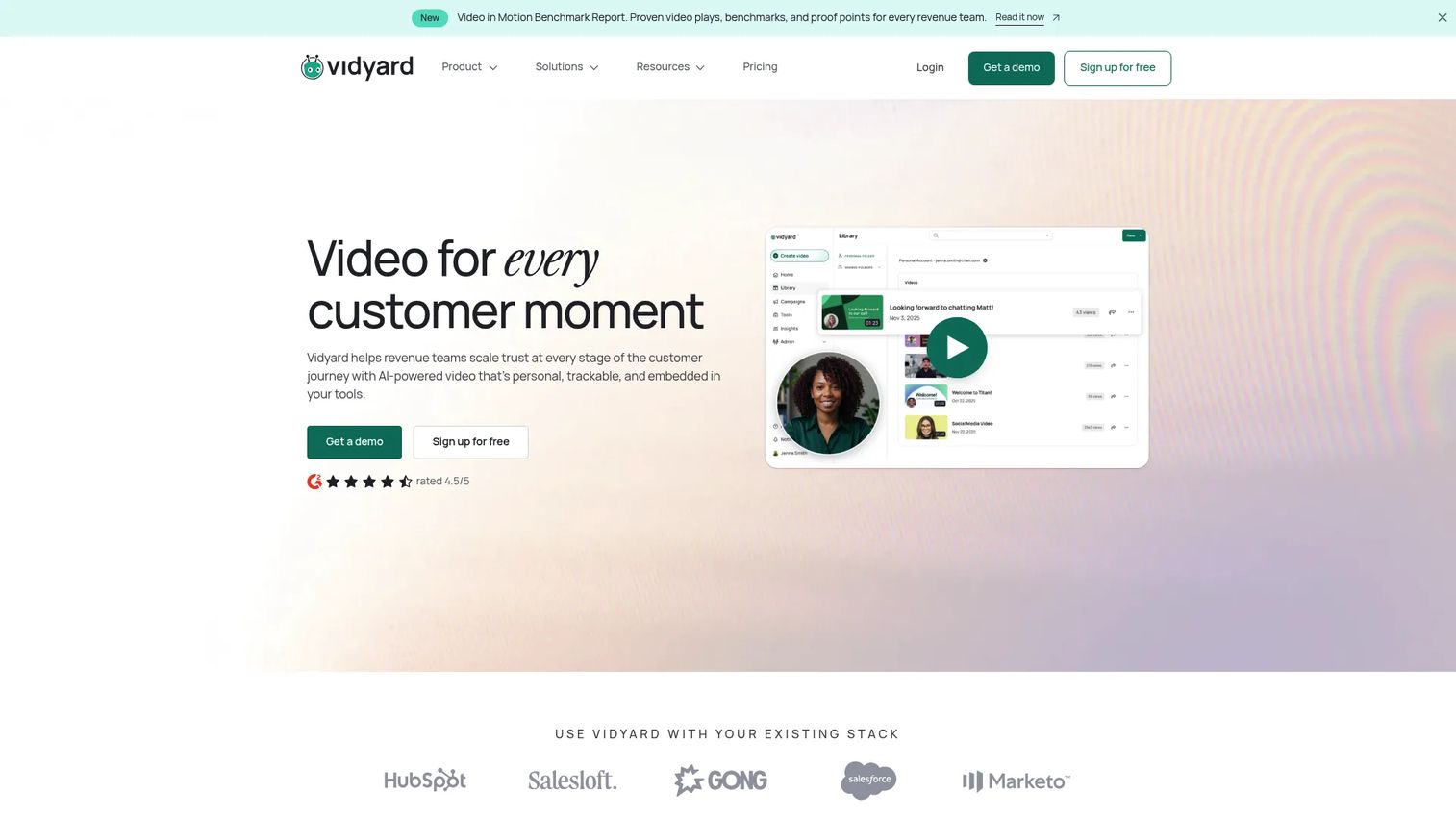
Vidyard earns its place as the strongest video option for sales teams that want to add a personal touch to outreach and follow-up. It does not replace a proposal tool, but it adds a layer of engagement that static documents cannot replicate.
Best for: Revenue teams using personalized video for sales outreach, follow-up, and customer communication with engagement tracking and CRM integration.
What it is: Vidyard is an AI-powered video platform for sales, marketing, and customer success. It supports video recording, hosting, sharing pages, AI avatar video creation, engagement analytics, and CRM integrations. A free tier is available.
Key features:
- AI-powered video creation with AI avatars and personalized video
- Video hosting, sharing pages, and playlists
- Viewer engagement analytics and CTA overlays
- CRM and marketing automation integrations on paid plans
Where Vidyard falls short: Video is a passive medium. Viewers watch; they do not navigate. G2 reviewers note that advanced marketing features including CRM integrations and custom analytics sit behind the Teams and Enterprise plans. Some reviewers flag reporting complexity and per-seat pricing as scaling concerns for larger teams.
Pricing: Free tier available. Starter at $59 per seat per month (annual; $89 per seat per month monthly). Teams and Enterprise pricing requires contacting sales.
G2 rating: 4.5
How it compares to Qwilr: Vidyard does not replace proposal creation, e-signature, or pricing tables. For the moment a rep wants to send a personal video alongside a proposal or after a discovery call, Vidyard handles that job. Qwilr handles the document itself.
11. Wistia (video hosting and marketing video)
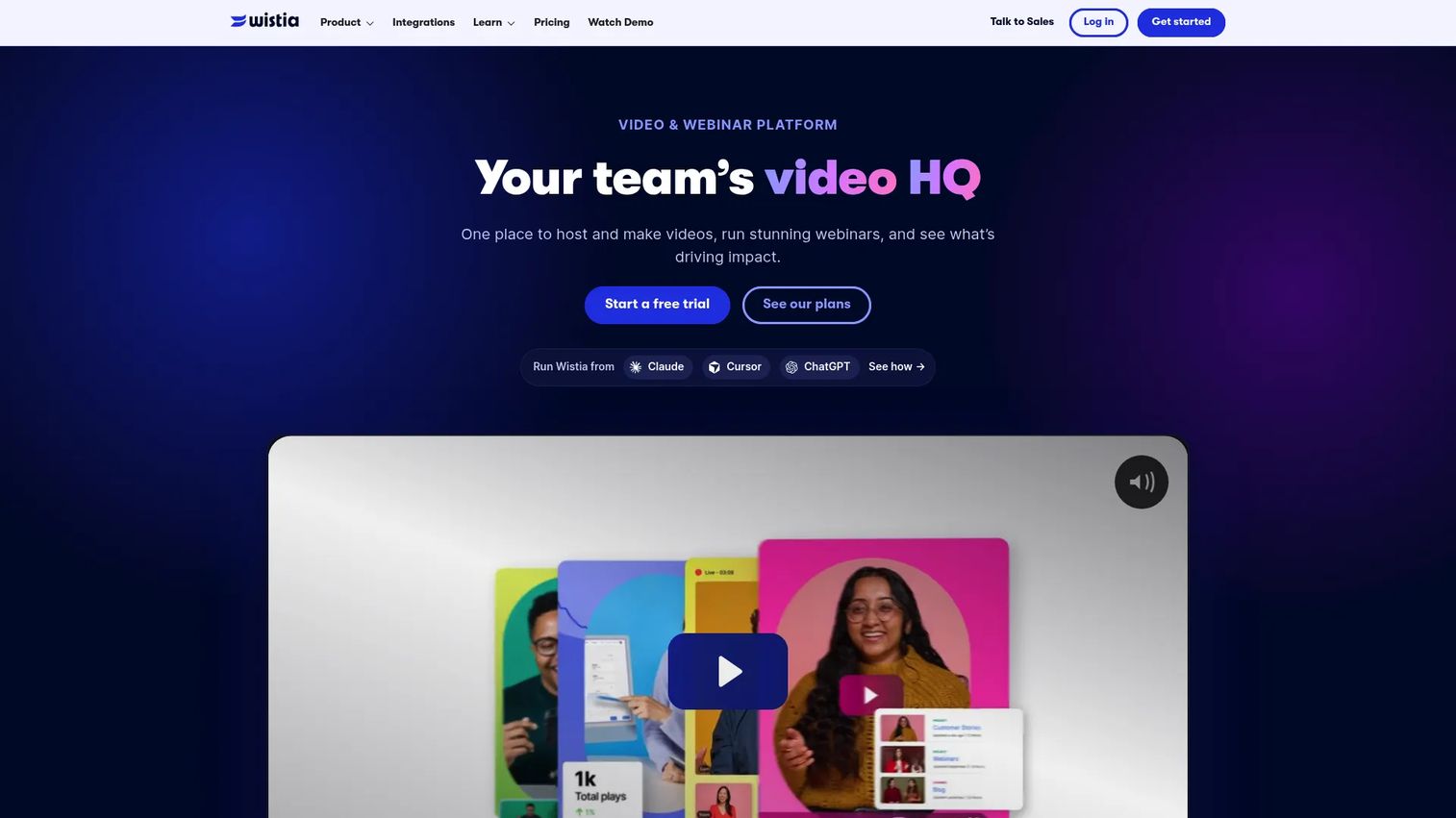
Wistia is the right pick when the marketing team controls branded video and needs analytics that connect to the marketing stack. Sales teams use it to share polished product videos inside proposals and on campaign pages rather than to build proposals themselves.
Best for: Marketing teams that need branded video hosting, webinars, lead capture, and pipeline attribution for video content.
What it is: Wistia is a video and webinar platform for creating, hosting, and analyzing business video. It offers a branded player, video recording with AI editing, lead capture forms, marketing automation connections, and analytics. A free plan is available.
Key features:
- Video hosting and embedding with a branded player
- Webinar hosting
- Video recording and AI-assisted editing
- Lead capture forms and marketing automation integrations
- Video engagement analytics and pipeline attribution
Where Wistia falls short: G2 reviewers note that video is not interactive in the way an interactive demo is. Buyers watch a Wistia video; they do not click through the product. The Business and Business + Signals plans carry higher monthly costs that some smaller teams find difficult to justify. Some reviewers describe lead attribution taking time to configure with their existing marketing stack.
Pricing: Free plan at $0 per month. Business at $79 per month (annual). Business + Signals at $329 per month (annual). Enterprise pricing is custom.
G2 rating: 4.6
How it compares to Qwilr: Wistia supports video content that lives around the deal, on campaign pages, inside proposals, or in follow-up emails. Qwilr builds the web-based proposal page itself. Teams that want video embedded in a Qwilr proposal can use both.
What is the best Qwilr alternative for interactive demos and training?
Guideflow is the top pick when the gap is showing how the product works, not writing about it.
Qwilr sends a proposal for a buyer to read. Guideflow produces an interactive demo a buyer clicks through, or a step-by-step guide a new rep follows during onboarding. For sales teams that need rep onboarding, feature training, SOPs, and self-serve buyer experiences, Guideflow covers jobs that no proposal tool handles. Many teams run both: A proposal tool for the document and Guideflow for the interactive product experience.
Which Qwilr alternative is best for direct proposal software?
PandaDoc, Proposify, and Better Proposals are the most direct replacements for teams that need proposal creation, e-signatures, templates, and pricing tables.
PandaDoc offers the broadest document workflow, covering proposals through contracts with a free starting tier. Proposify is better when the team needs approval workflows and content governance. Better Proposals fits agencies and smaller service teams that want a lower entry price without sacrificing signature and payment collection. The decision comes down to approval chain depth, CRM integration requirements, and total seat cost at the team's size.
Which tool fits when sales needs a digital sales room?
GetAccept is the cleaner fit for teams that need a shared buyer collaboration space around the proposal.
Qwilr presents a polished page. GetAccept gives the buying committee a shared destination with mutual action plans, tracked engagement, video messaging, and e-signature. DealHub.io adds the CPQ layer for teams with complex quote configuration needs. For AEs managing multi-stakeholder enterprise deals, the sales room adds visibility that a proposal page alone cannot provide.
What is the best Qwilr alternative for secure document tracking?
DocSend is the right tool when the document already exists and the team needs to control who sees it and understand how they engaged.
Teams sharing investor decks, enterprise proposals, or sensitive sales collateral use DocSend to gate access, track page-level engagement, and expire links. It does not create documents. Teams that need creation plus tracking typically use a proposal tool to build the asset and DocSend to distribute it.
Which Qwilr alternative is best for e-signature workflows?
Adobe Acrobat Sign is the top pick when e-signature is the primary requirement and proposal design is handled elsewhere.
Its audit trails, enterprise integrations, and compliance credentials make it the standard choice when legal or procurement teams set signing requirements. PandaDoc, Proposify, and Better Proposals all include e-signature natively inside a proposal workflow, so teams that want signing embedded in document creation should evaluate those first.
Which tool is best for sales video?
Vidyard leads for personalized sales video. Wistia is stronger for branded video hosting and marketing analytics.
Vidyard suits AEs and SDRs who want to record and send personal video messages alongside proposals and follow-ups. Wistia suits marketing teams hosting branded product videos on campaign pages and in email sequences. Both produce passive video that buyers watch. For self-serve product exploration where buyers click through the product, an interactive demo from Guideflow serves a materially different engagement model.
What is the cheapest Qwilr alternative?
The cheapest option depends on the job. Wistia and Vidyard both offer free tiers for video. Guideflow and PandaDoc offer free plans. Better Proposals starts at $13 per user per month.
Seat count, billing period, and minimum user requirements change the total cost significantly. Qwilr's Growth plan requires at least five users. DealHub.io uses custom pricing. DocSend's monthly rates do not carry an advertised annual discount on the pricing page. Before selecting on price alone, compare the total annual cost at your expected seat count and the tier where the features you need actually land.
When should you stay with Qwilr?
Qwilr is worth keeping when web-based proposal presentation is the team's core need and the existing workflow produces results.
If proposals go out as polished web pages, buyers engage with pricing blocks before signing, and the Qwilr analytics give reps enough signal to follow up well, the case for switching is weak. Teams that have built their proposal library inside Qwilr, trained reps on the editor, and integrated with their CRM should weigh migration cost against the specific gap they are trying to close.
Qwilr also holds its ground for teams that do not need CPQ, do not run multi-stakeholder deal rooms, and do not have an internal training or interactive demo use case. Adding a tool to solve a problem that does not exist in the workflow adds friction, not capability.
Why teams switch from Qwilr to Guideflow
Teams switch when the gap in their sales motion is not proposal design but product knowledge. A proposal tells a buyer what the product does. An interactive demo lets them see it in a guided, clickable format without scheduling a call.
Reps need to show the product, not describe it. New hires joining a growing sales team need to understand the product quickly. A stack of Qwilr templates does not solve that. A demo center with step-by-step interactive demos organized by use case and persona gives reps something they can run through on their own time and share with buyers immediately.
Enablement assets need to work across the full sales motion. SDRs use interactive demos in cold outreach to show what the product does before a call. AEs send them as leave-behinds after discovery. SEs build sandbox environments for technical evaluators. Customer success teams embed them in onboarding flows. Qwilr covers the proposal stage. Guideflow covers every touchpoint where the product itself needs to do the talking.
Analytics need to surface buyer intent, not just document opens. Guideflow tracks step-level completion, drop-off, and viewer flow, with company-level visitor identification. When a prospect watches a proposal, you know they opened it. When a prospect clicks through an interactive demo, you know which features they explored and where they stopped.
The limitation is worth naming: If the only job is proposal creation with e-signature and payment collection, Guideflow does not cover that. Teams with both a proposal need and an interactive demo need often run Guideflow alongside their proposal tool, since the two solve different problems at different stages of the deal.
Start your journey with Guideflow today!
FAQs
The right answer depends on the workflow gap. Guideflow is the top pick for interactive product demos, internal training, employee onboarding, and SOPs. PandaDoc and Proposify are the strongest direct proposal replacements. GetAccept fits teams that need digital sales rooms, and DealHub.io covers complex CPQ. Adobe Acrobat Sign is the cleaner fit when e-signature is the primary requirement.
Several options on this list offer free plans. Guideflow has a free plan. PandaDoc offers a free tier supporting up to five documents per month. Vidyard and Wistia both have free tiers for video. Qwilr itself does not offer a permanent free tier, only a 14-day trial.
Better Proposals starts at $13 per user per month on annual billing, making it the most affordable direct proposal replacement. PandaDoc's paid tiers start at $19 per month (annual). Pricing changes significantly with seat count and billing period, so total annual cost at the team's actual size is the more useful figure than the entry rate alone.
No, if the primary need is proposal creation, interactive pricing tables, e-signature, and payment collection. Guideflow does not build proposal documents. It produces interactive demos for product education, employee onboarding, SOPs, internal training, and self-serve buyer experiences. Teams that need proposal software should evaluate PandaDoc, Proposify, or Better Proposals. Teams that need interactive product demos alongside their proposals should evaluate Guideflow separately.
PandaDoc, Proposify, and Better Proposals all offer strong template libraries. Proposify's content library with role-based controls is best for teams that need governance over which templates reps can use. PandaDoc's template breadth covers proposals, quotes, and contracts from one library. Better Proposals offers a large library at a lower price point for smaller teams.
DealHub.io is the top pick for revenue teams with complex quoting, guided selling, discount approval chains, and subscription configurations. Its CPQ handles product catalogs, bundles, and multi-product deal structures at a depth that proposal builders cannot match. PandaDoc offers quoting capabilities on its Business and Enterprise tiers, which may be sufficient for teams with moderate CPQ needs.
Video handles personal outreach, explainers, and follow-up messages well. Vidyard and Wistia cover those use cases. Neither replaces the functions proposal software provides: Pricing tables, e-signatures, approval workflows, or quote configuration. Teams that want to add video to a proposal workflow typically embed a Vidyard or Wistia video inside a proposal page rather than replacing the document with a video link.
Migrate existing proposal templates first and test them in the new platform. Map current CRM field connections and automate triggers to avoid manual data entry during the transition. Confirm that your e-signature workflow and any payment collection integrations carry over. Audit seat count at the new platform's pricing tiers, since minimum seat requirements vary. Assign a team member to manage template governance in the new system before onboarding the broader team.