You can onboard users inside the app and still lose the product story everywhere else. Launch pages, sales follow-ups, outbound sequences, event booths, help documentation - none of those surfaces are covered by an in-app onboarding widget. Many PMMs searching for Product Fruits alternatives are really asking a broader question: How do we give buyers and users a guided product experience across the whole funnel, not only after they log in?
This guide covers 15 Product Fruits alternatives across five categories: Guideflow for demo automation and guided product experiences before login; Userflow, UserGuiding, Appcues, and Userpilot for in-app onboarding flows; Pendo and Userpilot for product adoption analytics; Whatfix and WalkMe for enterprise digital adoption; and Flows for developer-first onboarding. Guideflow is the top pick when the team needs product experiences that work outside the logged-in app.
TL;DR
- Best for guided product experiences before login: Guideflow. It is a demo automation platform for interactive demos, demo pages, demo centers, sandboxes, live demos, and mobile demos.
- Best for in-app onboarding flows: Userflow ($240/month annual) and UserGuiding (from $249/month) are the most direct replacements.
- Best for product adoption analytics: Pendo. Free plan available; paid plans use custom MAU-based pricing.
- Best for enterprise digital adoption: Whatfix and WalkMe both use custom quote pricing and serve large-scale application adoption.
- Best for developer-owned onboarding: Flows. Free plan available; Pro starts at $30/month.
- Pricing reality: Tools range from free tiers to quote-only enterprise contracts. This list covers all five categories with pricing sourced from each vendor's own pricing page.
- Key distinction: Product Fruits, and most alternatives on this list, run inside the product after login. Guideflow runs outside - on landing pages, in email, in sales follow-up, and across buyer committees.
What's inside
- A fair definition of Product Fruits and where it fits
- Why teams look for alternatives (by specific pain)
- A 15-tool comparison table with category labels, G2 ratings, and pricing
- Ranked tool cards with pricing and shortfalls for each
- Use-case picks by buying job, not vendor marketing
- When to stay with Product Fruits
- FAQs for replacement decisions
What is Product Fruits?
Product Fruits is a product adoption and user onboarding platform. It sits inside the logged-in application and serves teams building in-app experiences: Onboarding checklists, tooltips, announcements, NPS surveys, and contextual guidance for existing users. Its category is product onboarding software, with strengths in no-code setup, in-app flow building, and user feedback collection.
The key constraint is deliberate: Product Fruits is designed to activate users who have already signed up. It is not built for the product story that runs before a prospect creates an account. Teams that need buyer-facing demos, launch assets, sales leave-behinds, or partner enablement content will find they need a second tool alongside it.
Where Product Fruits fits well: Activating trial users, onboarding new customers, collecting in-app feedback, and driving feature adoption inside the product. Where teams start looking elsewhere: When they need product experiences that live on landing pages, inside sales sequences, in help docs, or across stakeholder threads before anyone has logged in.
Why teams look for Product Fruits alternatives
Teams usually compare Product Fruits alternatives for one of five reasons.
They need product experiences before login
PMMs running product launches need assets that work on landing pages, in outbound sequences, and in sales follow-ups. Product Fruits activates after signup. That means every demo request, every SDR sequence, and every landing page needs a separate approach. Teams searching for pre-login guided product experiences are comparing a different category.
They need deeper adoption analytics
Product Fruits covers basic engagement metrics for in-app flows. Teams that need feature adoption tracking, funnel analysis, segmented retention reporting, or behavioral cohort data typically outgrow it. G2 reviewers note that analytics depth is a frequent reason teams evaluate alternatives.
They need more control over design and implementation
No-code tools carry styling constraints. Teams that want pixel-perfect design alignment, design-system integration, or custom UI components embedded in their product architecture will find configuration limits on the pricing page or in G2 reviews.
They have enterprise governance requirements
Larger teams need SSO, multi-team workspaces, role-based access, security review documentation, and audit controls. Product Fruits' enterprise capabilities are more limited than digital adoption platforms like Whatfix and WalkMe, which are purpose-built for that layer.
They are comparing pricing and packaging
Product Fruits prices by monthly active users. Teams with large MAU bases may find quote-based enterprise pricing models at competitors easier to predict at scale. Others simply want a free plan or a lower entry price.
How we picked these Product Fruits alternatives
Each tool was selected for real capability overlap with what teams leave Product Fruits to find: In-app onboarding, adoption analytics, digital adoption at enterprise scale, developer-first onboarding, and guided product experiences outside the logged-in app. Pricing comes from each vendor's own pricing page. G2 ratings come from named G2 listings. The global product analytics market reached $10.58 billion in 2025 and is projected to reach $30.80 billion by 2034, according to Fortune Business Insights (2026), which reflects how much demand sits across the full adoption category.
This list spans five distinct categories. The category label matters: Not every alternative replaces the same job. A tool that excels at in-app tooltips will not replace a demo automation platform, and vice versa.
Product Fruits alternatives at a glance
Guideflow leads as the demo automation pick. The remaining 14 tools cover in-app onboarding, product adoption, enterprise digital adoption, and developer-first onboarding, each labeled by category so the buying decision is clear.
| # | Tool | Category | Best for | G2 rating | Free plan | Starting price |
|---|---|---|---|---|---|---|
| 1 | Guideflow | Demo automation platform | Guided product experiences before login | 5.0 | Yes | $35/user/month (annual) |
| 2 | Userflow | Product onboarding software | In-app onboarding flows and checklists | 4.8 | No | $240/month (annual) |
| 3 | Pendo | Product adoption platform | Product analytics and enterprise adoption | 4.4 | Yes | Custom (MAU-based) |
| 4 | FlowAI | Unverified | AI-guided onboarding signals | 4.4 | N/A | N/A |
| 5 | UserGuiding | No-code onboarding software | Budget-conscious onboarding teams | 4.7 | No (14-day trial) | From $249/month |
| 6 | Userpilot | Product growth platform | Segmented onboarding and adoption analytics | 4.6 | No | $299/month |
| 7 | Whatfix | Digital adoption platform | Enterprise in-app guidance and training | 4.6 | No | Custom quote |
| 8 | WalkMe | Digital adoption platform | Large-scale enterprise process adoption | 4.6 | No | Custom quote |
| 9 | Appcues | User onboarding software | No-code onboarding and in-app messaging | 4.6 | No (free trial) | From $9,000/year |
| 10 | Flows | Developer-first onboarding platform | Custom onboarding built into product UI | 4.2 | Yes | $30/month |
| 11 | Candu | Product experience platform | Embedded product education and content | 4.5 | Yes | $199/month (annual) |
| 12 | Kompassify | User onboarding platform | Simple product tours and checklists | 4.6 | Yes | $123/month |
| 13 | Produktly | Product onboarding software | Lightweight onboarding and feedback widgets | 4.5 | No (14-day trial) | From 19€/month |
| 14 | HelpHero | User onboarding software | Simple interactive in-app guidance | 4.9 | No (14-day trial) | $55/month |
| 15 | Jimo | Product adoption platform | In-app messages and onboarding campaigns | 4.6 | No (1-month trial) | $79/month |
The best Product Fruits alternatives in 2026
1. Guideflow (demo automation platform)
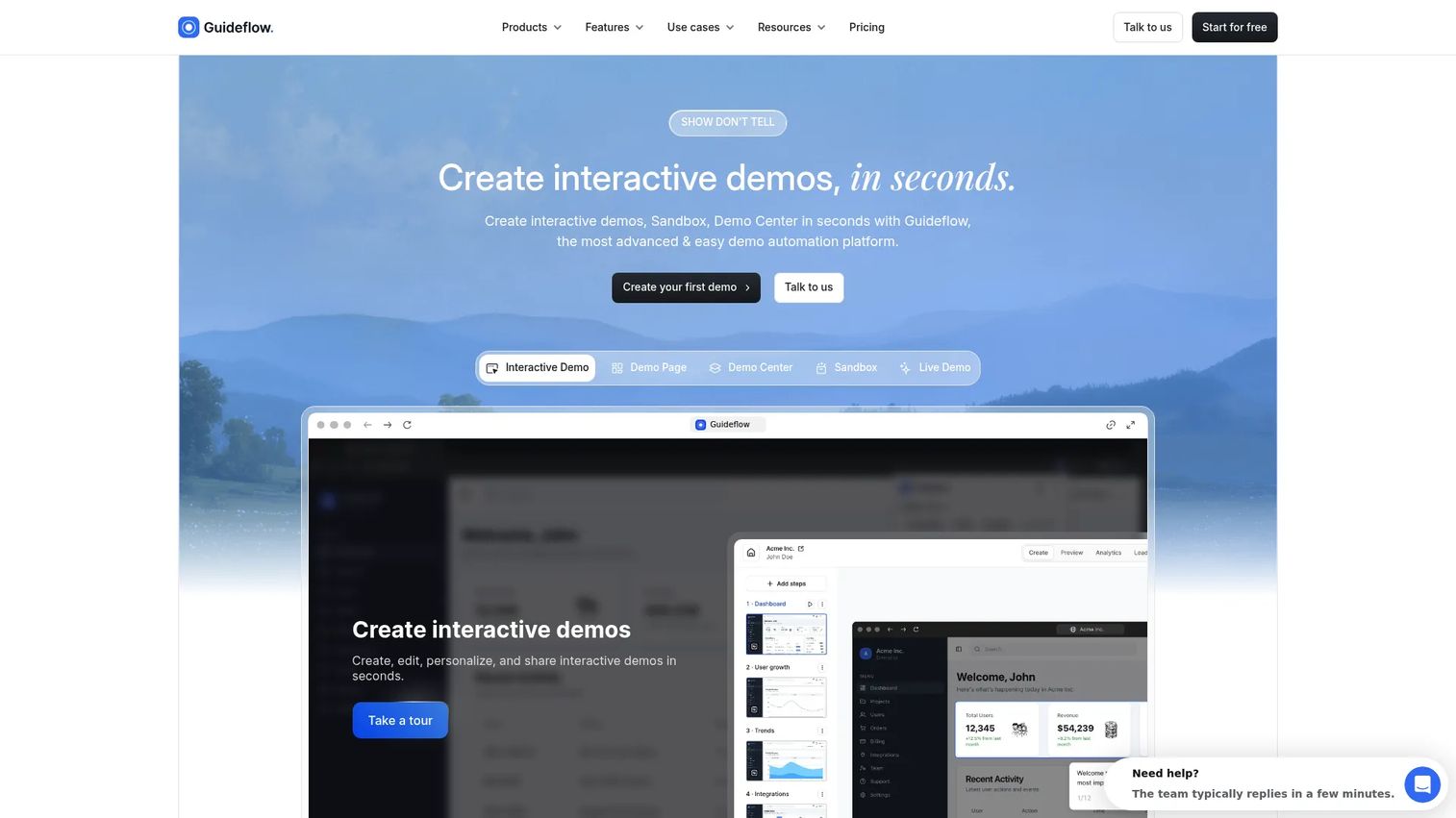
Guideflow creates interactive demos that work before anyone logs in. For PMMs managing launches, sales enablement, and buyer education, that is the gap Guideflow fills.
Best for: PMMs and GTM teams that need interactive product stories on landing pages, in sales follow-up, and across buyer committees before a prospect signs up.
What it is: Guideflow is a demo automation platform. It supports six demo formats: Interactive demos, demo pages, demo centers, sandboxes, live demos, and mobile demos. Teams capture the product interface through the Chrome extension or native app. Step content and CTAs are written automatically. The output can be reused across marketing, sales, support, partner enablement, and product education without additional engineering work.
Key features:
- Six demo formats covering the full GTM surface
- Capture through the Chrome extension or native app
- Screenshot, HTML, and video capture modes
- Editor for text, images, graphs, and branching
- Translation into more than 30 languages
- Step-level completion, drop-off, and viewer flow analytics
- Analytics that sync to HubSpot, Salesforce, Pipedrive, Zoho, and Marketo via integrations
Where Guideflow falls short: Guideflow does not run in-product widgets, tooltips, or in-app event analytics. Teams whose primary need is widget-based guidance inside the live application should pair Guideflow with a dedicated in-app onboarding tool.
Pricing: Free plan available. Solo plan is $35 per user per month (annual). Growth is $499 per month (annual). Advanced is $1,499 per month (annual). Enterprise starts from $2,999 per month (annual) and adds SSO, advanced governance, and enterprise security.
G2 rating: 5.0
How it compares to Product Fruits: Product Fruits guides users who have already logged in. Guideflow gives prospects a product experience before they ever create an account. A single captured demo can support a launch page, a sales follow-up, a help center article, and onboarding education - without asking engineering for an in-app snippet.
2. Userflow (product onboarding software)
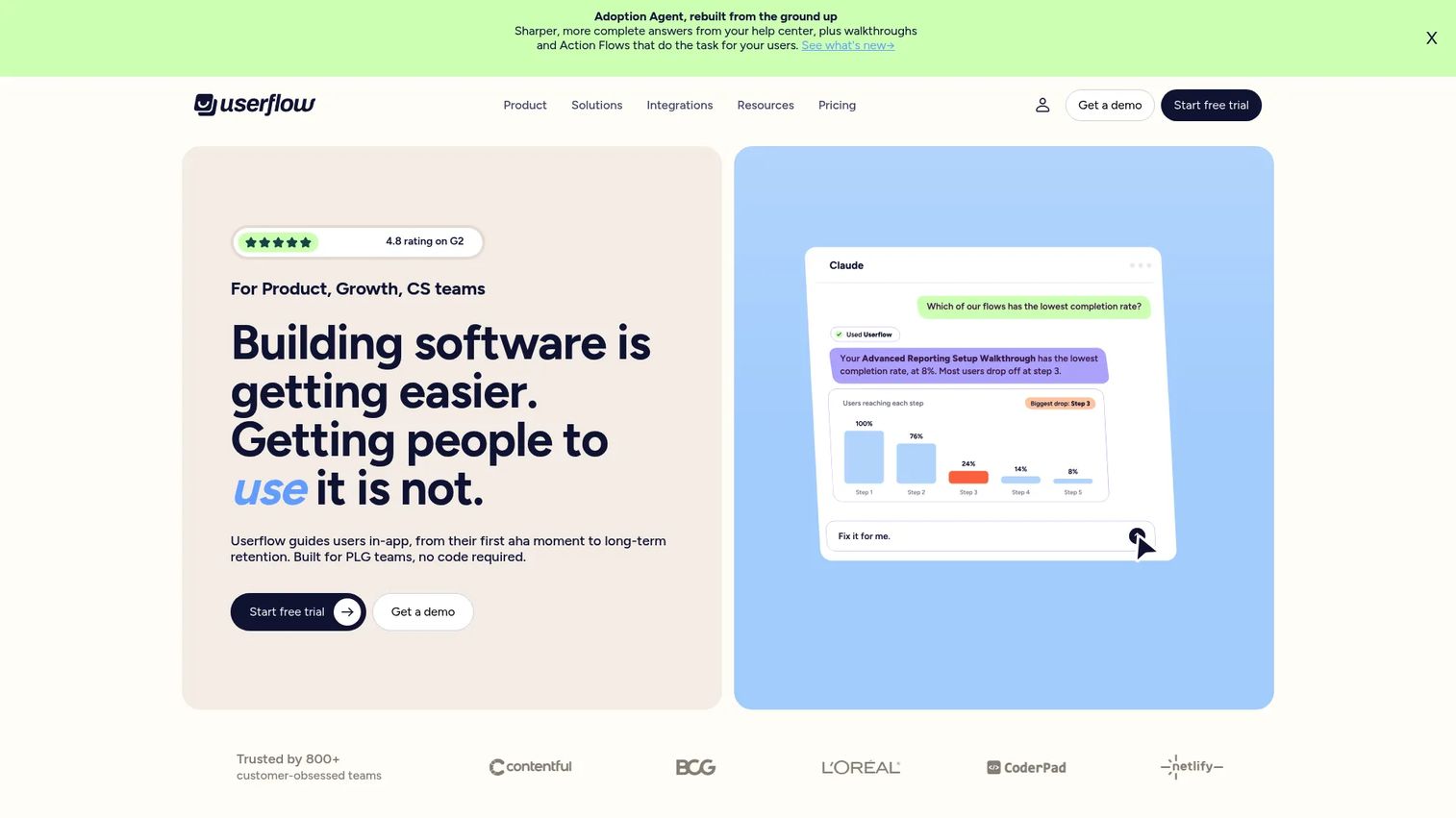
Userflow is one of the most direct replacements for Product Fruits at the product onboarding layer. Its FlowAI Builder and Adoption Agent features have made it a popular choice for teams wanting AI-assisted onboarding configuration.
Best for: Self-serve B2B SaaS teams that want configurable in-app flows, checklists, and surveys with AI-assisted setup.
What it is: Userflow is an AI-powered product adoption and onboarding platform for building no-code in-app experiences. It covers flows, checklists, tooltips, banners, announcements, surveys, and NPS. Its Userflow MCP connects to AI tools including Claude and ChatGPT for onboarding configuration.
Key features:
- No-code flows, tours, checklists, and surveys
- FlowAI Builder and FlowAI Signals for AI-assisted setup
- Adoption Agent with Action Flows for behavioral triggers
- Product adoption analytics
- Integrations with common SaaS platforms
Where Userflow falls short: No permanent free tier is available. The entry price of $240 per month (annual) may exceed the budget for early-stage teams. G2 reviewers note that advanced analytics and reporting require higher tiers.
Pricing: Essentials plan starts at $240/month (annual; $300/month if billed monthly). Studio is $400/month (annual; $500/month if billed monthly). Enterprise pricing is custom.
G2 rating: 4.8
How it compares to Product Fruits: Userflow covers similar in-app onboarding territory and adds AI-assisted flow creation. Teams that want faster onboarding configuration and behavioral triggers will find it a step up from Product Fruits on those dimensions.
3. Pendo (product adoption platform)
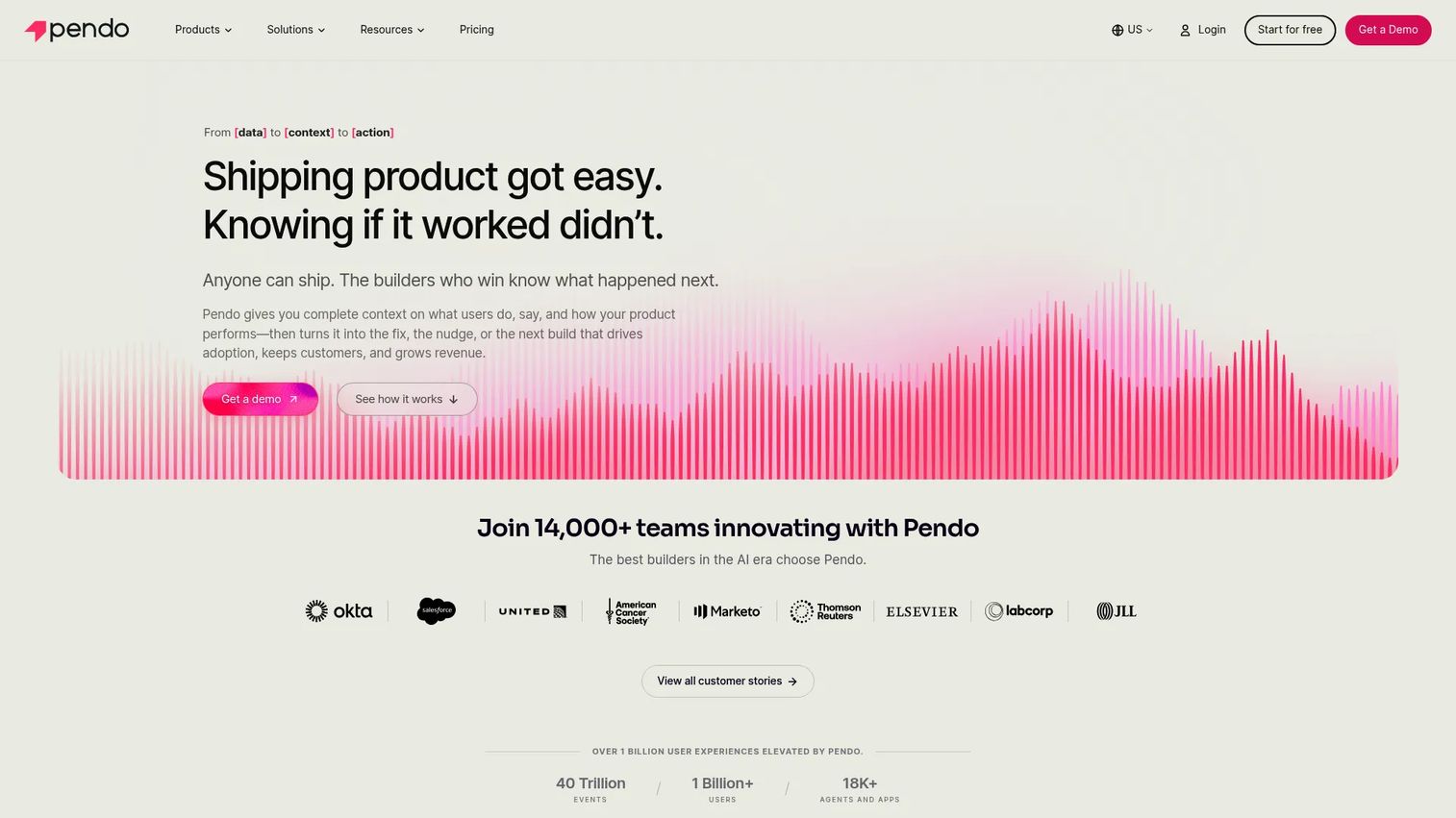
Pendo is the strongest alternative when product analytics sit at the center of the buying decision. It combines usage tracking, in-app guidance, session replay, and feedback in a single platform.
Best for: Product-led teams that need adoption analytics, feature usage data, and in-app guidance under one roof.
What it is: Pendo is a product experience platform combining product analytics, in-app messaging, guide flows, NPS surveys, session replay, and journey orchestration. Its Base, Core, and Ultimate tiers scale from startup to enterprise. A free plan covers up to 500 monthly active users.
Key features:
- Product analytics and feature adoption tracking
- In-app guides and onboarding flows
- NPS and sentiment surveys
- Session replay
- Enterprise governance and segmentation
Where Pendo falls short: Paid plans use custom MAU-based pricing with no public numeric figures, which makes budgeting opaque for teams early in evaluation. G2 reviewers frequently cite implementation complexity and the learning curve as friction points, particularly for smaller teams without a dedicated product operations function.
Pricing: Free plan covers up to 500 MAUs. Paid Base, Core, and Ultimate plans are priced by MAU volume on a custom quote basis.
G2 rating: 4.4
How it compares to Product Fruits: Pendo is a materially broader platform. Teams that have outgrown Product Fruits' analytics will find significantly more depth here, at a significantly higher implementation investment.
4. FlowAI (unverified category)
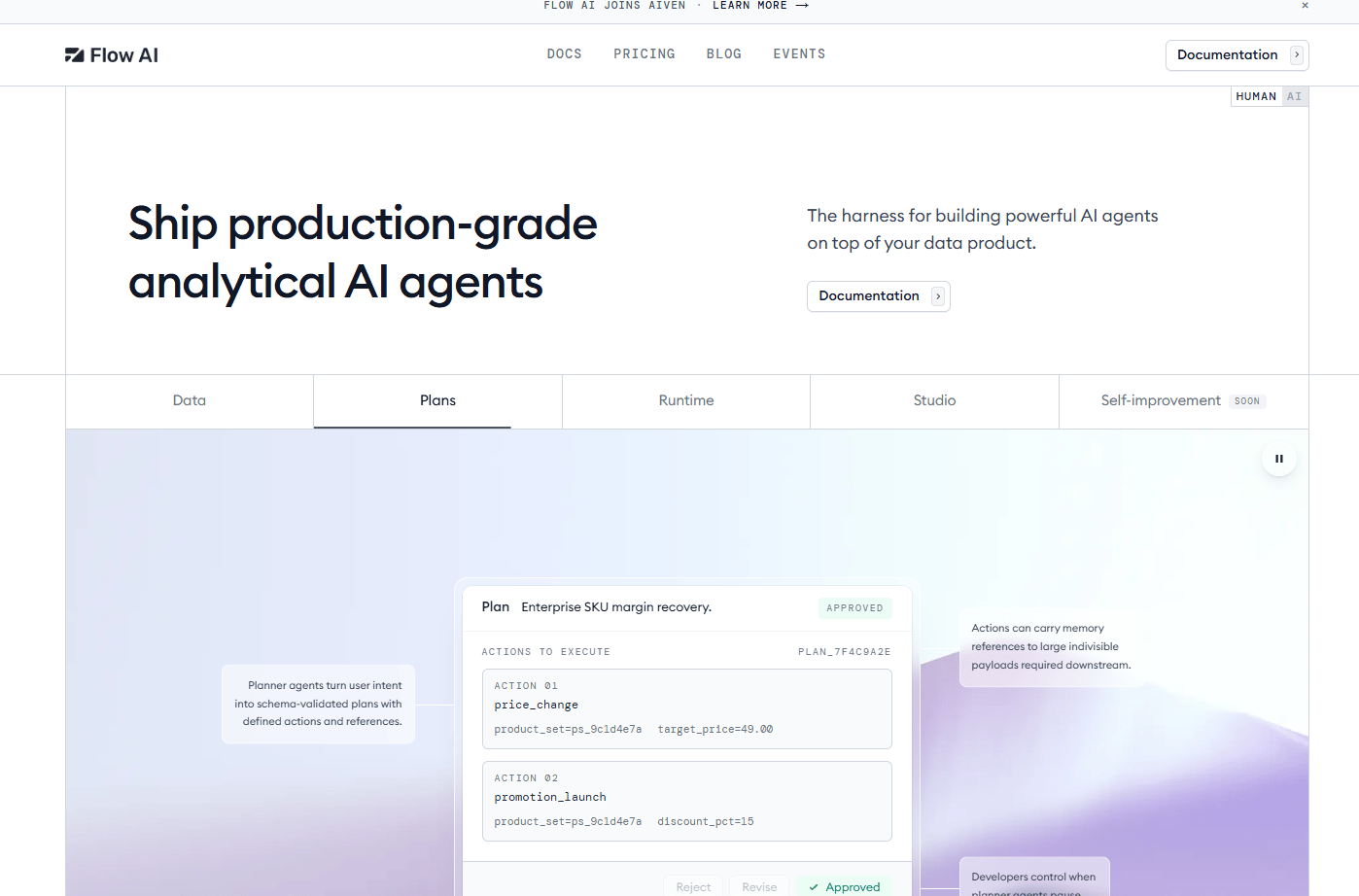
FlowAI appears in search results for Product Fruits alternatives but its product identity could not be confirmed from a live source. The domain flowai.com redirects to a parked page, and multiple unrelated products share the FlowAI name.
Best for: Cannot be recommended without a confirmed live product.
What it is: No live product page or confirmed feature set was accessible at the time of writing.
Key features: No verifiable features.
Where FlowAI falls short: The lack of a live product page, confirmed pricing, or G2 listing makes it impossible to evaluate responsibly.
G2: 4.4
How it compares to Product Fruits: Cannot be assessed.
5. UserGuiding (no-code onboarding software)
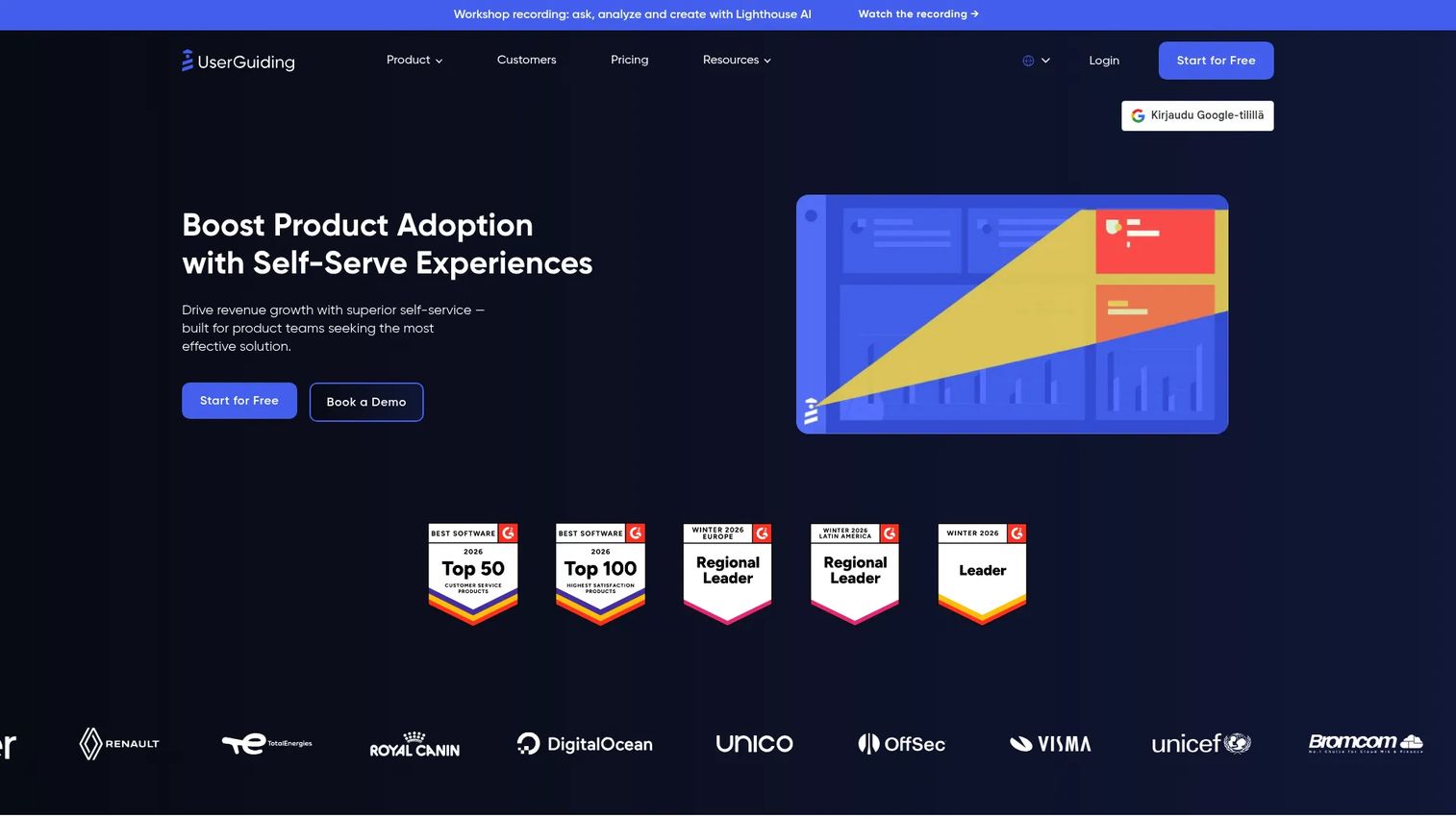
UserGuiding is the most accessible no-code replacement for Product Fruits on price and setup speed. Its MAU-based pricing and 14-day trial make evaluation low-friction.
Best for: Budget-conscious product and growth teams that want no-code in-app onboarding without an enterprise contract.
What it is: UserGuiding is a no-code product adoption platform for building product tours, onboarding checklists, hotspots, tooltips, in-app surveys, NPS, and resource centers. It also includes session replay, an AI assistant, roadmaps, and changelog features. Pricing is based on monthly active users.
Key features:
- Product tours, checklists, and hotspots
- In-app surveys and NPS collection
- Knowledge base and resource centers
- Session replay and analytics
- Product updates and roadmap communication
Where UserGuiding falls short: Customization options for styling and design alignment are more limited than developer-first tools. G2 reviewers note that advanced segmentation and analytics require higher tiers. No permanent free plan is offered, only a 14-day trial.
Pricing: Starter from $249/month (displayed for 2,000 MAU). Growth from $499/month. Enterprise pricing is custom.
G2 rating: 4.7
How it compares to Product Fruits: Pricing and feature scope are comparable. Teams that want a few more capabilities - session replay, roadmaps, AI assistant - alongside the core onboarding stack will find UserGuiding competitive.
6. Userpilot (product growth platform)
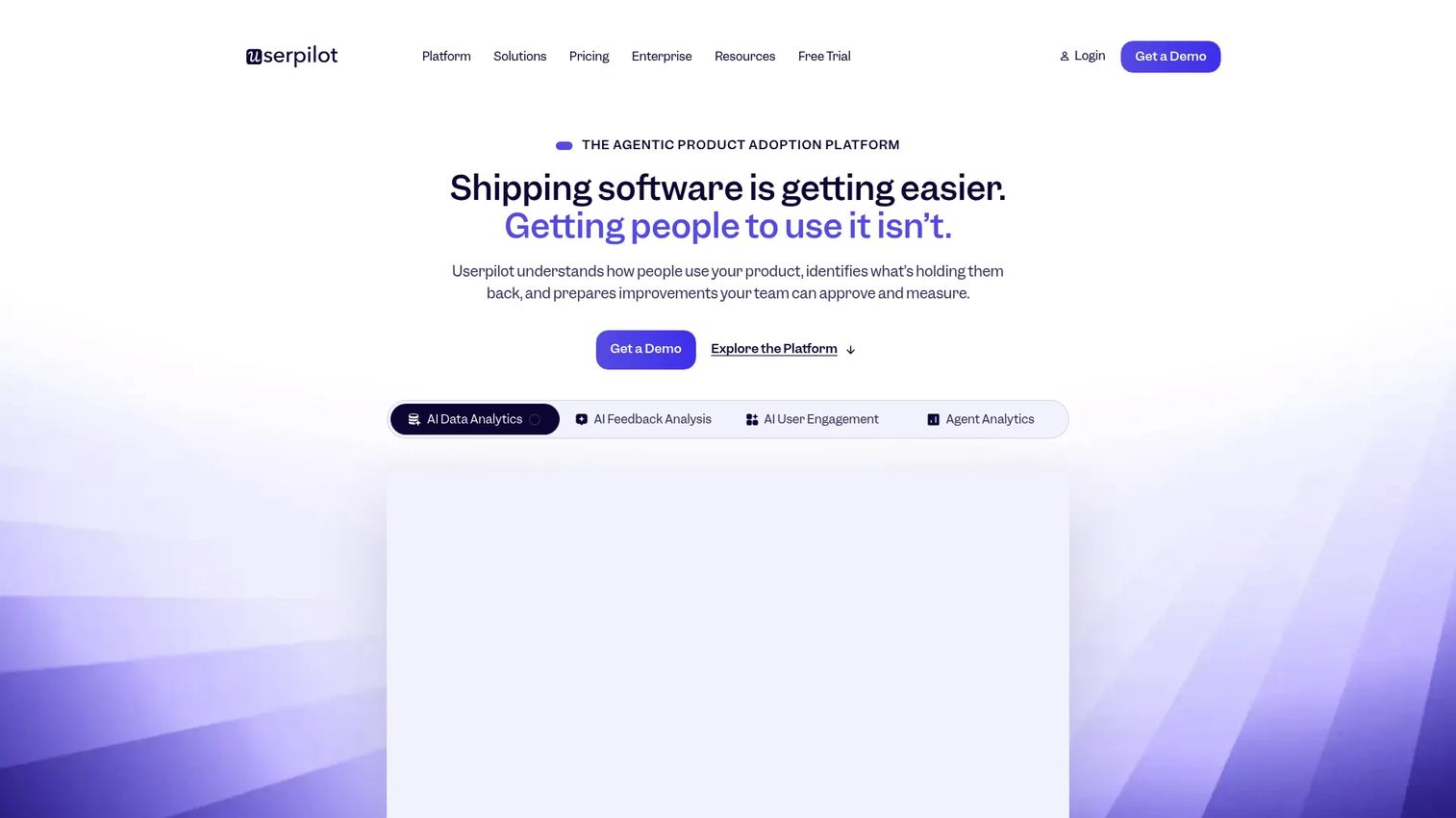
Userpilot is the strongest alternative when in-app onboarding and product analytics need to work together without stitching separate tools.
Best for: Product and growth teams that want segmented onboarding alongside usage analytics, session replay, and email workflows in a single platform.
What it is: Userpilot is a product growth and analytics platform for understanding user behavior, onboarding users, driving feature adoption, collecting feedback, and reducing churn without engineering involvement. Its Starter plan covers core analytics and in-app engagement. Growth adds session replay, autocapture, advanced surveys, and email. Enterprise adds mobile engagement and data warehouse sync.
Key features:
- Product analytics and in-app engagement
- User feedback and NPS surveys
- Session replay
- Email and push notification workflows
- AI agent and agent analytics
- Mobile engagement at enterprise tier
Where Userpilot falls short: Starter pricing at $299/month is above what early-stage teams typically budget for a first onboarding tool. G2 reviewers report that some advanced analytics capabilities are gated to the Growth plan, which starts at $849/month.
Pricing: Starter at $299/month. Growth from $849/month. Enterprise pricing is custom.
G2 rating: 4.6
How it compares to Product Fruits: Userpilot covers the same in-app onboarding territory and adds meaningful analytics depth. Teams that are specifically looking for stronger segmentation and growth reporting alongside onboarding will find it a direct upgrade.
7. Whatfix (digital adoption platform)
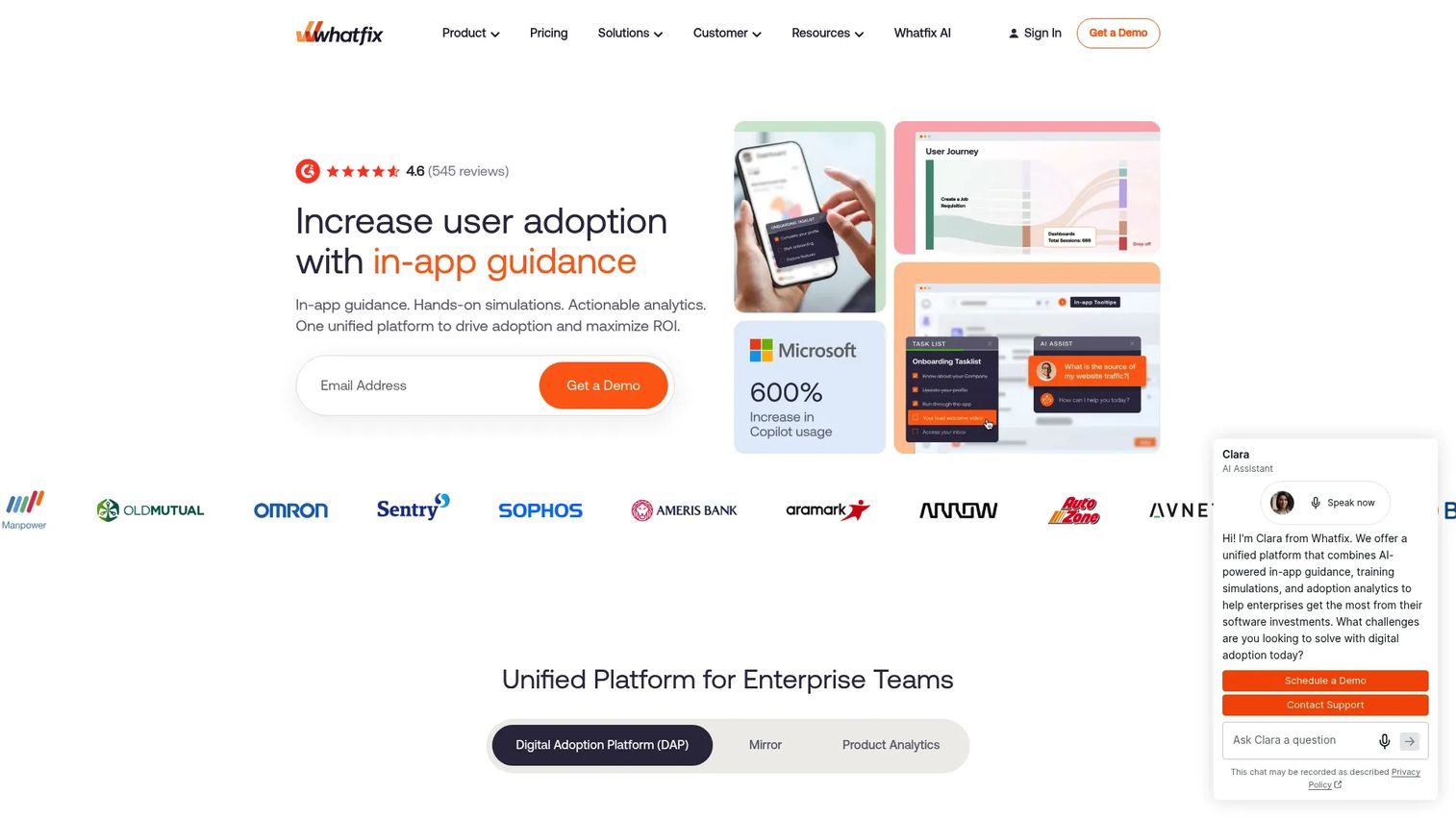
Whatfix belongs in a different weight class than Product Fruits. It is an enterprise digital adoption platform for guiding large user groups across multiple complex applications, including internal software like CRMs and ERPs.
Best for: Enterprise organizations that need in-app guidance, training, process support, and analytics across multiple business applications.
What it is: Whatfix is an AI-powered digital adoption platform for onboarding, guidance, support, training, and workflow analytics across enterprise software environments. Its Smart Tips, Flows, Pop-Ups, and Task Lists capabilities layer onto existing applications. It includes content governance with approvals, QA, version control, and rollback.
Key features:
- In-app guidance with Flows, Smart Tips, and Task Lists
- Contextual self-help and content aggregation
- AI-powered authoring and insights
- Application simulation and AI roleplay (Mirror)
- Governance with approvals, versioning, and rollback
Where Whatfix falls short: Pricing is fully custom and requires a sales conversation. G2 reviewers frequently mention that implementation requires specialist resources and that administrative overhead is higher than lighter onboarding tools. No public starting price exists.
Pricing: Standard and Premium plans, both custom-quoted based on application count and user volume.
G2 rating: 4.6
How it compares to Product Fruits: Whatfix is not a lightweight replacement for Product Fruits. It is a step up in scope, complexity, and cost. Teams at the enterprise level that need multi-application adoption at scale will find the investment justified; teams with one SaaS product and a standard onboarding need will likely find it more than they need.
8. WalkMe (digital adoption platform)
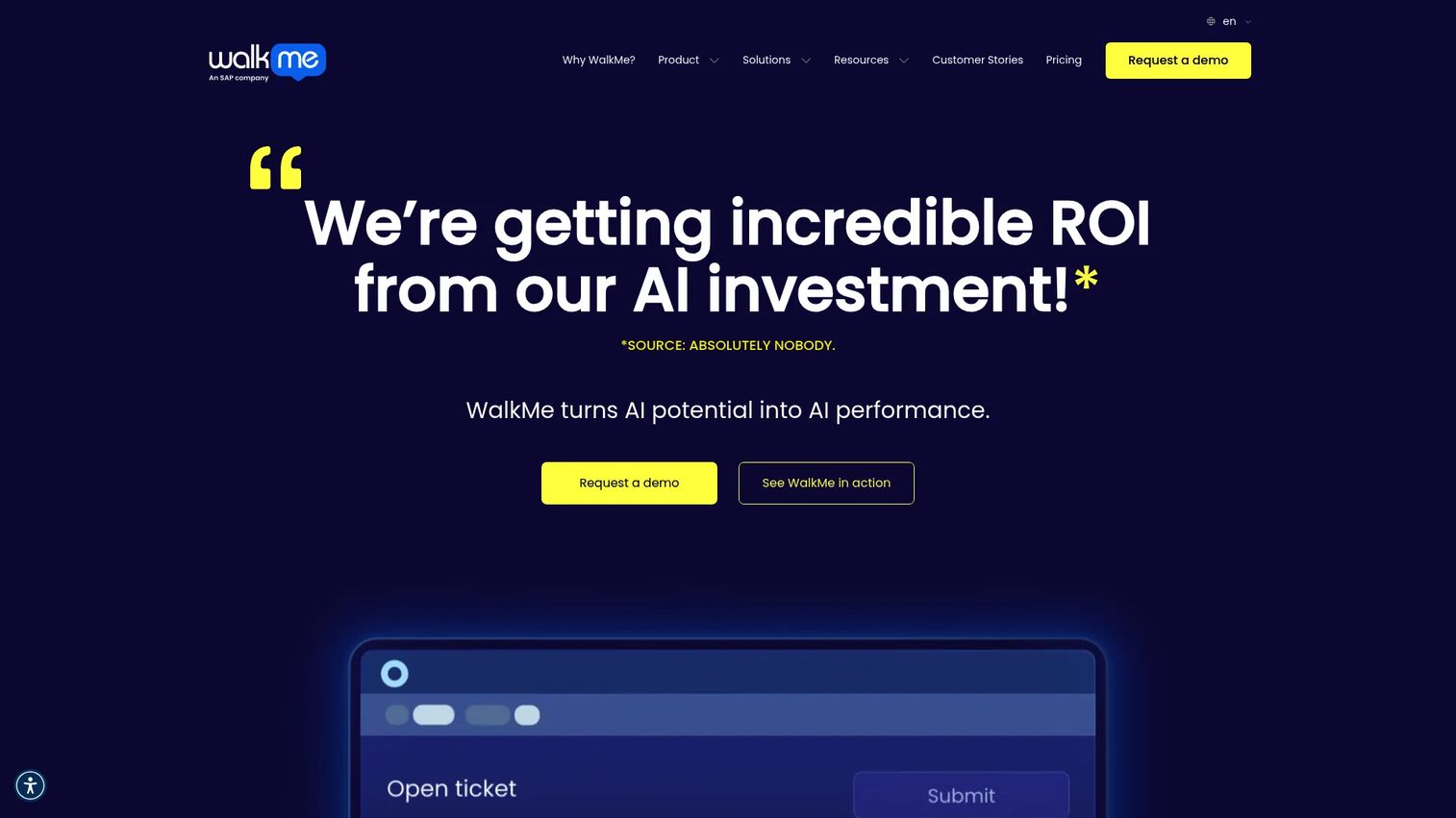
WalkMe is the most established name in enterprise digital adoption. It is now part of SAP and serves large organizations managing adoption across complex software environments.
Best for: Large enterprises managing adoption across CRMs, ERPs, internal tools, and business processes at scale.
What it is: WalkMe is a cloud-based digital adoption platform for in-app guidance, workflow automation, omnichannel support, and behavioral analytics across web, desktop, and mobile applications. It is used by organizations running large-scale software rollouts where process adherence and adoption tracking across thousands of users are the central concerns.
Key features:
- In-app guidance, walkthroughs, and notifications
- Real-time analytics and behavioral segmentation
- Workflow automation and conversational assistance
- Omnichannel support across web, desktop, and mobile
- AI-powered authoring and contextual assistance
Where WalkMe falls short: WalkMe uses quote-only pricing with no public numeric figures. G2 reviewers consistently cite implementation time, the dependency on specialist resources for setup, and administrative overhead as significant factors. It is not a tool teams self-serve into.
Pricing: Custom quote only.
G2 rating: 4.6
How it compares to Product Fruits: WalkMe is a governance and scale play, not a lightweight onboarding swap. Teams comparing it to Product Fruits are usually evaluating a program-level investment, not a tool change.
9. Appcues (user onboarding software)
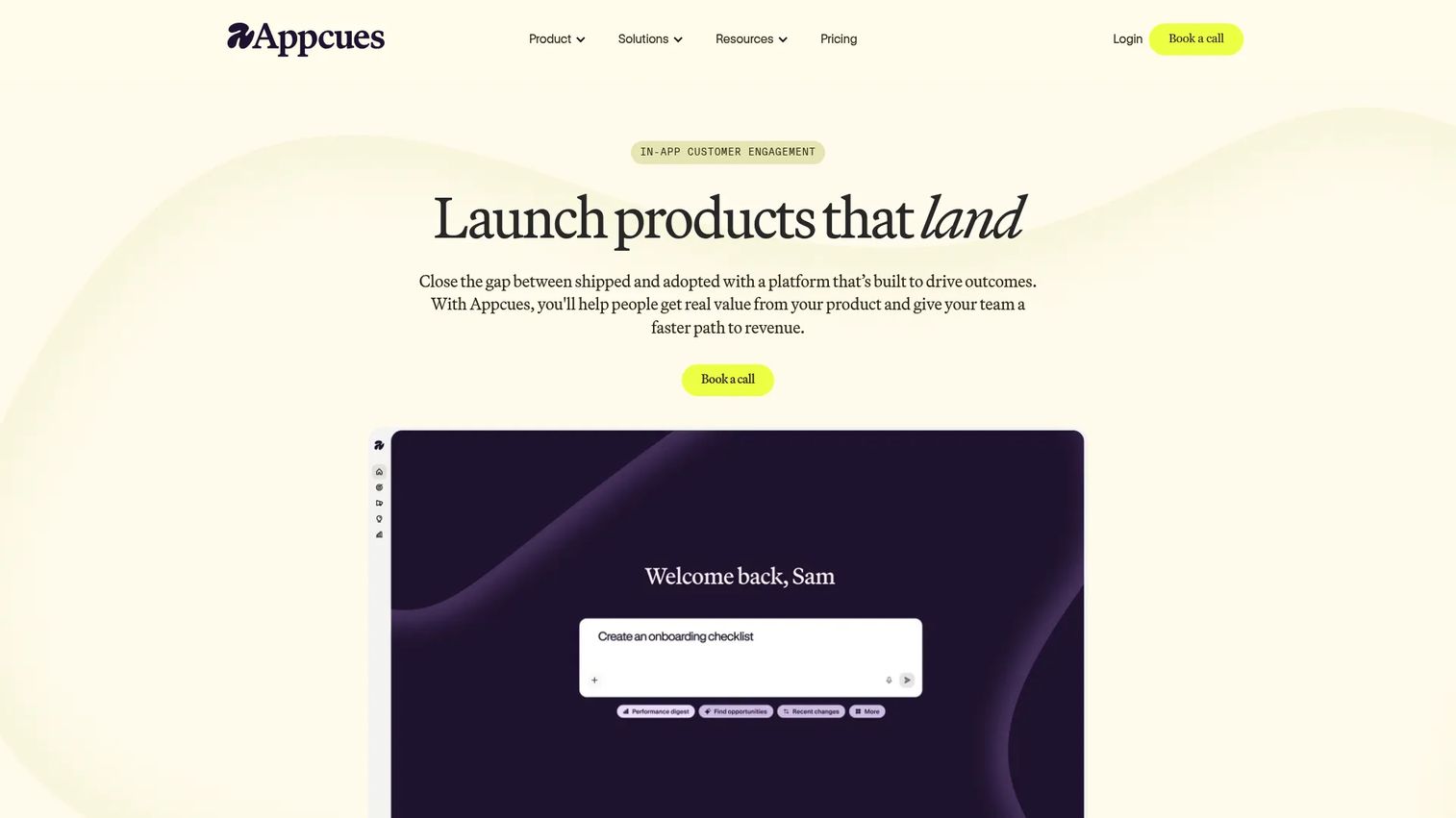
Appcues is a mature no-code onboarding and in-app engagement platform. Its annual pricing model puts it at a higher entry point than most tools on this list.
Best for: SaaS product, marketing, and customer success teams building targeted in-product experiences without repeated engineering involvement.
What it is: Appcues is a product experience platform for analyzing user behavior and creating targeted in-app flows, checklists, launchpads, banners, embeds, surveys, and NPS. Its AI-assisted creation tools and email and push workflows extend beyond basic onboarding into ongoing lifecycle engagement. A free trial is available; no permanent free tier exists.
Key features:
- In-app flows, checklists, launchpads, and banners
- Audience targeting based on user attributes and behavior
- Product analytics including funnels, retention, and user journeys
- AI-assisted experience creation and analysis
- Email and push notification workflows
Where Appcues falls short: The Grow plan starts at $9,000/year, which is a significant commitment for teams accustomed to monthly billing. G2 reviewers note that the number of published experiences is capped on the Grow plan at 25, which limits teams with large multi-segment onboarding libraries. Styling customization also draws criticism from teams with strict design systems.
Pricing: Grow from $9,000/year (supports up to 50,000 MAUs). Enterprise pricing is custom.
G2 rating: 4.6
How it compares to Product Fruits: Appcues covers similar in-app onboarding territory with more analytics depth and lifecycle engagement features. The annual pricing model is a material difference for teams comparing monthly budgets.
10. Flows (developer-first onboarding platform)
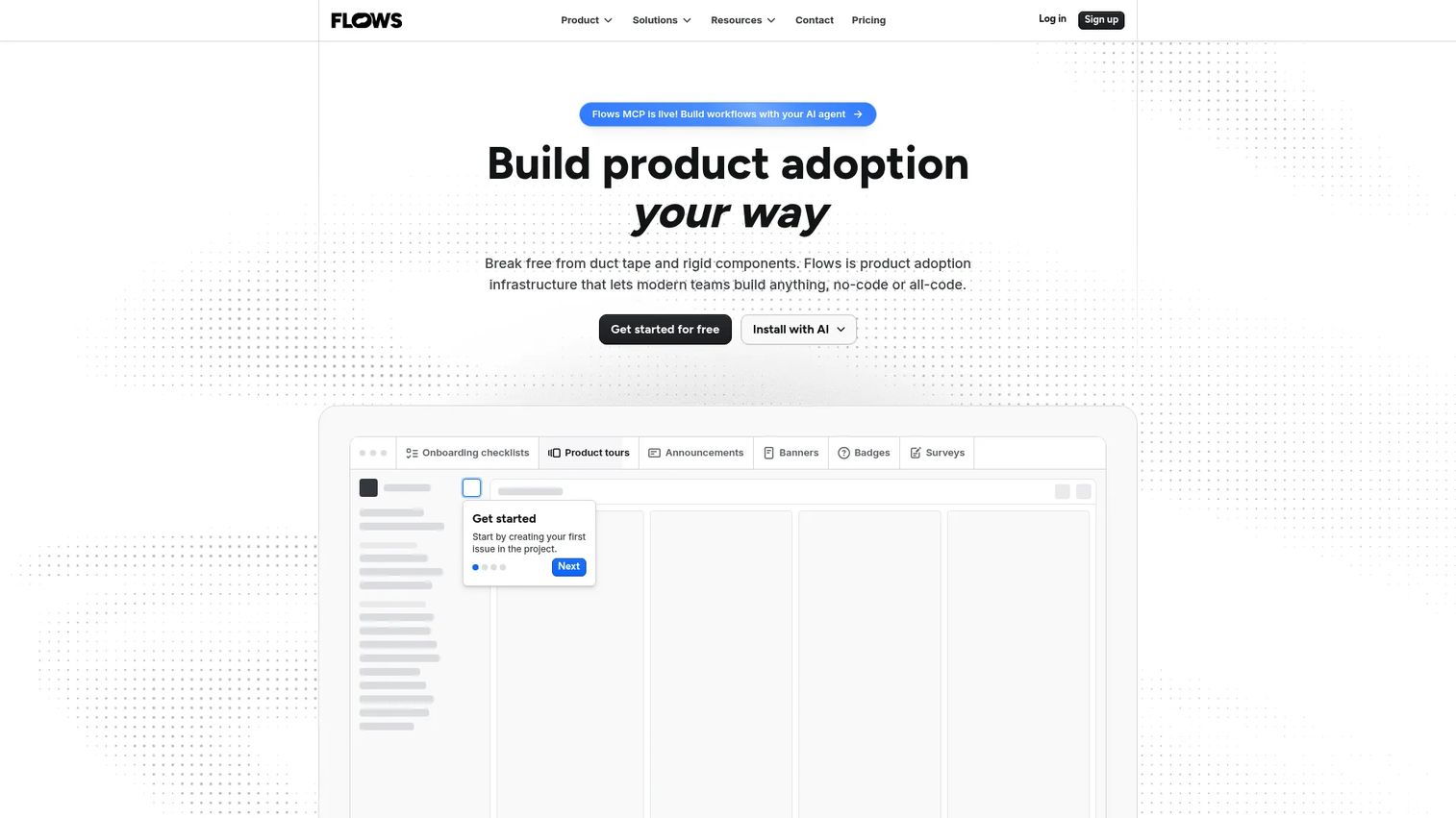
Flows takes a different architectural approach from every other tool on this list. Engineering owns the experience, not a no-code overlay. That is the deliberate choice the product makes.
Best for: Product and engineering teams that want onboarding built into the product's own UI with custom components, versioning, and environments.
What it is: Flows is a product adoption platform for building customizable in-product onboarding, guidance, feedback, and engagement experiences. It supports embeddable and custom UI components, branching logic, workflow automation, NPS, CSAT, and CES surveys. Teams work directly with the product's design system rather than applying a third-party overlay.
Key features:
- Product tours and onboarding checklists with branching logic
- Embeddable and custom UI components
- Workflow automation with delays, scheduling, and actions
- In-product surveys (NPS, CSAT, CES, PMF)
- User segmentation and targeting
Where Flows falls short: Teams looking for a no-code, non-engineering setup will find Flows requires developer involvement by design. No G2 rating was confirmed for this product.
Pricing: Hobby plan is free (100 MTUs). Pro plan is $30/month (600 MTUs, removes branding, adds custom components and priority support).
G2:4.2
How it compares to Product Fruits: Flows is for teams that have outgrown no-code overlays and want onboarding that is architecturally part of their product. Product Fruits is the no-code-first path; Flows is the engineer-led alternative.
11. Candu (product experience platform)
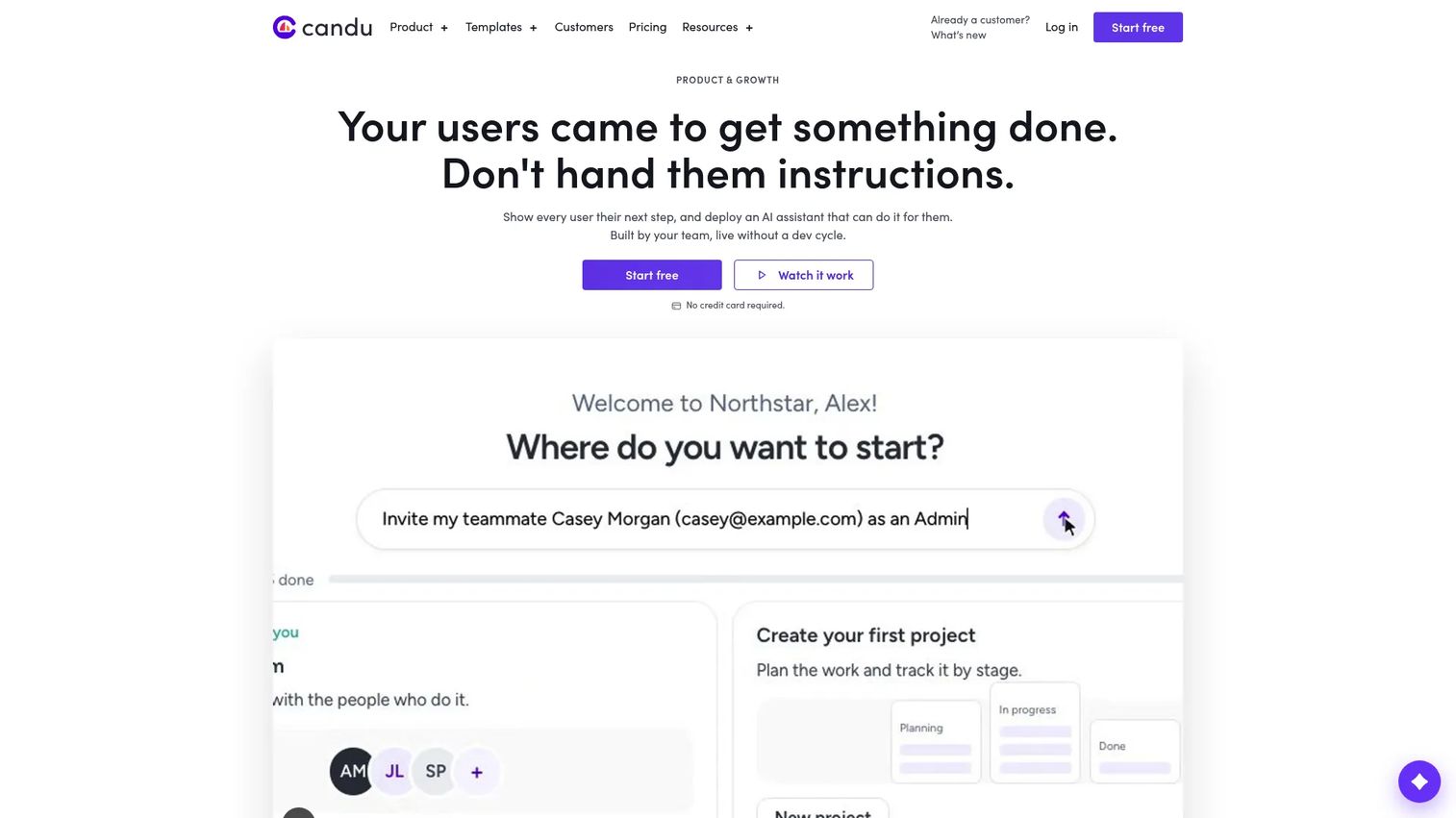
Candu sits between a traditional onboarding tool and an embedded content system. Its inline experience capability - including checklists, banners, forms, and empty states built directly into the product - sets it apart from modal-heavy tools.
Best for: Product and growth teams that want personalized embedded product content and onboarding without engineering rebuilds.
What it is: Candu is a no-code platform for creating, targeting, and measuring in-product experiences. It covers product tours, modals, hotspots, and side panels alongside inline content like checklists, banners, forms, and in-product homepages. A/B testing, user segmentation, goal tracking, and an AI assistant for in-product support are included. A free plan is available with three live experiences.
Key features:
- No-code in-product experiences including overlays and inline content
- User segmentation and targeting
- Engagement analytics and goal tracking
- A/B testing and experimentation
- AI assistant for in-product support and actions
Where Candu falls short: G2 reviewers note that the free plan is limited to three live experiences, which suits proof-of-concept but not production use. Analytics export and integration depth are cited as areas where Candu lags behind Pendo and Userpilot.
Pricing: Free plan (three live experiences). Starter at $199/month (annual). Growth at $799/month (annual). Enterprise pricing is custom.
G2 rating: 4.5
How it compares to Product Fruits: Candu's inline content capability gives it a broader canvas than Product Fruits' overlay-focused approach. Teams that want product education woven into the UI rather than displayed on top of it will find Candu more flexible.
12. Kompassify (user onboarding platform)
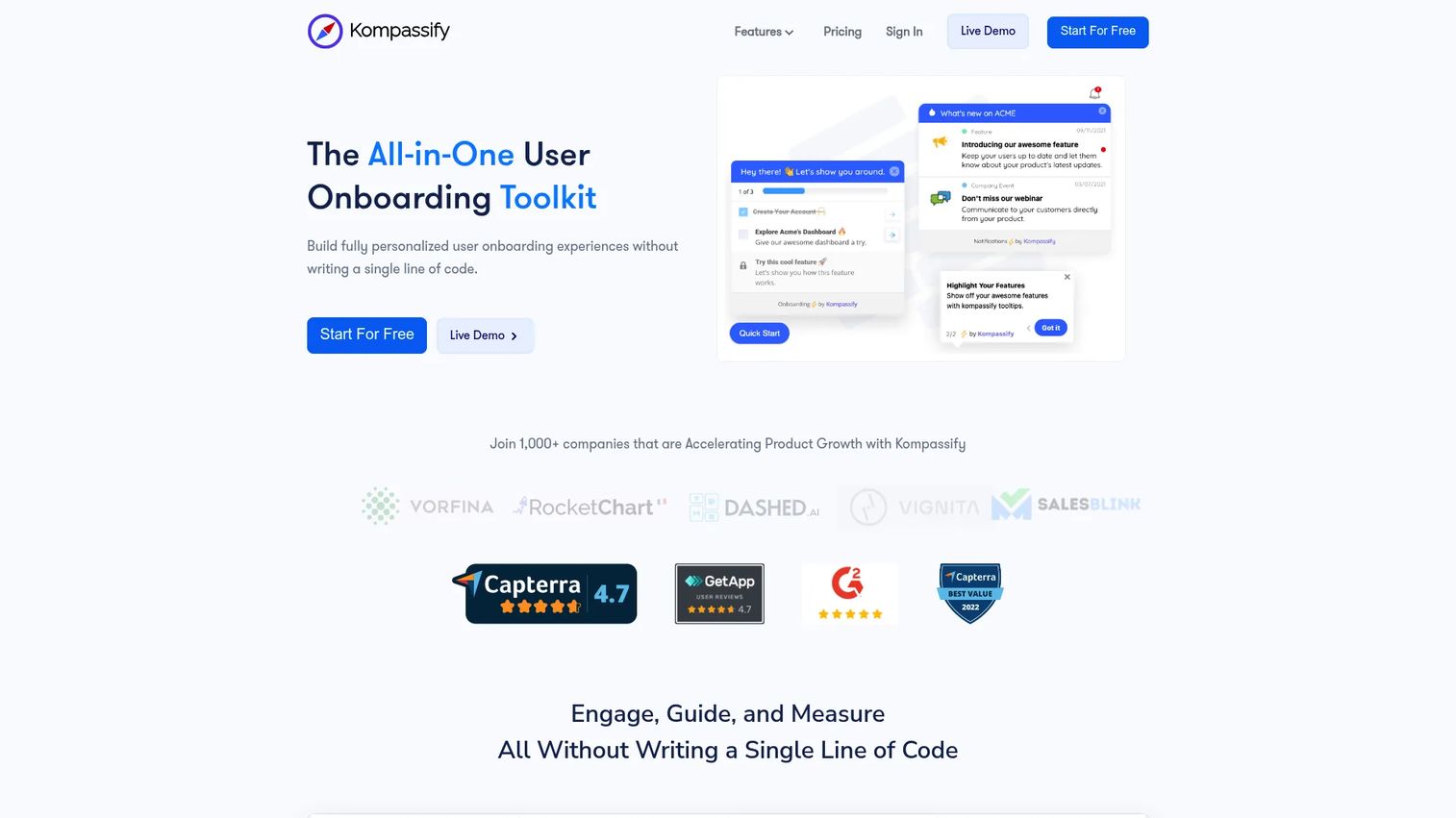
Kompassify is a leaner alternative suited to startups and early-stage SaaS teams that want product tours, checklists, and in-app guidance without a large platform commitment.
Best for: Startups and SaaS teams that need onboarding basics - tours, checklists, announcements, and surveys - with a free plan to start.
What it is: Kompassify is a no-code digital adoption platform for creating user onboarding experiences and driving activation and feature adoption. Its feature set covers product tours, onboarding checklists, NPS and custom surveys, announcements, an onboarding progress bar, and product analytics.
Key features:
- In-app product tours and onboarding checklists
- NPS and custom in-app surveys
- Announcements widget
- Onboarding progress bar
- No-code product analytics
Where Kompassify falls short: The free plan caps at 100 MAUs, which limits its use for teams beyond the earliest stage. G2 reviewers note that the tool's maturity relative to Pendo and Userpilot is reflected in a smaller feature surface, particularly for analytics and segmentation.
Pricing: Free plan (up to 100 MAUs). Pro at $123/month (up to 5,000 MAUs). Business at $249/month (unlimited MAUs). Enterprise pricing is custom.
G2 rating: 4.6
How it compares to Product Fruits: Kompassify covers comparable onboarding basics at a lower price point. It is a reasonable starting point for teams not yet ready to commit to a full adoption suite.
13. Produktly (product onboarding software)
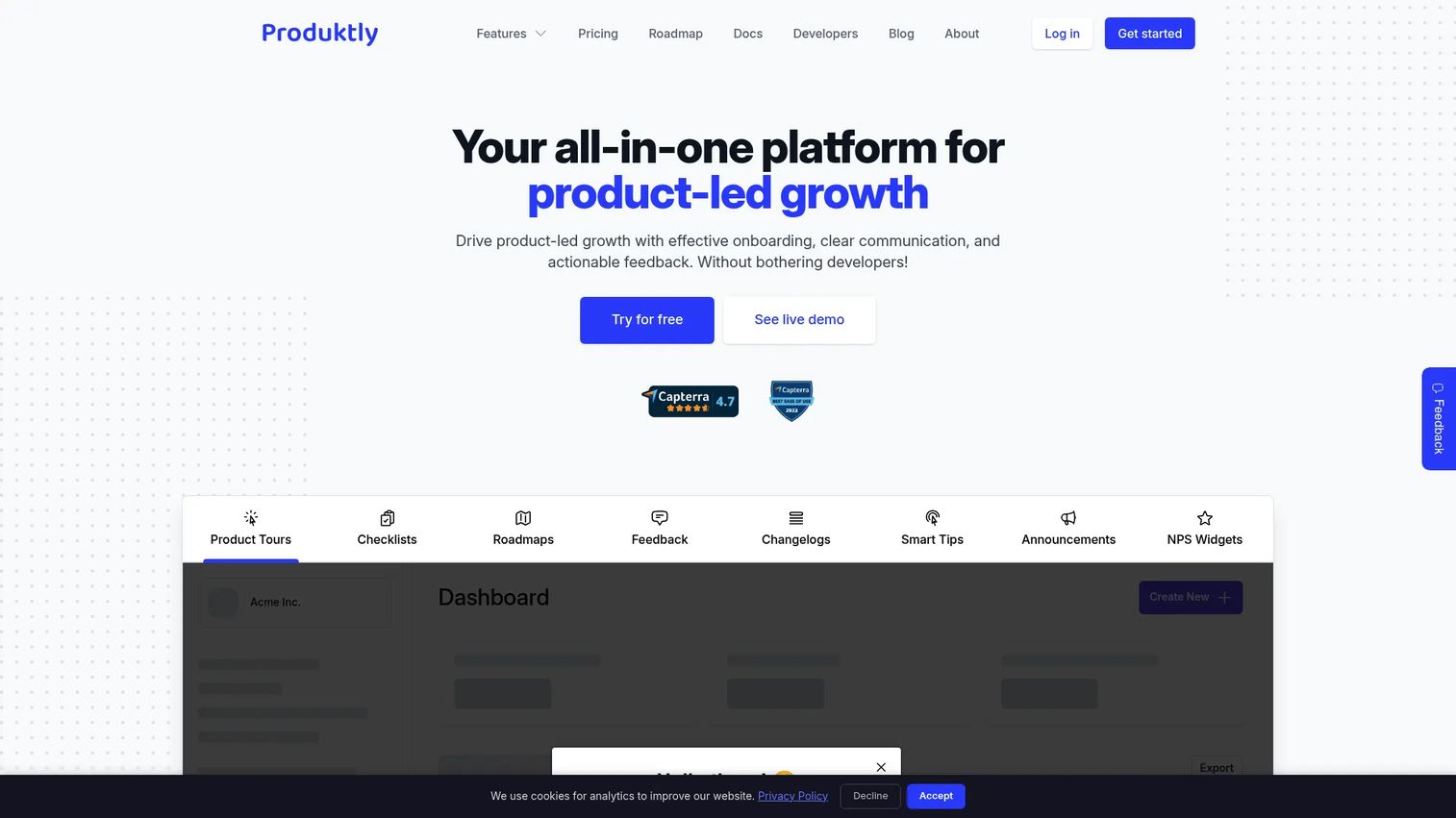
Produktly is a European all-in-one product-led growth platform. Its pricing in euros reflects its primary market, and its feature set covers onboarding alongside product communication tools like roadmaps, changelogs, and announcements.
Best for: Small SaaS teams that want onboarding basics plus product communication (changelogs, roadmaps, announcements) in a single tool.
What it is: Produktly is an all-in-one product-led growth platform for user onboarding, product communication, feedback, and adoption. It covers product tours, onboarding checklists, roadmaps, changelogs, announcements, smart tips, feedback collectors, NPS widgets, and micro surveys.
Key features:
- Product tours and onboarding checklists
- Roadmaps, changelogs, announcements, and smart tips
- Feedback collectors, NPS widgets, and micro surveys
Where Produktly falls short: Pricing is in euros, which introduces currency uncertainty for teams outside Europe. No permanent free plan is offered. G2 reviewers cite analytics depth and integration breadth as limitations for teams scaling beyond startup stage.
Pricing: Developer at 19€/month. Startup at 59€/month. Growth at 199€/month. Annual billing is available at 16€, 50€, and 166€/month respectively. A 14-day free trial is available.
G2 rating: 4.5
How it compares to Product Fruits: Produktly adds product communication features (roadmaps, changelogs) that Product Fruits does not emphasize. Teams that want to combine onboarding and product updates in one place will find this appealing.
14. HelpHero (user onboarding software)
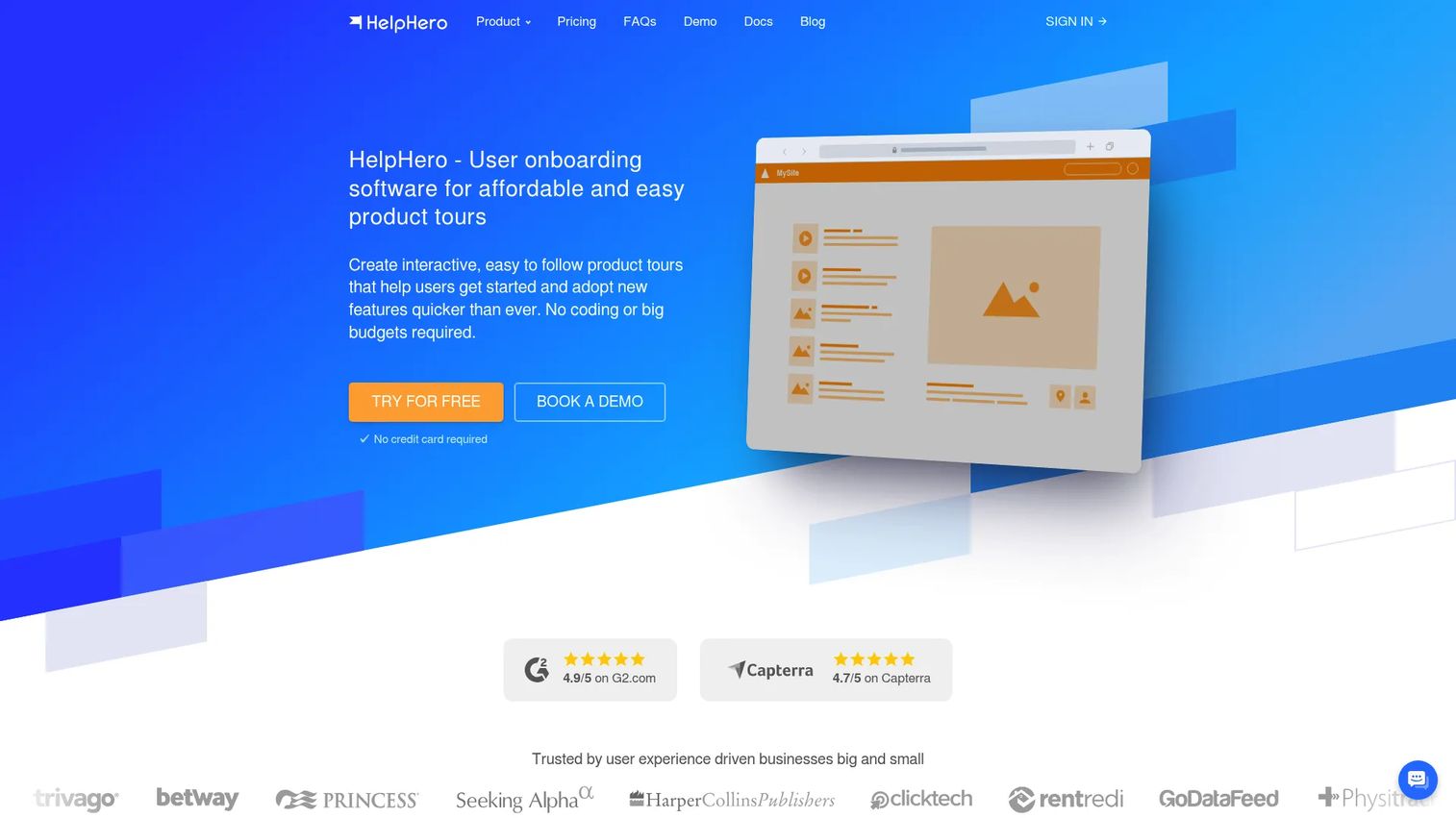
HelpHero earns the highest G2 rating on this list at 4.9. Its MAU-based pricing is granular and transparent, which makes budget planning straightforward.
Best for: SaaS teams that want affordable, no-code in-app guidance without the complexity of a full adoption suite.
What it is: HelpHero is no-code user onboarding software for creating product tours, checklists, hotspots, and contextual tooltips for web applications. It supports custom CSS and theming, A/B testing, multi-page tours, step-level analytics, and audience targeting. All plans include unlimited tours, checklists, hotspots, and seats. A 14-day free trial is available; no permanent free plan exists. Native mobile apps are not supported.
Key features:
- No-code product tour builder
- Onboarding checklists and hotspots
- Step-level analytics with drill-down
- Custom CSS and theming
- A/B testing and audience targeting
Where HelpHero falls short: No permanent free plan. Native mobile app support is not available, which limits teams with mobile products. G2 reviewers note that integrations are fewer than what Pendo or Userpilot offer.
Pricing: Starting at $55/month (up to 1,000 MAUs). Scales to $299/month (up to 20,000 MAUs). Startup and Enterprise pricing is available on request.
G2 rating: 4.9
How it compares to Product Fruits: HelpHero covers the same in-app onboarding core with granular, transparent pricing. Teams that value simplicity and a high satisfaction score will find it a credible direct swap.
15. Jimo (product adoption platform)
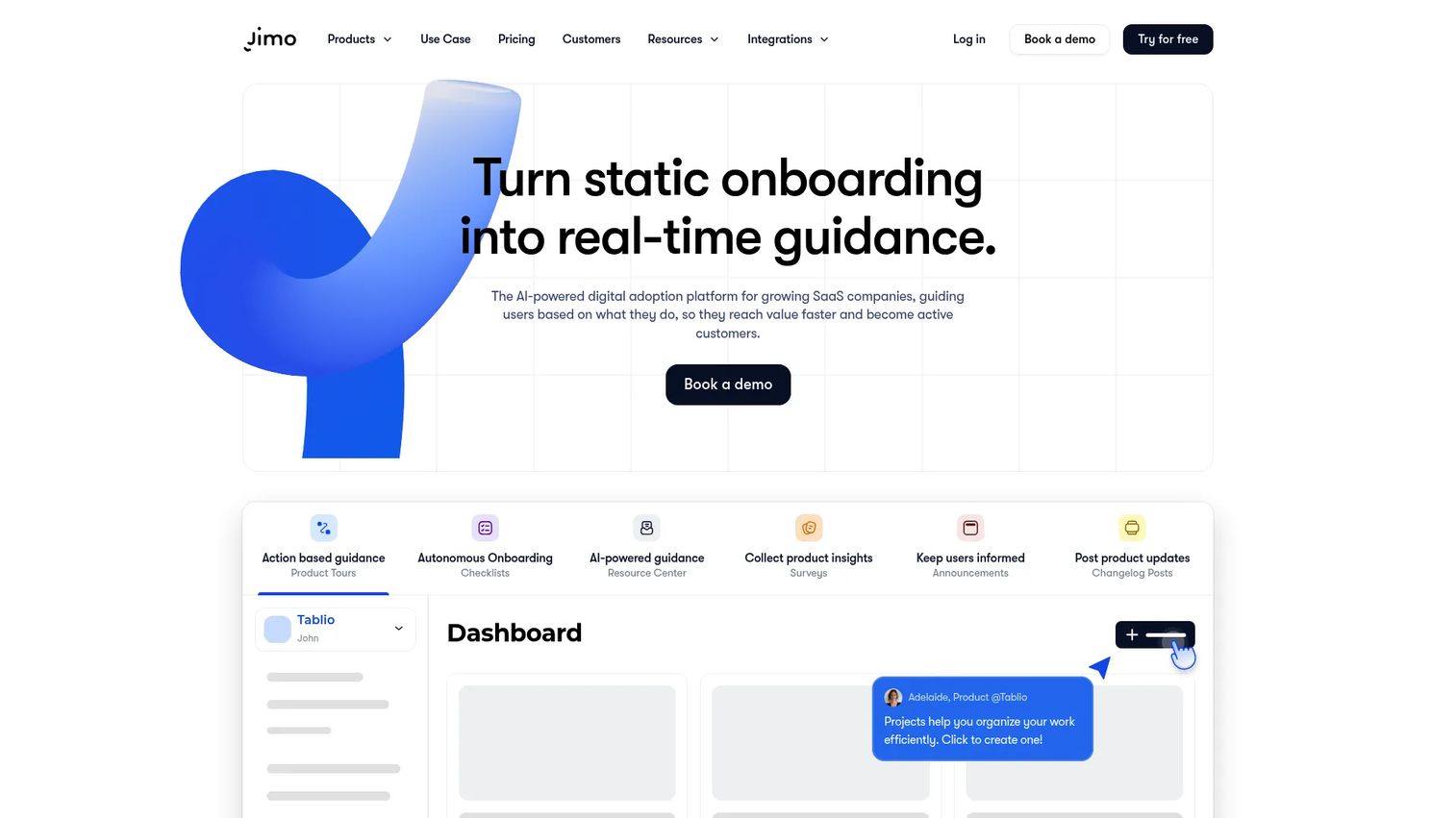
Jimo has rebranded and now operates at jimo.ai. Its AI-powered in-app agent - trained on help center documentation - sets it apart from tools that rely purely on static onboarding flows.
Best for: Growing SaaS teams that want in-app onboarding, AI-guided support, and product adoption campaigns in one platform.
What it is: Jimo is an AI-powered digital adoption platform for guiding SaaS users with in-app experiences and an in-app AI agent. It covers AI-generated product tours, checklists, surveys, announcements, banners, changelogs, resource centers, A/B testing, goal tracking, and audience segmentation. Its AI agent is trained on help center documentation and handles in-product queries. Integrations include Mixpanel, PostHog, Amplitude, HubSpot, Slack, Segment, and Zapier.
Key features:
- AI-generated product tours and in-app experiences
- Checklists, surveys, announcements, and changelog
- In-app AI agent trained on help center docs
- A/B testing and goal tracking
- Integrations with Mixpanel, PostHog, Amplitude, HubSpot, and Zapier
Where Jimo falls short: No permanent free plan. The Adoption Suite starts at $429/month, which is higher than most tools in this category for comparable base MAU allowances. G2 reviewers note that pricing has changed and some features previously included at lower tiers are now gated.
Pricing: Adoption Agent at $79/month (200 AI requests/month). Adoption Suite at $429/month (2,000 MAUs). Enterprise pricing is custom. A one-month free trial is available.
G2 rating: 4.6
How it compares to Product Fruits: Jimo covers more ground than Product Fruits with its AI agent capability. Teams that want automated in-product support alongside onboarding, without adding a separate help desk tool, will find the combination useful.
What is the best Product Fruits alternative for guided product experiences?
Guideflow. For teams that need product experiences before login, Guideflow is the only tool on this list built specifically for that job.
A PMM can capture the product once and deploy the same interactive demo across a launch landing page, an outbound sequence, a sales follow-up, a help article, and partner enablement content. No engineering ticket, no staging environment, no separate asset per channel. The boundary is deliberate: Guideflow does not replace in-app widgets or in-product event analytics. Teams that need both surfaces typically run Guideflow alongside an in-app onboarding tool.
Which Product Fruits alternative is best for in-app onboarding?
Userflow, UserGuiding, Appcues, or Userpilot, depending on the team's size and budget.
Userflow suits teams that want AI-assisted flow creation and behavioral triggers. UserGuiding is the entry-level no-code option with MAU-based pricing starting at $249/month. Appcues has more analytics depth but requires an annual commitment starting at $9,000/year. Userpilot combines onboarding and product analytics in one platform from $299/month.
Which Product Fruits alternative has the strongest product adoption analytics?
Pendo is the strongest analytics pick, followed by Userpilot.
Pendo's product analytics cover feature adoption tracking, session replay, funnel analysis, behavioral segmentation, and NPS. Its free plan is usable for small MAU bases. Userpilot offers a comparable analytics stack at a lower entry price, particularly on its Growth plan. Appcues also covers analytics but is primarily an onboarding tool that added analytics rather than the other way around.
Which Product Fruits alternative is best for enterprise digital adoption?
Whatfix and WalkMe for multi-application enterprise adoption at scale.
Both use custom pricing. Whatfix is better documented for mid-market enterprise; WalkMe, now part of SAP, serves the largest enterprise environments with the most complex governance requirements. Pendo also competes at the enterprise level when product analytics are central.
What is the cheapest Product Fruits alternative?
The cheapest entry points are Flows (free), Guideflow (free plan), and Kompassify (free plan up to 100 MAUs).
Flows' free Hobby plan suits early-stage developer teams building custom onboarding. Kompassify's free plan works for teams below 100 MAUs. Guideflow has a free plan for teams exploring demo automation before committing to a paid tier. HelpHero starts at $55/month with a 14-day trial, which is the lowest paid entry point for a no-code in-app onboarding tool on this list.
When should you stay with Product Fruits?
Stay with Product Fruits if the current in-app onboarding coverage is working. If checklists, tooltips, announcements, and in-app surveys are addressing the main user education job, switching carries a migration cost that the incremental benefit may not justify.
The right reason to switch is a clear missing job. If the team needs analytics that Product Fruits does not provide, or enterprise governance it does not support, or product experiences outside the logged-in app, those are specific gaps worth solving. Switching because a tool has more features is not a strategy. Switching because a named job is going undone is.
Why teams switch from Product Fruits to Guideflow
The core reason is channel coverage. Product Fruits guides users who have already logged in. The product story that happens before login - the landing page, the outbound email, the sales leave-behind, the event demo - lives outside Product Fruits' scope entirely.
For PMMs, this matters most during launches. A new feature announcement needs to be coherent across the product page, the sales deck, the SDR sequence, and the help article. Each of those surfaces requires a product experience the team can share without asking engineering to build an in-app snippet. Guideflow solves this by producing interactive demos from a single capture. Step content and CTAs are written automatically. The same demo can be embedded on the launch page, shared in a follow-up email, dropped into a partner portal, and linked from a help center article.
The personalize capability lets the team tailor content per persona, role, or company without rebuilding the demo. Analytics track step-level completion and viewer flow, so the team knows which parts of the product story are landing and where prospects drop.
The boundary remains in view: Guideflow does not replace in-product widgets or in-app event analytics. Teams that need both run Guideflow alongside a dedicated in-app tool. Many PMMs find the two are complementary rather than competing.
Start your journey with Guideflow today!
FAQs
For guided product experiences before login, Guideflow is the strongest fit. For in-app onboarding flows and checklists, Userflow and UserGuiding are the most direct replacements. Pendo is the best choice when product adoption analytics drive the decision.
No, not for in-product widgets or in-app event analytics. Guideflow is a demo automation platform for interactive demos, demo pages, demo centers, sandboxes, live demos, and mobile demos. It covers the product story that runs before a user logs in, not the in-app guidance experience that happens after.
Userflow, UserGuiding, Appcues, and Userpilot are the most direct alternatives for in-app onboarding. The right choice shifts based on whether the team values no-code creation speed (UserGuiding, HelpHero), AI-assisted setup (Userflow), analytics depth (Userpilot), or in-app engagement features alongside flows (Appcues).
Pendo is the strongest option for product analytics, with feature adoption tracking, session replay, funnel analysis, and NPS built in. Userpilot is a close second, particularly for teams that want onboarding and analytics in one platform without Pendo's implementation complexity.
Whatfix and WalkMe for large-scale digital adoption across multiple applications and user groups. Pendo for enterprise-grade product analytics and in-app guidance. Guideflow for enterprise GTM teams that need controlled demo experiences, organized demo libraries, and measurable product storytelling across buyer committees.
Yes, with caveats. Pendo's free plan covers up to 500 MAUs. Flows' Hobby plan is free with 100 monthly tracked users. Kompassify's free plan covers 100 MAUs. Guideflow has a free plan for demo automation. Candu's free plan is limited to three live experiences. Free plans across the category typically restrict MAUs, branding control, or analytics access.
PMMs should separate two jobs before comparing tools. If the job is in-app adoption - activating users who have already signed up - evaluate UserGuiding, Userpilot, or Pendo on analytics depth, segmentation, and no-code configuration. If the job is product storytelling before login - launches, sales enablement, outbound, buyer education - evaluate Guideflow. The two jobs often coexist, and the best PMM stack addresses both.
In-app onboarding tools help existing users navigate the product after signup. Demo automation platforms help sales teams share product experiences before or after calls, with no login required. PMMs who need both surfaces across the funnel typically use a dedicated in-app tool alongside a demo automation platform. The assets produced in Guideflow - interactive demos, demo pages, demo centers - can be deployed directly in sales sequences, follow-up emails, and partner portals.