Your buyer wants a custom bundle. The AE wants a quote today. Engineering rejects the promised combination, so presales rebuilds everything.
This problem remains common. Tacton’s 2025 State of Manufacturing report found that 43% of manufacturers still use manual, spreadsheet based CPQ processes.
Product configurator software replaces scattered rules with controlled logic. It helps teams validate options, calculate prices, and create outputs that downstream systems can use.
The hard part is choosing the right category. Some products start inside CRM, while others center on ERP, CAD, or visual configuration. Your shortlist must reflect where product data lives and what happens after configuration.
What’s inside
This guide compares 12 product configurator software options for presales, sales engineering, RevOps, and manufacturing teams. We assessed each product using four practical criteria:
- Configuration depth: Rules, constraints, dependencies, and validation
- Commercial workflow: Pricing, approvals, quoting, and contracts
- System fit: CRM, ERP, ecommerce, CAD, and manufacturing connections
- Downstream output: Quotes, BOMs, drawings, routers, and orders
Pricing comes from vendor sources. G2 ratings reflect the current listings reviewed for this article.
TL;DR
- Best for Salesforce led revenue teams: Salesforce Revenue Cloud
- Best for quote to revenue operations: DealHub.io
- Best for enterprise product rules: Oracle CPQ
- Best for manufacturing configuration: Configure One Cloud, Global Shop Solutions, Epicor CPQ, and Tacton CPQ
- Best for visual configuration: VividWorks and Epicor CPQ
- Best for CAD driven workflows: Autodesk Inventor and Autodesk Fusion
What is product configurator software?
Product configurator software helps users select valid options, apply constraints, calculate prices, and produce accurate commercial or production outputs.
A product configuration tool converts product knowledge into reusable rules. Instead of asking engineering whether every combination works, a rep follows approved logic. Dependencies can require one component when another is selected. Constraints can block incompatible choices.
The resulting output varies by product. Sales configurator software may generate a quote or proposal. A product configurator for manufacturing may create a bill of materials, drawing, router, SKU, or order.
Key capabilities include:
- Rules based configuration: Controls valid product combinations
- Constraint logic: Blocks conflicting or impossible selections
- Dynamic pricing: Recalculates prices as options change
- Quote generation: Produces buyer ready commercial documents
- Visual configuration: Shows selected options in 2D or 3D
- System connections: Shares data with CRM, ERP, CAD, and ecommerce
- Manufacturing output: Creates BOMs, drawings, routers, or orders
- Approval workflows: Routes discounts and exceptions to owners
- Product modeling: Structures options, dependencies, and reusable logic
Product configurator software overlaps with configure, price, quote software. CPQ software usually combines configuration with pricing rules, discount controls, approvals, and quote generation.
CAD centered products take a different approach. They prioritize engineering rules, models, drawings, and production data. Visual product configurator platforms emphasize what the buyer sees while selecting options.
Presales teams should focus on the full handoff. Ask where discovery inputs enter the process, who maintains the rules, and what system receives the final configuration.
When to use product configurator software
Validate complex product options before quoting
Use configurator software when reps depend on memory, spreadsheets, or engineering messages to confirm feasibility. The tool can enforce mandatory options, dependencies, compatibility rules, and invalid combinations.
For presales, this reduces repetitive validation work. It also protects technical credibility during buyer evaluations.
Let buyers configure products without waiting on a rep
Online product configurator software supports self service on ecommerce sites, dealer portals, and product pages. Buyers can explore valid options before contacting sales.
Gartner reported in 2026 that 70% of B2B buyers prefer a completely digital, self service buying experience. Visual guidance helps buyers understand products where specifications alone provide too little context.
Hand off accurate orders to operations and manufacturing
Configuration continues after the quote. Operations may need an approved SKU, while manufacturing requires a BOM, router, drawing, or inventory check.
An ERP product configurator can carry selected options into order management. CAD centered tools can generate engineering outputs before production begins.
Product configurator software comparison
This table is a shortlist rather than a universal ranking. The right choice depends on your system of record and required output.
CRM centered teams will evaluate different products from manufacturers requiring CAD or BOM generation. Pricing and G2 ratings below were checked against vendor pages and current listings.
| # | Product | Best for | Key differentiator | Pricing | G2 rating |
|---|---|---|---|---|---|
| 1 | Salesforce Revenue Cloud | Salesforce native revenue teams | CRM native configuration and quote workflows | From $150 per user monthly, billed annually | 4.2/5 |
| 2 | DealHub.io | Quote to revenue teams | CPQ with approvals and buyer collaboration | Custom pricing | 4.7/5 |
| 3 | Oracle CPQ | Enterprise configuration complexity | Deep rules and enterprise integrations | From $240 per named user monthly | 4.0/5 |
| 4 | Configure One Cloud | Engineer to order manufacturers | Manufacturing focused CPQ and BOM generation | Custom pricing | 4.5/5 |
| 5 | HubSpot Sales Hub | Smaller teams using HubSpot CRM | Lightweight quoting within CRM | Free plan, paid plans from $7 per seat monthly | 4.4/5 |
| 6 | Autodesk Inventor | Engineering driven configuration | CAD rules and design automation | From $320 monthly | Not available |
| 7 | Autodesk Fusion | Connected product design teams | Cloud CAD, CAM, and configuration workflows | From $57 monthly, billed annually | 4.5/5 |
| 8 | Global Shop Solutions | Manufacturers using ERP workflows | ERP centered production operations | Custom pricing | 3.9/5 |
| 9 | VividWorks | Visual and 3D product selling | 3D configuration with dynamic pricing | From €447 monthly | 4.5/5 |
| 10 | Epicor CPQ | Visual manufacturing CPQ | 2D, 3D, AR, and production documents | Custom pricing | 4.5/5 |
| 11 | Tacton CPQ | Complex industrial manufacturing | Constraint based product configuration | Custom pricing | 4.3/5 |
| 12 | Experlogix CPQ | CRM connected quote teams | Governed configuration and document automation | Custom pricing | 4.6/5 |
Best 12 product configurator software for 2026
1. Salesforce Revenue Cloud
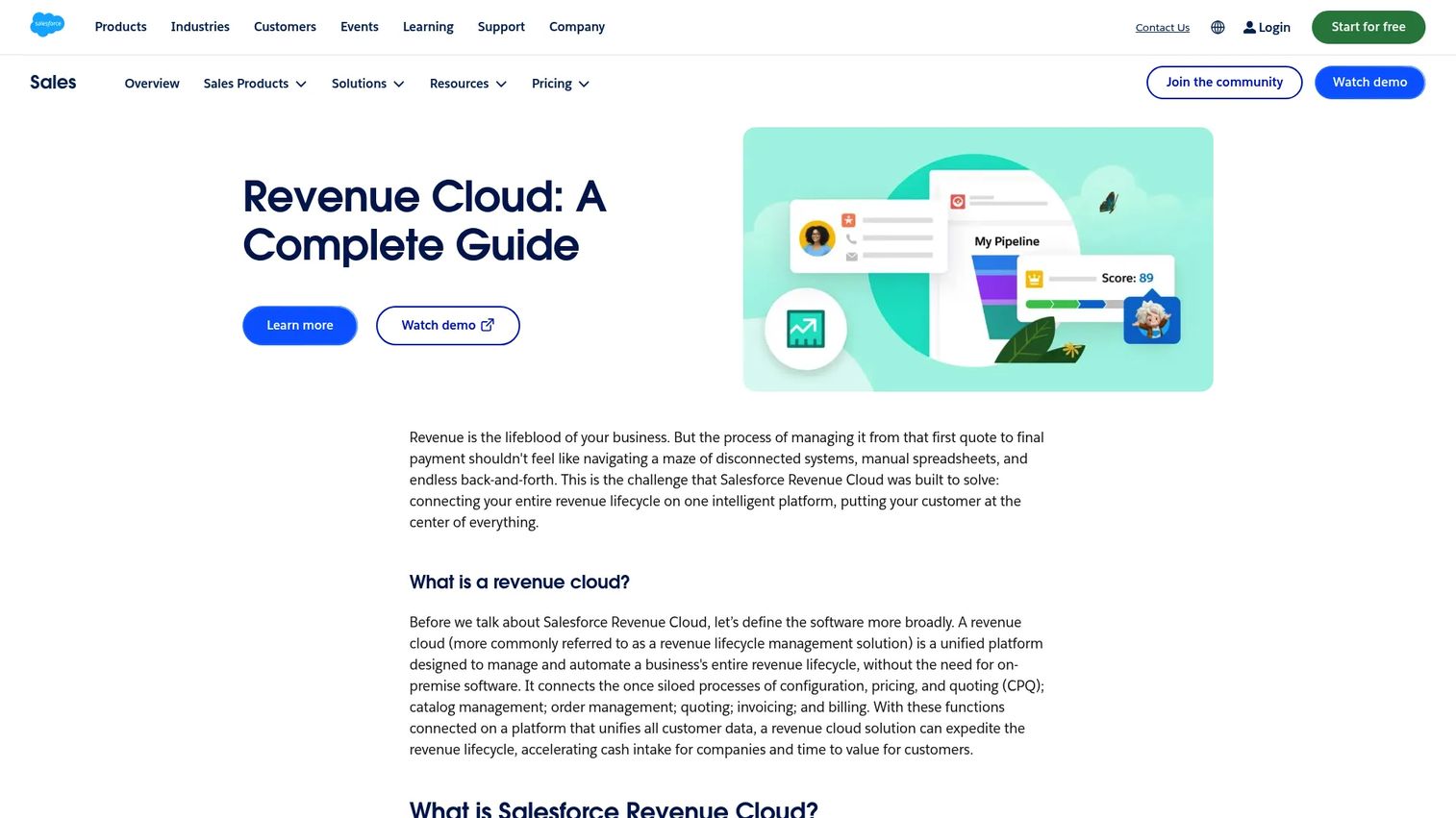
Salesforce Revenue Cloud manages product catalogs, configuration, pricing, quoting, contracts, orders, and billing within Salesforce. It keeps commercial data close to accounts and opportunities.
The platform suits organizations already running their revenue process in Salesforce. Presales can capture a validated configuration without moving requirements between disconnected spreadsheets and CRM records.
Its broader revenue lifecycle scope also supports subscriptions, usage based models, invoicing, and order fulfillment. That breadth matters when configuration affects recurring charges or contract terms.
Best for: Midmarket and enterprise teams running complex revenue workflows in Salesforce.
Key features
- Product catalog management
- Configuration and pricing rules
- Quote and approval workflows
- Contract and order management
- Subscription and billing support
Why choose Salesforce Revenue Cloud: Choose it when Salesforce already controls products, opportunities, approvals, and revenue data. Test implementation requirements using your most complex catalog and approval path.
Salesforce Revenue Cloud pricing: Revenue Cloud Growth costs $150 per user monthly, billed annually. Advanced costs $200 per user monthly, billed annually.
G2 rating: 4.2/5.
2. DealHub.io
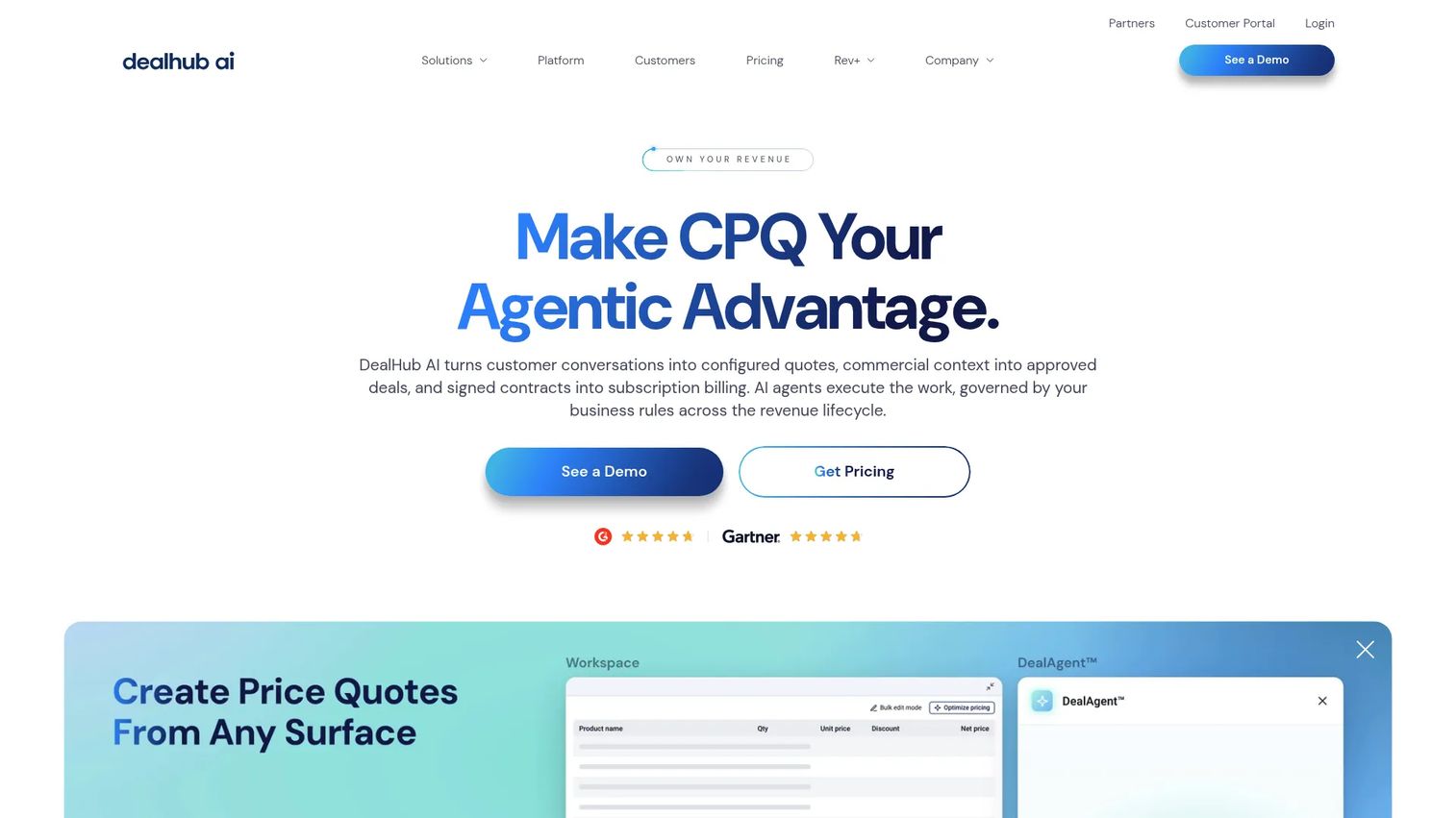
DealHub.io combines CPQ, subscription management, billing, contracts, proposals, and buyer collaboration. Guided configuration supports bundles, adaptive price books, discounts, and approval rules.
Its fit extends beyond selecting valid products. Commercial teams can carry the configuration into a proposal, contract workflow, or shared DealRoom.
Presales teams benefit when technical validation must become a polished buyer facing package. RevOps can govern pricing while deal desk teams control exceptions and approvals.
The platform also connects with major CRM and ERP systems. That makes it relevant when configuration data must continue through billing or subscription operations.
Best for: SaaS and services teams managing complex quotes, subscriptions, approvals, and buyer collaboration.
Key features
- Guided quote configuration
- Adaptive price books
- Approval workflows
- Digital sales proposals
- Subscription and billing management
Why choose DealHub.io: It fits teams that treat quoting as part of a wider quote to revenue process. Evaluate it when buyer collaboration continues after configuration.
DealHub.io pricing: Custom pricing. Contract scope reflects the selected revenue workflows and implementation requirements.
G2 rating: 4.7/5.
3. Oracle CPQ
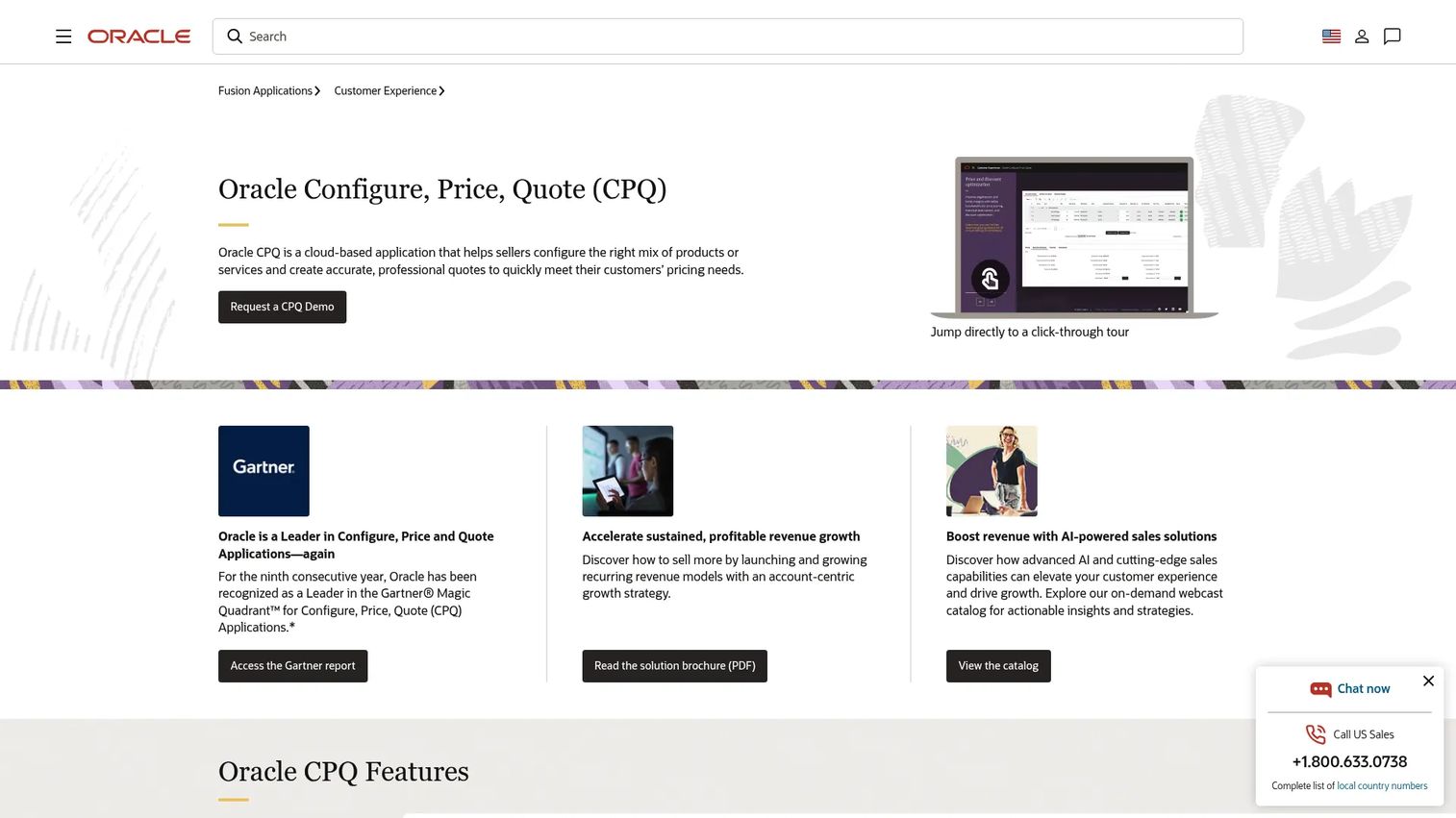
Oracle CPQ supports guided selling, automated product configuration, pricing, promotions, and quote generation. It serves enterprise and midsize organizations selling across direct, partner, or ecommerce channels.
The rules engine can handle complex products and services. Pricing controls cover discounts, localization, promotions, and channel arrangements.
Oracle CPQ also generates proposals, contracts, and other quote documents. Approval workflows help route commercial exceptions before a buyer receives the final offer.
Its integration scope includes CRM, ERP, commerce, subscription management, and web services. Large organizations should test ownership carefully because product rules may span several teams.
Best for: Enterprises with complex catalogs, multiple sales channels, and substantial integration requirements.
Key features
- Guided product configuration
- Flexible pricing controls
- Automated quote documents
- Approval and signature workflows
- Enterprise system connections
Why choose Oracle CPQ: Choose it for deep configuration and commercial logic across a broad enterprise stack. Include IT and operations during evaluation.
Oracle CPQ pricing: Oracle Fusion CPQ costs $240 per hosted named user monthly, with a ten user minimum. The standard subscription term is three years.
G2 rating: 4.0/5.
4. Configure One Cloud
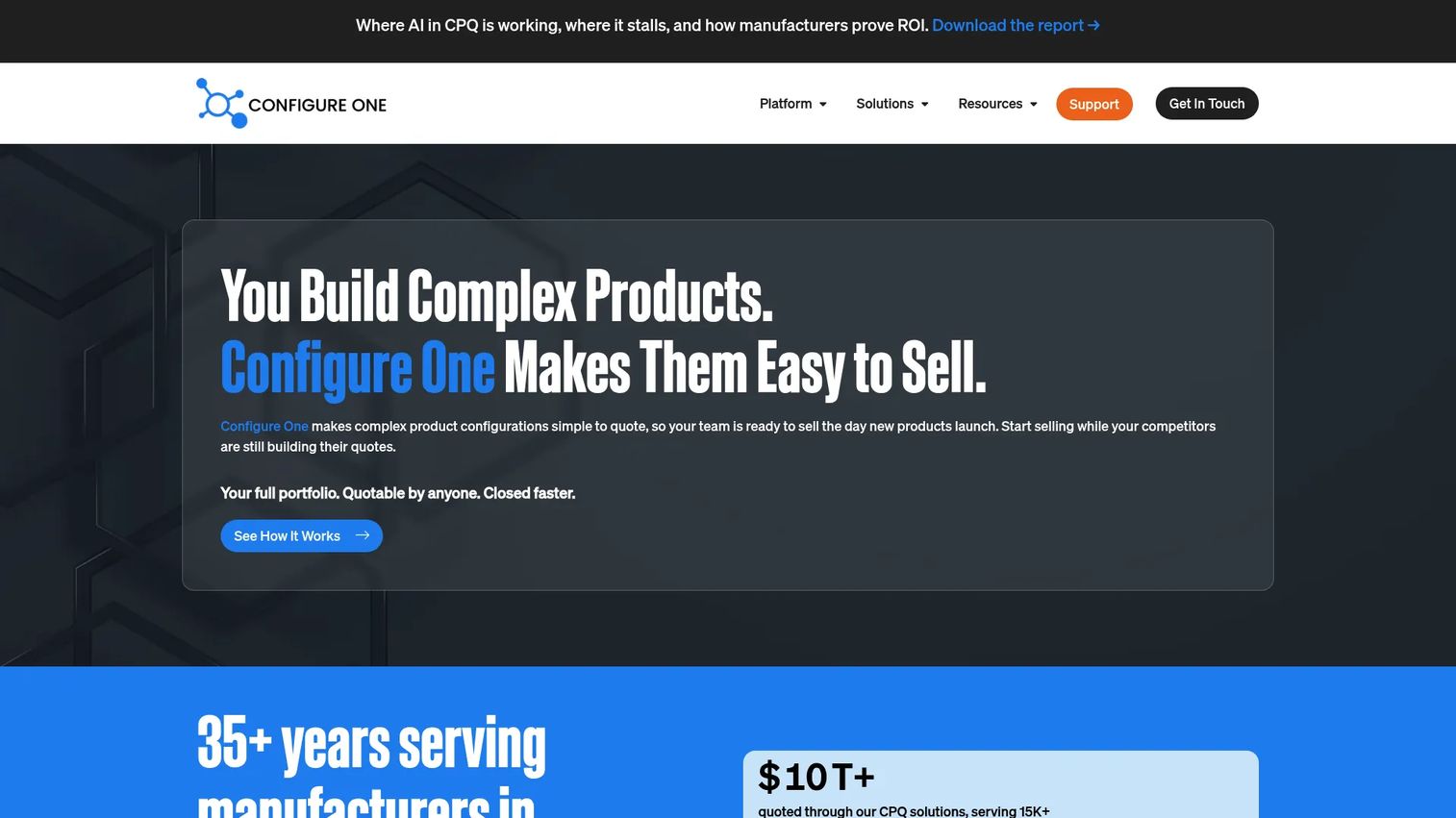
Configure One Cloud is product configuration software for manufacturers selling complex, configurable products. It supports rules, pricing, quoting, ordering, and production workflows.
The platform can generate bills of material and manufacturing routings from approved selections. That connection helps sales avoid sending incomplete requirements to engineering.
Configure One Cloud also supports 3D visualization and CAD automation. Those capabilities suit engineer to order products where buyers need visual confirmation and engineering needs structured output.
Presales teams should test how the configurator handles exceptions. A strong evaluation should include incompatible options, a midquote change, and a manufacturing handoff.
Best for: Manufacturers connecting sales configuration with engineering and production data.
Key features
- Rules based product configuration
- Dynamic multicurrency pricing
- Automated bills of material
- Manufacturing routing generation
- CAD and ERP connectivity
Why choose Configure One Cloud: It fits manufacturers where sales configurations must produce outputs engineering can trust. Test mappings against current ERP and CAD workflows.
Configure One Cloud pricing: Custom pricing. User count, product complexity, integrations, and implementation drive the contract.
G2 rating: 4.5/5.
5. HubSpot Sales Hub
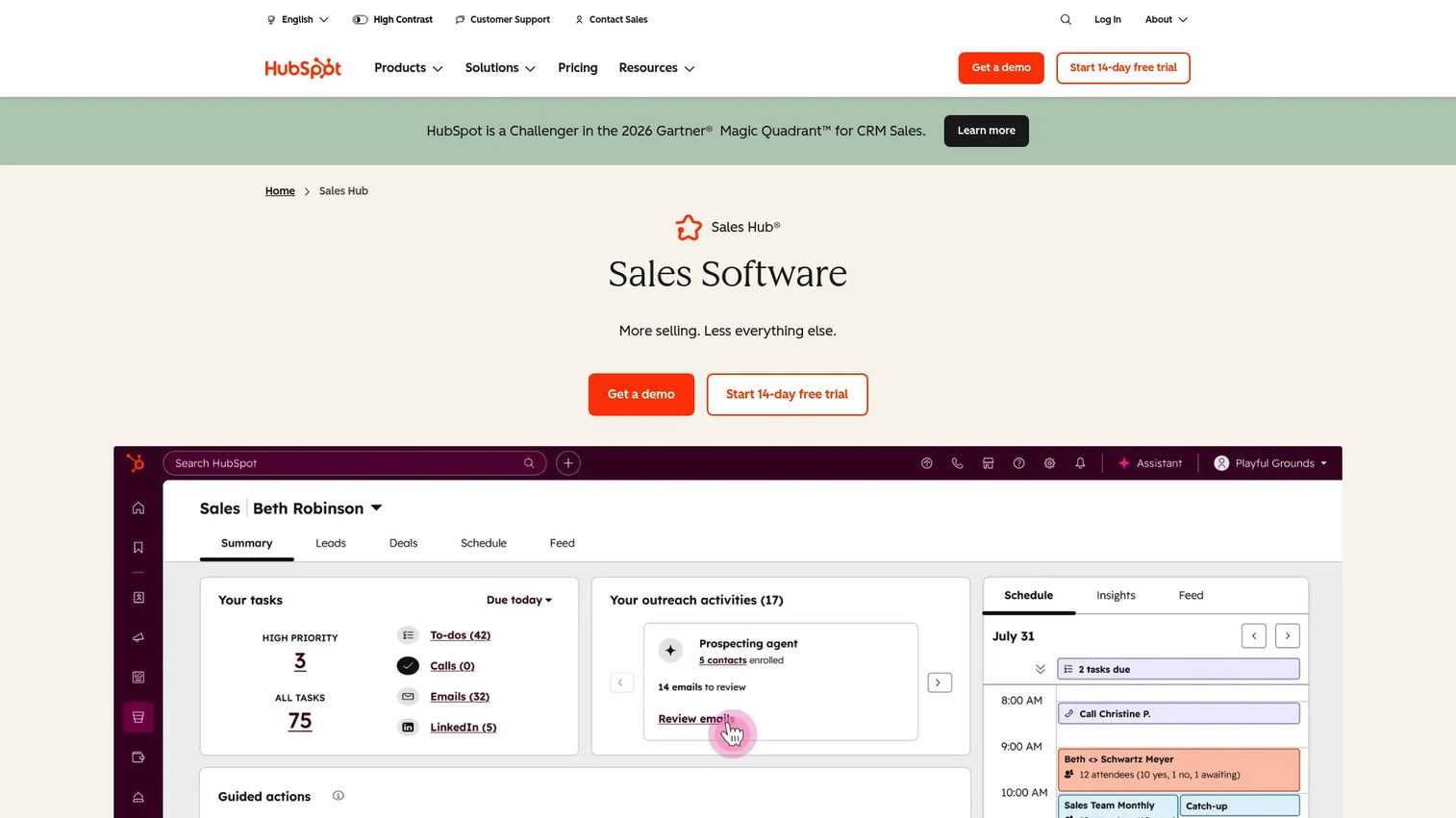
HubSpot Sales Hub provides CRM based prospecting, pipeline management, automation, and reporting. Its product library and quote tools support lightweight selection and commercial workflows.
This is not a manufacturing rules engine or 3D product configurator. It suits simpler catalogs where CRM adoption matters more than engineering depth.
Sales teams can manage products, deals, documents, and payments within an established HubSpot workflow. Presales can keep commercial context connected to the opportunity without introducing a separate CPQ platform.
Choose this route when compatibility logic remains limited. Products requiring BOMs, CAD outputs, or strict engineering constraints need a deeper configuration layer.
Best for: Smaller teams that need straightforward quoting inside HubSpot CRM.
Key features
- CRM quote creation
- Product library support
- Sales workflow automation
- Pipeline tracking
- Payment link support
Why choose HubSpot Sales Hub: Choose it for lightweight quoting and strong CRM adoption. Look elsewhere when configuration requires engineering rules or manufacturing output.
HubSpot Sales Hub pricing: A free plan supports two users. Starter begins at $7 per seat monthly, while Professional starts at $90 per seat monthly.
G2 rating: 4.4/5.
6. Autodesk Inventor
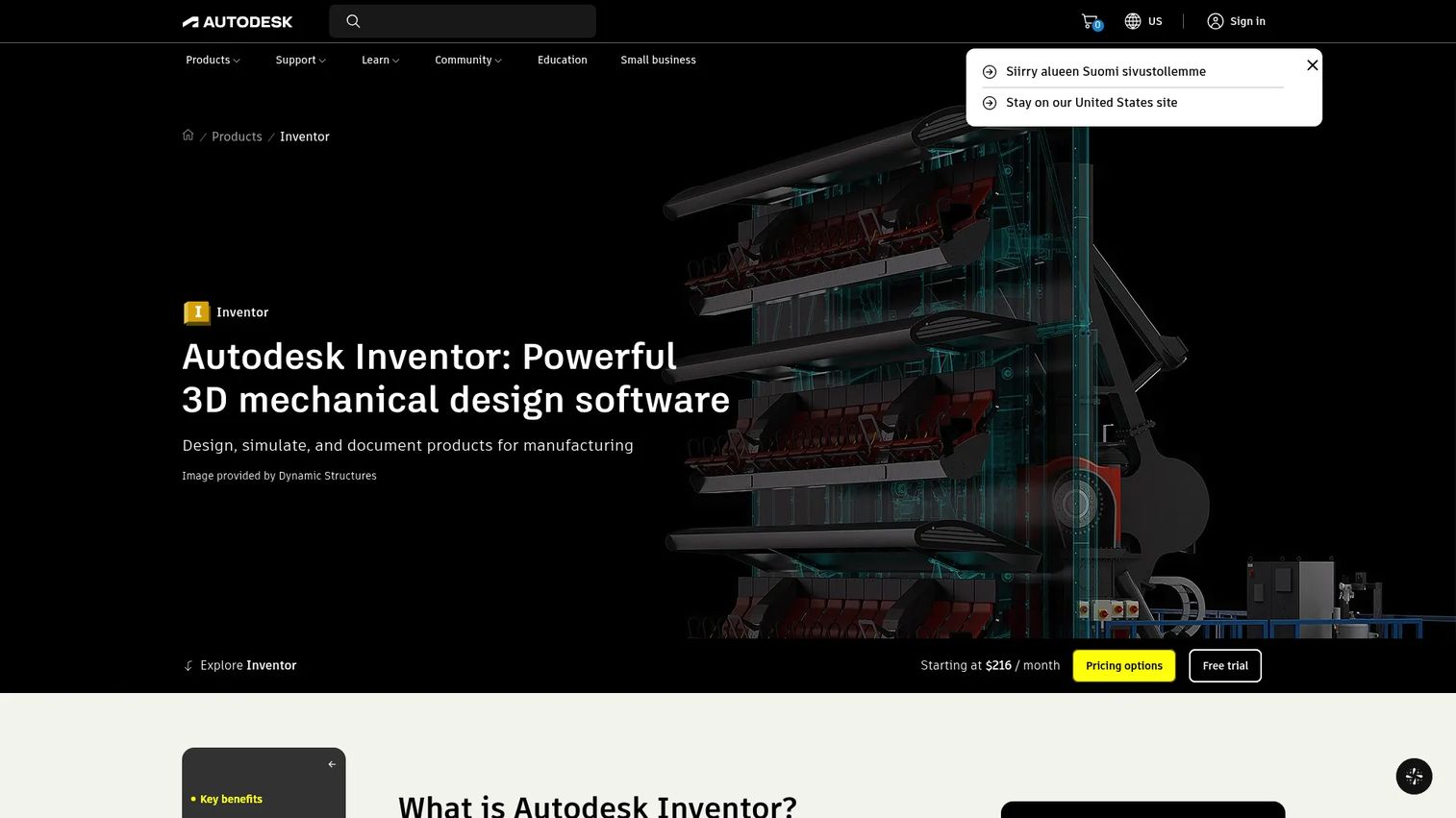
Autodesk Inventor is mechanical design software for product development, simulation, documentation, and manufacturing. Its iLogic capability applies rules to parts, assemblies, and drawings.
Inventor approaches product configuration management from engineering. Teams can automate model changes and generate production documentation from defined parameters.
This structure works well when technical feasibility starts inside CAD. Sales may still need separate CPQ software for pricing, discount approvals, and buyer ready quotes.
During evaluation, use a configuration that changes several connected components. Confirm whether generated drawings and assemblies remain accurate after each rule fires.
Best for: Mechanical engineering teams automating CAD rules for configurable products.
Key features
- iLogic design rules
- Parametric product modeling
- Assembly automation
- Drawing creation
- Model based definition
Why choose Autodesk Inventor: Choose it when engineering logic controls the configuration. Add a commercial layer when sales needs pricing and approval workflows.
Autodesk Inventor pricing: A monthly subscription costs $320. Annual access costs $2,585, while a three year subscription costs $7,755.
7. Autodesk Fusion
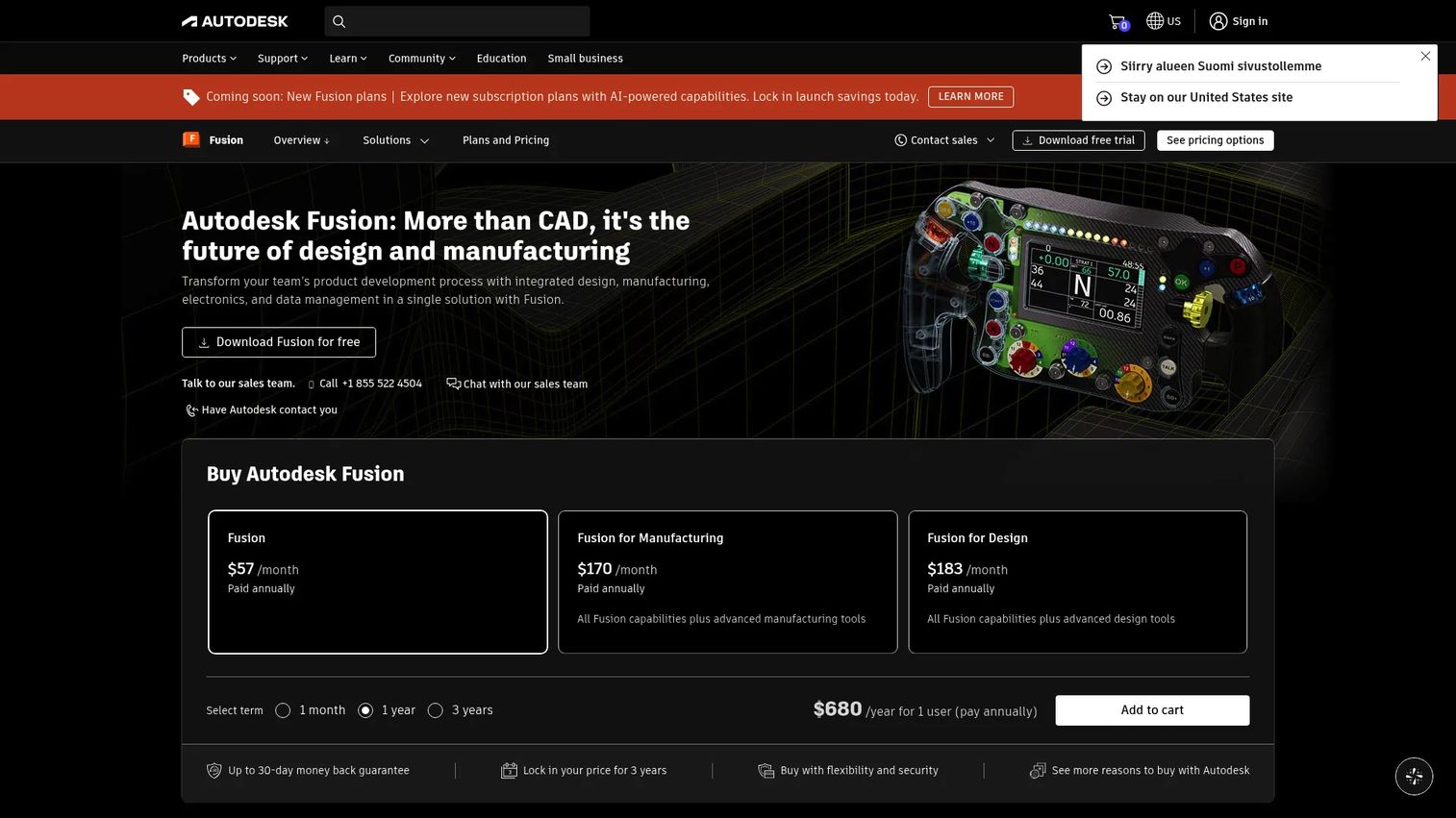
Autodesk Fusion combines CAD, CAM, CAE, PCB design, data management, and team collaboration. It supports product development from concept through manufacturing.
Fusion includes drawing automation and design configuration within a cloud connected workspace. Distributed engineering teams can work from shared product data rather than exchanging static files.
Its manufacturing capabilities cover machining alongside simulation and generative design. This makes it relevant for teams needing design collaboration and production context.
Fusion does not replace commercial CPQ. Pair it with a CRM product configurator when sales needs dynamic pricing, approvals, and formal quote generation.
Best for: Product design teams needing collaborative CAD and manufacturing workflows.
Key features
- Integrated CAD and CAM
- Drawing automation
- Design configuration
- Team collaboration
- Manufacturing workspace
Why choose Autodesk Fusion: It fits teams that need connected engineering data and shared access. Commercial configuration still requires a dedicated sales workflow.
Autodesk Fusion pricing: Autodesk Fusion costs $57 monthly when billed annually. A 30 day trial and free personal use version are available.
G2 rating: 4.5/5.
8. Global Shop Solutions
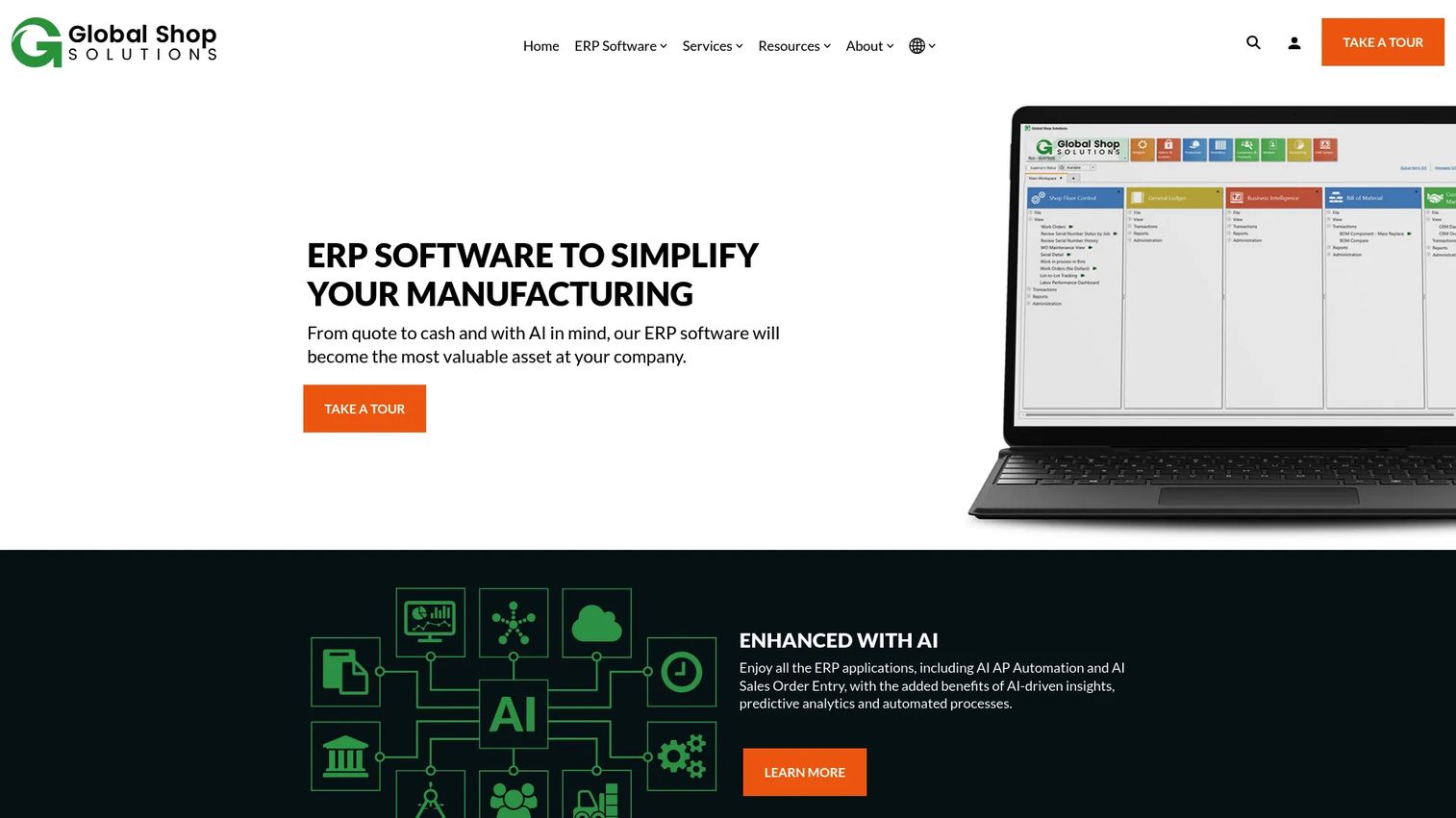
Global Shop Solutions provides ERP software for manufacturers, covering operations from quote to cash. Its scope includes scheduling, inventory, quality, shipping, purchasing, and financial management.
This ERP centered approach suits manufacturers where configuration must become a production plan. Product data can continue through inventory and order workflows without a separate operating environment.
The platform also includes shop floor data collection and dashboards. Its broader manufacturing focus differs from a standalone visual product configurator built mainly for buyer engagement.
Presales teams should assess the whole process. Begin with customer requirements, create the order, and confirm the resulting manufacturing data reaches its owner.
Best for: Manufacturers that want configuration inside a broader ERP operating model.
Key features
- Manufacturing ERP workflows
- Inventory management
- Production scheduling
- Shop floor data collection
- Order and financial management
Why choose Global Shop Solutions: Choose it when manufacturing execution and commercial handoff belong in the same ERP. Visual selling is not its primary purpose.
Global Shop Solutions pricing: Custom pricing uses a concurrent user model. Deployment options include on premises, cloud, and SaaS.
G2 rating: 3.9/5.
9. VividWorks
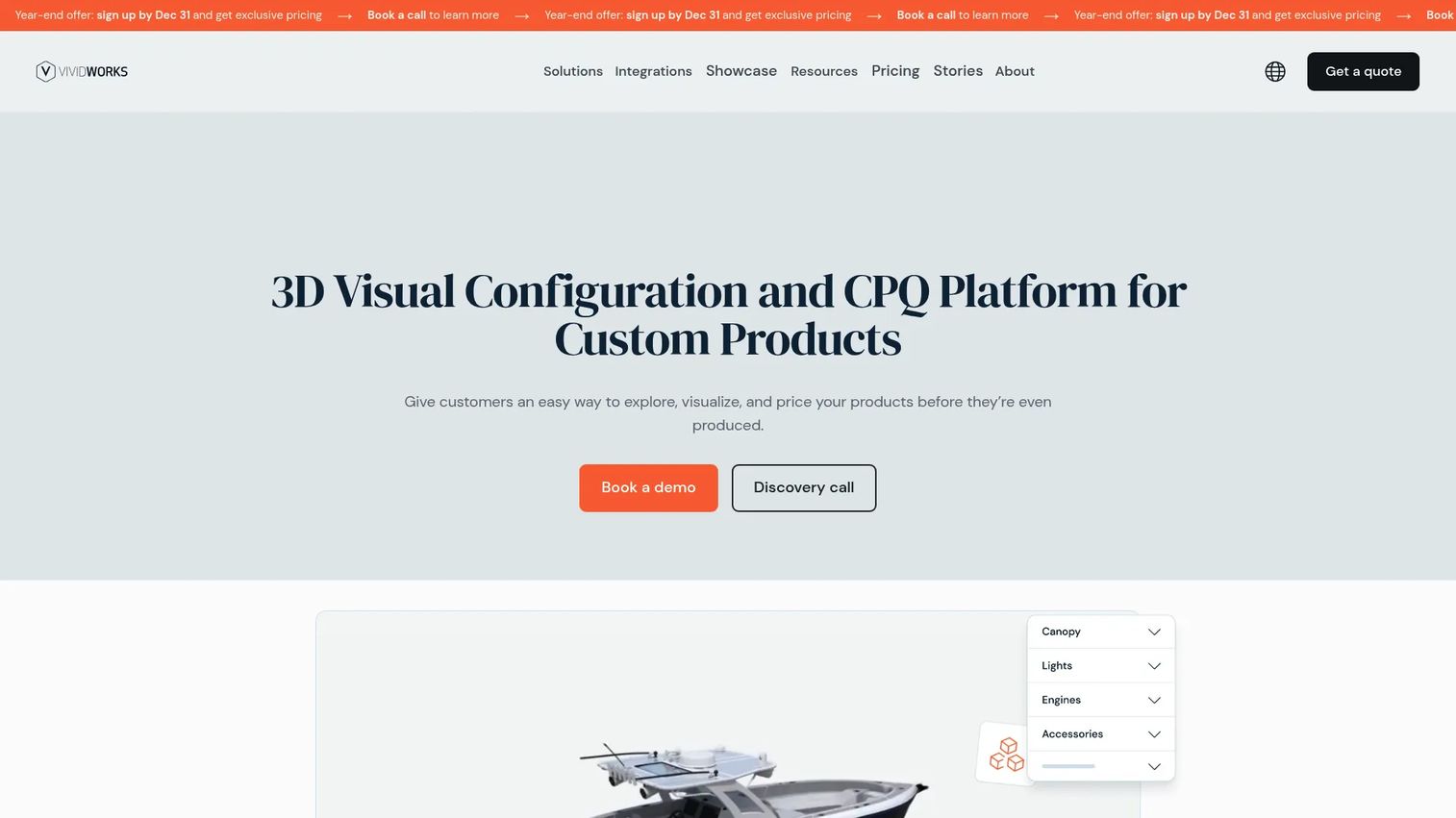
VividWorks is a visual product configurator and CPQ platform for complex, customizable products. Buyers can see selected options through real time 3D visualization.
Dynamic pricing and instant quote generation connect the visual experience to commercial output. Room planning supports products that must fit into a physical space.
The platform also supports augmented reality, virtual reality, and animations. Ecommerce, ERP, and CRM connections carry configuration data into downstream workflows.
VividWorks fits furniture, kitchens, storage, fixtures, and modular products. Evaluate the work required to build and maintain 3D assets across your complete catalog.
Best for: Brands where visual confidence directly affects product selection and conversion.
Key features
- Real time 3D configuration
- Dynamic pricing
- Instant quote generation
- Room and space planning
- Ecommerce and ERP connections
Why choose VividWorks: Choose it when buyers must see the configured result before committing. Test 3D asset maintenance alongside product data synchronization.
VividWorks pricing: The 3D Product Configurator starts at €447 monthly. Pro costs €847 monthly, while Enterprise uses custom pricing.
G2 rating: 4.5/5.
10. Epicor CPQ
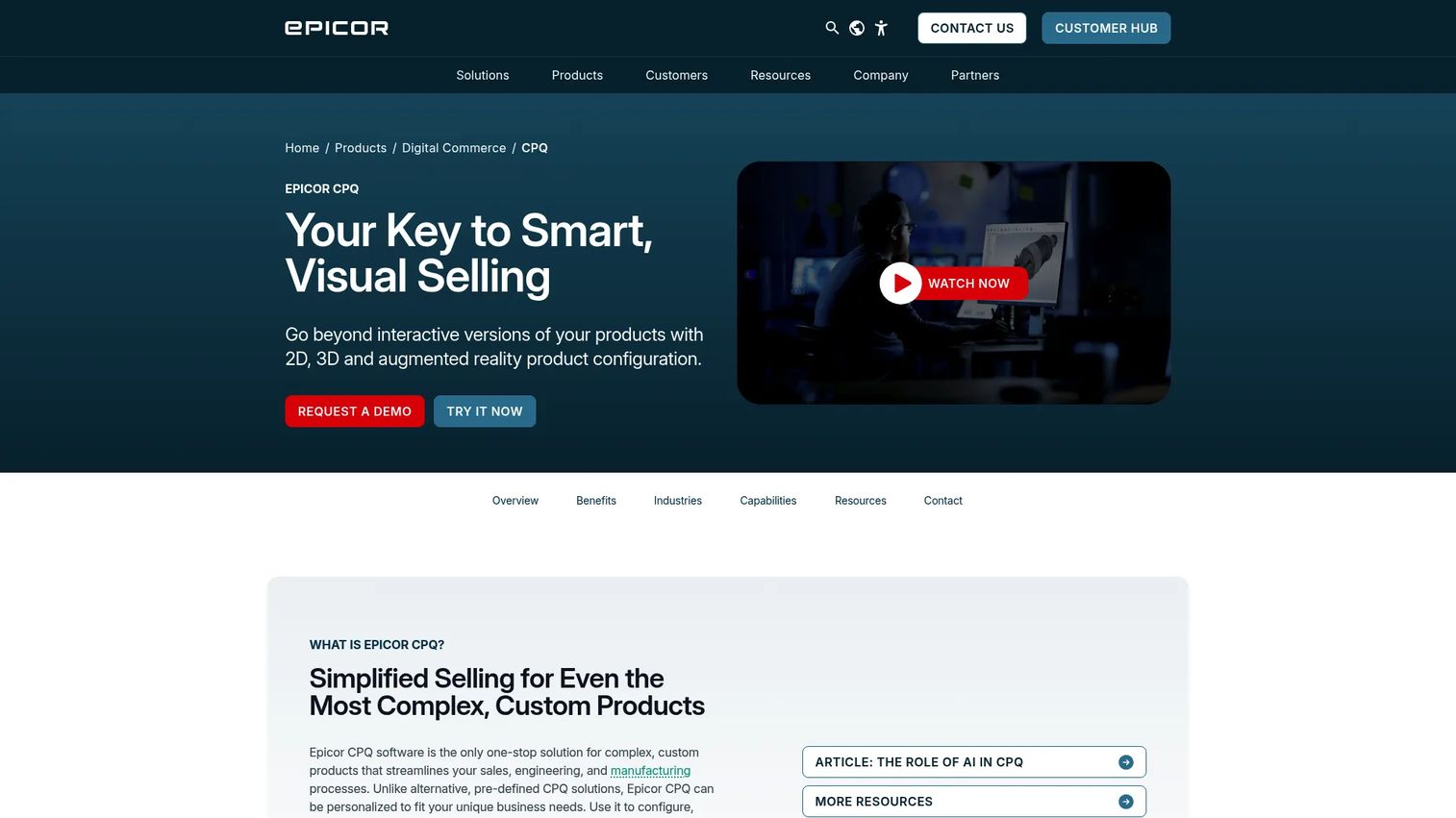
Epicor CPQ combines visual configuration with pricing, quoting, engineering, and manufacturing workflows. It supports complex engineer to order products.
The visual product configurator includes 2D, 3D, augmented reality, and virtual reality formats. Buyers and reps can validate options before commercial approval.
A no code rule engine controls product logic. Dynamic pricing supports multiple currencies and dealer specific processes, while automated documents can include images and bills of material.
CAD automation and manufacturing connections extend the configured output beyond the quote. Test administration carefully if product options or rules change frequently.
Best for: Manufacturers needing visual selling plus production ready configuration data.
Key features
- 2D and 3D configuration
- Augmented reality visualization
- No code rules engine
- Dynamic pricing
- Automated quotes and BOMs
Why choose Epicor CPQ: It fits teams that need an interactive product configurator with manufacturing depth. Include rule maintenance in the evaluation script.
Epicor CPQ pricing: Custom pricing. Product complexity, integrations, user scope, and implementation shape the contract.
G2 rating: 4.5/5.
11. Tacton CPQ
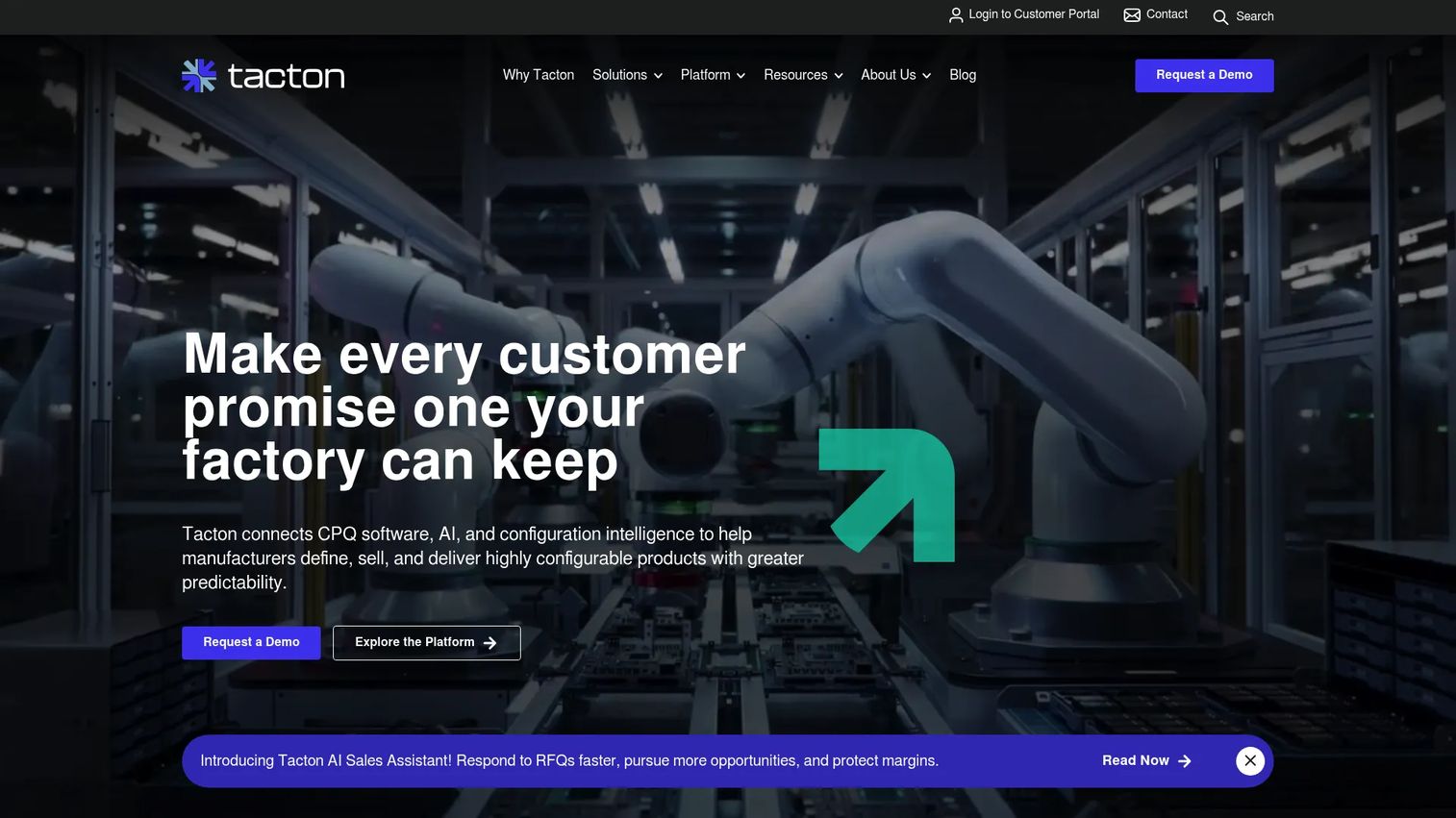
Tacton CPQ connects configuration, pricing, quoting, buyer engagement, and manufacturing processes. It focuses on manufacturers selling complex equipment through several channels.
Constraint based configuration validates dependencies across large product models. This approach helps prevent invalid combinations before they create installation problems or margin exposure.
Tacton also supports guided selling and customer self service with 3D visualization. Pricing tools provide margin visibility and route approvals when commercial terms move outside policy.
Its integration scope covers major CRM and ERP platforms. The strongest evaluation uses your hardest dependency scenario rather than a standard vendor example.
Best for: Industrial manufacturers with strict compatibility rules and substantial product complexity.
Key features
- Constraint based configuration
- Guided selling
- Dynamic pricing controls
- Quote document generation
- Customer self service channels
Why choose Tacton CPQ: Choose it when invalid configurations create expensive downstream rework. Test the platform against a difficult dependency chain.
Tacton CPQ pricing: Custom pricing. Product model complexity, integrations, markets, and implementation determine the contract.
G2 rating: 4.3/5.
12. Experlogix CPQ
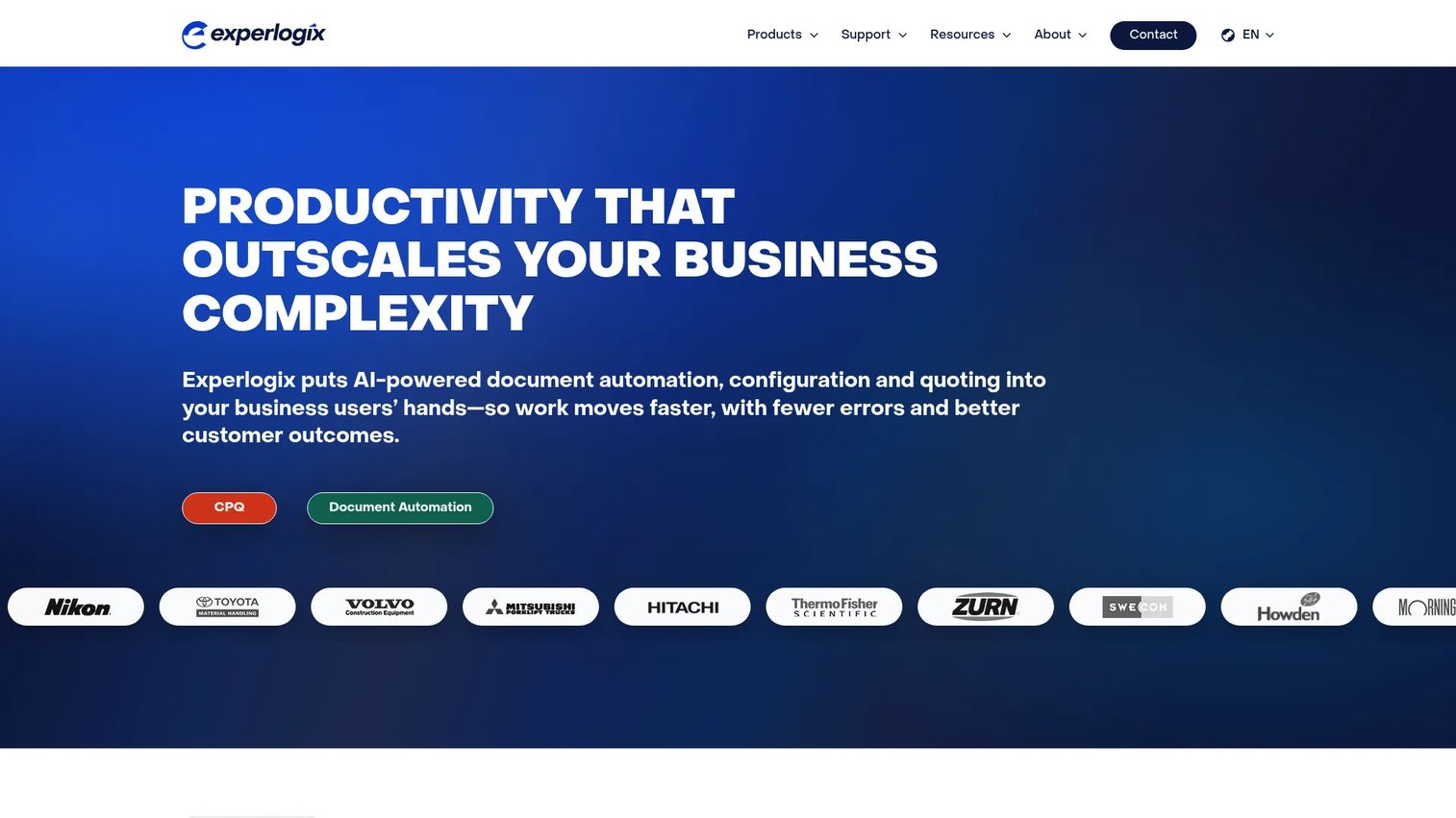
Experlogix CPQ provides rules based configuration, governed pricing, quoting, and document automation. It supports complex products and services within CRM connected workflows.
The rules engine validates selections as users configure an offer. Pricing controls can manage discounts, approval routing, regional differences, and tiered structures.
Document automation can produce proposals, contracts, BOMs, work breakdown structures, and routing documents. Native connections support Microsoft Dynamics 365 and Salesforce environments.
Experlogix suits teams where the configured output must become a polished commercial document. Evaluate CRM fit and document requirements before building the shortlist.
Best for: Teams needing governed product configuration and reusable quote documents inside CRM.
Key features
- Rules based validation
- Governed pricing
- Approval routing
- Proposal document generation
- CRM native connections
Why choose Experlogix CPQ: Choose it when configuration and document automation carry equal weight. Test the final proposal against your current approval process.
Experlogix CPQ pricing: Custom pricing. License scope, CRM connections, product complexity, and document workflows drive the contract.
G2 rating: 4.6/5.
Considerations when choosing product configurator software
Product complexity
Test the hardest product in your catalog. Include mutually exclusive options, required dependencies, and configuration changes after pricing.
For manufacturing, add a BOM or drawing output. A polished standard scenario reveals little about the rules engine.
Workflow fit
Choose the system of record before choosing the product configuration tool. Your process may be CRM first, ERP first, CAD first, ecommerce first, or visual first.
Map each handoff from discovery through order creation. This exposes duplicate data entry and unclear ownership.
Pricing and quote control
Review dynamic pricing, discount rules, approval paths, quote templates, and margin controls. A technically valid product can still produce a commercially unacceptable quote.
Presales should test a price change after configuration. Confirm whether the approval logic updates correctly.
Integration depth
Verify connections with your CRM, ERP, CAD, PLM, inventory, billing, and order systems. Ask which fields move in each direction.
A listed integration may use native synchronization or custom middleware. Those approaches create different maintenance requirements.
Maintenance and ownership
Decide who owns product rules after launch. The answer may be RevOps, product operations, engineering, or IT.
Ask each vendor to update a rule during the evaluation. Watch how that change affects open quotes and downstream outputs.
Conclusion
The strongest product configurator software matches the operating model behind your catalog.
Salesforce Revenue Cloud suits Salesforce centered teams. DealHub.io connects configuration to quote to revenue operations, while Oracle CPQ handles enterprise rules and integrations.
Configure One Cloud, Global Shop Solutions, Epicor CPQ, and Tacton CPQ fit manufacturing workflows. VividWorks and Epicor CPQ provide visual configuration for products buyers need to see.
Autodesk Inventor and Fusion serve CAD driven product configuration management. HubSpot Sales Hub covers lighter quoting for simpler catalogs.
Before booking vendor sessions, build a test script containing:
- One valid configuration
- One invalid combination
- A midquote price change
- An approval step
- A downstream system handoff
If you also need to show configuration workflows before a sales call, Guideflow can create interactive demos for landing pages, sales follow ups, and partner enablement.
Start your journey with Guideflow today!
FAQs
Product configurator software guides users through valid product options using rules, dependencies, and constraints. It can calculate pricing and produce quotes, BOMs, drawings, SKUs, or orders.
The final output depends on the category. Sales tools usually create commercial documents, while manufacturing platforms may generate production data.
Product configurator software focuses on selecting a valid product or service combination. It applies compatibility rules and prevents impossible choices.
Configure, price, quote software adds commercial processes such as dynamic pricing, discount controls, approvals, and quote generation. Many CPQ platforms include product configuration as a core capability.
Users include sales reps, presales teams, sales engineers, dealers, ecommerce buyers, RevOps, engineering, and manufacturing operations. Each group interacts with a different part of the process.
Sales may enter buyer requirements, while engineering owns technical rules. Operations or manufacturing receives the approved output.
The essential capabilities are product rules, constraint logic, dynamic pricing, and accurate output generation. Buyers should also assess visual configuration, permissions, analytics, and system connections.
Manufacturers may require BOMs, drawings, routers, or CAD automation. Revenue teams usually prioritize CRM data and quote controls.
Use product data from your hardest configuration. Test invalid combinations, required dependencies, pricing changes, approvals, and downstream handoffs.
Include the people who own product rules and receiving systems. A successful configuration means little if the final order cannot enter production correctly.
A 3D product configurator matters when appearance, fit, or spatial layout influences the purchase. Common examples include furniture, storage systems, fixtures, modular products, and equipment layouts.
Rules only configuration may be enough for nonvisual products. Evaluate what the buyer needs to validate before committing.
Many tools connect with CRM, ERP, ecommerce, inventory, CAD, and order management systems. The depth of those connections varies significantly.
Ask which product fields synchronize and which system owns each record. Also test what happens when data changes after a quote starts.
Run a complete buyer scenario from discovery inputs through configuration, pricing, approval, and quote generation. Then send the output into operations or manufacturing.
Test one invalid path and one late change. Finally, ask the vendor to show who maintains the rules after launch.