You send the welcome video. The customer watches 12 seconds, closes it, then emails you asking how to set up their first dashboard.
Sound familiar? According to Wyzowl's 2026 State of Video Marketing report, 63% of consumers prefer a short video to learn about a product. But preference does not guarantee completion, and completion does not guarantee the customer actually does the next thing correctly. For CS and onboarding teams, that gap between watching and understanding is where churn starts.
The right onboarding video software does not just help you create content. It helps you know when users stop, which steps confuse them, and whether the onboarding is actually moving them toward value. Some tools record your screen. Some generate AI avatars. Some host a full training library with LMS integration. And some, like Guideflow, replace passive videos entirely with interactive demos users click through and complete.
This guide cuts through the category to help CS managers, onboarding teams, and customer education leads find the right fit.
What's inside
This guide compares 11 onboarding video software options for 2026, chosen for CS, onboarding, support, and customer education teams.
Tools were selected based on:
- Fit for product and customer onboarding workflows
- Video creation, editing, and AI capabilities
- Sharing, hosting, and embedding options
- Analytics depth: Completion rate, drop-off step, viewer engagement
- Pricing and G2 ratings, verified at time of writing
The list covers four categories:
- Interactive onboarding for clickable product experiences
- Screen recording and editing tools for product education videos
- AI video generators for avatars, narration, and localization
- Enterprise training platforms for LMS integration and governed libraries
TL;DR
- Best for interactive product onboarding: Guideflow turns passive onboarding into clickable product experiences with completion and drop-off analytics
- Best for SaaS customer education videos: Trainn fits teams building repeatable onboarding videos with hosting, AI voiceovers, and learner analytics
- Best for quick async explanations: Loom works when a CSM needs to record a one-off walkthrough fast
- Best for AI avatar onboarding at scale: Synthesia fits teams producing multilingual training videos from a script
- Best for enterprise employee onboarding: Panopto is strongest when LMS integration, in-video quizzes, and governed video libraries are the priority
- Best for lightweight template-based videos: FlexClip, Clipchamp, and Powtoon cover simple onboarding clips at different price points
What is onboarding video software?
Onboarding video software helps teams create, edit, share, and measure videos or video-like product education experiences that teach new employees, customers, or users how to get started.
The category covers more ground than most buyers expect. At one end, you have professional editing tools for polished training content. At the other, you have platforms that generate AI avatar videos from a text script or replace video entirely with clickable product demos that track engagement at the step level.
Key capabilities to look for
- Screen recording for software demos and product flows
- Timeline editing with trimming, annotations, and cursor effects
- AI voiceovers, avatars, captions, and translation
- Branded onboarding video templates
- Hosting, embedding, sharing, and MP4 export
- Completion tracking and engagement analytics
- Drop-off step data for product onboarding
- LMS integration for employee training programs
- Access controls and version management
- Reusable content libraries for CS and support teams
Types of onboarding content these tools support
Employee onboarding videos: New hire training, HR processes, compliance, and role-specific orientation.
Customer onboarding videos: Product education for new accounts, covering setup steps and core workflows.
User onboarding videos: Feature-level guidance for end users who need to understand specific product functions.
Product onboarding demos: Clickable, interactive experiences that replace or extend passive video by letting users practice the workflow directly.
Help center and support videos: Embeddable content for self-serve troubleshooting in knowledge bases or ticket macros.
The important distinction for CS teams: Most tools help you create content people watch. Tools like Guideflow create experiences people complete, with measurable data on where they stopped. That difference drives how you choose.
When to use onboarding video software
Scale onboarding without adding more live calls
If every new customer needs the same live walkthrough, your onboarding quality is capped by your calendar. Turning repeatable explanations into video assets gives customers something they can revisit at 11pm on a Tuesday without waiting for a CSM to have availability. This matters especially when managing more than 30 accounts per rep.
Teach product workflows users keep getting stuck on
Support tickets cluster around the same three or four features in almost every SaaS product. Record those workflows once, embed them in your help center or in-app messages, and measure whether users who watch them actually stop opening tickets. The goal is not more content. The goal is fewer repeated explanations.
Measure where onboarding breaks
Completion rate and drop-off step are the metrics CS teams almost never track when using basic screen recording tools. Knowing that 70% of users stop at step three of your account setup video tells you exactly where to intervene. Without that data, you are guessing at which content to improve.
Onboarding video software comparison
The table below separates tools by their primary strength. "Onboarding video software" covers several distinct product types, and picking the wrong category wastes time. Use this to narrow your shortlist before reading the full entries.
| # | Product | Best for | Key differentiator | Pricing | G2 rating |
|---|---|---|---|---|---|
| 1 | Guideflow | Interactive product onboarding | Clickable demo automation with completion and drop-off analytics | Free; paid from $35/month | 5.0/5 |
| 2 | Trainn | SaaS customer education videos | Screen recording, AI voiceovers, hosting, and learner analytics | From $19/month | 4.6/5 |
| 3 | Loom | Quick async onboarding clips | Fast screen and camera recording for one-off explanations | Free; paid from $18/user/month | 4.7/5 |
| 4 | Camtasia | Edited training videos | Screen recording plus deeper timeline editing and AI features | From $39/year | 4.6/5 |
| 5 | FlexClip | Lightweight template videos | Browser-based templates for simple onboarding clips | Free; paid from $11.99/month | 4.6/5 |
| 6 | Clipchamp | Simple video editing in Microsoft | Browser editing with watermark-free export on free plan | Free; premium via Microsoft 365 | 4.1/5 |
| 7 | Adobe Premiere Pro | Professional production | Advanced editing for polished, complex training content | From $22.99/month | N/A |
| 8 | Powtoon | Animated onboarding videos | Character-based templates and visual storytelling | Free; paid from $15/month | 4.4/5 |
| 9 | Synthesia | AI avatar onboarding | Text-to-video with avatars, localization, and one-click translation | Free; paid from $29/month | 4.6/5 |
| 10 | Panopto | Enterprise employee onboarding | Video library, quizzes, searchable content, and LMS integration | Custom pricing | 4.4/5 |
| 11 | Molto | Product videos and screen recording | AI-assisted product video creation for software teams | Free; Pro at $400/month | N/A |
Best 11 onboarding video software for 2026
1. Guideflow
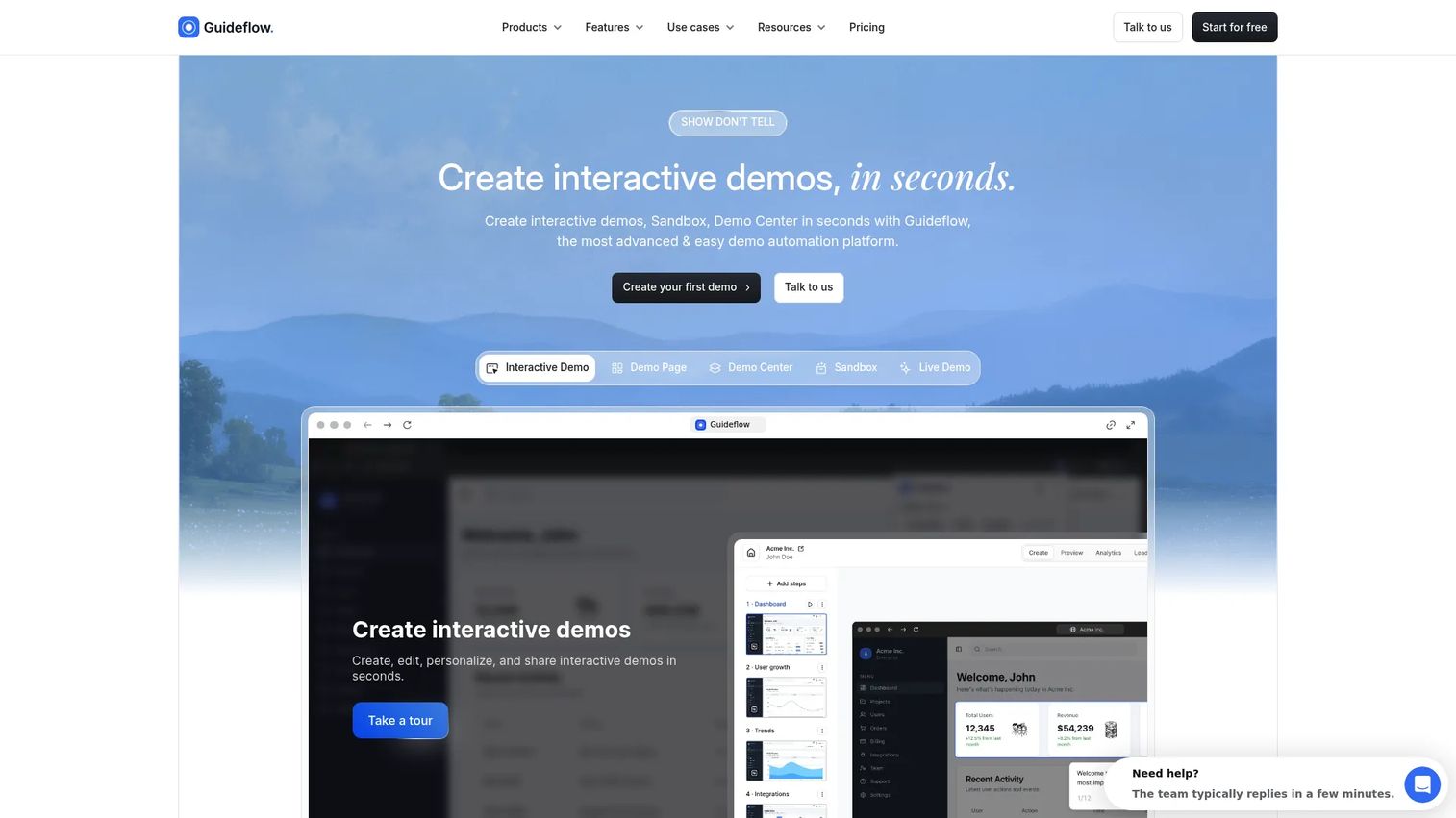
Guideflow is a demo automation platform for creating clickable product experiences that customers complete at their own pace. Rather than recording a video for users to watch, you capture your product flows and turn them into interactive demos they navigate step by step. The platform covers five formats: Interactive Demo, Sandbox, Demo Center, Mobile Demo, and Live Demo, giving CS and onboarding teams options for self-serve learning, free exploration, and centralized onboarding libraries.
Best for: SaaS teams that want customers to learn product workflows by clicking through them, with completion and drop-off analytics to show where onboarding breaks.
Key features
- Clickable interactive product demos with step-by-step navigation
- Completion rate and drop-off step analytics
- Personalized onboarding paths per customer segment
- Website, help center, and in-app embeds
- Demo Center for organized onboarding libraries
Why choose Guideflow: CS teams managing product adoption need to know not just whether customers watched, but where they stopped clicking and what they never reached. Guideflow's analytics give you that step-level visibility. When a user drops at step four of eight, you know exactly where to intervene rather than guessing.
Guideflow pricing: Free plan includes up to 5 guideflows. Solo is $35/month (billed yearly), Growth is $499/month for 10 members, Advanced is $1,499/month, and Enterprise pricing is custom.
G2 rating: 5.0/5
Start your journey with Guideflow today!
2. Trainn
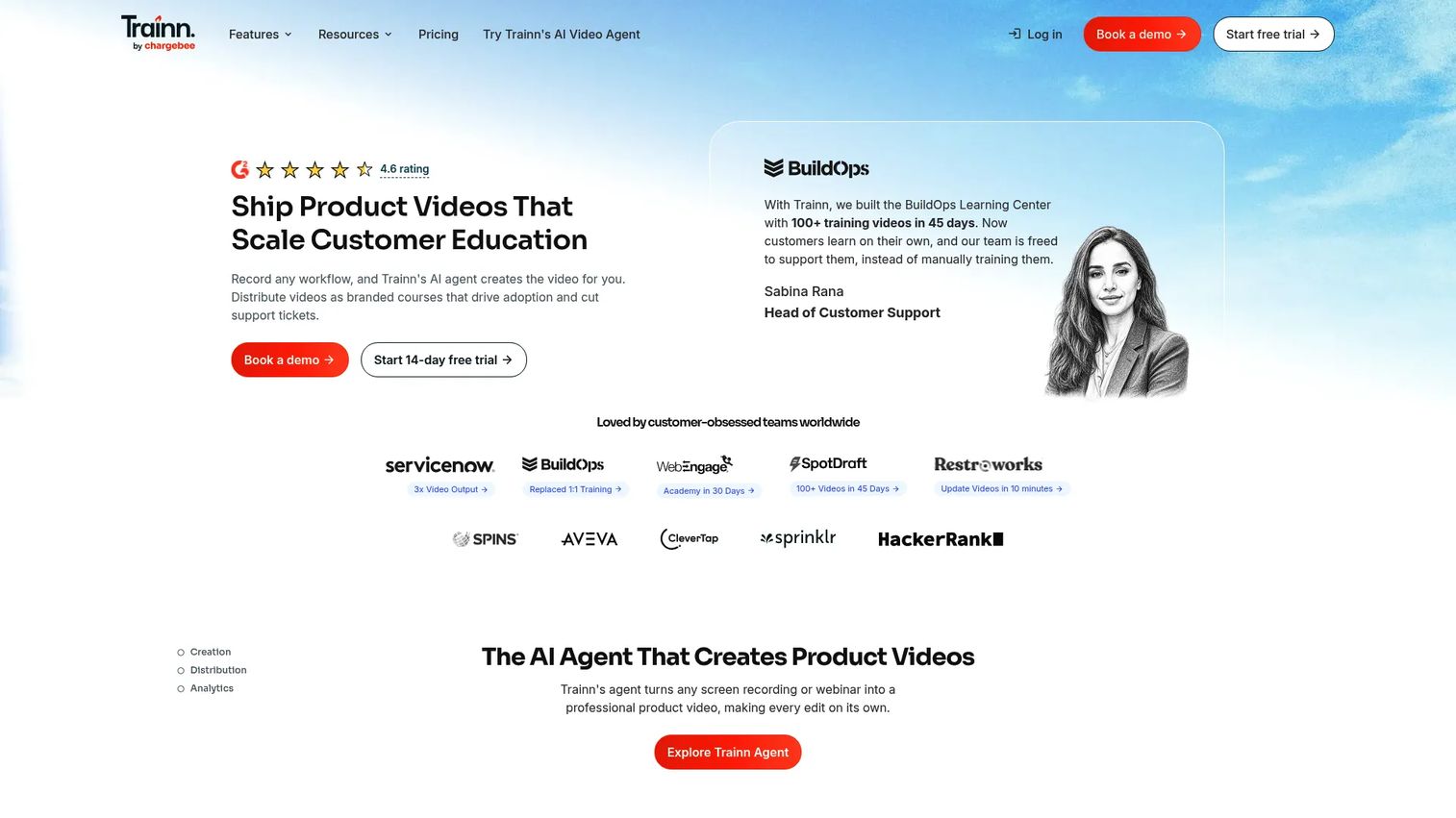
Trainn is an AI-powered platform for creating, hosting, and tracking product videos, step-by-step guides, in-app tutorials, and LMS-based training. Customer education teams at SaaS companies use it to build repeatable onboarding video content without a production team. Features like AI voiceovers, multilingual translation, zoom effects, blur, spotlight, and subtitles are available directly in the editor.
Best for: Customer education teams that need to produce many SaaS onboarding videos, host them in one branded hub, and track learner progress.
Key features
- Chrome extension screen recording
- AI voiceovers with multilingual translation
- Video hosting with branded Knowledge Hub
- LMS with courses, quizzes, and certifications
- Learner analytics and training tracking
Why choose Trainn: Trainn fits teams whose primary output is traditional onboarding video content rather than clickable product demos. If you are managing a customer academy with structured courses and need to track quiz completion and certification, Trainn covers more of that workflow than a screen recorder alone would.
Trainn pricing: Creator plan starts at $19/month. Launch is $2,400/year, Scale is $10,000/year, and Enterprise is custom. No free plan, but free trials are available.
G2 rating: 4.6/5
3. Loom
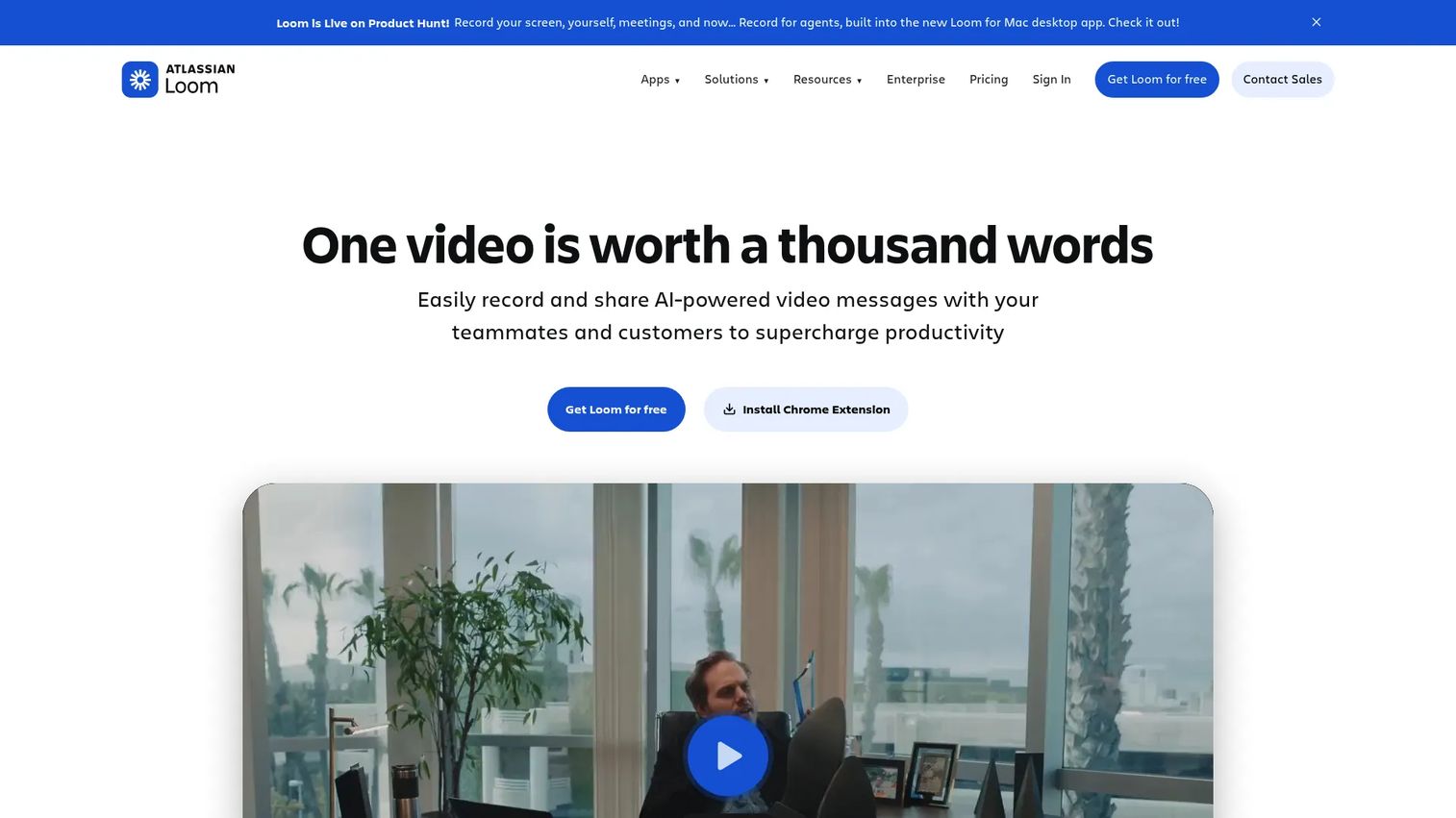
Loom is an async video messaging platform for recording your screen, your camera, or both, and sharing the result instantly via link. CSMs use it for one-off product explanations, quick answers to customer questions, and internal handoffs. The free plan covers basic recording, and paid plans add unlimited length, AI-generated titles, filler-word removal, and viewer analytics.
Best for: CSMs who need to record a quick explanation for a specific customer without building a production workflow.
Key features
- Screen and camera recording with instant link sharing
- Video editing, captions, and transcription
- Viewer engagement insights on paid plans
- Comments, reactions, and thread replies
- AI-generated titles, summaries, and meeting recaps
Why choose Loom: Loom fits when speed matters more than scale. It is the right call for a personalized walkthrough that one customer needs today. For governed onboarding programs or interactive product education, it is not the strongest fit.
Loom pricing: Starter plan is free. Business is $18/user/month and Business + AI is $24/user/month. Enterprise pricing is custom.
G2 rating: 4.7/5
4. Camtasia
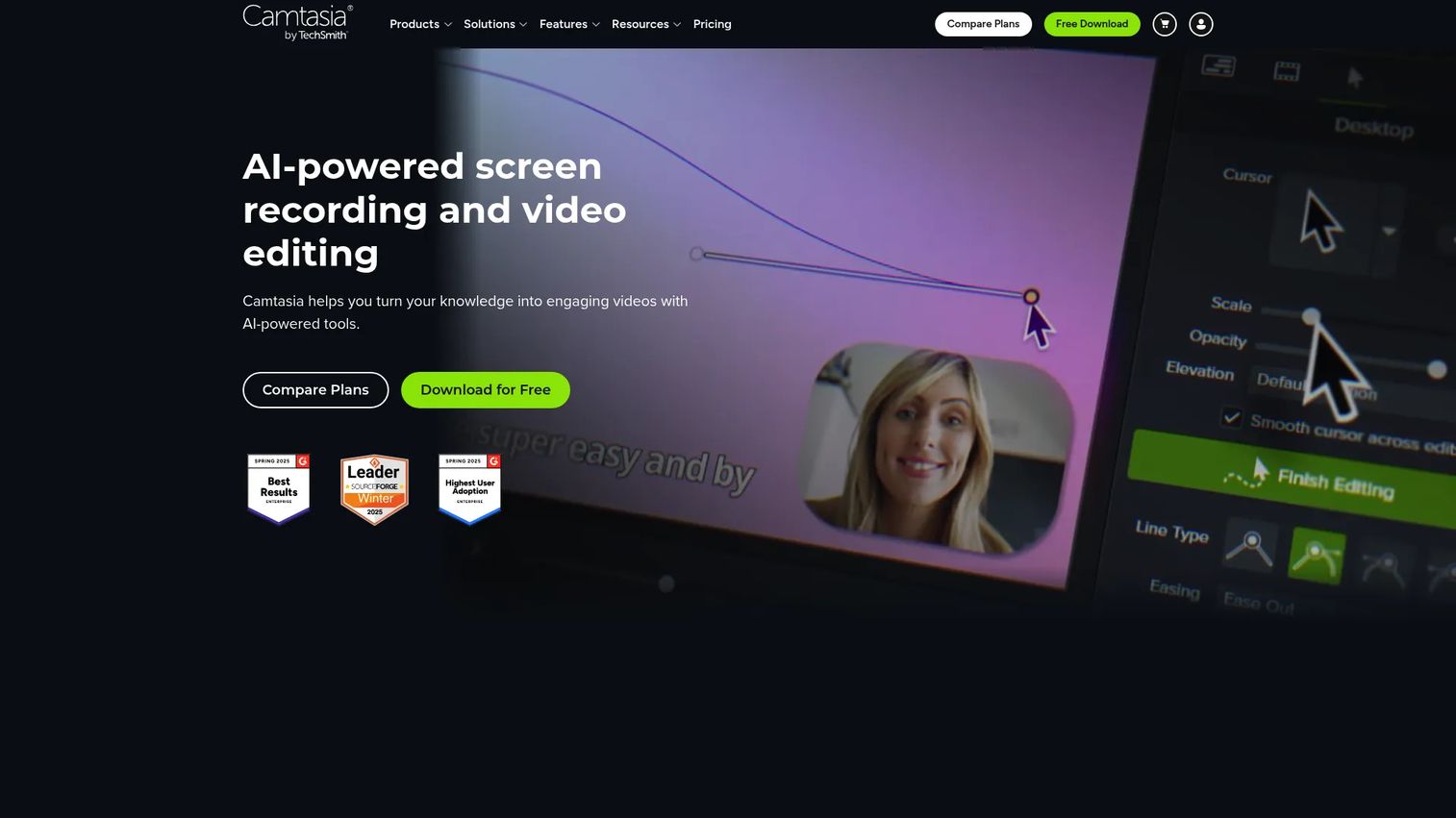
Camtasia is a screen recording and video editing suite from TechSmith. Training teams use it for software tutorials and instructional videos where post-production quality matters. The timeline editor supports animations, transitions, cursor effects, and quizzes with SCORM export. Higher tiers add AI-powered text-based editing, script generation, voiceovers, avatars, and translation.
Best for: Teams creating edited onboarding training videos that need a step above quick screen recording.
Key features
- 4K screen recording and webcam capture
- Multitrack timeline editing with animations and transitions
- Cursor effects and callout annotations
- AI voiceovers, avatars, and audio dubbing on Pro plan
- SCORM export for LMS delivery
Why choose Camtasia: Camtasia suits training or enablement teams that want more control over production quality. It is more involved than async tools but produces polished instructional content. If a 10-minute onboarding tutorial needs chapter markers, zoom effects, and a branded template, Camtasia is built for that job.
Camtasia pricing: Starter is $39/year. Essentials is $179.88/year, Create is $249/year, and Pro is $599/year. All plans are annual. A free trial exports with a watermark.
G2 rating: 4.6/5
5. FlexClip
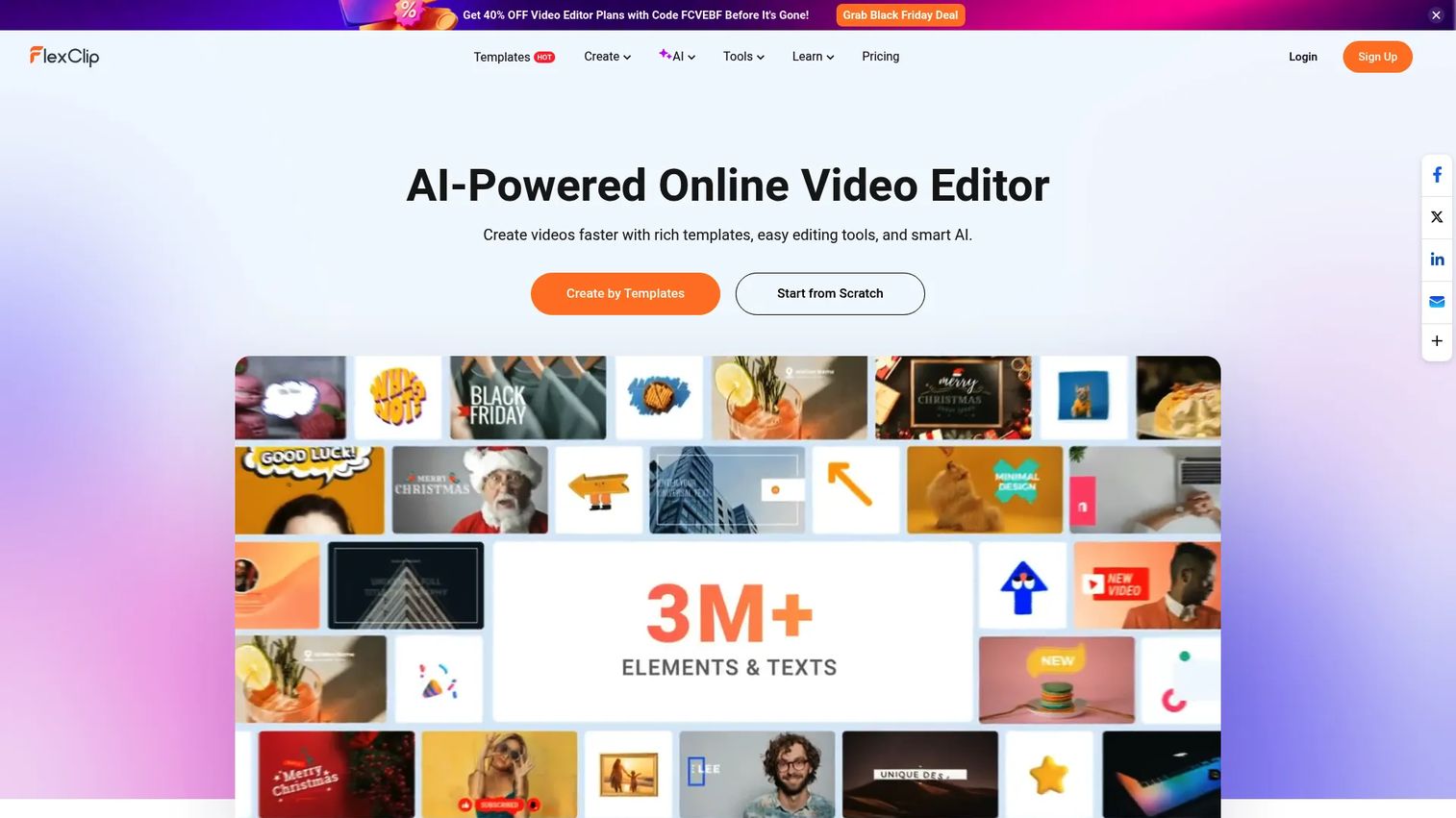
FlexClip is a browser-based video maker with templates, stock media, and AI features for creating onboarding clips, explainers, and social training videos. It suits small teams that need something done fast without learning a full editing suite. AI generation from prompts, text overlays, music, transitions, and 4K export are available depending on the plan.
Best for: Small teams that need fast, branded onboarding video templates without installation or a production learning curve.
Key features
- Browser-based editing with onboarding video templates
- AI video generation from prompts or articles
- Stock media library with photos, video, and audio
- Text overlays, captions, and transitions
- MP4 export up to 4K on Business plan
Why choose FlexClip: FlexClip is a good starting point for teams creating occasional branded training clips or simple customer education videos. For deep LMS tracking or interactive product analytics, it is out of scope. The free plan exports at 720p, so production quality scales with the plan tier.
FlexClip pricing: Free plan available. Plus is $11.99/month (billed monthly) and Business is $19.99/month.
G2 rating: 4.6/5
6. Clipchamp
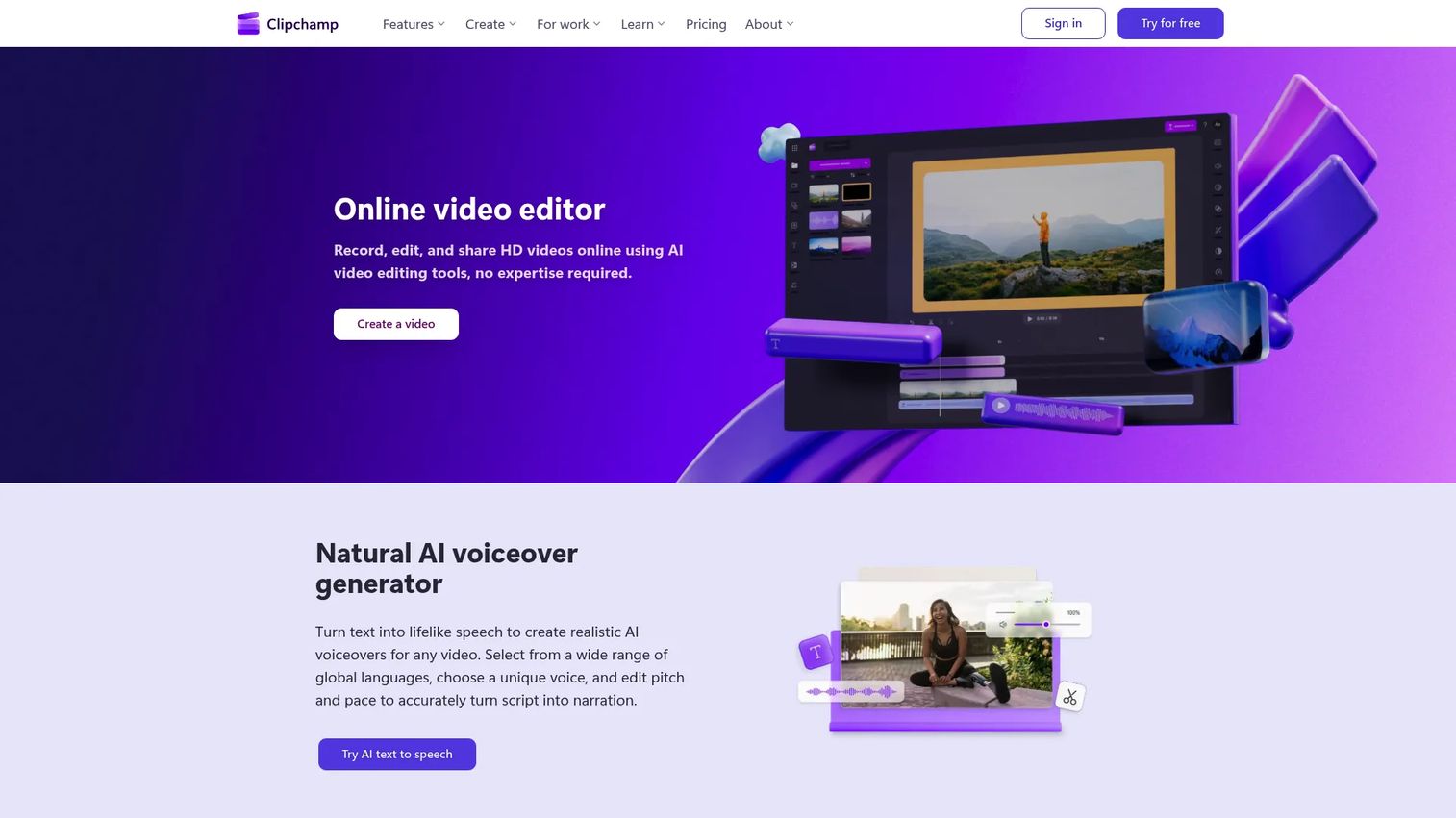
Clipchamp is a browser-based video editor built by Microsoft. The free plan includes screen recording, AI-generated subtitles, silence removal, and watermark-free exports up to 1080p HD. Premium features, including 4K export and additional brand kit tools, come with a Microsoft 365 Personal or Family subscription rather than a standalone paid tier.
Best for: Teams already working inside Microsoft 365 who need simple video editing without an additional subscription.
Key features
- Browser-based editing with screen and camera recording
- AI-generated subtitles and voiceovers
- Silence removal and basic trimming
- Stock media and text overlays
- Watermark-free 1080p export on free plan
Why choose Clipchamp: Clipchamp is the most accessible option for Microsoft-first teams. It handles simple onboarding edits at no extra cost. It is not a learning platform, does not offer completion tracking, and is not built for structured customer onboarding programs.
Clipchamp pricing: Free plan available with no standalone paid tier. Premium access comes included with Microsoft 365 Personal and Family subscriptions.
G2 rating: 4.1/5
7. Adobe Premiere Pro
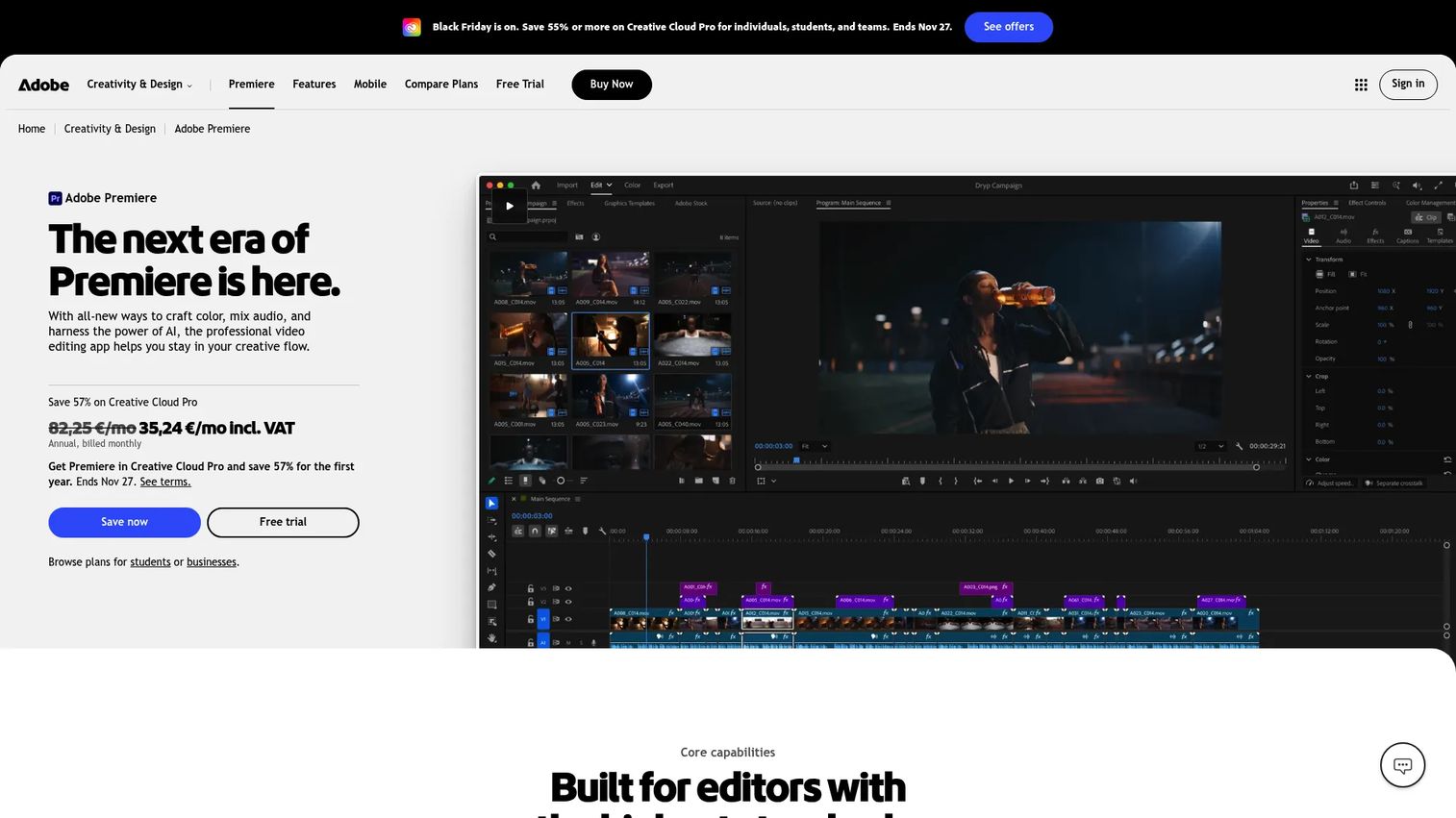
Adobe Premiere Pro is a professional video editing application for teams producing high-quality training, marketing, or instructional content. It supports multi-track editing, color grading, audio mixing, motion graphics, captions, and AI-powered tools including text-based editing, Object Mask, and Auto Reframe for social exports. It is the right choice when production quality is a differentiator.
Best for: Creative or training teams producing polished onboarding content at a professional standard.
Key features
- Professional multi-track timeline editing
- Color correction and audio mixing
- AI transcription and text-based editing
- Captions with Speech to Text
- Multi-format export and Frame.io collaboration
Why choose Adobe Premiere Pro: Premiere Pro is for teams where edit quality genuinely matters and someone on the team knows how to use it. For a CSM recording a quick product explanation or a small team building a customer academy, the learning curve and cost exceed what the job requires.
Adobe Premiere Pro pricing: Single app at $22.99/month (annual, billed monthly). Creative Cloud Pro is $34.99/month. Team licenses start at $37.99/month per seat. A seven-day free trial is available.
8. Powtoon
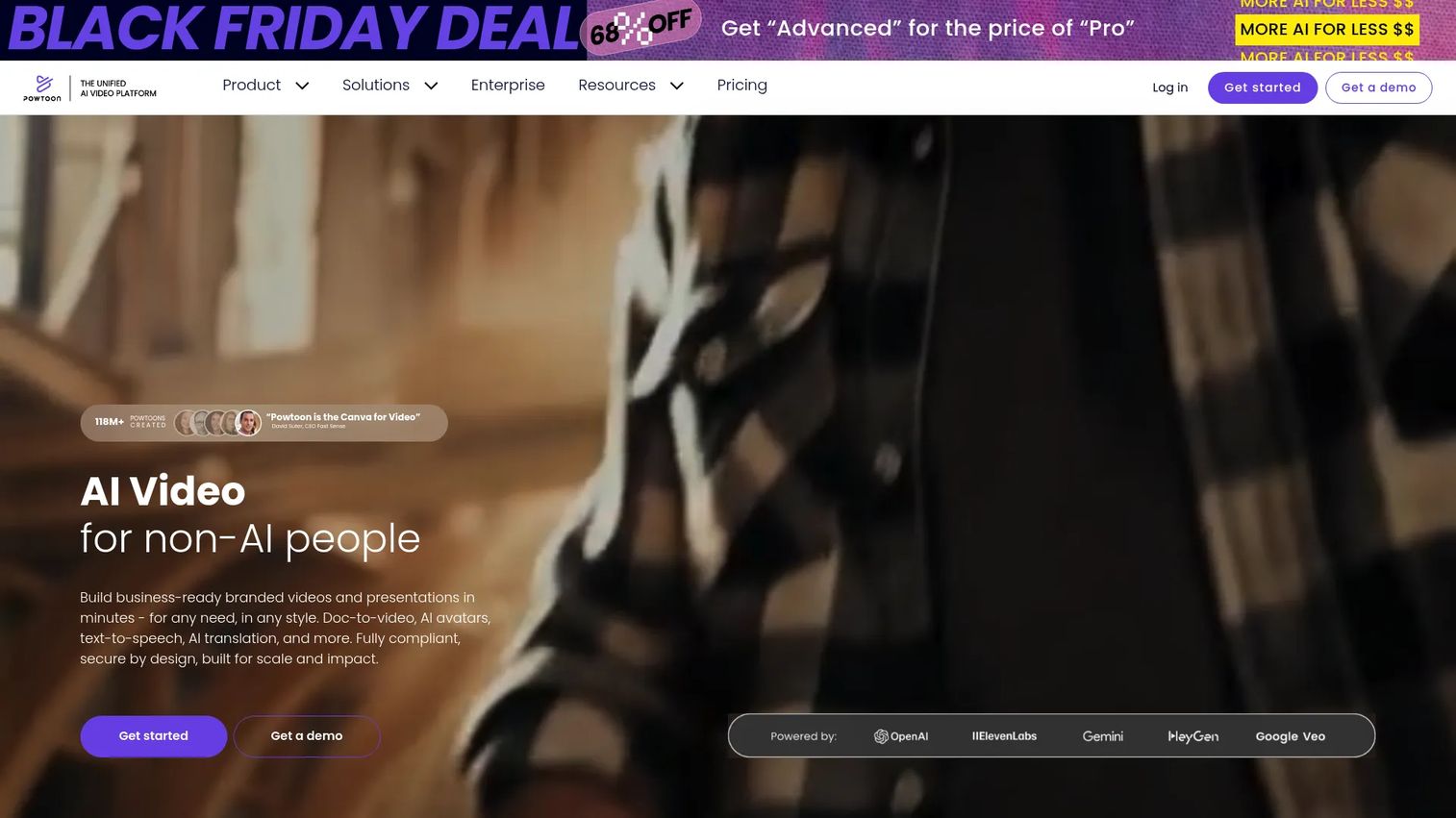
Powtoon is an animated video and presentation platform for creating character-based explainers, HR training videos, and internal process content. It includes AI document-to-video and text-to-video generation, drag-and-drop scene editing, animated templates, a character builder, and screen recording. Teams use it for employee onboarding videos where a friendly, visual format works better than a product screen capture.
Best for: HR, enablement, or marketing teams creating animated onboarding and training videos with branded characters and templates.
Key features
- Animated video templates and character library
- AI text-to-video and document-to-video generation
- Screen and camera recording
- Brand customization controls
- Export and direct sharing
Why choose Powtoon: Powtoon fits when the onboarding content is conceptual or process-oriented rather than product-specific. New hire orientation, compliance training, and company culture videos are where it performs well. For product adoption and click-level onboarding, the animated format does not give users a chance to practice the workflow.
Powtoon pricing: Free plan available. Lite is $15/month (billed yearly), Professional is $40/month, and Advanced is $125/month. Education pricing is $8/month (billed annually).
G2 rating: 4.4/5
9. Synthesia
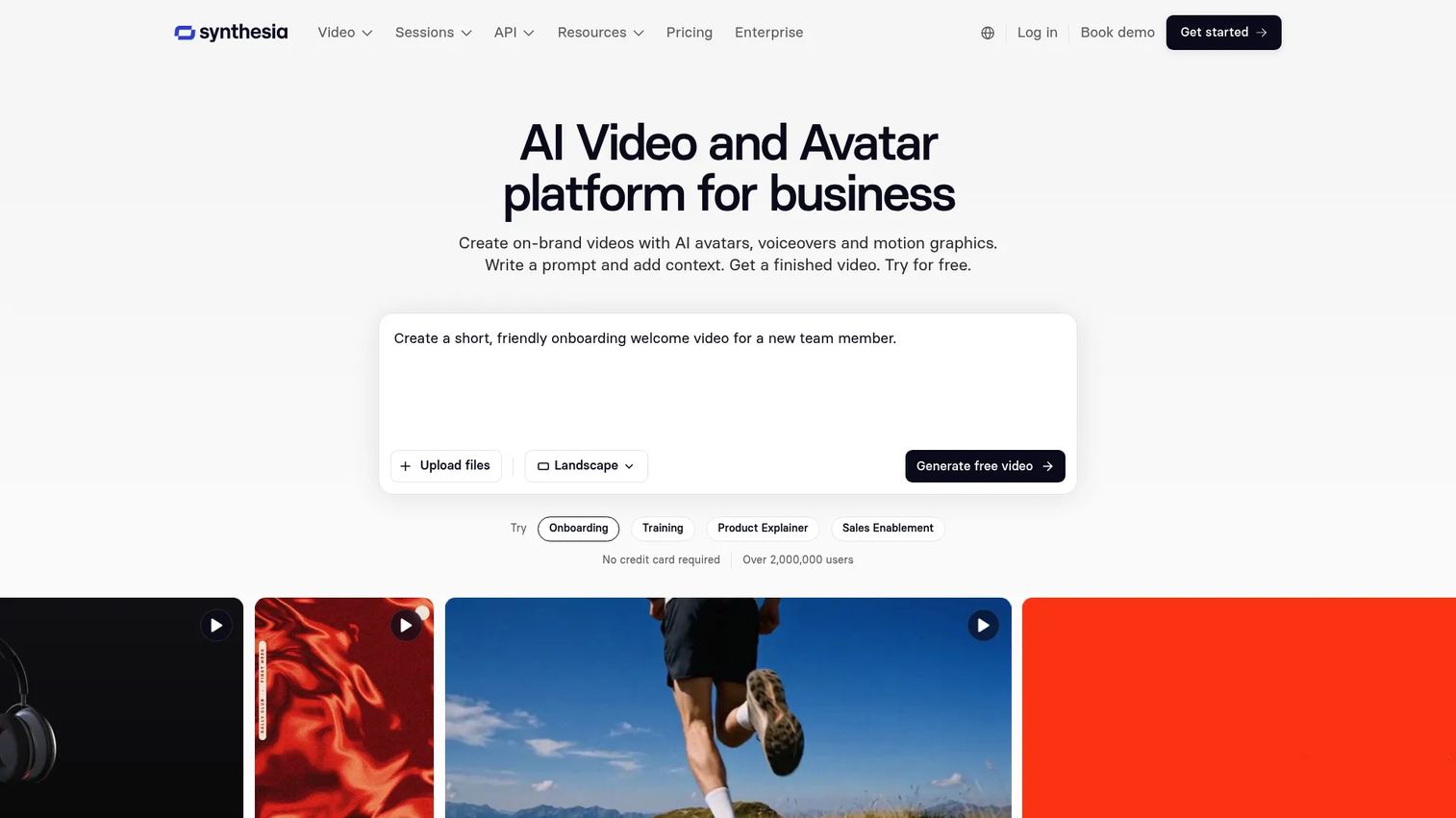
Synthesia is an AI video creation platform for generating training and onboarding videos from a text script. You write the script, choose an AI avatar, select a voice from 160+ languages, and the platform produces a finished video. One-click translation, lip sync dubbing, interactive quizzes inside videos, and custom avatar creation are supported. Updating a video means editing the script, not re-recording anything.
Best for: Teams producing scalable multilingual onboarding or training videos at volume, where consistent delivery across languages and regions is the priority.
Key features
- AI avatars and custom avatar creation
- AI voices and voice cloning in 160+ languages
- One-click translation with lip sync dubbing
- Interactive video features including quizzes and branching
- Templates, brand kits, and API-based video generation
Why choose Synthesia: Synthesia reduces production time significantly for teams creating high-volume training content, particularly for global employee onboarding or multilingual customer education. For product activation where users need to practice a specific workflow, a click-through demo format delivers more than a video lesson.
Synthesia pricing: Basic plan is free. Starter is $29/month, Pro is $89/month, and Enterprise is custom.
G2 rating: 4.6/5
10. Panopto
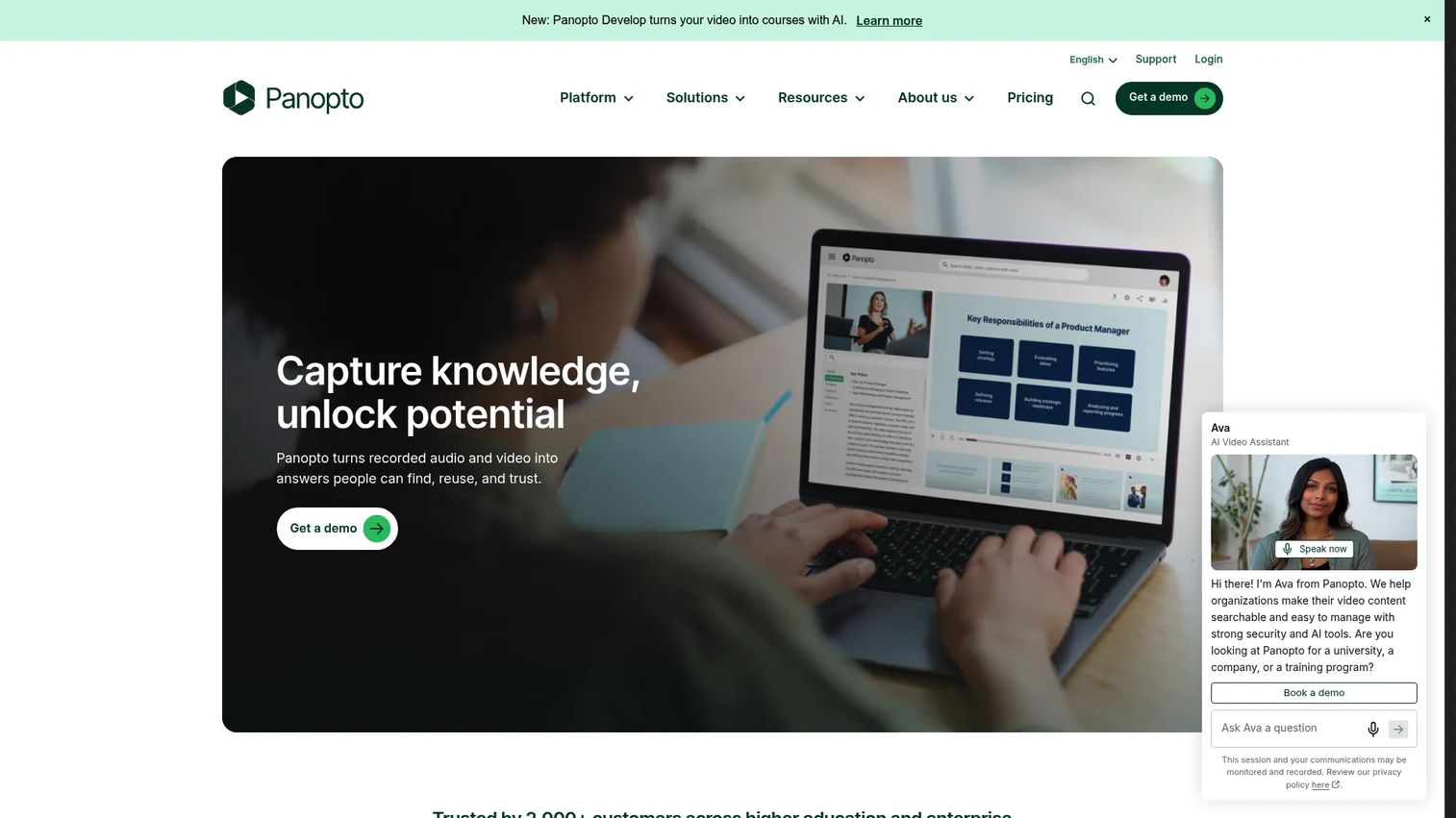
Panopto is an enterprise video knowledge platform used by large companies and universities for governed video libraries, internal training, and onboarding programs. It includes video recording, multi-camera capture, searchable spoken-word indexing, captions, smart chapters, in-video quizzes, knowledge checks, and deep LMS integrations. HR and L&D teams choose it when they need compliance records, assignment tracking, and scalable video search.
Best for: Enterprise HR and L&D teams managing employee onboarding video libraries that require LMS reporting and completion evidence.
Key features
- Video recording and multi-camera capture
- Searchable video library with spoken-word indexing
- In-video quizzes and knowledge checks
- Captions, transcripts, and smart chapters
- LMS integration for assignment and completion tracking
Why choose Panopto: Panopto is the right fit when regulatory completion records, structured learning paths, and governed content are the requirements. For SaaS CS teams focused on customer product adoption rather than internal HR training, the platform may carry more infrastructure than the job needs.
Panopto pricing: Custom pricing. Contact Panopto sales for a quote based on organization size and deployment model.
G2 rating: 4.4/5
11. Molto
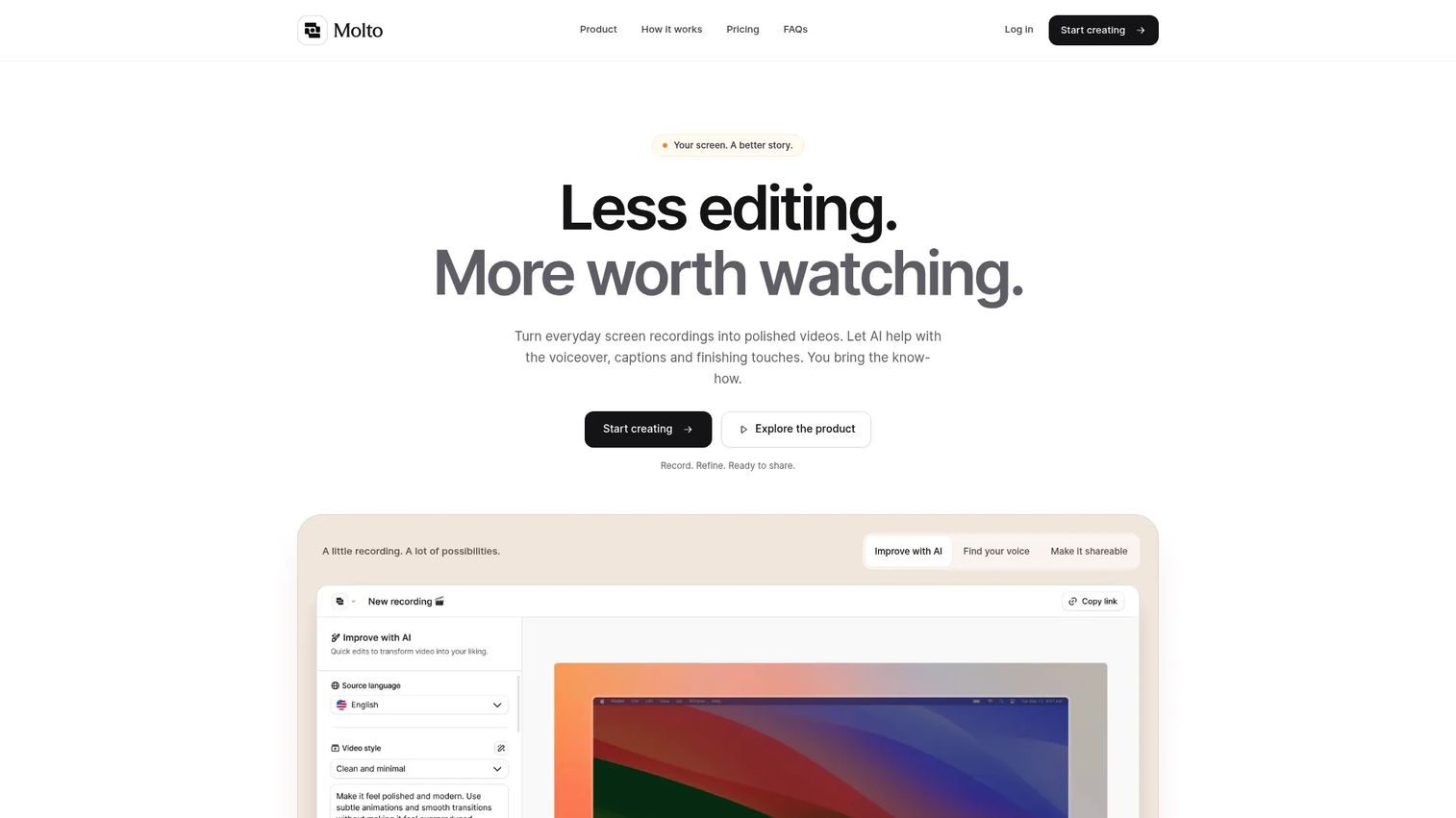
Molto is AI-assisted software that turns screen recordings and uploaded media into polished product videos. Software teams use it for onboarding clips, feature update announcements, and tutorial content. The editor adds AI voiceover, captions, video translation, zoom effects, cursor highlights, backgrounds, and chapter markers on top of the raw recording. Shareable links, embeds, downloads, and viewer analytics round out the sharing options.
Best for: Software product and marketing teams creating onboarding and tutorial videos from screen recordings with AI polish.
Key features
- Screen recording, camera recording, and media upload
- AI voiceover, captions, and video translation
- Zoom effects, cursor highlights, and transitions
- Chapters, transcripts, and shareable embeds
- Viewer analytics and capture-workflow friendly
Why choose Molto: Molto fits software teams that want something between a quick screen recorder and a full editing suite. If you need AI polish on a product demo recording without spending hours in a timeline editor, Molto covers that job. It is lighter on structured training features like quizzes and LMS integration.
Molto pricing: Free plan available. Pro is $400/month and includes 4K export and 200 monthly AI credits. Additional AI credits are available at $10 per credit in monthly allowances.
Considerations when choosing onboarding video software
Match the format to the onboarding job
A welcome video, screen recording, AI avatar lesson, and interactive product demo do different things for a user. Before choosing a tool, clarify whether customers need context and narrative (video works), hands-on practice (interactive demos work better), or formal compliance records (an LMS platform is the right fit). Buying the wrong category tool adds another system without solving the adoption problem.
Check how the tool measures engagement
View count is not enough. For product onboarding, the number that matters is drop-off step: At which point in the content do users stop engaging. Completion rate, repeat views, quiz results, and LMS assignment records each tell you something different. Prioritize tools that surface the engagement signal most relevant to your churn risk or adoption target.
Plan for updates before the first recording
Onboarding content decays every time the product ships a UI change. Before selecting a tool, evaluate how easy it is to edit a single step, re-record one clip, or update a script without rebuilding the whole asset. Tools where updating means re-recording from scratch create a maintenance debt that compounds quickly across a growing content library.
Evaluate localization and accessibility
Captions, transcript generation, AI voiceovers, and translation matter for global customer bases and distributed employee onboarding. Check whether these features are available at the plan tier you plan to buy, not just on the enterprise plan.
Confirm where the content will live
The best tool is the one that embeds where customers already look for help. Help center articles, in-app messages, emails, and direct links each serve different moments. Confirm that the tool's sharing and embedding options fit your existing stack before committing.
Conclusion
The right onboarding video software depends on what you need users to do after they engage with your content.
For CS teams whose customers skip videos and still submit the same tickets, Guideflow is the clearest option: Interactive product onboarding with step-level drop-off data tells you exactly where understanding breaks down. Trainn fits teams building a structured customer education library with AI voiceovers and learner tracking. Loom covers quick async explanations when speed is the priority.
For editing and production, the choice scales with skill level. Molto and Camtasia handle screen-recorded product tutorials at different production depths. FlexClip and Clipchamp work for simple branded clips. Adobe Premiere Pro is the right call when professional quality is a business requirement.
Powtoon and Synthesia serve teams producing animated or AI avatar training content, with Synthesia stronger for multilingual onboarding at scale. Panopto is the enterprise infrastructure pick when LMS integration, completion records, and governed video search are non-negotiable.
If customers are finishing onboarding but not adopting the product, the content format is likely the problem. An interactive demo that tracks where users stop is the fastest way to find out.
Start your journey with Guideflow today!
FAQs
Onboarding video software helps teams create, edit, share, and measure videos or interactive experiences that teach new employees, customers, or product users how to get started. The category includes screen recording tools, AI avatar video generators, animated video makers, enterprise training platforms, and interactive demo tools. The right type depends on whether the goal is compliance training, product adoption, or scalable customer education.
For interactive product onboarding with completion and drop-off analytics, Guideflow fits CS teams focused on product adoption. For traditional customer education videos with hosting and learner tracking, Trainn is a strong option. For enterprise HR training with LMS integration and completion evidence, Panopto is the purpose-built choice.
Onboarding video software creates or hosts video content and may include basic completion tracking. An LMS (learning management system) manages structured learning paths, assignments, compliance records, and assessments across a learner population. Some video platforms, including Trainn and Panopto, include LMS-like features, while others focus purely on content creation and sharing.
They can, but only when they teach the specific workflow that generates the tickets. A generic welcome video rarely deflects a "how do I invite a teammate?" ticket. Track ticket volume on the top five recurring topics before and after publishing targeted onboarding content. Completion rate and drop-off step data help you confirm whether users are reaching the content and acting on it.
Video works when users need context, narrative, or a conceptual overview of how something fits together. Interactive demos work when users need to practice a workflow and reach a specific action inside the product. Many CS teams use both: A short video to set context, followed by a clickable demo for the hands-on steps. The question is whether watching is enough, or whether users need to do the thing to actually learn it.
For CS teams, the highest-priority features are completion tracking, drop-off step visibility, and embedding options for help centers or in-app messages. Screen recording, editing controls, and templates matter for production quality. AI voiceovers and translation matter for global or multilingual content. LMS integration and quiz features matter when compliance records or certifications are required. Prioritize adoption visibility before production polish.
Track completion rate, drop-off step, and repeat views as engagement signals. Pair these with downstream outcomes: Support ticket volume on the topics covered, time-to-first-key-action in the product, and feature adoption rates in the first 30 days. For employee onboarding, quiz scores and LMS certification completion add a knowledge-check layer. Establish a baseline before launch so you can compare with actual numbers rather than impressions.
AI video tools are useful when teams need high output, frequent updates, or multilingual delivery. Tools like Synthesia reduce production time for teams creating training videos across many languages or updating content regularly through script edits rather than re-recording. For product activation specifically, AI video should be paired with measurable product education. A polished avatar video does not tell you whether the customer completed the workflow it described.