Taking payment away from a counter sounds simple. Then hardware costs, processing fees, connection issues, and settlement rules collide.
The payment may clear in seconds. Your finance team still needs the transaction, tax, inventory change, and payout recorded correctly.
Mobile payment processing is also becoming standard customer behavior. The Federal Reserve Bank of Kansas City reported that mobile devices handled 15% of U.S. point-of-sale transactions in 2025.
The provider decision affects more than checkout. It shapes gross margin, cash flow, operational risk, and how much manual reconciliation your team inherits.
The right choice should earn its place in your stack quickly. That starts with understanding the full cost and testing the workflow under realistic conditions.
What’s inside
This guide compares 14 providers for businesses accepting payments through phones, tablets, mobile credit card readers, and handheld terminals.
We selected providers based on category fit and recurring visibility in mobile payment searches. Each option was assessed using these factors:
- Payment options: Reader hardware, handheld devices, and Tap to Pay
- Processing economics: Card-present fees, keyed rates, and monthly costs
- Operational resilience: Offline payment rules and reporting
- Stack fit: POS features, integrations, permissions, and multi-location support
- Cash flow: Funding speed and settlement structure
Pricing comes from provider websites. G2 ratings use the current relevant listing where available.
TL;DR
- Best overall for simple mobile payments: Square POS offers broad payment and POS coverage with a free software tier
- Best for transparent processing economics: Helcim uses interchange-plus pricing with automatic volume discounts
- Best for online and in-person commerce: Shopify connects its online store with mobile POS operations
- Best for restaurant handhelds: Toast POS and Shift4 Dine connect payments with service workflows
- Best for established, higher-volume merchants: Stax and Payment Depot emphasize processing cost structure
- Best for existing PayPal users: PayPal POS has free software and a $29 first reader
What is mobile credit card processing?
Mobile credit card processing is accepting card and wallet payments through a smartphone, tablet, portable reader, or handheld POS device.
It replaces or supplements a fixed countertop terminal. Businesses use mobile payment processing at events, tablesides, job sites, pop-ups, and permanent retail locations.
A mobile credit card reader is the physical hardware that captures card details. The processing service authorizes the transaction and manages settlement.
Mobile POS systems add operational functions around the payment. These may include inventory, staff access, customer records, and reporting.
How mobile credit card processing works
The customer taps, dips, swipes, or enters card details. The payment app sends the transaction through the processor to the issuing bank.
An approved transaction appears in the provider’s dashboard. Funds later settle into the merchant account or connected business bank account.
Receipts may be printed, emailed, or sent by text. The exact options depend on the app and connected hardware.
Common mobile payment methods
- Physical mobile credit card readers
- Bluetooth card readers
- Handheld POS terminals
- Tap to Pay on iPhone
- Tap to Pay on Android
- Keyed card payments
- Invoices and payment links
- QR code and wallet payments
Tap to Pay lets a compatible phone accept supported contactless cards without separate reader hardware. Availability varies by provider, device, country, and card network.
Keyed transactions enter card details manually. They usually carry different pricing because the card is not physically presented.
Key features to look for
- Card-present transaction fees
- Keyed and online payment rates
- Reader and terminal costs
- Offline payment rules
- Funding and settlement speed
- Chargeback management
- Inventory and sales reporting
- Staff permissions
- Accounting and commerce integrations
- PCI and encryption support
Mobile merchant services can follow different pricing models. Flat-rate pricing favors predictability, while interchange-plus pricing exposes the underlying card cost and processor margin.
Subscription pricing adds a monthly fee and lowers certain transaction markups. It tends to make more sense as processing volume increases.
When to use mobile credit card processing
Take payments away from a fixed checkout
Use portable credit card processing at trade shows, farmers markets, pop-ups, customer homes, and contractor job sites. Restaurants also use handheld devices for tableside ordering and payment.
Test what happens after checkout. Taxes, tips, inventory, and settlement data should land in the correct systems without manual repair.
Add payment acceptance before a full POS rollout
A portable POS system can give a new location or field team a working payment path before a larger migration. Tap to Pay offers a hardware-light starting point where supported.
Evaluate volume and staff permissions early. Reporting requirements also become harder to change once several teams adopt the initial setup.
Keep selling when connectivity is unreliable
Offline payment processing matters at festivals, food trucks, outdoor events, and rural job sites. However, an offline transaction may receive authorization only after connectivity returns.
Define transaction limits and reconnection procedures before launch. Staff also need clear rules for handling higher-value payments during an outage.
Mobile credit card processing comparison
The table below compares each provider’s operational fit, pricing model, and current G2 rating.
Starting prices do not show the complete cost. Model software, hardware, card-present fees, and card-not-present fees together.
A portable credit card reader may look inexpensive while processing costs dominate over time. Conversely, a subscription processor may become economical only after your volume clears its monthly fee.
| # | Product | Best for | Key differentiator | Pricing | G2 rating |
|---|---|---|---|---|---|
| 1 | Square POS | General mobile payments | Broad POS and mobile payment coverage | Free plan, in-person processing from 2.5% in Japan | N/A |
| 2 | Helcim | Transparent processing economics | Interchange-plus pricing with volume discounts | $0 monthly fee, reader costs $199 | 4.0/5 |
| 3 | Shopify | Online and in-person commerce | Unified commerce and mobile POS | From €27 monthly, billed yearly | 4.4/5 |
| 4 | Clover POS | Retail and service teams | Flexible POS hardware and business tools | Register Lite costs $9.95 monthly | N/A |
| 5 | Toast POS | Restaurants | Restaurant POS with mobile payment workflows | Starter Kit from $0 monthly | 4.2/5 |
| 6 | PayPal POS | PayPal users and casual sellers | PayPal and Venmo payment support | Free app, first reader costs $29 | 4.4/5 |
| 7 | Cake | Restaurant operations | Payments connected to guest operations | Custom pricing | N/A |
| 8 | Epos Now | Retail and hospitality | POS bundles with integrated payments | Hardware bundles from $349 | N/A |
| 9 | Lightspeed | Inventory-heavy retail | Detailed inventory and multi-location tools | From $69 monthly | 4.4/5 |
| 10 | SpotOn | Restaurants | POS, payments, ordering, and labor tools | From $0 per station monthly | 4.4/5 |
| 11 | Korona POS | Specialty retail | Processor-agnostic retail POS | From $59 per terminal monthly | N/A |
| 12 | Shift4 Dine | Hospitality teams | Restaurant POS tied to payment processing | Promotional $0 upfront offer | N/A |
| 13 | Stax | Higher-volume merchants | Subscription pricing by annual volume | From $99 monthly | 4.9/5 |
| 14 | Payment Depot | Cost-focused established merchants | Interchange-plus omnichannel processing | Variable rates from 0.2% to 1.95% | 4.5/5 |
Best mobile credit card processing providers for 2026
1. Square POS
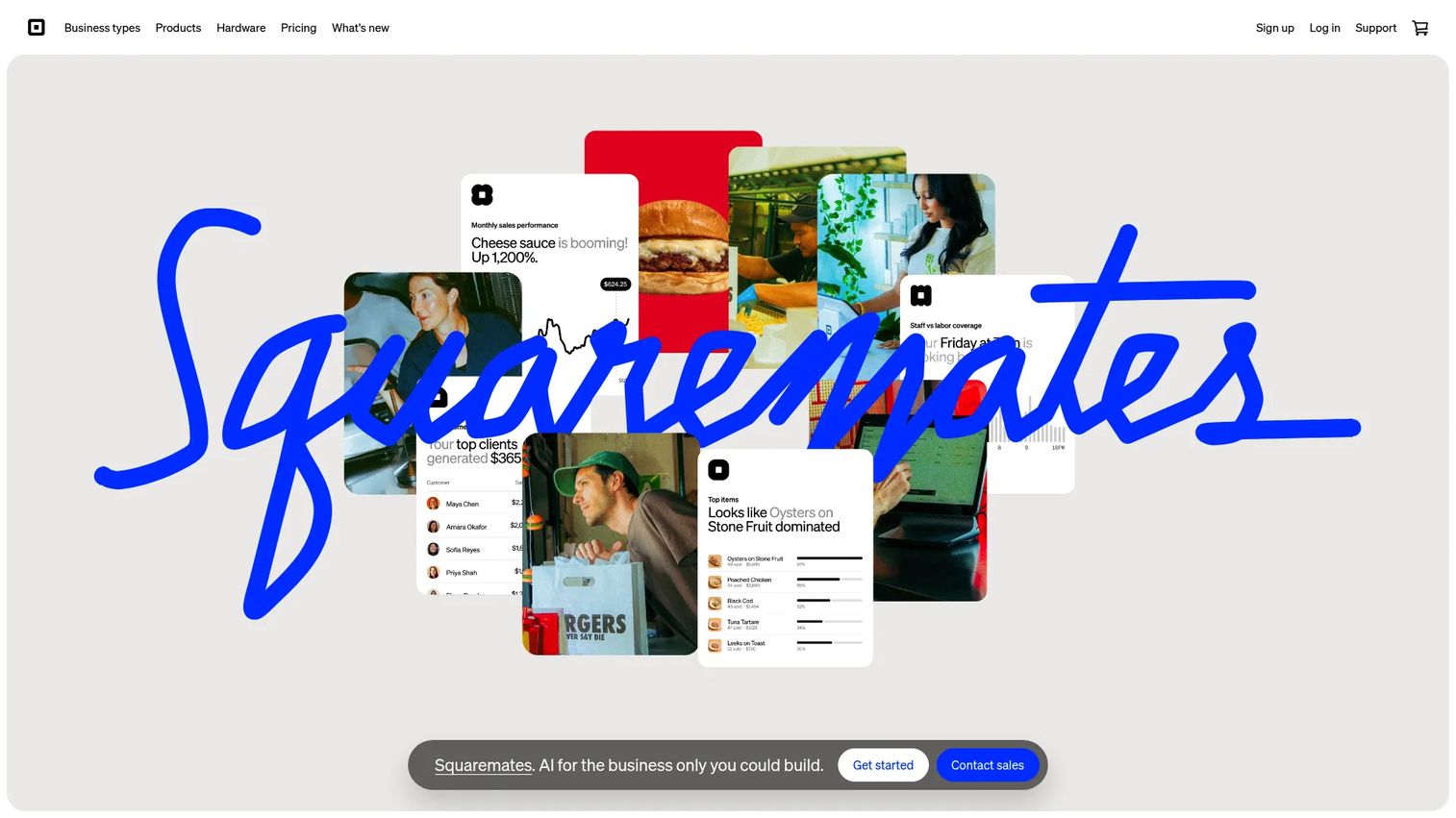
Square POS combines payment acceptance with sales, inventory, customer, employee, and multi-location management. It supports online and in-person payments from the same broader POS environment.
This breadth makes Square a practical first shortlist for teams seeking quick deployment. The free software tier also limits fixed costs during an initial rollout.
Best for: Small and growing businesses that need mobile payments without a separate merchant software subscription.
Key features
- Online and in-person payments
- Inventory management
- Customer management
- Employee access controls
- Multi-location management
Why choose Square POS: Choose it when first-week setup and broad POS coverage matter more than optimizing every basis point. Higher-volume merchants should compare its processing cost against other pricing models.
Square POS pricing: The Japanese pricing page lists a free plan at ¥0 monthly. In-person processing starts at 2.5% per transaction.
2. Helcim
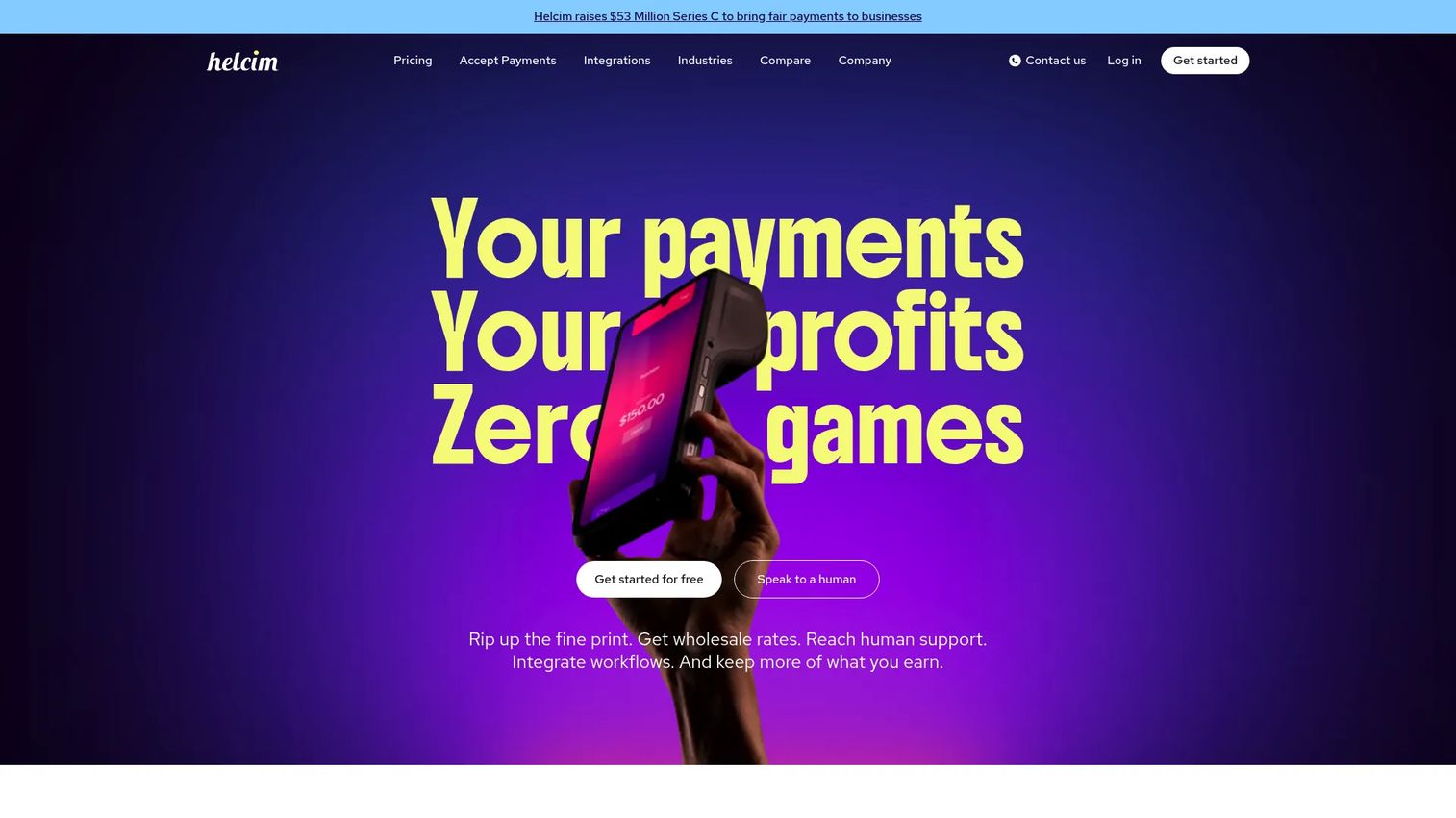
Helcim provides in-person payments alongside checkout pages, invoices, recurring billing, and a virtual terminal. Its interchange-plus pricing separates card-network cost from the processor margin.
Automatic volume discounts improve the economics as monthly processing grows. That structure gives founders a clearer model for estimating payment costs across different sales volumes.
Best for: Small and midsize businesses that want transparent pricing without monthly account fees.
Key features
- Interchange-plus pricing
- Automatic volume discounts
- Mobile card reader
- Smart terminal
- Virtual terminal
Why choose Helcim: Helcim fits businesses ready to model transaction economics instead of accepting one flat rate. Occasional sellers should compare the $199 reader cost against phone-only options.
Helcim pricing: The account costs $0 monthly. The card reader costs $199, while the Smart Terminal costs $349 or $32 monthly for one year.
Tap to Pay on iPhone adds 10 cents per transaction. Processing margins vary by transaction type and monthly volume.
G2 rating: 4.0/5.
3. Shopify

Shopify combines an online storefront with payments, inventory, orders, shipping, and in-person POS. A shared product catalog connects online sales with pop-ups and physical locations.
This operating model reduces duplicate catalog work for businesses already selling online. It also gives leadership a broader commerce view instead of separate systems for each channel.
Best for: Online-first businesses adding pop-ups, markets, retail stores, or other in-person selling.
Key features
- Shopify POS
- Unified product catalog
- Online store sync
- Inventory management
- Multi-channel selling
Why choose Shopify: Pick Shopify when e-commerce and mobile checkout must share inventory and order data. A merchant without online sales may pay for commerce features it does not need.
Shopify pricing: Basic costs €27 monthly with yearly billing. Grow costs €79, while Advanced costs €289 under the same billing structure.
A three-day trial is available. The accessed pricing page also offered the first three months for €1 monthly.
G2 rating: 4.4/5 for Shopify.
4. Clover POS
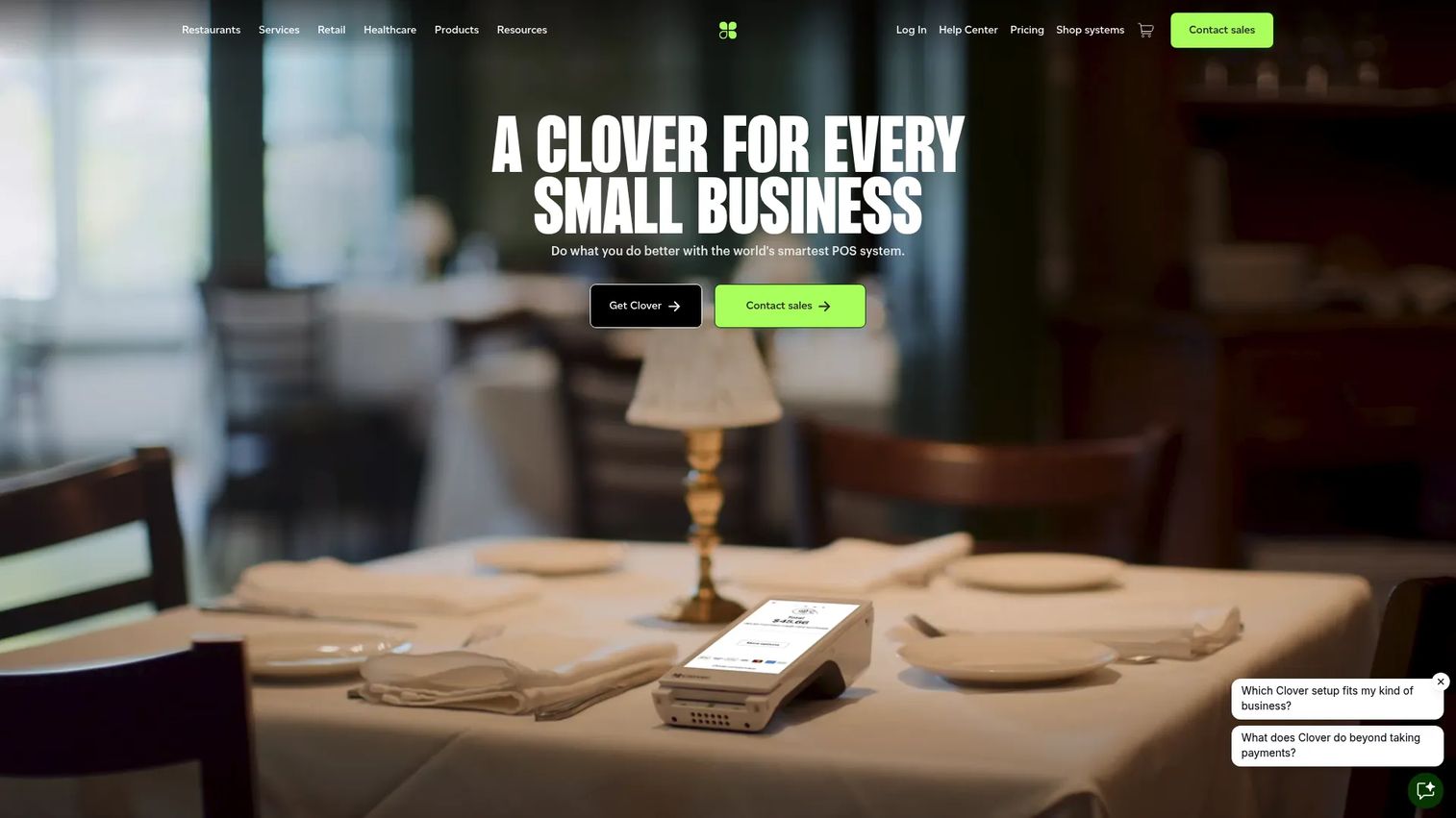
Clover POS combines payment processing with inventory, employee management, reporting, and customer engagement. Its hardware range supports businesses that have outgrown a basic phone credit card reader.
Clover also offers online ordering and an app marketplace. Pricing varies across business types, hardware packages, software plans, and processing arrangements.
Best for: Retail, service, and hospitality teams that want mobile hardware connected to a broader POS setup.
Key features
- Payment processing
- POS hardware options
- Inventory management
- Employee management
- Apps and integrations
Why choose Clover POS: Clover fits teams that need greater hardware choice and operational depth. Review the merchant agreement carefully because the final cost can vary by package.
Clover POS pricing: Register Lite costs $9.95 monthly. Clover advertises transaction rates as low as 2.3% plus 10 cents.
Other bundle prices require selecting a business type or requesting a quote. Price the exact hardware and processing agreement together.
5. Toast POS
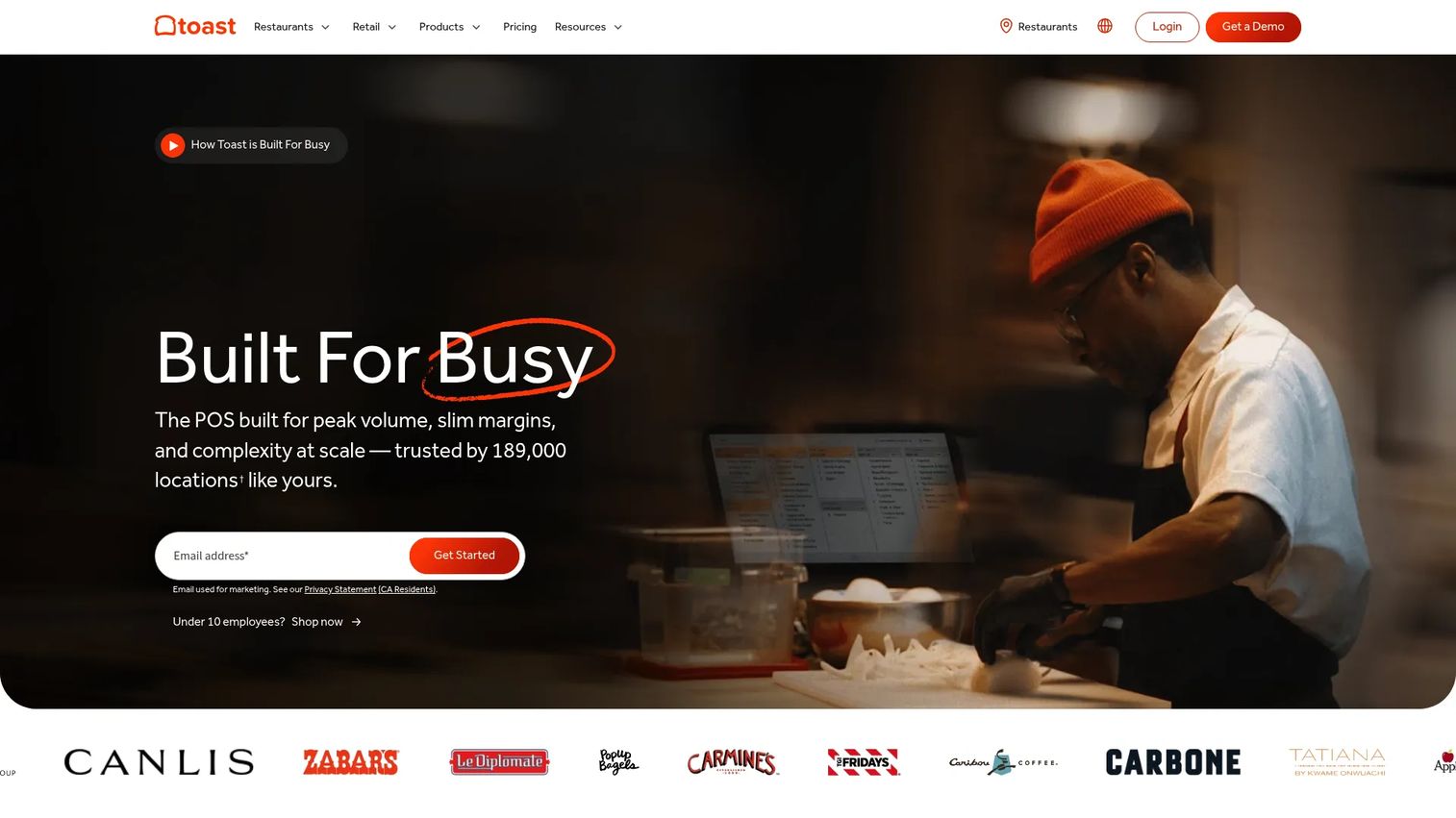
Toast POS connects restaurant payments with ordering, delivery, digital menus, and workforce management. Its restaurant-first design keeps payment data attached to the service workflow.
Operational tools include inventory, reporting, loyalty, and gift cards. Payroll and scheduling options extend the system beyond checkout for teams seeking fewer disconnected applications.
Best for: Restaurants, bars, cafés, food trucks, and multi-location restaurant groups.
Key features
- Restaurant point of sale
- Online ordering
- Digital menus
- Inventory reporting
- Payroll and scheduling
Why choose Toast POS: Toast suits restaurants that need mobile payments tied to orders and staff operations. General retailers will find much of its restaurant functionality irrelevant.
Toast POS pricing: Starter Kit starts at $0 monthly. Point of Sale starts at $69 monthly, while Build Your Own uses custom pricing.
Hardware and payment processing add to the software cost. Extra devices and optional services can also increase the total.
G2 rating: 4.2/5.
6. PayPal POS
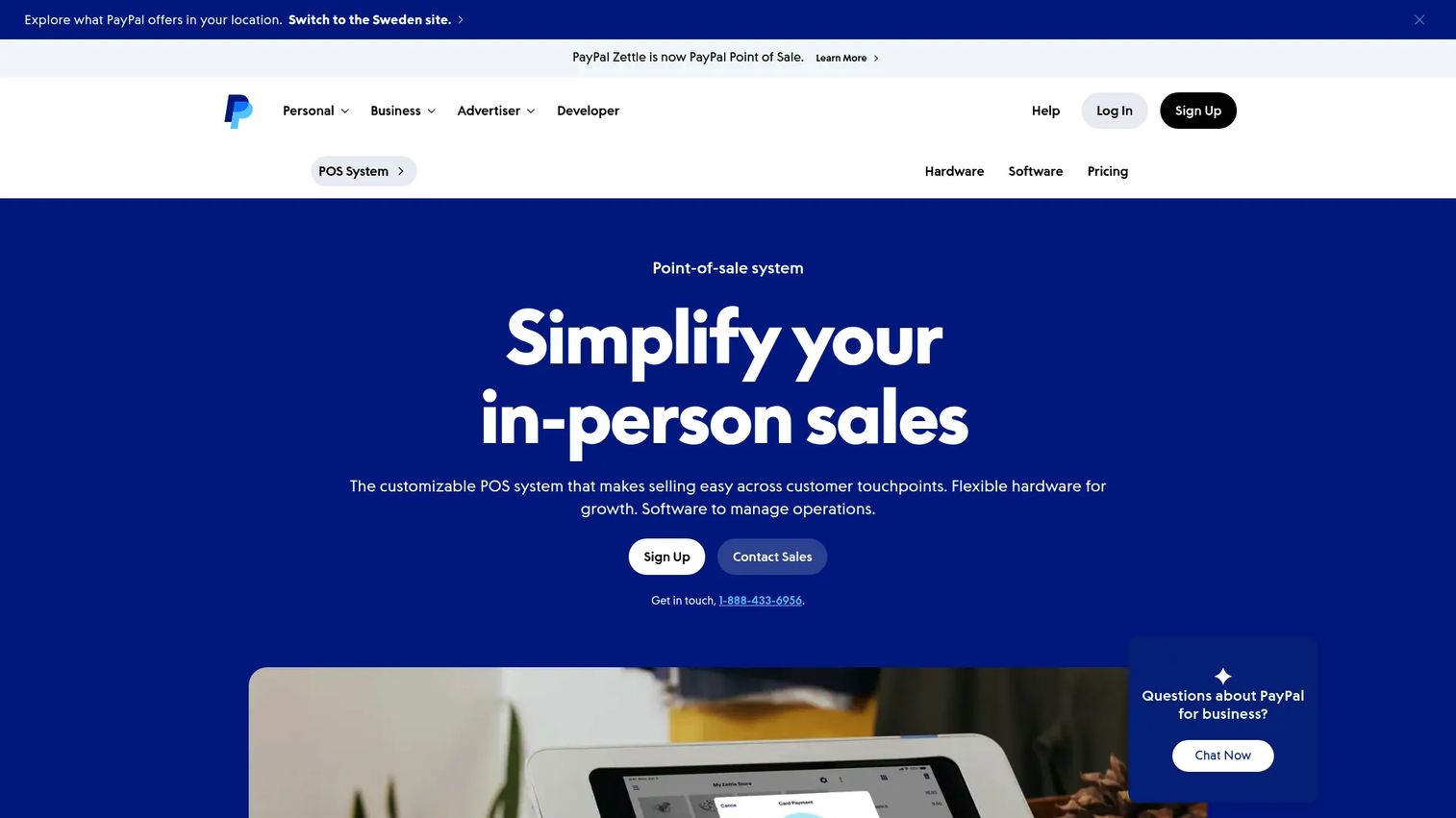
PayPal POS accepts cards, contactless payments, mobile wallets, and PayPal or Venmo QR codes. Its app adds inventory, discounts, staff accounts, and sales reporting.
Tap to Pay supports mobile phone credit card processing without extra hardware on compatible devices. The platform also connects with accounting and commerce applications.
Best for: Freelancers and small teams already using PayPal for customer payments.
Key features
- Free POS app
- PayPal card reader
- Tap to Pay
- Venmo QR payments
- Inventory tracking
Why choose PayPal POS: Choose it when familiar payment methods and low fixed software cost matter. Growing retailers should test whether its reporting depth supports their operating model.
PayPal POS pricing: The POS app has no monthly fee. The first reader costs $29, while additional readers cost $79 each.
Card-present and QR transactions cost 2.29% plus 9 cents. Manually entered cards cost 3.49% plus 9 cents.
G2 rating: 4.4/5.
7. Cake
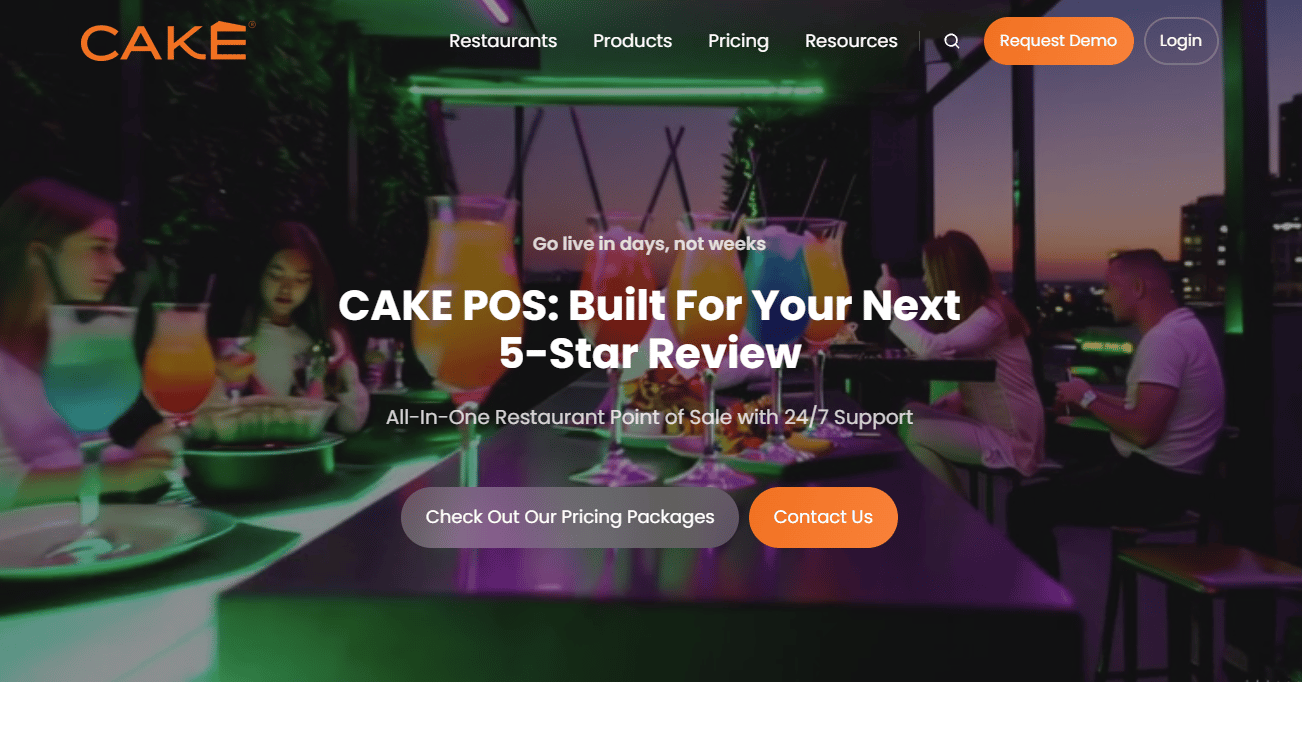
Cake is a restaurant POS and operations platform with integrated payments, ordering, reporting, and guest management. Its scope includes front-of-house tools alongside back-office administration.
Available capabilities include online ordering, a kitchen display system, staff timesheets, and loyalty. That mix positions Cake as an operating platform rather than a standalone portable credit card reader.
Best for: Restaurants seeking payments connected to guest and floor operations.
Key features
- Restaurant POS
- Online ordering
- Kitchen display system
- Guest management
- Payment processing
Why choose Cake: Cake belongs on the shortlist when restaurant operations drive the payment decision. Non-restaurant merchants have little reason to adopt its specialized workflow.
Cake pricing: Core, Growth, and Scale use custom pricing. Cake states $0 down and folds POS costs into payment processing.
Request the hardware cost, monthly charge, card-present rate, contract term, and keyed fee before comparing offers.
8. Epos Now
Epos Now provides cloud POS and payments for retail and hospitality businesses. The system combines checkout with inventory tracking, reporting, and multichannel sales tools.
Its app integrations include commerce, accounting, and delivery platforms. This makes Epos Now relevant when the mobile reader must feed a larger retail or hospitality workflow.
Best for: Retail and hospitality teams that want POS software bundled with payment hardware.
Key features
- Integrated payment processing
- Inventory tracking
- Retail POS tools
- Hospitality workflows
- Reporting dashboard
Why choose Epos Now: Consider it when you need a broader POS bundle rather than phone-only acceptance. Compare support, contract terms, and hardware ownership before signing.
Epos Now pricing: Complete US hardware bundles start at $349. Plus Monthly costs $99 recurring, while Basic Upfront carries a $129 recurring charge.
Payment processing costs 2.6% plus 10 cents per card transaction.
9. Lightspeed
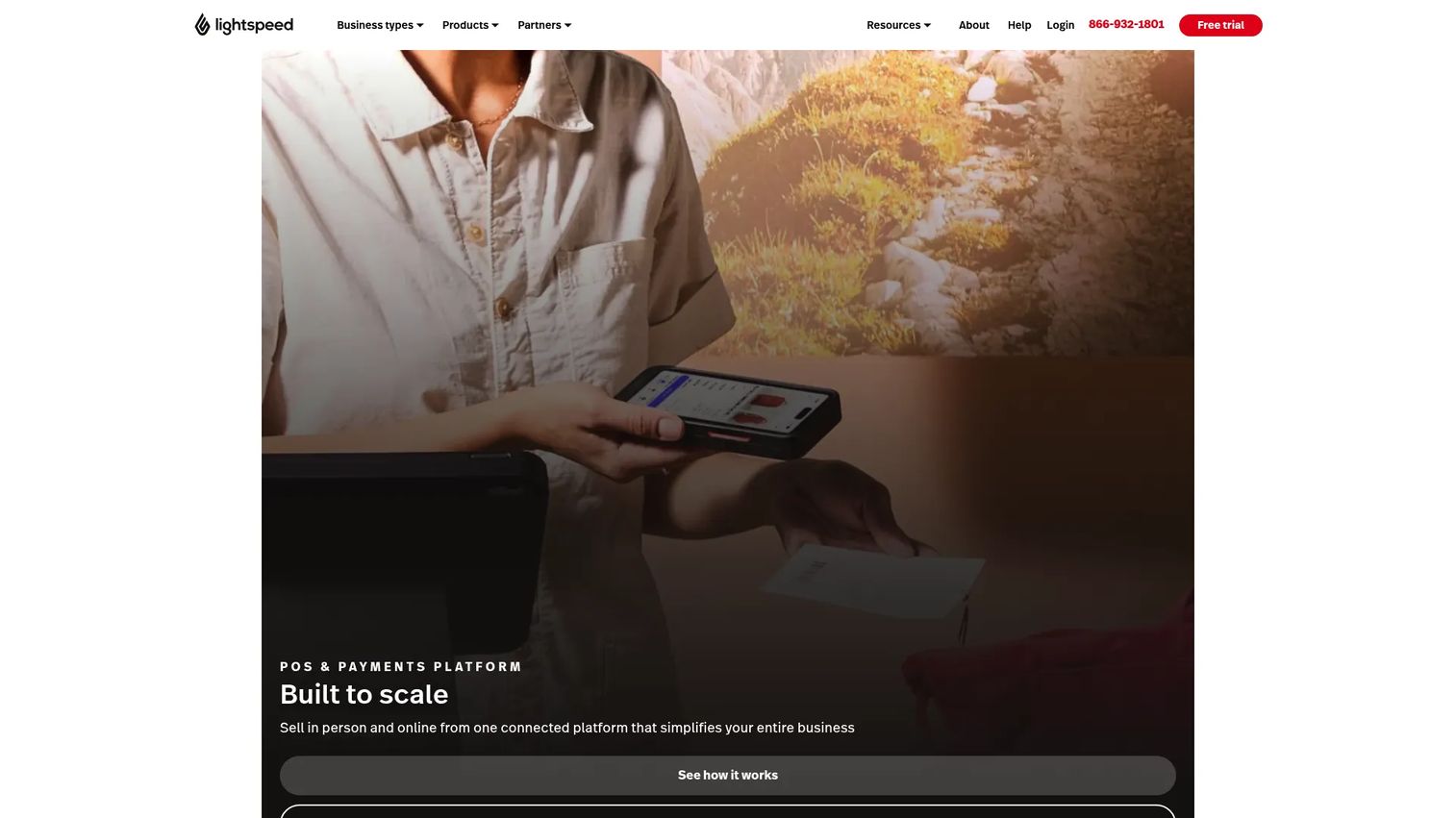
Lightspeed combines POS, integrated payments, inventory, and multichannel commerce. Its retail plans target operators who need more catalog control than a basic mobile reader provides.
Reporting and business insights support multi-location oversight. The platform also serves restaurants and golf businesses through separate product configurations.
Best for: Inventory-heavy retailers that need mobile checkout and detailed stock management.
Key features
- Integrated POS payments
- Inventory management
- Multichannel commerce
- Business analytics
- Retail reporting
Why choose Lightspeed: Lightspeed earns consideration when inventory accuracy matters as much as payment acceptance. Smaller sellers may find the operational scope greater than their current requirements.
Lightspeed pricing: Restaurant Starter costs $69 monthly. Retail Basic costs $89, Core costs $149, and Plus costs $289 monthly.
Restaurant Essential costs $189 monthly. Restaurant Premium costs $399 monthly.
G2 rating: 4.4/5 for Lightspeed overall.
10. SpotOn
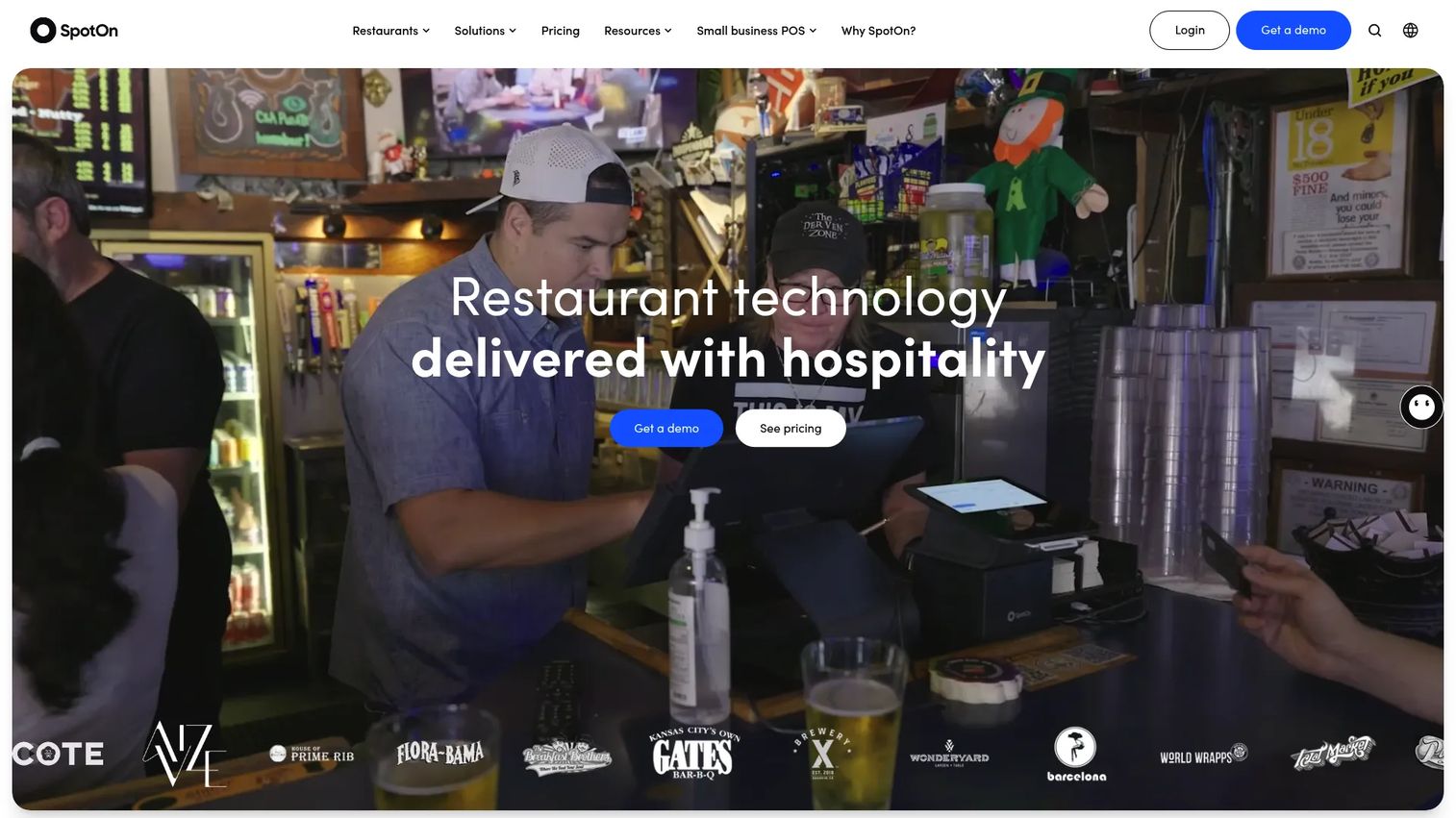
SpotOn combines restaurant POS and payment processing with ordering, labor management, and marketing. Its tools also cover table layouts, menus, loyalty, and multi-location operations.
Offline mode gives restaurant teams an exception path during connectivity problems. Reporting and workforce capabilities help consolidate more daily operations around the payment system.
Best for: Restaurants seeking payments, ordering, workforce tools, and reporting from the same provider.
Key features
- Restaurant point of sale
- Offline mode
- Online ordering
- Menu management
- Multi-location reporting
Why choose SpotOn: SpotOn fits restaurants that want more operational support than a simple card reader. Compare implementation and hardware costs against the software plan before committing.
SpotOn pricing: The All-In plan starts at $0 per station monthly. POS Essentials costs $55 per station monthly.
Build Your Own uses custom pricing. Hardware and implementation charges may apply.
G2 rating: 4.4/5.
11. Korona POS
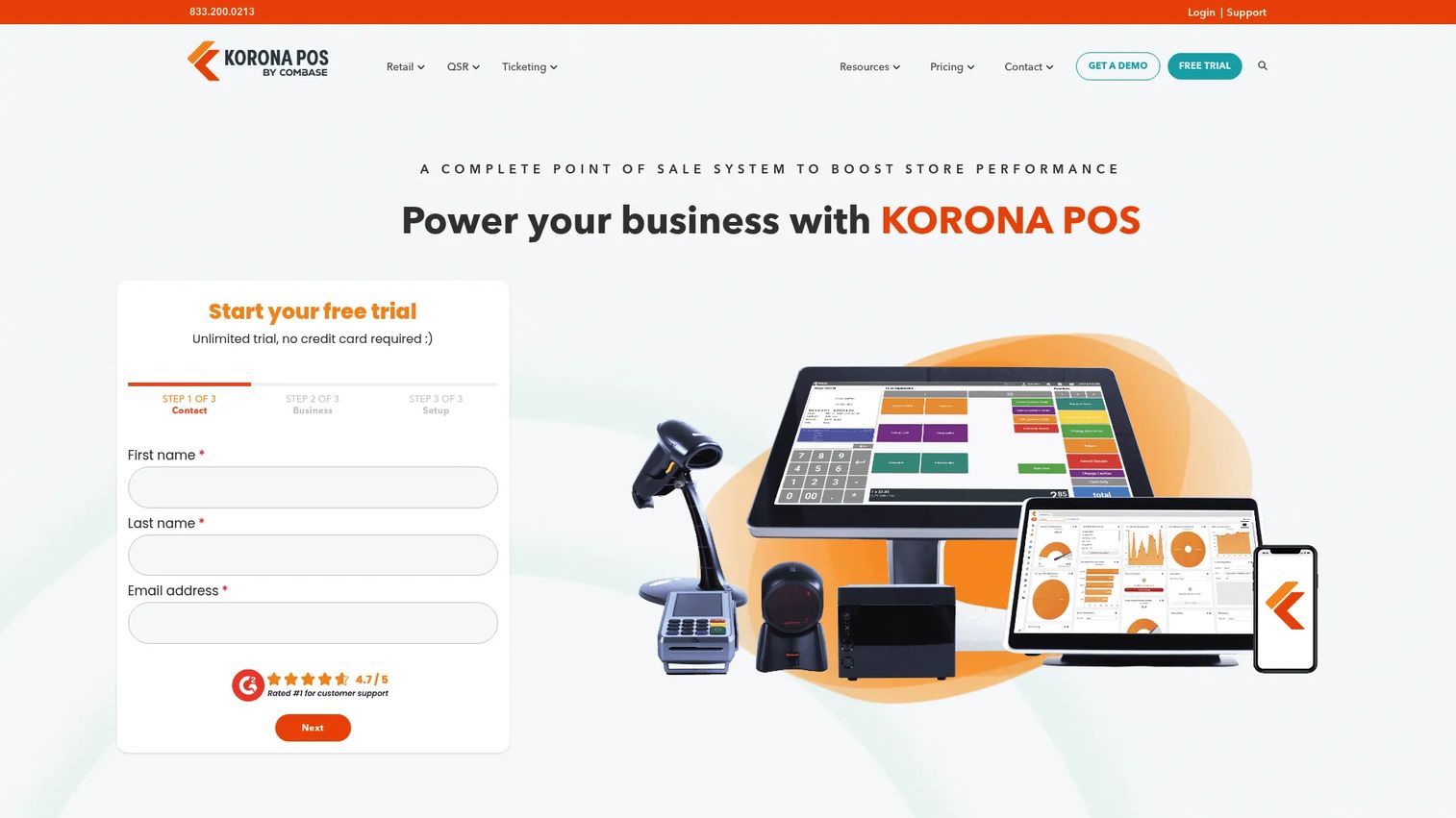
Korona POS serves retail, quick-service, ticketing, and multi-location businesses. It combines checkout with inventory control, customer management, and detailed sales reporting.
The platform is processor-agnostic and provides open API access. That flexibility helps established operators retain more control over hardware and payment-provider decisions.
Best for: Specialty retailers and multi-location operators needing configurable POS operations.
Key features
- Retail POS software
- Inventory controls
- Multi-location reporting
- Open API access
- Processor-agnostic payments
Why choose Korona POS: Korona makes sense when payment acceptance must fit a configurable retail system. A solo seller seeking only Tap to Pay will have more software than necessary.
Korona POS pricing: Core costs $59 per terminal monthly. Retail costs $79, while Plus costs $99 per terminal monthly.
An unlimited trial is available. Payment processing and hardware costs depend on the selected setup.
12. Shift4 Dine
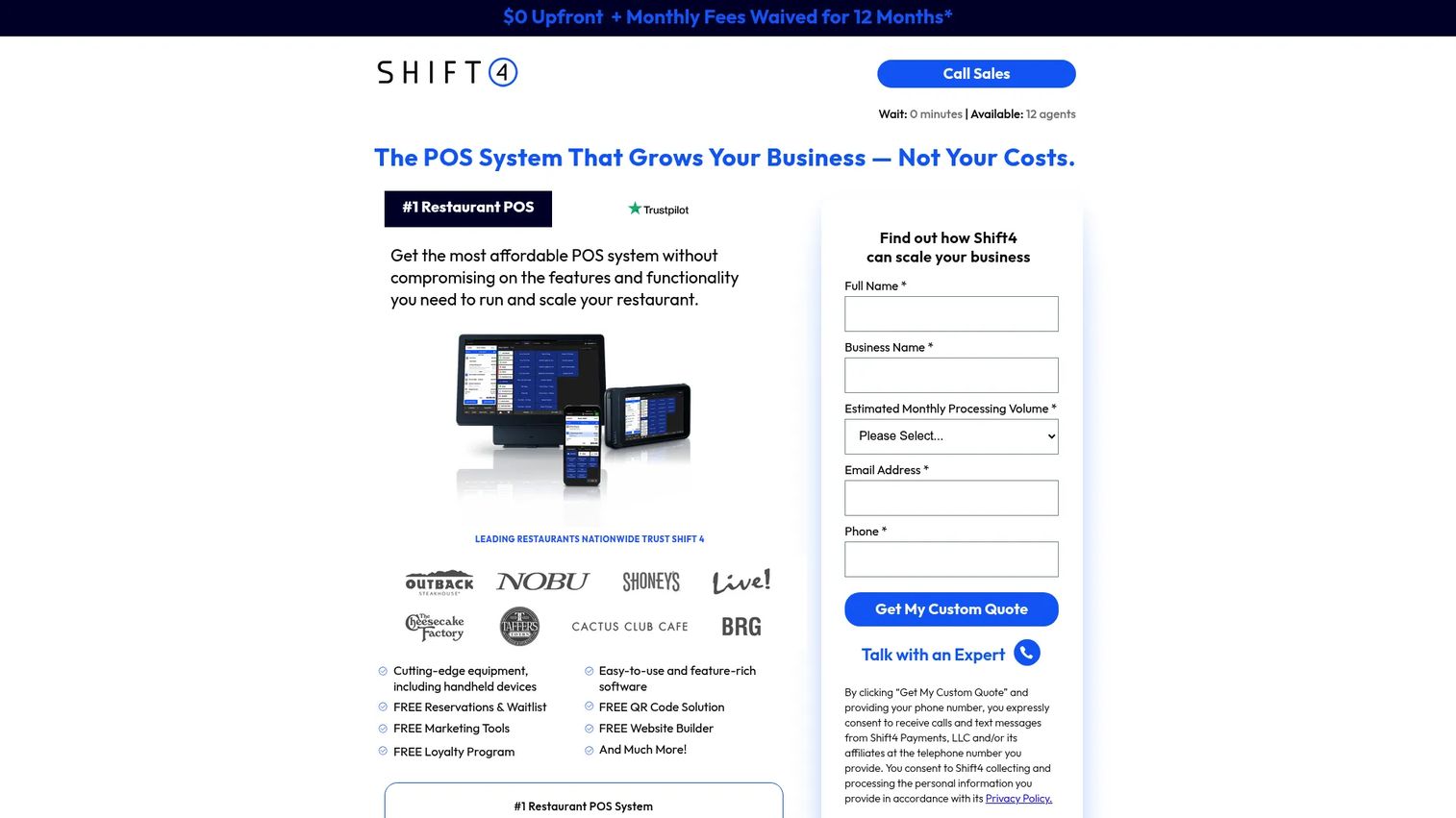
Shift4 Dine is a restaurant POS platform covering ordering, payments, staff operations, and guest engagement. Its tools include reservations, waitlist management, loyalty, and QR ordering.
Restaurant functions also cover floor plans, split checks, tableside ordering, and kitchen display support. Payment processing sits inside the wider hospitality relationship.
Best for: Restaurants evaluating payment processing as part of a larger hospitality POS rollout.
Key features
- Hospitality POS
- Tableside ordering
- Online ordering
- Kitchen display support
- Payment processing
Why choose Shift4 Dine: Consider it when restaurant operations and payment hardware need one commercial agreement. Review processing commitments and promotion conditions before calculating payback.
Shift4 Dine pricing: A current promotion offers $0 upfront and waives monthly fees for 12 months for qualifying merchants. It covers up to four devices.
Standard software and processing costs use custom pricing. Request all recurring charges and contract conditions in writing.
13. Stax
Stax uses subscription pricing tied to annual processing volume. The platform supports in-person payments, invoices, recurring billing, ACH, and hosted payment pages.
Its dashboard includes analytics and data exports. Stax also supports embedded payments for software platforms, making it relevant to founders evaluating payment infrastructure beyond a countertop POS.
Best for: Established merchants whose processing volume can justify a monthly subscription.
Key features
- Subscription pricing
- Mobile payments
- Virtual terminal
- Recurring billing
- Dashboard analytics
Why choose Stax: Model the payback before signing. The subscription can work for steady volume, while low-volume sellers may spend more than a flat-rate provider charges.
Stax pricing: Plans start at $99 monthly for up to $150,000 in annual processing. The next tier costs $139 monthly.
Businesses processing above $250,000 annually pay $199 or more monthly. Card-present transactions add 8 cents, while card-not-present transactions add 15 cents.
G2 rating: 4.9/5.
14. Payment Depot
Payment Depot supports in-person, online, mobile, invoicing, and ACH payments. Its reporting tools cover analytics, reconciliation, and payment data.
The current pricing model uses interchange-plus processing with a stated 0% markup on interchange. Mobile tools and hosted payment pages extend acceptance beyond a fixed terminal.
Best for: Established merchants prioritizing processing economics across several payment channels.
Key features
- Interchange-plus pricing
- Mobile payments
- Hosted payment pages
- Recurring billing
- Payment reconciliation
Why choose Payment Depot: Payment Depot fits merchants focused on payment cost rather than a broad POS operating system. Model monthly volume before comparing it with flat-rate services.
Payment Depot pricing: Variable processing rates start between 0.2% and 1.95%. Card-present transactions add 8 cents, while card-not-present transactions add 15 cents.
ACH costs 1% per transaction, capped at $10. Terminal protection costs an optional $19 monthly.
G2 rating: 4.5/5.
Considerations when choosing mobile credit card processing
Model total cost, not just the swipe fee
Combine card-present rates with keyed fees, monthly software, hardware, chargebacks, and funding charges. Add contract minimums where they apply.
A small rate difference matters once monthly processing reaches $50,000. Compare costs using your card mix rather than a vendor’s best advertised rate.
Match hardware to the job
Tap to Pay works for low-hardware deployments. Pocket readers suit field teams, while handheld terminals support restaurants and higher-volume workflows.
A trade show booth has different needs from a restaurant patio. Test battery life, connectivity, receipt handling, and staff speed in context.
Treat offline mode as an exception path
Ask how long transactions can remain offline and which payment methods qualify. Find out what happens when later authorization fails.
Managers should set limits where the provider supports them. Staff also need a defined reconnection process after every outage.
Check settlement speed against cash-flow needs
Compare standard settlement with next-day funding, same-day funding, and instant transfers. Faster access may carry an extra fee.
Inventory purchases and payroll can make payout timing material. Review reserve terms if your business has irregular or event-driven volume.
Verify integrations before committing
Map the payment workflow into accounting, inventory, e-commerce, payroll, delivery, reservations, CRM, and reporting. Confirm the exact data each connection sends.
Integration logo counts reveal little. Test whether refunds, taxes, tips, and settlements reconcile correctly inside your existing stack.
Conclusion
Start with your operating model.
Square POS provides a broad starting point for general mobile payment acceptance. Helcim offers clearer interchange-plus economics for growing merchants.
Shopify fits online-first businesses adding physical commerce. Restaurants should compare Toast POS and Shift4 Dine against their existing kitchen and service workflows.
Higher-volume merchants should model Stax and Payment Depot using their current card mix. The monthly subscription or transaction structure must produce measurable savings.
Shortlist three providers. Then compare card-present rates, keyed fees, exact hardware costs, and contract terms.
Run a one-month cost model using your transaction history. Include refunds, chargebacks, and any faster-funding fees.
Finally, test the system before the first event or location rollout. The winning provider should work without founder involvement and produce clean financial data from week one.
FAQs
Mobile credit card processing lets a business accept payments through a smartphone, tablet, reader, or handheld terminal. It covers in-person cards, keyed transactions, invoices, and supported digital wallets.
The phone or tablet usually runs a payment app. A connected reader may handle tapped, dipped, or swiped cards.
Yes, supported providers offer Tap to Pay on compatible phones. This lets the phone accept eligible contactless cards and digital wallets without separate reader hardware.
Support varies by provider, phone model, operating system, card network, and country. Check both Tap to Pay on iPhone and Tap to Pay on Android compatibility.
The cheapest option depends on volume, average ticket size, card mix, and hardware requirements. Your share of keyed transactions also changes the result.
Flat-rate pricing can suit lower volumes. Interchange-plus or subscription pricing may cost less once transaction volume becomes consistent.
Some mobile credit card readers support offline payment processing under defined conditions. The transaction is stored and submitted after the device reconnects.
Authorization may happen later, which creates a risk of declined payment. Review offline limits and reconnection deadlines before relying on this feature.
Tap to Pay offers quick setup and removes the upfront reader cost. It works well for occasional selling and lightweight field deployments.
A dedicated reader or handheld can suit higher volume and shared staff workflows. Physical hardware may also provide stronger receipt and device-management options.
Compare card-present fees with keyed and online transaction rates. Then add software subscriptions, hardware, chargebacks, instant funding, and optional modules.
Review contract terms and minimum processing requirements too. A low advertised swipe rate may exclude several material costs.
Restaurants should prioritize handheld payments, tip handling, table management, menu updates, offline rules, and kitchen workflows. Payment acceptance must stay connected to service operations.
Toast POS, Cake, SpotOn, and Shift4 Dine all target restaurant use cases. Compare their hardware terms and processing agreements against your service model.
Shopify is a strong option when online and in-person sales need one catalog and inventory record. Its POS extends the same commerce platform into physical checkout.
Square POS can fit lighter hybrid commerce operations. PayPal POS also suits businesses already using PayPal across online payment workflows.