Your reps are sending LinkedIn messages. Prospects are ignoring most of them. The ones who do reply often fall through the cracks because there is no clean handoff to the CRM, no context for the AE, and no way for the manager to know which message actually worked.
According to the HubSpot State of Sales report (2025), 42% of sales professionals say social media delivers the highest cold-outreach response rate, beating email at 26% and phone at 23%. LinkedIn is where B2B attention is concentrated. The problem is not the channel. The problem is execution: Volume without personalization, automation without account safety, and outreach activity that never reaches the CRM.
The right LinkedIn outreach tool helps your team scale touches without creating new problems. The wrong one gets your account flagged, corrupts your pipeline data, or adds another tab that nobody trusts by week three.
This guide cuts through 17 tools so you can find the right fit for your motion.
What's inside
This guide compares 17 LinkedIn outreach tools evaluated for sales teams, agencies, and growth operators.
- Who it is for: SDRs, AEs, RevOps, agencies, and sales leaders
- How tools were chosen: Relevance to LinkedIn prospecting, CRM fit, automation depth, team workflows, and account safety posture
- What we compare: Best use case, key differentiator, verified pricing, and G2 rating
- What to watch: Account safety controls, per-seat pricing at team scale, data quality, and CRM handoff quality
Pricing and ratings were verified against each vendor's live pricing page and G2 listing.
TL;DR
- Best for LinkedIn-native prospecting: LinkedIn Sales Navigator gives reps the cleanest starting point for account and lead discovery before any outreach tool enters the picture
- Best for agency-scale sender management: HeyReach handles multi-account workflows and centralized reply management better than most LinkedIn-only tools
- Best for LinkedIn plus email sequences: Expandi or Dripify, depending on whether you prioritize campaign safety controls or step-level analytics
- Best for lightweight LinkedIn automation: Dux-Soup or Octopus CRM work well for smaller teams testing automated outreach without a heavy buildout
- Best for CRM-centered teams: HubSpot keeps outreach activity tied to contact and deal records, which matters most when AE handoffs and forecast accuracy are priorities
- Best for enrichment before outreach: Clay improves list quality before sequences start, which is often where campaign performance is actually won or lost
What is LinkedIn outreach software?
LinkedIn outreach software helps sales teams find prospects, send personalized LinkedIn touches, manage replies, and track campaign performance across LinkedIn and connected sales workflows.
The category spans several tool types with different strengths:
- LinkedIn prospecting and search tools: Find and filter leads and accounts by role, company, intent, and relationship
- LinkedIn automation tools: Automate connection requests, profile views, messages, and follow-up sequences
- Multichannel sequence platforms: Coordinate LinkedIn steps alongside email, calls, and other touches
- CRM and sales engagement platforms: Keep outreach activity tied to contact records and deal pipelines
- Data enrichment tools: Clean and enrich lead lists before sequences begin
- Agency and multi-account management tools: Run outreach across many sender profiles with centralized inbox and reporting
Key features to look for
- Lead sourcing: Search, filters, imports, and list building from LinkedIn or external sources
- Connection automation: Connection requests, profile views, follows, and message sends
- LinkedIn sequence builder: Conditional flows across LinkedIn steps and email
- Personalization: Variables, snippets, AI assistance, and media insertion
- Unified inbox: Reply management across senders and campaigns
- Analytics: Step-level reply rates and campaign conversion data
- CRM sync: Contact, company, activity, and deal record updates
- Team controls: Seats, permissions, sender limits, and workspaces
- Account safety: Daily limits, warm-up, throttling, and compliance controls
The best tool depends on the workflow. A solo founder needs something different from an agency running 50 sender profiles, and a RevOps team has different requirements from an SDR looking to book more meetings.
When to use LinkedIn outreach tools
Scale repetitive prospecting without losing rep time
LinkedIn outreach tools help reps automate profile views, connection requests, and follow-up messages without spending hours on manual work. The goal is not blind volume. It is consistent outreach that still gives reps time for research, calls, and actual deal work. Tools that handle the mechanical repetition free up reps for the moments that require judgment.
Coordinate SDR, AE, and RevOps handoffs
SDRs need clean sequences. AEs need context before discovery. RevOps needs activity data in the CRM. The right tool reduces handoff friction instead of creating another place where context gets stuck. Look for tools that sync replies and sequence history to CRM records so AEs inherit the full picture, not a name and a LinkedIn profile.
Test messaging across LinkedIn and email
Teams use LinkedIn outreach tools to test hooks, personas, verticals, and follow-up timing across campaigns. LinkedIn plus email workflows can produce strong results when teams respect consent, list quality, and platform limits. Step-level analytics let managers see which touchpoints create replies and adjust messaging without waiting for a full campaign cycle to close.
LinkedIn outreach tools comparison
The table below gives you a quick scan of all 17 tools. Use it to narrow your shortlist, then read the full entry for the tools that fit your use case.
| # | Product | Best for | Key differentiator | Pricing | G2 rating |
|---|---|---|---|---|---|
| 1 | LinkedIn Sales Navigator | LinkedIn-native prospecting | Advanced search, Account IQ, intent signals | From $119.99/mo/license | 4.4/5 |
| 2 | HeyReach | Agency-scale multi-account outreach | Sender rotation with centralized inbox | From $79/seat/mo | 4.6/5 |
| 3 | Expandi | LinkedIn and email automation with safety | Country-based IP, warm-up, agency workspaces | $99/mo (one plan) | 4.3/5 |
| 4 | Dripify | Drip campaigns with step analytics | Step-level performance reporting | From $79/user/mo | 4.5/5 |
| 5 | Dux-Soup | Lightweight individual LinkedIn automation | Browser-based, free starter tier available | From $14.99/mo | 4.4/5 |
| 6 | Octopus CRM | Simple LinkedIn automation for small teams | Campaign funnel with activity safety alerts | From $6.99/mo (annual) | 4.3/5 |
| 7 | Waalaxy | LinkedIn and email with guided setup | Multichannel with 14-day trial | From €19/user/mo | 4.5/5 |
| 8 | MeetAlfred | Multichannel LinkedIn, email, and X outreach | Multi-channel sequences with LinkedIn CRM | From $29/user/mo (annual) | 4.3/5 |
| 9 | LinkedHelper | Desktop automation with granular action control | Built-in CRM, AI messaging, proxy support | From $8.25/mo | 4.5/5 |
| 10 | Zopto | B2B outbound across LinkedIn, email, calling | Live dashboards and reply intelligence (via Zeekeo) | From $149/seat/mo | 4.5/5 |
| 11 | We-Connect | LinkedIn plus email with intent monitoring | AI agent nodes, LinkedIn Watchlist, visual workflow | From $49/seat/mo (annual) | 4.6/5 |
| 12 | Skylead | Smart sequences with image personalization | Conditional branching plus unlimited email | $100/seat/mo | 4.5/5 |
| 13 | Lemlist | Personalized multichannel outbound | AI-powered lead research, deliverability hub | From $55/mo (annual) | 4.6/5 |
| 14 | SalesRobot | LinkedIn and cold email with AI personalization | AI Appointment Setter, Smart Reply Detection | From $39/LinkedIn acc/mo (annual) | 4.8/5 |
| 15 | Salesflow | LinkedIn and email outreach for sales teams | Unified inbox with reminders and snooze | From $99/seat/mo | 4.3/5 |
| 16 | HubSpot | CRM-centered sales engagement | Outreach tied to deals, sequences, and reporting | Free tier available; paid from $7/seat/mo | 4.4/5 |
| 17 | Clay | Data enrichment before outreach | 150+ enrichment providers, waterfall logic | Free tier; paid from $185/mo | 4.6/5 |
Best 17 LinkedIn outreach tools for 2026
1. LinkedIn Sales Navigator
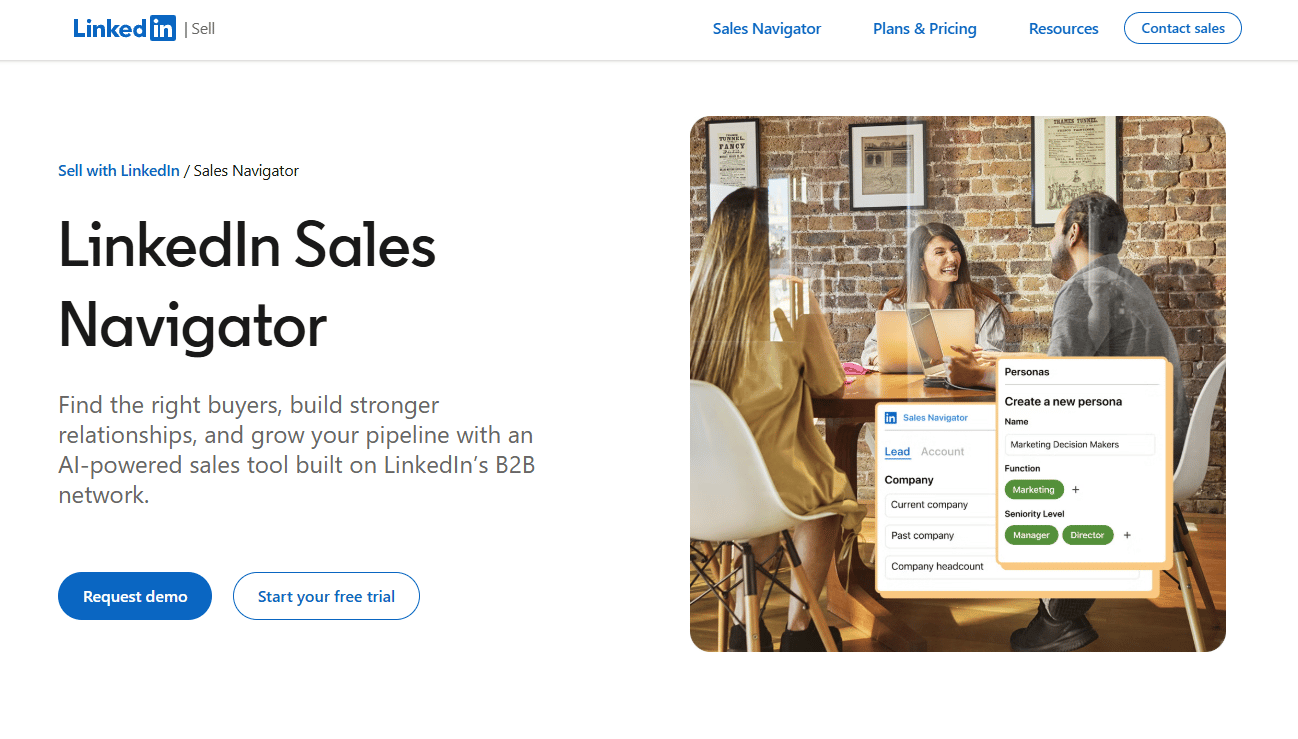
LinkedIn Sales Navigator is LinkedIn's native prospecting platform for B2B sales teams. It sits at the top of the outreach stack because it is where most high-quality lead lists start. Sales Navigator is not a full automation tool. It is the intelligence layer that makes every downstream campaign more precise.
Best for: Sales teams that need accurate LinkedIn search and account targeting before moving prospects into any outreach sequence.
Key features
- Advanced lead and account filters by role, seniority, company size, and growth signals
- Account IQ and Lead IQ for buyer research and relationship mapping
- 50 monthly InMail credits per user on Core and Advanced plans
- Buyer intent signals and saved-search alerts for account changes
- CRM sync on Advanced Plus for embedded contact and activity workflows
Why choose LinkedIn Sales Navigator: Choose it when prospecting quality is the constraint, not outreach volume. It helps SDRs build tighter lists so every connection request starts with the right person.
LinkedIn Sales Navigator pricing: Core starts at $119.99/month per license (or $1,079.88/year per license); Advanced is $159.99/month per license (or $1,799.88/year per license). Advanced Plus uses custom pricing with CRM integration features. No free tier is available.
G2 rating: 4.4/5
2. HeyReach
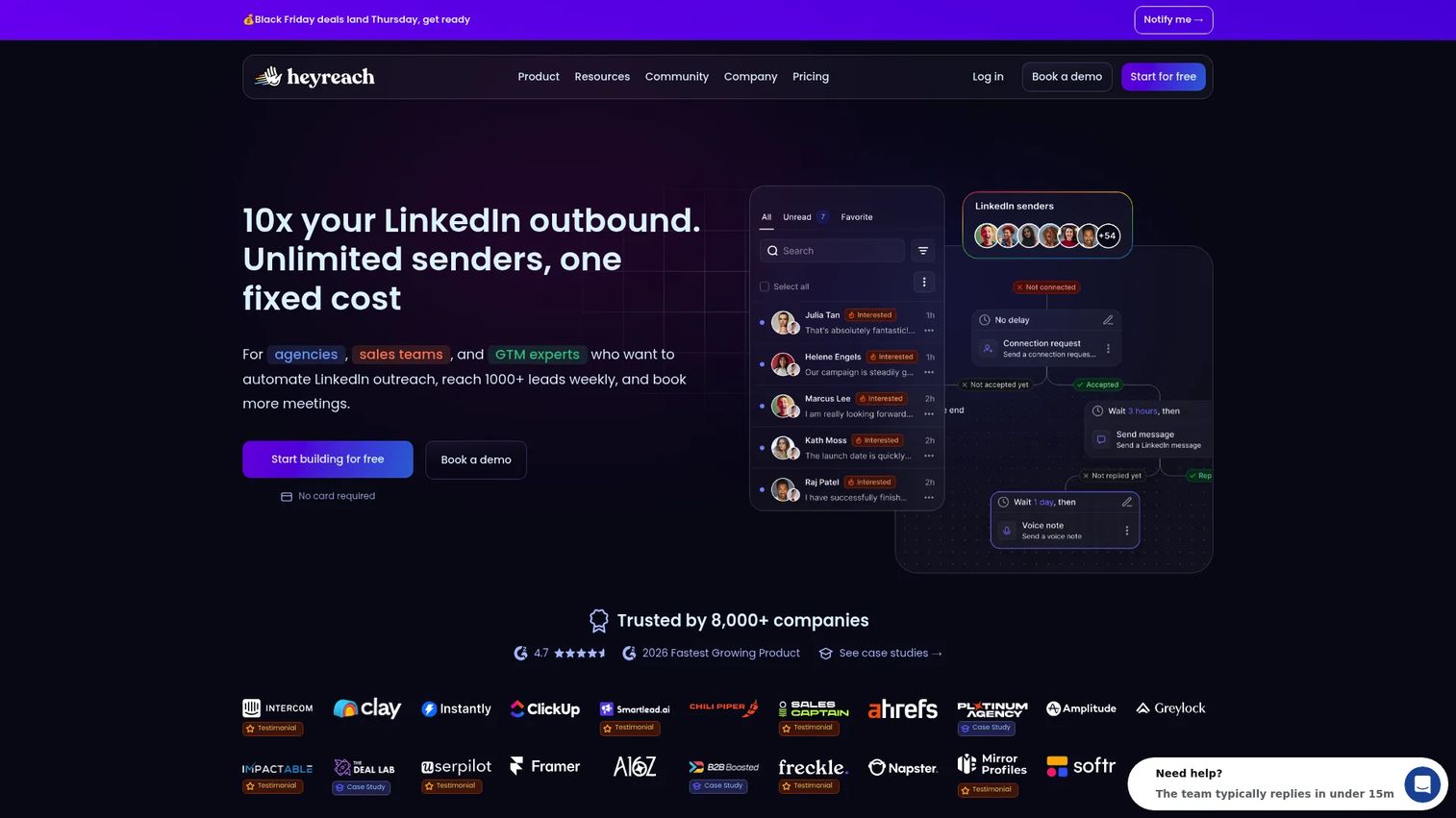
HeyReach is a LinkedIn outreach automation platform built specifically for agencies, outbound teams, and growth operators running outreach across multiple sender accounts. Its core design is around rotating LinkedIn senders while keeping all replies in one centralized inbox. Import leads from Sales Navigator, CSV, or CRM and distribute across your sender pool without losing conversation context.
Best for: Agencies and sales teams scaling personalized LinkedIn outreach across many LinkedIn accounts simultaneously.
Key features
- Sender rotation across multiple LinkedIn accounts per campaign
- Unified inbox for managing all LinkedIn replies in one view
- Multi-account workspaces with team permissions and role controls
- CRM imports, webhooks, API, and MCP server for workflow automation
- Enrichment credits for verified email discovery alongside LinkedIn outreach
Why choose HeyReach: Choose it when managing many senders is the main bottleneck. It fits agencies handling multiple clients and outbound teams where each rep runs their own LinkedIn account but management needs a single view of replies and performance.
HeyReach pricing: Growth starts at $79/seat/month. The Agency plan is $999/month for 25 senders. Unlimited is $2,999/month for up to 300 senders. A 14-day free trial requires no credit card.
G2 rating: 4.6/5
3. Expandi
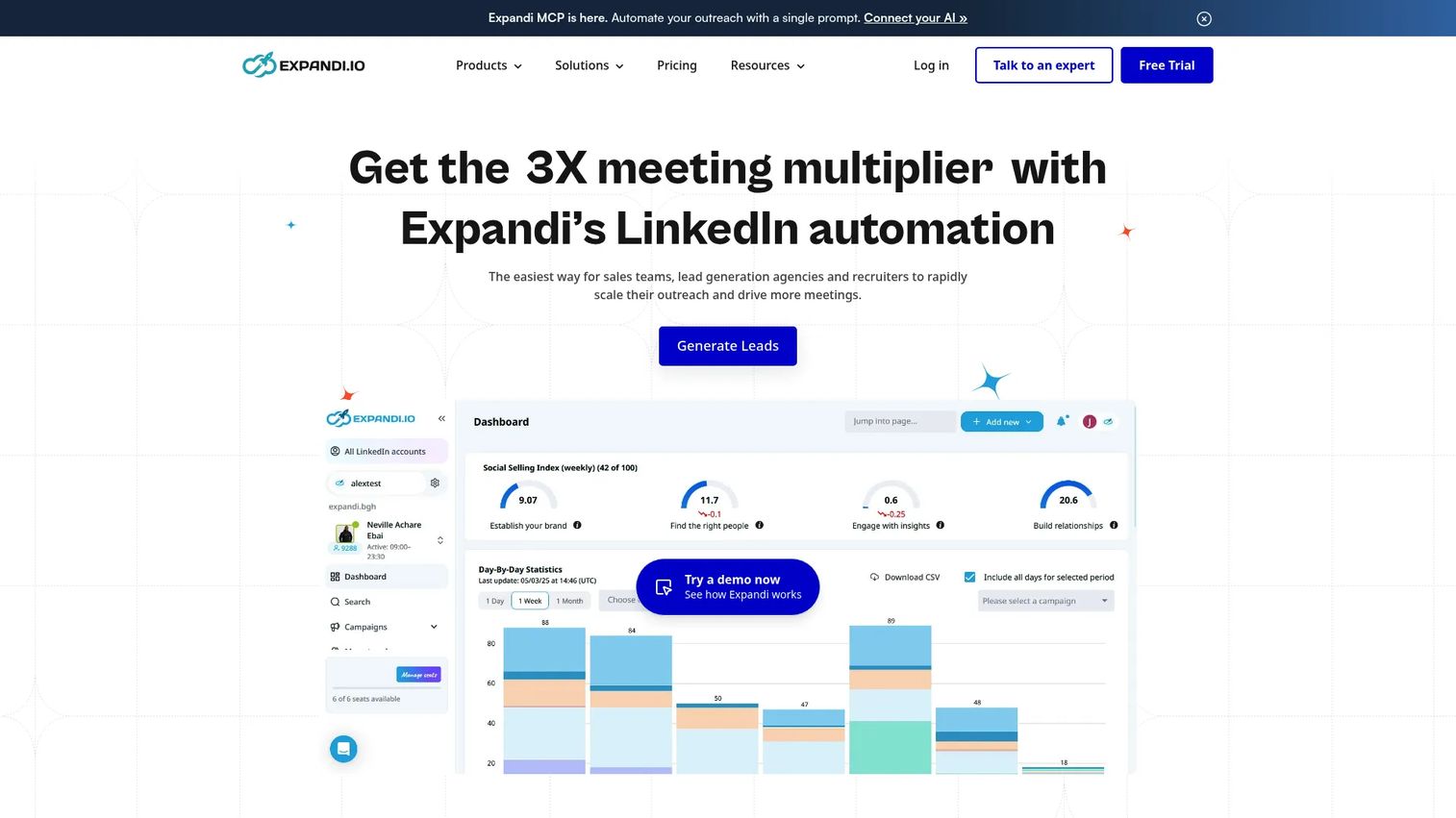
Expandi is a cloud-based LinkedIn automation platform with a focus on campaign safety alongside outreach capability. It runs entirely in the cloud with dedicated country-based IP addresses and a profile warm-up process, which reduces the risk of LinkedIn flagging automated behavior. Teams use it for LinkedIn connection requests, Open InMail, automated post likes, skill endorsements, and LinkedIn plus email sequences.
Best for: Sales teams and agencies running automated LinkedIn outreach that need campaign logic and account safety controls in one platform.
Key features
- Smart sequences with LinkedIn and email steps in one campaign flow
- Dedicated country-based IP addresses and LinkedIn account warm-up
- A/B testing for connection message variants and follow-up copy
- Agency workspaces for managing multiple clients or LinkedIn accounts
- Webhooks, Zapier integration, and API for workflow connections
Why choose Expandi: Choose it when campaign logic and account safety matter more than a low entry price. Teams running high-volume outreach with multiple message variants get more control from Expandi than simpler browser-extension tools.
Expandi pricing: One Business plan at $99/month. Annual billing saves 20%. A 7-day free trial is available.
G2 rating: 4.3/5
4. Dripify
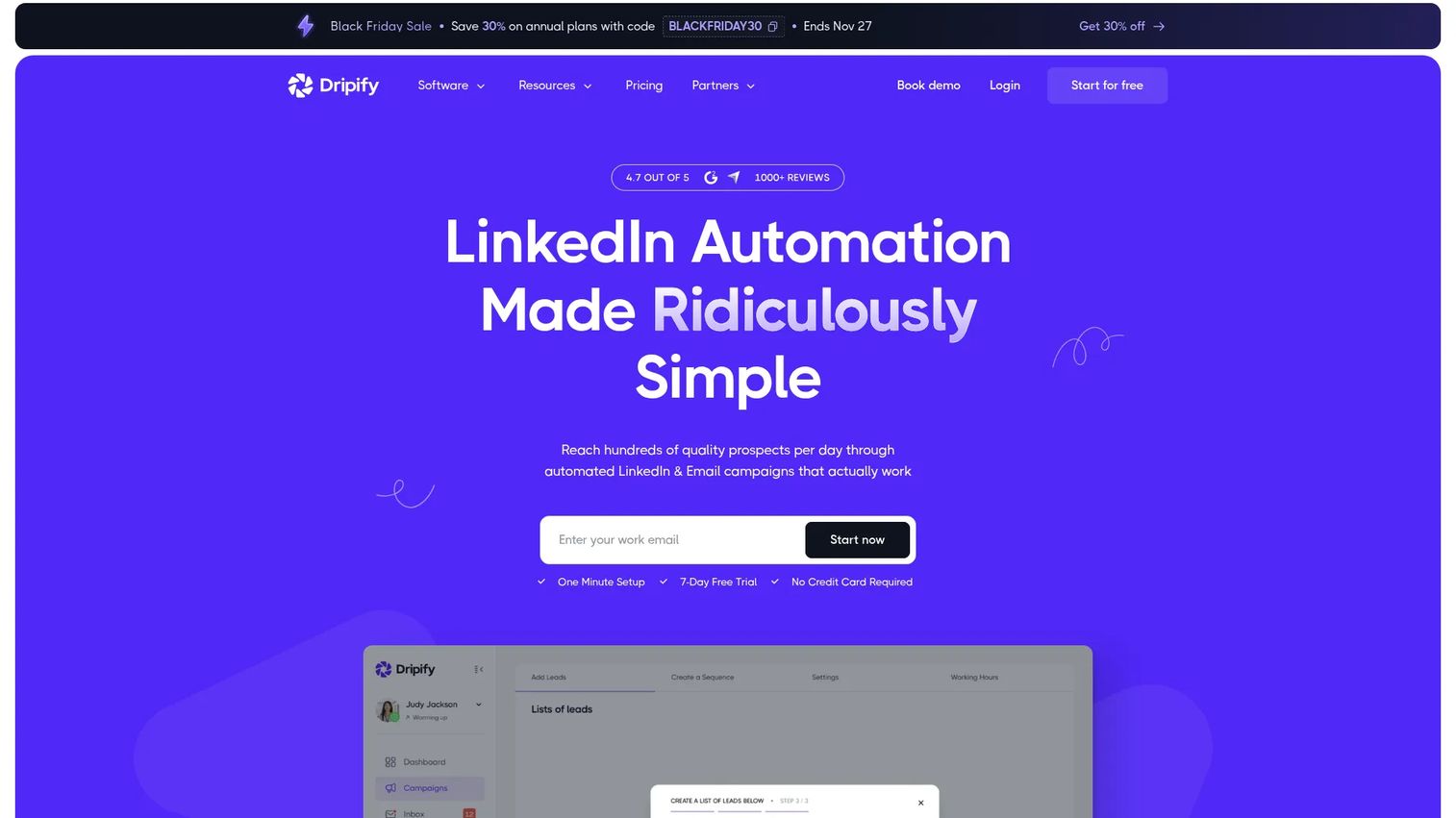
Dripify is a LinkedIn and email automation platform built around structured drip campaigns and step-level performance reporting. Sales managers who want to coach from data, not intuition, find Dripify's analytics particularly useful. The platform supports lead enrichment and email finding alongside LinkedIn sequence management, and includes team management features for coordinating outreach across reps.
Best for: Sales teams and founders automating LinkedIn and email prospecting who need clear visibility into which sequence steps produce replies.
Key features
- LinkedIn drip campaign builder with conditional logic and branching
- Email finder and lead enrichment integrated into the campaign flow
- Step-level analytics showing connection rates, reply rates, and conversions
- Dedicated inbox for managing LinkedIn replies per campaign
- Team management with per-rep reporting and CRM integrations
Why choose Dripify: Choose it when sales managers need coaching data from outreach. Step-level reporting shows exactly where prospects drop off, so messaging improvements are based on actual campaign behavior.
Dripify pricing: Pro is $79/user/month ($59/user/month billed annually); Advanced is $99/user/month ($79/user/month billed annually). Enterprise uses custom pricing. A 7-day free trial requires no credit card.
G2 rating: 4.5/5
5. Dux-Soup
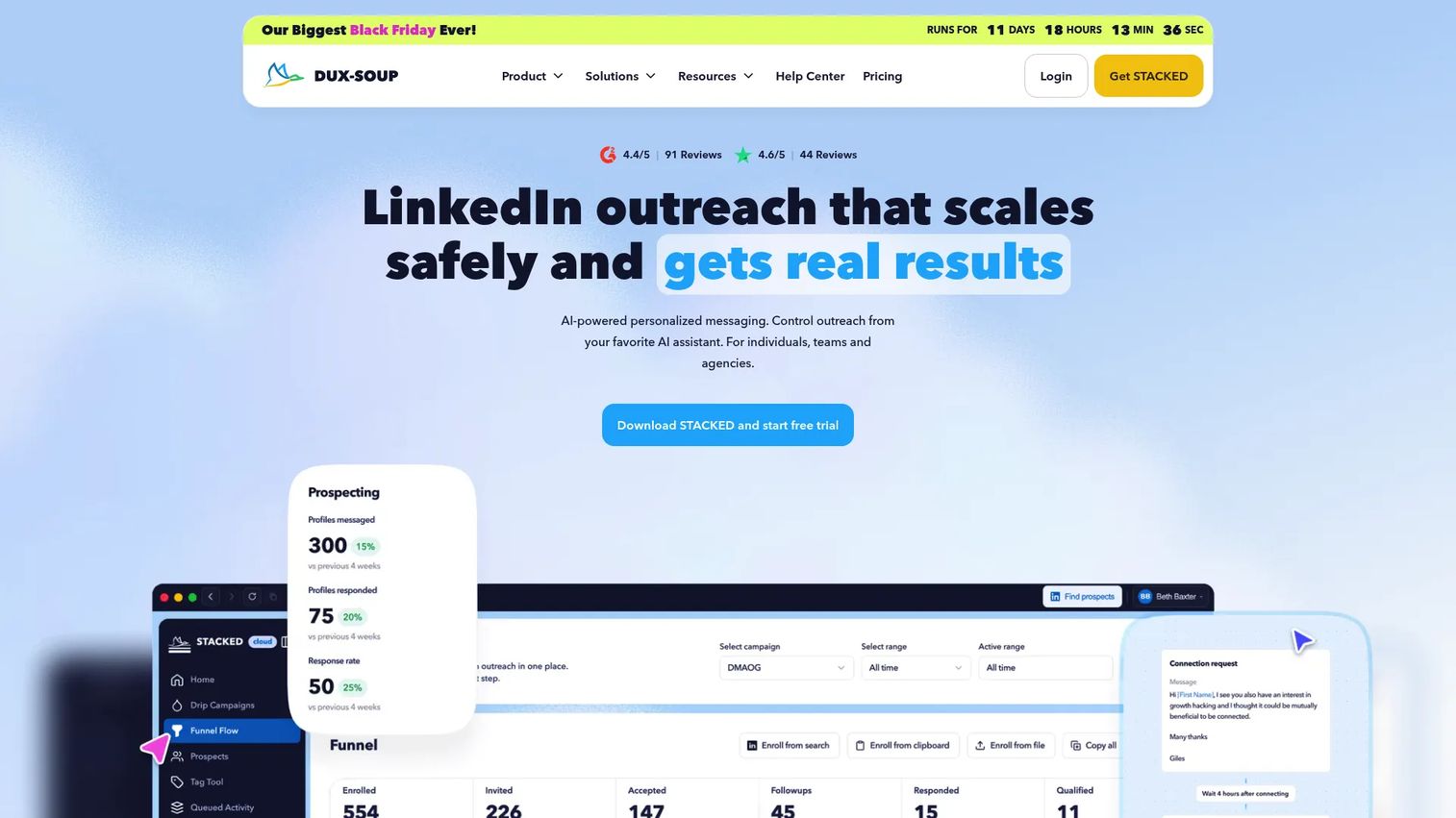
Dux-Soup is one of the longer-running LinkedIn automation tools, originally built as a Chrome extension. It automates profile visits, connection requests, messaging, and follow-up campaigns directly from the browser. The STACKED plans add cloud-based operation and more advanced team and CRM integration features, while the entry-level Pro Dux tier keeps things simple for individual prospectors.
Best for: Individual sellers and small teams testing LinkedIn automation without committing to a full outreach platform.
Key features
- Automated profile visits, connection requests, and message campaigns
- Tagging, notes, and lead management from the LinkedIn interface
- CRM integrations with HubSpot, Pipedrive, and others
- Campaign analytics and lead tracking dashboard
- Cloud operation available on STACKED plans for teams
Why choose Dux-Soup: Choose it when you want a low-barrier entry to LinkedIn automation. The free Starter Edition and sub-$15 Pro Dux plan make it accessible for reps who want to test automated prospecting before scaling.
Dux-Soup pricing: A free Starter Edition is available after the 14-day trial. Pro Dux is $14.99/month ($11.25/month billed annually). STACKED local runs $55/month per seat ($41.25/month annually). STACKED cloud is $99/month per seat ($74.17/month annually).
G2 rating: 4.4/5
6. Octopus CRM
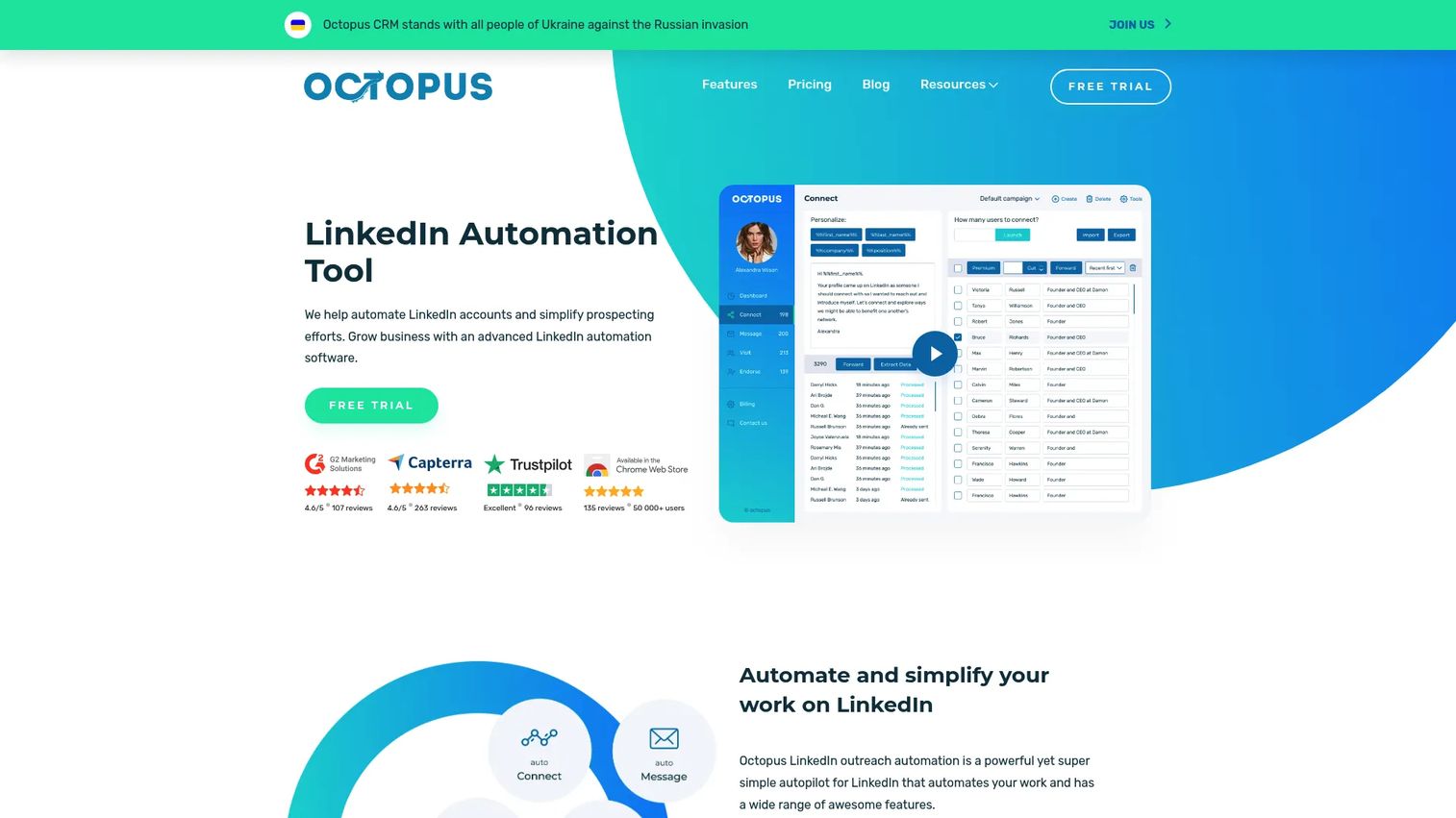
Octopus CRM is a LinkedIn automation and campaign management tool for teams that want a simple, affordable outreach workflow. It handles personalized connection requests, bulk messaging, automated profile visits, skill endorsements, and lead funnel management. The platform includes activity control alerts that flag excessive LinkedIn behavior before it becomes an account risk.
Best for: Small sales teams, recruiters, and solo operators who need a straightforward LinkedIn outreach workflow without complex configuration.
Key features
- Automated personalized connection requests and bulk messaging
- Automated profile visits and skill endorsements
- Campaign funnel management with lead import and export
- Performance metrics including Social Selling Index tracking
- Activity control alerts for excess LinkedIn actions; Zapier and HubSpot integrations
Why choose Octopus CRM: Choose it when simplicity and low cost matter more than multichannel orchestration. It covers the core LinkedIn automation tasks without a steep learning curve or a per-seat pricing model that balloons at team scale.
Octopus CRM pricing: Starter is $9.99/month ($6.99/month annual); Pro is $14.99/month ($9.99/month annual); Advanced is $21.99/month ($14.99/month annual); Unlimited is $39.99/month ($24.99/month annual). A 7-day free trial is available.
G2 rating: 4.3/5
7. Waalaxy
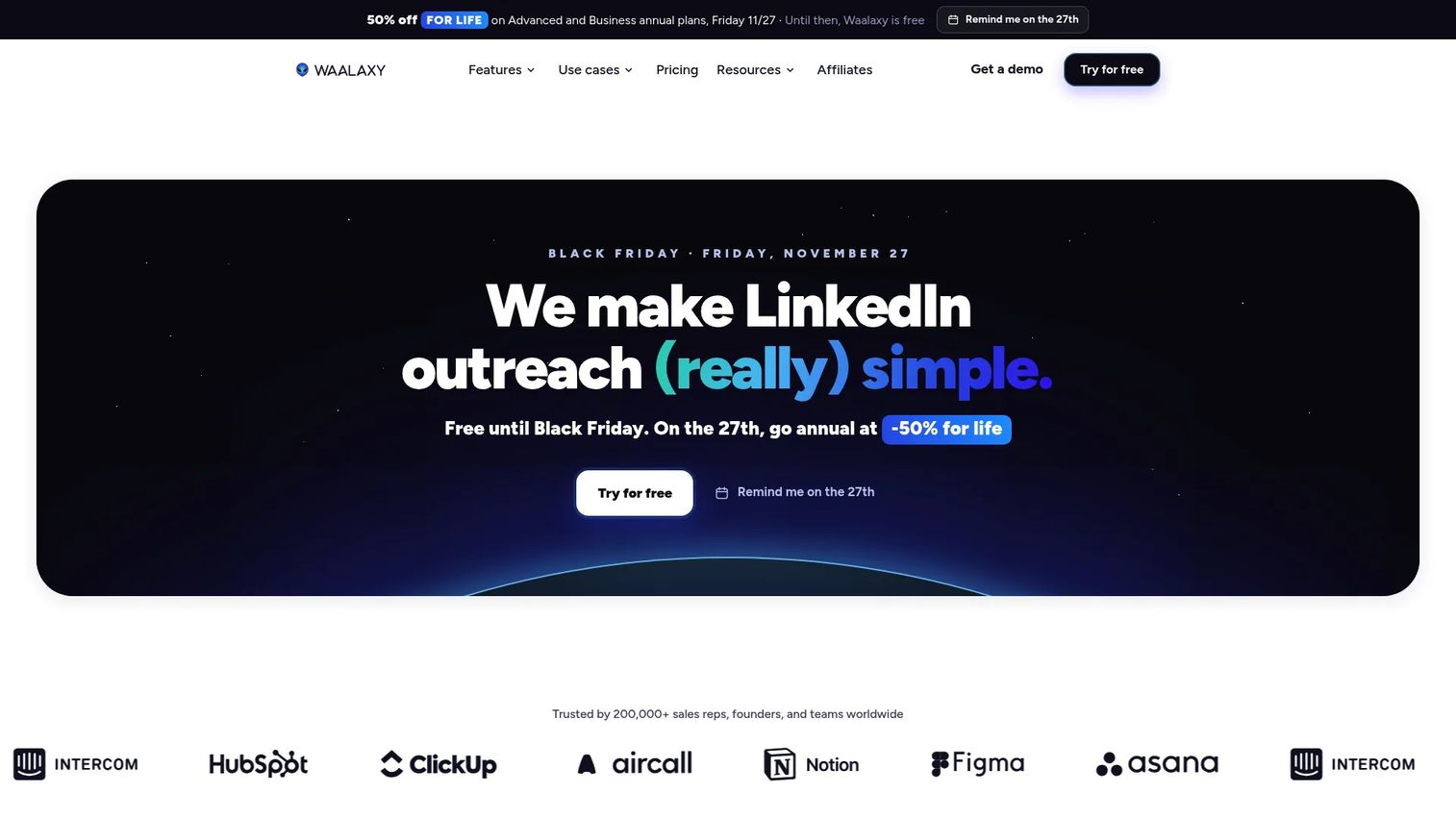
Waalaxy is a LinkedIn and email prospecting platform designed for small teams and founders who want multichannel outreach with a guided setup experience. It handles LinkedIn auto-prospecting, automated follow-ups, professional email finding, CRM synchronization, and inbox management. The Business plan adds cold email and multichannel campaigns, while the Pro plan covers LinkedIn outreach alone.
Best for: Small sales teams, founders, and recruiters running LinkedIn plus email outbound who want an approachable setup process.
Key features
- LinkedIn auto-prospecting campaigns and automated connection sequences
- Email finder integrated into the prospecting workflow
- Multichannel LinkedIn and email sequences on the Business plan
- CRM synchronization and CSV import and export
- Unified LinkedIn inbox for reply management
Why choose Waalaxy: Choose it when ease of setup matters as much as capability. The guided campaign creation process helps teams get outreach running quickly, and the tiered pricing means you pay for multichannel only when you need it.
Waalaxy pricing: Pro is €19/user/month; Advanced is €49/user/month; Business is €69/user/month. Pricing is in EUR. A 14-day free trial is offered.
G2 rating: 4.5/5
8. MeetAlfred
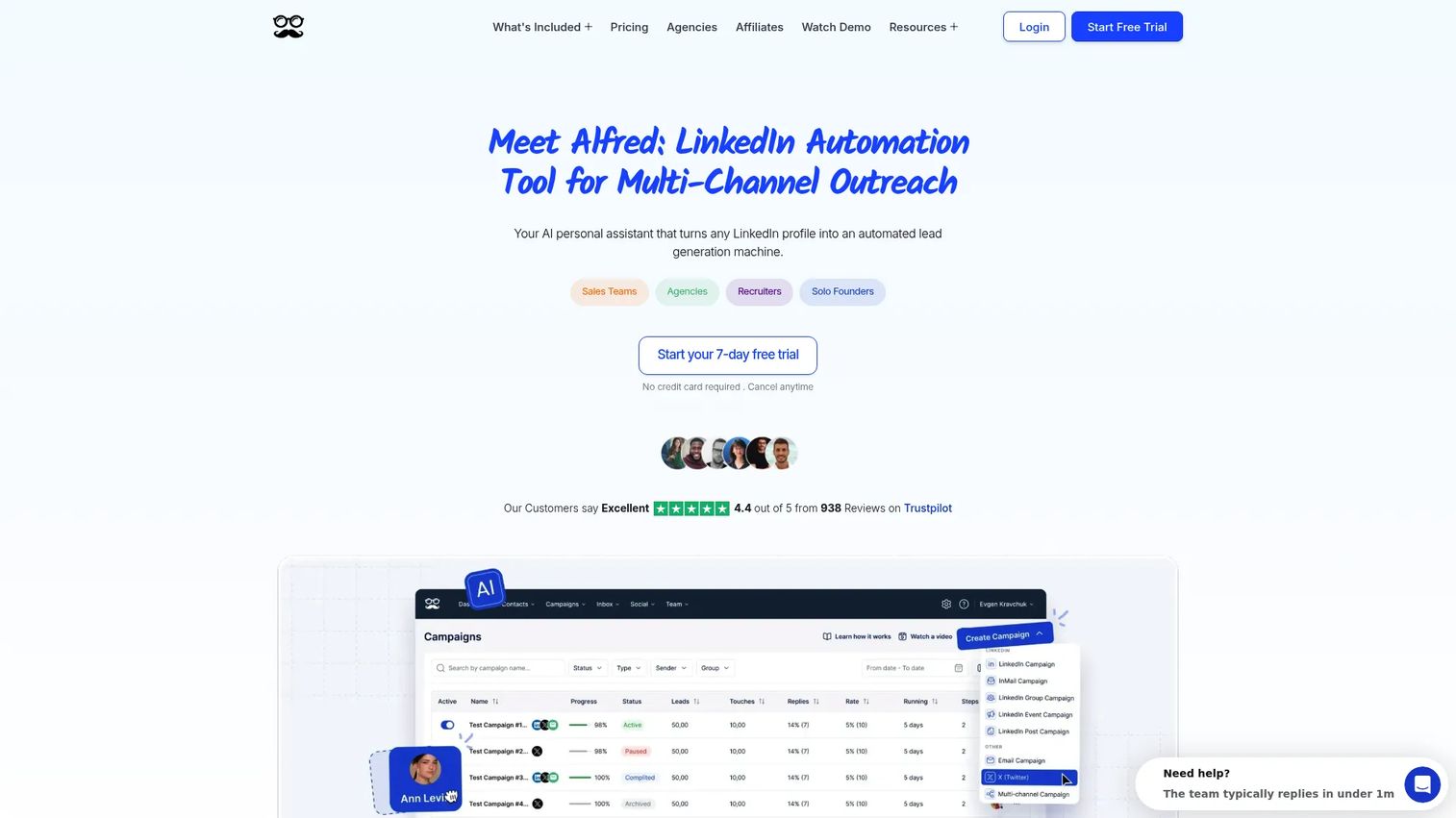
MeetAlfred is a cloud-based multichannel outreach platform covering LinkedIn, email, and X (formerly Twitter). It includes lead finding, a LinkedIn CRM, smart inbox, team collaboration features, and social posting tools. The platform supports AI personalization for message generation and white-labeling on the Teams plan, which makes it a reasonable fit for agencies with branding requirements.
Best for: Individuals, sales teams, and agencies that want LinkedIn outreach coordinated with email and social touches in one campaign view.
Key features
- Multi-channel sequences across LinkedIn, email, and X
- LinkedIn CRM and smart inbox for reply management
- Lead Finder for prospect sourcing within the platform
- Team collaboration with role-based controls and campaign reporting
- AI personalization, white labeling, and social posting tools
Why choose MeetAlfred: Choose it when outreach spans more channels than LinkedIn alone. It suits teams that want social touches included in their outbound sequences without stitching together separate tools.
MeetAlfred pricing: Individual is $29/user/month (billed annually); Business is $49/user/month (billed annually); Teams is $39/user/month (billed annually). A 7-day free trial is available.
G2 rating: 4.3/5
9. LinkedHelper
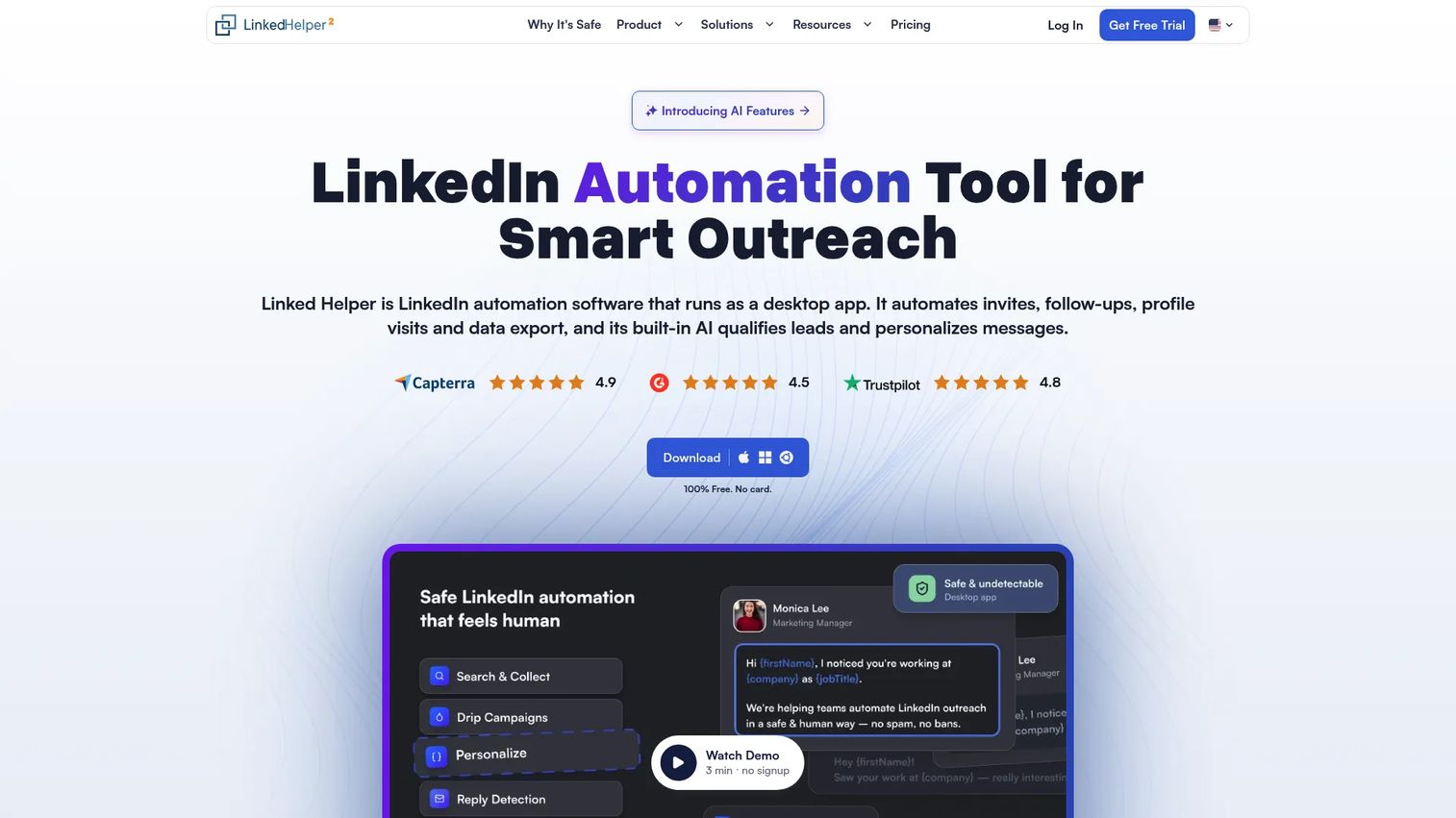
LinkedHelper is a desktop LinkedIn automation platform with a broader feature set than most browser-extension competitors. It supports automated invitations, follow-ups, InMails, message sequences, AI-personalized messaging, profile scraping, email finding, data enrichment, CSV export, a built-in CRM, and proxy support for teams managing multiple accounts. Smart limits and randomized delays are built in to reduce account risk.
Best for: Power users, agencies, and recruiting teams who want granular control over LinkedIn automation actions and a built-in data management layer.
Key features
- Automated LinkedIn invitations, follow-ups, InMails, and message sequences
- AI personalized messages, ICP detection, and reply assistance
- Profile and organization scraping, email finding, and data enrichment
- Built-in CRM with inbox, workspaces, webhooks, and integrations
- Desktop application with smart limits, randomized delays, and proxy support
Why choose LinkedHelper: Choose it when your team needs detailed control over every automation action. It is better suited to operators who are comfortable managing settings carefully rather than teams that want a simple click-and-go setup.
LinkedHelper pricing: Standard Local starts from $8.25/month; Standard Cloud starts from $16.50/month. A free 14-day trial is available. Longer subscription terms and volume purchases reduce the per-month rate.
G2 rating: 4.5/5
10. Zopto
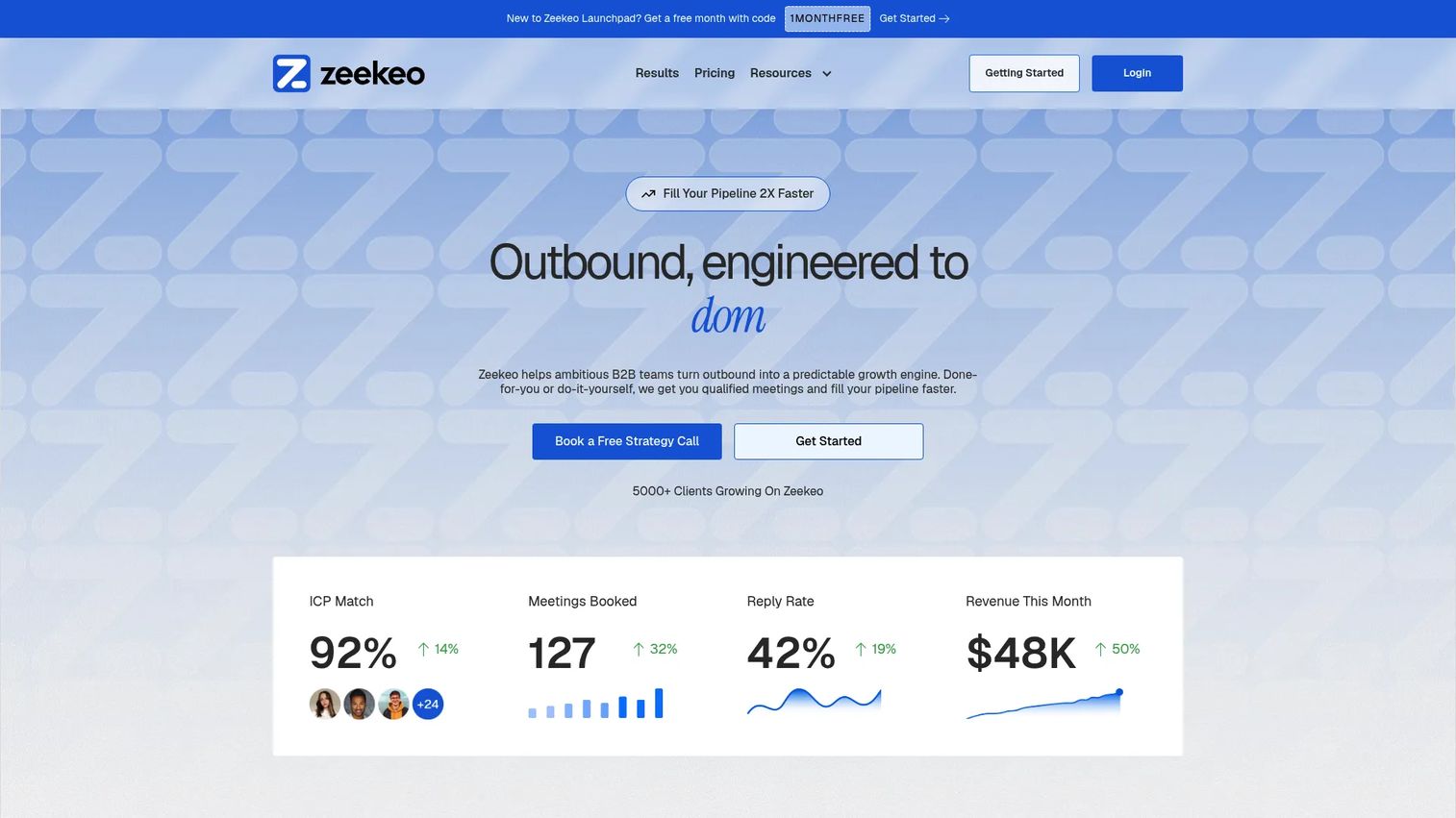
Zopto currently redirects to Zeekeo, an outbound platform for B2B teams covering email, LinkedIn, and calling workflows. The platform offers live dashboards, reply intelligence, and campaign operations tools designed for sales teams running coordinated outbound across channels. Pricing is structured around do-it-yourself and done-for-you tiers, with the done-for-you option including managed service support.
Best for: B2B teams seeking coordinated outbound across email, LinkedIn, and calling with live analytics and reply tracking.
Key features
- Email, LinkedIn, and calling workflows in one campaign view
- Live dashboards and reply intelligence for pipeline visibility
- Campaign operations with workflow standardization across the team
- Done-for-you managed outbound service option
- Team management and analytics reporting
Why choose Zopto: Choose it when you want multichannel outbound with optional campaign management support. The done-for-you tier suits teams that need consistent output but lack in-house outbound operations bandwidth.
Zopto pricing: Do-It-Yourself starts at $149/seat/month (quarterly saves 15%). Done-For-You starts from $600/month. No free tier is available.
G2 rating: 4.5/5
11. We-Connect
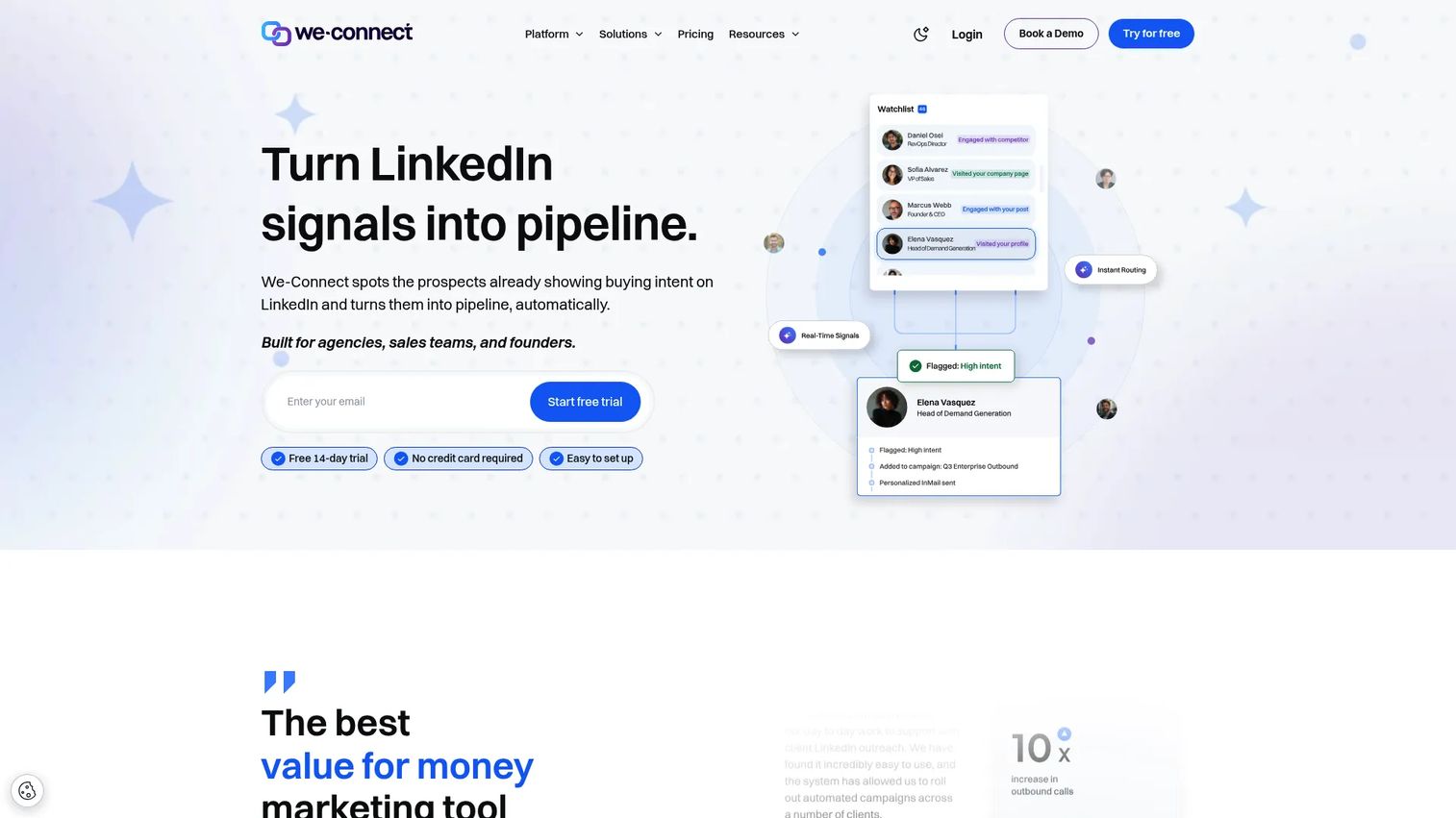
We-Connect is a cloud-based LinkedIn outreach platform that has expanded into email automation, intent monitoring, and AI-assisted messaging. Its visual Lead Engine uses drag-and-drop workflows with conditional branching and AI agent nodes. The LinkedIn Watchlist detects buying signals and automatically enrolls contacts in campaigns. Native integrations with HubSpot, Salesforce, Pipedrive, Zoho, and Slack are included on the Professional plan.
Best for: Sales, recruiting, and marketing teams automating personalized LinkedIn and email outreach with intent-based enrollment and behavioral triggers.
Key features
- Visual drag-and-drop LinkedIn Lead Engine with conditional branching and AI nodes
- LinkedIn outreach automation: Connection requests, messages, InMail, profile visits, post likes, endorsements, and event invitations
- LinkedIn Watchlist for detecting buying signals and auto-enrolling prospects
- AI Assist for personalized icebreakers, spintax, and profile summaries
- Email workflows with behavioral triggers, A/B testing, and CRM integrations
Why choose We-Connect: Choose it when you want LinkedIn automation that responds to prospect behavior, not just a fixed drip sequence. The intent detection and AI agent features let campaigns adjust based on what contacts actually do.
We-Connect pricing: Growth is $49/seat/month (billed annually); Professional is $59/seat/month (billed annually). Agency pricing is custom for 10 or more seats. A 14-day free trial is available.
12. Skylead
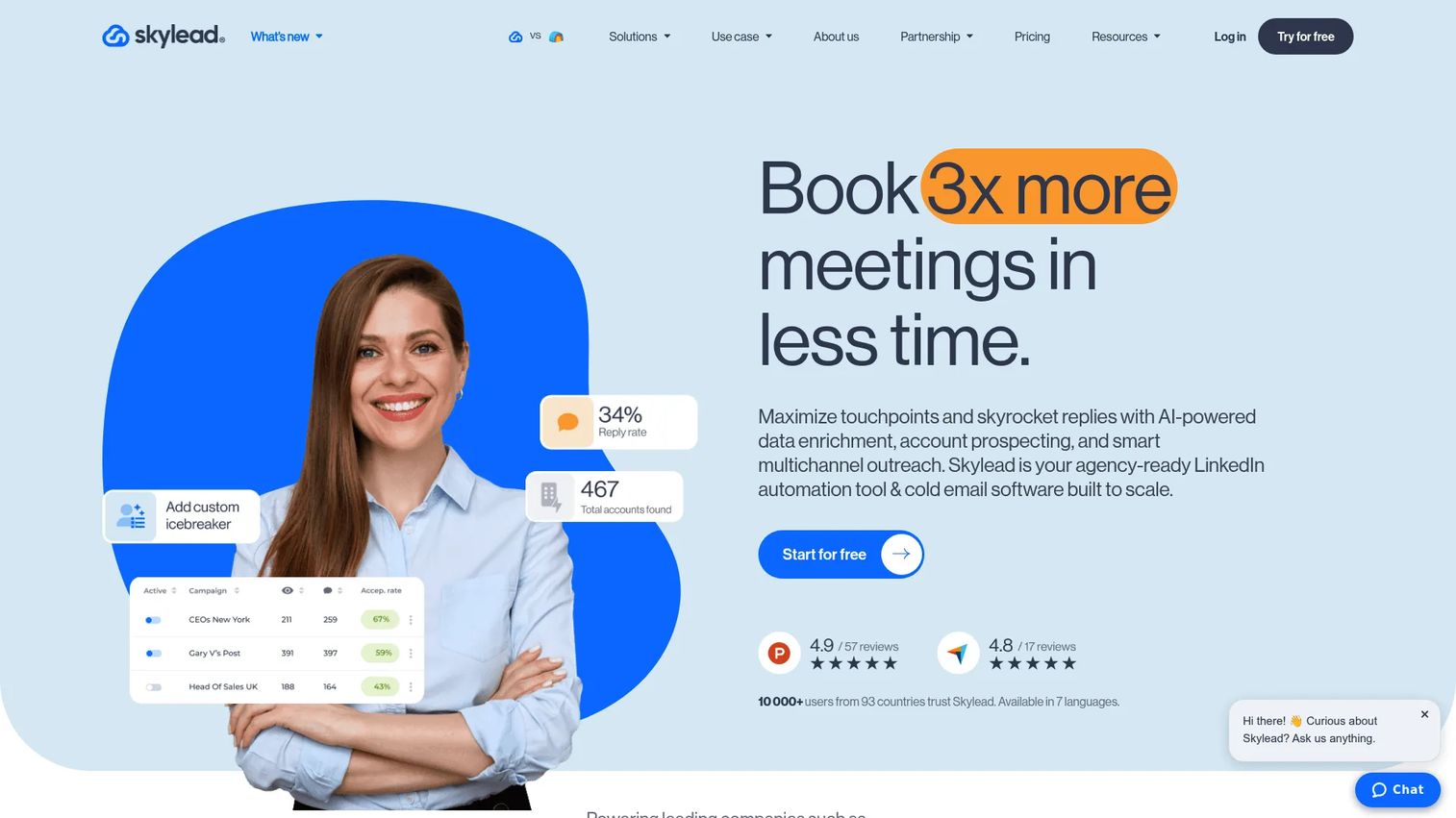
Skylead is a LinkedIn automation and cold email platform with smart sequences, image personalization, AI data enrichment, and a built-in email warm-up tool. Its account-based prospecting includes a B2B database with an AI SDR feature for automated prospect research. Smart sequences use conditional logic, so the next step adjusts based on whether a prospect accepted a connection, opened an email, or took no action.
Best for: Sales teams, recruiters, and agencies seeking conditional LinkedIn and email sequences with image personalization and enrichment built in.
Key features
- Smart sequences with conditional branching across LinkedIn and email steps
- Image personalization for connection messages and follow-ups
- AI data enrichment and personalized icebreakers
- Unlimited email automation and email warm-up
- Unified inbox and campaign reports with email discovery and verification
Why choose Skylead: Choose it when sequence branching and image personalization are central to your outbound motion. It suits teams running nuanced campaigns where message variants are tested across different prospect behaviors.
Skylead pricing: All-in-one is $100/seat/month. The Agency plan is $999/month for 25 seats or $1,999/month for unlimited seats during the first-year promotion. A 7-day free trial is available.
G2 rating: 4.5/5
13. Lemlist
Lemlist is a sales engagement platform where LinkedIn steps are part of a broader multichannel campaign that also covers email, calls, WhatsApp, and SMS. It includes a lead database, email and phone finder, AI-powered lead research and intent signals, an email warm-up tool, and a deliverability hub. For teams that treat LinkedIn as one channel inside a coordinated outbound motion, Lemlist provides more campaign infrastructure than a pure LinkedIn automation tool.
Best for: Sales and growth teams running personalized, automated multichannel outbound where email deliverability and AI enrichment matter as much as LinkedIn steps.
Key features
- Multichannel sequences across email, LinkedIn, calls, WhatsApp, and SMS
- Lead database with email finder, phone number finder, and intent signals
- AI-powered lead research, enrichment, and AI agents for message generation
- Email warm-up and deliverability hub for protecting sender reputation
- Unified inbox, CRM integrations, API, MCP, and CLI
Why choose Lemlist: Choose it when LinkedIn is one part of a larger outbound motion rather than the sole channel. The deliverability infrastructure and AI lead research tools make it stronger for teams where email is the primary conversion channel and LinkedIn plays a supporting role.
Lemlist pricing: Email plan is $55/month (billed annually); Multichannel plan is $87/month (billed annually). Enterprise uses custom pricing. Add-ons for lead data enrichment ($16/month) and buying intent signals ($21/month) are available separately. A 14-day free trial is available.
G2 rating: 4.6/5
14. SalesRobot
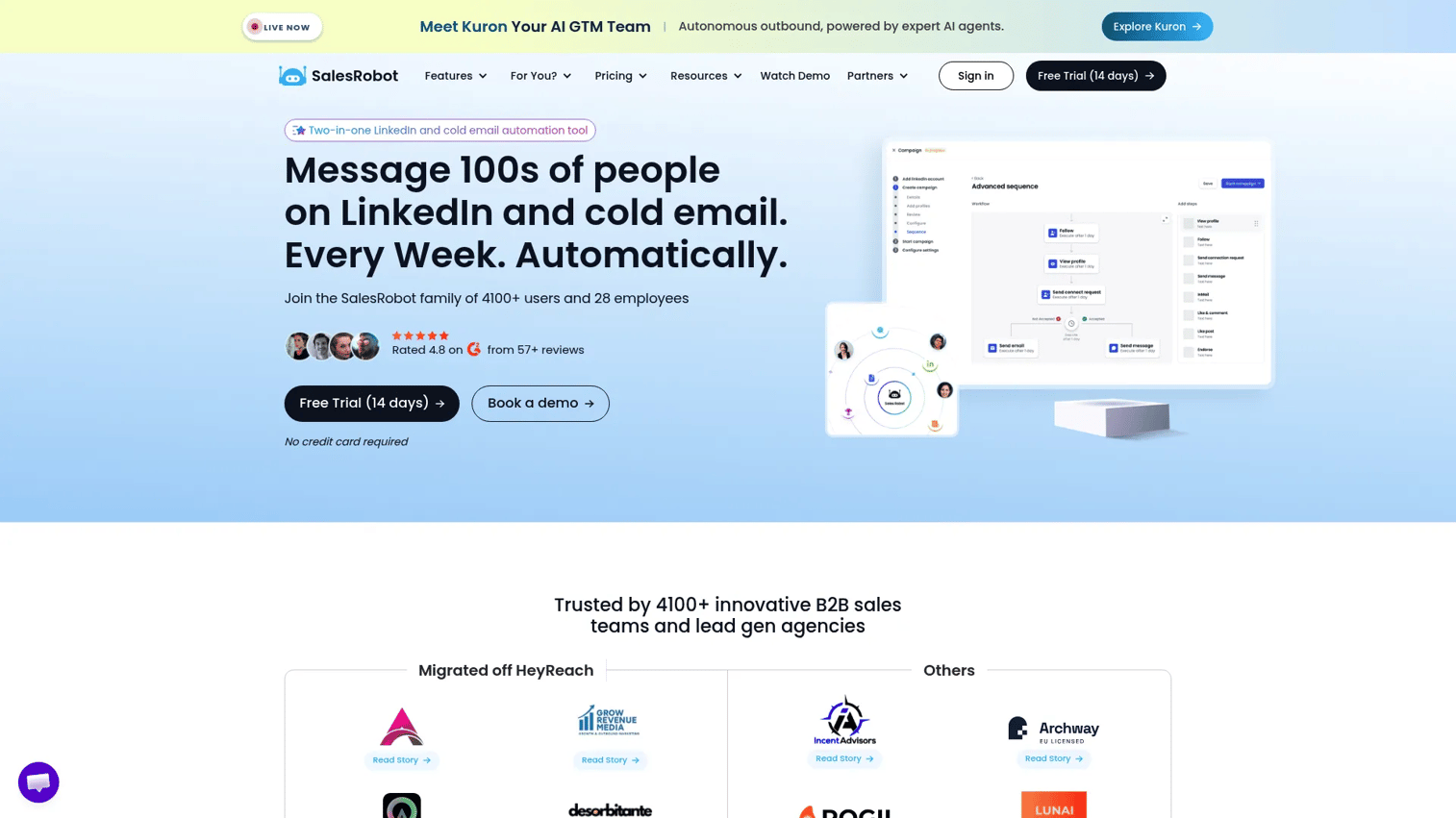
SalesRobot is a LinkedIn and cold email outreach platform built around multi-step sequences, AI personalization, and an AI Appointment Setter that handles initial reply conversations automatically. It supports a wide range of LinkedIn actions including connection requests, messages, InMails, follows, endorsements, and voice and video messages. Smart Reply Detection routes conversations based on prospect intent, reducing the manual review load on reps.
Best for: B2B sales teams and agencies automating multichannel LinkedIn and email prospecting with AI-assisted reply handling.
Key features
- Multi-step LinkedIn and email sequences with smart delays and conditional logic
- LinkedIn actions including voice messages, video messages, and endorsements
- AI Appointment Setter for automated initial reply conversations
- Smart Reply Detection for routing conversations by intent
- Unified LinkedIn and email inbox, analytics, CSV/Google Sheets import, webhooks, and CRM integrations
Why choose SalesRobot: Choose it when reply handling is a bottleneck. The AI Appointment Setter and Smart Reply Detection reduce the manual work between first reply and booked meeting, which is where many SDR sequences lose momentum.
SalesRobot pricing: Basic is $39/LinkedIn account/month (annual) or $59/month. Advanced is $59/LinkedIn account/month (annual) or $79/month. Professional is $79/LinkedIn account/month (annual) or $99/month. Cold email automation adds $15/email account/month. Enterprise uses custom pricing. A 14-day free trial requires no credit card.
G2 rating: 4.8/5
15. Salesflow
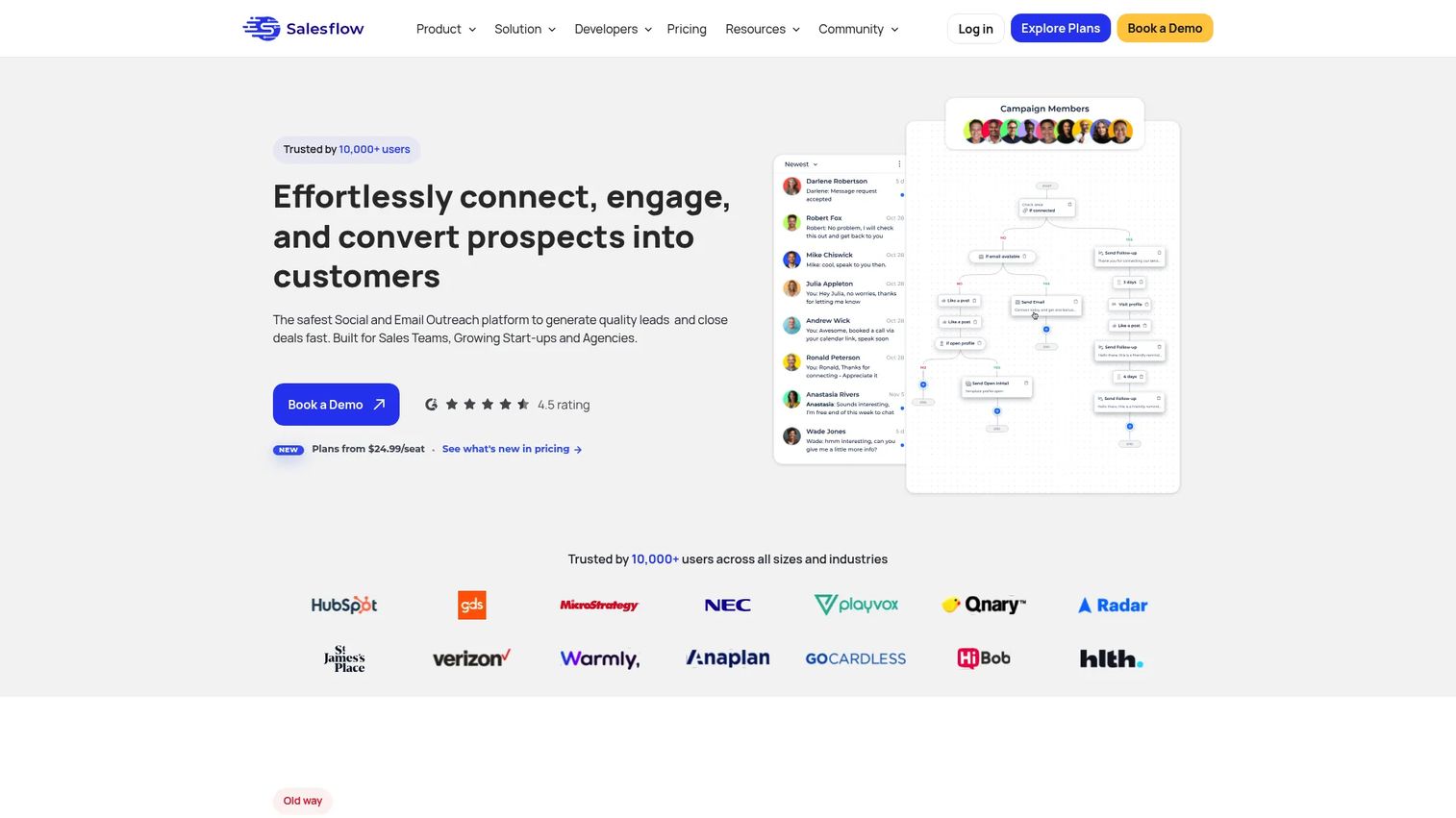
Salesflow is a multichannel LinkedIn and email outreach automation platform for sales teams, agencies, startups, and recruiters. Its unified inbox includes reminders, snooze, scheduled sending, tags, and filters to manage replies without losing track of open conversations. The platform covers LinkedIn profile visits, post likes, endorsements, connection requests, follow-ups, and Open InMails, alongside email outreach and campaign analytics.
Best for: Sales teams, agencies, and recruiters that want structured LinkedIn and email outreach with a managed inbox and team workflow support.
Key features
- Multichannel LinkedIn and email outreach workflows
- Unified inbox with reminders, snooze, scheduled sends, tags, and filters
- Campaign analytics and reporting per sequence and per rep
- HubSpot, Zapier, and API integrations
- Profile visits, post likes, endorsements, Open InMails, and connection requests
Why choose Salesflow: Choose it when managing reply volume without losing context is a priority. The inbox tools help reps stay on top of active conversations across LinkedIn and email without a separate inbox management layer.
Salesflow pricing: Basic starts from $99/seat/month. Volume discounts apply at the Starter ($70/seat), Pro ($39.95/seat), Agency ($29.98/seat with annual commitment), and Enterprise ($24.99/seat with annual commitment) levels. A 7-day free trial requires no credit card.
G2 rating: 4.3/5
16. HubSpot
HubSpot is an AI-powered customer platform that includes CRM, marketing automation, sales engagement sequences, and service tools. It is not a dedicated LinkedIn automation tool. Its value for outreach teams lies in keeping prospect activity, email sequences, task queues, and deal records in one place so AEs inherit full context rather than a disconnected lead export. For teams where CRM hygiene and handoff quality matter most, HubSpot holds the data together across the entire relay race.
Best for: Sales teams that want outreach activity, CRM records, email sequences, and pipeline reporting in one platform rather than a separate LinkedIn automation tool.
Key features
- Contact and deal records with full activity timeline
- Sales sequences with enrollment, task queues, and email tracking
- Reporting dashboards across pipeline stages and rep performance
- AI assistants for content generation and research
- Marketing automation, live chat, and app integrations
Why choose HubSpot: Choose it when CRM hygiene matters more than automating every LinkedIn action. Teams where AE handoffs and forecast accuracy are the priority get more from HubSpot's integrated view than from adding a standalone LinkedIn automation tool on top of a disconnected CRM.
HubSpot pricing: Free tier is available with no expiration. Starter plans begin at $7/seat/month. Professional starts at $1,300/month (includes 6 seats). Enterprise starts at $4,700/month (includes 8 seats).
G2 rating: 4.4/5
17. Clay
Clay is a go-to-market data enrichment and workflow automation platform. It is not primarily a LinkedIn messaging tool. Clay's value is in what happens before the outreach sequence starts: Building better account and prospect lists by pulling data from 150+ enrichment providers in waterfall logic, using the Claygent AI agent for web research, tracking job change signals, and exporting clean data to CRM or sequence tools. Teams that struggle with list quality before sequencing often find that Clay is the actual bottleneck solver.
Best for: GTM teams, RevOps, and growth operators who need better lead data and enrichment workflows before LinkedIn or email sequences begin.
Key features
- Data enrichment from 150+ providers with waterfall logic to maximize coverage
- Claygent AI agent for autonomous web research and prospect profiling
- Job-change signals and other intent tracking for timely outreach triggers
- Multi-provider enrichment waterfalls to fill gaps across sources
- CRM and data-warehouse synchronization plus email campaign orchestration
Why choose Clay: Choose it when list quality, not message volume, is the bottleneck. Teams that build better account data before sequences start consistently see higher reply rates than teams that run more sequences on weak lists.
Clay pricing: Free plan includes 100 data credits and 500 actions/month. Launch is $185/month. Growth is $495/month. Enterprise uses custom pricing with annual commitment.
G2 rating: 4.6/5
Considerations when choosing LinkedIn outreach tools
Account safety and platform risk
LinkedIn enforces usage limits, and tools cannot guarantee immunity from account restrictions. Prioritize platforms that offer daily action limits, warm-up periods, throttling, and human-review delays. Conservative settings matter more for new or low-activity accounts. Careless high-volume outreach creates account issues regardless of which tool you use.
Workflow fit across SDR, AE, and RevOps
Ask whether the tool keeps context usable after the first reply. Does it sync campaign history to CRM records? Can AEs see which sequence a prospect came from? Can managers pull step-level performance data for coaching conversations? A tool that only helps SDRs book meetings, without creating clean handoff records for AEs and RevOps, adds to tool sprawl rather than reducing it.
Personalization depth
Variables and first-name inserts are table stakes. Evaluate whether the tool supports snippet libraries, AI-generated research summaries, image personalization, and conditional logic that changes messages based on prospect attributes. Personalization that improves relevance produces different reply rates than personalization that merely inserts a company name.
Reporting and coaching value
Look for reply rate by step, connection acceptance rate, positive reply rate, meeting-booking rate, and exportable campaign data. Managers need coaching signals tied to specific messages and sequence steps. Activity counts (messages sent, profiles visited) are not coaching data. Step-level conversion rates are.
Pricing at team scale
A single-seat price that looks reasonable can become expensive across 20 reps. Check whether pricing is per seat, per LinkedIn account, per sender, or flat-rate. Add-ons for email automation, enrichment credits, and CRM integrations change the total cost. Agency pricing often requires separate negotiation. Confirm the team-scale number before committing to a trial.
Conclusion
Start with LinkedIn Sales Navigator if the core problem is finding the right people before any outreach begins. Move to HeyReach when managing many LinkedIn senders without losing reply context is the main operational challenge. Expandi, Dripify, Skylead, and Waalaxy all handle LinkedIn plus email workflows well, with different emphases on safety controls, analytics depth, and sequence logic. Dux-Soup, Octopus CRM, LinkedHelper, and We-Connect suit teams that want simpler or more affordable LinkedIn automation, each with different levels of control and feature depth. HubSpot is the right call when CRM hygiene and cross-role handoffs matter more than automating every LinkedIn action. Clay belongs at the front of the workflow when list quality is the actual bottleneck, not message volume.
The best LinkedIn outreach tool is the one that helps your team reach the right buyers, preserve context through every handoff, and turn replies into qualified pipeline, not the one that sends the most messages.
Want to turn outreach interest into a self-serve product experience? Start your journey with Guideflow today!
FAQs
LinkedIn outreach tools are software platforms that help sales teams find prospects, send personalized LinkedIn messages, automate connection requests and follow-up sequences, manage replies, and track campaign performance. Some tools focus exclusively on LinkedIn automation, while others combine LinkedIn steps with email sequences, CRM sync, and data enrichment in one workflow. The category spans everything from lightweight browser extensions to full multichannel outreach platforms.
Safety depends on message volume, account age, daily action limits, personalization quality, and whether the tool uses conservative throttling and warm-up controls. Tools that offer built-in daily limits, randomized delays, and country-based IP addresses reduce account risk compared to aggressive browser-automation approaches. No tool eliminates risk entirely. Sending generic messages at high volume to weak lists creates account issues regardless of which platform you use.
There is no single best answer because the right tool depends on the workflow. Use LinkedIn Sales Navigator for research and lead list quality. HeyReach for multi-account sender management. Expandi or Dripify for sequenced LinkedIn plus email campaigns. HubSpot for teams where CRM hygiene and AE handoffs matter most. Clay for teams where enrichment and list quality are the bottleneck before sequencing starts.
Agencies should prioritize tools built for multi-account management, sender rotation, team permissions, centralized inbox views, and client separation. HeyReach is designed specifically for this model, with its Agency and Unlimited plans built around managing many LinkedIn senders under one dashboard. Expandi also offers agency workspaces. MeetAlfred supports white labeling on its Teams plan. Account safety controls and per-client reporting capabilities are worth verifying before committing.
Many modern tools support both LinkedIn and email sequences in one campaign flow, including Expandi, Dripify, Waalaxy, Lemlist, SalesRobot, Salesflow, Skylead, We-Connect, and MeetAlfred. Others focus exclusively on LinkedIn. Before combining channels, verify how the tool handles email deliverability setup, domain warm-up, unsubscribe management, and whether email activity syncs to your CRM alongside LinkedIn activity.
Sales Navigator is not mandatory for running LinkedIn outreach campaigns. Many automation tools accept lead imports from CSV files, Sales Navigator exports, or direct LinkedIn search results. That said, Sales Navigator improves targeting precision for most B2B sales teams, particularly for account-based prospecting and intent-signal tracking. Teams running high-volume outreach to imprecise lists often find that better targeting improves reply rates more than messaging improvements do.
Track connection acceptance rate, reply rate, positive reply rate, meeting-booking rate, opportunity creation rate, and CRM activity completeness. At the campaign level, step-level conversion rates show which messages work and which need rewriting. At the team level, correlate outreach activity with pipeline created and opportunities influenced. Activity volume (messages sent, profiles visited) measures effort. Conversion rates at each step measure execution quality.
Avoid sending generic messages at high volume to weak, unverified lists. Skip warm-up periods and you risk account flags on newer profiles. Ignoring daily action limits increases that risk further. Poor personalization that just inserts a first name without relevant context produces lower reply rates and can damage sender reputation over time. Failing to sync replies and campaign history back to the CRM means AEs inherit incomplete context, which creates handoff friction that manual follow-up cannot fully recover.