A customer reports a broken signup flow. Support captures the complaint, QA reproduces it, and engineering receives a ticket without the affected account or browser details.
Now someone has to reconstruct the story while the next release approaches.
Good issue tracking software keeps that context attached from intake through resolution. For product managers, the stakes include activation blockers and engineering time spent clarifying reports instead of fixing them.
Dataintelo’s 2026 market report estimates that cloud deployment represented 71.2% of issue tracking software revenue in 2025. Hosted tools dominate spending, but deployment is only one buying decision.
Your triage workflow matters just as much. A production error needs debugging context. A customer request needs impact and prioritization. An operational incident may need an escalation clock.
The right system preserves those differences while giving every issue a clear owner. Start with the handoff your team struggles with, then evaluate how each tracker handles it.
What’s inside
- The shortlist: Seventeen platforms covering engineering issue tracking, visual feedback, service operations, and broader project management.
- Who it serves: Product managers evaluating with engineering and support leaders, especially teams replacing spreadsheets or chat-based tracking.
- Intake and triage: How reports arrive, what context survives, and how teams assign severity.
- Execution and visibility: Developer handoff, resolution reporting, and SLA management where relevant.
- Operational fit: Deployment choices, integration requirements, and administration responsibilities.
- Evidence: Vendor product information and pricing, alongside G2 ratings. Platform-level ratings are labeled where a separate product listing wasn’t available.
TL;DR
- Best overall for product and engineering workflows: Jira offers configurable work management for organizations coordinating issues across teams.
- Best for high-velocity product teams: Linear connects engineering execution with product planning through a more opinionated operating model.
- Best for developer-native teams: GitHub Issues keeps bug tracking software close to repositories and the people shipping fixes.
- Best for Microsoft engineering stacks: Azure DevOps combines planning with delivery services. Its Basic plan includes the first five users free.
- Best open-source options: Bugzilla, Redmine, MantisBT, and OpenProject serve different combinations of defect tracking and project governance.
- Best for customer-facing visual bug reports: BugHerd captures feedback against the page element someone wants changed.
What is issue tracking software?
Issue tracking software manages bugs, requests, incidents, and operational work from initial submission through ownership, resolution, and reporting.
An issue tracker gives each report a durable record. That record should explain what happened, who it affects, and what the team will do next. Status changes then show how work progresses.
For a product manager, the useful unit is a customer problem with enough evidence to support a decision. A ticket titled “onboarding broken” offers little direction. A report identifying the failing step and affected segment supports meaningful prioritization.
An issue tracking system typically brings together these capabilities, although coverage varies by product.
- Intake: Forms, email submissions, support tickets, or monitoring alerts.
- Triage: Duplicate handling, severity levels, priority, and ownership.
- Workflow: Status changes, assignment rules, and escalation paths.
- Developer handoff: Reproduction steps, screenshots, logs, and source control integrations.
- Planning: Backlogs, sprint views, release coordination, and dependencies.
- Reporting: Resolution time, backlog age, reopen rate, and SLA misses.
- Governance: Permissions, audit history, and deployment controls.
The lifecycle matters because “assigned” and “resolved” describe different outcomes. Someone still needs to validate the fix and update the original reporter. Define those responsibilities before configuring the board.
Related categories overlap, but their starting points differ.
Bug tracking software focuses on software defects. Bug management software usually organizes technical evidence and the work required to correct it.
Project management software coordinates planned delivery, including dependencies and schedules. Issue and project tracking software combines that planning layer with unplanned work.
Service desk software starts with requests and service commitments. Its evaluation often centers on routing and response targets rather than engineering backlogs.
Choose the category around your hardest workflow. A PM coordinating release risk needs a different starting point from an operations manager handling access requests. Both need visibility, but they need different records and escalation rules.
When to use issue tracking software
Centralize bug and request intake
Use a shared system when reports arrive through support, QA notes, customer conversations, and monitoring alerts. Capture the affected segment and account context alongside reproduction steps. Record business impact separately from technical severity, particularly when an issue blocks activation or threatens a renewal. For website feedback, bug reporting tools can add page context before engineering reviews the request.
Triage work before it reaches engineering
Create a triage stage when every incoming report currently becomes an engineering interruption. Decide whether an issue needs immediate action, scheduled investigation, or closure with an explanation. Assign ownership and review duplicates before adding work to a sprint. Include release impact so a small defect with broad exposure receives appropriate attention.
Close the loop across teams
Adopt structured tracking when support cannot tell customers whether a reported problem has shipped. Engineering needs an agreed validation step, while PMs need evidence for future prioritization. Give leadership trends that distinguish incoming demand from unresolved risk. Keep the original reporter attached to the process until someone communicates the outcome.
Issue tracking software comparison
Use this table to identify the workflow category before comparing subscription prices. These tools overlap, but they don’t all serve the same starting point.
Developer-native bug tracking tools keep work near code. Product planning platforms connect issues to delivery priorities. Visual reporting and service operations tools address different intake problems.
Pricing units also differ. Some vendors charge per user, while others charge per workspace or agent. Self-hosted software requires an operating budget even when its license is free.
Pricing and ratings below reflect vendor pages and G2 research dated November 24, 2026. N/A means a reliable G2 score wasn’t established.
| # | Product | Best for | Key differentiator | Pricing | G2 rating |
|---|---|---|---|---|---|
| 1 | Jira | Product and engineering teams | Configurable workflows and cross-team planning | Free; Standard $8.48/user/month, monthly billing | 4.3/5 |
| 2 | Linear | High-velocity product teams | Connected issues, cycles, projects, and initiatives | Free; Basic $10/user/month, billed yearly | 4.6/5 |
| 3 | GitHub Issues | GitHub-native engineering teams | Repository-centered tracking with Projects | Free; Team $4/user/month | 4.7/5, GitHub |
| 4 | Azure DevOps | Microsoft engineering stacks | Planning connected to development services | First 5 Basic users free; then $6/user/month | 4.2/5, Server listing |
| 5 | YouTrack | Technical and cross-functional teams | Agile planning with knowledge and helpdesk tools | Free; paid Cloud from $4.50/user/month, annual subscription | 4.2/5 |
| 6 | Bugzilla | Self-hosted defect tracking | Custom bug workflows and duplicate detection | Free software; self-hosted | 3.9/5 |
| 7 | Redmine | Self-hosted project tracking | Project hierarchy and repository browsing | Free software; self-hosted | N/A |
| 8 | MantisBT | Focused technical issue tracking | Open-source workflows and access control | Self-hosted; budget for operations | 4.0/5 |
| 9 | Shortcut | Agile software teams | Stories connected to planning and reporting | Free; Team $8.50/user/month, billed yearly | 4.4/5 |
| 10 | Zoho BugTracker | Teams using Zoho | Bug workflows with SLA automation | Free; Standard $3/user/month, billed annually | 4.4/5 |
| 11 | BugHerd | Visual website feedback | Pinned feedback with technical metadata | Standard $42/month, billed yearly | 4.8/5 |
| 12 | GitLab | DevSecOps teams | Development, delivery, and security context | Free; Premium $29/user/month, billed annually | 4.5/5 |
| 13 | Sentry | Production error investigation | Runtime evidence and user impact analysis | Free; Team $26/month, annual billing | 4.5/5 |
| 14 | ClickUp | Cross-functional work management | Tasks connected to documentation and dashboards | Free; Core $9/user/month, billed yearly | 4.6/5 |
| 15 | Trello | Lightweight Kanban tracking | Visual cards with automation | Free; Standard $5/user/month, billed annually | 4.4/5 |
| 16 | OpenProject | Open-source project governance | Scheduling with deployment choice | Community free; Basic €5.95/user/month, 25-user minimum | N/A |
| 17 | Issuetrak | Service operations | SLA management and audit trails | Cloud $75/agent/month annually, 3-agent minimum | 4.1/5 |
Best 17 tools for issue tracking
1. Jira
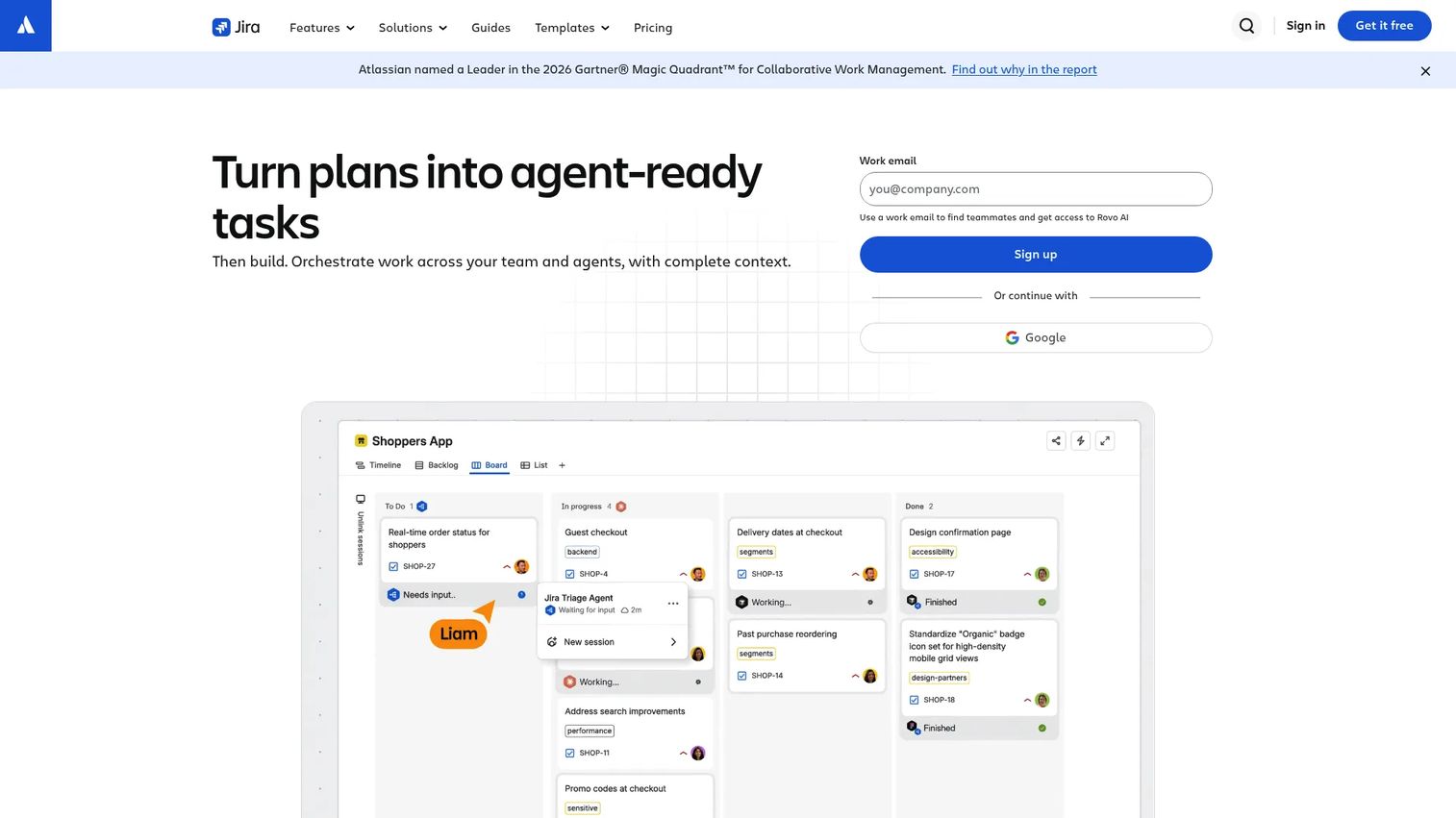
Jira combines issue tracking with project planning and cross-team coordination. Configurable workflows let organizations represent different types of work without forcing every team through an identical process. Boards and timelines give PMs different views of execution, while dependency management helps expose delivery risks.
For a SaaS organization, that flexibility matters when a customer problem crosses product boundaries. A signup defect may require application work plus a change owned by another team. Evaluate whether both owners can maintain their execution process while sharing an understandable status.
Best for: Product and engineering organizations with varied workflows and significant cross-functional issue volume.
Key features
- Customizable workflows and automation
- Boards, lists, timelines, and calendars
- Dependency management
- Reports and dashboards
- Atlassian Marketplace integrations
Test Jira using a report that changes teams after triage. Follow the original customer context through that reassignment, then inspect what stakeholders can see without requesting an update.
Give configuration ownership to a named administrator or operating group. Decide which fields belong across projects and which represent local requirements. Otherwise, a flexible setup can accumulate process choices nobody revisits.
Why choose Jira: Choose it when workflow variation and organizational scale justify deliberate configuration. Keep the initial design focused on decisions your teams already make.
Jira pricing: Free supports up to 10 users. Standard costs $8.48/user/month and Premium costs $15.56/user/month with monthly billing.
G2 rating: 4.3/5.
2. Linear
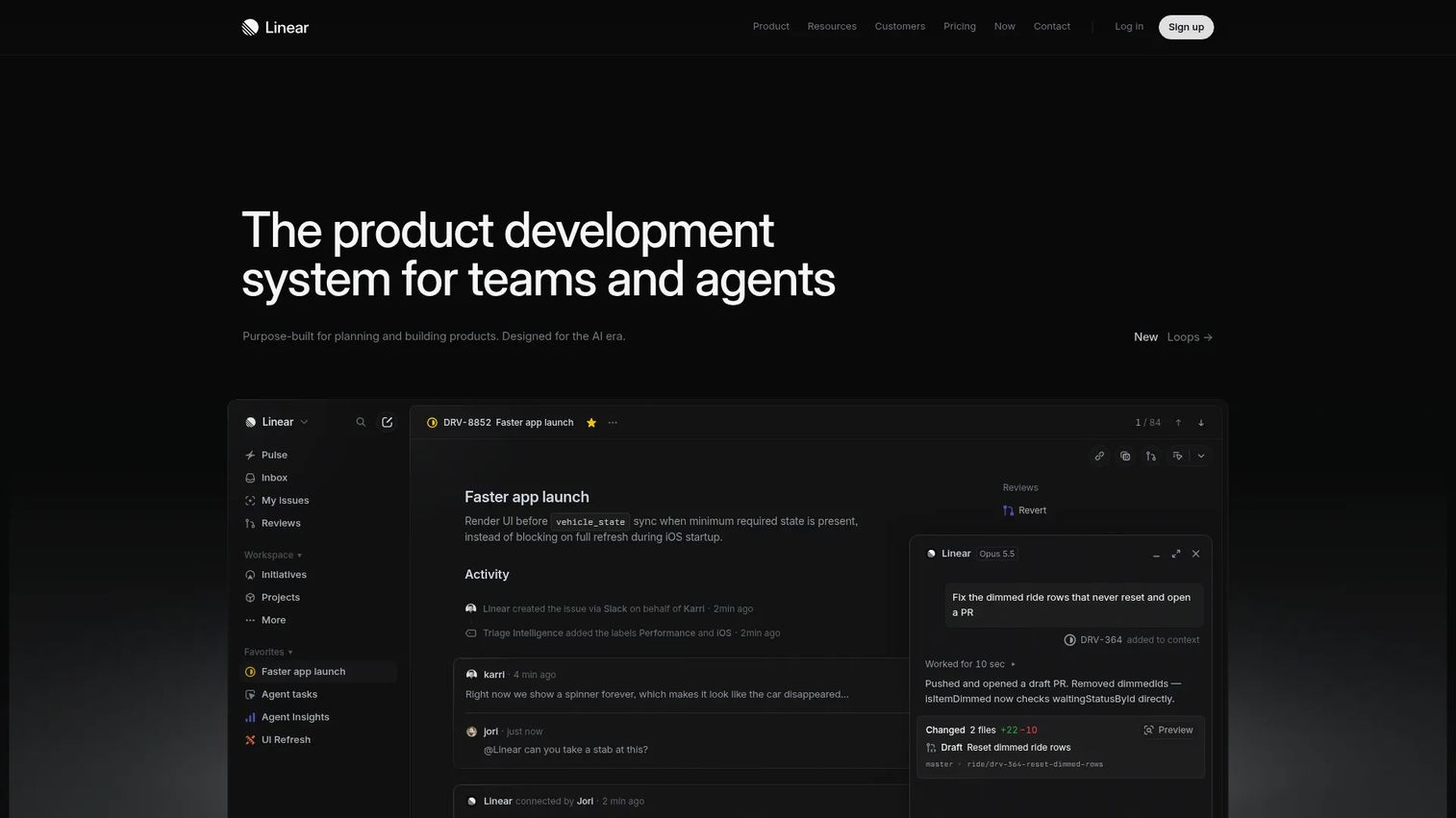
Linear connects issues with projects, cycles, and initiatives. Its product development focus suits teams that want engineering execution to remain visible within broader planning. GitHub integration and automated pull request workflows connect implementation activity to tracked work.
The PM question is whether that operating model matches your team. Evaluate how an incoming defect moves into a cycle without losing its relationship to a larger product objective. A coherent workflow matters more than recreating every status from your previous system.
Best for: Product and engineering teams that want a focused development workflow with limited process variation.
Key features
- Issues and projects
- Cycles and initiatives
- GitHub integration
- Automated pull request workflows
- Linear Agent
During evaluation, bring a production bug and an enhancement competing for the same engineering capacity. Ask the team to explain why one receives attention first. Then check whether that decision remains understandable outside the squad.
Also inspect the free plan against your expected issue volume. It includes unlimited members, but its capacity has defined boundaries. A broad invitation policy doesn’t automatically mean the free workspace fits a growing backlog.
Why choose Linear: Choose it when your team wants to adopt a shared product development model. Test unusual approval requirements before committing to a migration.
Linear pricing: Free includes two teams and 250 issues. Basic costs $10/user/month and Business costs $16/user/month, billed yearly.
G2 rating: 4.6/5.
3. GitHub Issues
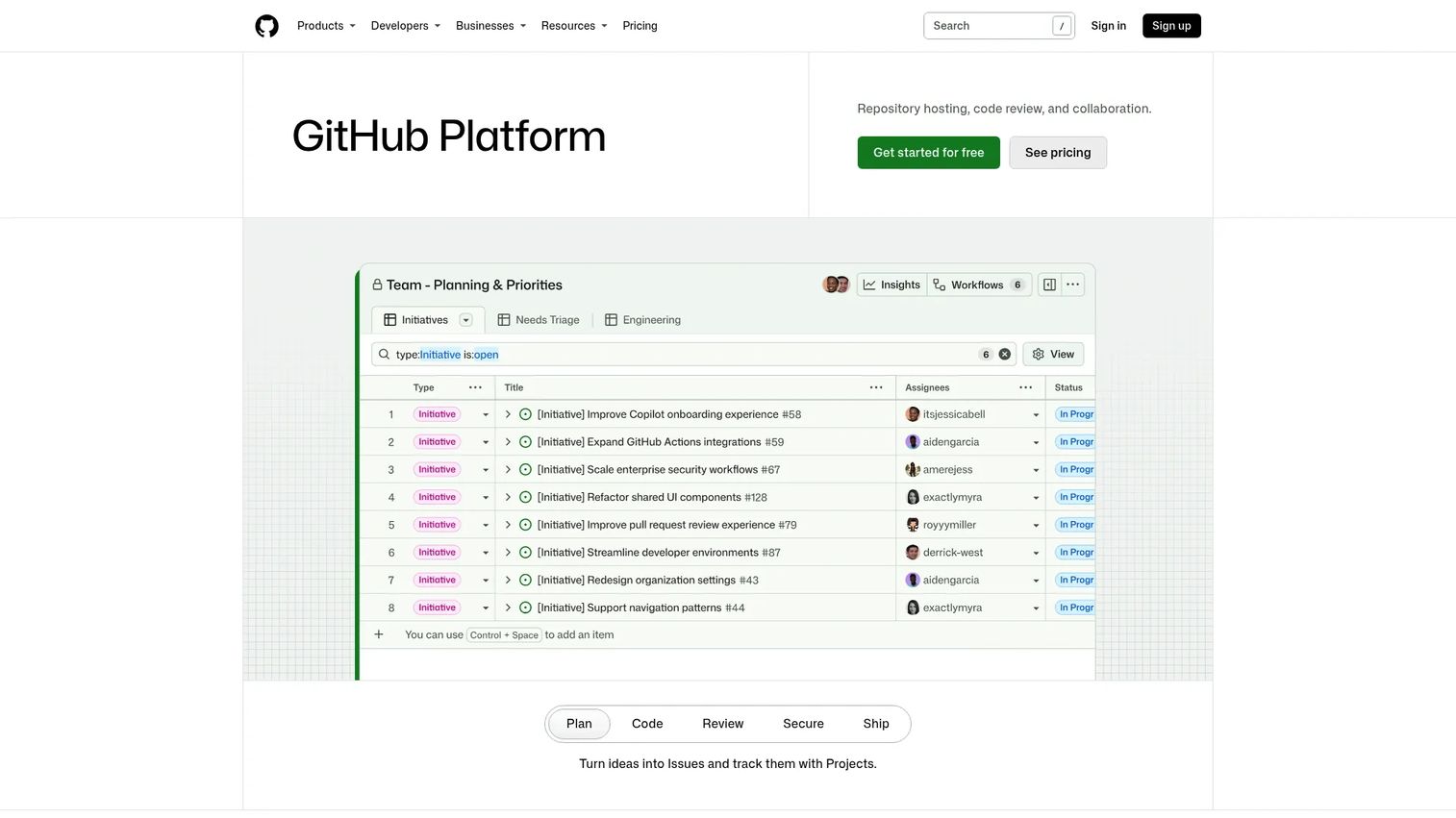
GitHub Issues tracks defects and requests alongside software repositories. Projects extends that work into tables, boards, and roadmaps. Teams can assign multiple people and group related work into milestones.
This is a natural software bug tracking system when engineering already works in GitHub. Product managers should evaluate the stakeholder experience as carefully as the developer workflow. A familiar home for engineers still needs an accessible intake process for support and customer success.
Best for: Engineering-led teams that want issue management close to code.
Key features
- Repository-centered issue tracking
- Multiple assignees
- Milestones
- Projects tables and boards
- Roadmap views
Build a sample project containing issues from different repositories. Check whether a PM can understand release exposure without opening every technical record.
Then ask a support colleague to submit a customer problem. Assess whether they know where to file it and what information belongs in the description. Establish a consistent reporting template before broadening access.
For prioritization, keep the distinction between implementation ownership and customer communication ownership explicit. Several assignees can collaborate, but someone still needs to decide when the reporter receives an update.
Why choose GitHub Issues: Choose it when developer participation is your main adoption requirement. Define cross-repository reporting before relying on it for portfolio-level visibility.
GitHub Issues pricing: Issues is included in GitHub Free. Team costs $4/user/month; Enterprise costs $21/user/month.
G2 rating: 4.7/5 for GitHub, rather than a separate GitHub Issues listing.
4. Azure DevOps
Azure DevOps brings Agile planning together with repositories, delivery pipelines, testing, and package management. Azure Boards provides configurable Kanban planning. The surrounding services give technical teams a connected environment for implementation and release work.
For PMs, the attraction is traceability across the delivery process. Evaluate how a reported problem moves from planning into testing, then toward deployment. Keep customer impact visible beside technical progress.
Best for: Organizations standardized on Microsoft tooling or a shared DevOps delivery environment.
Key features
- Azure Boards
- Configurable Kanban boards
- Azure Repos
- Azure Pipelines
- Manual and exploratory testing
Use a release-blocking defect as the evaluation scenario. Ask engineering to show the implementation state, while QA explains the evidence required to accept the fix.
Pay attention to access requirements. A stakeholder who only needs an update should not require the same working experience as a developer. Review licensing and permissions around each role before estimating the rollout cost.
The breadth of this suite deserves consideration. Teams evaluating a standalone tracker should identify which surrounding services they intend to use, rather than treating them as automatic value.
Why choose Azure DevOps: Choose it when work tracking should sit beside established development and testing services. Evaluate the full delivery workflow rather than Boards alone.
Azure DevOps pricing: Basic includes five users free, then costs $6/user/month. Basic + Test Plans costs $52/user/month and offers a 30-day trial.
G2 rating: 4.2/5
5. YouTrack
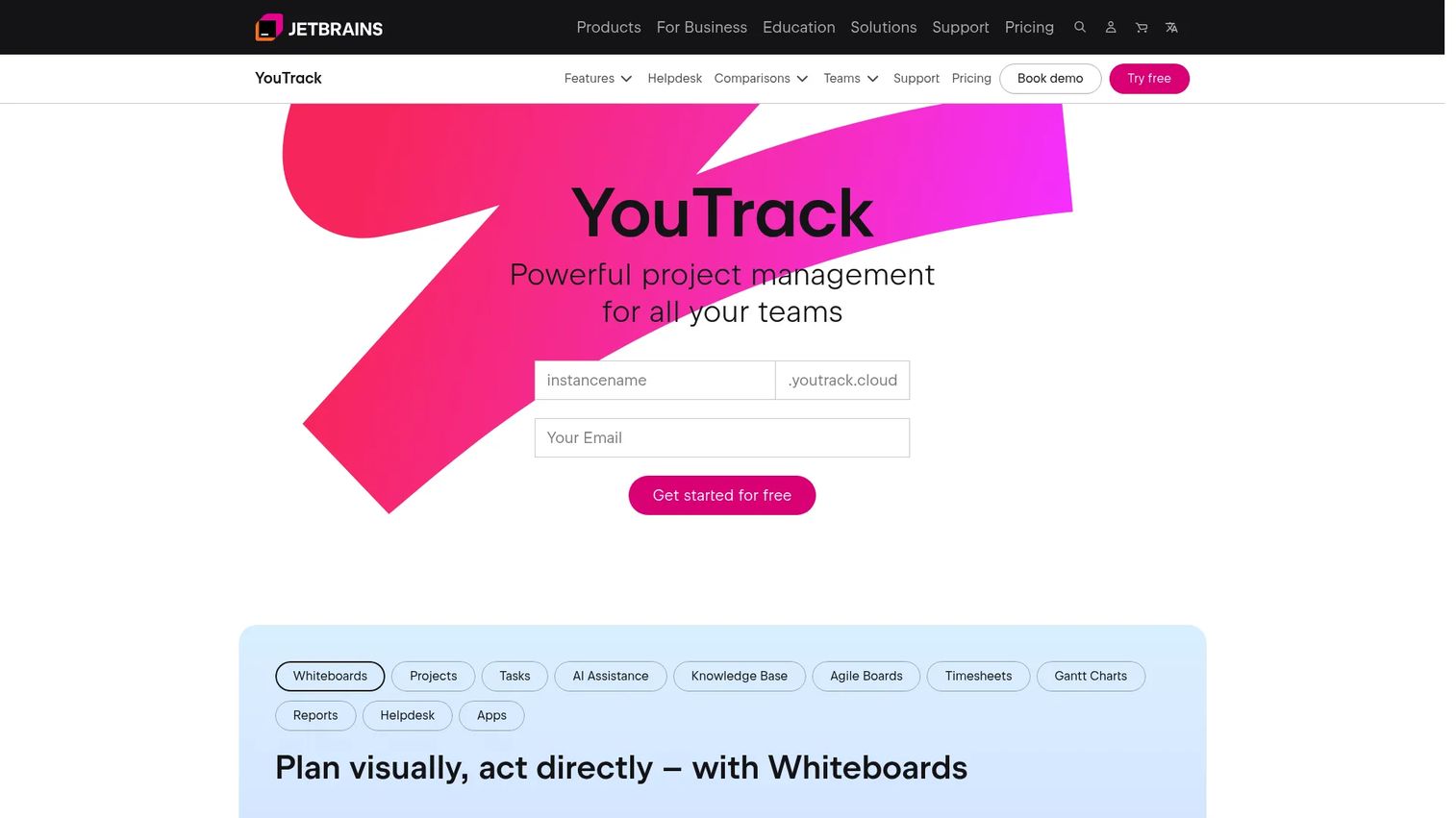
YouTrack combines task management with Agile boards and a knowledge base. Helpdesk projects bring customer-facing work into the same product. Reporting and time tracking support teams that need visibility beyond a simple status board.
Its scope makes it worth evaluating when engineering and support share responsibility for incoming problems. PMs can assess whether documentation stays close enough to tracked work to reduce repeated clarification. The important test is how internal and external participants experience that process.
Best for: Technical teams needing configurable issue management with documentation and support workflows.
Key features
- Scrum and Kanban boards
- Knowledge base
- Helpdesk projects
- Reporting and time tracking
- Gantt charts and dashboards
Bring a recurring support question and a confirmed product defect into the trial. Decide which belongs in documentation and which requires engineering work. Inspect how your team would preserve the connection between those outcomes.
For larger teams, model the user count before comparing subscription totals. YouTrack’s paid Cloud pricing uses volume-based rates. Helpdesk also distinguishes reporters from support agents, which matters when many customers submit requests.
Why choose YouTrack: Choose it when issue management needs to connect technical work with shared knowledge. Evaluate role boundaries before treating support and engineering as one audience.
YouTrack pricing: Free supports 10 users. Paid Cloud rates start at $4.50/user/month annually or $5.40 monthly for 11+ users, with volume reductions.
G2 rating: 4.2/5.
6. Bugzilla
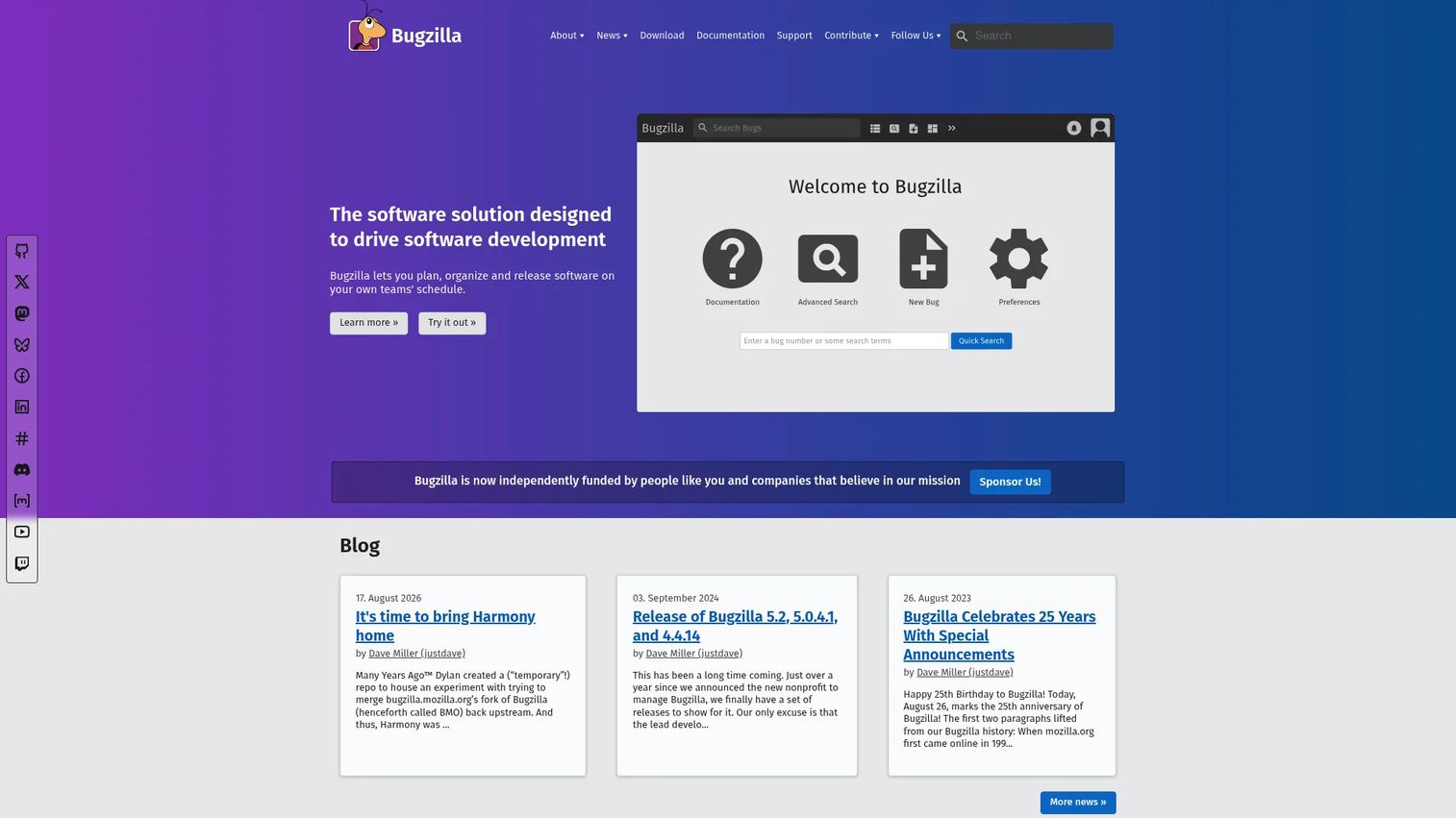
Bugzilla is an open-source defect tracking system installed on your own server. It supports customized fields and workflows, with advanced search for investigating a growing bug database. Duplicate detection helps teams handle repeated reports of the same problem.
This is a focused option when defect tracking matters more than a broader work-management suite. PMs should evaluate how easily they can find unresolved customer problems and distinguish recurring symptoms from separate causes.
Best for: Technical organizations that want self-hosted bug management software and can own its administration.
Key features
- Advanced search
- Automatic duplicate detection
- Custom fields and workflows
- Email notification preferences
- Reports and charts
Use recurring defects as your trial dataset. Include reports with different wording that describe the same failure, then assess the resulting triage process.
Also test the reporting experience with a nontechnical stakeholder. Ask them to find the status of a customer problem without knowing its internal component name. Their ability to retrieve that answer matters alongside the technical configuration.
Self-hosting creates an operating responsibility. Assign ownership for upgrades and recovery procedures before making the tracker part of release-critical work.
Why choose Bugzilla: Choose it when a dedicated bug database and deployment control fit your organization. Plan contributor onboarding as part of adoption.
Bugzilla pricing: The software is free and runs on your own server.
G2 rating: 3.9/5.
7. Redmine
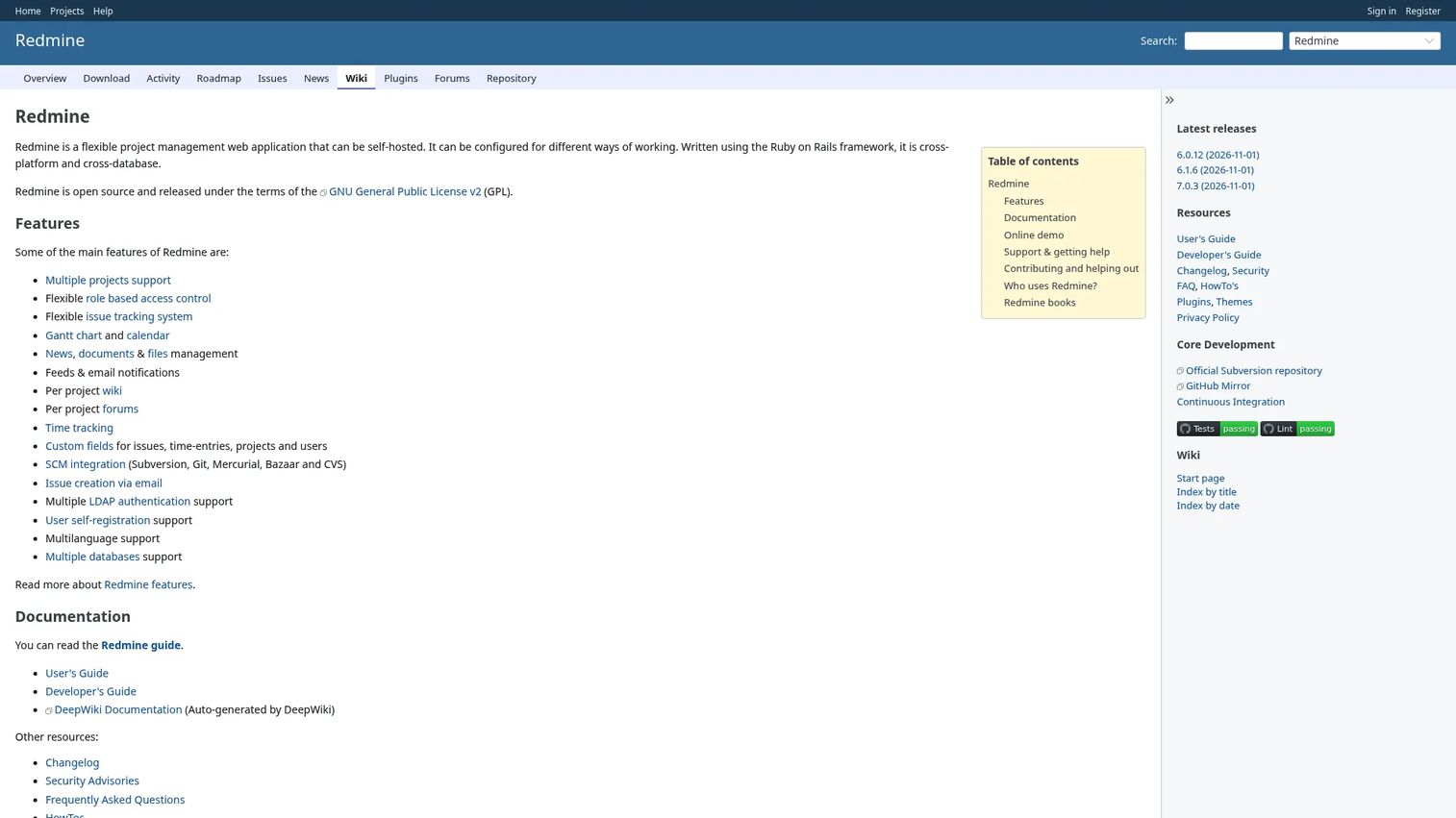
Redmine combines project management and issue tracking in a self-hosted application. It supports projects and subprojects alongside repository browsing. Wikis and document management keep reference material near delivery work.
For PMs, its appeal is the connection between individual issues and broader project coordination. Evaluate the project hierarchy against your product structure. A setup that mirrors departments may not make customer-facing release dependencies easy to understand.
Best for: Organizations seeking self-hosted project issue tracking software with broad configuration options.
Key features
- Projects and subprojects
- Role-based access control
- Gantt charts and calendars
- Wikis and document management
- Repository browsing and diff viewing
Create a sample release spanning several projects. Check whether participants can identify shared dependencies and find the supporting technical discussion.
Then examine the maintenance implications of customization. Document which behavior comes from the core application and which additions your team expects to operate. Include that distinction in upgrade planning.
The software’s license cost is only one part of the buying decision. Compare internal administration against the operating model of a hosted service. Include the person responsible for keeping the application available.
Why choose Redmine: Choose it when project structure and deployment control matter together. Keep your initial configuration small enough for the team to maintain confidently.
Redmine pricing: Redmine is free, open-source software.
8. MantisBT
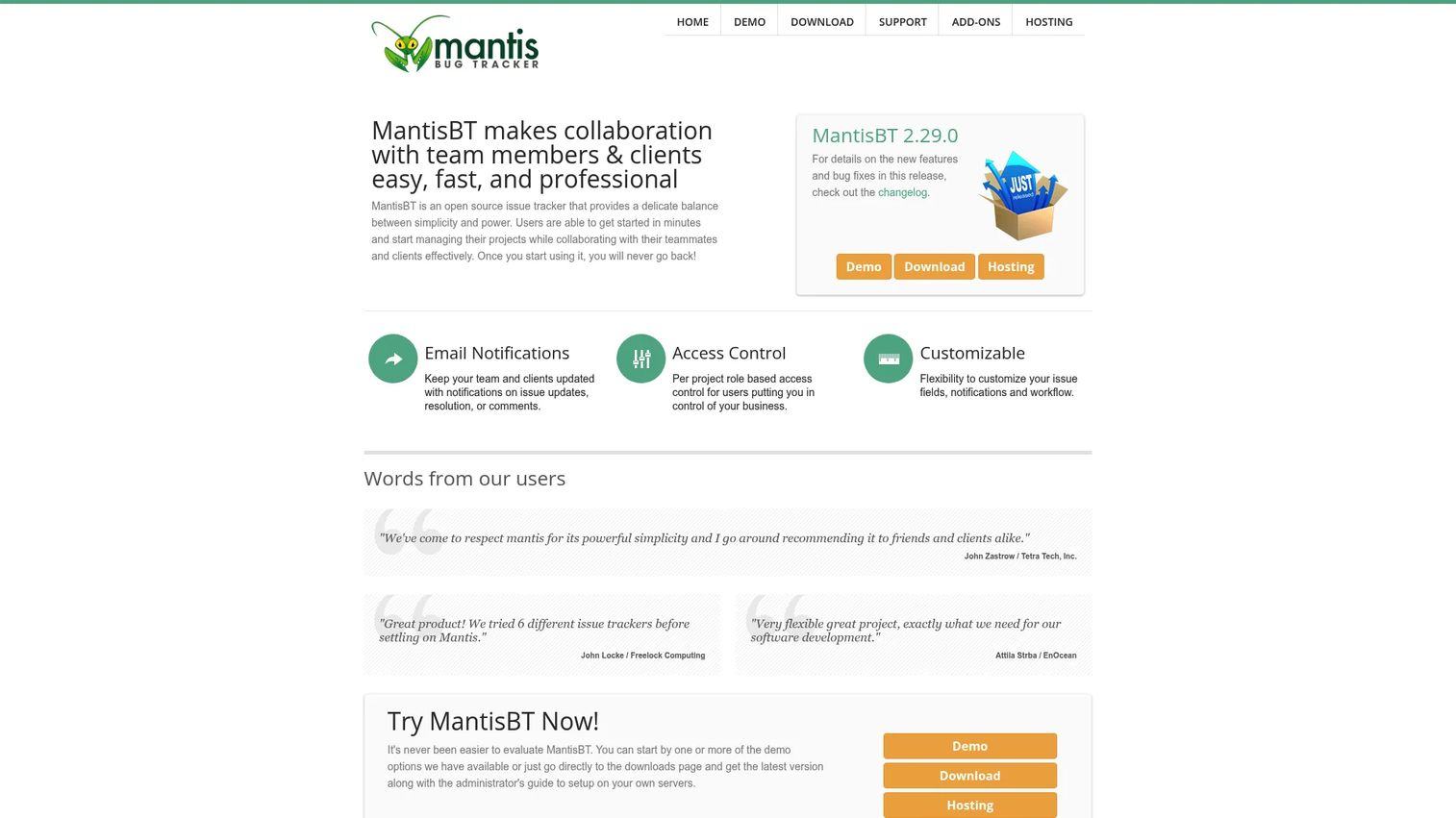
MantisBT is an open-source web application for managing defects and project tasks. Its documented capabilities include customizable workflows and user access control. Evaluate it as a focused issue tracker rather than assuming it covers every planning requirement.
A smaller technical team can start its assessment with the essential bug lifecycle. Establish what must happen between submission and closure, then inspect whether the configuration reflects those decisions clearly.
Best for: Technical teams seeking an open-source tracker centered on defect handling.
Key features
- Issue tracking
- Customizable workflows
- User access control
During evaluation, separate required behavior from conveniences. Your essential record might need a reproducible problem and an accountable owner. Broader planning requirements deserve their own test rather than an assumption.
Ask QA to submit a defect that engineering cannot reproduce immediately. Observe how the team records the clarification request and subsequent evidence. Decide who owns a ticket while it waits for information.
Include permissions in that exercise. A reporter’s access should match the information they need, particularly when records contain customer details.
Why choose MantisBT: Choose it when a focused technical tracking workflow is the priority. Test project planning requirements separately before consolidating other systems into it.
MantisBT pricing: Budget for hosting and administration when evaluating a self-hosted deployment.
G2 rating: 4.0/5.
9. Shortcut
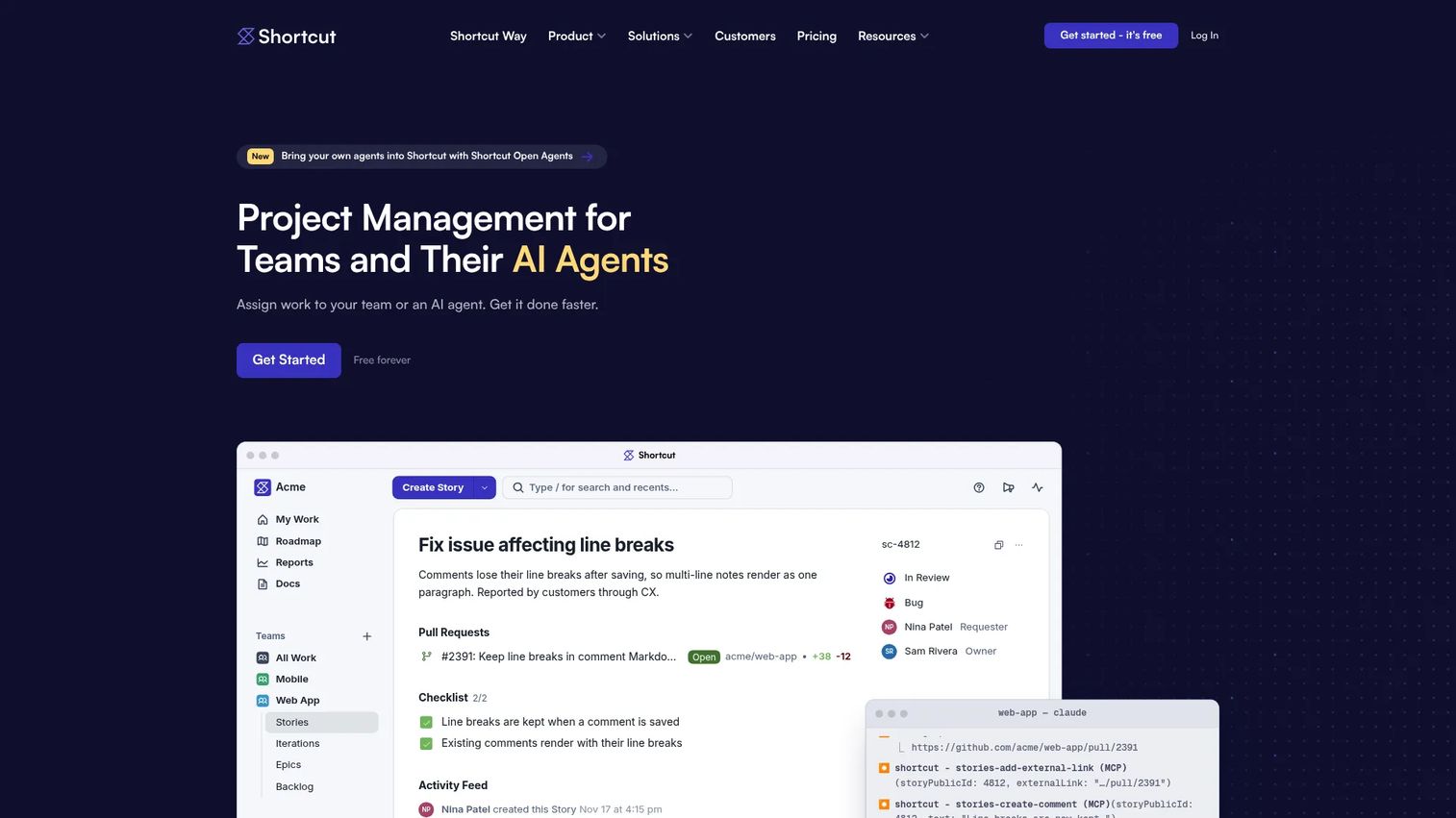
Shortcut connects software development execution with roadmaps and reporting. Stories and backlog management sit alongside iterations, with collaborative Docs available for supporting context. Integrations include GitHub and GitLab.
That combination makes it relevant when PMs need planning decisions to remain connected to squad execution. Evaluate how a defect competes with roadmap work rather than tracking it in a separate maintenance queue.
Best for: Agile software teams that want a shared planning and execution environment.
Key features
- Stories and backlog management
- Iterations and sprint planning
- Roadmaps and objectives
- Collaborative Docs
- Development tool integrations
Use a customer-impacting bug that interrupts an iteration as your test. Ask the team to show what gets displaced and how that change appears in planning discussions.
Review the reporting experience with your engineering manager. Decide whether you need delivery metrics by squad, product area, or customer segment. Those choices should shape your setup before the first import.
Shortcut also supports custom fields and automations. Introduce them when they remove a specific manual step, rather than recreating every historical requirement during migration.
Why choose Shortcut: Choose it when product planning needs a direct relationship with daily development work. Test exceptional workflows before standardizing across teams.
Shortcut pricing: A free plan is available. Team costs $8.50/user/month annually or $10 monthly; Business costs $12 annually or $16 monthly.
G2 rating: 4.4/5.
10. Zoho BugTracker
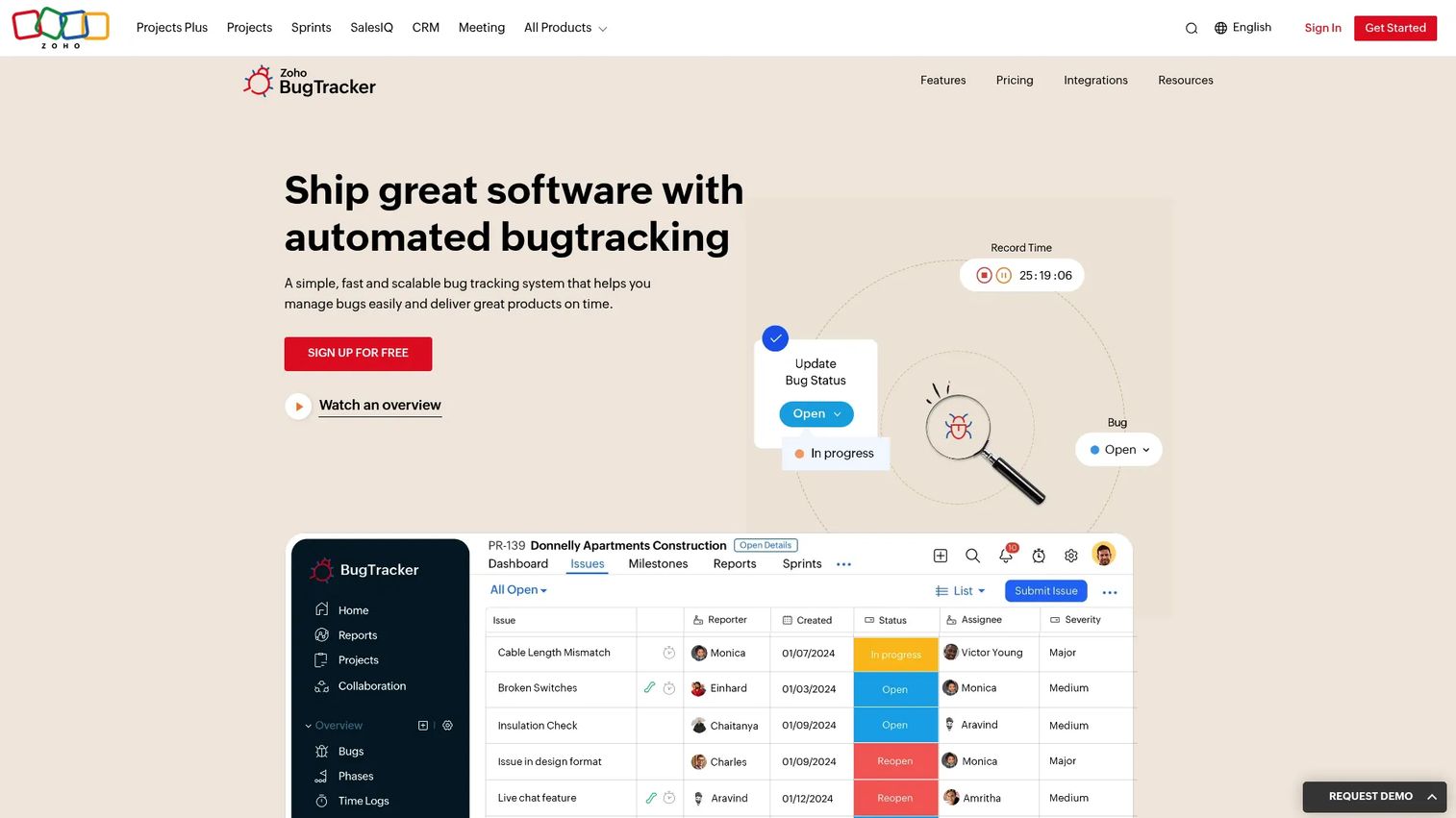
Zoho BugTracker records and manages software defects through configurable workflows. Business rules and SLA automation support teams that need explicit response processes. Time tracking and collaboration features extend the record beyond its technical description.
For a PM, its relevance increases when bug handling includes a service commitment. Evaluate how an urgent customer report becomes engineering work without losing the deadline attached to the original request.
Best for: Small and mid-market teams, particularly those already working with Zoho products.
Key features
- Custom bug workflows
- Business rules and webhooks
- SLA automation
- Reports and custom views
- Time tracking
Test a report with a response target and a separate resolution expectation. Decide which event starts the clock and what happens when ownership changes.
Also check how account context enters the record. Severity describes the defect’s impact, while commercial importance informs prioritization. Keep those concepts separate so a high-value account doesn’t automatically redefine technical seriousness.
Teams outside Zoho should map the full integration path during evaluation. Identify the source of customer information and the destination for engineering updates before estimating implementation effort.
Why choose Zoho BugTracker: Choose it when configurable bug handling and SLA tracking belong in the same process. Evaluate integration requirements alongside subscription cost.
Zoho BugTracker pricing: Free supports three users; paid plans offer a 15-day trial. Standard costs $3/user/month and Premium costs $7/user/month, billed annually.
G2 rating: 4.4/5.
11. BugHerd
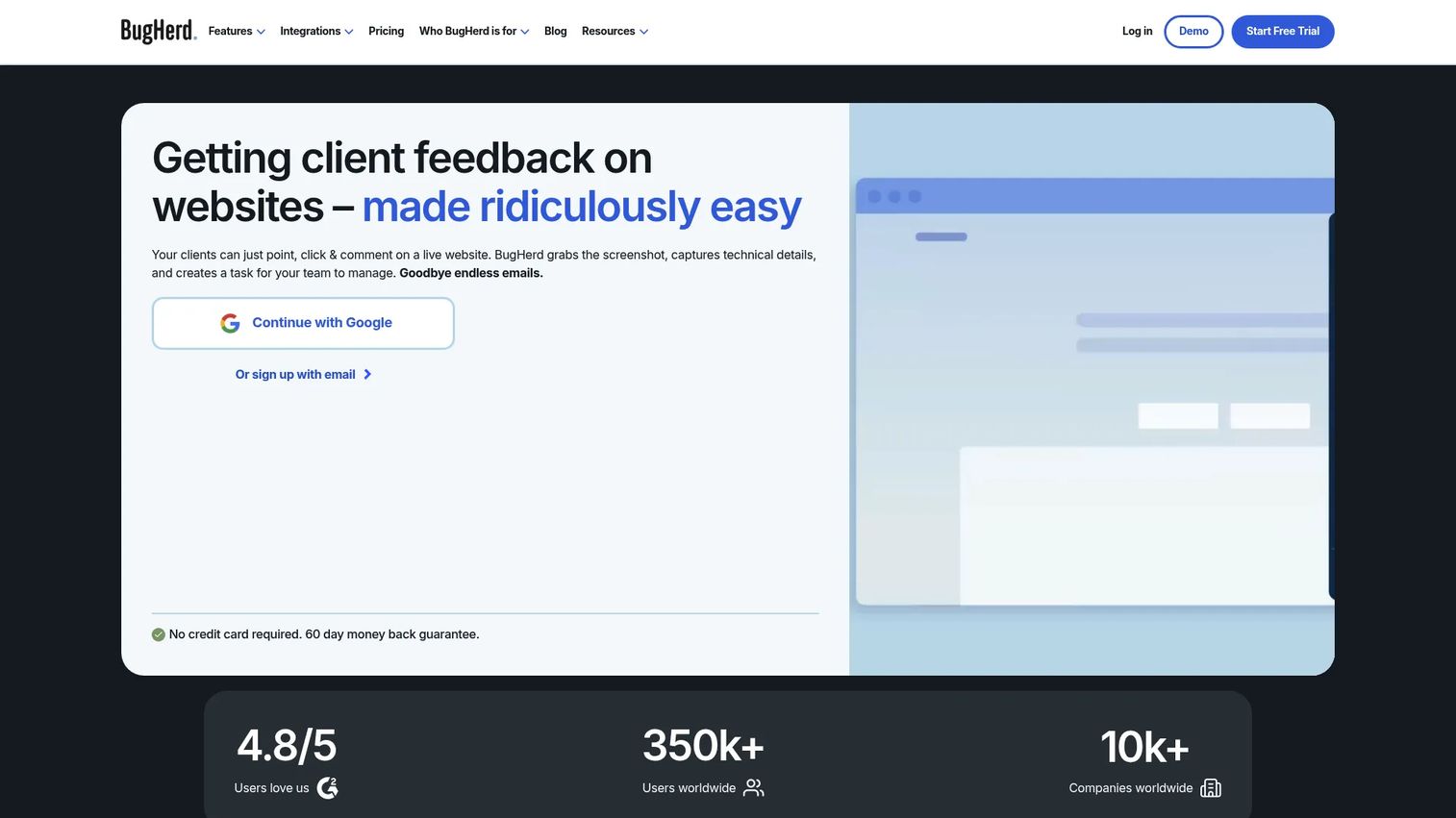
BugHerd turns feedback pinned to website elements into trackable tasks. Automatic screenshots and technical metadata give engineers more context than a message describing where something looks wrong. Its Kanban board supports feedback management after submission.
Among bug reporting tools, this is a distinct intake-first approach. It suits website reviews where the reporter knows what looks incorrect but cannot explain the underlying implementation.
Best for: Web teams and agencies collecting visual feedback from clients, QA, or other stakeholders.
Key features
- Pinned website feedback
- Automatic screenshots and technical metadata
- Kanban task board
- Text-edit suggestions
- Video feedback
Evaluate it with a reviewer who has never filed an engineering ticket. Ask them to report a layout problem and a failed interaction. Compare the resulting evidence with your current reporting process.
Next, follow the task into the system your developers use. BugHerd lists integrations with platforms including Jira and Linear. Decide which system owns prioritization and which holds the original feedback.
That ownership decision prevents parallel boards from becoming competing status sources. Keep the reporting surface approachable while making the engineering handoff explicit.
Why choose BugHerd: Choose it when visual context is the missing ingredient in website reports. Pair the intake process with a defined delivery workflow.
BugHerd pricing: Standard costs $50/month monthly or $42/month billed yearly, including five members. A free trial is available.
G2 rating: 4.8/5.
12. GitLab
GitLab brings project management into a development platform covering source control, CI/CD, security, and governance. Its value for issue tracking comes from that surrounding delivery context. Teams already using the platform can evaluate work management without separating it from software execution.
PMs should focus on the relationship between customer impact and technical remediation. A vulnerability or defect can require substantial engineering attention without being easy for stakeholders to interpret.
Best for: Organizations using GitLab to coordinate software development and security work.
Key features
- Project management
- Source code management
- Built-in CI/CD
- Application security testing
- Compliance and governance capabilities
Use a defect associated with a release as your evaluation case. Ask engineering to show how implementation and validation connect to the delivery process.
Then inspect the product-facing view. Can a PM explain the customer impact and expected resolution without translating a pipeline screen during every status meeting? Establish a shared description of the outcome.
Review packaging against the workflows you intend to use. GitLab’s tiers extend well beyond issue management, making a license comparison with standalone trackers incomplete without that context.
Why choose GitLab: Choose it when issue management belongs inside an established DevSecOps platform. Base the decision on delivery integration rather than tracker features alone.
GitLab pricing: Free is available. Premium costs $29/user/month, billed annually; Ultimate uses custom pricing.
G2 rating: 4.5/5.
13. Sentry
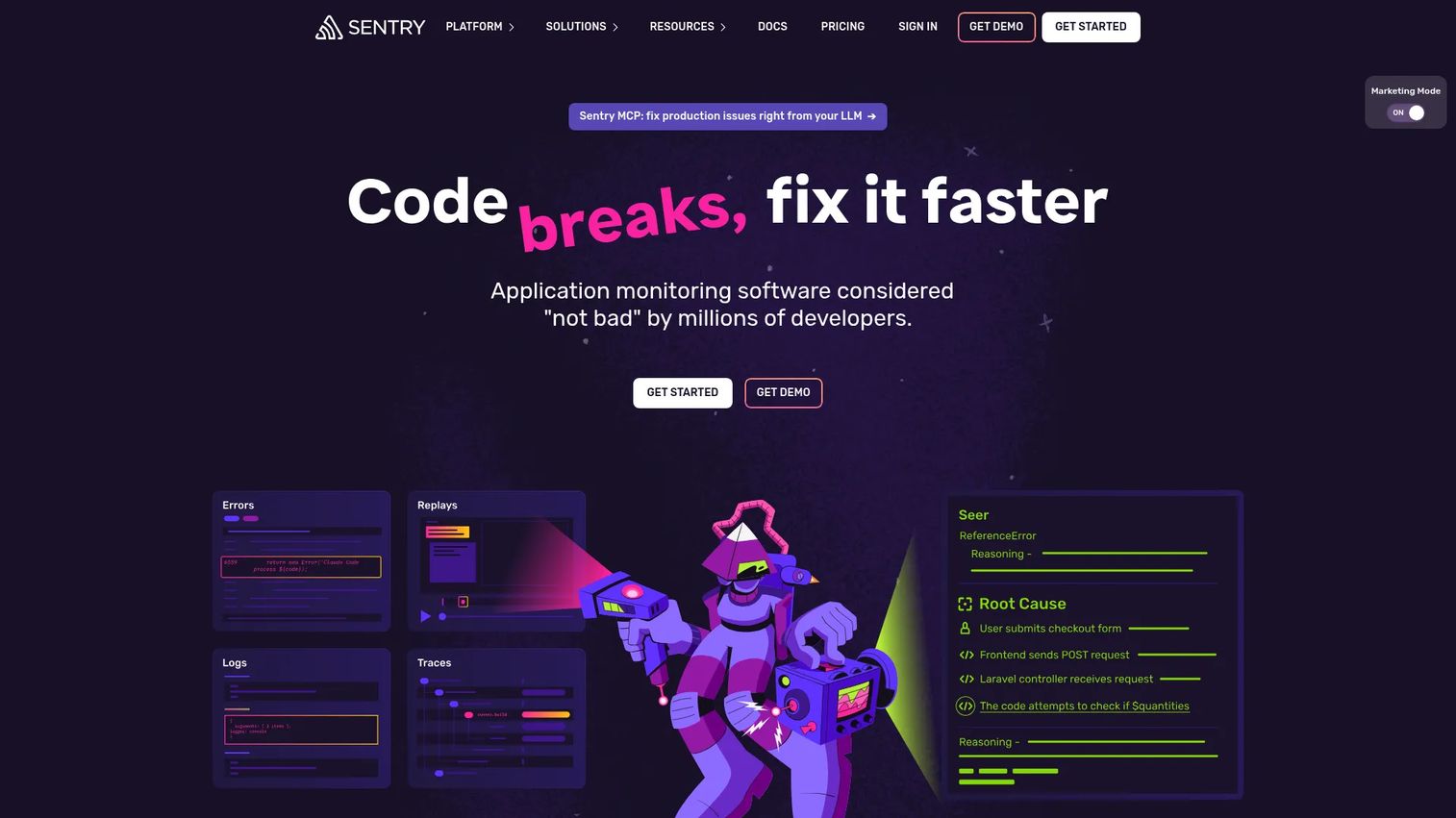
Sentry provides application error tracking and performance monitoring. Stack traces and breadcrumbs help developers investigate failures, while user impact analysis adds prioritization context. It starts from runtime evidence rather than a manually written request.
That makes it a specialized part of the issue lifecycle. A PM assessing activation friction can work with engineering to investigate whether a failing journey produces errors. The resulting evidence can then inform prioritization in the team’s delivery process.
Best for: Development teams that need production debugging context and visibility into application failures.
Key features
- Error monitoring and alerts
- Stack traces and breadcrumbs
- User impact analysis
- Release Health
- Session Replay
During evaluation, choose an important customer journey and inspect the evidence available when it fails. Ask whether engineering can connect an observed problem to a release and explain its impact.
Define the handoff from monitoring into planned work. An alert needs an owner and a decision about urgency. Avoid assuming that collecting technical evidence automatically creates a prioritized backlog.
Also model event volume and additional monitoring usage. Sentry’s pricing includes usage-based components, making consumption relevant to cost planning.
Why choose Sentry: Choose it when production failures arrive without enough debugging evidence. Use a project tracker alongside it when broader planning requires a separate workflow.
Sentry pricing: Developer is free. Team costs $29/month monthly or $26 annually; Business costs $89 monthly or $80 annually, with usage charges possible.
G2 rating: 4.5/5.
14. ClickUp
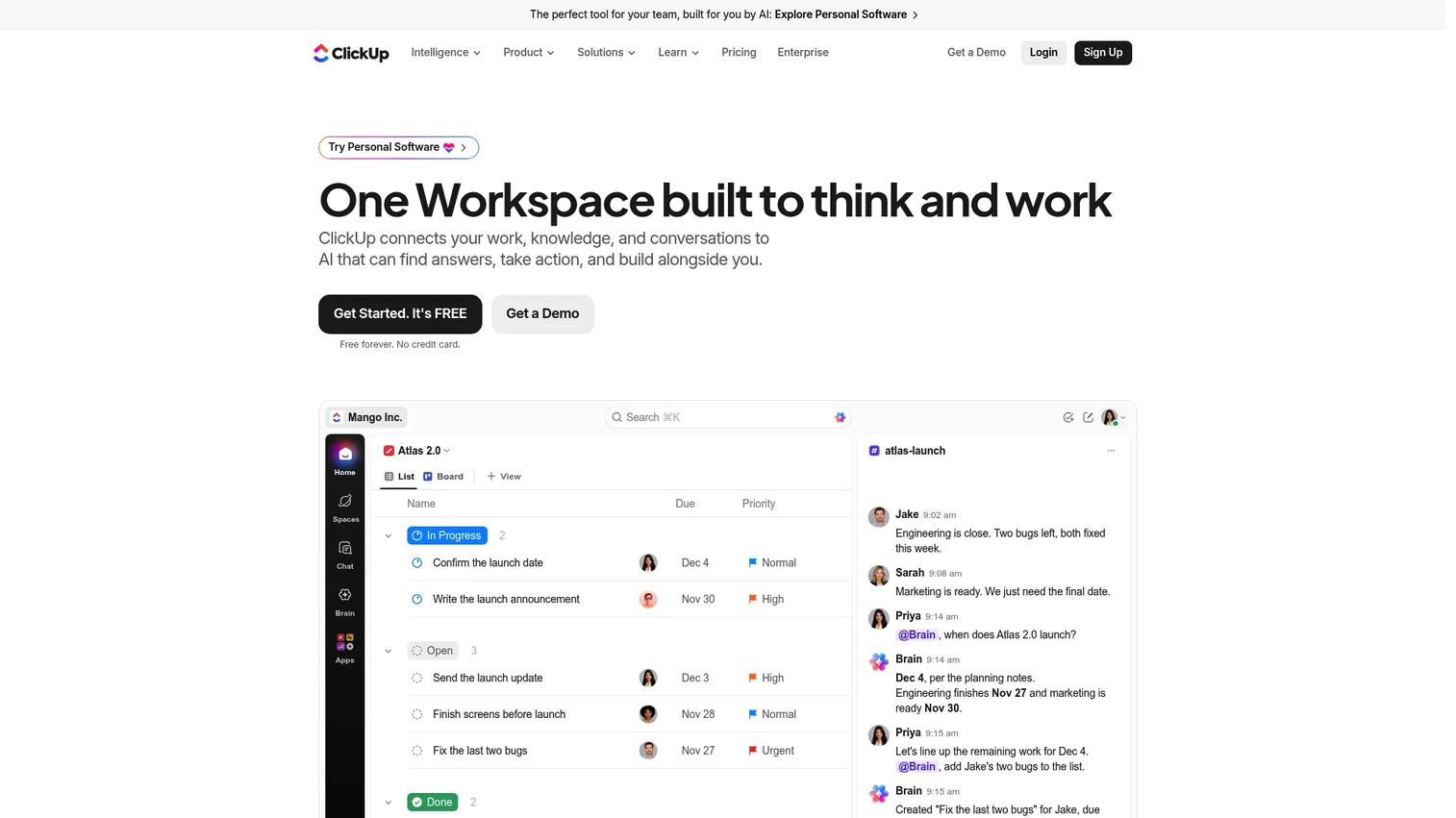
ClickUp combines task management with documentation, goals, dashboards, and collaboration. It fits evaluations where product issues share an operating process with work outside engineering. PMs can assess how supporting decisions and execution records remain connected.
A cross-functional defect rarely ends with the code change. Customer communication or help content may need attention too. Broader project issue tracking software can represent those responsibilities, provided the team establishes clear ownership.
Best for: Teams managing product issues alongside cross-functional delivery work.
Key features
- Task and project management
- Collaborative Docs
- Goals
- Dashboards and reporting
- Time tracking
Build a trial around a problem that requires both engineering and customer-facing follow-up. Inspect whether the final outcome is visible when the implementation task closes.
Decide how teams should organize shared work before importing existing folders or lists. Different departments may use different meanings for “done.” Establish a common completion standard for issues crossing those boundaries.
Also test the reporting view with someone outside the workspace’s daily users. A dashboard should answer a decision question, such as which unresolved problems threaten a release.
Why choose ClickUp: Choose it when issue management needs to sit within broader coordination work. Define workspace ownership before expanding the configuration.
ClickUp pricing: Free Forever is available. Core costs $9/user/month and Business costs $17/user/month, billed yearly.
G2 rating: 4.6/5.
15. Trello
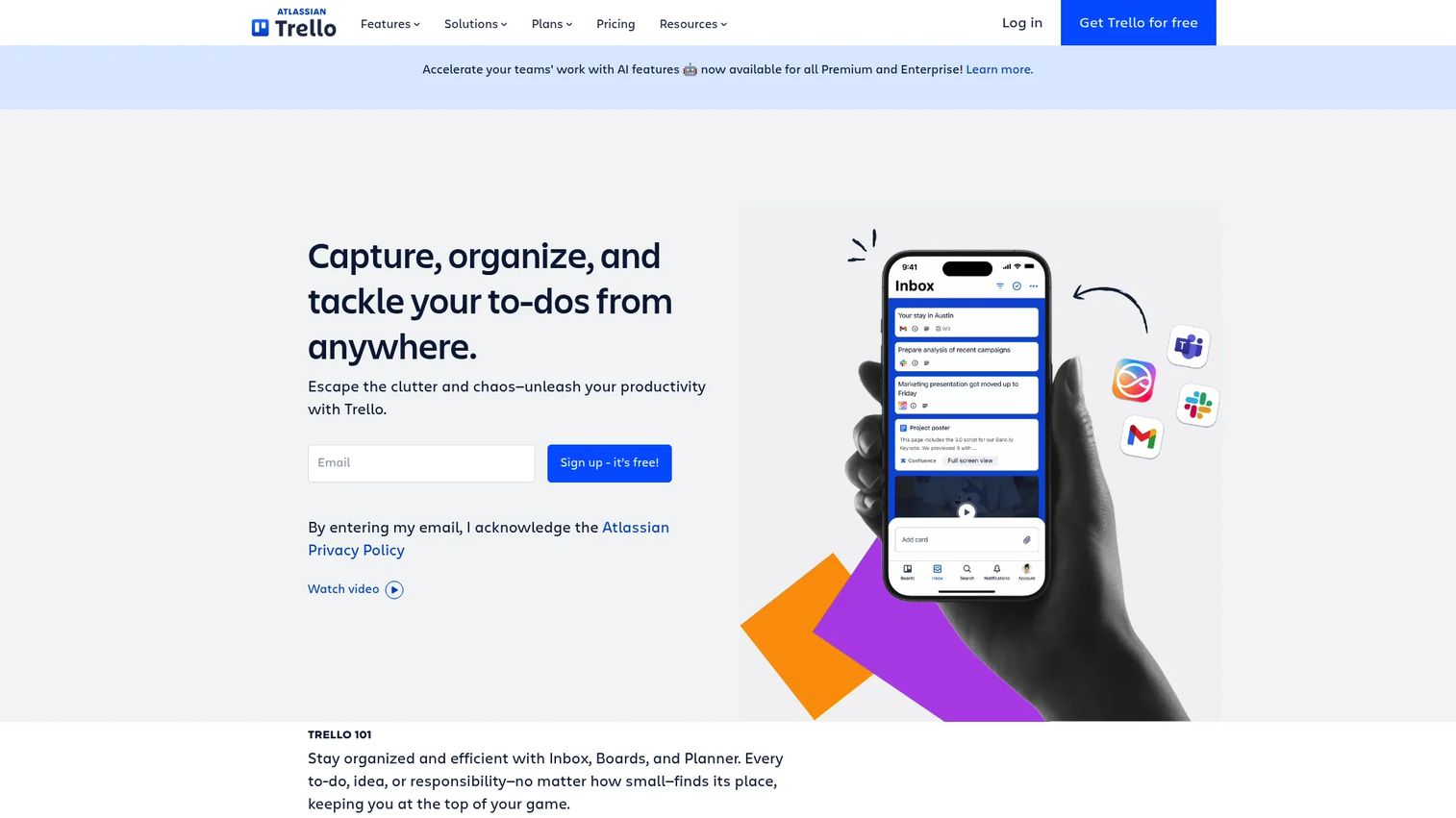
Trello organizes work using boards, lists, and cards. Checklists and attachments provide supporting context, while built-in automation handles repeatable actions. Its Inbox can capture work from email and Slack.
This is a practical starting point when your team needs visible ownership without a large process design exercise. PMs should still define what each list means. Moving a card must communicate something more specific than “someone touched this.”
Best for: Small teams coordinating a manageable issue queue through visual Kanban tracking.
Key features
- Boards and cards
- Checklists and due dates
- Custom Fields
- Built-in automation
- Power-Ups and integrations
Start with a board that distinguishes incoming reports from accepted work. Add a clear validation step before closure.
Use the trial to test retrieval as well as creation. Ask a colleague to find every unresolved problem affecting the same customer journey. A board that looks clear during a meeting still needs to support later investigation.
When reporting or SLA requirements grow, evaluate those workflows directly. Don’t assume a visual queue answers every operational question. Establish the point at which manual coordination becomes too expensive.
Why choose Trello: Choose it when shared visibility and approachable participation are the immediate requirements. Keep escalation responsibilities explicit as issue volume increases.
Trello pricing: Free supports up to 10 collaborators per Workspace. Standard costs $5/user/month annually or $6 monthly.
G2 rating: 4.4/5.
16. OpenProject
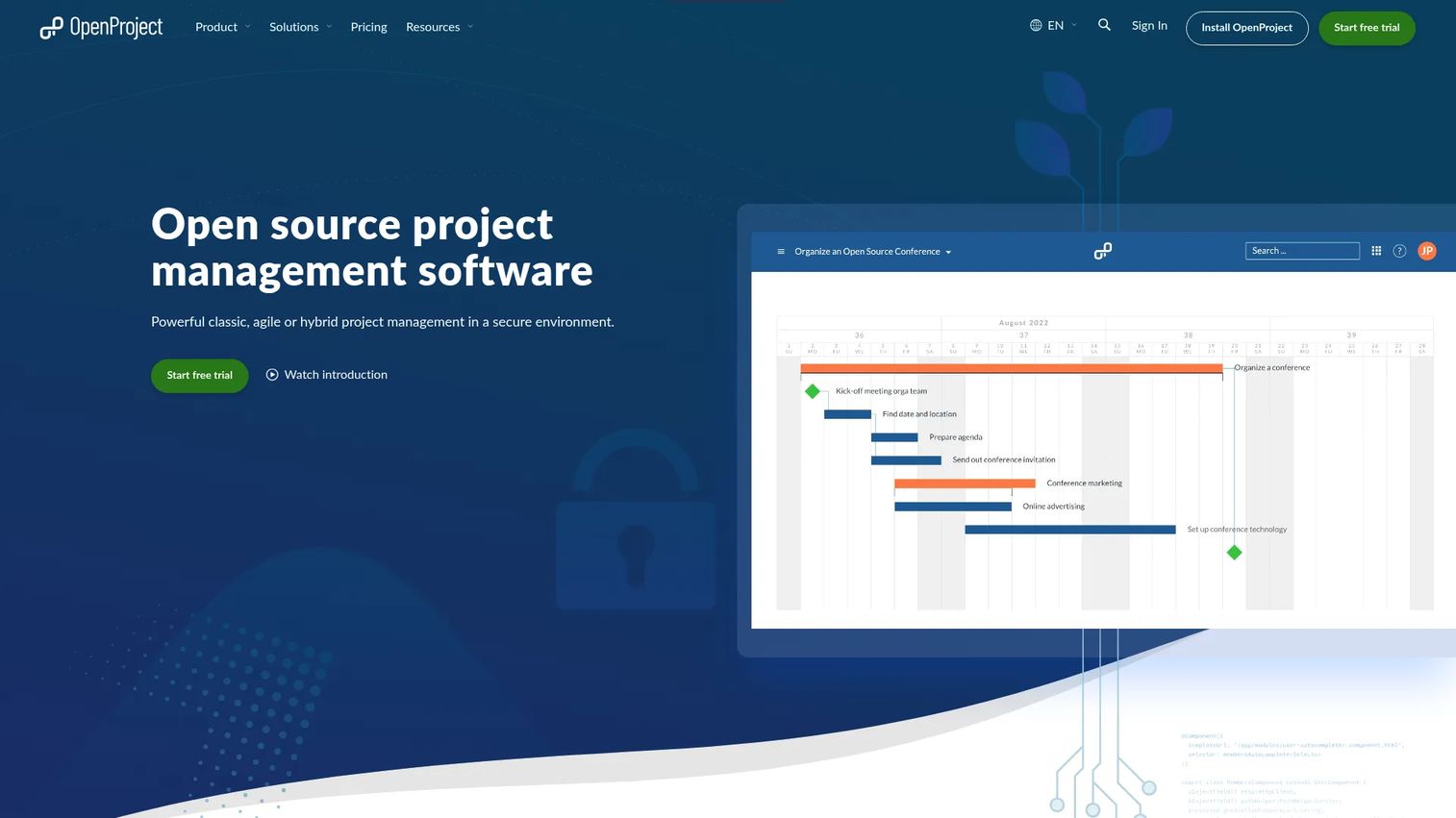
OpenProject supports classic, Agile, and hybrid project management. Scheduling through Gantt charts sits alongside Scrum and Kanban boards. Organizations can choose self-managed deployment or hosted cloud.
Its fit is strongest when issue handling needs to connect with formal project coordination. PMs evaluating release dependencies can compare the scheduling view with the team’s daily execution process.
Best for: Organizations seeking open-source project governance with deployment flexibility.
Key features
- Gantt planning and scheduling
- Scrum and Kanban boards
- Team Planner
- Time tracking and cost management
- Self-managed and hosted deployment
Evaluate a project where an unresolved defect changes the delivery schedule. Ask the team to show the consequence for dependent work, rather than simply changing a ticket’s due date.
Include the operating team in the deployment decision. Self-management needs a clear maintenance owner. Hosted deployment requires its own review of organizational requirements.
Paid seat minimums also matter. Compare the minimum subscription commitment with the number of active participants you expect, rather than multiplying the headline rate by a smaller team.
Why choose OpenProject: Choose it when structured planning and deployment control need equal weight. Test the day-to-day reporting experience with the people submitting issues.
OpenProject pricing: Community is free. Basic costs €5.95/user/month with a 25-user minimum; Professional costs €10.95/user/month with the same minimum.
17. Issuetrak
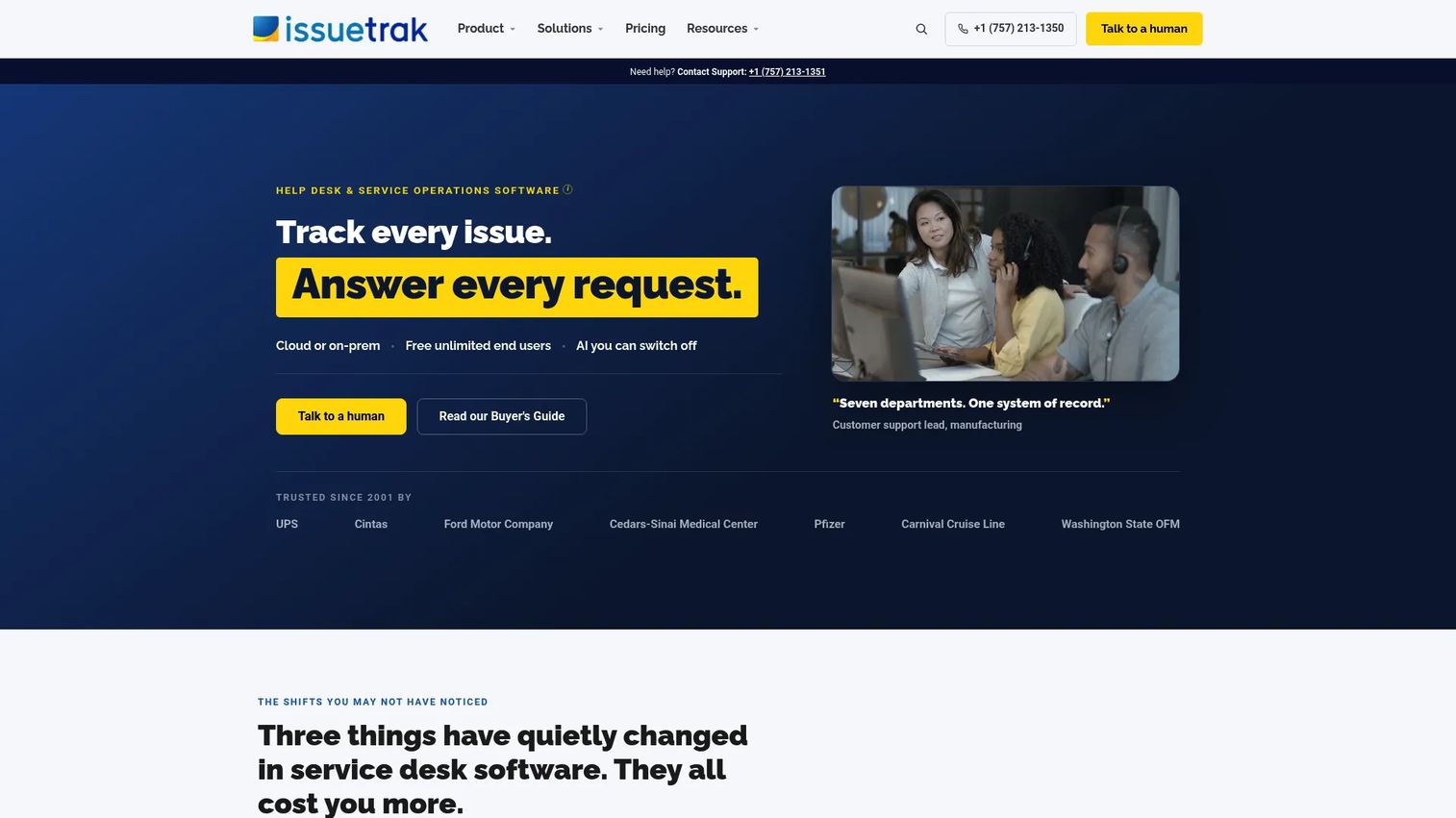
Issuetrak manages requests across departments through configurable intake and routing. SLA management and breach alerts support service commitments. Audit trails preserve the record of how work moved through the process.
Its starting point differs from a repository-centered bug tracker. This is issue management software for teams coordinating operational responsibilities, including requests that need approval or escalation.
Best for: Service operations and regulated organizations needing structured routing and deployment choice.
Key features
- Custom fields and submission templates
- Automated assignment and routing
- Approvals and recurring issues
- SLA management and breach alerts
- Audit trails and reporting
Test a request that crosses departments and approaches its response deadline. Examine who receives the escalation and what the next owner can see.
For PMs, the relevant question is whether operational problems require separate handling from product defects. Define where an engineering handoff occurs and which system remains responsible for customer communication.
Model agents separately from end users. Issuetrak provides unlimited free end users, while agents require paid licenses. Optional add-ons also deserve a place in the procurement estimate.
Why choose Issuetrak: Choose it when service commitments and auditability define the workflow. Developer-centered teams should assess the connection to their delivery process.
Issuetrak pricing: Cloud costs $75/agent/month annually, with three agents minimum. On-premises costs $1,091/agent once, plus $218/agent/year maintenance, also with three agents minimum.
G2 rating: 4.1/5.
Considerations when choosing issue tracking software
Intake quality
Test the information a report contains before anyone asks a follow-up question. Require reproduction steps and relevant environment details, while making customer impact easy to record. Excessive mandatory fields can create incomplete submissions elsewhere.
Triage and severity workflow
Severity describes how serious a problem is; priority determines when your team acts. Define escalation criteria and a named triage owner. Include duplicate handling so repeated reports strengthen the impact record instead of fragmenting it.
Developer handoff
Check whether source control references and supporting evidence remain accessible after reassignment. Ask engineering to investigate a sample issue without consulting its original author. Record every missing detail as an intake improvement.
SLA, reporting, and leadership visibility
Evaluate response timers separately from resolution reporting. Track backlog age, reopen rate, unresolved critical issues, and missed commitments. For product outcomes, compare affected user segments against activation or retention changes without assuming every correlation proves causation.
Deployment, governance, and adoption
Compare SaaS and self-hosted options against your operating capacity. Review permissions, audit requirements, data residency, and administrator responsibilities with the appropriate owners. Include engineering and support in the trial so selection reflects daily participation rather than a PM-only preference.
Choose the tracker that fits your hardest handoff
Jira is the broad starting point for configurable product and engineering workflows. Linear deserves consideration when a focused development process matches how your squads operate.
GitHub Issues and GitLab keep tracking close to established development platforms. Azure DevOps fits organizations evaluating planning alongside Microsoft delivery services.
For open-source control, compare Bugzilla with MantisBT for focused tracking, then examine Redmine and OpenProject for broader project coordination. BugHerd addresses visual website intake, while Issuetrak puts service operations at the center.
Choose a three-tool shortlist around the shape of your work. Run the same customer report through each candidate, from submission to a communicated resolution. Measure clarification requests and ownership gaps during the trial.
The best issue tracking software makes the next action clear without turning maintenance into another product initiative.
For a separate product education need, Guideflow creates interactive demos for user onboarding, support documentation, partner enablement, and internal training. It complements the communication around your product rather than managing the issue queue.
Start your journey with Guideflow today!
FAQs
Issue tracking software maintains a record of bugs, requests, incidents, and operational work from submission through resolution. It assigns responsibility and makes progress visible to participants. For product teams, its value comes from preserving customer impact alongside the technical evidence required to act. A useful system also records validation and communication, rather than treating assignment as completion.
Bug tracking focuses on defects in software behavior, while issue tracking also covers requests and other operational work. Many platforms support both through different record types or workflows. Choose around the information each report needs and the people responsible for resolving it. A service request with a response commitment deserves different handling from a product enhancement awaiting prioritization.
Prioritize intake templates, customer impact fields, severity controls, and views that connect issues to delivery decisions. Evaluate developer integrations and release visibility by following an example through implementation and validation. Reporting should distinguish incoming demand from unresolved risk, with enough segmentation to identify recurring problems. Also test whether support can understand the outcome without asking a PM to interpret the record.
Jira suits configurable workflows, while Linear and Shortcut offer product development models that connect planning with execution. Azure DevOps or GitLab deserves consideration when the surrounding delivery platform already anchors engineering work. YouTrack combines Agile boards with documentation and helpdesk capabilities. The best fit depends on process variation, stakeholder participation, and the existing development environment rather than a universal ranking.
Bugzilla and MantisBT are candidates for defect-centered tracking, while Redmine and OpenProject add broader project management context. Evaluate each against your reporting process and deployment requirements before comparing configuration options. Self-hosting gives your organization operational control, but it also requires clear responsibility for upgrades and recovery. Include that ongoing work in the cost comparison instead of considering license expense alone.
Small teams need a reliable process once customer problems outlive the conversation where someone reported them. Trello, GitHub Issues, or Linear can provide a starting point, depending on how the team works. More specialized requirements become important when ownership changes frequently or requests carry service commitments. Adopt enough structure to preserve context without requiring a large administration effort.
Choose Jira for configurable cross-functional processes, Linear for a shared product development model, and GitHub Issues for repository-centered work. Test each against an issue involving both a customer-facing colleague and an engineer. Compare how clearly participants understand responsibility and completion criteria after the handoff. Include migration effort and ongoing configuration ownership in the decision, rather than judging only the board interface.
Issue trackers keep the problem description and supporting evidence attached to the work as responsibility changes. A useful handoff includes reproduction steps, environment details, severity, and customer impact. Linked implementation references then help reviewers connect the proposed fix to its original purpose. The process still needs an agreed validation owner and a separate responsibility for telling the reporter what changed.