You set up an iPad for check-in, payment, or a product demonstration. Five minutes later, someone has opened another app or followed an unrelated link. Worse, the previous visitor's information remains visible.
iPad kiosk software keeps a device focused on a controlled task. Depending on the workflow, that may require a kiosk browser, offline content app, device management platform, or built-in Apple control.
Demand for these experiences is growing. Research and Markets valued the global self-service kiosk market at $32.2 billion in 2025. Its 2026 report projects the market will reach $49 billion by 2032.
For product managers, device lockdown is only the starting point. You also need reliable task completion, safe session resets, manageable updates, and clear operational ownership.
What's inside
This guide compares 17 kiosk apps, management platforms, visitor systems, and Apple deployment tools. Each option was selected for its relevance to controlled iPad experiences.
The evaluation focuses on:
- Lockdown controls: Navigation, domains, gestures, and device functions
- Deployment model: Local setup, remote management, or supervised enrollment
- Session privacy: Timeouts, data clearing, logout, and automatic reset
- Workflow fit: Sign-in, payment, forms, media, and public displays
Choose the deployment model first. A single trade show device has different requirements from 200 retail iPads across multiple locations.
TL;DR
- Best overall kiosk browser: Kiosk Pro supports controlled web content, PDFs, videos, and offline files
- Best lightweight web kiosk app: Kiosk+ turns a website into a controlled iPad experience
- Best offline content builder: Flow Kiosk supports events and exhibits with unreliable internet
- Best managed fleet option: Scalefusion UEM provides remote lockdown and multi app kiosk mode
- Best visitor check-in workflow: Envoy Visitors Kiosk handles reception and lobby sign-in
- Best built-in starting point: Guided Access supports temporary single device lockdown
What is iPad kiosk software?
iPad kiosk software is a tool or configuration method that restricts an iPad to a controlled app, website, form, media display, or self-service workflow.
The software can power a retail catalog, intake form, visitor check-in kiosk, or public display iPad. Some products control browser behavior. Others manage the whole device and deploy policies across a fleet.
Key capabilities
Common iPad kiosk mode capabilities include:
- Fullscreen kiosk browsing
- Single app or multi app mode
- Domain allowlists and URL blocking
- Idle timeouts and session resets
- Cache and cookie clearing
- Touch and hardware restrictions
- Offline media storage
- Form and lead capture
- Remote configuration through MDM
- Device supervision and enrollment
- Visitor privacy controls
- App and profile deployment
The market divides into three main categories.
Apple native controls include Guided Access, Apple Configurator, Apple Business Manager, and Apple School Manager. These tools support local restriction, device preparation, enrollment, and app assignment.
Kiosk browser and content apps display websites or stored media while controlling navigation. This group includes Kiosk Pro, Kiosk+, Kiosker, Flow Kiosk, SureFox, ProSurf, and KioskBuddy.
Managed kiosk platforms apply policies across multiple devices. Moki Kiosk, Scalefusion UEM, SimpleMDM, and Mosyle Business fit this model. Envoy focuses specifically on visitor sign-in.
Treat the kiosk as a product surface. Track task completion, abandonment, error recovery, and requests for staff help. Also test whether every session clears personal data before the next visitor arrives.
When to use iPad kiosk software
Lock an iPad to one public task
Use an iPad kiosk for registration, patient intake, catalog browsing, payment, or product selection. Guided Access can cover a supervised one device setup.
Dedicated software becomes useful when staff cannot reset the device after every visitor. Look for automatic return to home, data clearing, and restricted navigation.
Run interactive content in public spaces
Retail stores, museums, conference booths, and galleries use kiosks for media, forms, education, and product exploration. An offline iPad kiosk is useful where connectivity changes throughout the day.
For software education at events, an interactive product experience can support demonstrations, onboarding, customer education, and partner training. The physical lockdown layer still requires dedicated kiosk controls.
Manage multiple iPads remotely
Mobile device management becomes important when devices sit across stores, schools, offices, or field locations. Teams can distribute apps and apply restrictions without visiting each device.
A supervised iPad can also receive consistent policies through MDM kiosk mode. This makes kiosk updates part of your release process instead of an informal facilities task.
iPad kiosk software comparison
The table separates lightweight kiosk apps from fleet management and Apple deployment infrastructure. Pricing reflects the current vendor information supplied for this review.
Many App Store tools lack dedicated G2 listings. Those entries use N/A rather than borrowing a rating from an unrelated product.
| # | Product | Best for | Key differentiator | Pricing | G2 rating |
|---|---|---|---|---|---|
| 1 | Kiosk Pro | Mature browser deployments | Deep web, media, and session controls | From $5/month per device | N/A |
| 2 | Kiosk Pro Lite | Light content kiosks | No-code pages with browser controls | $5/month per device | N/A |
| 3 | Kiosk+ | Quick website kiosks | Controlled web experience with MDM settings | $29.99 one-time | N/A |
| 4 | Kiosker: Fullscreen Web Kiosk | Web and local content | Browser controls with local file support | Free trial; Custom pricing | N/A |
| 5 | Flow Kiosk: Offline iPad Kiosk | Offline exhibits and events | Stored media, forms, and remote updates | From $20/month | N/A |
| 6 | SureFox Kiosk Browser Lite | Restricted shared browsing | Approved website access | Custom pricing for iOS | N/A |
| 7 | ProSurf | Managed secure browsing | Browser controls within Scalefusion | Custom pricing; 14-day trial | N/A |
| 8 | KioskBuddy | Self-service ordering | Square based ordering and payments | From $50/month | N/A |
| 9 | Moki Kiosk | Dedicated device fleets | Central control for iOS and Android | Custom pricing | N/A |
| 10 | Scalefusion UEM | Enterprise kiosk management | Single app, multi app, and remote controls | From $2/device/month annually | 4.7/5 |
| 11 | SimpleMDM | Apple focused fleets | Supervision and Apple device governance | From $2.50/device/month annually | N/A |
| 12 | Mosyle Business | Apple fleet management | Enrollment, restrictions, and endpoint controls | Free; Paid from $1/device/month | 4.6/5 |
| 13 | Envoy Visitors Kiosk | Workplace reception | Structured visitor check-in | Free; Premium $362/location/month annually | 4.7/5 |
| 14 | Guided Access | Temporary lockdown | Built-in single app restriction | Free with iPadOS | N/A |
| 15 | Apple Configurator | Device preparation | Mac based supervision and profiles | Free | N/A |
| 16 | Apple Business Manager | Business enrollment | Device ownership and app distribution | Core service included | N/A |
| 17 | Apple School Manager | Education enrollment | School device and classroom deployment | Free | N/A |
Best 17 tools for iPad kiosk software
This list includes kiosk apps, MDM platforms, visitor workflows, and Apple controls. The category spans all four because each handles a different part of deployment.
Start with the operating model. Then compare features within the relevant group.
1. Kiosk Pro
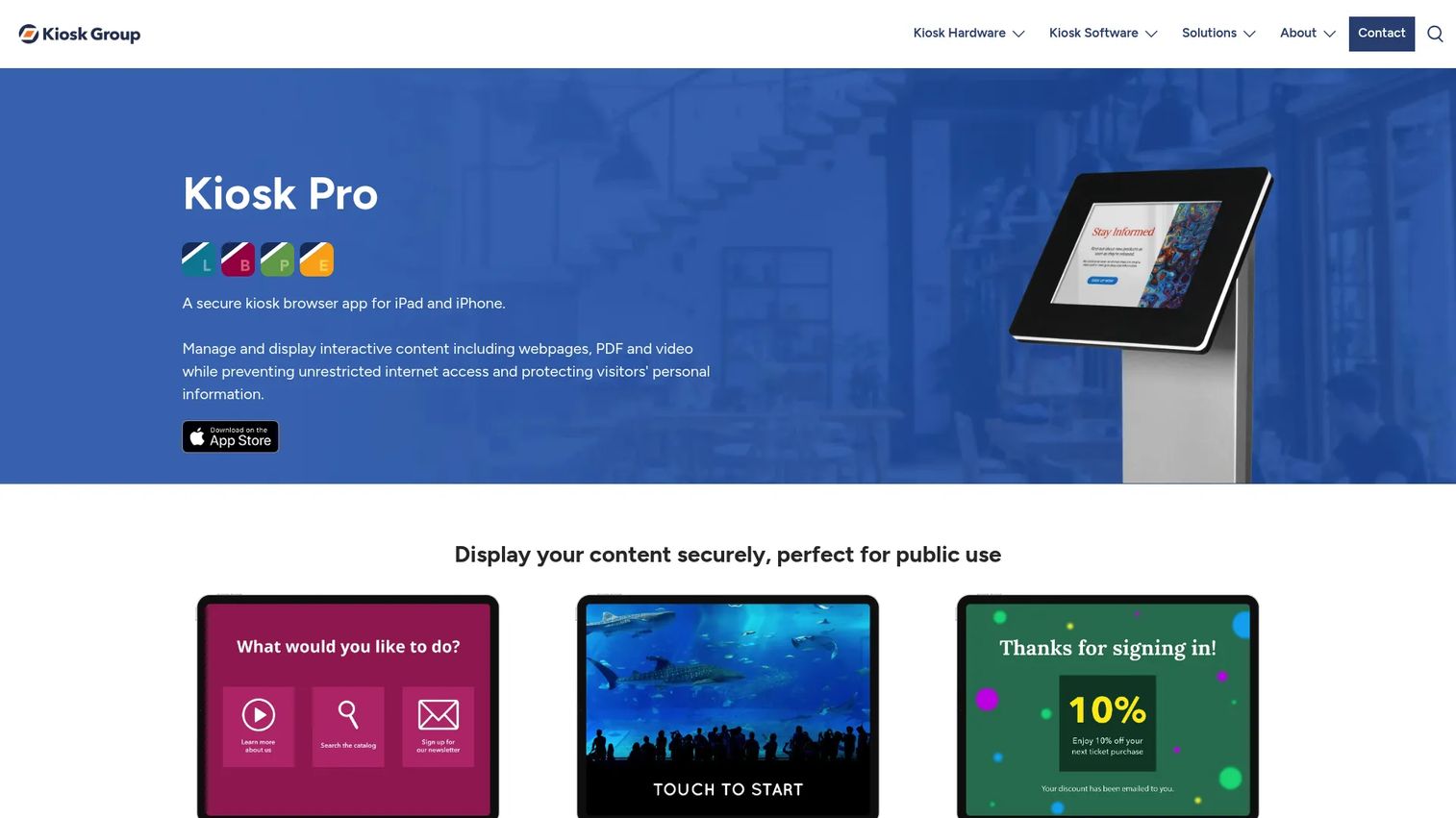
Kiosk Pro is a secure kiosk browser for displaying webpages, PDFs, videos, and interactive content. It restricts unrestricted internet access while giving teams detailed control over public sessions.
Its editions cover lightweight displays and advanced deployments. Higher tiers add offline storage, remote management, peripheral connections, and integration controls.
Best for: Organizations running public web content in museums, retail stores, events, or customer service areas.
Key features
- Fullscreen kiosk browsing
- Offline content storage
- Session data clearing
- Remote settings management
- Screensavers and scheduling
Why choose Kiosk Pro: It fits teams that need deeper browser controls than Guided Access provides. PMs can also configure resets around the expected session length.
Choose an MDM platform instead when device wide governance matters more than browser behavior. The distinction affects who owns updates after launch.
Kiosk Pro pricing: Lite costs $5 per device each month. Basic costs $24.99 per device as a one-time purchase, while Plus costs $49.99.
Enterprise costs $99.99 per device. Remote Management Server costs $149 yearly per device.
2. Kiosk Pro Lite
Kiosk Pro Lite presents web content, multimedia, forms, and no-code kiosk pages. Teams can create visitor information screens without developing a native kiosk app.
The app supports configurable start content and hidden browser controls. Idle refresh, browsing limits, and allowed domain settings help return each visitor to a known state.
Best for: Small teams validating menus, galleries, check-in pages, or iPad digital signage before adopting broader management.
Key features
- No-code kiosk builder
- Configurable starting content
- Allowed domain controls
- Idle page refresh
- Disabled touch gestures
Why choose Kiosk Pro Lite: It offers a focused starting point for public content. The no-code builder also reduces engineering opportunity cost during early testing.
Test the complete session before rollout. Confirm that reset timing matches the workflow and that users cannot reach unrelated pages.
Kiosk Pro Lite pricing: The subscription costs $5 per device each month. Higher Kiosk Pro editions use separate one-time licenses.
3. Kiosk+
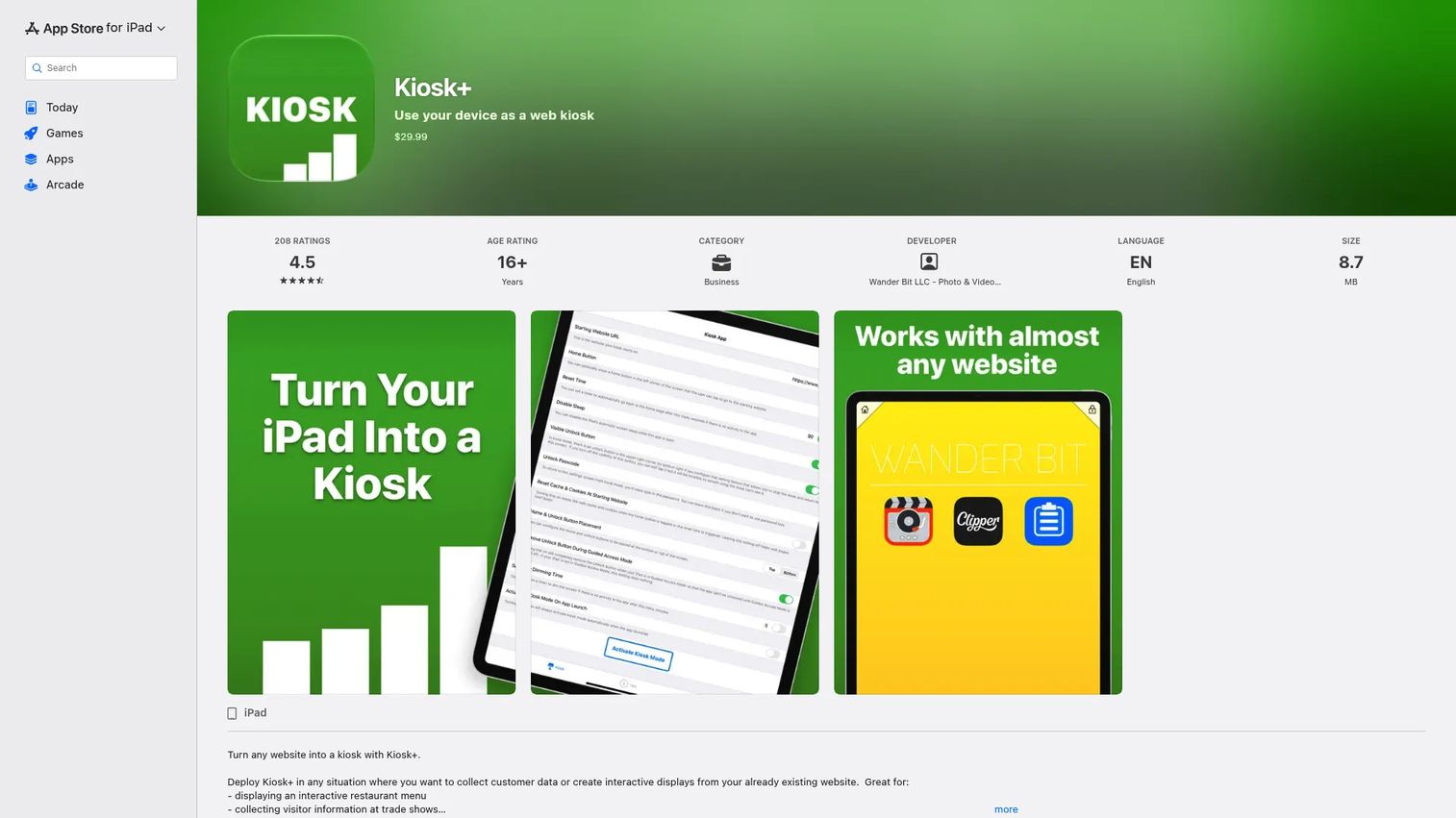
Kiosk+ turns a website into a controlled kiosk app for iPad. It suits menus, registration forms, event displays, signage, and visitor data collection.
Teams can configure a starting website and reset the browser after inactivity. The app can clear cache and cookies between sessions, helping protect visitor privacy.
Best for: Teams that need a lightweight web kiosk app without creating a native application.
Key features
- Configurable starting website
- Inactivity reset timer
- Cache and cookie clearing
- Password protected exit
- MDM remote configuration
Why choose Kiosk+: It keeps the implementation close to an existing website. That approach can shorten validation time when the web workflow already works well on iPad.
Check mobile responsiveness before deployment. A locked browser cannot fix forms or navigation designed only for larger desktop screens.
Kiosk+ pricing: The app costs $29.99 as a one-time purchase.
4. Kiosker: Fullscreen Web Kiosk
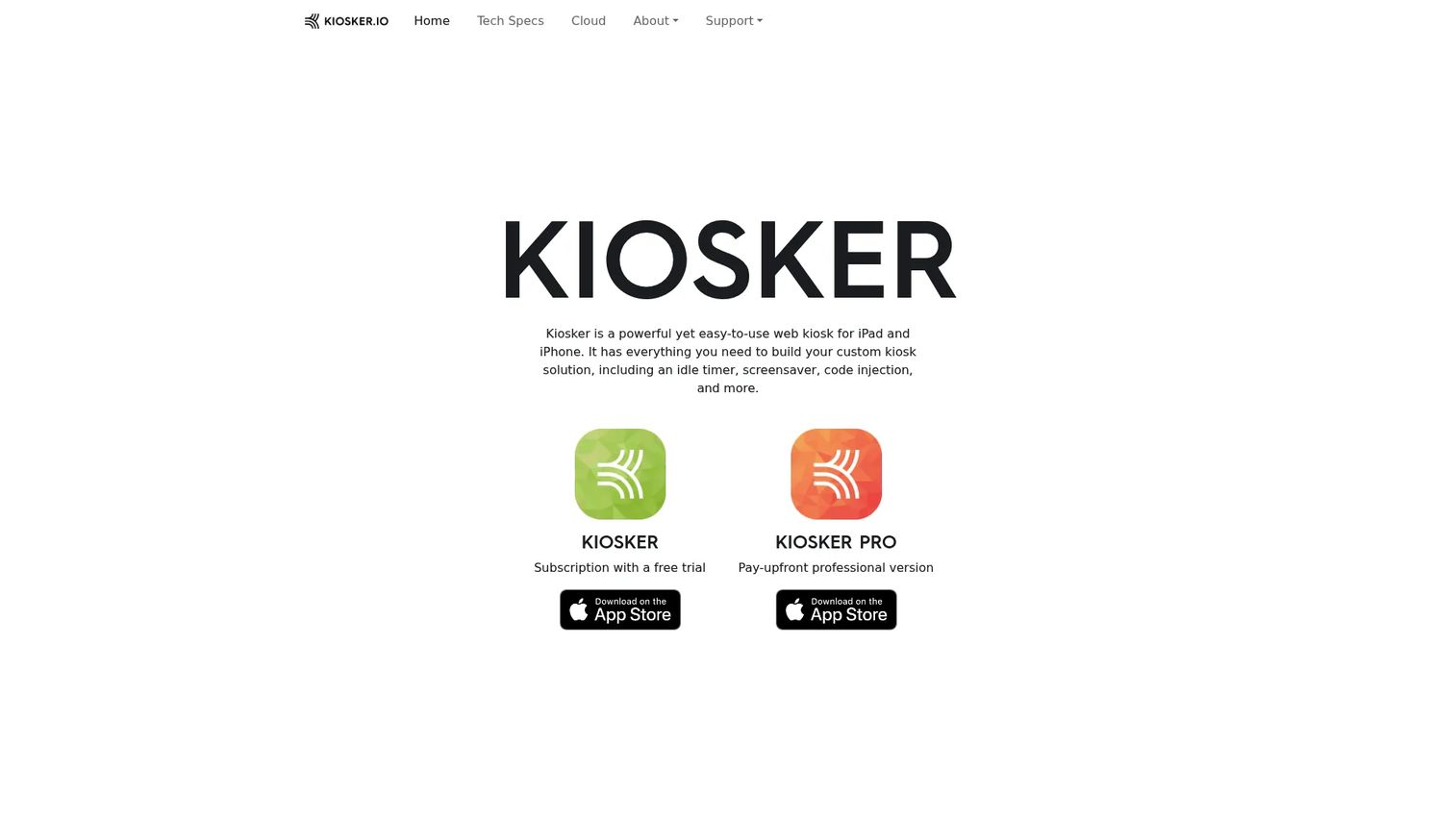
Kiosker: Fullscreen Web Kiosk is a configurable iPad kiosk browser for websites and local content. It supports PDFs, images, videos, documents, and locally hosted web files.
Configuration options include automatic reloads, browsing limits, and screensavers. Its Pro edition adds controls for managed fleets and Single App Mode.
Best for: Teams combining web content with local files in a controlled fullscreen experience.
Key features
- Fullscreen web browsing
- Domain restrictions
- Local file support
- Idle timers and screensavers
- MDM remote configuration
Why choose Kiosker: It covers more than a remote website. Local file support can protect important content from a temporary network outage.
Advanced options include JavaScript and CSS injection, a REST API, printing, and a local web server. Use these only with clear technical ownership.
Kiosker pricing: A free trial is available for the subscription version. Kiosker Pro uses a one-time purchase model with custom pricing.
5. Flow Kiosk: Offline iPad Kiosk
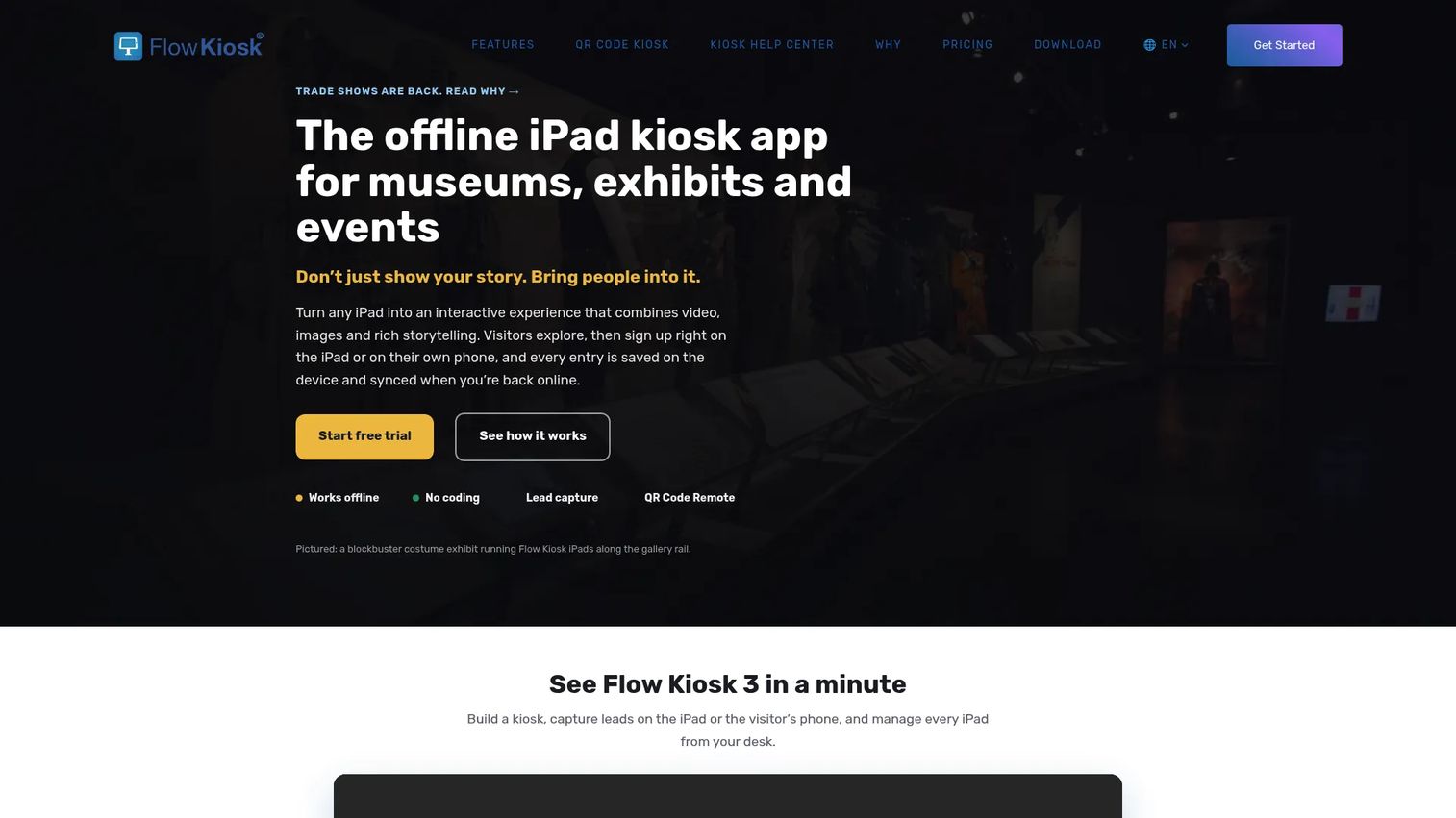
Flow Kiosk: Offline iPad Kiosk builds interactive experiences that continue running without internet access. It supports video, PDFs, GIFs, image galleries, and forms.
Submitted form data can remain on the device and sync later. Remote management lets teams update content across iPads without rebuilding each installation manually.
Best for: Museums, exhibits, trade shows, and pop-up locations with unreliable connectivity.
Key features
- Offline media storage
- On-device form capture
- Guided Access integration
- Remote content management
- Automatic session reset
Why choose Flow Kiosk: Offline operation reduces event risk when venue Wi-Fi becomes congested. That matters when lead capture or education cannot pause.
Product managers should test delayed form syncing before launch. Define what staff should do if a device remains offline after the event ends.
Flow Kiosk pricing: Kiosk Pro costs $20 monthly or $200 yearly for one active iPad. A seven-day trial is available.
Additional devices start at $18 monthly each for fleets of two to five. Volume pricing falls as the deployment grows.
6. SureFox Kiosk Browser Lite
SureFox Kiosk Browser Lite restricts shared devices to approved websites. Its browser controls help prevent visitors from reaching unrelated content.
The product supports private browsing controls across several operating systems, including iOS. Available capabilities can differ by platform, so verify the iPad configuration before rollout.
Best for: Organizations that need approved website access on shared devices.
Key features
- Approved website access
- Private browsing controls
- Restricted web navigation
Why choose SureFox Kiosk Browser Lite: It fits teams that want a kiosk focused on controlled browsing. The broader vendor portfolio can also support deployments spanning different device types.
Review iOS documentation carefully. Some pricing and feature pages focus on other operating systems rather than the iPad edition.
SureFox Kiosk Browser Lite pricing: Custom pricing applies to iOS deployments. The available first-party figures cover other operating systems and should not be used for iPad budgeting.
7. ProSurf
ProSurf is a secure browser for controlled browsing on managed iOS and Windows devices. It works within Scalefusion's device management environment.
Admins can set approved websites, navigation behavior, and browser controls. Other settings cover auto refresh, cache clearing, camera access, printing, and location permissions.
Best for: Organizations that want a managed iPad kiosk browser inside a broader device policy.
Key features
- Single website mode
- Website allowlisting
- Fullscreen browsing
- Automatic cache clearing
- Configurable device permissions
Why choose ProSurf: It connects browser behavior with central device administration. This can reduce handoffs between the team managing content and the team governing hardware.
ProSurf is a stronger fit for managed fleets than isolated App Store installations. Choose it when kiosk configuration belongs inside IT operations.
ProSurf pricing: ProSurf for iOS comes with Scalefusion's Enterprise plan. Custom pricing and a 14-day trial apply.
8. KioskBuddy
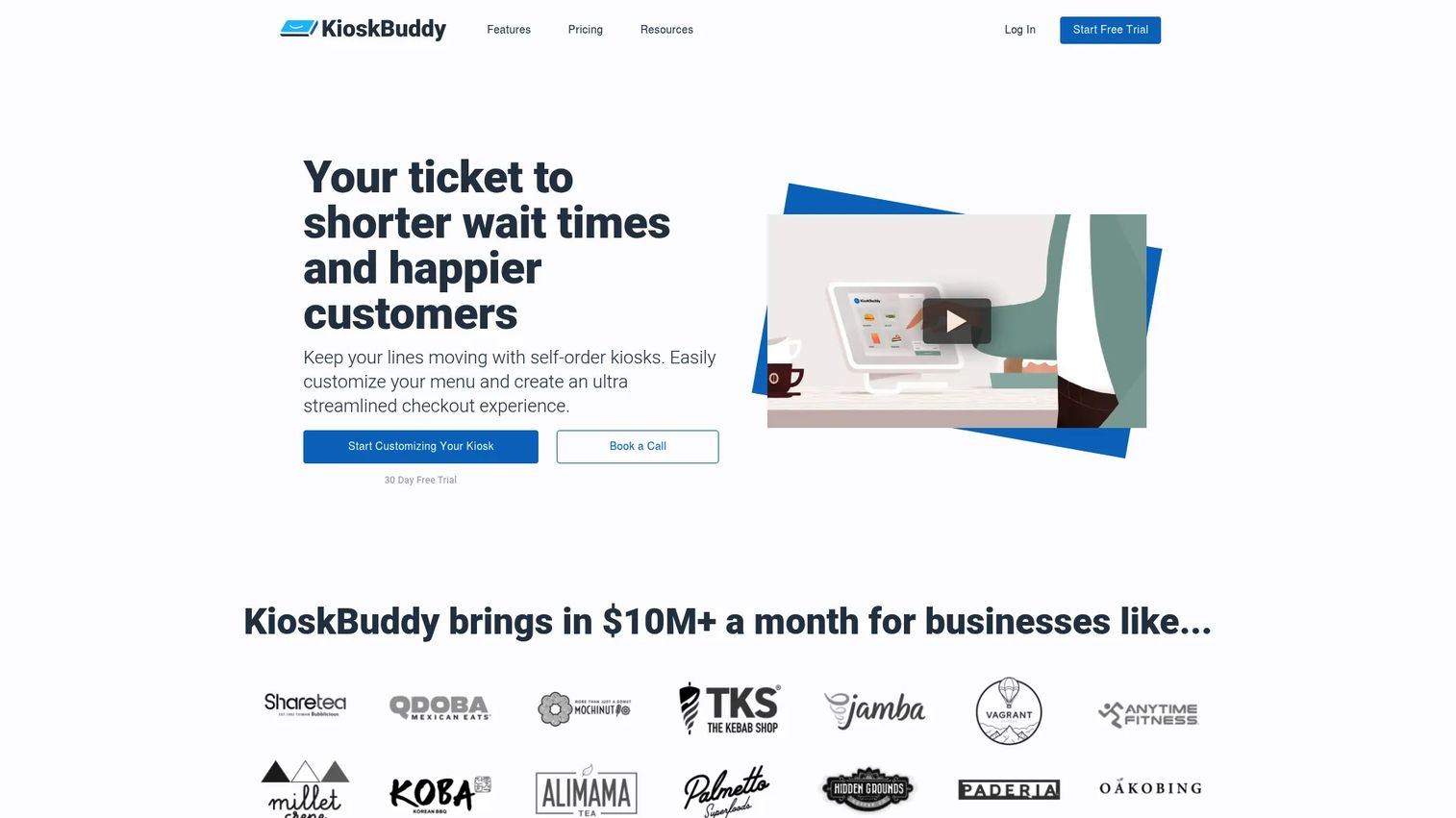
KioskBuddy creates self-service ordering and checkout experiences connected to Square. Businesses can manage menus, modifiers, branding, and payment flows.
The software supports tips, promotions, loyalty features, and text pickup notifications. Teams can manage menus and kiosk settings remotely across multiple locations.
Best for: Restaurants, retailers, farms, and gyms using Square for self-service ordering.
Key features
- Square payment integration
- Custom menus and modifiers
- Split payment support
- Text pickup notifications
- Remote menu management
Why choose KioskBuddy: It offers a complete ordering workflow instead of a generic kiosk browser. That makes it relevant when payment and menu management define the product experience.
Teams needing digital signage or unrestricted web content should choose another category. KioskBuddy is purpose-built around ordering and checkout.
KioskBuddy pricing: Starter costs $50 monthly, Pro costs $100, and Business costs $200. Every plan includes a 30-day trial.
Annual billing includes two months free.
9. Moki Kiosk
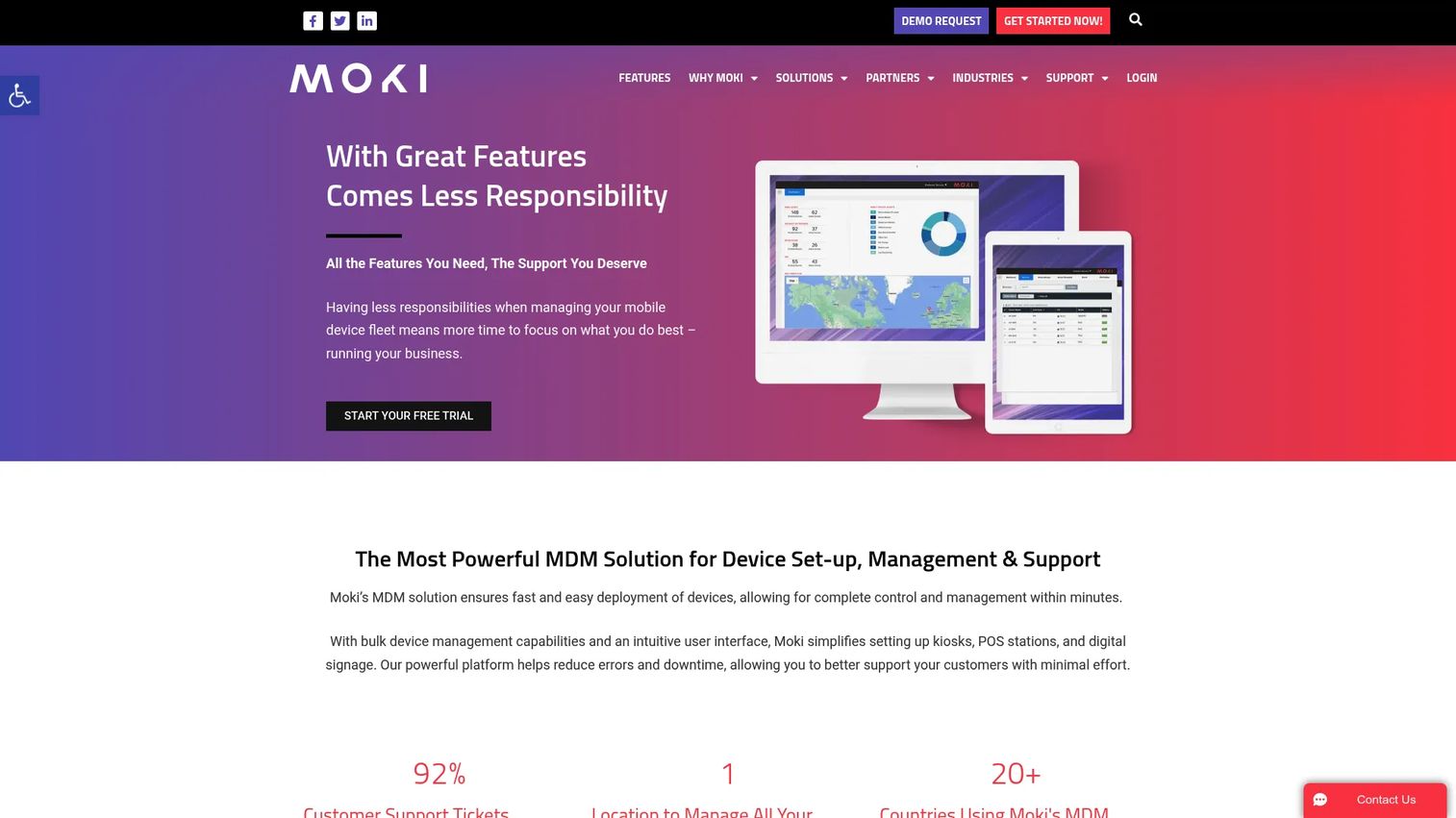
Moki Kiosk combines a configurable kiosk app with central management for iOS and Android devices. It displays controlled websites, images, and videos.
Admins can update content and settings remotely. The product supports single app lockdown, multi app restrictions, screensavers, and approved website access.
Best for: Organizations managing customer-facing kiosks across several locations or operating systems.
Key features
- Branded kiosk browser
- Single and multi app lockdown
- Remote settings management
- Fullscreen media display
- Approved website controls
Why choose Moki Kiosk: Central administration reduces the need for local staff to update devices. PMs can coordinate releases with operations instead of shipping manual instructions.
Its cross-platform support also matters when a fleet includes both iPads and Android devices. Confirm ownership for content updates before deployment.
Moki Kiosk pricing: Custom pricing. Moki offers a free trial and directs buyers to request a demo.
10. Scalefusion UEM
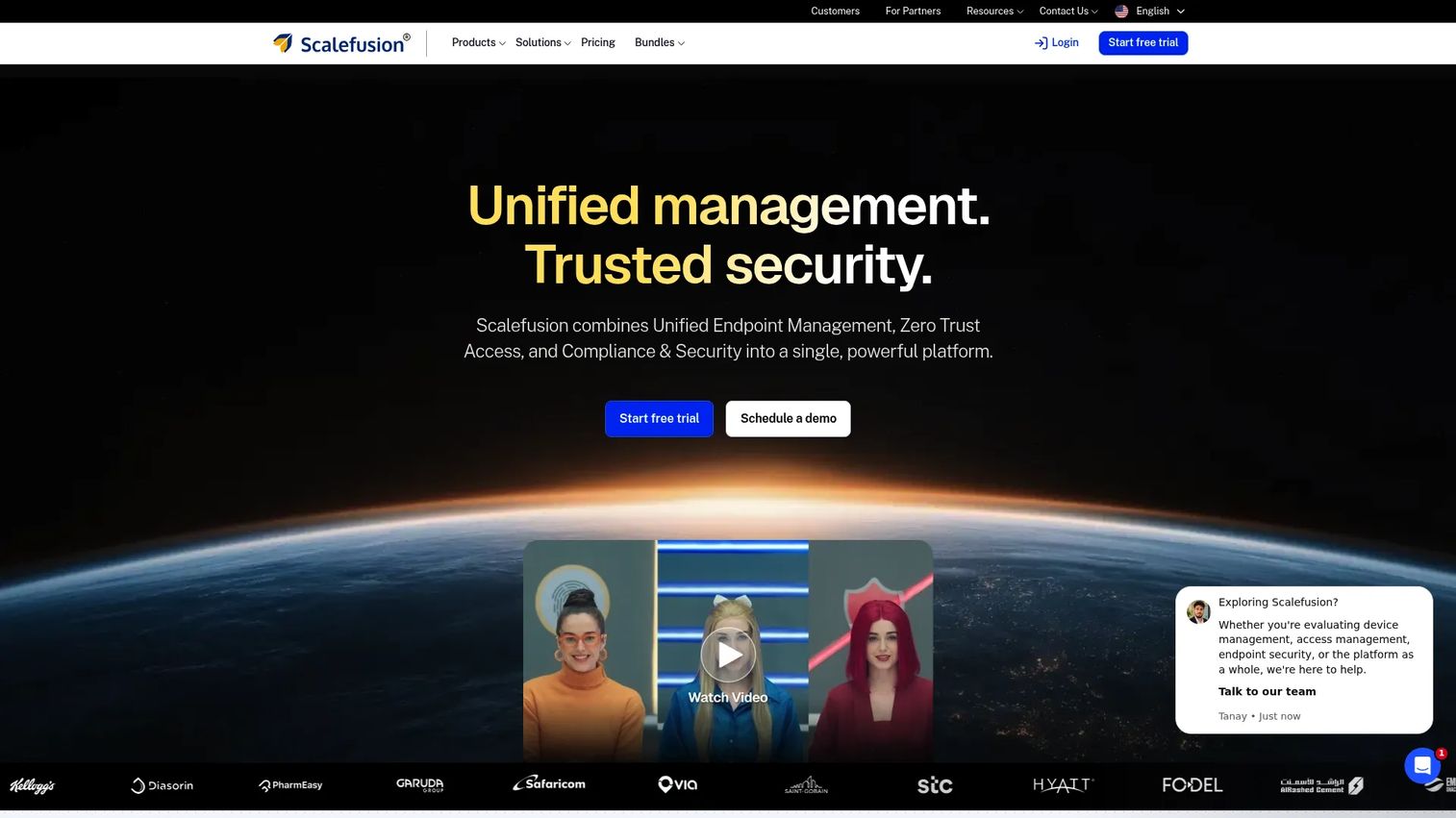
Scalefusion UEM manages device enrollment, applications, content, updates, and remote support. Its kiosk controls cover single app and multi app kiosk mode.
Teams can also apply browser restrictions or troubleshoot devices remotely. Location tracking and geofencing support distributed frontline deployments.
Best for: IT managed teams deploying supervised iPads across retail, education, offices, or field operations.
Key features
- Single app kiosk mode
- Multi app kiosk mode
- Application management
- Remote device commands
- Location tracking and geofencing
Why choose Scalefusion UEM: It handles the device lifecycle around the kiosk experience. That includes enrollment, restrictions, updates, and support after launch.
The platform has a ten device minimum. It therefore fits managed fleets better than a one iPad experiment.
Scalefusion UEM pricing: Essentials starts at $2 per device monthly, billed annually. Growth costs $3.50, Business costs $5, and Enterprise costs $6.
A 14-day trial is available.
G2 rating: 4.7/5
11. SimpleMDM
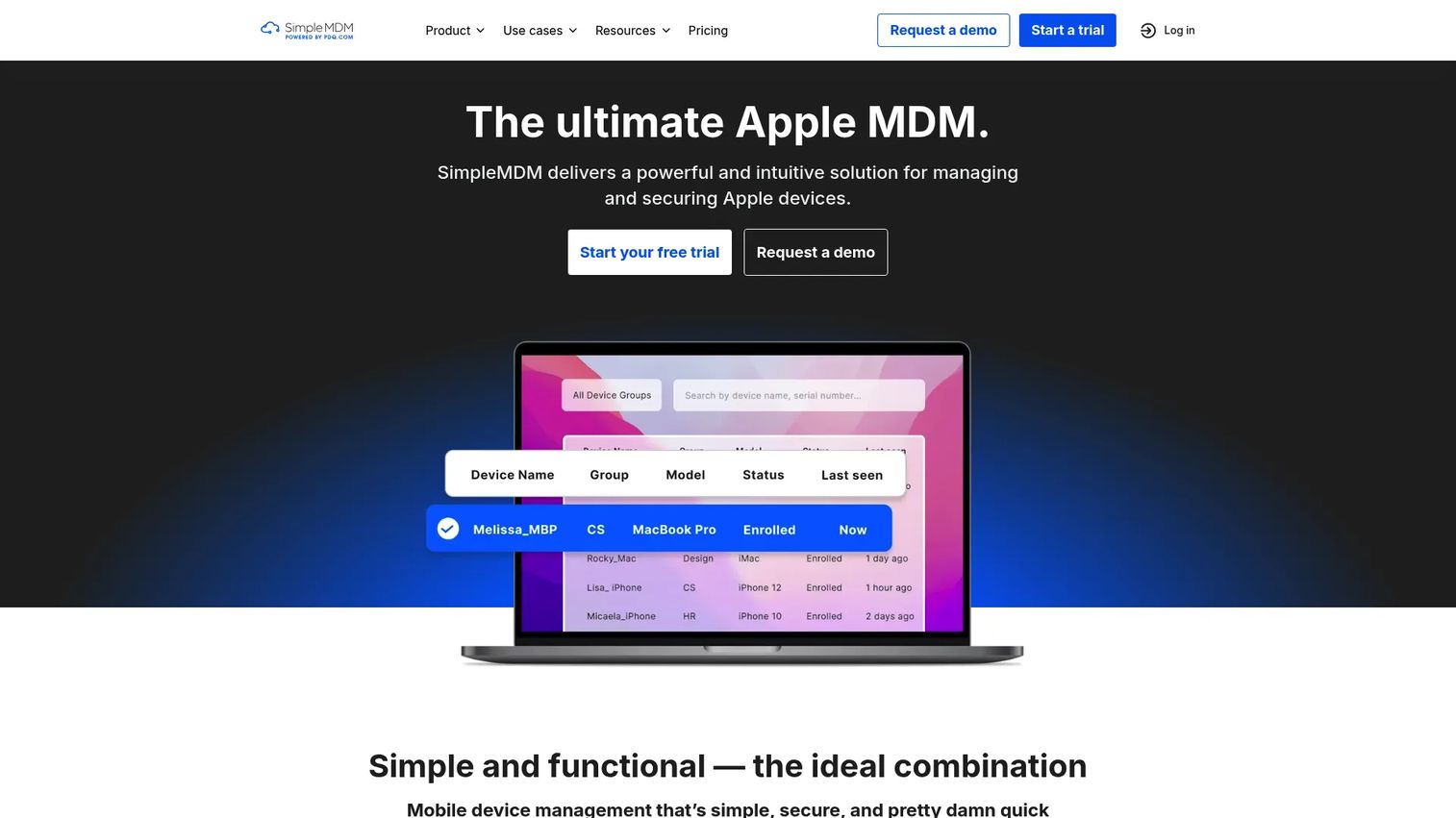
SimpleMDM is an Apple focused mobile device management platform. It manages iPadOS alongside macOS, iOS, tvOS, and visionOS.
Teams can enroll supervised devices, apply configuration profiles, distribute apps, and trigger remote actions. Its automation options include an API, webhooks, and workflow connections.
Best for: Apple heavy organizations that need clear device governance around kiosk apps.
Key features
- Automated Apple enrollment
- Configuration profiles
- App deployment
- Remote lock and wipe
- API and webhooks
Why choose SimpleMDM: It fits teams that need Apple fleet administration rather than a standalone kiosk app. Device restrictions can remain consistent as kiosk content changes.
Product managers should involve IT during requirements work. Define the release path for both the kiosk experience and its configuration profile.
SimpleMDM pricing: Monthly billing costs $3 per device. Annual billing lowers the price to $2.50 per device monthly.
A 30-day trial is available. Enterprise uses custom pricing.
12. Mosyle Business
Mosyle Business manages and secures Apple device fleets. It supports automated deployment, application management, device restrictions, and identity controls.
The platform reaches beyond kiosk mode into endpoint security and patch management. This breadth suits organizations standardizing Apple administration across several teams.
Best for: Businesses that want kiosk devices governed alongside the rest of their Apple fleet.
Key features
- Zero touch deployment
- Apple device restrictions
- App and patch management
- Identity and SSO controls
- Automated MDM migration
Why choose Mosyle Business: It connects kiosk administration with wider Apple operations. This can prevent a public iPad fleet from becoming an isolated system.
Choose a dedicated kiosk browser when browser session behavior is the main requirement. Mosyle focuses on device management and security.
Mosyle Business pricing: The free edition supports up to 30 devices. Business Premium costs $1 per supported device monthly, billed annually.
Paid plans require at least 30 licenses.
G2 rating: 4.6/5
13. Envoy Visitors Kiosk
Envoy Visitors Kiosk provides structured visitor check-in for workplaces. It commonly runs on an iPad at reception.
The system manages registration, notifications, identity checks, document signing, and badges. Reporting provides an audit trail of visitor activity.
Best for: Offices, schools, clinics, and shared workplaces needing an iPad visitor check-in kiosk.
Key features
- Custom visitor sign-in
- Host notifications
- Badge creation
- Digital document signing
- Visitor audit trails
Why choose Envoy Visitors Kiosk: It is designed for reception workflows rather than general browsing. The focused flow reduces the configuration work required for visitor management.
PMs should map each visitor type before implementation. Contractors, interview candidates, and delivery personnel may require different sign-in steps.
Envoy Visitors Kiosk pricing: Basic is free. Premium costs $362 per location monthly when billed annually.
Enterprise and Critical use custom pricing.
G2 rating: 4.7/5
14. Guided Access
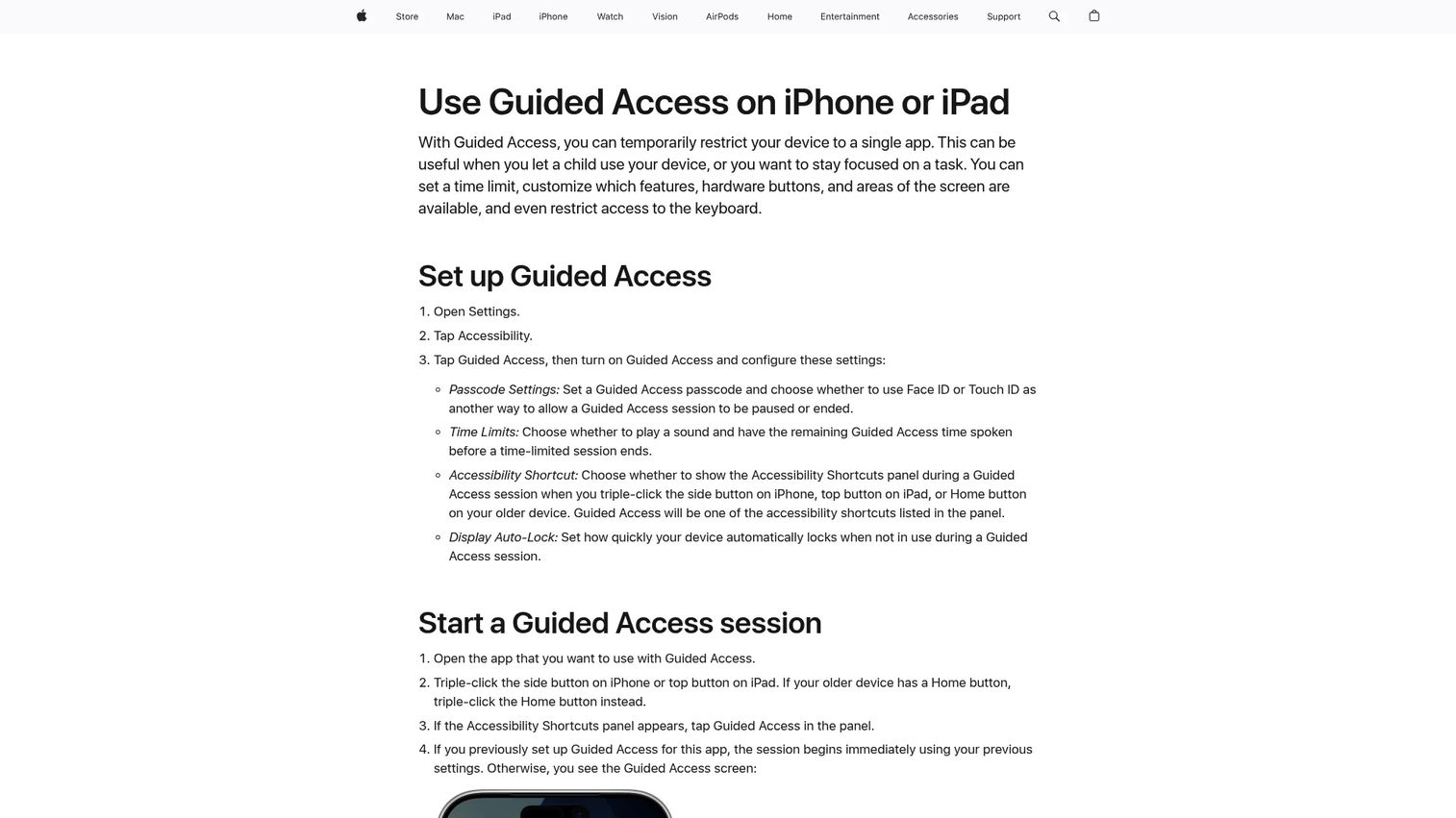
Guided Access is an accessibility feature built into iPadOS. It temporarily restricts an iPad to one application.
You can disable hardware buttons, touch input, screen areas, motion, or the software keyboard. Sessions can also use time limits and passcode controlled exit.
Best for: Temporary, supervised, or one device kiosk deployments.
Key features
- Built into iPadOS
- Single app restriction
- Hardware button control
- Touch area blocking
- Session time limits
Why choose Guided Access: It is the quickest way to test iPad kiosk mode without buying another product. Use it for pilots and supervised stations.
It lacks remote fleet administration and centralized reporting. Distributed unattended kiosks need stronger deployment controls.
Guided Access pricing: Free with iPadOS.
15. Apple Configurator
Apple Configurator prepares, enrolls, supervises, and restores Apple devices. Teams can install apps, documents, updates, and configuration profiles from a Mac.
Reusable Blueprints help standardize repeated setups. Automation options include Shortcuts, AppleScript, Automator, and the cfgutil command line tool.
Best for: Teams preparing supervised iPads before deployment to offices, events, classrooms, or stores.
Key features
- Device supervision
- Configuration profiles
- App installation
- Reusable Blueprints
- Automated setup workflows
Why choose Apple Configurator: It handles preparation rather than the visitor-facing experience. Supervision also enables controls that kiosk apps may require.
It works best when devices can be physically connected during setup. Ongoing remote administration usually belongs in MDM.
Apple Configurator pricing: Free from Apple.
16. Apple Business Manager
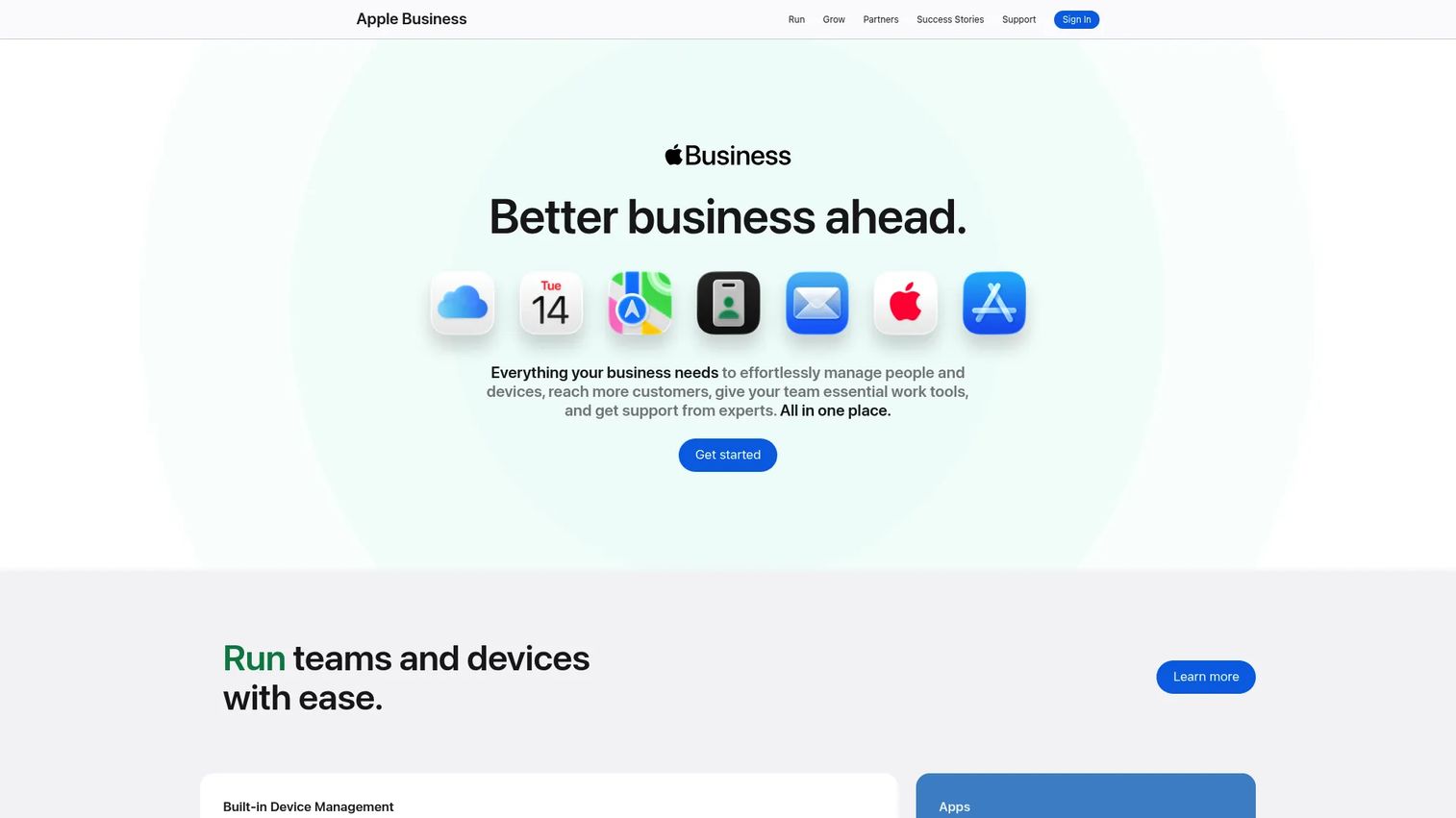
Apple Business Manager now forms part of Apple Business. It supports organizational device ownership, deployment, app distribution, and managed accounts.
Businesses can connect enrollment to an MDM platform. This creates a repeatable path from device purchase to supervised kiosk deployment.
Best for: Organizations enrolling and distributing applications to managed business iPads.
Key features
- Automated device enrollment
- App distribution
- Managed Apple Accounts
- MDM connections
- Organizational device ownership
Why choose Apple Business Manager: It provides deployment infrastructure rather than a visitor-facing kiosk app. Use it to establish ownership and enrollment before applying kiosk policies through MDM.
This separation matters operationally. Apple Business Manager handles enrollment, while the kiosk app or device manager controls the final experience.
Apple Business Manager pricing: Core management capabilities have no separate subscription price. Optional storage starts at $0.99 per user monthly.
Device, application, and MDM costs remain separate.
17. Apple School Manager
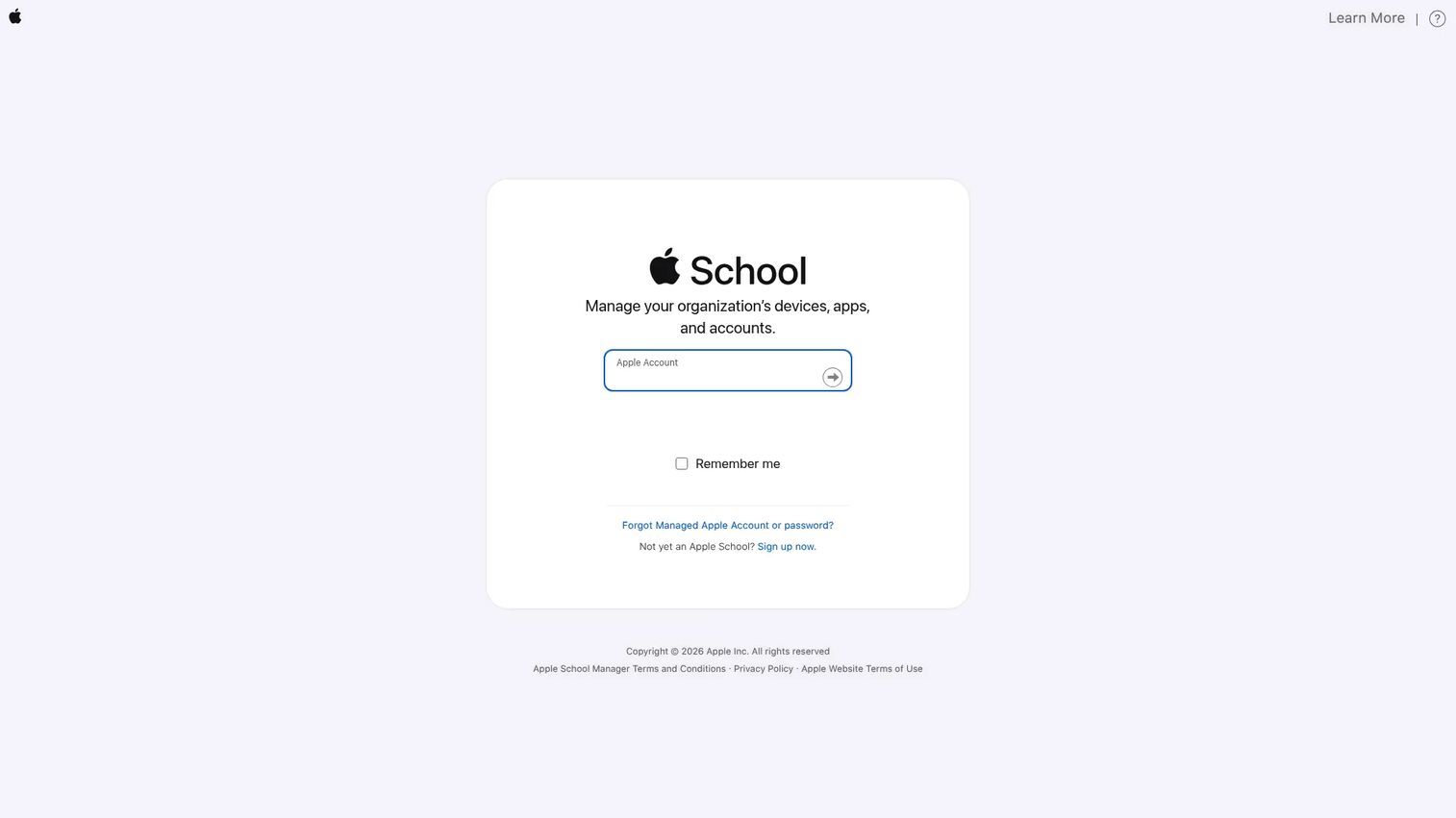
Apple School Manager is a web portal for managing school owned Apple devices and accounts. It supports automated enrollment and bulk app assignment.
Schools can connect identity providers and student information systems. Managed Apple Accounts and class roster support help organize classroom deployment.
Best for: Schools deploying classroom, library, testing, or campus kiosk iPads.
Key features
- Automated school enrollment
- Bulk app assignment
- Managed Apple Accounts
- Identity provider integration
- Class roster support
Why choose Apple School Manager: It provides education deployment infrastructure rather than kiosk content. Pair it with MDM and the appropriate kiosk app.
The education focus also supports classroom administration. Universities and schools should map ownership across IT and academic teams before rollout.
Apple School Manager pricing: Free. Devices, paid apps, books, and MDM services cost separately.
Considerations when choosing iPad kiosk software
Start with the kiosk job
Define what users must complete before comparing products. A check-in workflow needs different controls from digital signage or classroom testing.
Write down the expected task, session length, error path, and staff escalation process. This keeps the evaluation tied to activation and task completion.
Decide whether Guided Access is enough
Guided Access works well for supervised pilots and temporary single device use. It becomes difficult to maintain across unattended locations.
Move toward dedicated kiosk lockdown software or MDM when configuration must remain consistent. Remote updates matter once staff cannot touch every iPad.
Check remote management requirements
Identify who owns enrollment, app deployment, monitoring, restart, and wipe actions. Involve IT early if the devices will leave one physical location.
Also map the release cadence. A kiosk that changes with your product needs a repeatable update process.
Protect privacy between sessions
Test automatic logout, cache clearing, cookie removal, and form cleanup. The next visitor should never inherit the previous session.
Use the minimum personal data required for task completion. Include privacy cleanup in acceptance testing rather than treating it as a launch day check.
Calculate the full lifecycle cost
Include iPads, enclosures, mounts, payment hardware, connectivity, and replacement batteries. Add MDM fees and kiosk app subscriptions.
Check supported iPad models and operating system requirements. Review App Store update history before committing to a long deployment.
Conclusion
The best kiosk app for iPad depends on the workflow and operating model.
Kiosk Pro is the strongest fit for mature browser deployments. Kiosk+ covers quick website-based setups, while Flow Kiosk supports offline events and exhibits.
Managed fleets require a different category. Scalefusion UEM, Moki Kiosk, SimpleMDM, and Mosyle Business provide central administration across devices. Envoy Visitors Kiosk fits structured lobby sign-in.
Apple's tools supply the underlying deployment layer. Guided Access handles temporary lockdown. Apple Configurator prepares supervised devices, while the two enrollment portals support organizational rollout.
For one iPad, begin with Guided Access and a lightweight kiosk app. For several locations, start with supervised enrollment and MDM.
Test the whole user journey before purchasing. Include task completion, privacy cleanup, connectivity loss, and staff escalation. A locked device still creates support work if visitors cannot finish the job.
If your project also teaches people how to use software, interactive product experiences can support events, onboarding, product education, and customer support.
Start your journey with Guideflow today!
FAQs
Kiosk Pro is a strong choice for mature web kiosk control. Flow Kiosk fits offline exhibits, while Scalefusion UEM handles managed fleets.
Envoy Visitors Kiosk suits reception workflows. Guided Access works for temporary lockdown on one supervised device.
Yes. Guided Access restricts an iPad to one app and can disable selected controls or screen areas.
It suits temporary or supervised use. It does not provide remote administration, fleet reporting, app deployment, or centralized policy management.
iPad kiosk mode is the restriction applied to the device. It controls which applications, settings, gestures, or websites a visitor can access.
A kiosk app is the experience displayed to the visitor. Many deployments combine both an app and a separate lockdown method.
You do not need MDM for every deployment. One supervised iPad can use Guided Access or a standalone kiosk app.
Use mobile device management when several devices need consistent restrictions or remote updates. MDM also helps with supervision, app distribution, monitoring, and wipe commands.
Flow Kiosk stores media and forms on the device, then syncs submitted data later. Kiosker also supports local files.
Other products may cache web content, but behavior differs by configuration. Test every critical task with Wi-Fi disabled before deployment.
Yes, when the app or website supports payment and the iPad can access the required hardware. KioskBuddy provides ordering and checkout through Square.
Validate privacy, transaction recovery, and device supervision before launch. Also test what happens when connectivity drops during payment.
Use idle timeouts, automatic logout, cache clearing, and cookie removal. Reset forms and return the app to its starting screen after each session.
Restrict access to settings and unrelated websites. Collect only the data required to complete the public task.
Test task completion, accessibility, error recovery, and staff escalation. Include session reset, privacy cleanup, connectivity loss, and device sleep behavior.
For forms or payments, test failed submissions and duplicate actions. Confirm that updates can be deployed without creating an engineering interrupt at every location.