Your site has 400 posts. Organic traffic is flat. Writers keep publishing. And nobody has a clear picture of which pages sit three or more clicks deep, unreachable by most crawlers.
The problem rarely gets diagnosed until a growth plateau forces it. Internal linking is one of the highest-ROI SEO levers available because it works on content you already own. On-page and content SEO, including internal-link optimization, accounted for 36% of global SEO services revenue in 2025, according to Emergen Research (2026). Yet most marketing teams still manage it through spreadsheets and habit.
The wrong internal linking tool adds volume without improving structure. The right one maps your existing content, finds the pages that need support, and helps you act on the data without creating a new maintenance burden.
This guide breaks down 17 internal linking tools, compares their workflows, pricing, and fit by CMS and team size, and gives you the shortcuts to pick the right one without evaluating all 17.
What's inside
This guide compares 17 internal linking tools across SEO suites, dedicated linking platforms, WordPress plugins, crawlers, and AI automation tools.
Tools were selected and evaluated on:
- Opportunity discovery: Can it find pages with few inbound links and surface contextual gaps?
- Automation depth: Does it audit, suggest, insert with one click, or run fully automated?
- CMS compatibility: Does it support your stack, whether WordPress, Shopify, or a custom setup?
- Pricing and workflow fit: Does it earn its place in the stack at your content volume?
Pricing and G2 ratings were verified against live sources at time of writing.
TL;DR
- Best dedicated internal linking tool: LinkStorm for teams wanting purpose-built workflows across any CMS
- Best for teams already in a full SEO suite: Semrush or Ahrefs, where internal linking is part of a broader audit workflow
- Best free starting point: Google Search Console, which shows which pages already have internal links and which earn impressions without support
- Best for WordPress publishers: Link Whisper for in-editor suggestions, Internal Link Juicer for rule-based automation
- Best for technical SEO audits: Screaming Frog for raw crawl data, Sitebulb for visual reporting
- Best for entity-based linking: InLinks, which builds internal link structure from semantic relationships rather than keyword rules
What is internal linking tools
Internal linking tools are SEO software products that help teams find, evaluate, and add links between pages on the same website. They range from lightweight WordPress plugins to full crawlers that map every URL on your domain.
Where a backlink tool focuses on links from external sites, internal linking tools focus on the connections you control inside your own content. The goal is to help search engines discover pages, distribute page authority, and reinforce topical relevance across your content archive.
What these tools do in practice:
- Audit tools: Find broken links, crawl depth issues, redirect chains, and orphan pages (pages with zero or very few inbound internal links)
- Suggestion tools: Recommend source pages, target pages, and anchor text based on content similarity or keyword overlap
- Insertion tools: Add links manually, in bulk, or automatically based on keyword rules
- Architecture tools: Visualize topic clusters and show how link equity flows across the site
- Performance tools: Connect internal linking changes to clicks, impressions, and ranking movement using search data
Key concepts worth knowing:
- Orphan pages: Pages with no internal links pointing to them. Search engines may never discover them through crawling.
- Crawl depth: How many clicks it takes to reach a page from the homepage. Pages buried five or more clicks deep receive less crawl attention.
- Anchor text: The clickable text of a link. Good anchor text is descriptive without over-optimizing for exact-match keywords.
- Topic clusters: Groups of content pages linked around a central pillar page, reinforcing topical authority.
- Contextual internal links: Links placed inside body copy, as opposed to navigation menus, footers, or sidebars.
Internal linking supports SEO but does not replace content quality, technical infrastructure, or search intent alignment. A well-linked page still needs to satisfy the query it targets.
When to use internal linking tools
Audit a large content archive before updating it
Sites with 200 or more URLs cannot be manually reviewed for link gaps. Tools surface pages that have few incoming links, link to redirect chains, or have been effectively buried as new content was added. Run an audit before any content refresh to know which pages need structural support, not just copy updates.
Add links consistently without slowing writers down
Suggestion tools let content teams add relevant links during writing or during refresh cycles, without opening a separate spreadsheet or running a crawl. The key is keeping editorial control: Suggestions should inform the writer, not automatically insert links the editor hasn't reviewed.
Protect site architecture during growth
As blogs, product pages, comparison pages, and resource hubs multiply, clusters lose coherence. High-value pages can become isolated even when plenty of related content exists. Tools that track cluster structure prevent revenue pages from dropping off the crawl path as site volume grows.
Internal linking tools comparison
The table below is a quick filter by use case, entry price, and G2 rating. Prices reflect annual billing where shown. Use this to shortlist before reading the full entries.
| # | Product | Best for | Key differentiator | Pricing | G2 rating |
|---|---|---|---|---|---|
| 1 | LinkStorm | Dedicated internal linking at scale | AI suggestions plus sitewide link audits | From $30/mo | N/A |
| 2 | Semrush | Teams already using a full SEO suite | Site Audit plus broader SEO workflows | From $117.33/mo (annual) | 4.4/5 |
| 3 | Google Search Console | Free internal link visibility | Native Google search performance data | Free | 4.7/5 |
| 4 | Ahrefs | Link analysis and content opportunity research | Strong site audit and link intelligence | From $29/mo | 4.5/5 |
| 5 | InLinks | Entity-based linking and schema | Semantic SEO and entity mapping | Free tier; paid from $49 | 4.9/5 |
| 6 | Internal Link Juicer | WordPress auto-linking rules | Keyword-based internal link automation | Free; Pro from $69.99/year | N/A |
| 7 | Link Whisper | WordPress internal link suggestions | In-editor suggestions and orphan reports | From $97/year (1 site) | 4.5/5 |
| 8 | LinkBoss | Topic clusters and bulk link building | Cluster-led internal linking workflows | Free tier; paid from $11/mo | 4.9/5 |
| 9 | Yoast SEO Premium | WordPress teams using Yoast | Link suggestions inside SEO plugin workflow | $118.80/year | 4.5/5 |
| 10 | Rank Math | WordPress SEO plugin users | Link suggestions inside a broader SEO plugin | Free; Pro from €4.99/mo (annual) | 4.7/5 |
| 11 | Screaming Frog | Technical SEO crawl audits | Deep crawl data and custom extraction | Free (500 URLs); £199/year paid | 4.7/5 |
| 12 | AIOSEO Link Assistant | WordPress site owners | Link assistant inside AIOSEO | Pro from $199.50/year | 4.8/5 |
| 13 | InternalLinking.com | Internal linking workflow automation | Dedicated internal link management | From $20/mo | N/A |
| 14 | Linkilo | WordPress and Shopify link workflows | AI suggestions and content architecture | From $59/year (1 site) | 4.4/5 |
| 15 | Search Atlas OTTO | AI SEO automation | Automated technical and content SEO actions | From $79/mo (annual) | 4.6/5 |
| 16 | SEOJuice | Automated internal linking | Autopilot-style link insertion | $99/website/mo | N/A |
| 17 | Sitebulb | Visual technical SEO audits | Crawl maps and internal link visualization | Cloud from £95/mo; 14-day trial | 4.5/5 |
Best 17 internal linking tools for 2026
1. LinkStorm
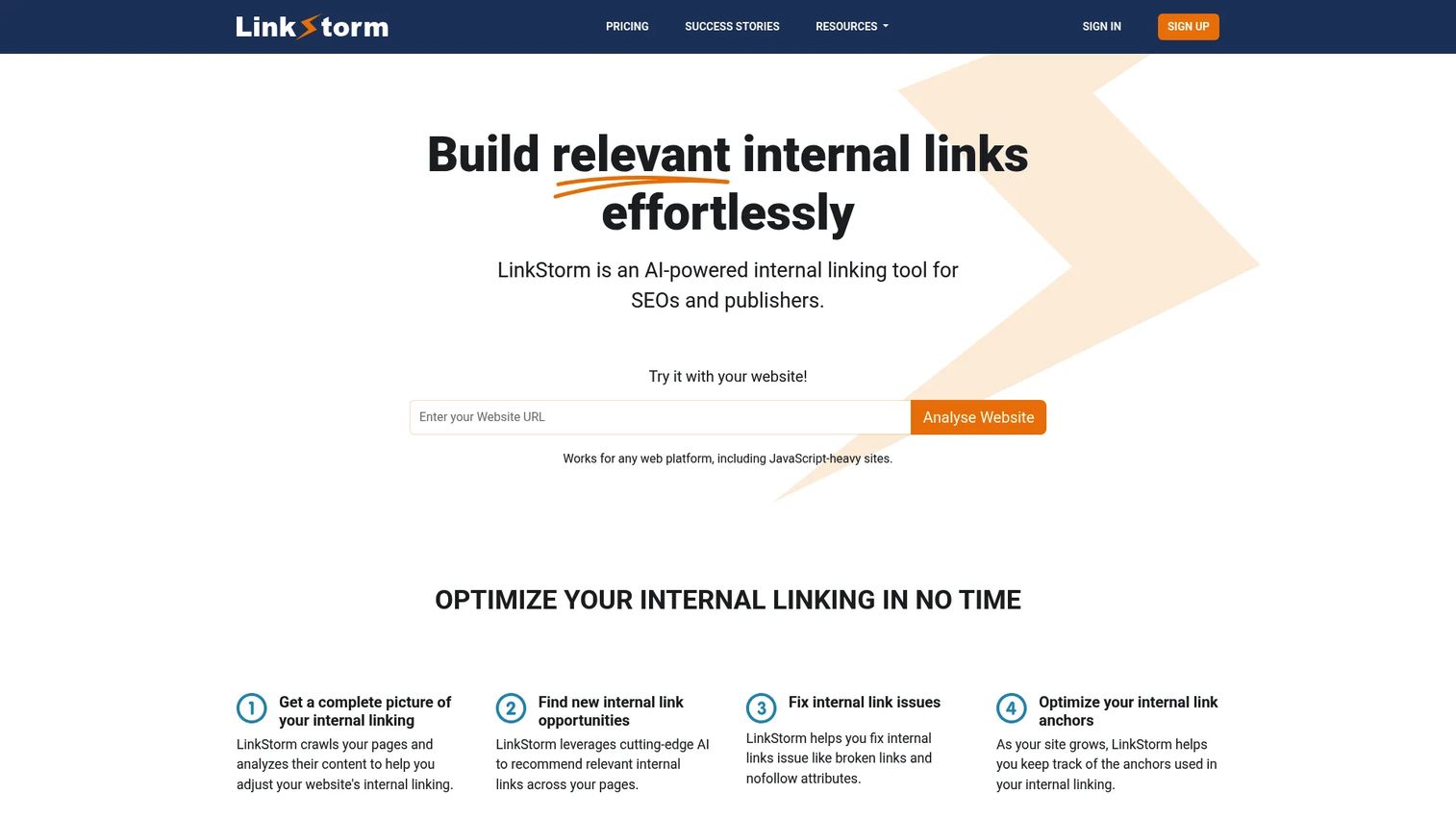
LinkStorm is a dedicated internal linking platform built for SEOs and publishers managing large content archives. It combines AI-powered link recommendations with sitewide audits that surface broken, redirected, nofollow, and orphan link issues. The platform works across CMS types, making it a practical option for teams not locked into WordPress.
Best for: Growth teams and SEO professionals managing large content libraries across any CMS type.
Key features
- AI-powered internal link recommendations
- Sitewide internal link audits
- Orphan page and broken-link detection
- Nofollow and redirected-link identification
- Anchor text analysis
Why choose LinkStorm: Choose LinkStorm when you want a purpose-built internal linking workflow and don't want it buried inside a broader SEO suite you're paying $200/month to use 10% of.
LinkStorm pricing: Plans start at $30/month (Small), rising to $60/month (Medium), $120/month (Large), and $200/month (XL). All plans include unlimited projects. URL and credit limits vary by tier.
2. Semrush
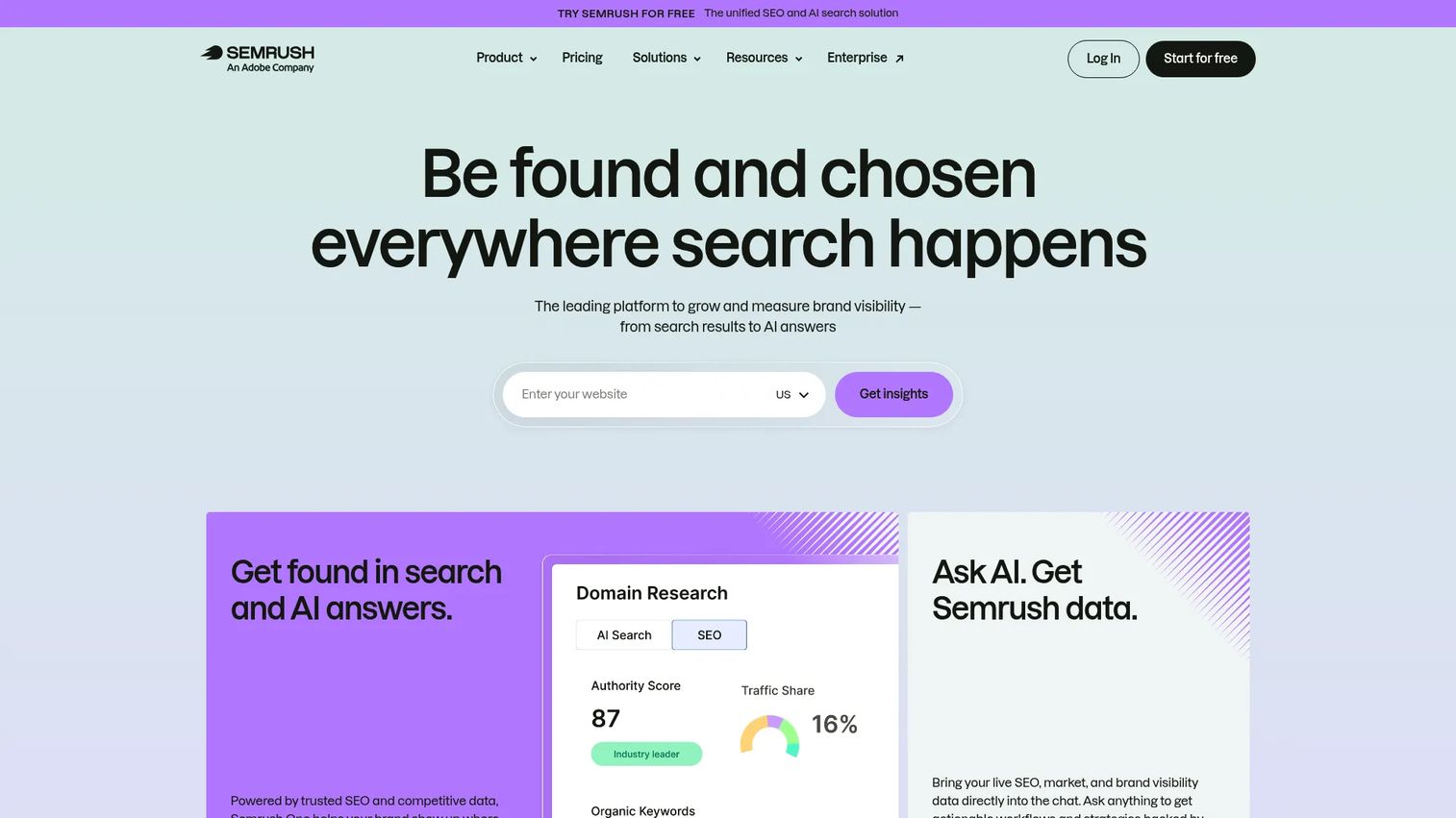
Semrush is a full SEO and marketing platform with strong internal link reporting inside its Site Audit module. It surfaces crawl depth issues, broken internal links, and orphan pages alongside its broader keyword research, rank tracking, and content tools. For teams already paying for Semrush, internal link auditing comes at no additional cost.
Best for: Mid-market and enterprise marketers who need technical SEO, content, and competitive research in a single platform.
Key features
- Site Audit with internal link reports
- Crawl-depth and orphan-page checks
- Broken internal link detection
- Keyword research and rank tracking
- Competitor content analysis
Why choose Semrush: The consolidation case is strong here. If your team already runs keyword research and site audits inside Semrush, adding internal link analysis doesn't require a new budget line or a new login.
Semrush pricing: A free tier is available. Paid plans start at $117.33/month (SEO plan, billed annually). Higher tiers include Starter at $165.17/month and Pro+ at $248.17/month. Custom pricing applies to the Advanced plan.
G2 rating: 4.4/5
3. Google Search Console
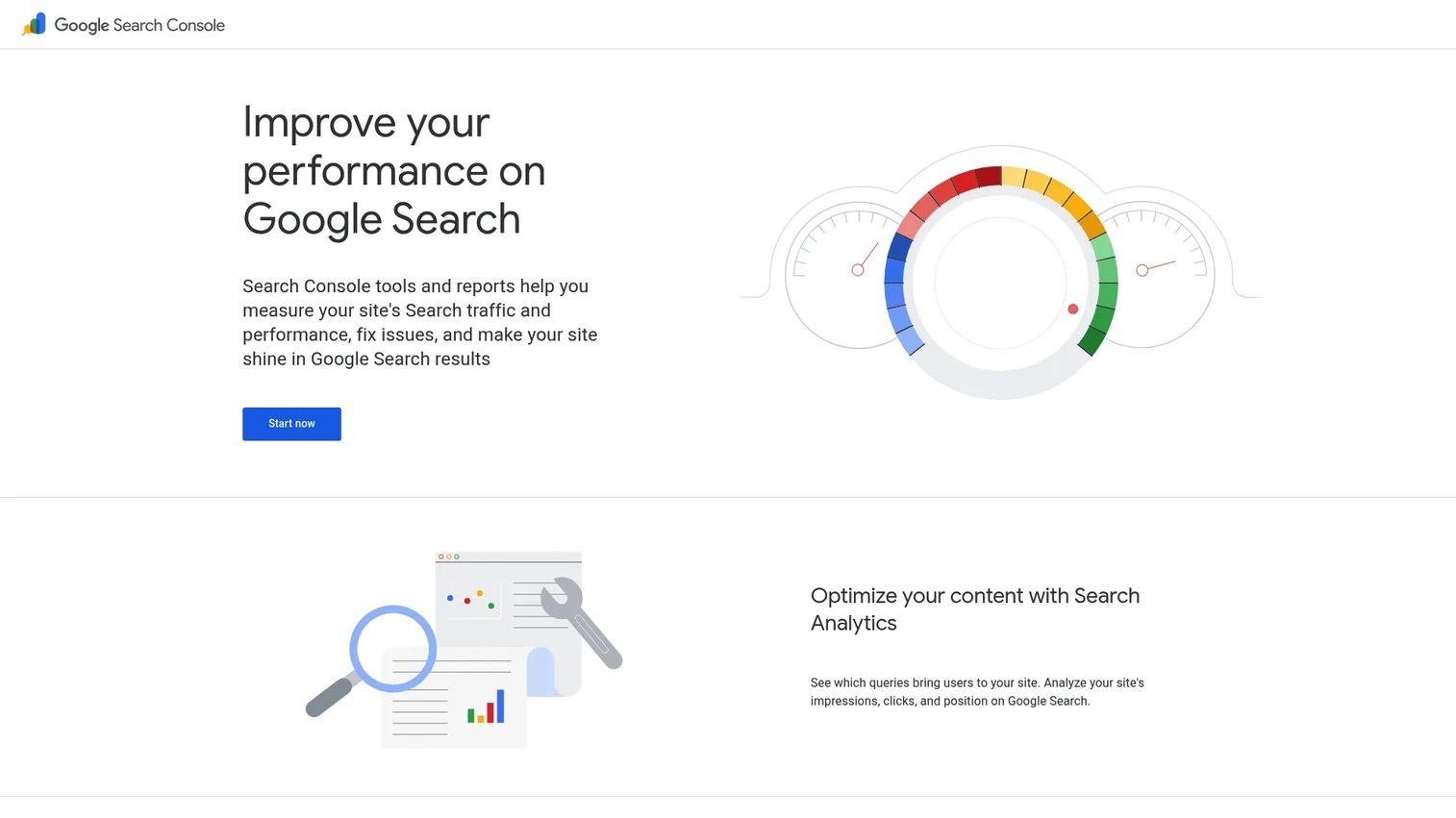
Google Search Console is Google's free webmaster tool, and it includes an internal links report that shows how many internal links point to each page on your site. It doesn't suggest links or insert them, but it gives you the performance context to prioritize which pages need more internal support.
Best for: Marketers who need a free baseline before committing to any paid tool.
Key features
- Internal links report (pages ranked by inbound link count)
- Search performance data: Clicks, impressions, CTR, position
- URL Inspection and indexing reports
- Core Web Vitals reporting
- Query visibility by page
Why choose Google Search Console: Use it to identify your highest-impression pages with weak internal support, then prioritize those in any tool you add. It's the most reliable source of search performance truth you have.
Google Search Console pricing: Free. Requires site verification through DNS record, HTML file, or Google Analytics.
G2 rating: 4.7/5
4. Ahrefs
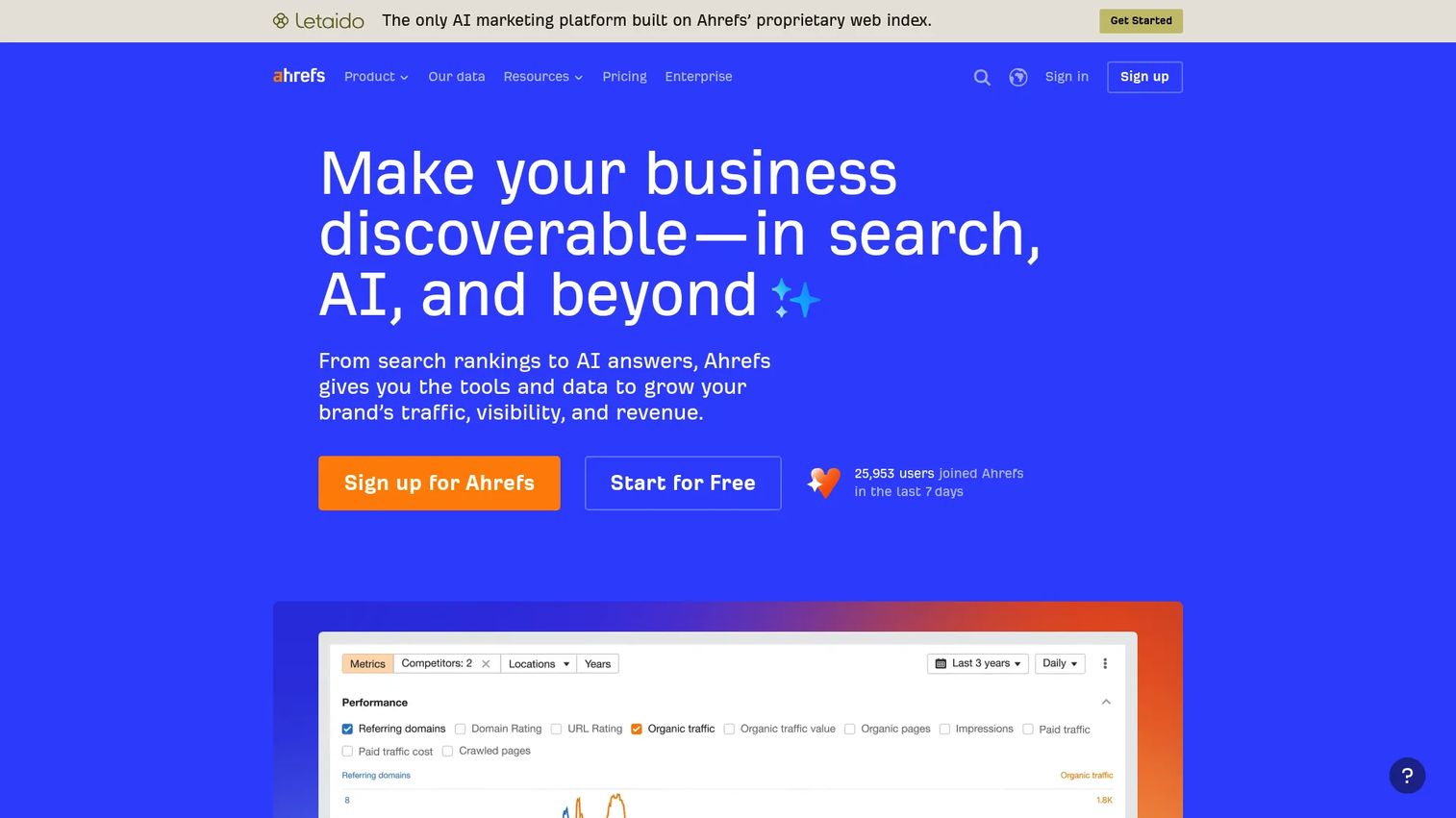
Ahrefs is a comprehensive SEO platform with a Site Audit module that identifies internal link opportunities, broken links, and orphan pages. Its Site Explorer shows page-level link data alongside backlink profiles, making it effective for teams combining internal architecture work with external link research.
Best for: SEO teams running content research and link audits inside a single platform.
Key features
- Site Audit with internal link opportunity reports
- Broken internal link detection
- Orphan page identification
- Keywords Explorer and Content Explorer
- Rank tracking and competitive analysis
Why choose Ahrefs: The strongest case for Ahrefs is breadth. If internal linking is one task in a broader SEO workflow that includes backlink research, keyword gaps, and content strategy, the platform handles all of it without tab switching.
Ahrefs pricing: Starter plan at $29/month. Lite at $129/month, Standard at $249/month, Advanced at $449/month, and Enterprise at $1,499/month (annual commitment). A free tier is also available with limited access.
G2 rating: 4.5/5
5. InLinks
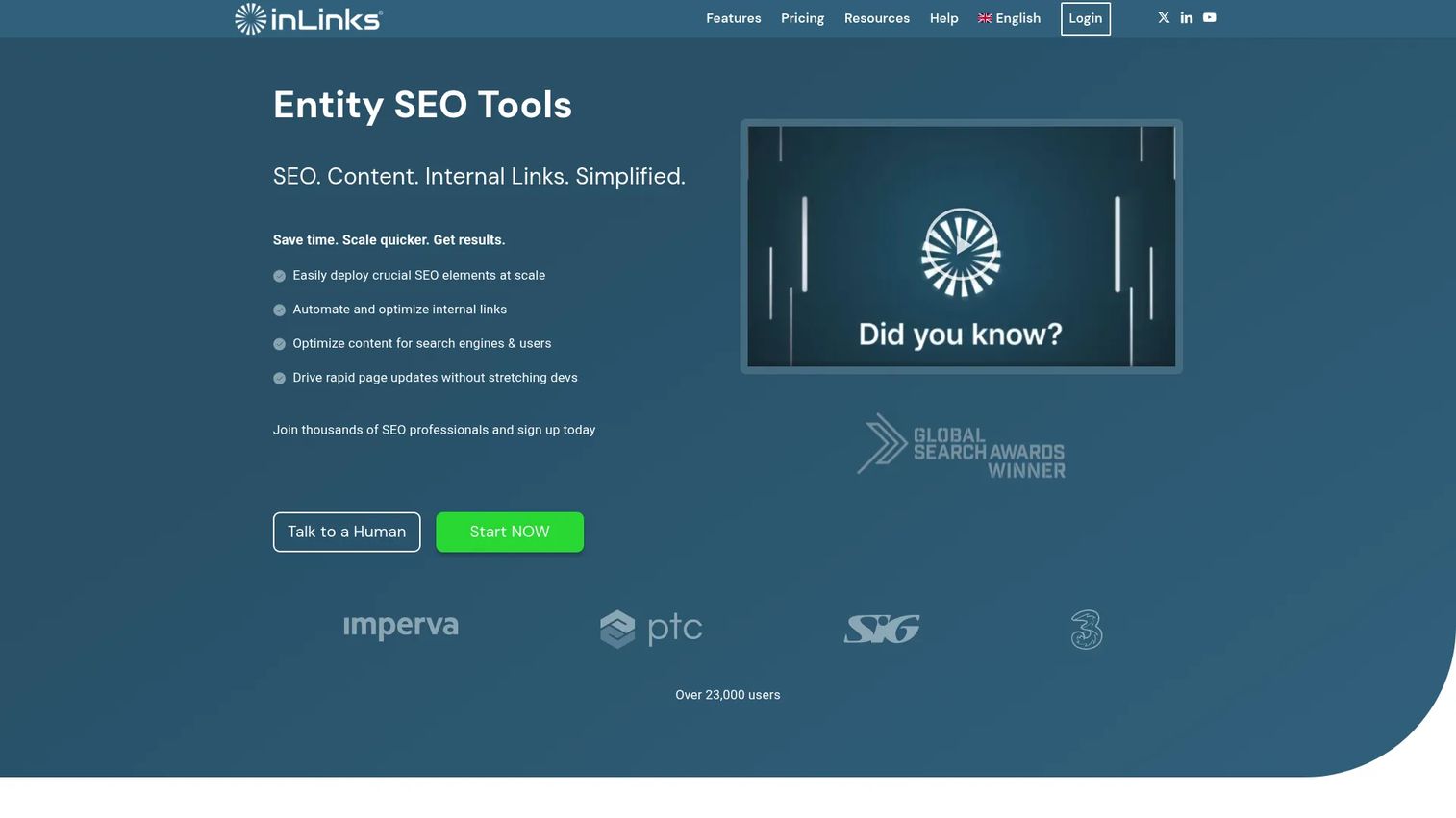
InLinks takes a semantic SEO approach to internal linking. Rather than matching keywords to URLs, it maps entities and topics across your content, then builds internal link suggestions based on those relationships. It also handles schema implementation and content optimization in the same workflow.
Best for: SEO teams building topical authority through entity relationships rather than exact-match anchor rules.
Key features
- Entity and topic mapping across site content
- Automated semantic internal link suggestions
- Schema markup implementation
- Content gap and topic optimization
- Topic cluster visualization
Why choose InLinks: Choose InLinks when your strategy is built around entity SEO and topical depth, not just keyword density. The semantic approach means link suggestions align with how search engines model meaning, not just how often a phrase appears.
InLinks pricing: A free tier is available. Freelancer plans start at $49, with Agency plans from $196. Enterprise pricing requires contacting InLinks directly. Note that pricing was sourced from a 2023 PDF document, so current figures may differ.
G2 rating: 4.9/5
6. Internal Link Juicer
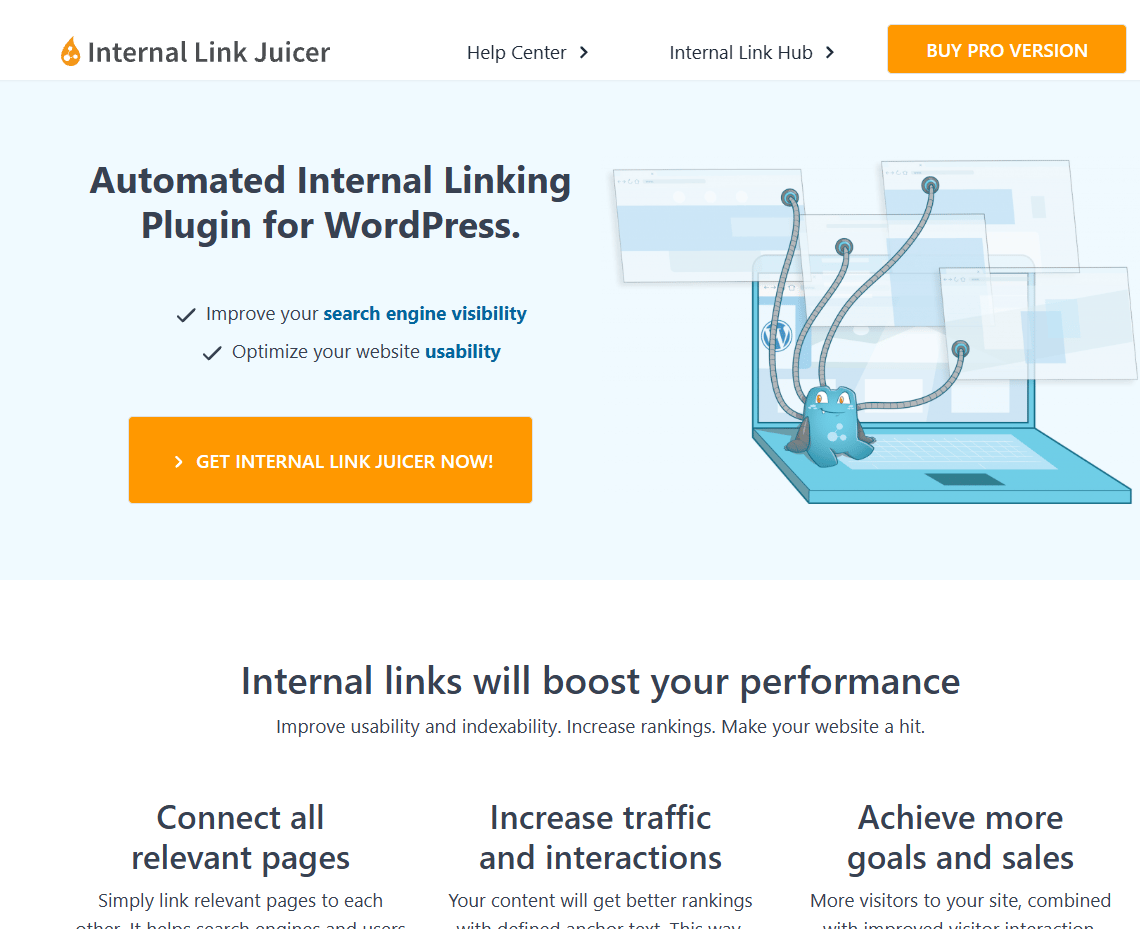
Internal Link Juicer is a WordPress plugin that automates internal link insertion based on keyword rules you configure. You define which keywords should link to which URLs, and the plugin applies those rules automatically across existing and new posts. A free version is available with core automation features.
Best for: WordPress bloggers, affiliate publishers, and businesses that want rule-based link automation without manual review per post.
Key features
- Keyword-to-URL rule configuration
- Automatic link insertion across all posts
- Anchor text diversification controls
- Blacklist and whitelist management
- Link statistics dashboard
Why choose Internal Link Juicer: It's the right choice when you want deterministic, rule-driven linking and you're comfortable setting the rules once and letting them run. The free version covers the core workflow; paid licenses add multi-site support.
Internal Link Juicer pricing: A free plugin version is available. Pro licenses start at $69.99/year for one site, $149.99/year for five sites, $189.99/year for ten sites, and $1,299/year for unlimited sites.
7. Link Whisper
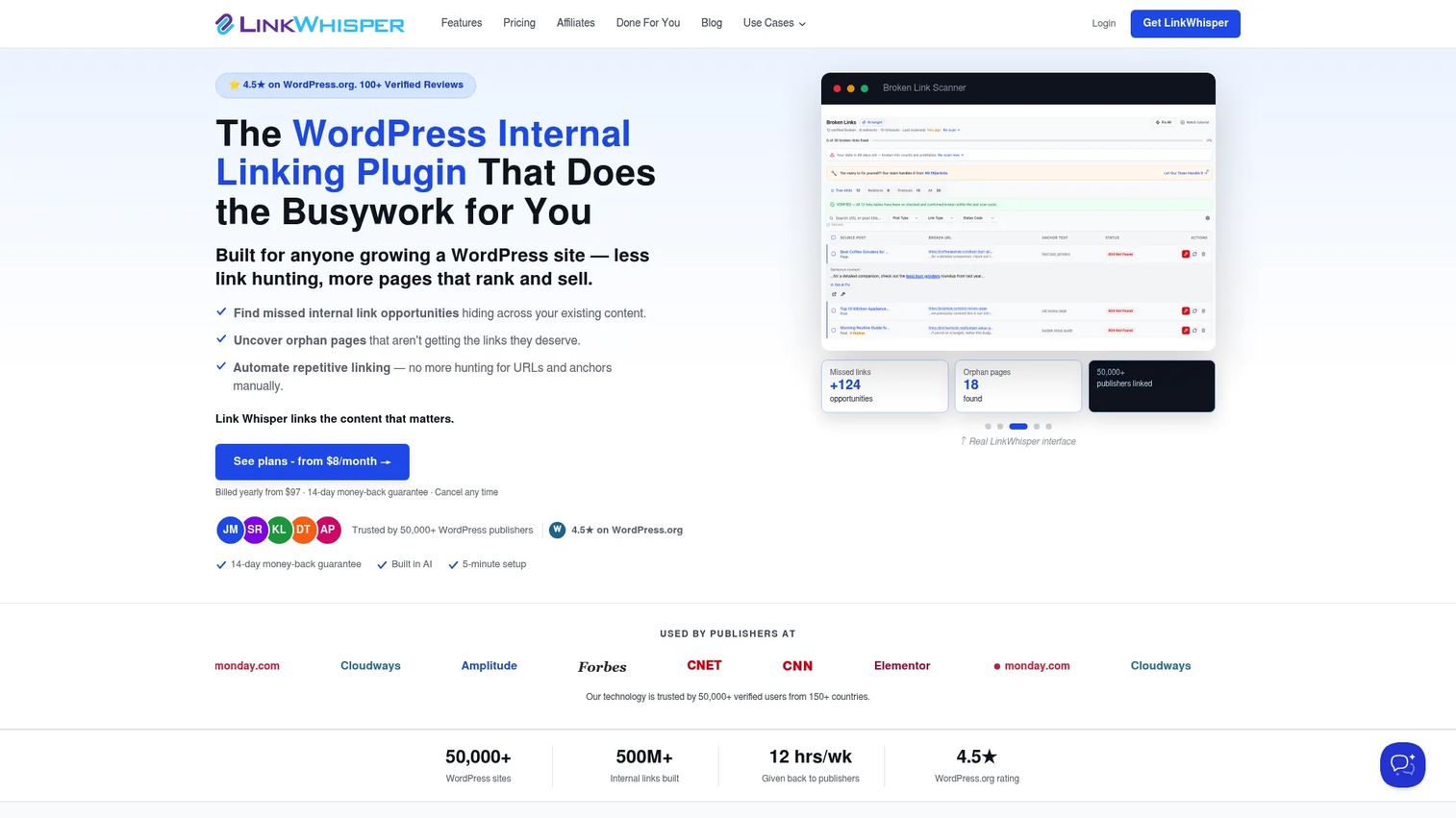
Link Whisper is a WordPress plugin that surfaces internal link suggestions inside the post editor as you write. It also provides orphan page reports, auto-linking rules, and broken link tracking. A Google Search Console integration connects link data to click and impression performance.
Best for: WordPress content teams who want link suggestions at the point of writing rather than after a separate audit cycle.
Key features
- In-editor internal link suggestions
- Orphan page detection and reporting
- Auto-link rules for common terms
- Broken link tracking
- Google Search Console integration
Why choose Link Whisper: Strong fit for editorial teams where writers and editors own the linking decision. Suggestions appear during writing, reducing the gap between content creation and SEO optimization.
Link Whisper pricing: A free version is available. Paid plans are priced annually: Starter at $97/year (1 site), Growth at $197/year (3 sites), Pro at $297/year (10 sites), and Agency at $497/year (50 sites).
G2 rating: 4.5/5
8. LinkBoss
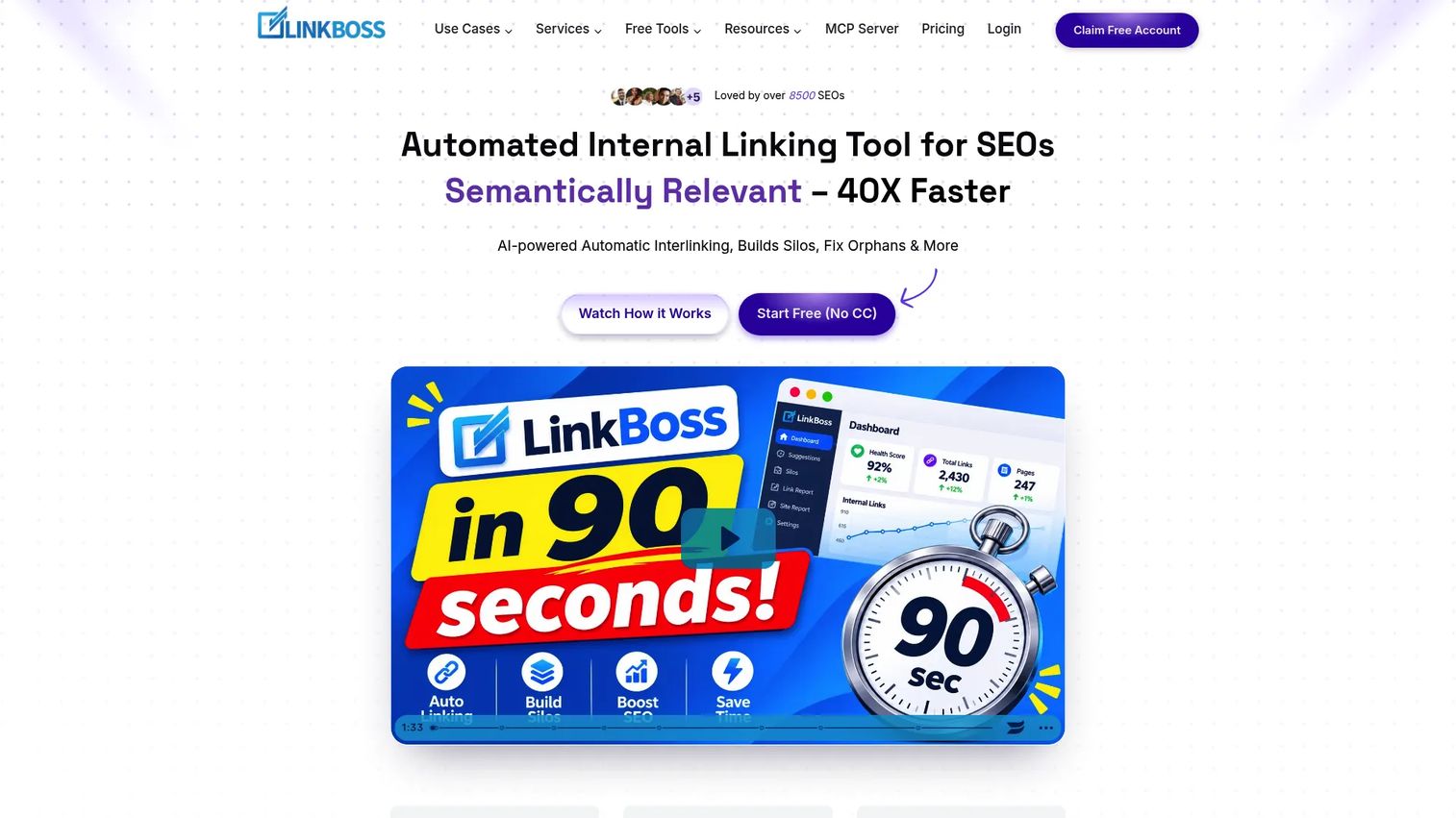
LinkBoss is an AI-powered internal linking and site structure tool built around topic silos and cluster management. It supports WordPress and Shopify, provides orphan and dead-end page detection, and uses Google Search Console data to surface keyword and ranking context alongside its internal link recommendations.
Best for: SEO professionals and agencies managing internal linking and site siloing across large content libraries.
Key features
- Silo building and site-structure visualization
- Orphan and dead-end page detection
- AI-powered automatic internal linking
- Anchor text optimization and cannibalization detection
- WordPress and Shopify integrations
Why choose LinkBoss: Choose LinkBoss when strengthening topic clusters is the priority and you want both the structural view and the bulk linking workflow in a single tool.
LinkBoss pricing: A free plan includes 50 credits and one site. Paid plans start at $11/month (Launch), with Scale at $37/month, Agency at $99/month, and Dominator at $549/month. Annual billing reduces costs across all tiers. Unlimited credit plans are also available from $87/year.
G2 rating: 4.9/5
9. Yoast SEO Premium
Yoast SEO Premium is the paid version of the popular WordPress SEO plugin. Beyond metadata optimization and sitemaps, the Premium plan includes internal link suggestions and orphaned content identification, making it useful for teams already running Yoast who want basic linking guidance without installing a dedicated tool.
Best for: WordPress teams already using Yoast who want link suggestions inside their existing SEO workflow.
Key features
- Internal link suggestions per post
- Orphaned content identification
- Redirect management with bulk CSV import
- Optimization for up to five keyphrases per page
- AI-generated title and meta description drafts
Why choose Yoast SEO Premium: The case is consolidation. If you already pay for Yoast Premium for its redirect manager and keyphrase optimization, the internal link suggestions come included. For teams without Yoast already, a dedicated linking tool offers more depth.
Yoast SEO Premium pricing: $118.80/year per site (excluding VAT). Bulk discounts apply from five subscriptions.
G2 rating: 4.5/5
10. Rank Math
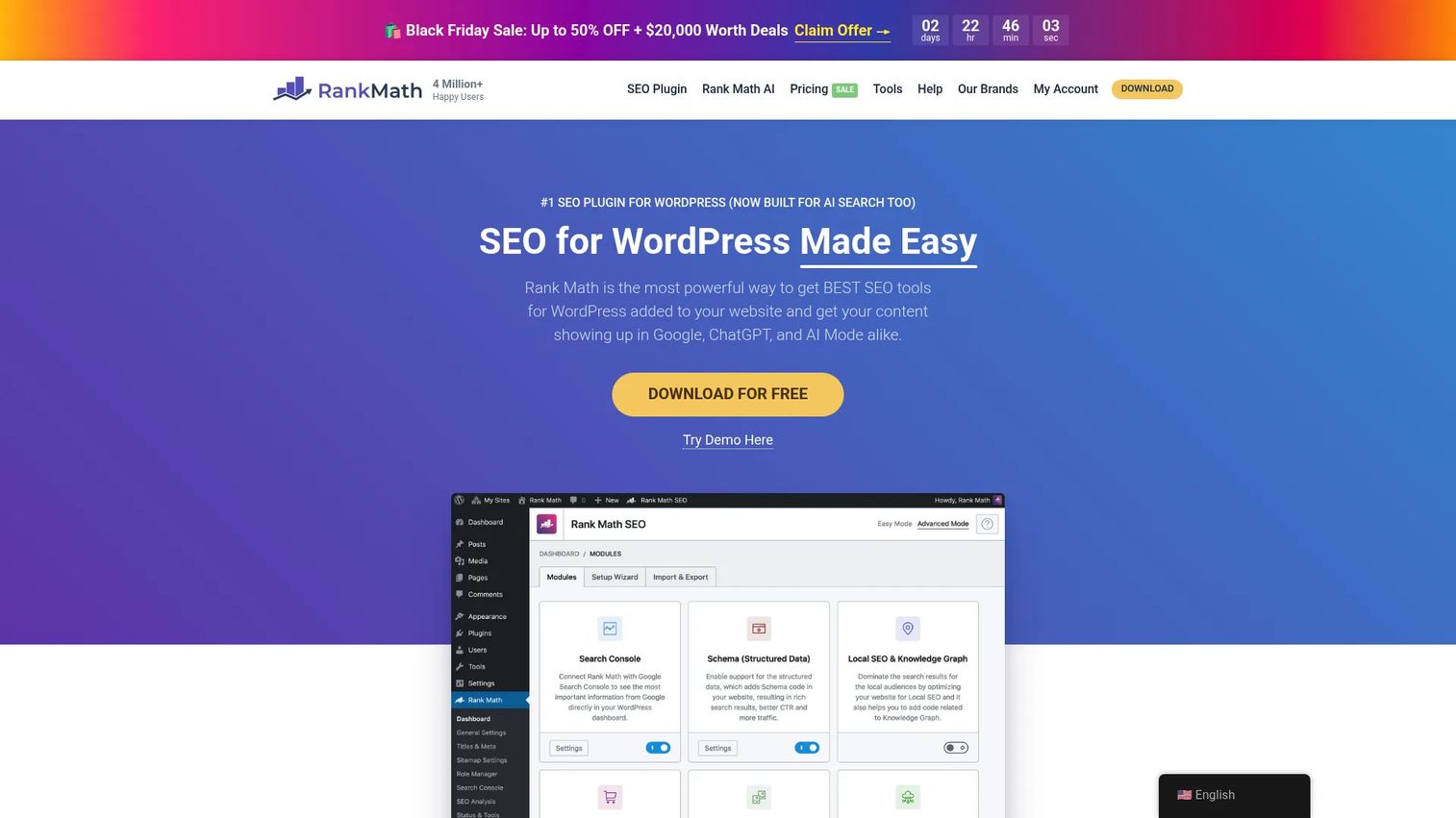
Rank Math is a WordPress SEO plugin that includes AI-assisted internal linking capabilities in its paid plans. Its broader feature set covers schema, redirects, keyword tracking, and Google Analytics 4 integration. It competes directly with Yoast and offers a generous free tier with significant functionality.
Best for: WordPress marketers comparing SEO plugin ecosystems who want internal linking inside a broader on-page SEO setup.
Key features
- AI-assisted internal link suggestions
- 20+ schema types and rich snippets
- Keyword rank tracking
- Redirect management
- Google Analytics 4 integration
Why choose Rank Math: A strong choice for WordPress teams not yet locked into another SEO plugin. The free tier covers more than most free plugins, and the paid plans are competitively priced for multi-site setups.
Rank Math pricing: A free version is available. PRO plan starts at €4.99/month (billed annually). Business is €14.99/month, and Agency is €29.99/month, both billed annually. Prices are shown excluding VAT.
G2 rating: 4.7/5
11. Screaming Frog
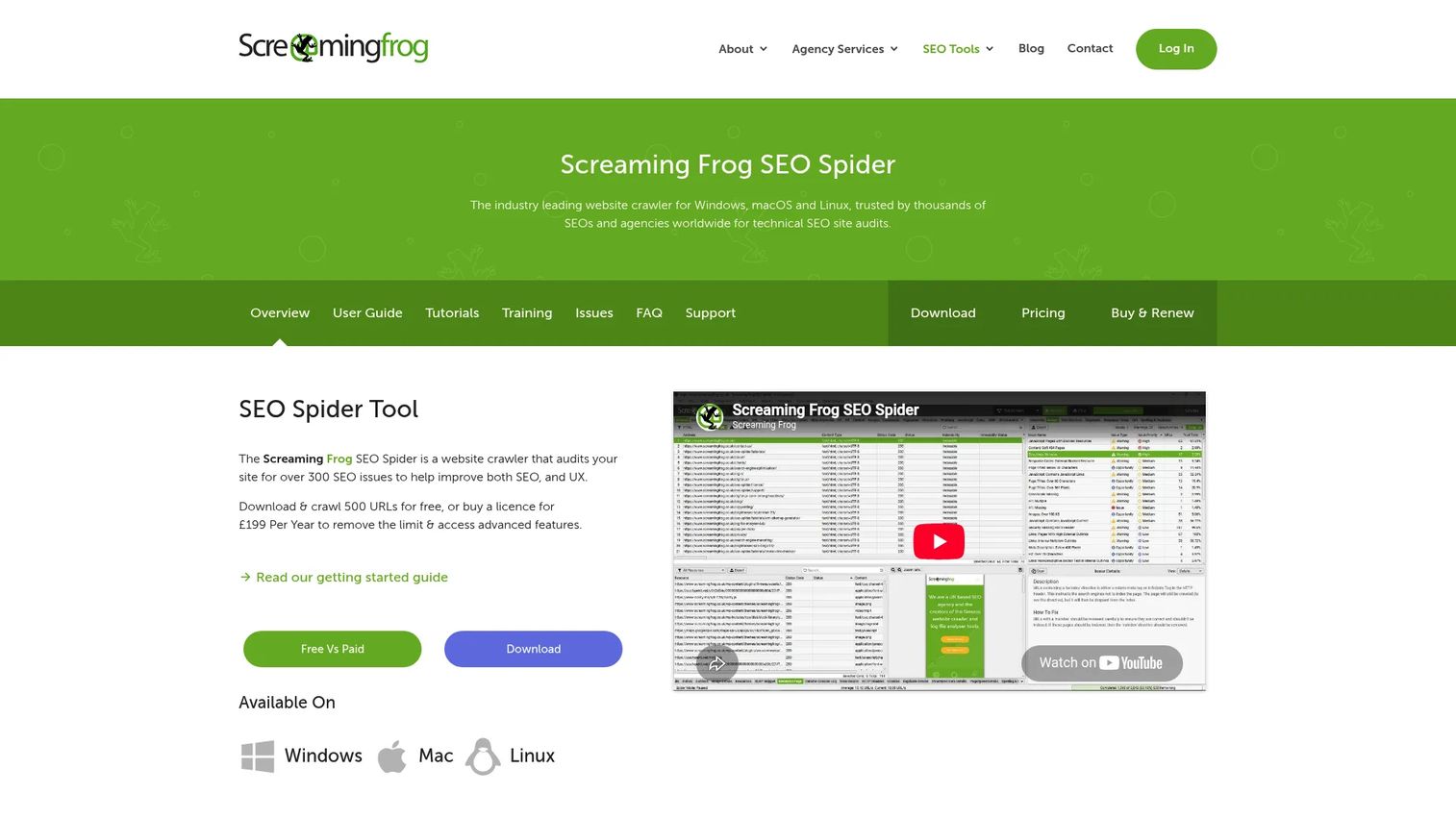
Screaming Frog SEO Spider is a desktop website crawler used widely by technical SEO professionals. It exports inlinks and outlinks per URL, identifies crawl depth, finds broken internal links and redirect chains, and supports custom extraction for more complex audits. It diagnoses structure rather than inserting links.
Best for: Technical SEO teams conducting deep crawl audits before site migrations, content restructuring, or penalty recovery.
Key features
- Full site crawl with inlink and outlink exports
- Crawl-depth reporting per URL
- Broken link and redirect chain detection
- Custom extraction and configuration
- JavaScript rendering support
Why choose Screaming Frog: The right choice when the priority is diagnosing what's broken before fixing it. The free version crawls up to 500 URLs, which covers many smaller sites completely.
Screaming Frog pricing: The free version is limited to 500 URLs. The paid licence costs £199/year per user. Volume discounts apply from five licences.
G2 rating: 4.7/5
12. AIOSEO Link Assistant
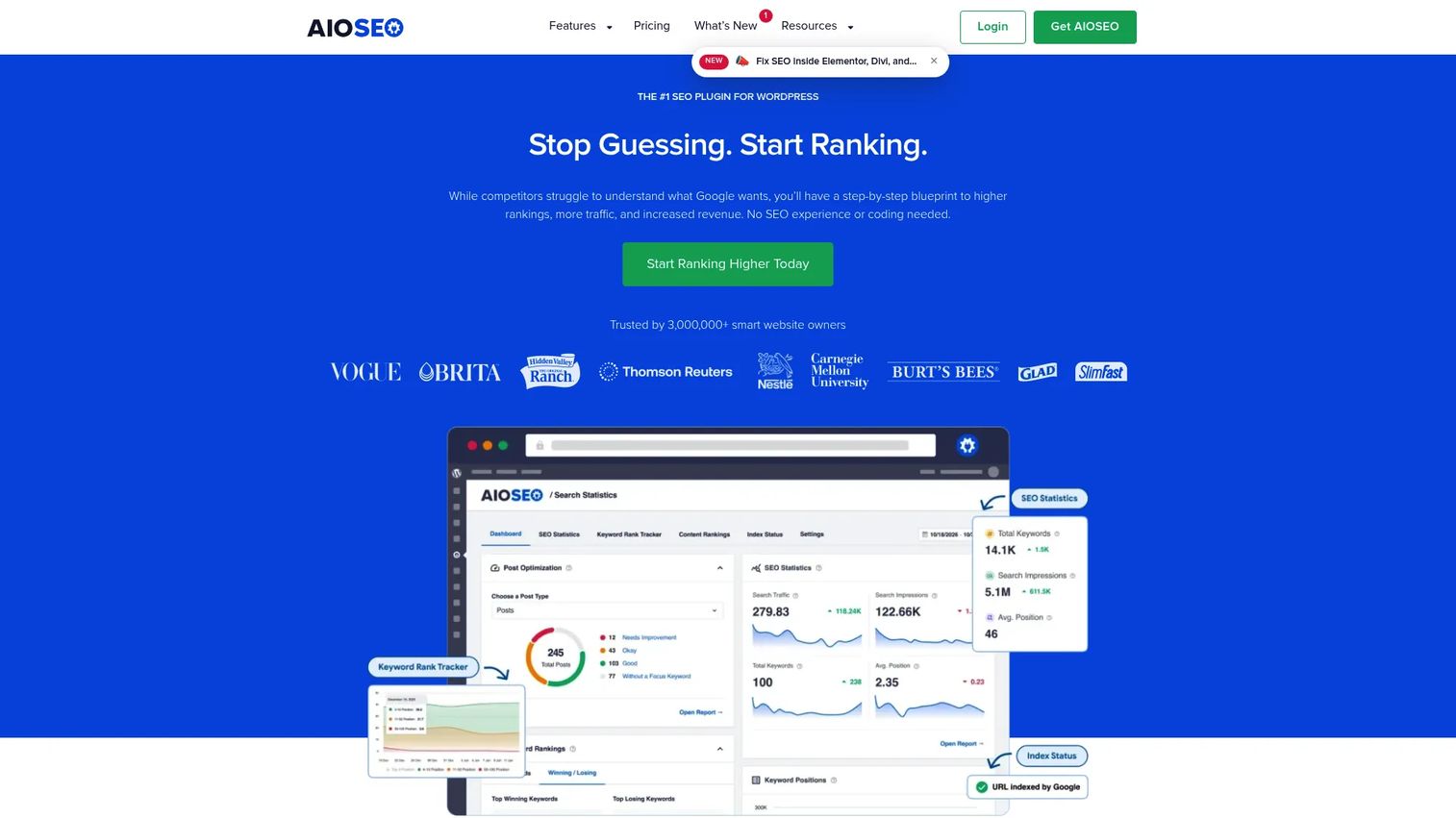
AIOSEO is a WordPress SEO plugin suite, and its Link Assistant feature analyzes existing site content to suggest internal links, detect orphaned posts, and implement links in bulk. The feature is available on Pro plans and above, making it accessible to most teams already using AIOSEO for on-page SEO.
Best for: WordPress site owners already managing SEO through AIOSEO who want internal link guidance without switching tools.
Key features
- Internal link opportunity suggestions
- Orphaned content detection
- Bulk link implementation
- Anchor text editing and placement controls
- Links Report and Domains Report
Why choose AIOSEO Link Assistant: The workflow advantage is staying inside the AIOSEO dashboard. Teams already using it for sitemaps, schema, and redirects get Link Assistant without a separate platform.
AIOSEO Link Assistant pricing: Link Assistant is available on AIOSEO Pro at $199.50/year and Elite at $299.50/year (both promotional introductory prices; renewals are higher). A Basic plan at $49.50/year is available but does not include Link Assistant.
G2 rating: 4.8/5
13. InternalLinking.com
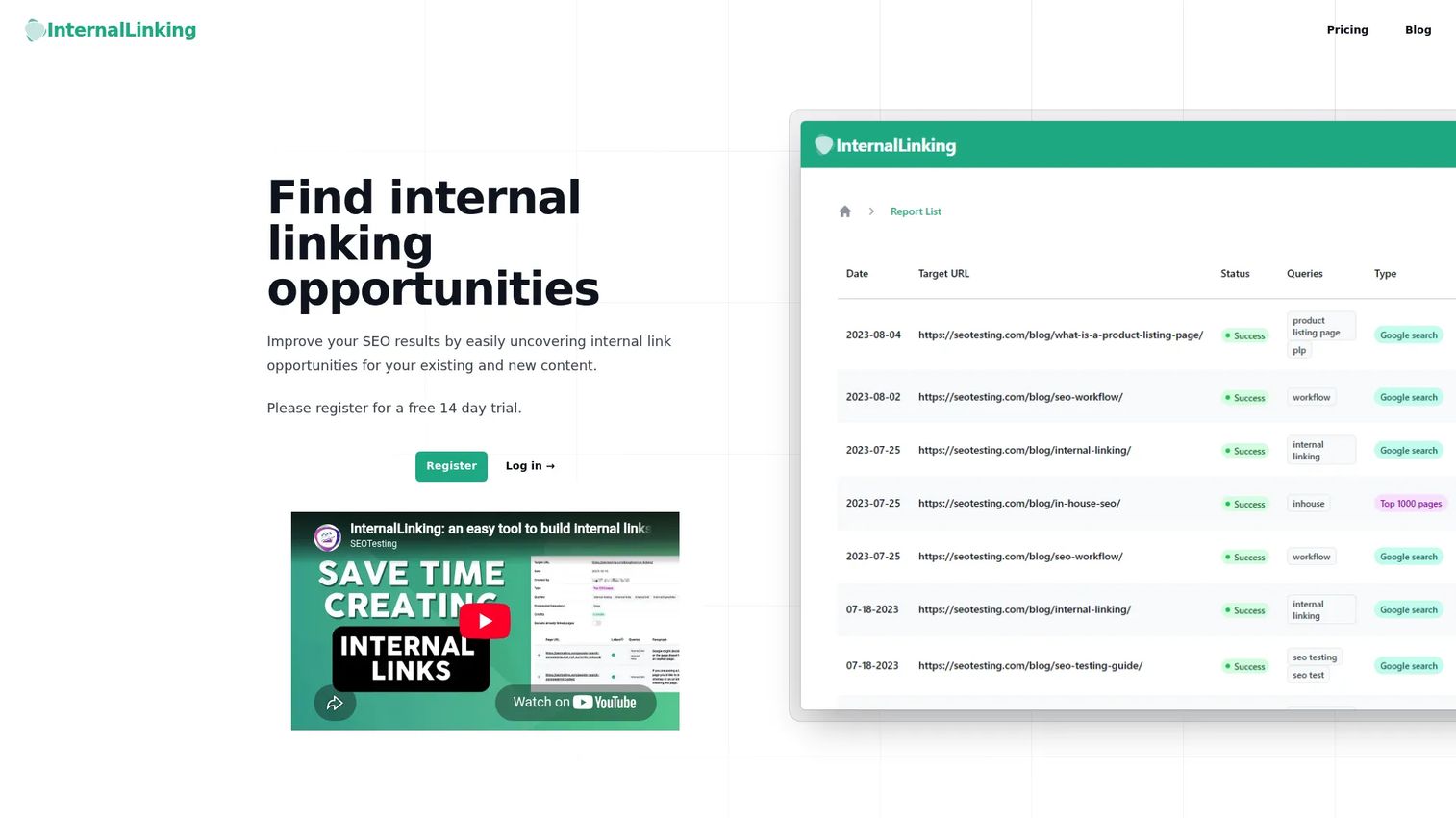
InternalLinking.com is a focused platform for discovering internal linking opportunities across your existing content. It's built by SanityCheck.io Limited and targets SEO professionals and agencies who want a dedicated internal linking workflow rather than a general SEO suite with linking tucked inside it. A 14-day free trial is available.
Best for: Marketers and agencies who want an internal linking tool that doesn't come bundled with features they don't need.
Key features
- Internal link opportunity discovery
- Anchor text recommendations
- Link tracking and reporting
- Workflow management per project
- Monthly credit allocation by plan
Why choose InternalLinking.com: A practical option when the team's specific need is finding and acting on link gaps, without paying for crawl depth visualization, schema management, or rank tracking alongside it.
InternalLinking.com pricing: Basic plan at $20/month (40 credits), Premium at $75/month (200 credits), Enterprise at $150/month (600 credits with dedicated support). A 14-day free trial is available.
14. Linkilo
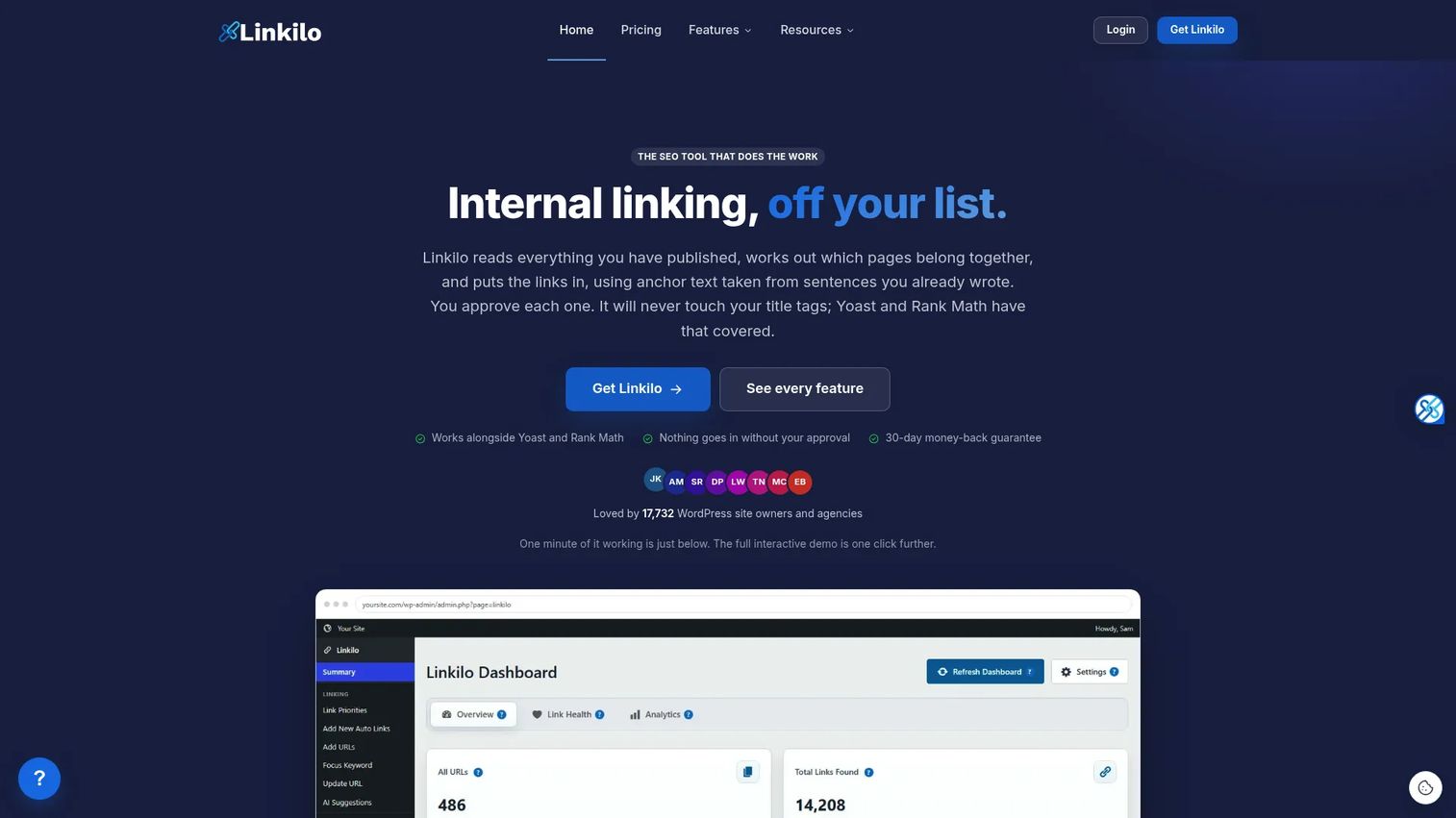
Linkilo is a WordPress SEO plugin with AI-powered internal link suggestions, topic cluster mapping, broken link checking, and crawl log analysis. It tracks activity from Googlebot, Bingbot, and several AI crawlers including GPTBot and ClaudeBot. All features are available on every plan without tier-locking.
Best for: WordPress site owners and SEO professionals who want AI linking, content architecture, and crawl monitoring in one plugin.
Key features
- AI internal link suggestions with confidence scores
- Topic cluster mapping with treemap and funnel views
- Crawl log analysis for Googlebot and AI crawlers
- Broken link checking and redirect management
- Orphan page detection and auto-linking
Why choose Linkilo: One of the more complete WordPress-specific options at its price point. The crawl log analysis for AI crawlers is a distinguishing feature for teams tracking how language model bots index their content.
Linkilo pricing: Annual plans only: Single Site at $59/year, 5 Sites at $149/year, 25 Sites at $279/year, Unlimited Sites at $499/year. All plans include full platform access and a 30-day money-back guarantee.
G2 rating: 4.4/5
15. Search Atlas OTTO
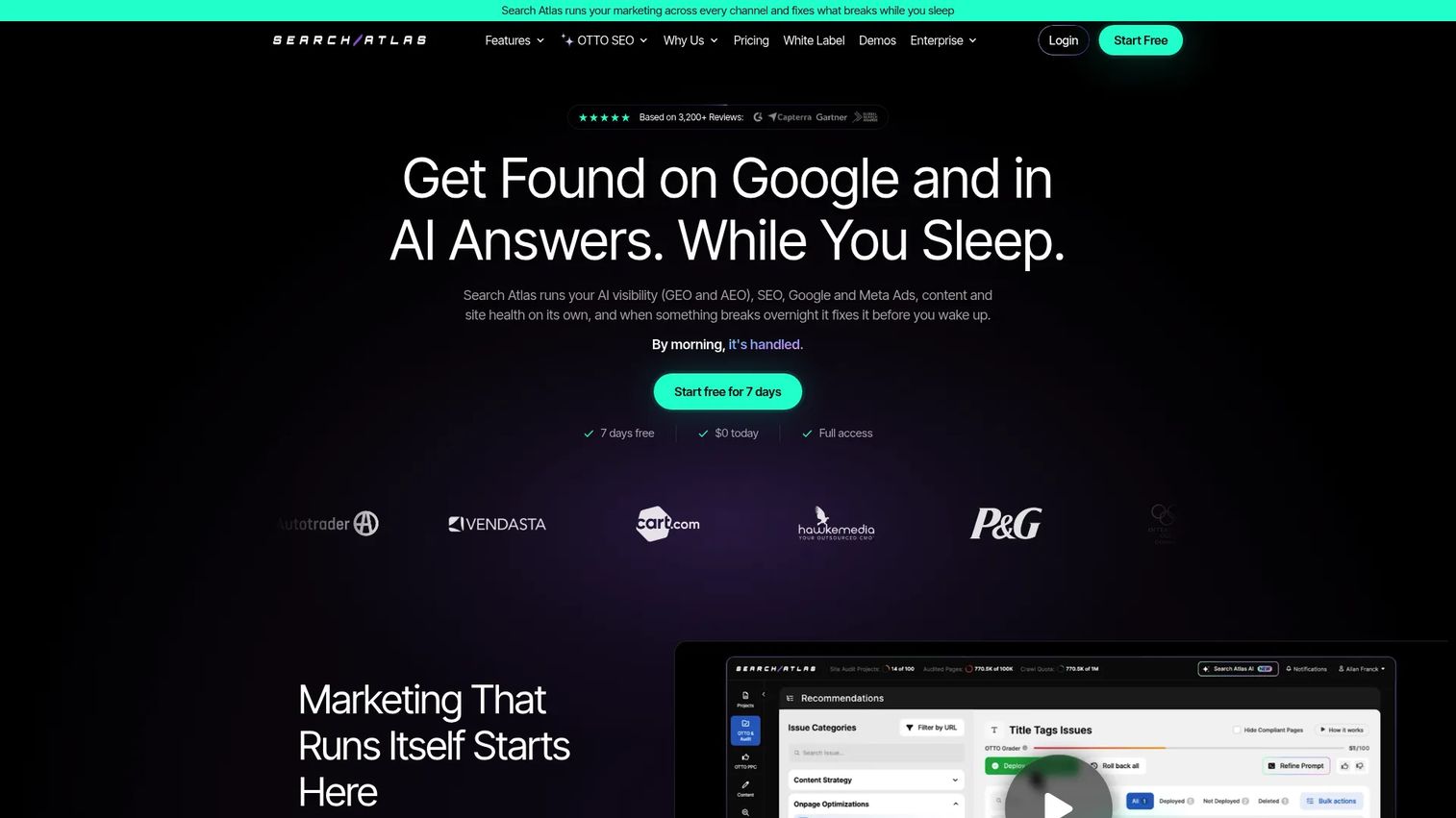
Search Atlas OTTO is an AI-powered SEO automation engine built into the Search Atlas platform. It audits websites, recommends optimizations across technical SEO, internal links, and on-page elements, and deploys approved fixes. OTTO is included in all Search Atlas plans, with project limits scaling by tier.
Best for: Teams that want automated SEO recommendations across technical, on-page, and internal link tasks from a single platform.
Key features
- Automated internal linking recommendations
- One-click deployment of approved optimizations
- Title tags, meta descriptions, and schema markup fixes
- Technical SEO audit and issue prioritization
- SEO dashboards and reporting
Why choose Search Atlas OTTO: Choose it when internal linking is one part of a broader automated SEO workflow. The strength is breadth of automation, not dedicated linking depth.
Search Atlas OTTO pricing: Plans start at $79/month (Starter, billed annually). Growth is $159/month, Pro is $319/month, and Agency/Enterprise starts at $999/month. All billed annually. Free-tier availability was not confirmed at time of writing.
G2 rating: 4.6/5
16. SEOJuice
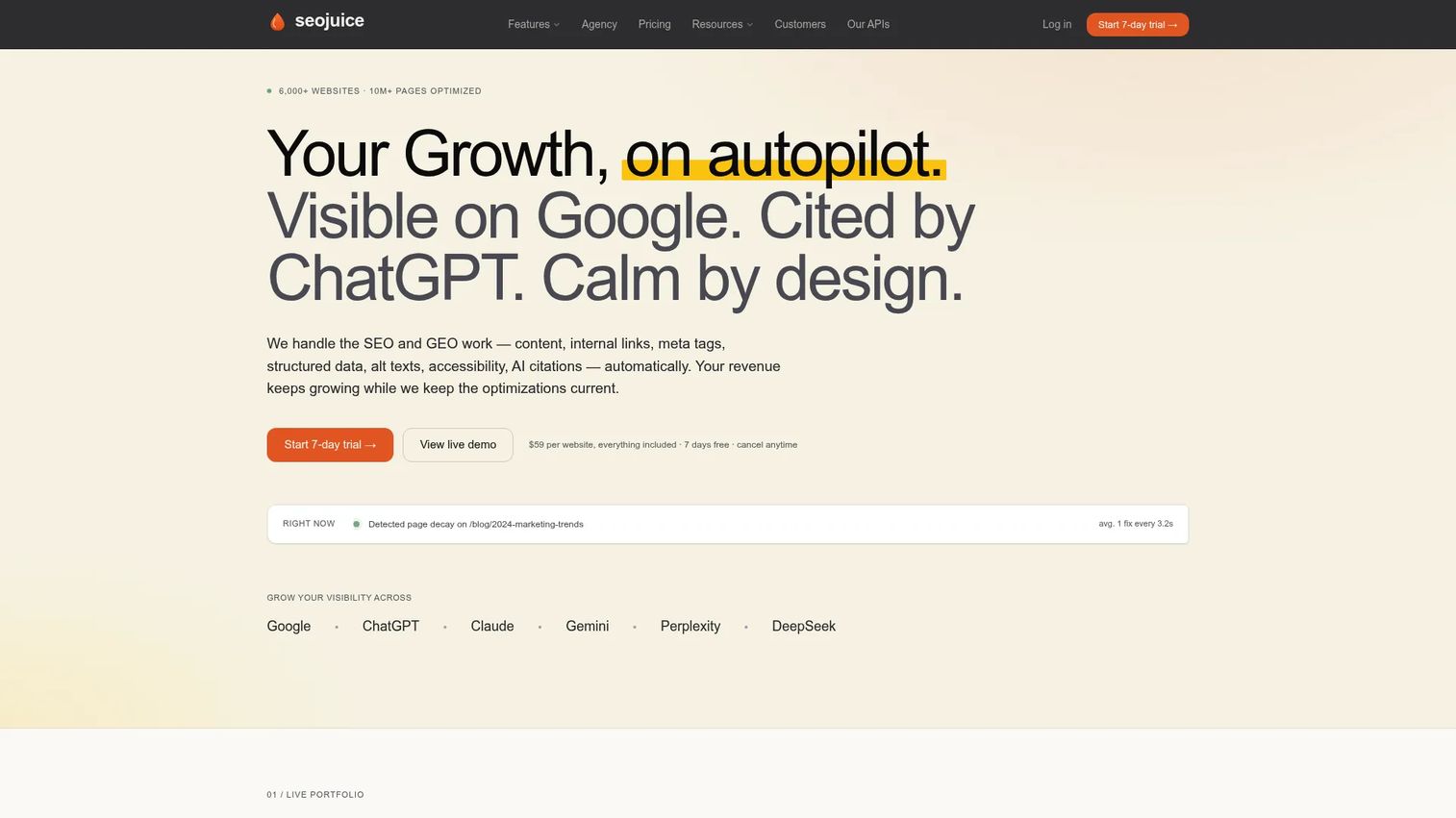
SEOJuice is an automated SEO platform that handles internal linking on autopilot alongside meta tags, schema, broken links, and Core Web Vitals monitoring. Its internal linking runs continuously across the site, adding and adjusting links without manual review per post. Test on a small cluster before enabling site-wide.
Best for: Small teams that want automated internal linking with minimal ongoing management.
Key features
- Automated internal link insertion
- Anchor text controls
- Broken link detection
- AI search visibility and citation monitoring
- Site audits and Core Web Vitals tracking
Why choose SEOJuice: Fits teams where operational overhead is the main constraint. The automation runs without writer involvement, which saves time but requires initial configuration attention to avoid irrelevant or repeated anchors.
SEOJuice pricing: One plan at $99/website/month, billed monthly. Annual billing saves two months. A 14-day free trial is available. Optional $49 add-on bundles increase processing capacity, AI articles, and monitored prompts.
17. Sitebulb
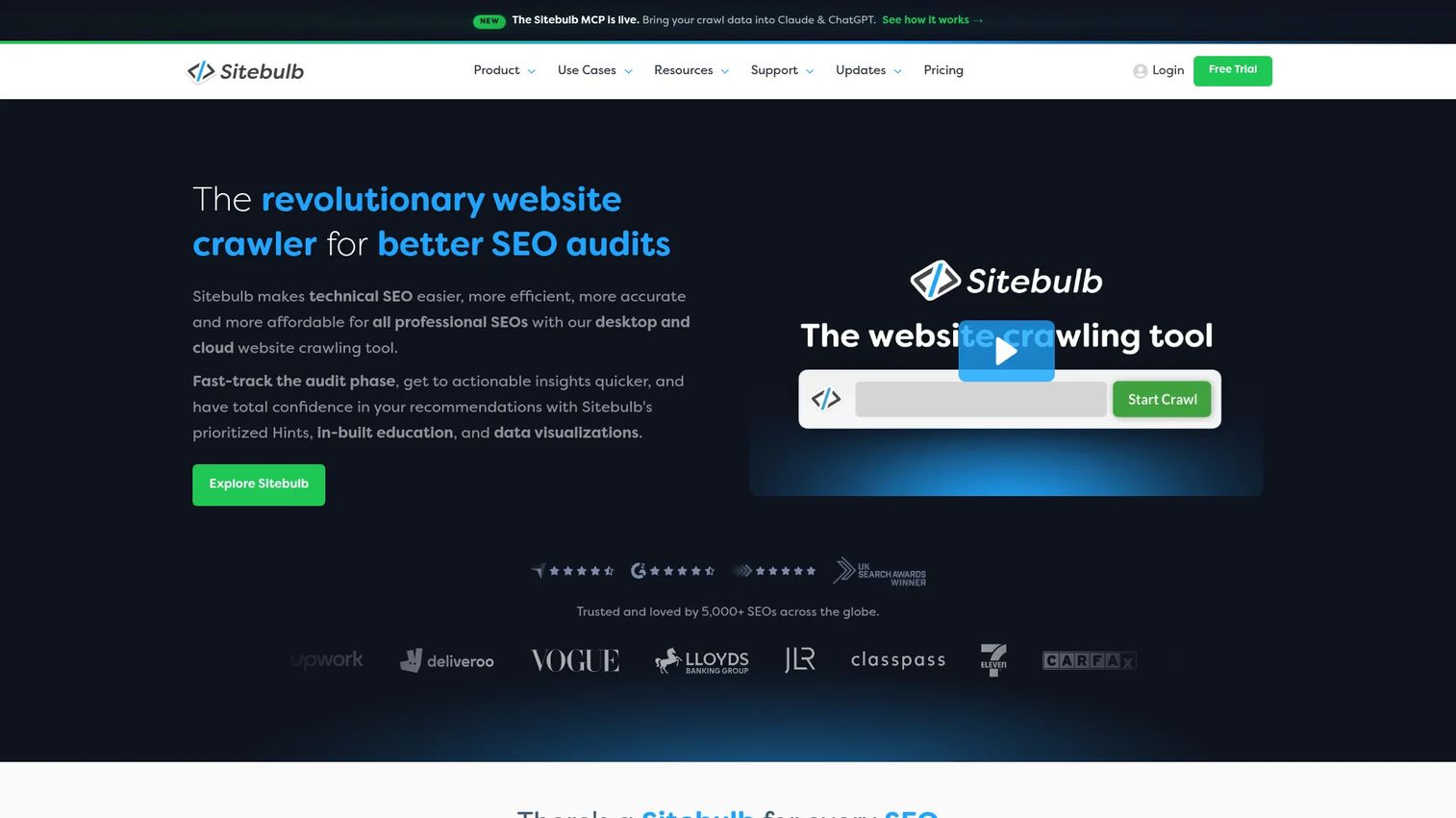
Sitebulb is a website crawler that presents technical SEO data through visual crawl maps and prioritized issue hints. Its internal link reports cover crawl depth, inbound link counts per page, and broken or redirected links. The visual output makes it easier to explain internal link structure problems to stakeholders than raw export files from a command-line crawler.
Best for: SEO teams and consultants who need to audit internal link structure and communicate findings to non-technical stakeholders.
Key features
- Visual crawl maps and site structure visualization
- Internal link count and crawl-depth reporting
- Broken link and redirect audits
- Prioritized SEO issue hints
- Scheduled recurring audits with comparison
Why choose Sitebulb: When the work involves presenting site architecture problems to a client or leadership, Sitebulb's visual output changes the conversation. It covers the same crawl data as other technical tools but packages it for decision-makers.
Sitebulb pricing: Desktop Lite and Pro plans are available; exact current prices were not visible at time of writing. Cloud plans start at £95/month. Enterprise Cloud is custom pricing. A 14-day free trial is available for the desktop version.
G2 rating: 4.5/5
Considerations when choosing internal linking tools
Match automation level to your review process
Internal linking automation exists on a spectrum: Audit only, suggestions, one-click insertion, keyword rules, and full autopilot. High automation without review can create irrelevant links, duplicate anchors, or links pointing to pages undergoing significant changes. Start with suggestions or one-click insertion unless you have a mature content architecture and clear keyword mapping already in place.
Check CMS compatibility before comparing prices
WordPress plugins won't help Shopify stores, Webflow sites, headless CMS setups, or custom-built platforms. If your stack is non-standard, narrow the list to SaaS platforms, crawlers, or tools with native integrations before evaluating features. Paying for Link Whisper at $97/year doesn't help if your site isn't on WordPress.
Focus on destination quality, not link volume
The goal isn't to add the most links per page. The goal is to strengthen priority pages, deepen topic clusters, and reduce crawl depth on revenue pages. A tool that helps you identify the ten pages most in need of internal support is more valuable than one that adds 500 links without a strategic map.
Verify how tools handle redirects and canonicals
Tools should flag links pointing to redirected, canonicalized, noindexed, or outdated URLs. For large content archives where pages get merged, redirected, or repurposed regularly, this check prevents internal links from quietly degrading over time without anyone noticing.
Connect changes to measurable performance metrics
Before implementing any tool, record a baseline from Google Search Console: Organic clicks, impressions, and average position for the pages you plan to work on. After 30 to 60 days, compare. Changes in crawl depth, indexing rates, and organic traffic are the signals that show whether the internal link work moved the needle.
Conclusion
The right internal linking tool depends on what's actually broken in your content architecture right now.
For dedicated internal linking without the cost of a full SEO suite, LinkStorm is the clearest starting point. Teams already paying for Semrush or Ahrefs should run internal link audits inside those platforms before adding anything new. Google Search Console is the free baseline every team should use, regardless of what else sits in the stack.
WordPress publishers have strong options at every price point: Link Whisper for in-editor suggestions, Internal Link Juicer for rule-based automation, Yoast SEO Premium and Rank Math for teams already in those plugin ecosystems, and AIOSEO Link Assistant for teams running AIOSEO for other SEO tasks. Linkilo stands out for teams tracking AI crawler behavior alongside internal link health.
For technical audits, Screaming Frog gives you raw crawl data and Sitebulb packages it for stakeholder reporting. InLinks is the right call when the strategy centers on entity relationships and semantic architecture rather than keyword matching.
Before buying anything: Audit the site, identify your ten highest-impression pages with weak internal support, and test one tool against one content cluster. Measure crawl depth, links added, and organic impressions over 30 to 60 days. That's the fastest way to build a defensible ROI case for whichever tool you choose.
Start your journey with Guideflow today!
FAQs
Internal linking tools are SEO software products that help teams find, evaluate, and add links between pages on the same website. Some tools only analyze the existing link structure and surface issues, while others insert or suggest links directly inside the CMS. The category spans dedicated linking platforms, WordPress plugins, full SEO suites, and site crawlers.
The answer depends on the workflow. LinkStorm fits teams that want a purpose-built internal linking platform. Semrush and Ahrefs make sense for teams already using them for broader SEO work, since internal link auditing comes included. Screaming Frog and Sitebulb are the right tools when the priority is a thorough technical audit. No single tool wins across every use case.
They become clearly worthwhile once a site reaches roughly 100 pages and multiple content clusters, or when content is updated frequently enough that manual linking breaks down. The main value is surfacing orphan pages and high-priority pages with weak internal support, work that becomes invisible at scale without tooling.
Google Search Console is the best free starting point. Its internal links report shows how many internal links point to each indexed page, and its performance data helps you prioritize which pages deserve more support. Free WordPress plugins like the core version of Internal Link Juicer add basic automation for WordPress users, though feature limits apply.
Yes, several can. The automation levels range from suggestions the editor approves, to one-click insertion from a recommendations dashboard, to keyword rules that apply automatically across all posts, to fully automated systems that run without manual review. Higher automation carries higher risk of irrelevant or repeated links, so testing on a small group of pages before enabling site-wide is worth the extra time.
Review anchor text controls to prevent repetitive or over-optimized anchors. Confirm the tool avoids linking to redirected, canonicalized, or noindexed URLs. Check whether duplicate link suppression is active, so the same destination doesn't appear multiple times in one post. Understand the rollback options if a batch of automated links creates problems. And run the automation on one content cluster first before expanding it.
Link Whisper provides in-editor suggestions, which fits editorial teams that want to add links during writing. Internal Link Juicer handles rule-based automation for teams that want keyword-driven linking across existing posts. Yoast SEO Premium and Rank Math both include linking features inside their broader plugin workflows. AIOSEO Link Assistant works well for teams already using AIOSEO for on-page SEO. Linkilo offers AI suggestions, cluster mapping, and crawl log analysis in one WordPress plugin.
Internal links help search engines discover pages by providing crawl paths from already-indexed content to newer or less-visited pages. They reinforce topical relevance by connecting related content, which supports topic cluster structures. They also help distribute ranking signals across the site, which can lift pages that earn authority from external backlinks but don't pass it to supporting content. None of this replaces content quality or technical health, but a well-structured internal link map makes both more effective.