Your campaign generated leads. Now someone has to fix inconsistent company names, recover missing source fields, and reconcile submissions with the CRM. Adding another form builder won’t automatically resolve those handoffs.
Data collection software earns its place when information arrives ready for the next step. For marketers, that means usable segments and campaign attribution you can defend. For field teams, it means capturing records without a dependable connection and synchronizing them afterward.
Contrive Datum Insights’ 2026 report valued the global data collection software market at $4.62 billion in 2025. That broad category includes tools solving substantially different problems.
Before buying, identify where your current process breaks. Is information missing at capture? Does it need approval? Are clean submissions getting stuck between applications? The answer determines which data collection tools deserve your budget.
What’s inside
- For marketing and operations teams: Options for campaign intake, customer research, event reporting, and ongoing record management.
- Different collection methods: Online forms, survey platforms, mobile field apps, and extraction tools for existing websites or documents.
- Four selection criteria: Capture fit, data quality controls, downstream connectivity, and cost at expected usage.
- Practical comparisons: Pricing units, offline capabilities, and the distinction between collecting information and managing it afterward.
- Evidence base: Vendor product and pricing information supplied for November 2026, alongside available G2 ratings. These data collection software tools are assessed through documented capabilities, rather than claimed hands-on testing.
TL;DR
- Best overall for flexible data collection: Jotform combines customizable forms with payments and workflow automation, making it a strong starting point for marketing intake.
- Best free option: Google Forms suits straightforward questionnaires and internal requests, especially when responses belong in Google Sheets.
- Best for customer-facing forms: Typeform fits campaigns where presentation and question flow deserve particular attention.
- Best for field operations: Fulcrum emphasizes geospatial capture. FastField fits inspection reporting and work orders.
- Best for research: KoboToolbox serves nonprofit field programs; ODK offers self-hosting and managed cloud options. SurveyMonkey and Qualtrics support survey-led research.
- Best after submission: Airtable and Zoho Creator manage structured processes. Zapier connects applications, while Google Sheets supports lightweight analysis.
What is data collection software?
Data collection software captures information from respondents or existing sources, then helps teams validate, store, and route it for use.
The category spans several approaches. An online form builder collects information someone enters. A survey platform adds research-oriented question design and response analysis. Mobile data collection forms support work away from a desk, including environments with unreliable connectivity.
Extraction tools serve a different source. They collect existing information from webpages or documents rather than asking someone to submit it. Database and automation platforms then organize those records or move them into other applications.
You’ll also see the terms data capture software and data gathering software. Evaluate the underlying workflow rather than relying on the label.
Key capabilities to look for
- Capture controls: Appropriate question types, attachments, and conditional paths
- Form validation: Required inputs, accepted formats, and rules for incomplete records
- Offline collection: Local completion followed by synchronization
- Field evidence: Location coordinates, photos, signatures, and barcode scans
- Storage and access: Structured records with appropriate permissions
- Routing and export: CRM connections, approvals, spreadsheet exports, and APIs
- Analysis: Response summaries, segmentation, and reporting
Not every product includes every capability. A spreadsheet can organize submitted responses without replacing a purpose-built inspection application. Likewise, survey analytics won’t necessarily handle an operational approval process.
For marketers, start with the record you need downstream. Specify campaign identifiers and consent fields before designing the questions. Decide which values should use controlled choices rather than open text.
Then define ownership. Someone must maintain field mappings when the CRM changes, investigate synchronization errors, and decide how duplicate submissions should behave.
Cleaner capture supports more dependable reporting, but collection software doesn’t establish attribution by itself. Your campaign taxonomy and destination rules still need to agree.
The useful buying question is concrete. Can this tool produce the right record, deliver it to the correct destination, and preserve the context your team needs?
When to use data collection software
Collect campaign and lead data without manual cleanup
Use structured forms when campaign responses require consistent qualification fields and reliable routing. Define UTM handling and consent requirements before selecting a platform.
Test a submission through to its destination, including an existing contact submitting again. A successful form submission should leave sales with useful context, not another cleanup task.
Capture field or event data when connectivity is unreliable
Choose a mobile data collection app when staff work at events, retail locations, or sites with inconsistent internet access. Evaluate offline entry alongside the evidence required, such as photos or signatures.
Mobile data collection software also needs an operational test. Disconnect the device, complete a record, reconnect, and inspect what arrives centrally.
Turn survey responses into decisions
Use data gathering tools when you need customer feedback or evidence for a campaign decision. Define the audience segments and comparisons before writing the questionnaire.
Survey data collection becomes more useful when each response connects to a decision owner. For example, separate onboarding feedback from brand research rather than combining unrelated questions into one survey.
Data collection software comparison
These tools serve different parts of the workflow. Compare products within the same job before treating their prices as equivalent.
A per-user field application carries a different cost model from a form subscription or task-based automation service. Minimum seats and billing commitments matter as much as the headline amount.
One naming detail deserves attention. Forms On Fire currently redirects to Appenate, and both names share the same G2 listing. They appear separately below for readers searching either name, but represent the same current platform.
Prices below are in USD. Research supplied for this comparison is dated November 24, 2026. “N/A” means an independently sourced current G2 score wasn’t available. Qualtrics’ rating is seller-wide.
| # | Product | Best for | Key differentiator | Pricing | G2 rating |
|---|---|---|---|---|---|
| 1 | Jotform | Flexible forms and intake | Payments alongside form workflows | Free; Bronze $34/month annually | 4.6/5 |
| 2 | Google Forms | Simple forms and surveys | Direct Google Sheets response export | Free personal access | 4.6/5 |
| 3 | Typeform | Customer-facing questionnaires | Conversational form experience | Free; Basic $29/month monthly | 4.5/5 |
| 4 | Fulcrum | Location-based field operations | Geospatial capture and offline maps | $43/user/month annually; five-user minimum | 4.6/5 |
| 5 | FastField | Inspections and reporting | Mobile capture with custom reports | $24/seat/month annually; $30 monthly | 4.6/5 |
| 6 | KoboToolbox | Nonprofit field research | Offline collection and XLSForm support | Free Community Plan for nonprofit users | 4.8/5 |
| 7 | SurveyMonkey | Repeatable feedback programs | Survey logic and response analysis | Free; Team Advantage $30/user/month annually; three-user minimum | 4.4/5 |
| 8 | ODK | Research with hosting control | Open-source software and managed hosting | Free self-hosting software; Cloud $199/month | 4.9/5 |
| 9 | Forms On Fire | Existing users researching current plans | Now redirects to Appenate | $20/user/month annually; five-user minimum | 4.5/5 |
| 10 | Appenate | Custom operational mobile apps | Offline app building and dispatch | $20/user/month annually; $25 monthly; five-user minimum | 4.5/5 |
| 11 | Fluix | Document-driven field processes | Review workflows and electronic signatures | Crews $29/user/month | N/A |
| 12 | Airtable | Structured operational records | Relational data and custom interfaces | Free; Team $20/user/month annually | 4.6/5 |
| 13 | Qualtrics | Advanced experience research | Conjoint, MaxDiff, and statistical analysis | Free Surveys; Strategic Research $420/month annually | 4.4/5 |
| 14 | Zoho Creator | Custom business applications | Low-code workflows and dashboards | Free; Standard $8/user/month annually | 4.3/5 |
| 15 | Thunderbit | Website and document extraction | AI-assisted structured exports | Free; Starter $9/month annually or $15 monthly | N/A |
| 16 | Zapier | Routing data across applications | Conditional automation workflows | Free; Professional from $19.99/month | 4.5/5 |
| 17 | Google Sheets | Lightweight storage and analysis | Collaborative spreadsheets | Free personal access | 4.6/5 |
Best 17 data collection software tools for 2026
1. Jotform
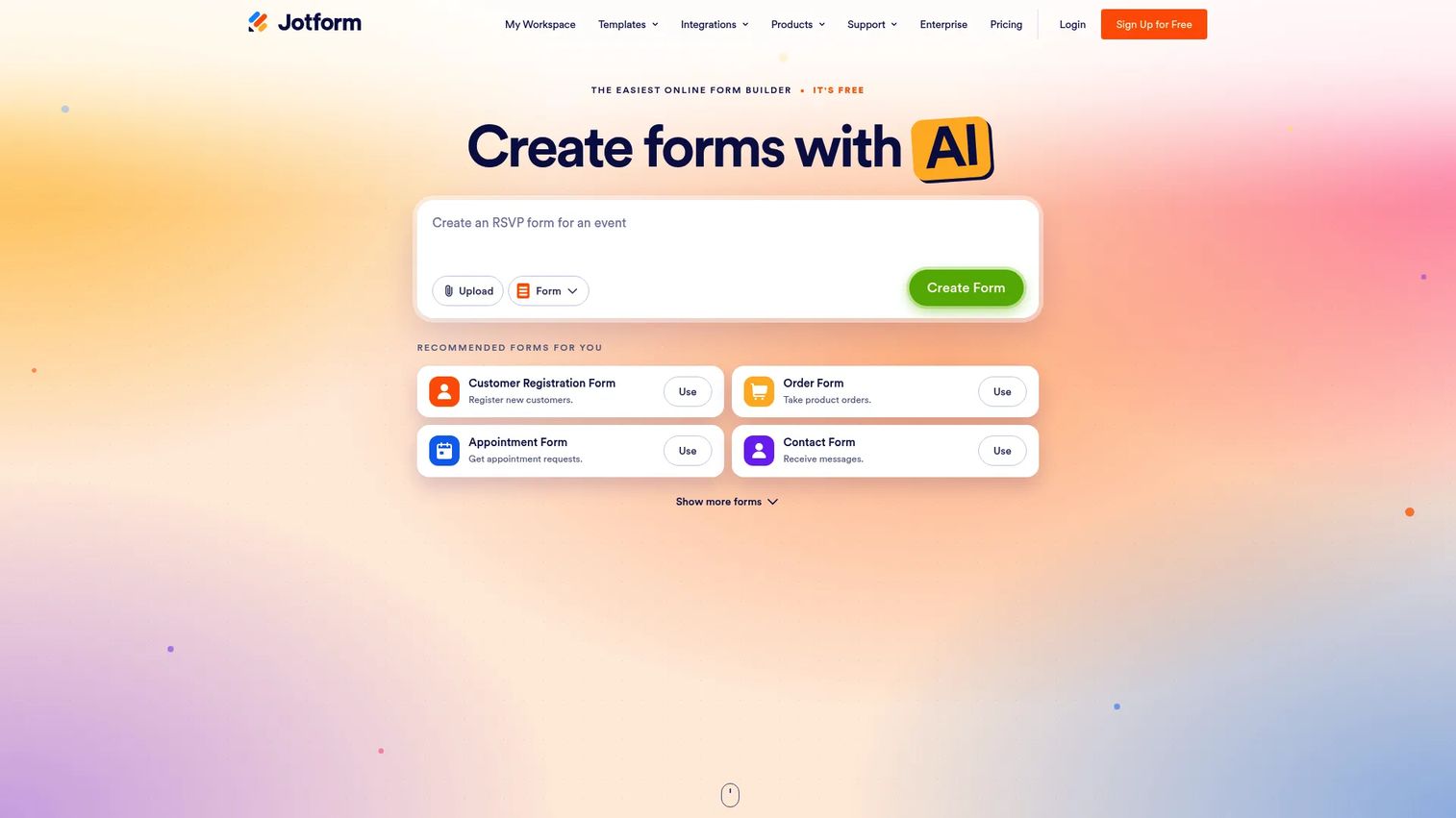
Jotform is a no-code form builder covering intake and transactional workflows. Its combination of payments and submission handling makes it relevant when marketing owns more than a basic lead form. You can evaluate it for event registration or customer applications without starting a custom development project.
Best for: Marketing teams consolidating several form-based intake processes.
Key features
- Drag-and-drop form builder
- Conditional logic
- File uploads and electronic signatures
- Offline forms
- Payment integrations
For a useful pilot, choose a process currently split between a form and an email approval thread. Map the required information and identify which submissions need human review.
Next, test the downstream handoff. A completed application should retain its attachments and campaign context wherever the team manages follow-up. Check those details before replacing an existing intake process.
Jotform’s broad scope makes consolidation worth investigating, but avoid assuming every workflow belongs in the same form. Separate audiences with different information requirements. That keeps campaign reporting easier to interpret and prevents unnecessary questions from accumulating.
Why choose Jotform: Choose it when forms need to handle operational steps beyond collecting contact information. Its breadth suits teams seeking fewer disconnected intake tools.
Jotform pricing: Starter is free. Bronze costs $34/month billed annually or $39/month billed monthly.
G2 rating: 4.6/5.
2. Google Forms
Google Forms handles straightforward questionnaires, registrations, and internal requests. Responses can appear in charts or move into Google Sheets for further analysis. It fits teams that want to start collecting information without introducing a separate purchasing decision.
Best for: Small marketing teams running simple surveys or internal intake.
Key features
- Multiple question types
- Drag-and-drop question organization
- Branching logic
- Quiz creation
- Response charts and spreadsheet export
A campaign request form is a sensible starting point. Ask requesters to select a campaign type and provide the information your team needs to assess it. Review the resulting spreadsheet before adding more questions.
The buying question is whether basic collection covers the entire job. If requests immediately become complex approvals or linked records, evaluate the destination as carefully as the form itself.
For customer-facing work, assess presentation against the campaign’s requirements. Basic brand customization is available, but you should test the complete respondent experience rather than assuming it matches every landing page.
Also decide who owns the response file. A familiar spreadsheet still needs consistent naming and access rules.
Why choose Google Forms: Choose it when a straightforward questionnaire and spreadsheet handoff are sufficient. Keep the workflow simple enough that ownership remains clear.
Google Forms pricing: Personal Google Account access is free. Google Workspace Starter includes Forms from $7/user/month.
G2 rating: 4.6/5.
3. Typeform
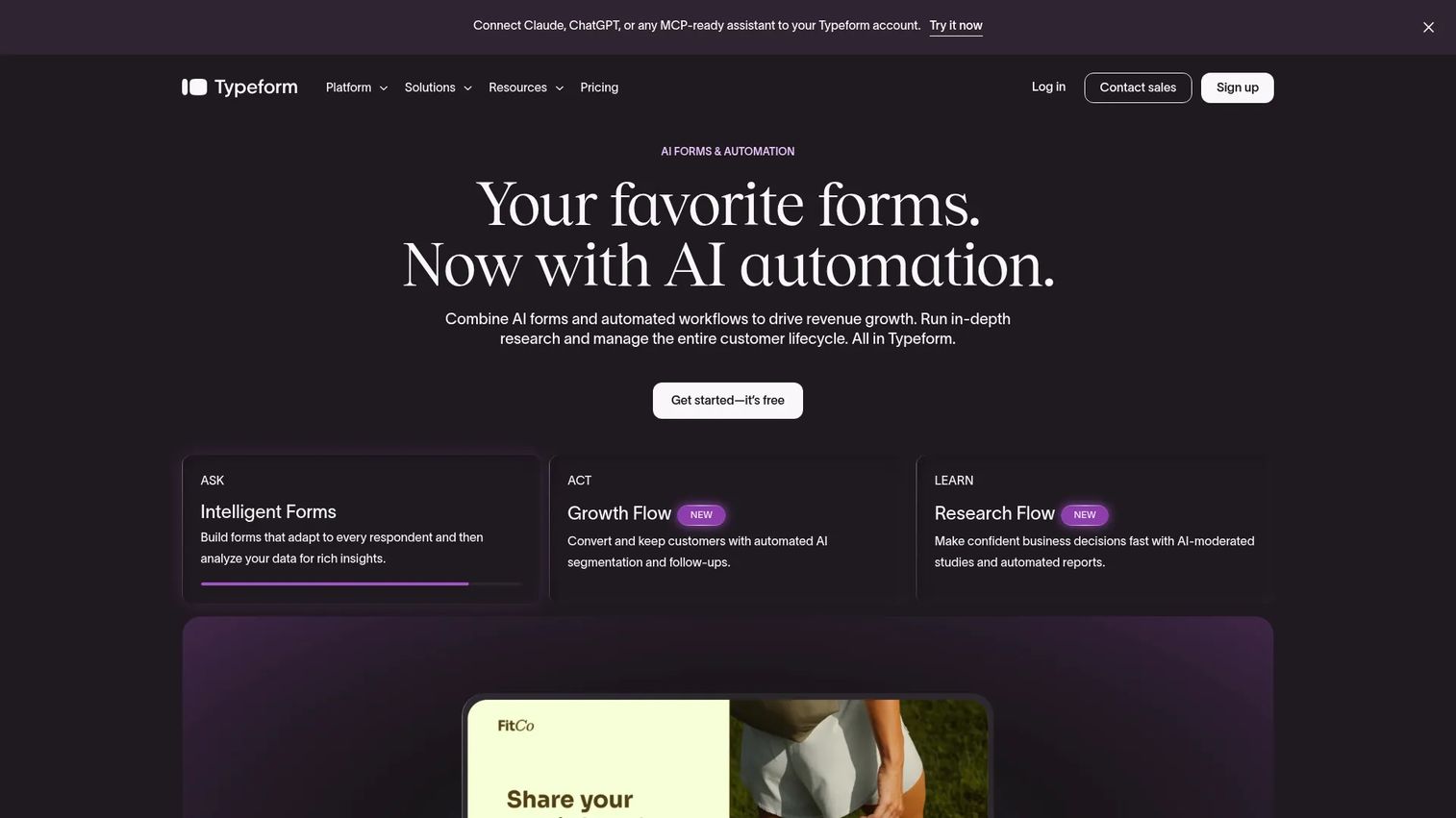
Typeform focuses on interactive forms and surveys with a conversational presentation. It combines a visual builder with conditional logic and performance analytics. For marketers, the form can become part of the campaign experience rather than a separate administrative screen.
Best for: Teams collecting qualification information or customer feedback through branded campaigns.
Key features
- AI-assisted form creation
- Conditional logic and visual mapping
- Templates and drag-and-drop editing
- Embeddable forms
- Performance analytics
Evaluate it with a qualification sequence that changes according to the respondent’s answers. Keep the business outcome specific, such as routing an enterprise inquiry differently from a general question.
Then review the exported record. A polished experience still needs consistent field names and useful answer values. Test every branch to make sure it produces enough information for follow-up.
Response volume deserves particular attention during budgeting. Model your busiest campaign period, and inspect the plan’s allowance before committing to an annual subscription. Avoid estimating costs from ordinary weeks when a launch drives most of your submissions.
Typeform also fits customer feedback software evaluations where respondent presentation carries weight alongside analysis.
Why choose Typeform: Choose it when question flow and visual presentation are part of your conversion strategy. Evaluate the required subscription against anticipated response volume.
Typeform pricing: A free plan is available. Basic costs $29/month with monthly billing; annual billing offers lower monthly-equivalent rates.
G2 rating: 4.5/5.
4. Fulcrum
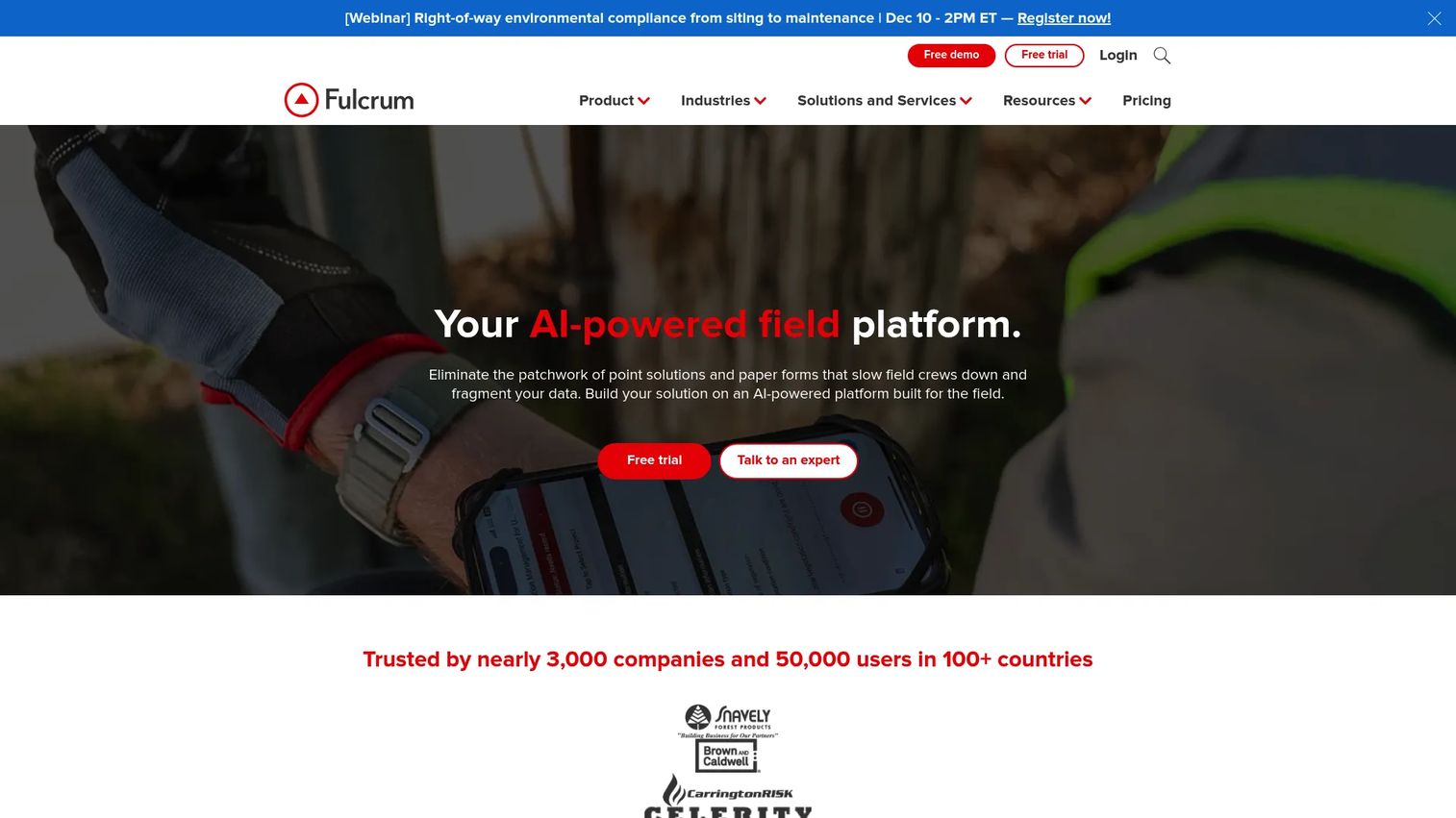
Fulcrum combines mobile field collection with geospatial tools and operational workflows. Its documented capabilities include offline basemaps and location geometry, alongside rich media capture. This is field data collection software for records where the location matters.
Best for: Distributed teams collecting inspection or site information with geographic context.
Key features
- Offline field forms
- Geotagging and map geometry
- Offline basemaps
- Photo, audio, video, and signature capture
- Workflow automation and reporting
A marketer coordinating retail activations could evaluate Fulcrum for site evidence and execution reporting. Keep that use case distinct from ordinary online lead generation.
During a pilot, ask staff to collect representative records using the devices they’ll carry. Include large attachments and locations with weak connectivity. Review whether the resulting map and record contain enough context for someone who wasn’t present.
Plan selection also matters. Fulcrum places APIs and webhooks in Elite, alongside advanced integrations and governance capabilities. A team expecting automated downstream routing should evaluate that tier rather than budgeting only for entry-level capture.
Why choose Fulcrum: Choose it when geographic evidence is central to the workflow. Its field orientation is particularly relevant to operations supporting location-based programs.
Fulcrum pricing: Professional costs $43/user/month on an annual subscription with a five-user minimum. A free trial is available.
G2 rating: 4.6/5.
5. FastField
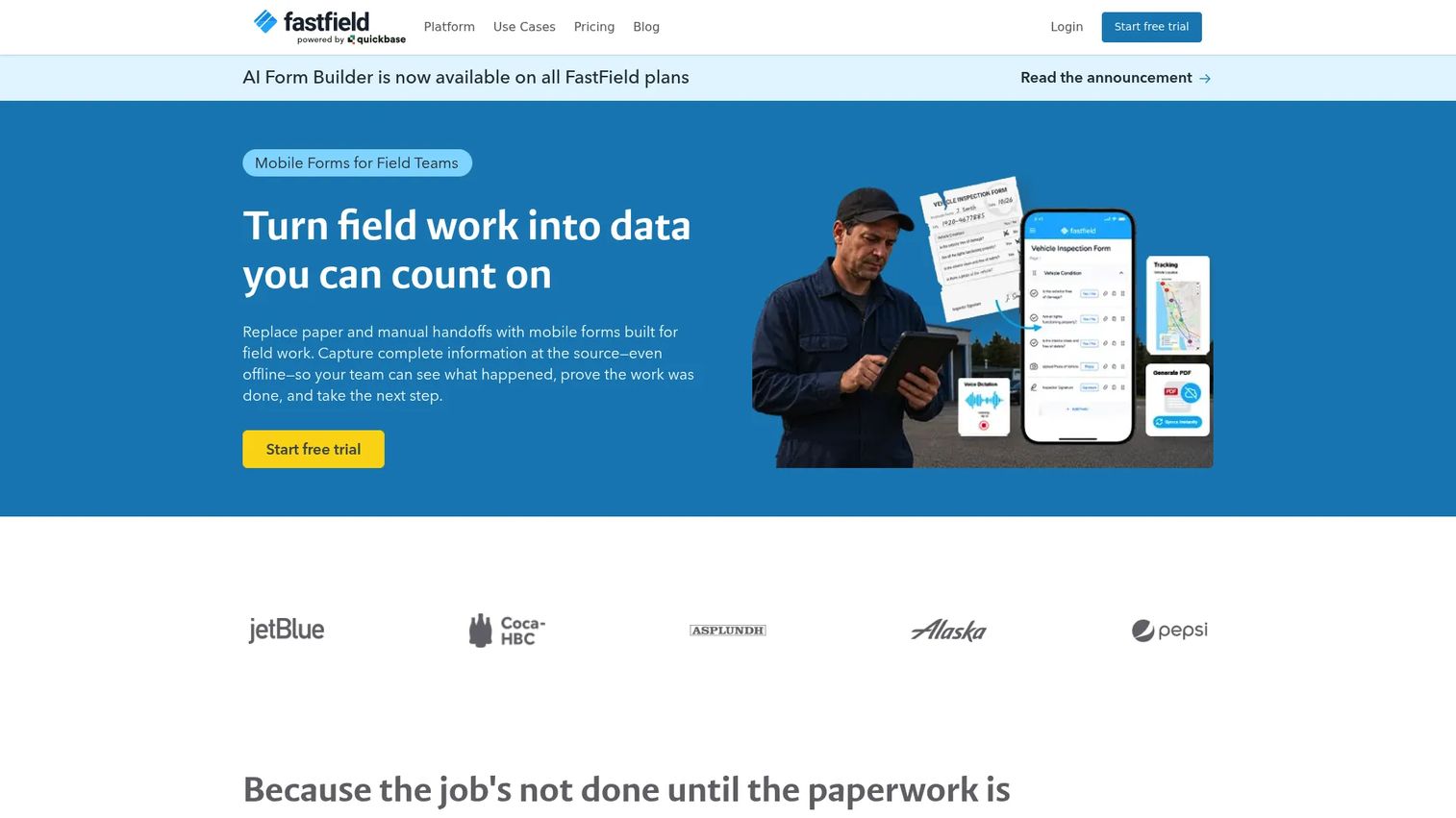
FastField digitizes inspections and work orders through mobile forms. Its reporting and task capabilities make it relevant when a submission must become an operational deliverable. Teams replacing paper checklists should evaluate the report output alongside the collection experience.
Best for: Field teams that need submitted records turned into usable reports.
Key features
- No-code mobile form builder
- Offline collection
- GPS and barcode capture
- Task assignment and approvals
- Custom reports and dashboards
For field marketing, consider a venue readiness checklist or event execution report. Define the evidence required for each item before recreating an existing paper form.
Ask a reviewer to assess the output without contacting the person who submitted it. Missing context becomes obvious when the report must stand on its own.
The platform supports several media and scanning formats, but only require those that answer an operational question. Excess attachments create more material to review without necessarily improving the decision.
Also test the exception path. An incomplete inspection should have an owner and a next action, rather than disappearing into a completed-submissions folder.
Why choose FastField: Choose it when the value comes from the report and follow-up process. It suits operational teams standardizing repeatable field work.
FastField pricing: Core costs $24/seat/month annually or $30 monthly. A free trial is available.
G2 rating: 4.6/5.
6. KoboToolbox
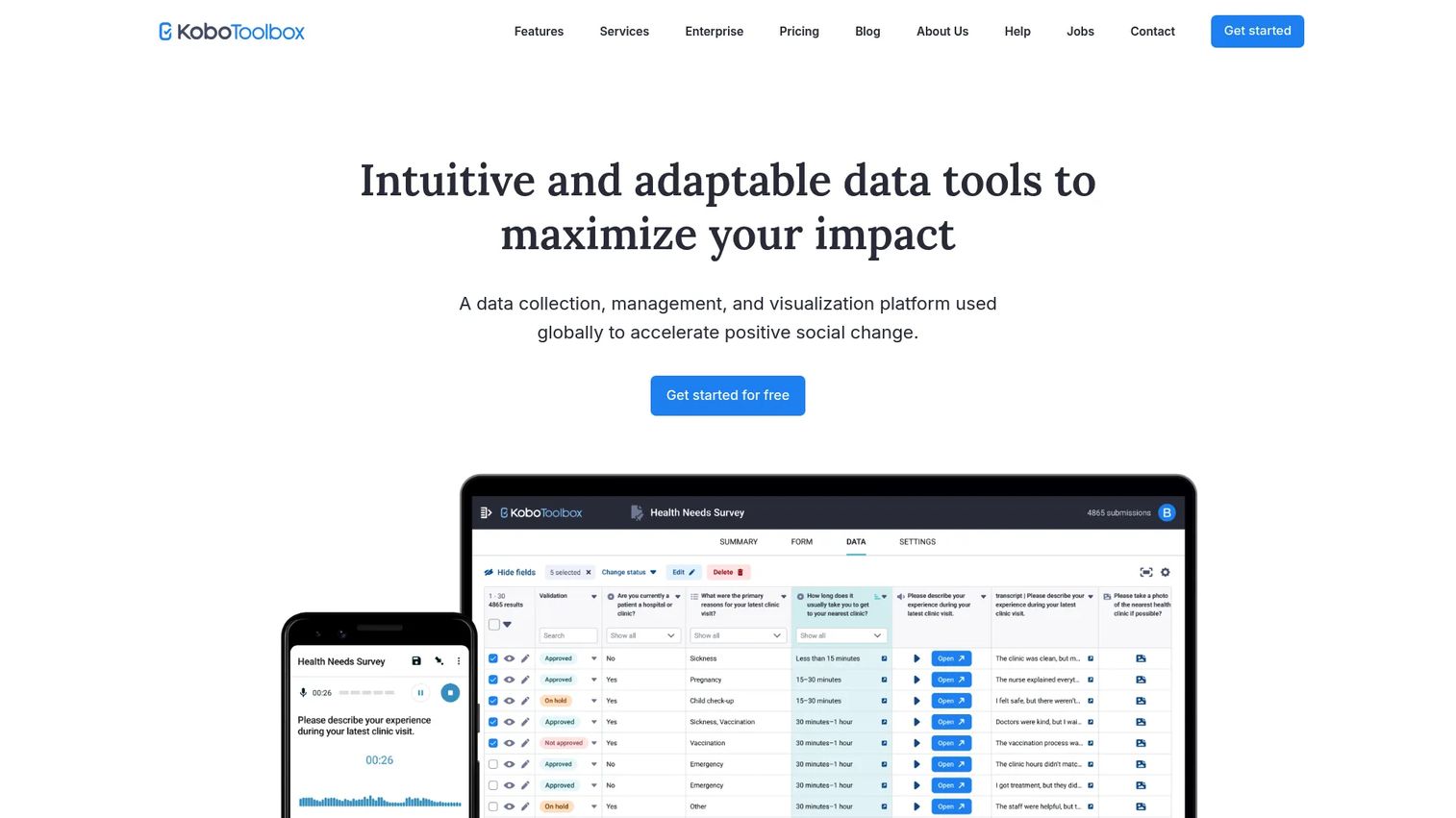
KoboToolbox is an open-source collection platform oriented toward social-impact research. It supports offline web forms and the KoboCollect Android app. Nonprofit teams can use it to gather structured information where connectivity and budgets require careful planning.
Best for: Nonprofits and researchers conducting multilingual field studies.
Key features
- Form logic and validation
- XLSForm support
- Offline web and Android collection
- Translation capabilities
- Reports, maps, and data exports
Research-driven marketers should consider the questionnaire’s operating environment first. A community survey conducted by field staff has different requirements from an email feedback campaign.
Build a small pilot containing the most complicated question paths. Test translated labels and confirm that exported answer codes remain consistent across languages.
KoboToolbox also offers data management and qualitative analysis capabilities. Decide which analysis belongs inside the platform and which outputs need to reach another system. That choice affects how you structure identifiers and permissions.
For nonprofit marketing teams, the practical benefit is a research-oriented collection process that can support impact reporting. Keep participant consent and data access decisions explicit throughout the project.
Why choose KoboToolbox: Choose it for field research where offline access and multilingual questionnaires matter. It is especially relevant to eligible nonprofit programs.
KoboToolbox pricing: The Community Plan is free for nonprofit users. Professional and Teams plans are also available.
G2 rating: 4.8/5.
7. SurveyMonkey
SurveyMonkey supports feedback collection and survey analysis across recurring research programs. Its distribution options include email and web links, with additional channels available. Marketing teams can evaluate it for message testing or customer insight work.
Best for: Teams running repeatable survey programs across defined audience segments.
Key features
- AI-assisted survey creation
- Branching, piping, and skip logic
- Email and web-link collectors
- Custom dashboards and statistical analysis
- Brand customization
Begin with the comparison you need to make. For example, decide whether feedback should be segmented by customer tenure or acquisition channel before writing questions.
Its analytics-oriented approach is useful when the deliverable is a research finding rather than an operational record. Keep questionnaire design consistent if you intend to compare successive campaigns.
Budget against the response allowance and the people who need access. Team Advantage includes 50,000 responses annually, while Team Premier includes 100,000. Those are different purchasing considerations from the number of surveys you plan to launch.
Avoid treating every internal stakeholder as an editor by default. Establish who designs research and who only needs the findings.
Why choose SurveyMonkey: Choose it when survey design and interpretation are central to the job. It fits ongoing feedback programs better than document-heavy field processes.
SurveyMonkey pricing: Basic is free. Team Advantage costs $30/user/month billed annually, starting at three users.
G2 rating: 4.4/5.
8. ODK
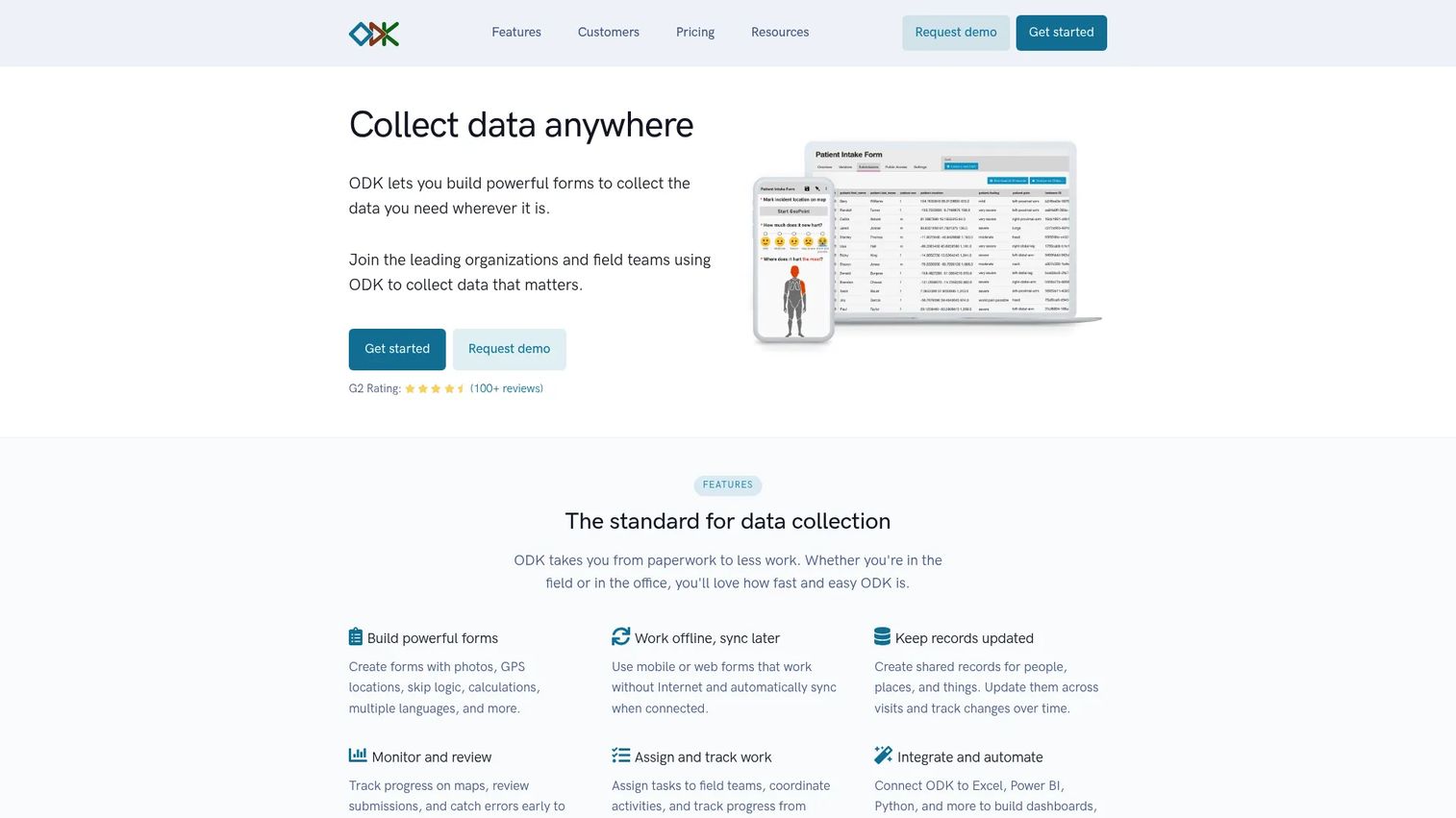
ODK provides open-source data collection with offline mobile and web forms. Organizations can self-host or use its managed cloud service. That choice makes operational ownership a central part of the evaluation.
Best for: Research teams that need field collection with control over hosting.
Key features
- Offline forms and automatic synchronization
- Photos and GPS capture
- Skip logic and calculations
- Multilingual questionnaires
- Map-based monitoring and task assignment
ODK belongs on a mobile data collection tools shortlist when studies involve remote locations or structured field interviews. It also supports records and workflow integrations for ongoing programs.
Separate software cost from operating cost when considering self-hosting. Assign responsibility for deployment and maintenance before describing that route as free.
For managed hosting, compare active projects and submission volume. Standard includes one active project with unlimited forms and users. Professional adds Entities and API access, which matter for connected research workflows.
A pilot should include a repeated record or follow-up visit if your study needs longitudinal tracking. Test the identifier strategy before collecting a large dataset.
Why choose ODK: Choose it when research control and hosting options carry more weight than campaign presentation. Make sure someone owns the operational responsibilities.
ODK pricing: Self-hosting software is free. ODK Cloud Standard costs $199/month, with Professional at $499/month.
G2 rating: 4.9/5.
9. Forms On Fire
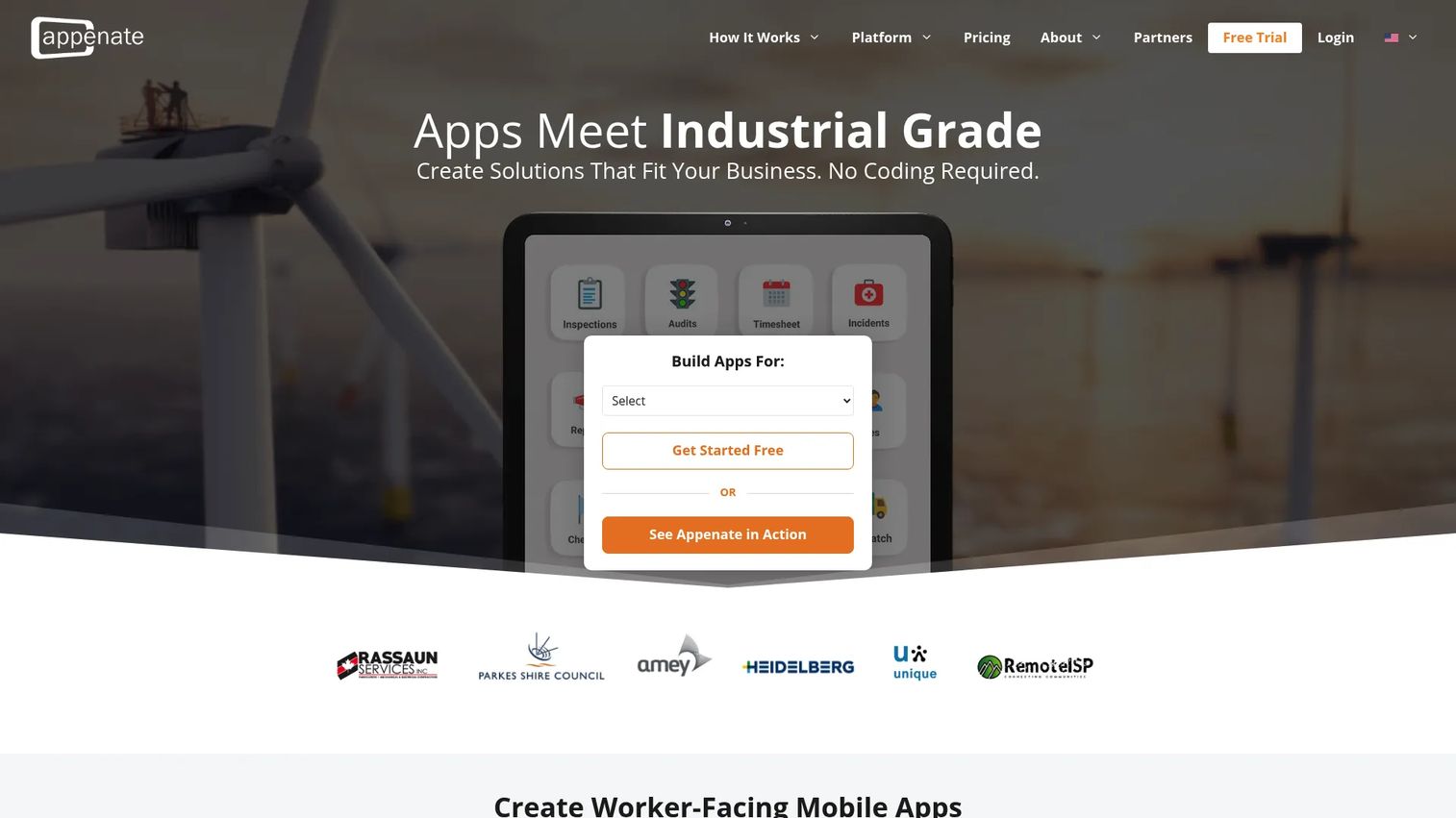
Forms On Fire now redirects to Appenate. Its current pricing and product information describe the same offline-capable business app platform covered next. Existing users researching this name should assess current packaging rather than treating it as a separate vendor option.
Best for: Teams reviewing an existing Forms On Fire deployment.
Key features
- Offline mobile apps
- GPS and map locations
- Barcode, QR code, and NFC scanning
- Contactless signature capture
- Custom PDF output templates
Use this evaluation to document what your organization already relies on. Inventory active forms and identify the integrations that keep field records moving.
Then compare those requirements with the current plan structure. Tasking and document management belong in Premium, while Pro adds broader AI access. An entry-price comparison alone won’t represent a dispatch-dependent workflow.
For a marketing operations team supporting field staff, prioritize continuity of record definitions. Changing labels or output templates can affect reports even when the collection process looks familiar.
Keep the procurement conversation explicit about the current product name and contract terms. That helps avoid comparing legacy descriptions with today’s package.
Why choose Forms On Fire: Use this entry as a route to evaluating the current Appenate offering. It isn’t an additional platform to purchase alongside Appenate.
Forms On Fire pricing: Standard costs $20/user/month annually or $25 monthly, with a five-user minimum. A free trial is available.
G2 rating: 4.5/5 on the shared Appenate listing.
10. Appenate
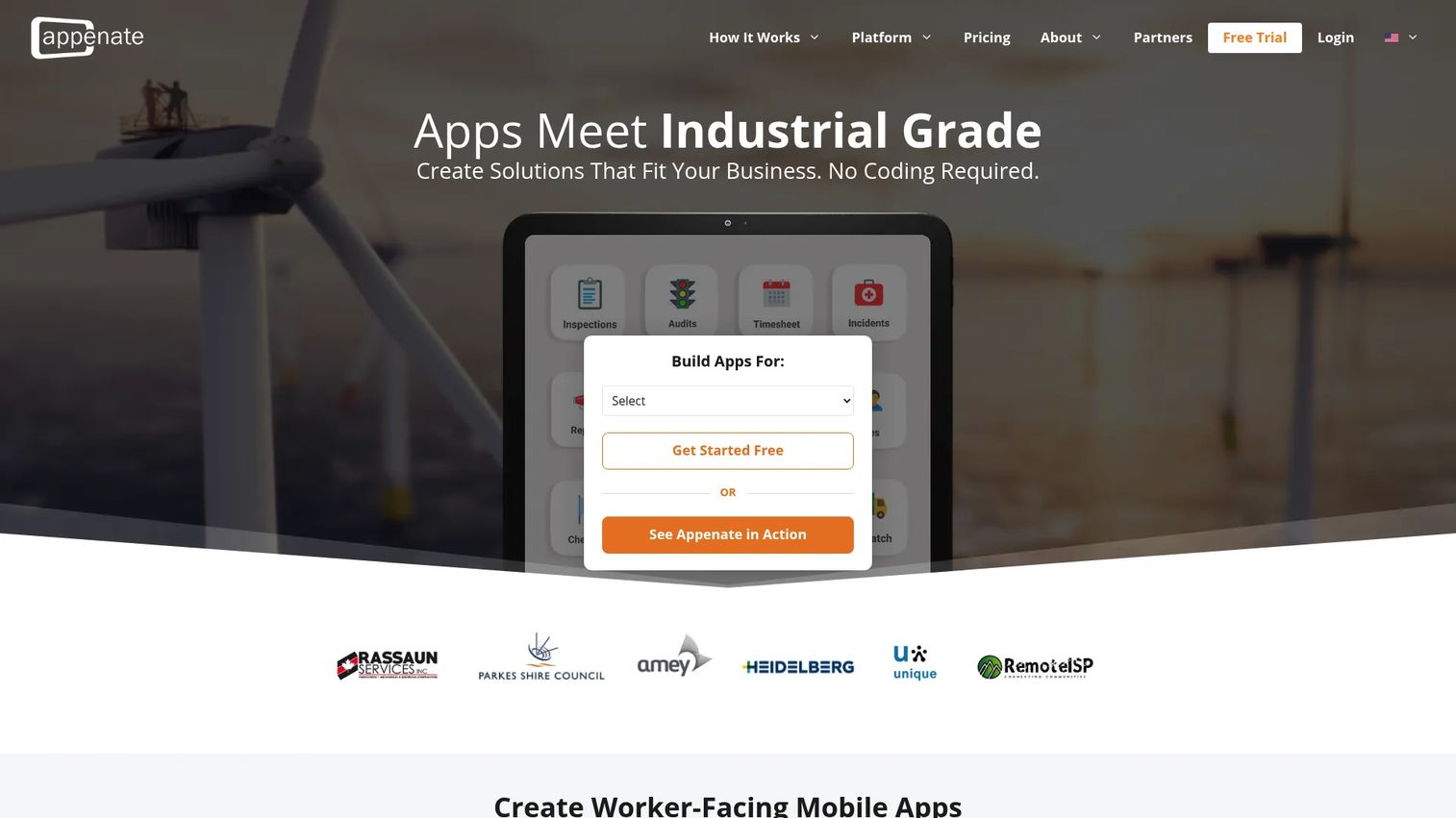
Appenate builds offline-capable business applications and mobile forms without a full custom development project. Its scope includes dispatch and connected operational workflows. Evaluate it when staff need a working mobile application rather than a standalone questionnaire.
Best for: Operations teams creating custom apps for distributed workers.
Key features
- Drag-and-drop app builder
- Offline completion and synchronization
- Job dispatch and task delegation
- White-label apps
- REST API and database connectors
Start with the worker’s full task. Identify what they need before arriving on site and what the office must receive afterward.
That broader process is the reason to consider Appenate. A submission may need to connect to an assigned job rather than exist as an isolated response.
The Standard plan includes 1,500 form submissions. Premium adds unlimited submissions alongside tasking and document management. Use those distinctions when modeling a growing field program.
For digital marketers, this is primarily an operational choice supporting activities such as distributed retail execution. A simple website questionnaire usually doesn’t justify designing an entire mobile workflow.
During evaluation, include the office reviewer as well as the field worker. Both sides need a usable process.
Why choose Appenate: Choose it when collection belongs inside a custom operational app. Its scope suits teams coordinating work before and after submission.
Appenate pricing: Premium costs $28/user/month annually or $35 monthly; Pro costs $36 annually or $45 monthly. Plans require five users.
G2 rating: 4.5/5.
11. Fluix
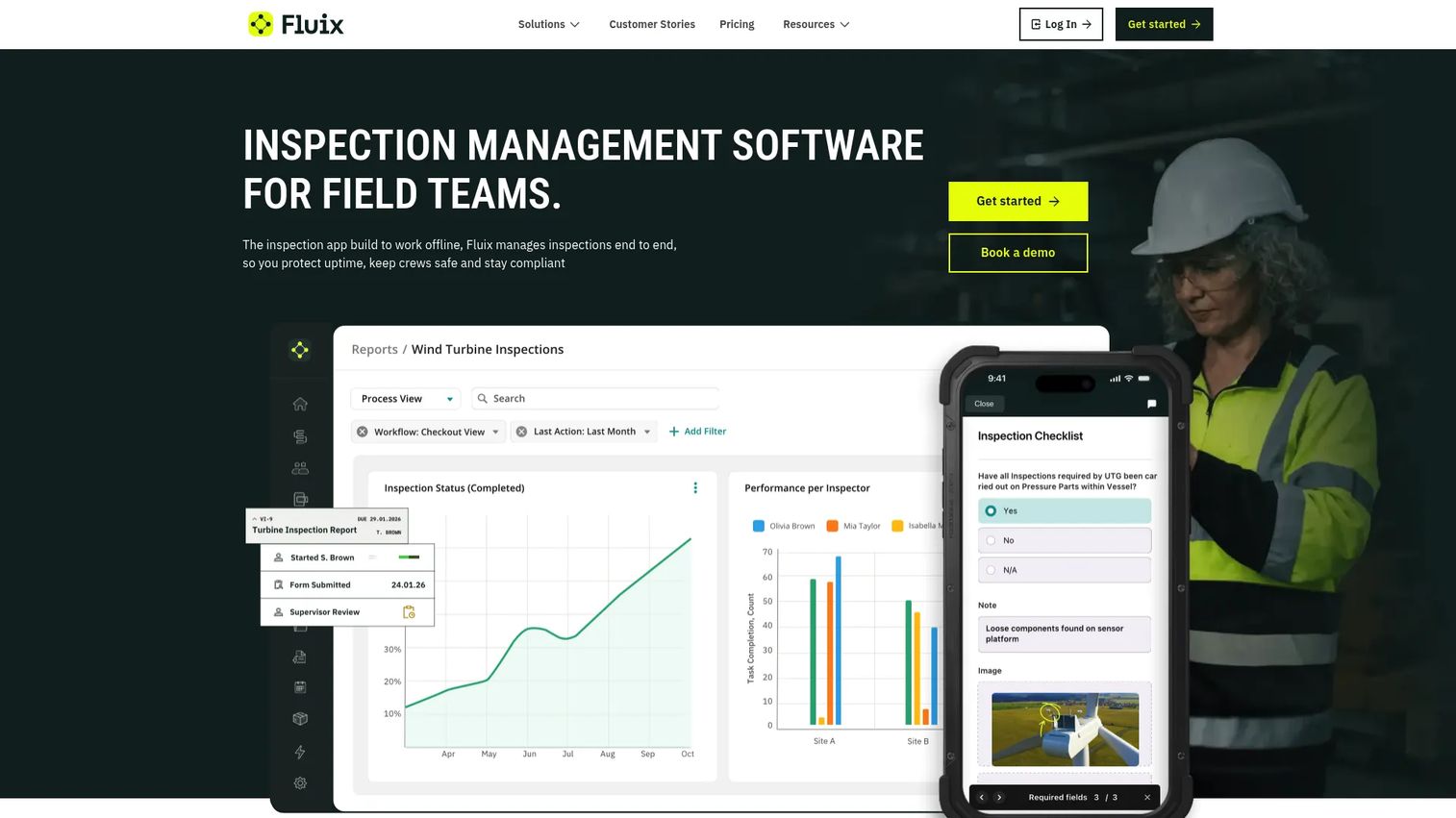
Fluix combines digital forms with document and task automation. Its review workflows and electronic signatures make it relevant when completion requires formal sign-off. The central object may be a document moving through a process rather than a survey response.
Best for: Field teams collecting information that requires review or signatures.
Key features
- Mobile forms
- Review and approval workflows
- Electronic signatures
- Conditional logic and data prefill
- Reporting and field-data export
Consider an event operations process that needs completed paperwork before a handoff. Define who submits the document and who has authority to approve it.
Fluix’s guest access capability is relevant when people outside your organization participate. Test that external path alongside the employee experience.
For mobile data collection software evaluations, distinguish the form itself from the surrounding document lifecycle. Ask whether a rejected submission returns with enough context for the worker to correct it.
Also inspect the final export. Decide which information should become structured reporting fields and which belongs in the signed document. Preserving both may matter for operational review.
The available evidence supports mobile collection, but your pilot should establish the precise connectivity behavior required by your deployment.
Why choose Fluix: Choose it when data collection is inseparable from document review and approval. It fits paperwork-driven operations rather than general marketing questionnaires.
Fluix pricing: Crews costs $29/user/month. Operations costs $49/user/month; Enterprise uses custom pricing.
12. Airtable
Airtable organizes information through relational databases and custom interfaces. Forms can feed records into workflows that continue long after submission. For marketing operations, it is a candidate when collected data needs ongoing ownership and status tracking.
Best for: Teams turning intake into a structured operational database.
Key features
- Relational databases
- Custom interfaces
- Workflow automations
- Reporting
- Governance and access controls
Think about campaign intake linked to deliverables and owners. The useful unit is the campaign record, with its relationships preserved as work progresses.
Before building, decide which entities need separate tables. A campaign and its associated assets should have clear identifiers rather than repeated free-text names.
Airtable also supports AI app building and agents. Evaluate those capabilities against an established process, rather than letting automation obscure an unclear data model.
The main purchasing question is who will maintain the application. Assign responsibility for schema changes and access permissions as the team grows.
For buyers seeking a data collection database, this operational layer is the distinction from a form dashboard. The records remain active working objects.
Why choose Airtable: Choose it when submissions become ongoing work with relationships and ownership. It fits marketing operations that need more structure than a flat response sheet.
Airtable pricing: A free plan is available. Team costs $20/user/month billed annually; Business costs $45/user/month billed annually.
G2 rating: 4.6/5.
13. Qualtrics
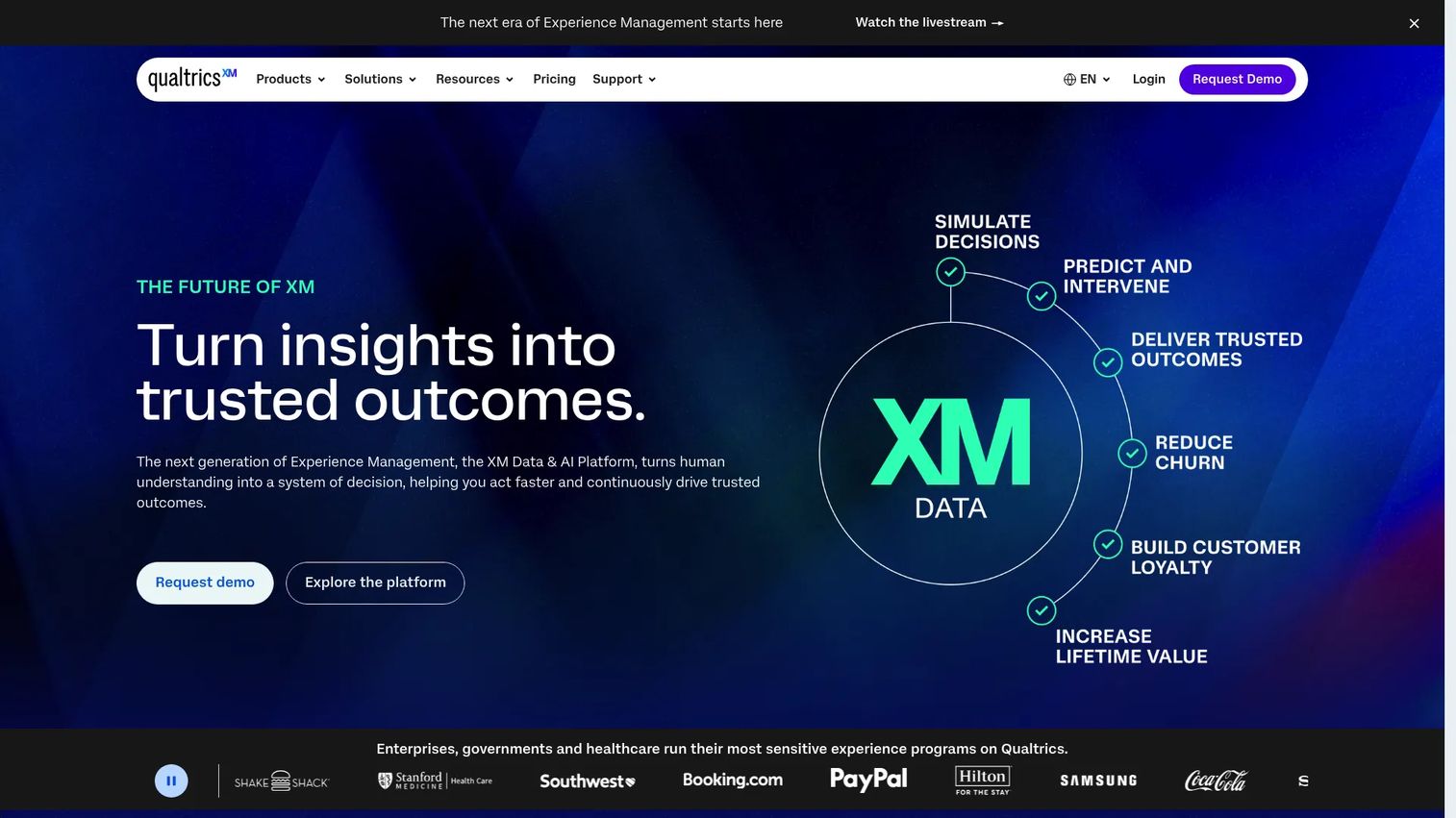
Qualtrics collects and analyzes feedback across customer and market research programs. Its research capabilities extend to conjoint and MaxDiff analysis. Organizations should evaluate it around the decisions their research team needs to support.
Best for: Enterprise teams conducting advanced experience and market research.
Key features
- Survey logic and multiple question types
- Response dashboards and data export
- Video and audio feedback
- Conjoint and MaxDiff research
- Statistical analysis
A marketing team investigating positioning needs a different research design from one measuring event satisfaction. Establish the methodology before evaluating software features.
Qualtrics becomes relevant when the analytical requirement extends beyond response summaries. Bring the researcher who will interpret the results into the purchasing process.
Also separate the needs of research creators from internal consumers. Stakeholders may require findings and dashboards without owning questionnaire design.
The self-serve Strategic Research package includes 1,000 shared responses. Compare that allowance with your planned studies rather than treating enterprise research as automatically quote-only.
Its breadth deserves a defined implementation owner. A smaller team running occasional questionnaires should assess whether its research program warrants that scope.
Why choose Qualtrics: Choose it when advanced research methods support consequential business decisions. Evaluate the analytical workflow and organizational ownership alongside collection.
Qualtrics pricing: Qualtrics Surveys offers a free account. Strategic Research costs $420/month, billed $5,040 annually; Strategic Research Enterprise uses custom pricing.
G2 rating: 4.4/5, aggregated across Qualtrics products.
14. Zoho Creator
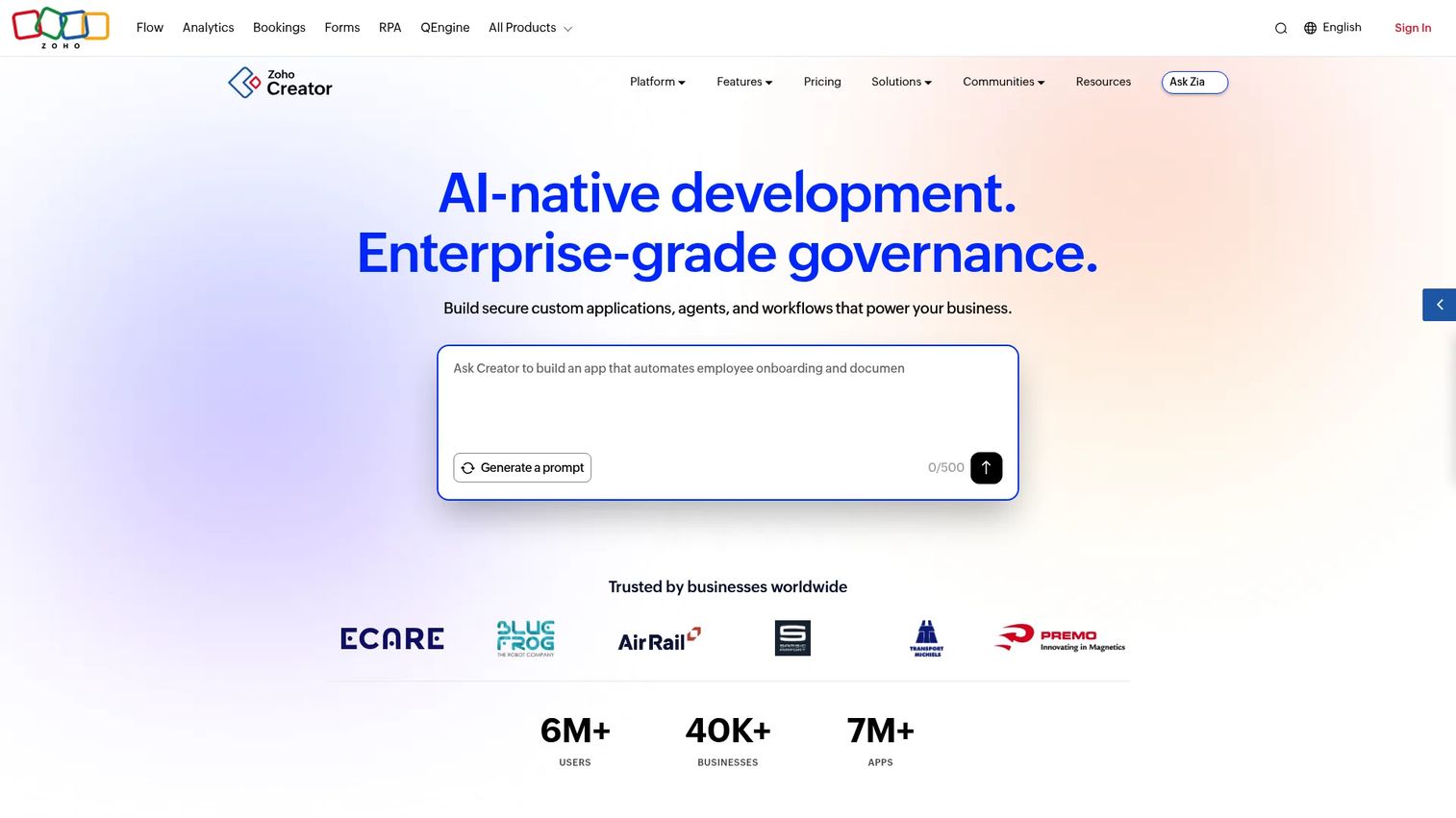
Zoho Creator is a low-code platform for custom business applications. It combines collection interfaces with workflow automation and reporting. Teams can evaluate it when a form needs to become an internal application with persistent business rules.
Best for: Organizations building custom processes around collected information.
Key features
- Web and mobile applications
- Approval workflows and schedules
- APIs, webhooks, and connectors
- Dashboards and analytics
- Portals and branding controls
A campaign funding request illustrates the fit. The initial submission may need approval and status reporting before anyone can act on it.
Map that lifecycle before building screens. Identify the roles allowed to change each field and the conditions required to move a record forward.
Zoho integrations make Creator relevant to marketers already working with Zoho applications. Still, test the exact data exchange rather than treating a shared vendor name as sufficient.
Low-code flexibility also requires ownership. Decide who maintains the business rules and how changes will be reviewed. Without that agreement, a custom app can become another process that only its original builder understands.
Why choose Zoho Creator: Choose it when collection feeds a custom internal process with ongoing rules. It suits teams prepared to maintain an application.
Zoho Creator pricing: Free Edition supports one custom app. Standard costs $8/user/month billed annually; Professional costs $20 and Enterprise $25 on annual billing.
G2 rating: 4.3/5.
15. Thunderbit
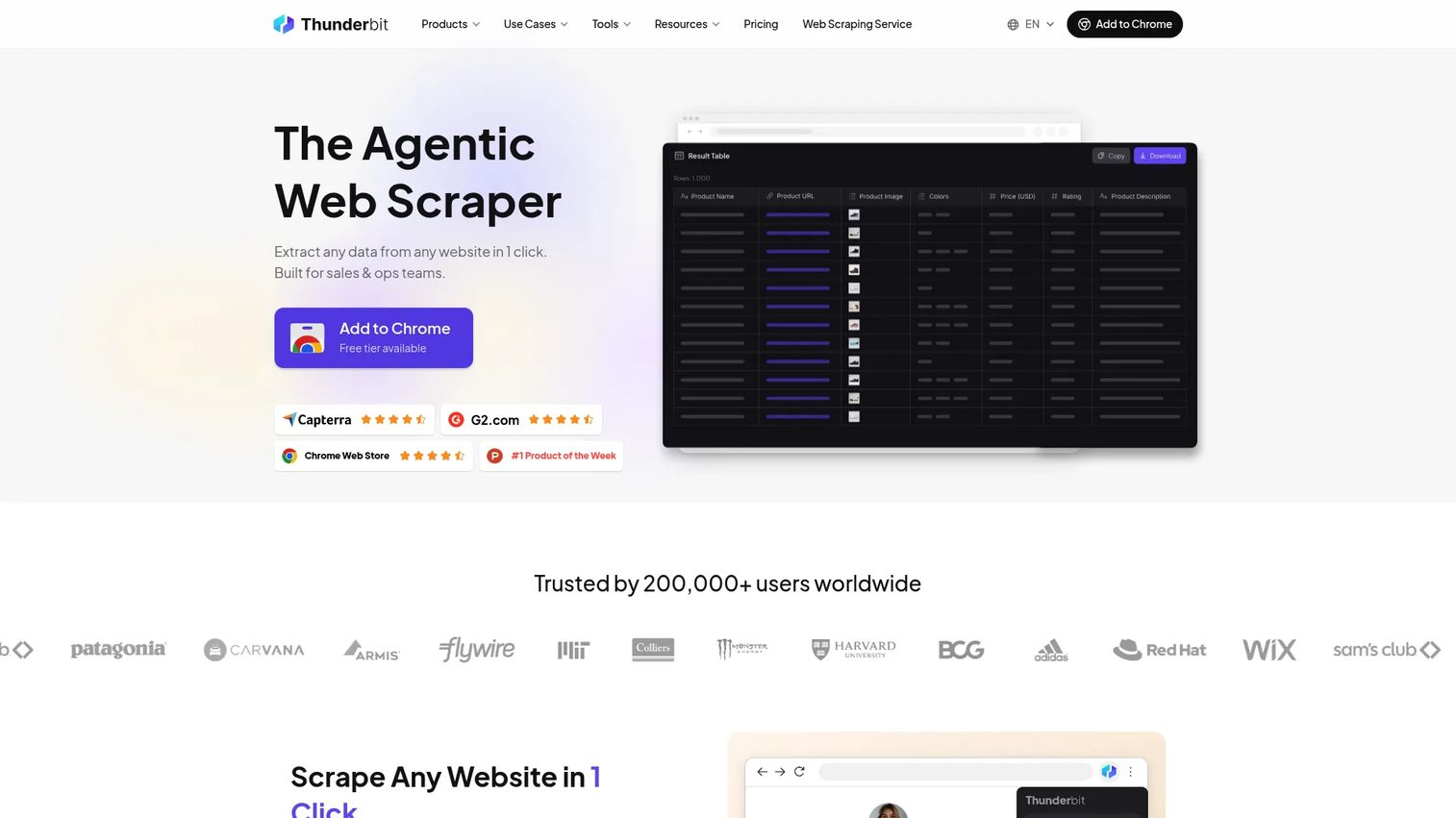
Thunderbit extracts structured information from websites, PDFs, and images. It serves a different collection model from forms because the source material already exists. Marketers can evaluate it for desk research or organizing information from external documents.
Best for: Teams collecting existing external data without building a respondent-facing form.
Key features
- AI-assisted web scraping
- Pre-built extraction templates
- PDF and image extraction
- Categorization and translation
- Spreadsheet and database exports
Start with a source containing the fields your research requires. Define the output schema before extraction, including a source reference and collection date.
Then inspect a sample manually. An exported table is useful only when the values match the original material and fit the intended analysis.
Thunderbit supports exports to Google Sheets and Airtable, among other destinations. Choose a destination that preserves provenance rather than stripping source context during cleanup.
For competitive research, plan how refreshes should behave. Decide whether new extracts replace old records or create a dated history. Treat permission to collect and use the information as a separate review.
Its credit model also deserves attention when source volume varies between projects.
Why choose Thunderbit: Choose it when the information lives on a webpage or in a document. It complements respondent-based research rather than replacing it.
Thunderbit pricing: Free includes six pages monthly. Starter costs $15/month monthly or $9/month billed yearly.
16. Zapier
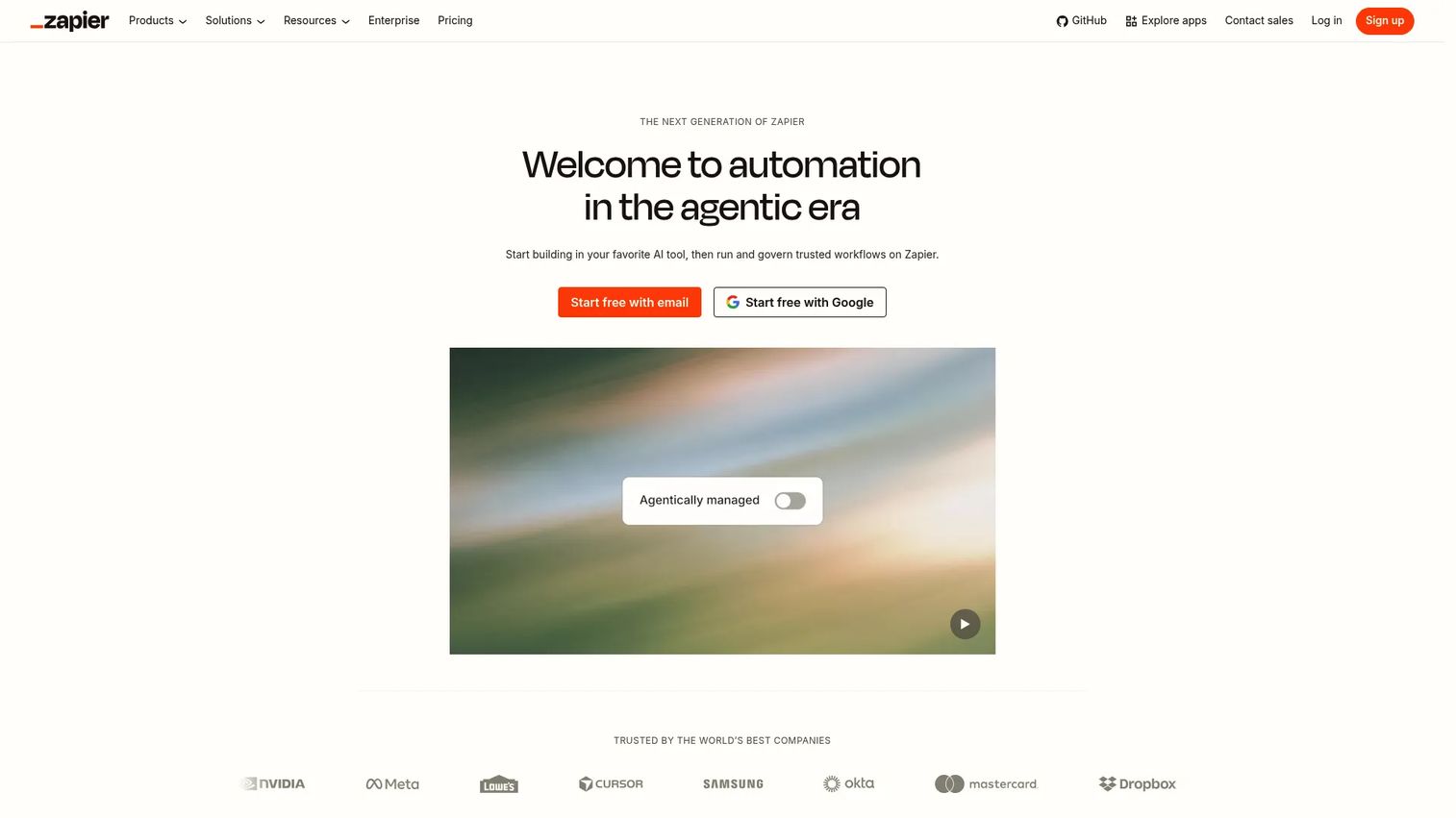
Zapier connects applications through no-code automation workflows. Its platform also includes Forms and Tables, expanding its role beyond moving information between existing tools. For marketers, the central evaluation is whether records reach the right destination with useful context.
Best for: Teams whose collection process works but whose downstream handoffs remain manual.
Key features
- Multi-step workflows
- Conditional branches
- Cross-application connections
- Forms for custom intake
- Tables for data storage
A lead submission might require different actions according to account type. Write those rules down before configuring automation, including what should happen when a matching contact already exists.
Use representative records during testing. Include missing values and repeated submissions rather than testing only the ideal path.
Zapier’s task-based model means the cost calculation extends beyond submission count. Map the actions each record triggers and review the relevant task allowance.
For CRM hygiene, determine which application owns each field. Automated updates need a clear policy so a later form submission doesn’t overwrite better information unintentionally.
Also assign an owner for failures. Routing is only operationally complete when someone knows how to investigate and retry an unsuccessful handoff.
Why choose Zapier: Choose it when the bottleneck is application coordination. It can preserve an existing collection tool while replacing repetitive data transfer.
Zapier pricing: Free includes 100 tasks/month. Professional starts at $19.99/month, with Team from $69/month.
G2 rating: 4.5/5.
17. Google Sheets
Google Sheets provides collaborative spreadsheet storage and analysis. It often serves as the first destination for form responses or imported research. Its value is strongest when the team needs accessible working data rather than a custom operational application.
Best for: Small teams reviewing and organizing collected responses.
Key features
- Real-time co-editing
- Sharing permissions and revision history
- Spreadsheet analysis
- Connected Sheets data access
- Microsoft Excel file importing
Use a clear separation between incoming records and analysis. Preserve the original response data, then build reporting logic without changing what was submitted.
For campaign reporting, agree on column definitions and identifiers. A shared sheet becomes difficult to reconcile when different contributors use the same field for different meanings.
Google Sheets also provides connections to BigQuery and Looker through Connected Sheets. Evaluate those capabilities separately from a basic response spreadsheet.
The point to reconsider the setup is operational. If records require granular ownership or linked processes, assess whether a relational application would represent the workflow more clearly.
A familiar interface doesn’t remove governance work. Someone still needs to manage access and keep formulas aligned with changes to the source.
Why choose Google Sheets: Choose it for lightweight storage and collaborative analysis. Keep the record structure disciplined before increasing automation or stakeholder access.
Google Sheets pricing: Personal Google Account access is free. Google Workspace Starter costs $7/user/month with an annual commitment.
G2 rating: 4.6/5.
Considerations when choosing data collection software
Match the tool to the data source
Start with where information originates. Respondent questionnaires, field inspections, and website extraction require different capture methods.
Choose a platform for that primary job before evaluating adjacent features.
Check validation before dashboards
Define accepted formats and required values before designing reports. Test incomplete submissions and answers that don’t fit your expected categories.
For marketing data, include campaign identifiers and consent handling in the acceptance criteria.
Test offline behavior before field rollout
Run mobile data collection forms on the exact devices your team uses. Disconnect during completion, attach representative media, and inspect synchronization afterward.
Ask how conflicts and unsuccessful uploads are surfaced to staff.
Price it at expected volume
Model seats and submissions alongside storage or automation tasks. Include minimum user commitments and the tier required for downstream integrations.
Use a busy campaign month rather than an average week when estimating capacity.
Follow the data after submission
Inspect the final CRM record or database row, including attachments and source information. Test duplicate handling and data export before committing.
Assign ownership for failed transfers and schema changes. The strongest data capture software purchase is one your team can operate consistently after launch.
Choose the workflow before the subscription
Jotform is a useful starting point for flexible intake. Google Forms covers straightforward collection, while Typeform gives customer-facing questionnaires particular attention.
For field work, compare Fulcrum’s geospatial focus with FastField’s reporting model. Appenate, also reached through Forms On Fire, supports custom operational apps; Fluix emphasizes document workflows.
KoboToolbox and ODK belong in research evaluations involving offline conditions. SurveyMonkey and Qualtrics address survey programs with different analytical requirements.
Airtable and Zoho Creator turn records into ongoing processes. Zapier handles application handoffs, Google Sheets supports lightweight analysis, and Thunderbit collects information from existing external sources.
Your next step is a complete workflow test. Define the required record and its destination, then submit representative data through the shortlisted product. Include an exception and a duplicate.
Buy when the output is usable without a second cleanup project. That is a more useful measure of data collection software than the number of features on a pricing page.
Start your journey with Guideflow today!
FAQs
Data collection software captures information and supports its preparation for storage or downstream use. Sources include submitted forms, field observations, existing webpages, and business documents. The right category depends on who supplies the information and what must happen next. A field application and a survey platform can both collect data while serving different operational requirements.
Jotform is a strong starting point for flexible campaign intake, while Typeform fits presentation-sensitive questionnaires. SurveyMonkey suits recurring feedback programs, and Qualtrics supports advanced research methods. For records that need ongoing management, evaluate Airtable or Zoho Creator. Choose Zapier when your existing capture tool works and application handoffs are the remaining problem.
Fulcrum, FastField, KoboToolbox, ODK, and Appenate document offline collection capabilities. Jotform also supports offline forms, while Forms On Fire now directs buyers to Appenate. Compare the precise device and collection mode rather than assuming every offline feature behaves identically. Test local completion and synchronization using representative attachments before committing to a field rollout.
Survey software centers on questionnaires and the interpretation of responses. The broader data collection category includes operational forms, mobile field applications, extraction tools, and downstream record management. A research team may prioritize question logic and statistical analysis. An inspection team instead needs evidence capture and a dependable process for reviewing completed work.
Many tools offer integrations or API-based connections, and automation platforms can connect otherwise separate applications. Evaluate the specific fields and actions supported rather than treating an integration logo as proof of complete compatibility. Test a new contact and an existing record, including consent and campaign source fields. Assign ownership for failed transfers before enabling production automation.
Google Forms is a practical free option for simple questionnaires, with Google Sheets available for response storage and analysis. KoboToolbox’s Community Plan serves eligible nonprofit users, while ODK offers free self-hosting software. Those research options carry different operating requirements from a basic online form. Compare administration effort and usage allowances alongside the subscription price.
Start with the environment and evidence requirements, then test mobile data collection apps on the devices staff already use. Include disconnected operation and any required photos, location data, or signatures. Ask a supervisor to review the resulting record without additional explanation from the worker. The application should support the complete handoff, including corrections and unsuccessful synchronization.
Define the record that must reach your reporting or CRM system, including controlled values and campaign identifiers. Then evaluate form validation, duplicate handling, response allowances, and the subscription required for integrations. Run a complete submission test through the destination rather than stopping at the confirmation screen. Select the tool that produces usable campaign data with clear operational ownership.