Registration looks simple until a class fills, someone requests a refund, and the waitlist lives in a spreadsheet nobody trusts.
The best class registration software connects sign ups, scheduling, payments, reminders, and attendance. Without that connection, staff reconcile records manually while support answers avoidable questions about receipts and availability.
Demand for digital learning makes those operational gaps harder to ignore. According to the National Center for Education Statistics, 54.2% of U.S. postsecondary students took at least one distance education course in fall 2023.
A class enrollment platform gives learners a clear path from discovery to confirmation. It also gives support agents reliable records when someone needs help.
What’s inside
This guide compares 17 class sign up software tools for schools, camps, studios, recreation programs, and training providers. We selected each platform for its category fit and verified product information.
The evaluation focuses on four areas:
- Online enrollment and form setup
- Capacity limits and waitlist controls
- Payments, invoices, discounts, and refunds
- Reminders, attendance records, and reporting
Support teams should also watch the participant experience. Clear availability, confirmation messages, and searchable records can prevent repetitive questions from reaching the queue.
TL;DR
- Best all around for recreation programs: Camp & Class Manager supports registration, waitlists, payments, attendance, communications, and reporting
- Best for children’s activity providers: Sawyer combines parent friendly registration with scheduling, family profiles, and payment collection
- Best for flexible forms: Jotform suits teams that want conditional online enrollment forms without a dedicated class management platform
- Best for complex payment plans: Regpack supports deposits, recurring billing, payment retries, and group registration
- Best for training administration: Class Registrar, ProClass, and Arlo cover course enrollment, records, certificates, and reporting
- Best for studios and gyms: Choose the platform built for your activity, student progression model, and billing workflow
What is class registration software?
Class registration software is a digital system that lets organizations publish classes, accept online sign ups, manage capacity, collect payments, track attendance, and maintain participant records.
Organizations use this software for camps, lessons, workshops, webinars, professional training, and continuing education. Some products specialize in one activity. Others support broad catalogs spanning several locations or program types.
Core capabilities usually include:
- Online class listings: Publish schedules, descriptions, prices, and availability
- Registration forms: Collect participant details, waivers, preferences, and permissions
- Class scheduling: Coordinate recurring sessions, instructors, rooms, and calendars
- Capacity controls: Stop enrollment at a defined limit
- Waitlist management: Hold overflow demand and fill open seats
- Payment processing: Collect fees, deposits, installments, and outstanding balances
- Class reminders: Send confirmations and schedule updates
- Attendance tracking: Record arrivals, absences, and checkouts
- Student records management: Store enrollment history, notes, and certificates
- Reporting: Review revenue, attendance, registration, and program performance
Online class registration software replaces a workflow often split across static forms, shared inboxes, payment links, and spreadsheets. A participant finds the right session, checks availability, registers, pays, and receives confirmation through one connected process.
The support benefit is practical. Agents can see registration status, payment history, attendance, forms, and prior messages without searching several systems. Clear self service pages also answer basic questions before someone opens a ticket.
Class registration and payment software differs from a basic form builder through its operational depth. Dedicated platforms commonly manage recurring schedules, capacity rules, waitlists, participant histories, and instructor resources alongside enrollment.
When to use class registration software
Accept sign ups without manual back and forth
Use course enrollment software when staff repeatedly copy information from emails or static forms. Camps, workshops, certification classes, webinars, and recurring training sessions all benefit from a consistent enrollment process.
A clear registration page also gives support teams one reliable destination to share in macros and help articles.
Manage capacity, waitlists, and attendance
Capacity management becomes essential when classes have limited seats, equipment, rooms, or instructor availability. Waitlist management software can record overflow demand and notify staff when seats become available.
Attendance records then show who arrived, missed a session, or needs follow up.
Collect payments and send reminders
Use a connected system when registration includes deposits, tuition, invoices, discounts, or refunds. Payment receipts and scheduled class reminders give participants immediate answers.
This workflow also helps agents resolve “where is my confirmation?” questions without reconstructing the transaction from separate tools.
Class registration software comparison
Use this comparison to narrow the field by program type before reviewing individual features. A form centered workflow has different requirements from a swim school or professional training business.
Prices below come from vendor pricing information supplied for this 2026 comparison. G2 ratings use the available live listing data. “N/A” means a current numerical G2 rating was unavailable.
| # | Product | Best for | Key use case | Pricing | G2 rating |
|---|---|---|---|---|---|
| 1 | Camp & Class Manager | Camps and recreation programs | Broad program administration | Custom pricing | 4.1/5 |
| 2 | Sawyer | Children’s activity providers | Parent registration and family accounts | From $71/month annually | 4.4/5 |
| 3 | Jotform | Flexible registration forms | Form centered enrollment workflows | Free, paid from $39/month | 4.6/5 |
| 4 | Regpack | Complex payment workflows | Installments and recurring billing | From $400/month annually | 3.9/5 |
| 5 | Corsizio | Small paid classes | Lightweight registration and payments | Free to 30 registrations monthly | N/A |
| 6 | iClassPro | Youth activity centers | Recurring classes and skill tracking | From $139/month per location | N/A |
| 7 | Jackrabbit Dance | Dance studios | Enrollment and recital administration | From $49/month | 4.2/5 |
| 8 | Jackrabbit Gymnastics | Gymnastics programs | Skills, attendance, and tuition | From $49/month | 4.1/5 |
| 9 | Jackrabbit Swim | Swim schools | Lesson enrollment and progress records | From $49/month | N/A |
| 10 | SmartRec | Recreation departments | Programs, facilities, and memberships | From $99/month | 4.4/5 |
| 11 | Class Registrar | Compliance training teams | Certificates and training records | From $75/month | N/A |
| 12 | ProClass | Education and community programs | Registration with participant records | Custom pricing | 2.0/5 |
| 13 | Arlo Training Management Software | Professional training providers | Public and private course delivery | From $118/license/month annually | 4.5/5 |
| 14 | Jumbula | Camps and youth programs | Forms, billing, and attendance | From $15/month | 3.8/5 |
| 15 | Class Manager | Class based businesses | Bookings and family billing | Free plan available | 0.0/5 |
| 16 | Pike13 | Studios and service businesses | Classes, appointments, and clients | From $139/month annually | 3.6/5 |
| 17 | Gymcatch | Fitness and wellness providers | Booking, passes, and memberships | From $18/month | N/A |
Best 17 tools for class registration software
1. Camp & Class Manager
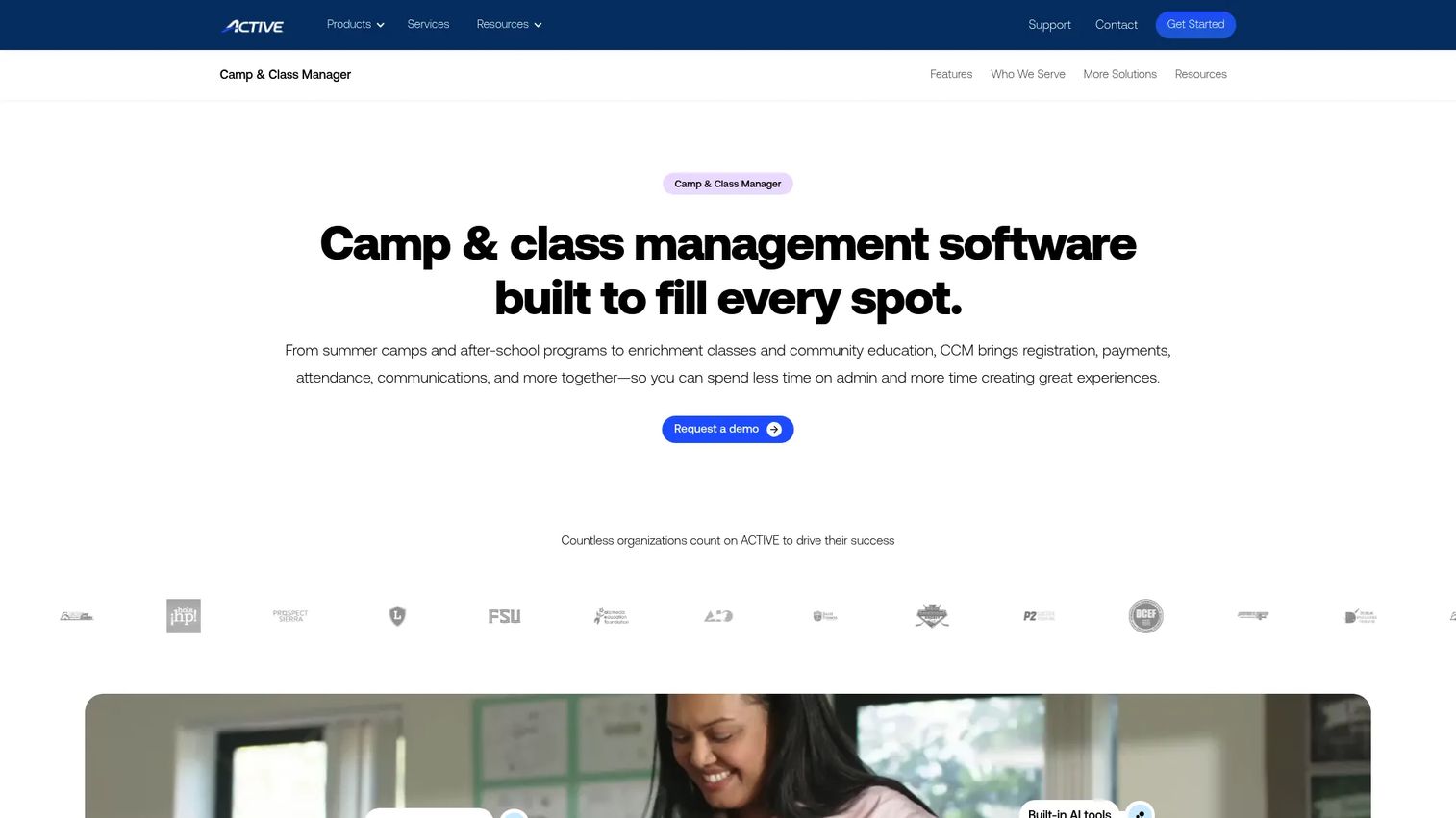
Camp & Class Manager combines registrations, payments, attendance, communications, and reporting. It serves camps, schools, sports programs, and community education organizations with broad program catalogs.
The platform includes check in and checkout tools alongside electronic signatures. Staff can also manage inventory and review participant or financial reports.
Best for: Recreation departments and camps managing several programs or session types.
Key features
- Online registration and waitlist automation
- Integrated payments and inventory tracking
- Attendance and electronic signatures
- Email and text communications
- Financial and participant reporting
Why choose Camp & Class Manager: It covers the operational sequence from enrollment through attendance. That breadth suits organizations managing classes, camps, activities, and seasonal sessions.
Support agents can use centralized participant records when answering questions about registration or attendance. Automated waitlist controls also reduce the need to move people between lists manually.
Camp & Class Manager pricing: Custom pricing. Ask about program volume, locations, payment fees, and required modules.
G2 rating: 4.1/5.
2. Sawyer
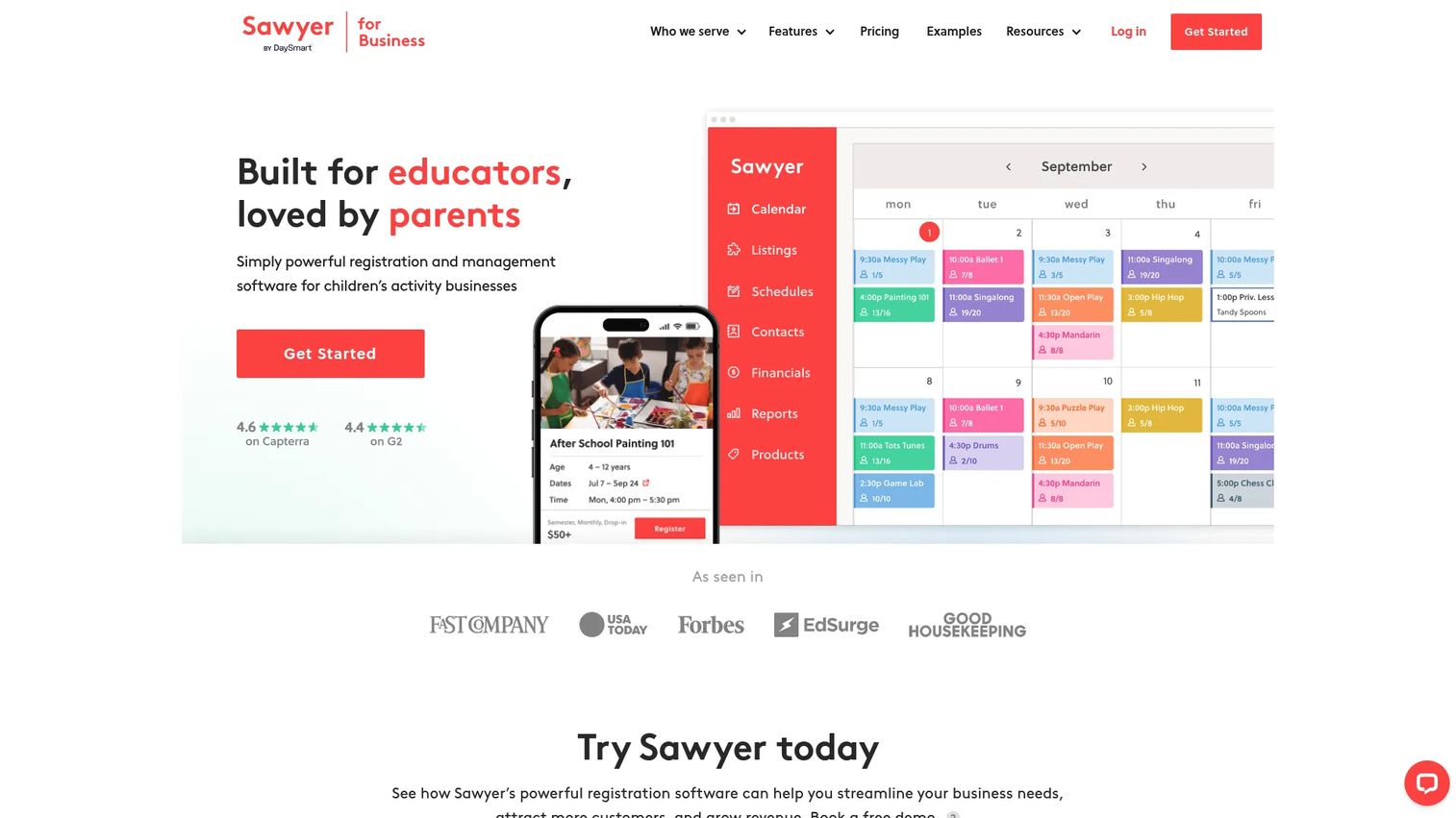
Sawyer provides registration and management software for children’s activity businesses. It supports classes, camps, appointments, family accounts, payments, rosters, and attendance.
The platform also connects providers with an activity marketplace. That combination addresses both class discovery and the administrative work after a parent registers.
Best for: Children’s activity providers that prioritize parent friendly discovery and enrollment.
Key features
- In person and online activity scheduling
- Registration and family profiles
- Payments, class packs, and discounts
- Rosters and attendance tracking
- Messaging and operational reporting
Why choose Sawyer: It fits enrichment providers, camps, and after school programs with family centered workflows. Parent communications and shared profiles keep registration details easier to find.
Support teams can review household information and payment status without asking parents to resubmit details. Providers also get scheduling and billing controls within the same product.
Sawyer pricing: Launch starts at $71 per month annually or $79 monthly. A 14 day free trial is available.
Grow costs $189 per month annually, while Scale costs $379. Enterprise uses custom pricing.
G2 rating: 4.4/5.
3. Jotform
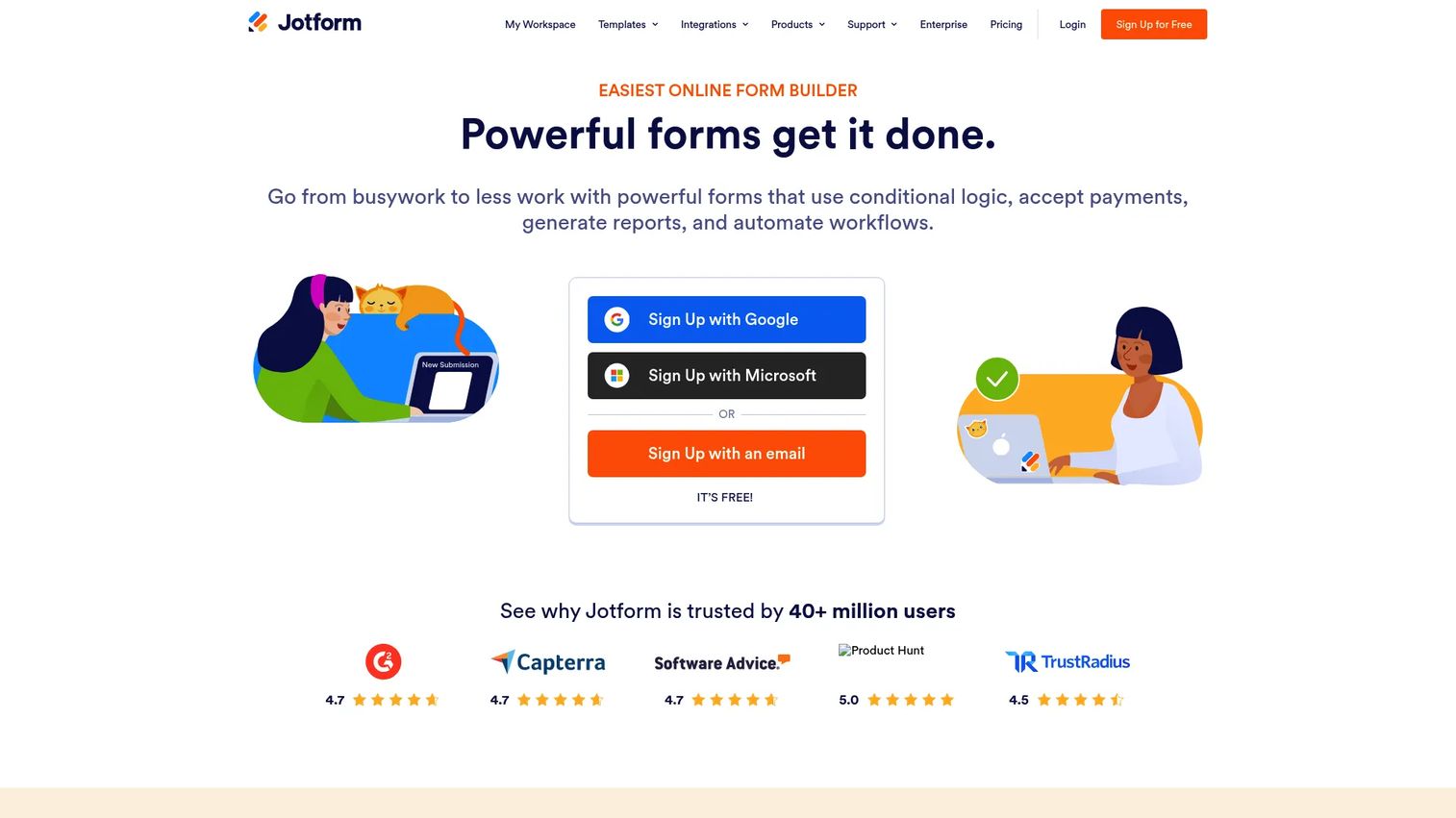
Jotform is a no code form builder for data collection, payments, approvals, and workflow automation. Teams can create online enrollment forms with conditional fields and route submissions through approval steps.
It is broader than dedicated student registration software. Its strength lies in giving teams control over the form and the information collected.
Best for: Teams that need customizable forms without a full class administration platform.
Key features
- Drag and drop form builder
- Conditional form logic
- Online payment collection
- Automated approval workflows
- Reports and business integrations
Why choose Jotform: Choose it when the registration form drives the workflow. It works well for workshops, webinars, short courses, and customer education sessions with straightforward scheduling.
Support teams can standardize intake questions and collect complete information before a learner needs help. Approval workflows also suit registrations requiring staff review.
Jotform pricing: Starter is free. Bronze costs $39 monthly or $34 per month with annual billing.
Silver starts at $49 monthly, while Gold costs $129. Enterprise uses custom pricing.
G2 rating: 4.6/5.
4. Regpack
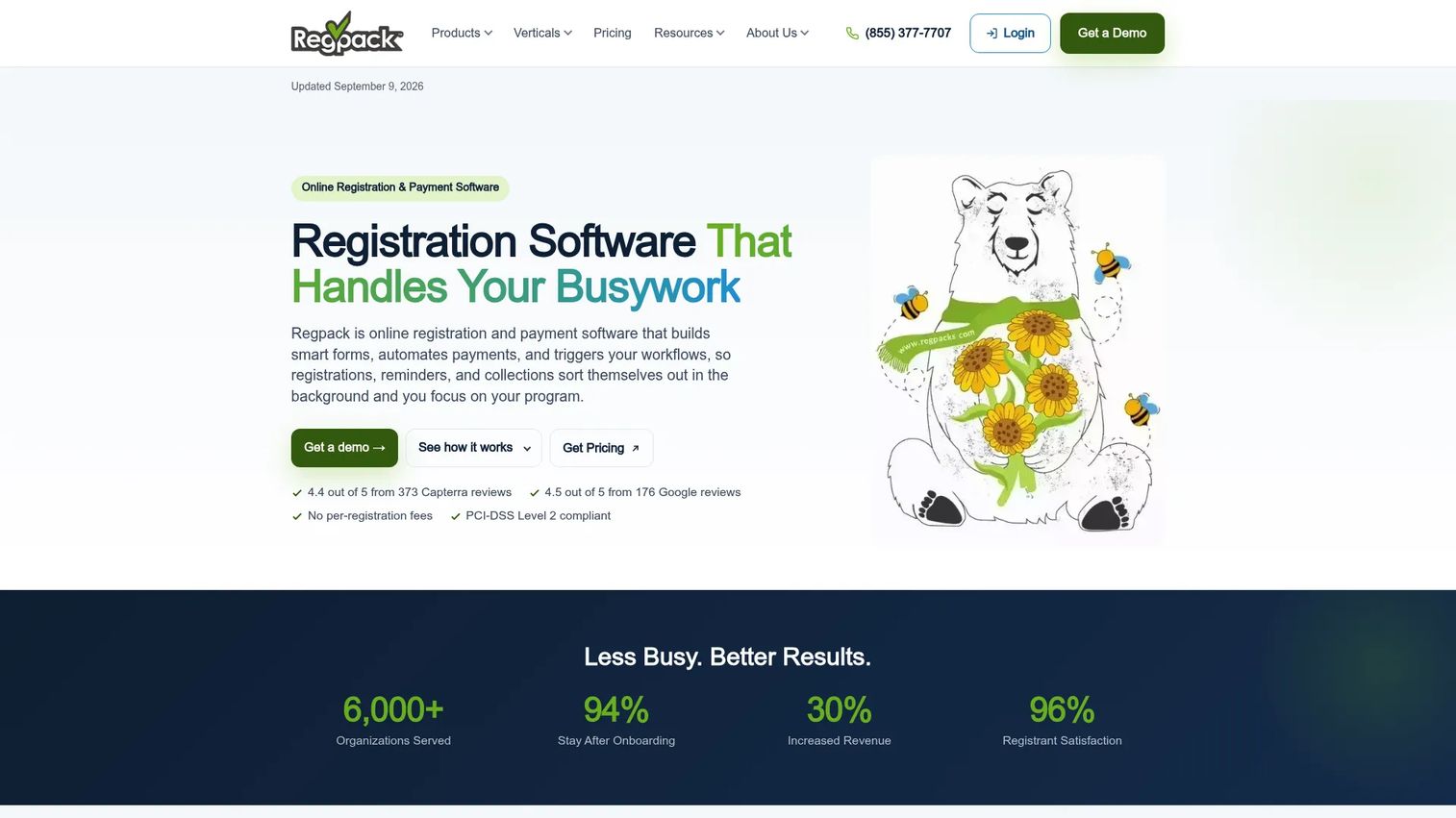
Regpack combines registration forms, group enrollment, payments, and recurring billing. Conditional logic adapts each application to the information a participant provides.
Payment features include plans, automated retries, and recurring charges. Organizations can also manage family registrations and produce operational reports.
Best for: Programs with multi step applications or complicated payment arrangements.
Key features
- Conditional online registration forms
- Group and family registration
- Payment plans and recurring billing
- Automated payment retries
- Attendance and operational reporting
Why choose Regpack: It fits programs where deposits, installments, and outstanding balances create administrative work. Automated collection tools can reduce manual payment follow up.
The platform also suits organizations that need registration data connected with attendance. Support staff can review a participant’s application and billing history before responding.
Regpack pricing: Growing starts at $400 per month, billed annually. Expanding costs $600 per month with annual billing.
Established uses custom pricing. Payment processing charges are separate from subscription fees.
G2 rating: 3.9/5.
5. Corsizio
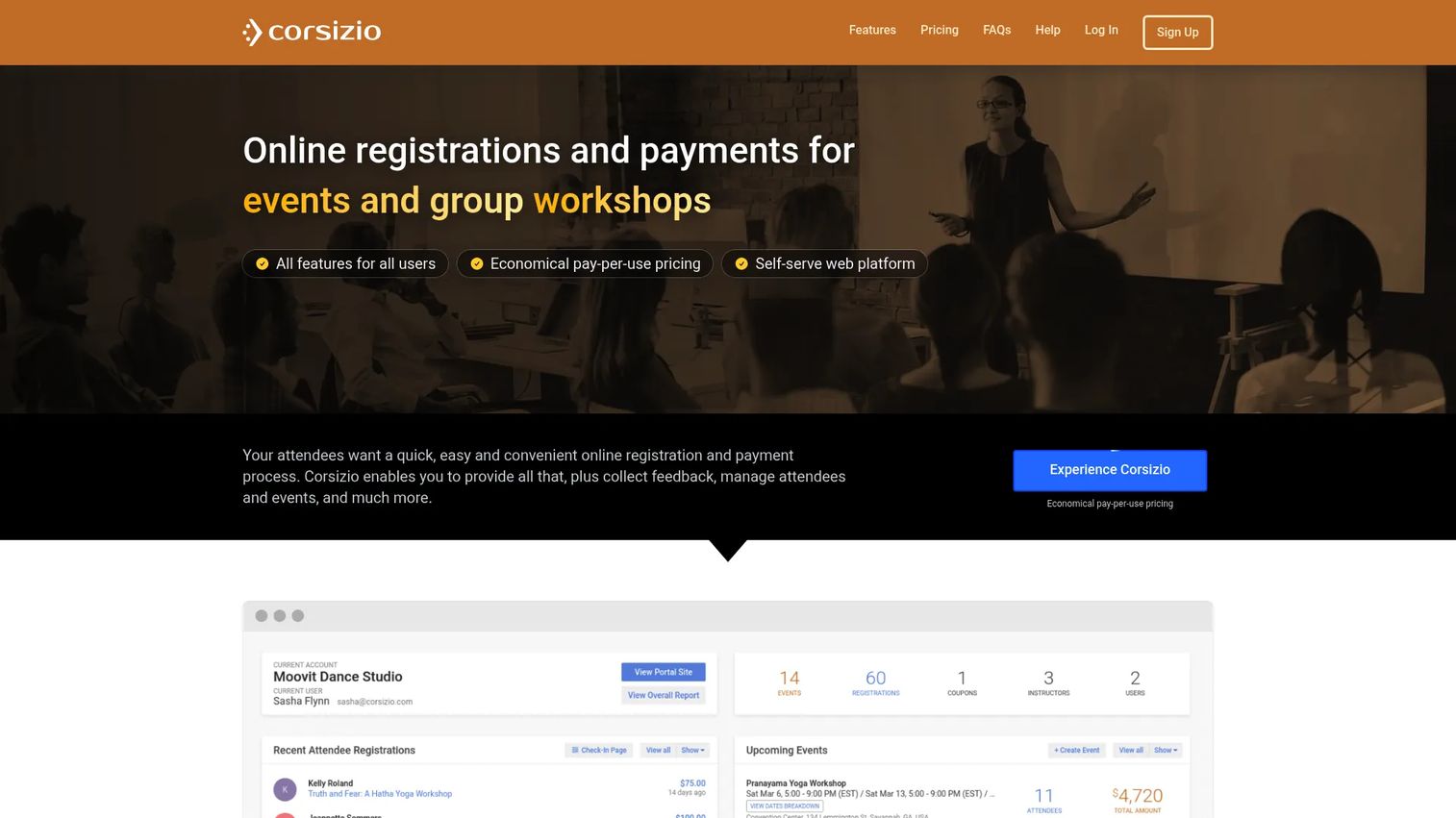
Corsizio is a self service registration platform for classes, workshops, courses, and group events. It supports custom forms, payments, attendee records, waiting lists, and certificates.
Teams can also offer discounts, early booking prices, and refunds through its Stripe payment connection. The product covers physical and virtual sessions.
Best for: Instructors and small organizations running paid classes or short courses.
Key features
- Custom registration forms
- Stripe payments and refunds
- Discounts and early booking prices
- Waiting lists and attendee management
- Certificates and data exports
Why choose Corsizio: Its usage model suits teams with low or uneven registration volume. All features remain available without moving between feature tiers.
The focused workflow also makes it useful for customer workshops or recurring training sessions. Support staff can view attendee information without maintaining a separate spreadsheet.
Corsizio pricing: Usage is free for up to 30 registrations each month. Above that threshold, every registration costs $0.15 for that month.
G2 rating: N/A.
6. iClassPro
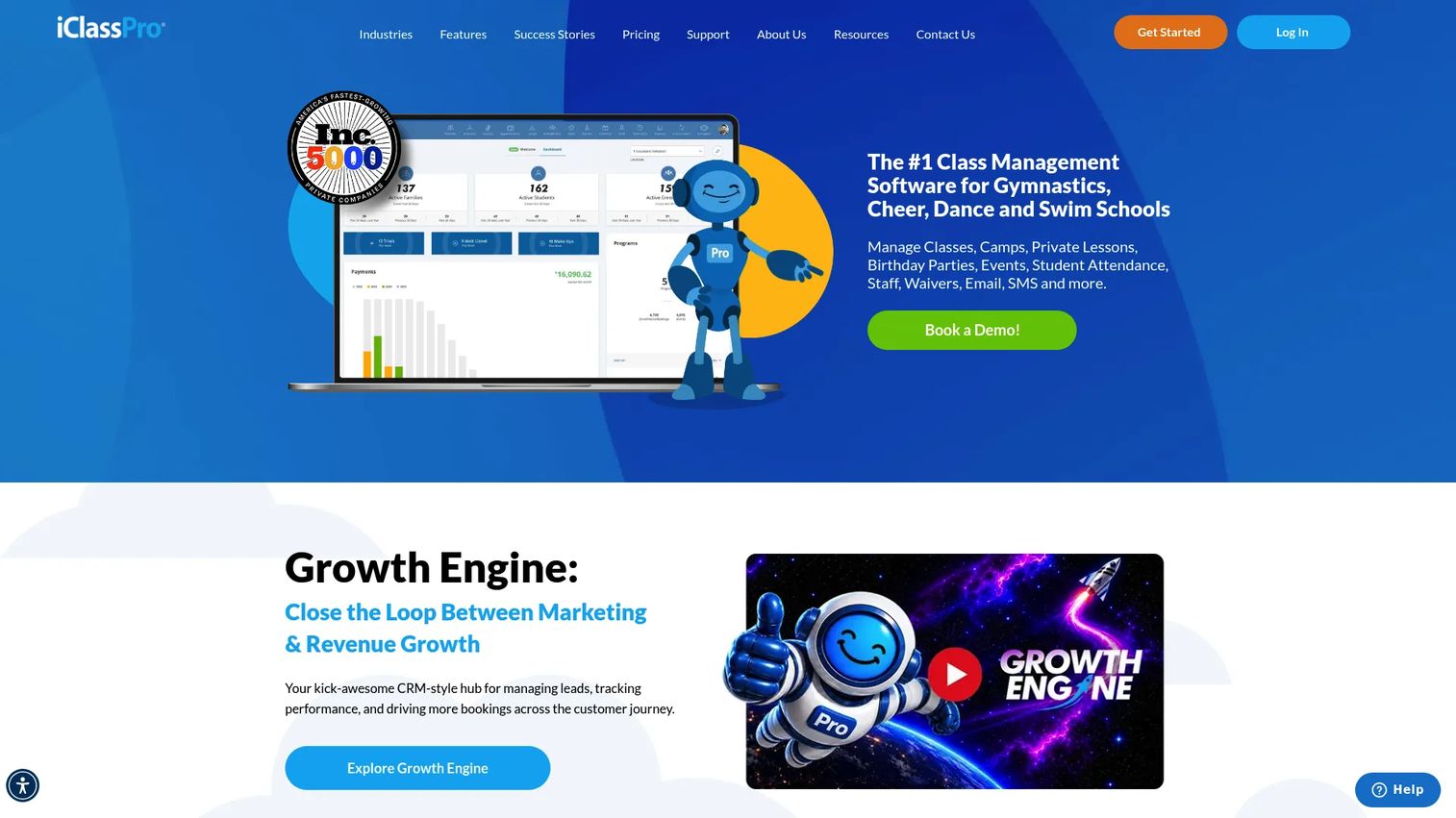
iClassPro is class management software for gymnastics, cheer, dance, swim, and other youth activity programs. It combines scheduling with billing, attendance, staff management, and student evaluations.
Families can use a customer portal or mobile app for online registration. Staff receive tools for check in, makeup tokens, skill tracking, and reporting.
Best for: Youth activity centers with recurring enrollment and student progression.
Key features
- Class scheduling and enrollment
- Billing and payment services
- Attendance and check in tools
- Student evaluations and skill tracking
- Customer and staff portals
Why choose iClassPro: It fits activity centers where registration continues into progress monitoring. Family accounts also keep siblings, payments, and class histories together.
Support teams can review schedules and student records from the same system. Automated email, SMS, and push communications help distribute class updates.
iClassPro pricing: Signature starts at $139 per month per location. Elite costs $199, while Premium costs $299 with a 12 month commitment.
7. Jackrabbit Dance
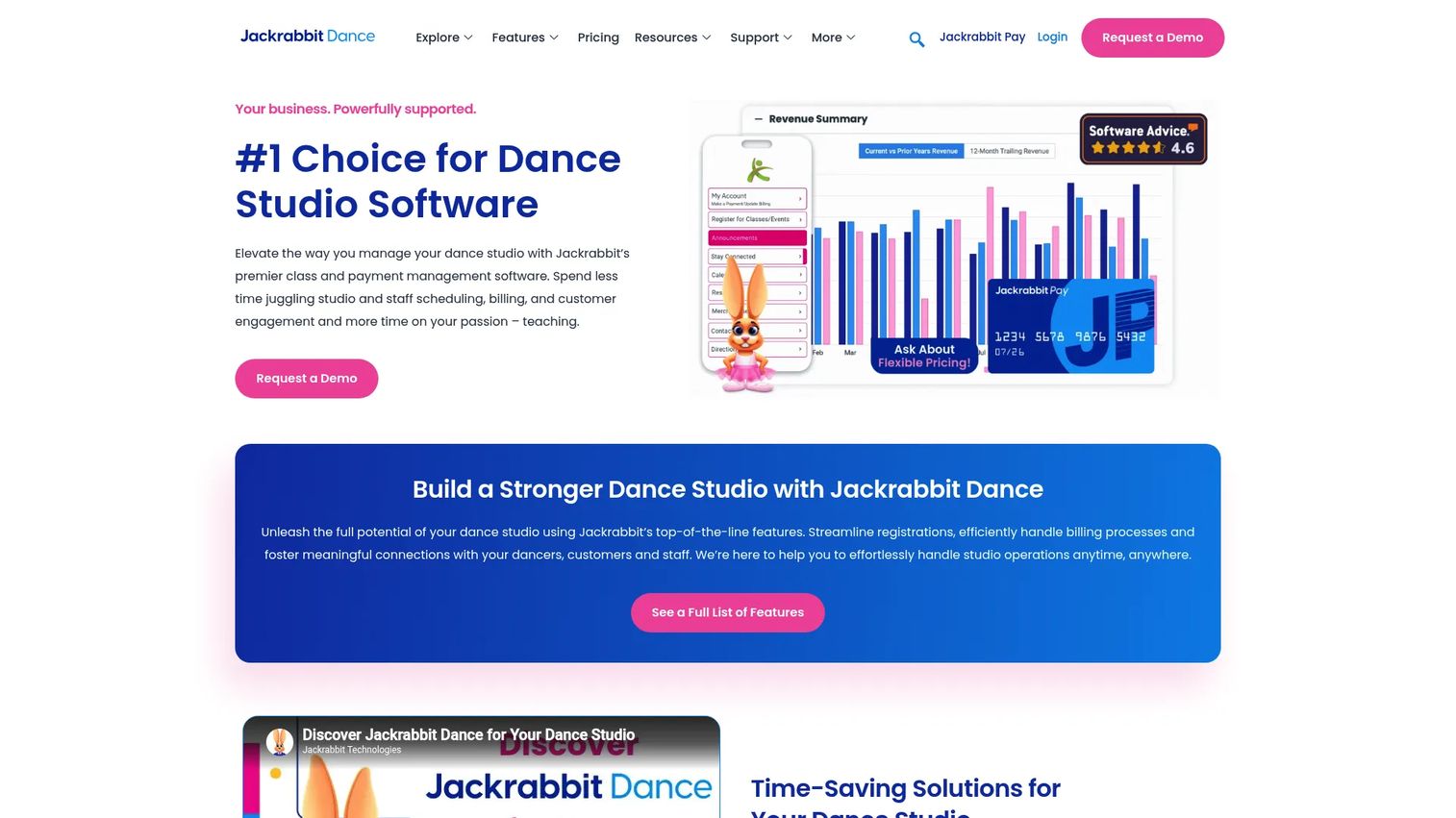
Jackrabbit Dance is cloud based management software for dance studios. It covers online class registration, scheduling, billing, family communication, reporting, recitals, and costume administration.
The product also includes appointment scheduling and an integration marketplace. Its dance specific tools connect enrollment with the events that follow during a studio season.
Best for: Dance studios managing tuition, class schedules, families, and recital logistics.
Key features
- Online dance class registration
- Automated billing and payments
- Class and appointment scheduling
- Costume and recital management
- Family engagement and reporting
Why choose Jackrabbit Dance: It matches workflows that generic class scheduling software may not address. Recital and costume functions keep performance administration connected with student records.
For support staff, centralized family accounts provide context for enrollment and billing questions. Studio communications can then reach the relevant households directly.
Jackrabbit Dance pricing: Plans start at $49 per month and scale by student count. Jackrabbit Plus starts at $93, while Enterprise costs $245 monthly.
G2 rating: 4.2/5.
8. Jackrabbit Gymnastics
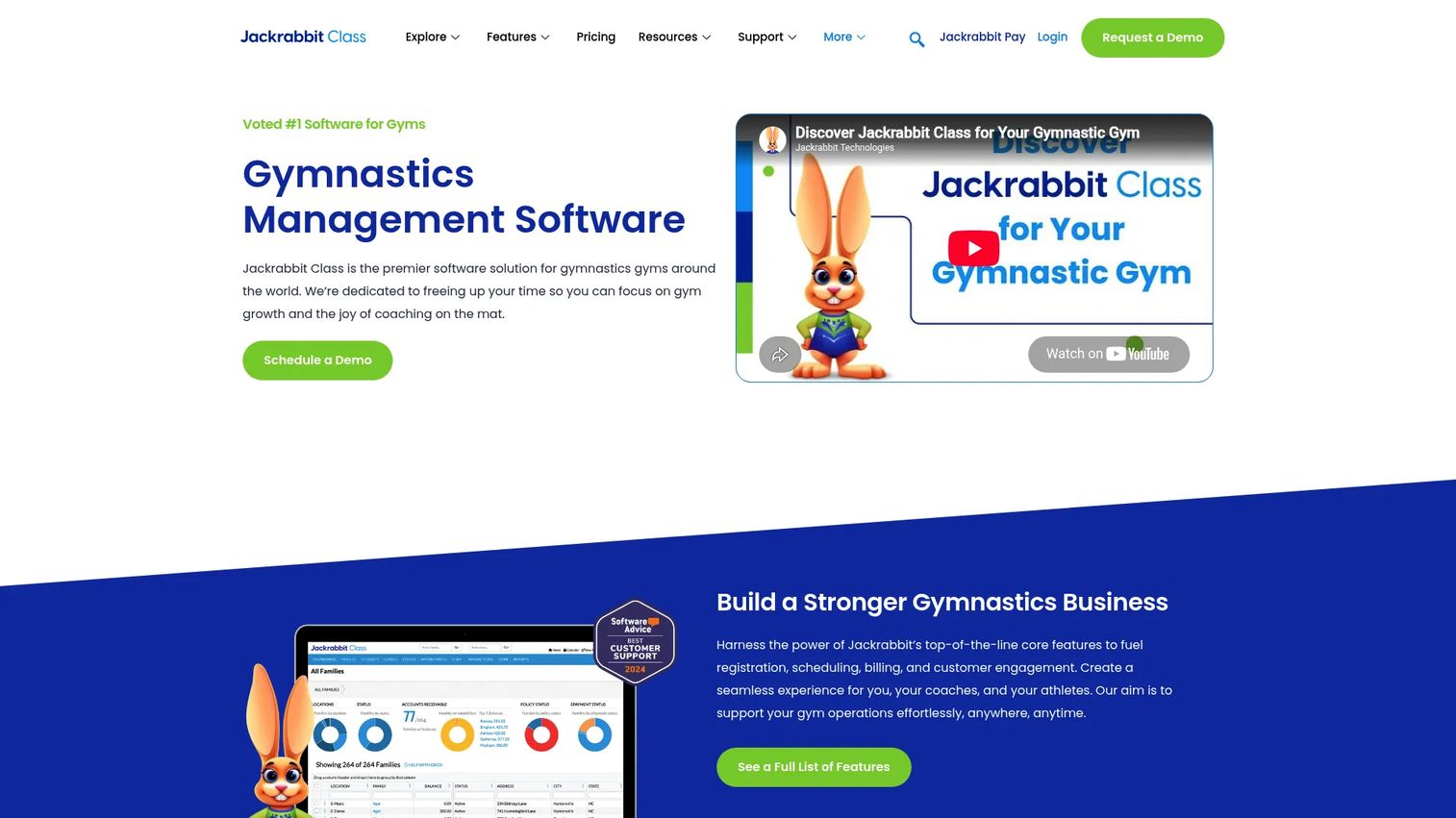
Jackrabbit Gymnastics manages gymnastics registration, scheduling, billing, attendance, and family engagement. Its tools support recurring class operations rather than one time event enrollment.
The platform includes automated billing, self check in, parent experience tools, and business reporting. Customizable policies help gyms document their operating rules.
Best for: Gymnastics programs managing recurring enrollment and family billing.
Key features
- Gymnastics class registration
- Automated tuition billing
- Self check in
- Parent experience tools
- Business intelligence dashboard
Why choose Jackrabbit Gymnastics: It suits gyms that need enrollment tied to ongoing class administration. The parent experience and billing tools support recurring relationships rather than isolated bookings.
Support agents can view student and family information when handling schedule or payment questions. Check in data also gives staff a consistent attendance record.
Jackrabbit Gymnastics pricing: Plans start at $49 per month and scale with student count. Plus starts at $93, while Enterprise costs $245 monthly.
G2 rating: 4.1/5.
9. Jackrabbit Swim
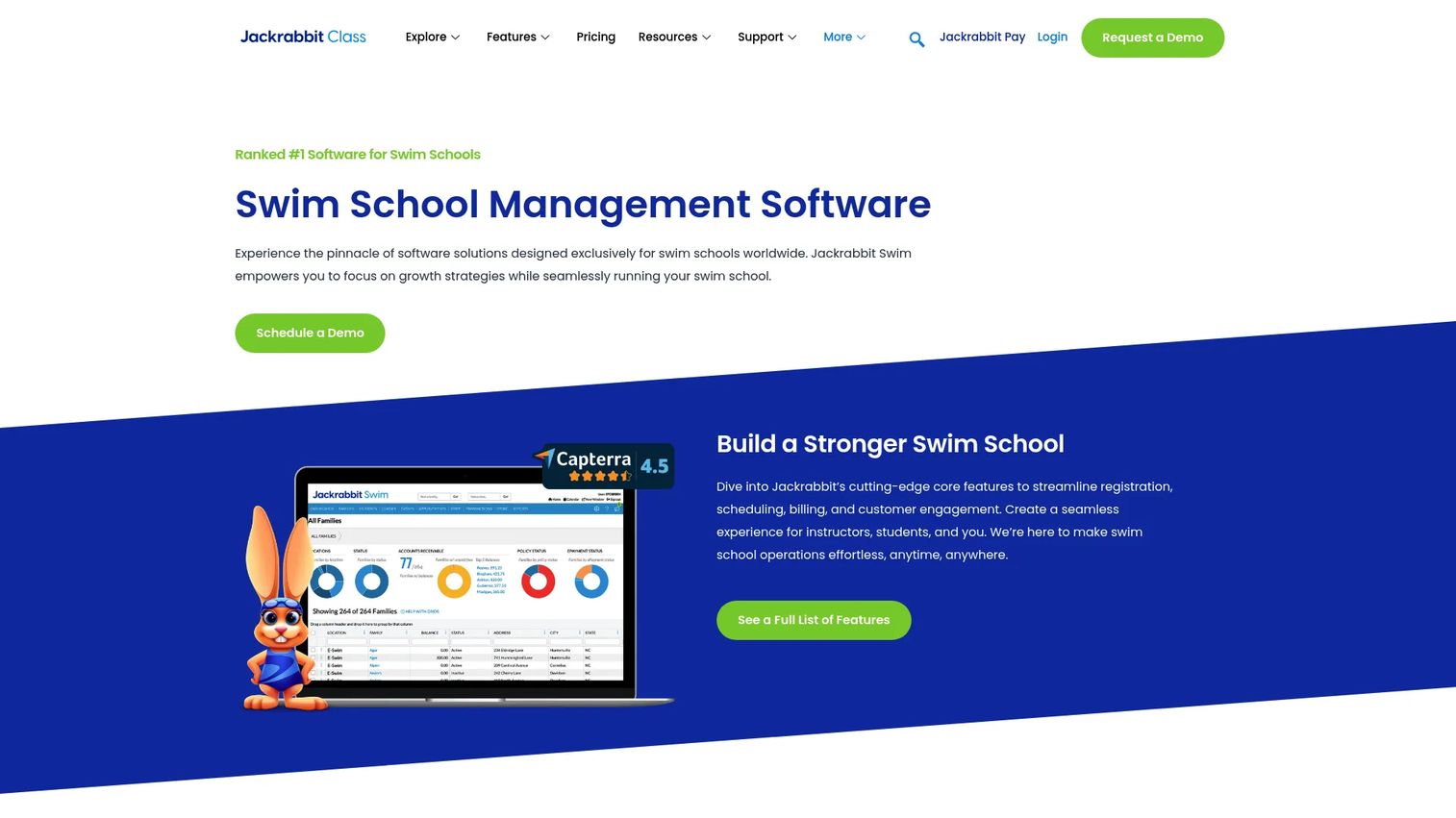
Jackrabbit Swim provides swim school management software for registration, scheduling, billing, attendance, and student progress. Parent communication and portal tools support household based enrollment.
Its reporting functions help operators review program activity. Skill tracking connects each swimmer’s records with ongoing lesson progression.
Best for: Swim schools managing lessons, recurring tuition, and student development.
Key features
- Online swim lesson registration
- Automated billing and payments
- Lesson scheduling and attendance
- Student skill tracking
- Parent communication and reporting
Why choose Jackrabbit Swim: It fits swim programs where class levels and progress records shape the next enrollment decision. Family accounts make it easier to manage several swimmers.
Support staff can check lesson schedules, payment status, and progression data before replying. That context helps resolve questions without passing the parent between teams.
Jackrabbit Swim pricing: Plans start at $49 per month and scale by student count. Plus starts at $93, while Enterprise costs $245 monthly.
10. SmartRec
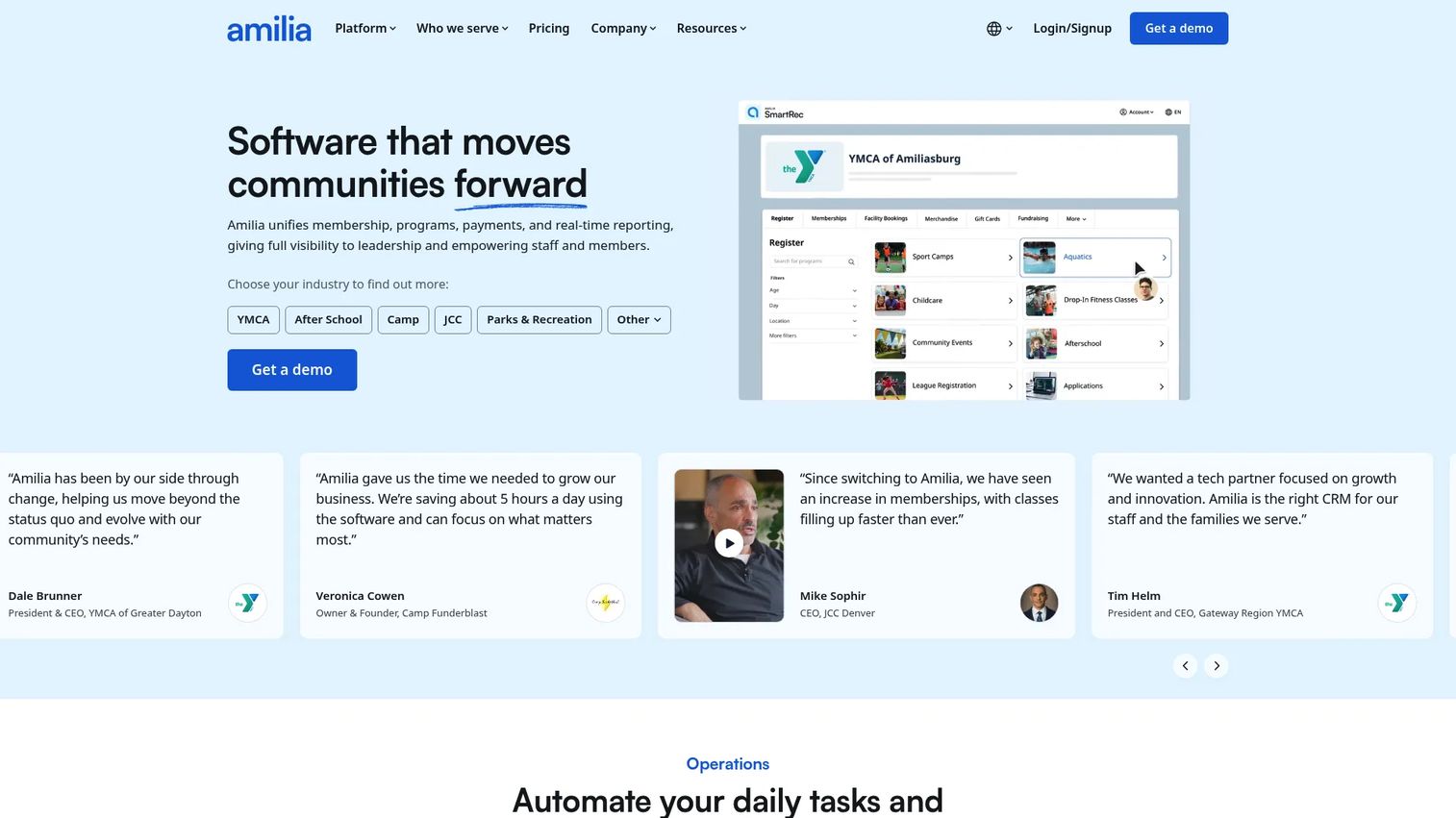
SmartRec combines program registration with memberships, facility booking, payments, and access management. It serves recreation departments, community centers, camps, and nonprofit organizations.
The platform also includes point of sale tools, merchandise functions, custom forms, and reporting. This scope supports operations extending beyond scheduled classes.
Best for: Recreation organizations managing programs, facilities, memberships, and community access.
Key features
- Online registration and enrollment
- Facility management and booking
- Memberships and recurring payments
- Access management and check in
- Reporting and analytics
Why choose SmartRec: It works for organizations that manage spaces and memberships alongside class enrollment. Operators can keep these connected rather than maintaining separate booking systems.
Support teams gain a broader account view covering registrations, access, and payments. That visibility helps answer questions spanning several recreation services.
SmartRec pricing: Standard starts at $99 per month. Advanced costs $499 monthly, while the Custom plan uses custom pricing.
G2 rating: 4.4/5.
11. Class Registrar
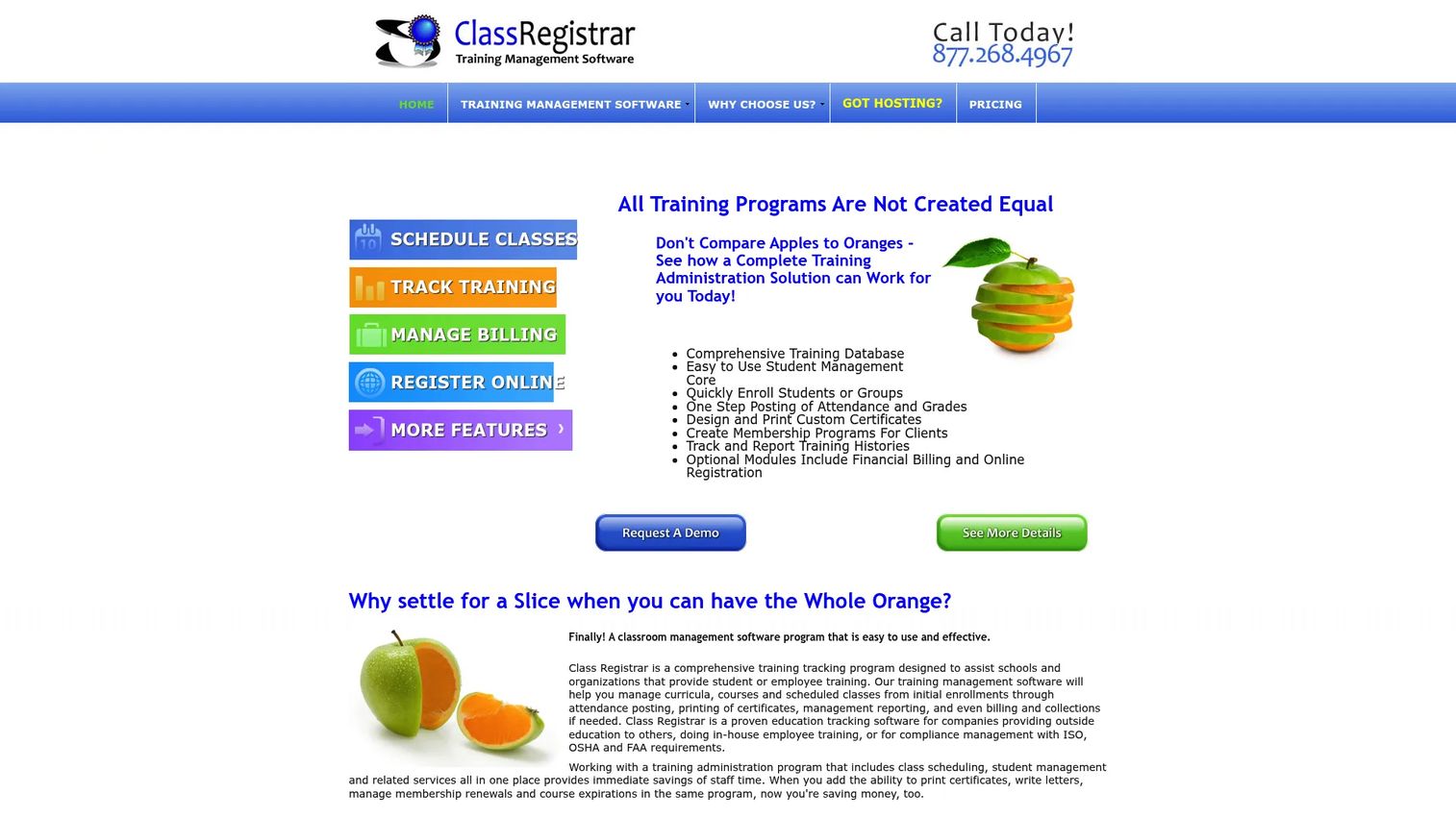
Class Registrar is training registration software for scheduling courses and tracking learners. It manages attendance, grades, certifications, curricula, billing, and online registration.
Training records can include certificate information and compliance history. Financial tools cover invoices, accounts receivable, and related reporting.
Best for: Training providers with certification, safety, or compliance record requirements.
Key features
- Course scheduling and conflict checks
- Enrollment and attendance records
- Certificate creation and tracking
- Billing and accounts receivable
- Compliance and financial reporting
Why choose Class Registrar: It connects registration with long term training administration. This makes it relevant for continuing education, technical training, and internal certification programs.
Support agents can review course history and credentials when responding to learners. Administrators can also track grades and certification details in the same system.
Class Registrar pricing: Hosted access starts at $75 per month. Server based plans start at $1,995, plus $495 in annual support.
12. ProClass
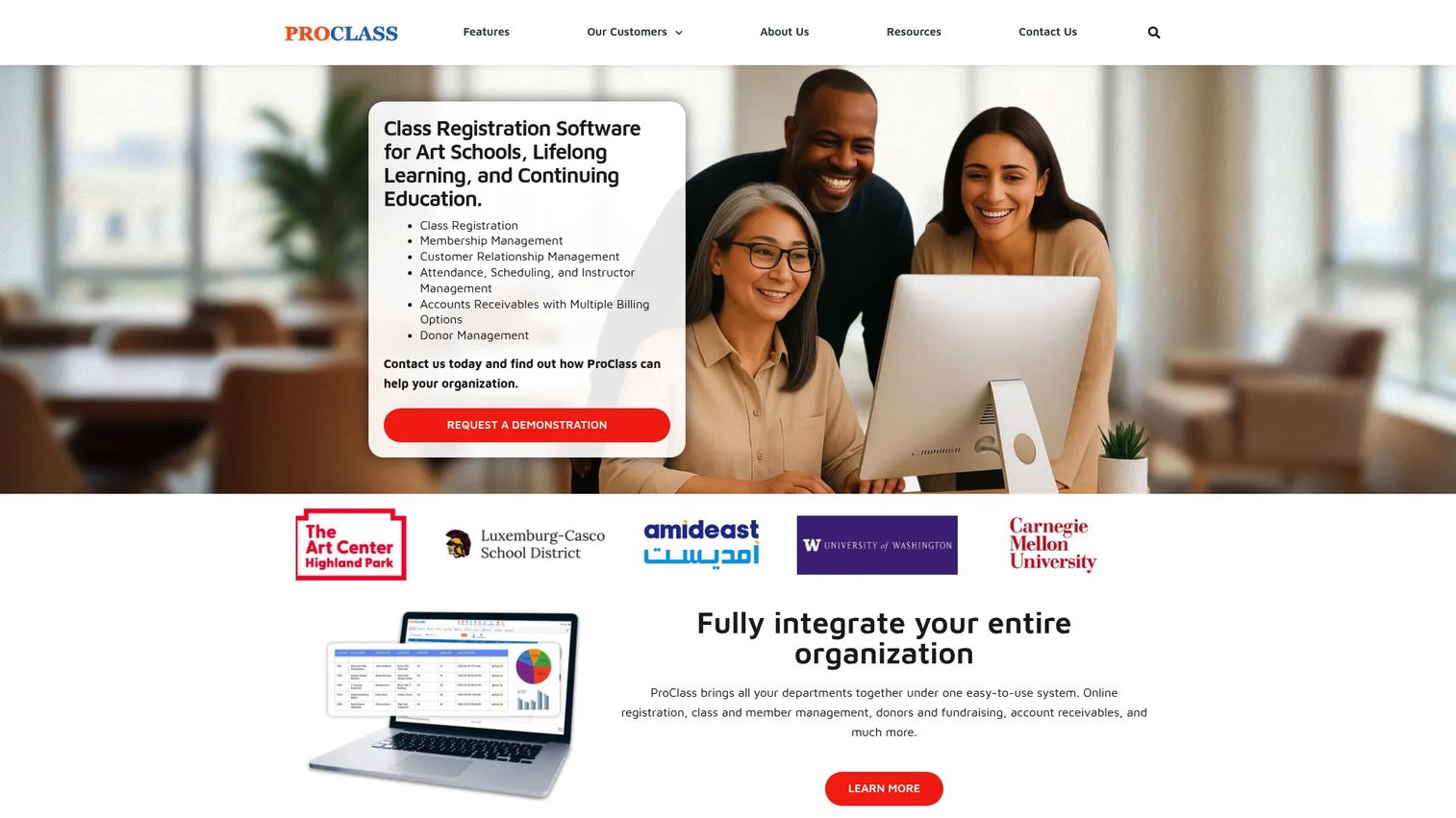
ProClass supports class registration, memberships, payments, attendance, certifications, and fundraising. Its customer and instructor portals extend access beyond internal administrators.
The platform also includes communication tools, reporting, API integrations, and participant records. These functions suit organizations where course administration overlaps with community relationships.
Best for: Nonprofits and continuing education providers managing classes and participant histories.
Key features
- Online registration and payments
- Scheduling and attendance
- Membership and donation management
- Certifications and skills records
- Customer and instructor portals
Why choose ProClass: It fits organizations combining course enrollment with memberships or fundraising. CRM style records give staff context beyond a single registration.
Support teams can review communication and participant history when handling account questions. Administrators also get reporting across programs and related activities.
ProClass pricing: Custom pricing. Ask about users, registration volume, participant records, integrations, and onboarding.
G2 rating: 2.0/5.
13. Arlo Training Management Software
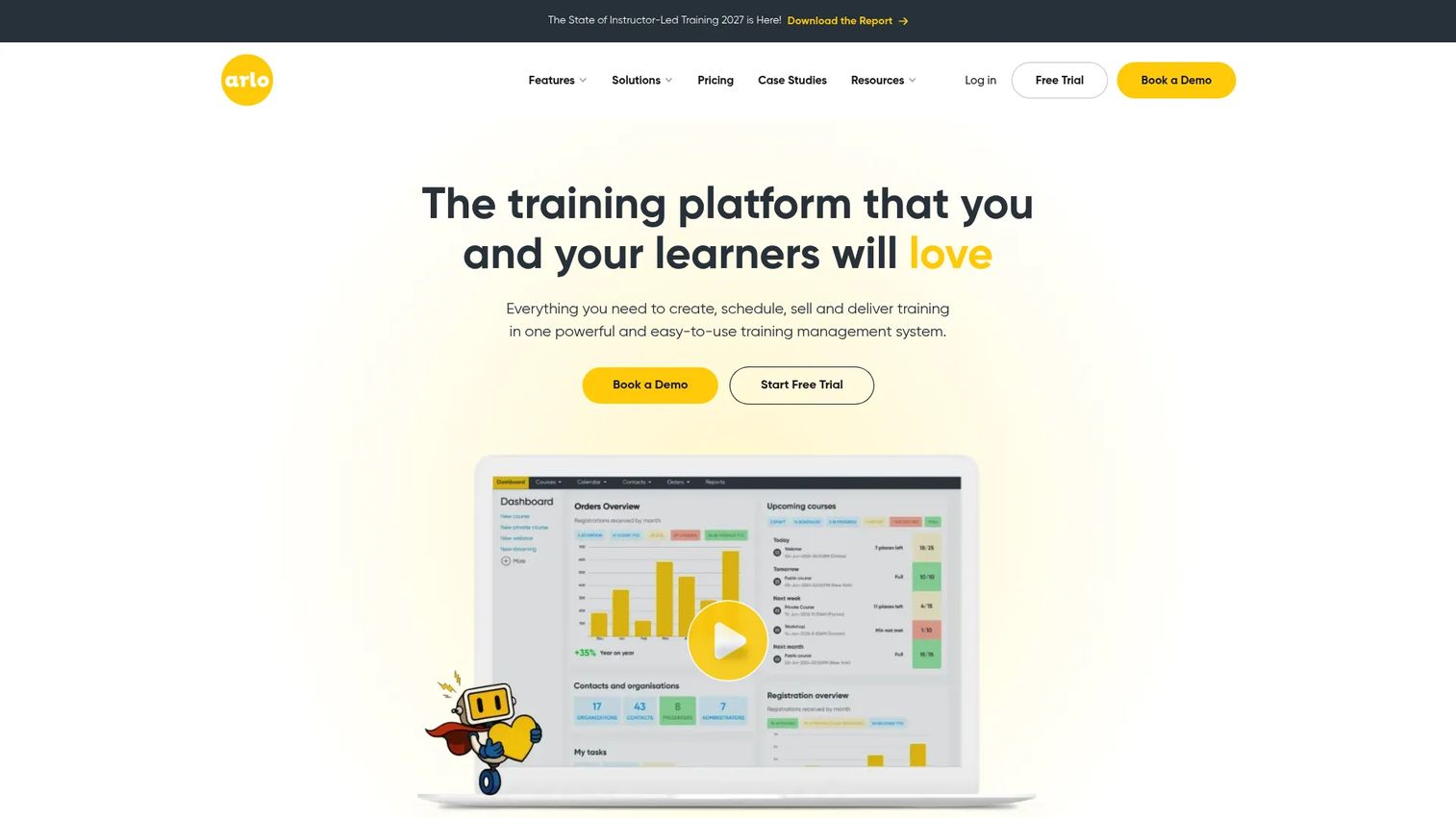
Arlo Training Management Software helps training providers schedule, sell, deliver, and report on courses. It supports instructor led programs, virtual sessions, blended learning, payments, and online course catalogs.
Customer portals and organization portals give learners access to relevant information. Optional tools cover course authoring and SCORM delivery.
Best for: Professional training businesses offering public and private courses.
Key features
- Course scheduling and management
- Online registration and checkout
- Virtual and blended learning
- Customer and organization portals
- Certification and license management
Why choose Arlo: It suits organizations that sell training as a core service. Registration connects with marketing pages, delivery, finance, and trainer coordination.
Customer support teams can use learner and organization records when answering enrollment questions. Reporting also covers training operations and course activity.
Arlo pricing: Simple starts at $118 per license monthly with annual billing or $132 monthly. A 14 day free trial is available.
G2 rating: 4.5/5.
14. Jumbula
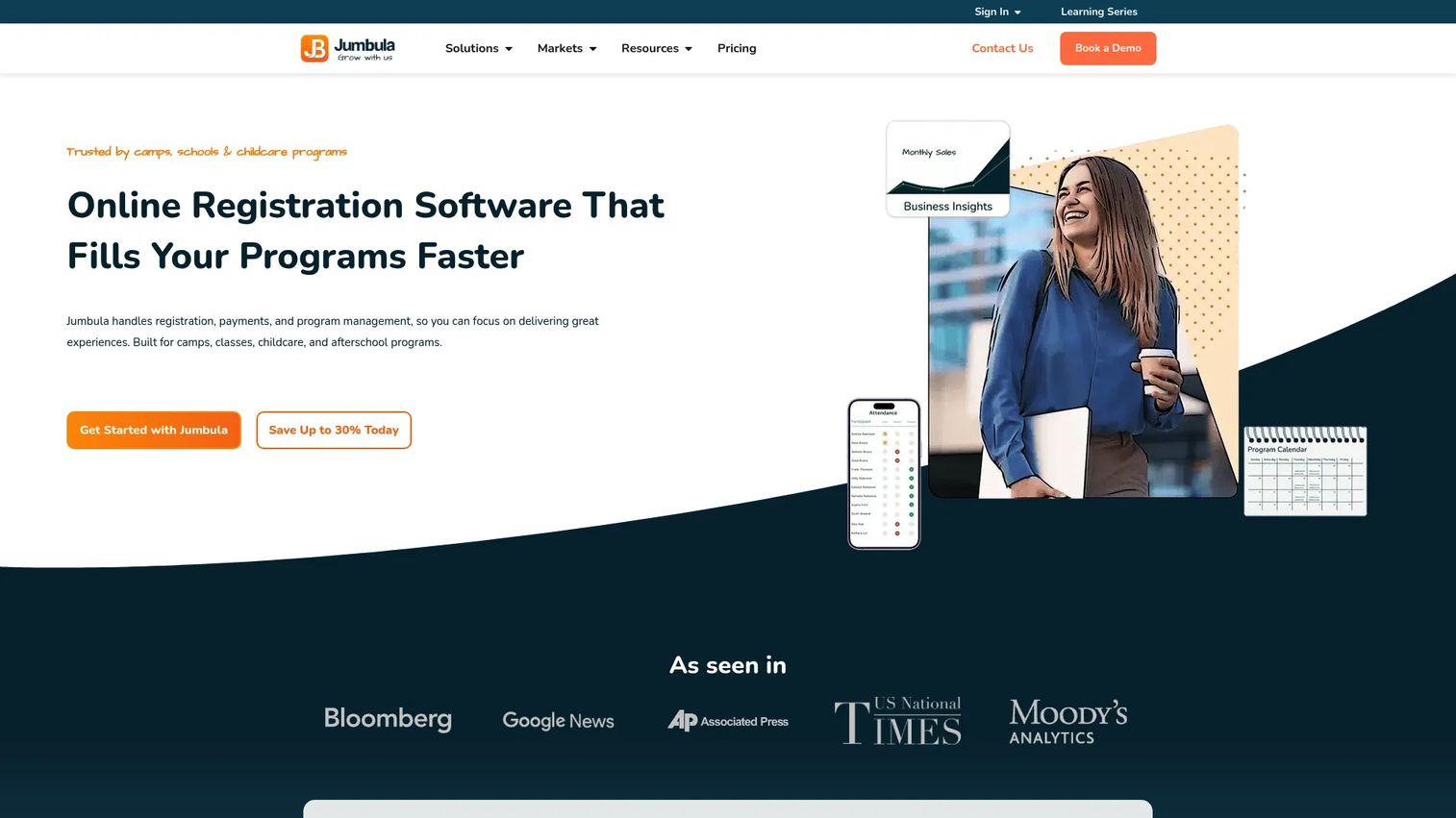
Jumbula provides online registration, payments, and management for classes, camps, childcare, and youth programs. Customizable forms collect family information during enrollment.
The platform also supports attendance, check in, checkout, dismissal, billing, and payment plans. These functions cover both registration and daily program operations.
Best for: Camps and youth programs needing flexible forms and family payment workflows.
Key features
- Online registration and custom forms
- Attendance and check in
- Dismissal management
- Automated billing and invoicing
- Payment plans
Why choose Jumbula: It fits programs that collect detailed family information across several sessions. Payment plans also support longer camps or recurring classes.
Support teams can review forms and billing details before responding to parents. Attendance and dismissal records extend that visibility into program delivery.
Jumbula pricing: Pay As You Go starts at $15 per month with the first month free. Rise costs $150, while Ascend costs $285 monthly.
G2 rating: 3.8/5.
15. Class Manager
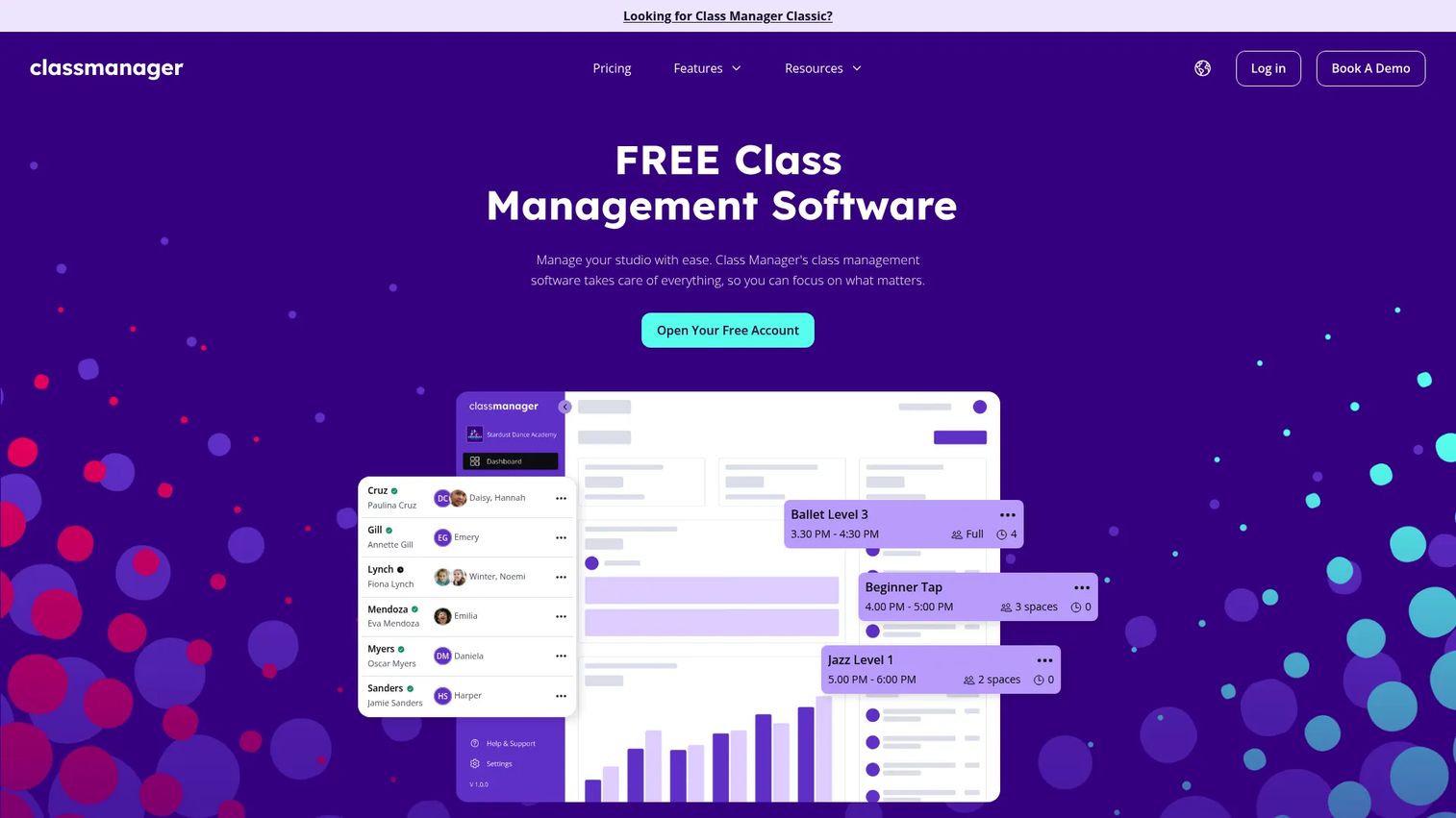
Class Manager supports bookings, billing, attendance, communication, and family portals for class based businesses. It serves dance studios, sports clubs, and performing arts organizations.
The platform includes student enrollment, registers, skills records, and a built in shop. Families can manage bookings and payments through their portal.
Best for: Small and midsized class businesses needing practical family administration.
Key features
- Class scheduling and registers
- Billing and online payments
- Family booking portal
- Attendance and student records
- Communication and chat
Why choose Class Manager: It keeps registration close to billing and parent communication. The free Core plan offers an accessible starting point for smaller operators.
Support staff can view bookings, attendance, and payment information without switching systems. The family portal also gives customers a self service account area.
Class Manager pricing: Core costs £0 per month and charges per online payment. Priority Support costs £49 monthly, while Enterprise uses custom pricing.
16. Pike13
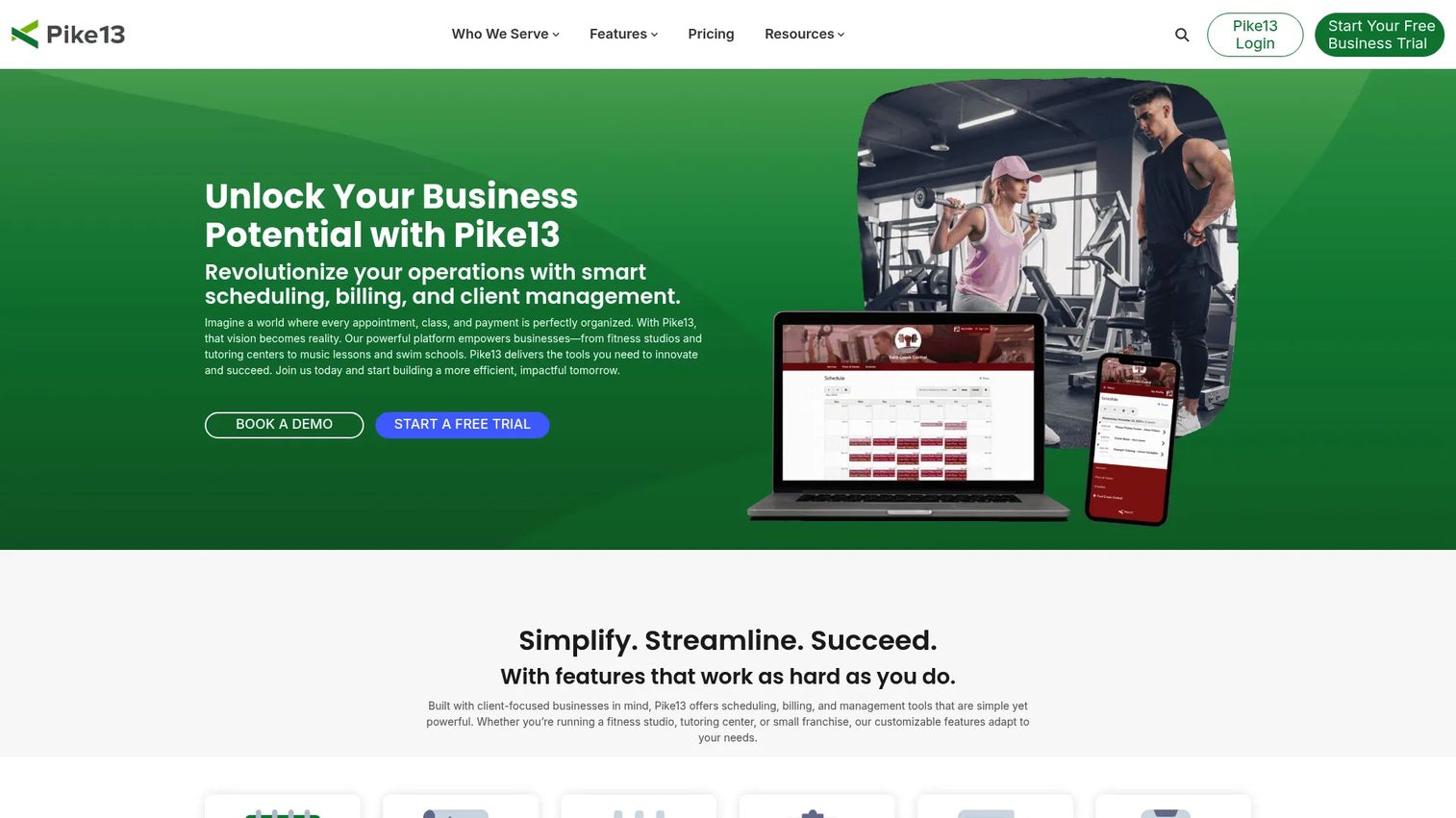
Pike13 provides scheduling, payments, communications, and client management for class based businesses. It supports classes, courses, appointments, and multi location operations.
Staff and client mobile apps extend access outside the front desk. Advanced plans include payroll, room bookings, waivers, and additional reporting.
Best for: Studios combining class schedules with appointments and client relationships.
Key features
- Class, course, and appointment scheduling
- Automated billing and payments
- Client and staff mobile apps
- Reminders and client messaging
- Business reporting
Why choose Pike13: It fits businesses where staff schedules and appointments matter alongside classes. Client profiles keep booking and payment activity connected.
Support agents can review enrollment and account information from one record. Automated messaging also helps distribute reminders before customers contact the business.
Pike13 pricing: Essential starts at $139 per month annually or $159 monthly. Advanced starts at $195 annually, while Premium starts at $249.
G2 rating: 3.6/5.
17. Gymcatch
Gymcatch is class booking software for fitness instructors, studios, and wellness businesses. It handles schedules, payments, passes, memberships, waitlists, and customer accounts.
The platform also supports workshops, appointments, courses, virtual sessions, and website booking. Customers can use mobile apps to manage their activity.
Best for: Fitness providers prioritizing booking, passes, and customer convenience.
Key features
- Class and appointment scheduling
- Automated waiting lists
- Passes, bundles, and memberships
- Payment processing connections
- Website booking and mobile apps
Why choose Gymcatch: It suits fitness led businesses that need booking and membership administration. Unlimited bookings and customers support operators with changing attendance volumes.
Support teams can direct customers to the portal for schedule and account updates. Automated waitlists also provide a structured path when a class reaches capacity.
Gymcatch pricing: Plans start at $18 per month. Optional additions cost $4 each per month, and the first month is free.
Considerations when choosing class registration software
Match the platform to your class model
A municipal recreation department manages different resources from a swim school. Training providers may prioritize certificates, while studios need recurring billing and family accounts.
Map your complete workflow before comparing features. Include discovery, registration, attendance, records, and support access.
Check capacity, waitlist, and refund rules
Test a full class, a late cancellation, and a transfer between sessions. Then test partial refunds, sibling discounts, and waitlist promotion.
Edge cases show whether staff can manage exceptions without rebuilding records manually.
Review payment processing and reconciliation
Compare subscription costs with card fees, per registration charges, and onboarding expenses. Check support for deposits, installments, invoices, coupons, and refunds.
Export a sample report to see whether finance can reconcile transactions without extensive spreadsheet cleanup.
Test the participant experience
Complete a registration on a phone as a parent or learner. Confirm that availability, prices, dates, and policies remain clear throughout checkout.
Review the confirmation email and reminder timing. Participants should also have a clear path for updating account details.
Confirm reporting and support workflows
Give support agents access to a test account. Check how quickly they can find registration status, payments, attendance, waivers, and communication history.
Reporting should expose failed registrations and operational bottlenecks. Useful records shorten resolution time when a learner contacts support.
Conclusion
The best class registration software depends on the workflow surrounding your classes.
Camp & Class Manager covers broad recreation and program administration. Sawyer focuses on children’s activities, while Jotform gives teams flexible registration forms. Regpack stands out for payment plans and recurring billing.
Training providers should compare Class Registrar, ProClass, and Arlo. Dance, gymnastics, and swim programs can start with the corresponding activity specific platforms. Fitness businesses should examine Pike13 and Gymcatch.
Shortlist three products, then run the same test in each. Publish a class, reach capacity, add someone to the waitlist, process payment, and issue a partial refund. Finish by asking a support agent to find the participant’s full history.
That test reveals more than a feature checklist.
Start your journey with Guideflow today!
FAQs
Class registration software manages online sign ups, schedules, capacity, payments, attendance, and participant records. It gives administrators one system for operating classes and answering enrollment questions.
A course registration system may also manage waitlists, reminders, certificates, family accounts, or instructor resources.
Corsizio suits low volume classes because usage is free through 30 monthly registrations. Jotform works well when a customizable form is the main requirement.
Gymcatch serves fitness providers, while Class Manager offers a free Core plan for class based businesses. Compare transaction charges and operational features before deciding.
Class Registrar supports training records, certificates, billing, and compliance reporting. ProClass combines course enrollment with participant records, memberships, and certification management.
Arlo suits professional training providers delivering instructor led, virtual, or blended courses. Compare course catalogs, reporting, certificate controls, and learner portals.
Many platforms support online payments, invoices, discounts, deposits, and refunds. Some also offer installments or recurring billing for longer programs.
Test partial refunds, failed payments, and transfers during evaluation. Those cases often create the most work for finance and support teams.
The system applies a capacity limit when a class reaches its available seats. Additional applicants can join a waiting list instead of completing normal enrollment.
Some products notify staff about openings, while others support automated promotion. Review approval rules, payment timing, and notification controls before choosing.
Schools often need student records, permissions, family accounts, and tuition management. Online registration software for schools may also require detailed reporting or certification records.
Studios usually prioritize recurring schedules, attendance, billing, and skill progression. Camps need session based registration, waivers, dismissal records, and family details.
Clear class pages answer questions about dates, availability, prices, and requirements. Confirmation emails and reminders reduce uncertainty after enrollment.
Self service account updates let participants change basic information without contacting staff. Searchable records help agents resolve payment or registration questions faster.
Compare subscription charges, registration fees, payment processing, admin seats, and onboarding costs. Include paid modules and support packages in your calculation.
Estimate costs using your expected enrollment volume. A low monthly fee can become expensive when every registration carries a separate charge.