The ticket queue spikes at 10 a.m. Three agents call out, chat volume jumps, and your carefully planned schedule stops matching reality.
Spreadsheets struggle once you add multiple channels, agent skills, time zones, and shrinkage. Static schedules also provide little help when an outage creates a ticket surge halfway through the day.
According to Gaugius, 63.9% of surveyed contact centers had adopted workforce management software in 2025. The best workforce management software for call centers turns changing demand into practical staffing decisions. It helps support leaders protect service levels without defaulting to overtime or exhausting the team.
What’s inside
This guide compares 10 call center workforce management platforms for support leaders balancing coverage, labor costs, and agent experience. We assessed each option against four operational criteria:
- Forecasting and staffing fit: Volume, channels, skills, shrinkage, and capacity
- Schedule operations: Shift bidding, swaps, mobile access, and time off
- Intraday control: Adherence, reforecasting, alerts, and same day changes
- Commercial fit: Pricing model, platform dependency, rating, and team size
Pricing comes from vendor pages. Ratings reflect the current G2 figures supplied in the research for this guide.
TL;DR
- Best enterprise WFM suite: Verint suits complex forecasting, capacity planning, and workforce engagement programs
- Best for CXone teams: NiCE connects workforce planning with the broader CXone platform
- Best for integrated cloud operations: Five9 brings WFM into its contact center buying model
- Best for omnichannel operations: Genesys connects workforce planning with quality and employee performance
- Best for modern SaaS support: Assembled focuses on multichannel forecasting and support operations workflows
- Best for digital first support: Playvox links workforce planning with quality and coaching processes
What is call center workforce management software?
Call center workforce management software helps contact centers forecast demand, plan staffing, build schedules, track adherence, and adjust coverage during the day.
The WFM operating cycle connects five related functions.
- Forecast demand. Workforce forecasting software predicts workload by interval, queue, channel, language, or required skill. Historical patterns provide a baseline. Teams then account for campaigns, incidents, product launches, and seasonal changes.
- Plan staffing and capacity. The platform converts expected workload into required headcount. Effective capacity planning includes occupancy, service targets, and shrinkage from meetings, breaks, training, or absences.
- Schedule agents. Agent scheduling software assigns people to shifts and queues according to skills, availability, labor rules, and time zones. Some products also support preferences, bidding, swaps, and self-service requests.
- Manage intraday changes. Actual demand rarely follows the forecast exactly. Intraday management software helps planners reforecast, move agents between queues, offer overtime, or approve voluntary time off.
- Measure adherence and performance. Real-time adherence compares scheduled activity with current agent status. Historical reporting then shows recurring exceptions, shrinkage trends, and the service-level impact.
For support teams, WFM in a call center extends beyond voice. Modern planning can cover chat, email, messaging, tickets, and other asynchronous work.
Key capabilities to evaluate include:
- Forecasting by channel, queue, skill, and interval
- Capacity planning with shrinkage assumptions
- Automated agent scheduling
- Real-time adherence monitoring
- Intraday reforecasting and schedule changes
- Agent self-service and mobile access
- Reporting and workforce analytics
- CCaaS, CRM, HRIS, payroll, and help desk integrations
Standalone WFM platforms often provide deeper planning workflows across several systems. Bundled products can reduce tool sprawl for teams already committed to one CCaaS environment.
When to use call center workforce management software
Forecast staffing before the queue breaks
Use call center workforce management when spreadsheets no longer explain how many people each queue needs. Common triggers include seasonal peaks, new channels, billing incidents, and product launches.
The software helps planners model demand before assigning shifts. This protects service levels while reducing avoidable overtime.
Replan coverage during the day
A forecast can look accurate at 8 a.m. and become useless by lunch. Absences, late arrivals, or an unexpected chat spike can quickly create a coverage gap.
Intraday tools compare planned demand with current conditions. Managers can then reforecast, change activities, offer overtime, or approve voluntary time off.
Give agents more schedule control
Manual shift swaps and time-off requests create administrative work for team leads. Agent self-service scheduling moves those workflows into a controlled system.
Mobile schedules, preference collection, and shift bidding also give agents more visibility. Clearer scheduling supports morale while reducing repetitive manager tasks.
Call center workforce management software comparison
This workforce management software call center comparison covers standalone WFM products and modules bundled with larger contact center platforms.
Compare the price unit carefully. Some vendors charge per agent, while others price per user or add a platform fee. Several require a quote. G2 ratings may also represent the broader contact center suite when no separate WFM listing exists.
| # | Product | Best for | Key differentiator | Pricing | G2 rating |
|---|---|---|---|---|---|
| 1 | Verint Workforce Management | Enterprise contact centers | Enterprise forecasting and real-time workforce optimization | Contact Verint for a quote | 4.2/5 |
| 2 | NiCE CXone Workforce Management | CXone contact centers | AI forecasting within a broad CX platform | CXone starts at $110 per agent monthly | 4.3/5 |
| 3 | Five9 Workforce Management | Five9 cloud contact centers | Integrated forecasting and agent self-service | Bundles start at $119 per seat monthly | 4.2/5 |
| 4 | Genesys Cloud Workforce Engagement Management | Omnichannel operations | Workforce planning connected with quality management | Plans start at $75 per user monthly, billed annually | 4.4/5 |
| 5 | Calabrio ONE Workforce Management | Quality and WFM teams | Scheduling with quality and workforce analytics | Contact Calabrio for a quote | 4.4/5 |
| 6 | Talkdesk Workforce Management | Talkdesk contact centers | WFM included in the Talkdesk Elite plan | Elite costs $165 per user monthly | 4.4/5 |
| 7 | Playvox Workforce Management | Digital support teams | WFM aligned with quality and coaching workflows | Contact Playvox for a quote | 4.7/5 |
| 8 | Assembled Workforce Management | SaaS support operations | Support focused forecasting and real-time management | From $25 per agent monthly, plus platform fee | 4.6/5 |
| 9 | Alvaria Workforce | Large contact centers | Enterprise capacity planning and adherence | Contact Alvaria for a quote | Not available |
| 10 | RingCentral Workforce Management | RingCentral contact centers | WFM connected with RingCentral communications | Add-on starts at $20 per user monthly | 4.2/5 |
Best 10 tools for call center workforce management software
1. Verint Workforce Management
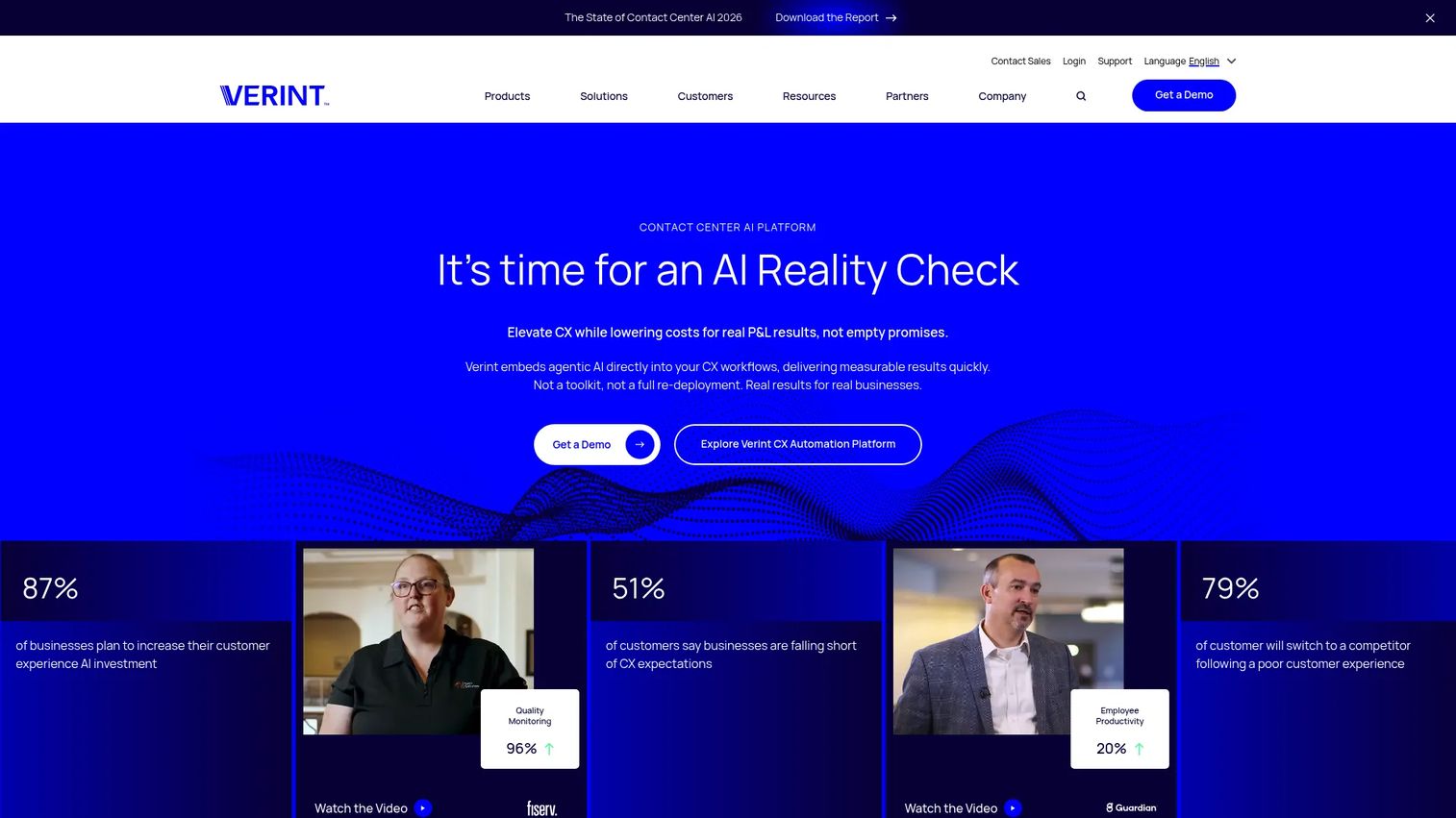
Verint Workforce Management is built for contact centers and back-office organizations with complex planning requirements. Its scope covers demand forecasting, capacity planning, scheduling, intraday operations, and employee self-service.
The product also provides queue analytics and mobile access. This breadth suits large teams with mature WFM processes across voice and digital channels.
Best for: Enterprise contact centers needing advanced planning, schedule automation, adherence monitoring, and workforce engagement depth.
Key features
- AI forecasting across voice and digital channels
- Capacity planning and staffing requirements
- Flexible scheduling and intraday management
- Real-time adherence and queue analytics
- Mobile employee self-service
Why choose Verint Workforce Management: Verint fits organizations that need more than basic call center scheduling software. Its enterprise scope supports planners managing several queues, operating groups, and staffing assumptions.
The product is a stronger match for formal workforce operations than a lean support team seeking straightforward weekly scheduling.
Verint Workforce Management pricing: Contact Verint for a quote. Essential and Professional package names appear in vendor materials, but current amounts require a sales conversation.
G2 rating: 4.2/5.
2. NiCE CXone Workforce Management
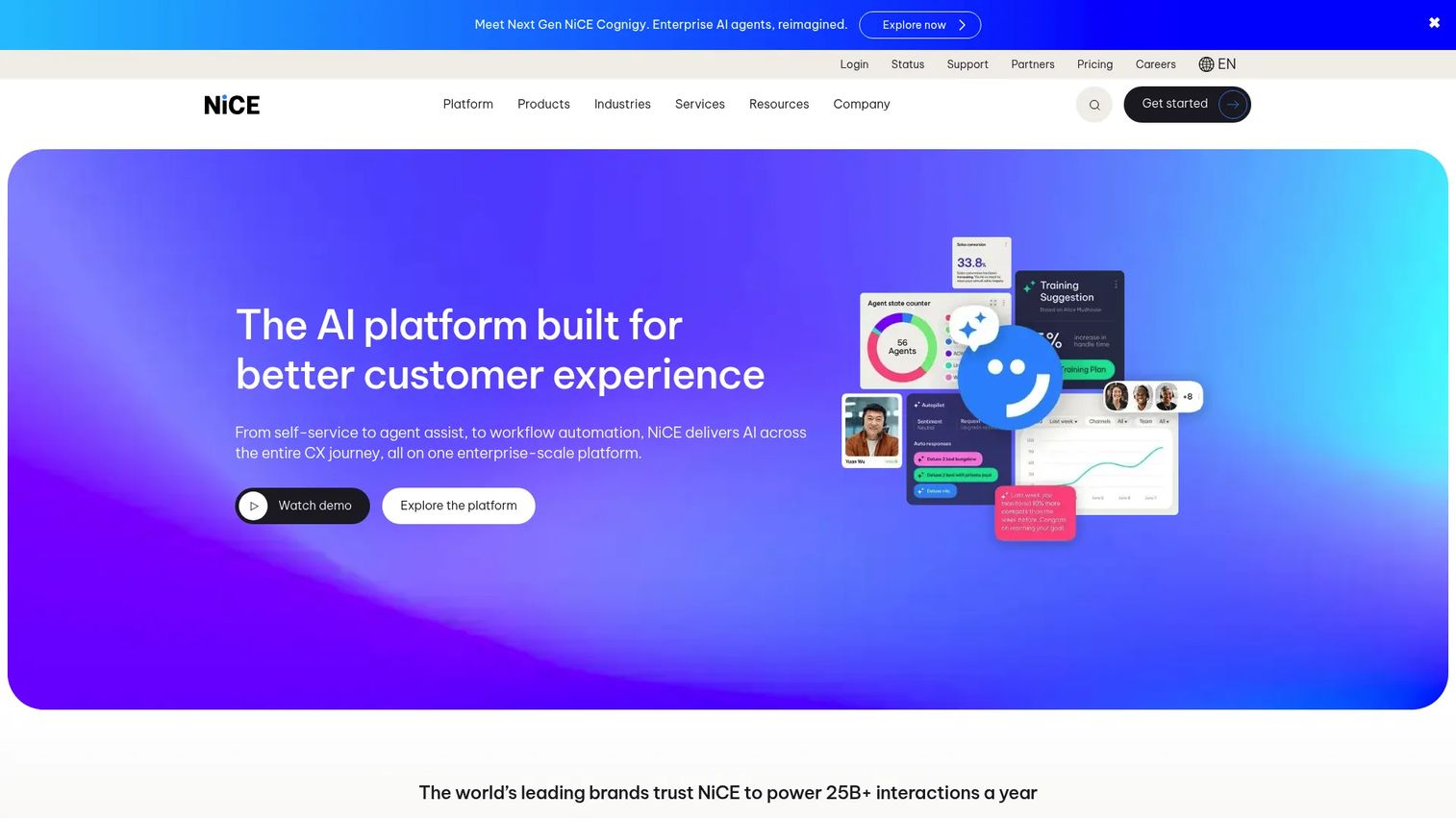
NiCE CXone Workforce Management supports AI based omnichannel forecasting, workforce planning, scheduling, and real-time intraday optimization. It sits within the broader CXone platform rather than operating as an isolated scheduling tool.
Machine learning schedule optimization supports self-scheduling and shift bidding. Scenario modeling helps planners compare staffing options before changing live schedules.
Best for: Mid-market and enterprise contact centers that want WFM inside the CXone customer experience platform.
Key features
- AI powered omnichannel forecasting
- Machine learning schedule optimization
- Self-scheduling and shift bidding
- Real-time intraday management
- Reforecasting and scenario modeling
Why choose NiCE CXone Workforce Management: NiCE makes sense when routing, workforce planning, and customer experience operations already share the CXone environment. Consolidated data can reduce integration work between WFM and contact handling systems.
Buyers should compare the full package rather than treating the entry plan as a standalone WFM price. Workforce Management appears as a capability within the package structure.
NiCE CXone Workforce Management pricing: CXone Omnichannel starts at $110 per agent monthly. Other published packages range from $135 to $249 per agent monthly.
G2 rating: 4.3/5.
3. Five9 Workforce Management
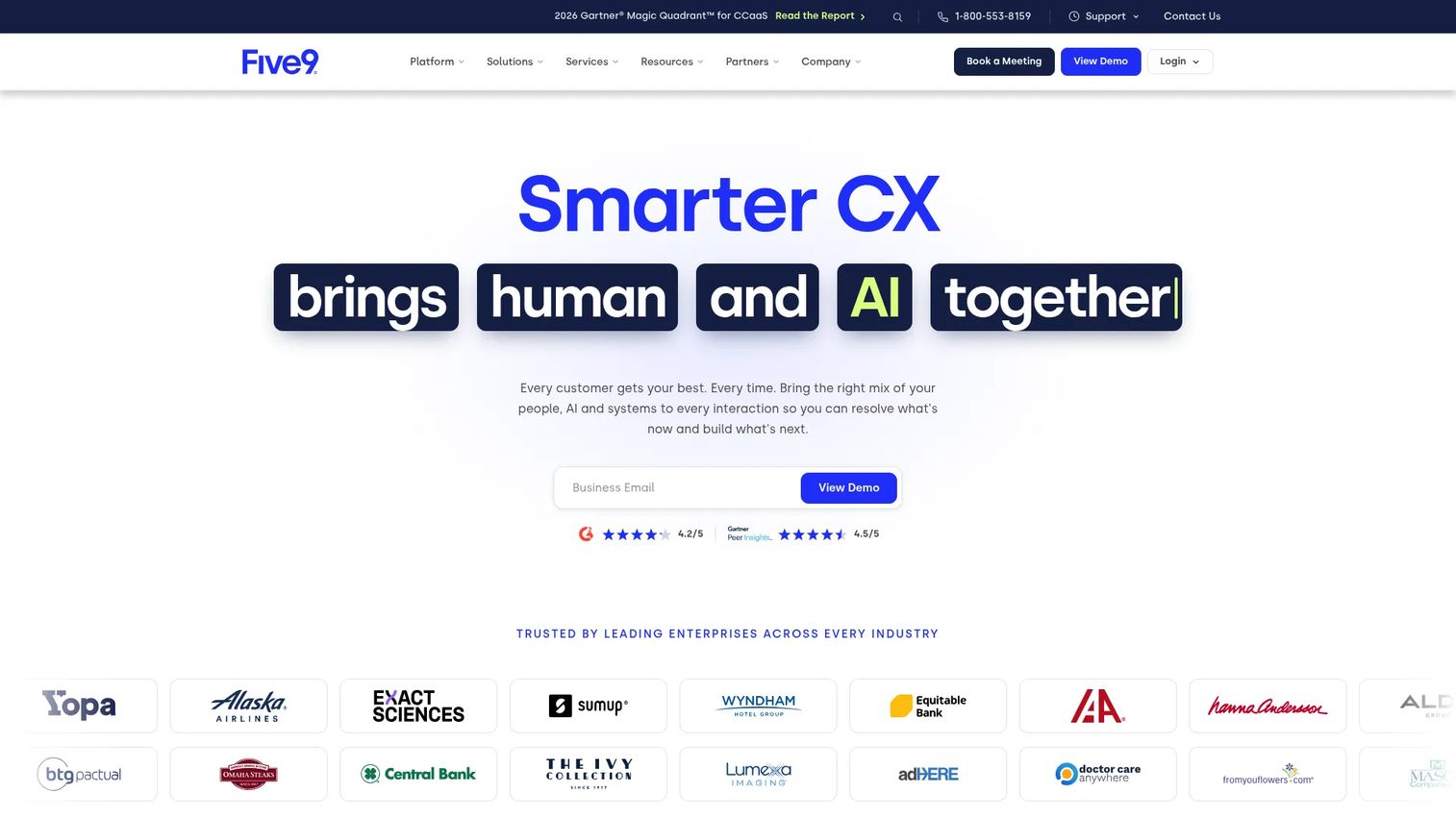
Five9 Workforce Management provides demand forecasting, multiskill scheduling, intraday adjustments, and agent adherence monitoring. The product connects these capabilities with Five9 cloud contact center operations.
An agent portal and mobile self-service support schedule access outside the supervisor desktop. Rules based scheduling can account for agent preferences while planning across several skills or channels.
Best for: Five9 customers that want WFM connected to their existing cloud contact center environment.
Key features
- Multiskill and multichannel forecasting
- Rules based agent scheduling
- Intraday management and automated adjustment
- Real-time adherence monitoring
- Agent portal and mobile access
Why choose Five9 Workforce Management: Existing Five9 customers can purchase contact handling and WFM through the same vendor relationship. This reduces the number of systems involved in forecasting and staffing decisions.
The pricing model requires attention. Published bundle rates apply per concurrent user, and Five9 states a minimum of 50 seats.
Five9 Workforce Management pricing: Digital starts at $119 per seat monthly. Core starts at $159, while Plus, Pro, and Enterprise use custom pricing.
G2 rating: 4.2/5 for the Five9 Intelligent Cloud Contact Center Platform.
4. Genesys Cloud Workforce Engagement Management
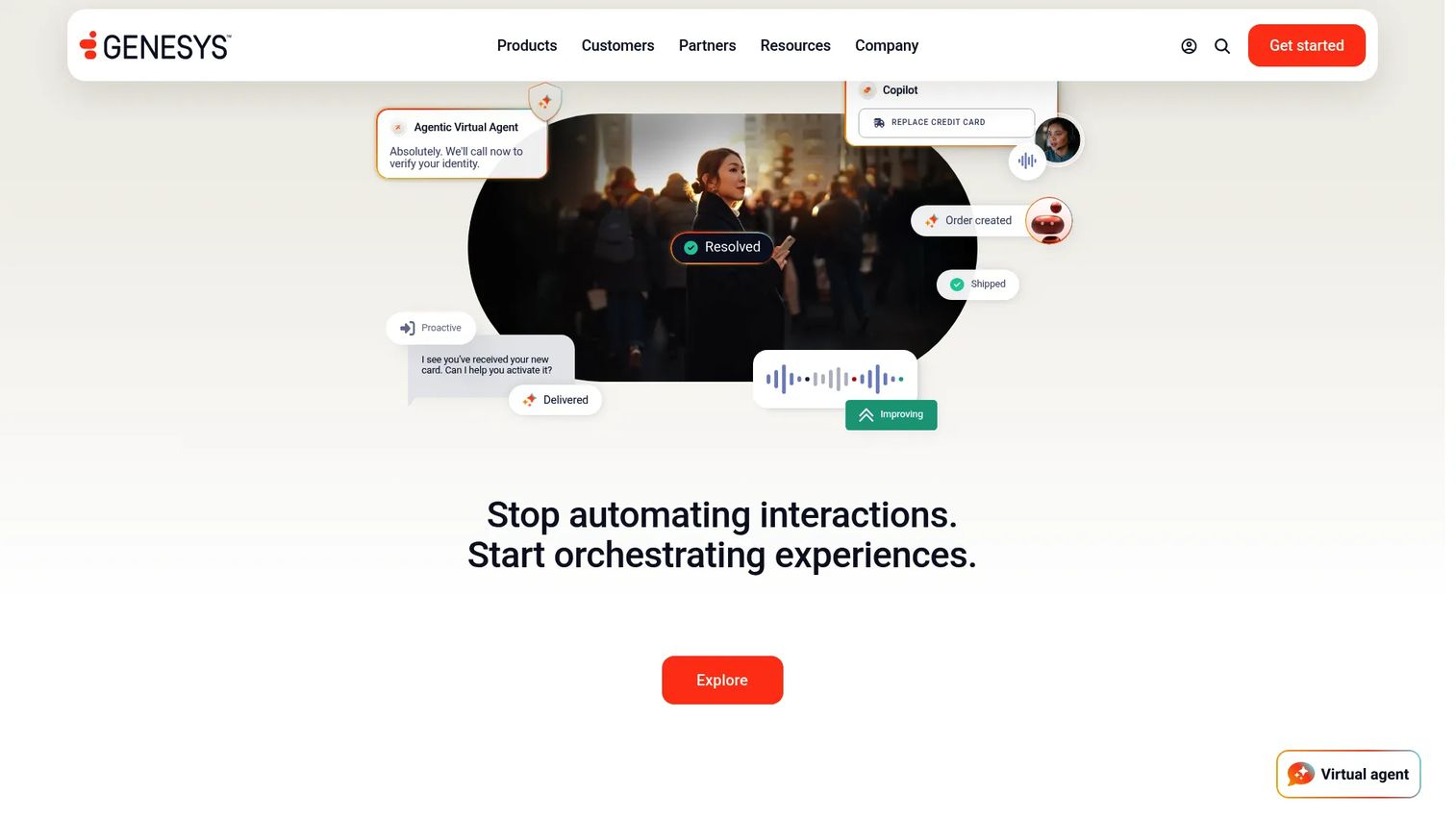
Genesys Cloud Workforce Engagement Management combines workforce planning with quality assurance and employee performance capabilities. Its WFM functions include AI forecasting, scheduling, capacity modeling, and workforce planning.
The wider product also covers interaction recording, screen recording, speech analytics, and quality management. Coaching and training workflows connect operational data with employee development.
Best for: Omnichannel contact centers that want WFM linked with routing, quality management, and employee performance.
Key features
- AI powered forecasting and scheduling
- Workforce planning and capacity modeling
- Interaction and screen recording
- Quality management and analytics
- Coaching and employee development
Why choose Genesys Cloud Workforce Engagement Management: Genesys fits teams planning voice and digital work inside Genesys Cloud CX. The broader workforce engagement scope helps managers connect coverage decisions with quality and coaching activity.
WEM capabilities sit within higher plans or can be purchased as an add-on for some lower tiers. Buyers should map required functions against each package.
Genesys Cloud Workforce Engagement Management pricing: Cloud CX plans start at $75 per user monthly, billed annually. Higher packages cost $115, $155, or $240 per user monthly.
G2 rating: 4.4/5 for Genesys Cloud CX.
5. Calabrio ONE Workforce Management
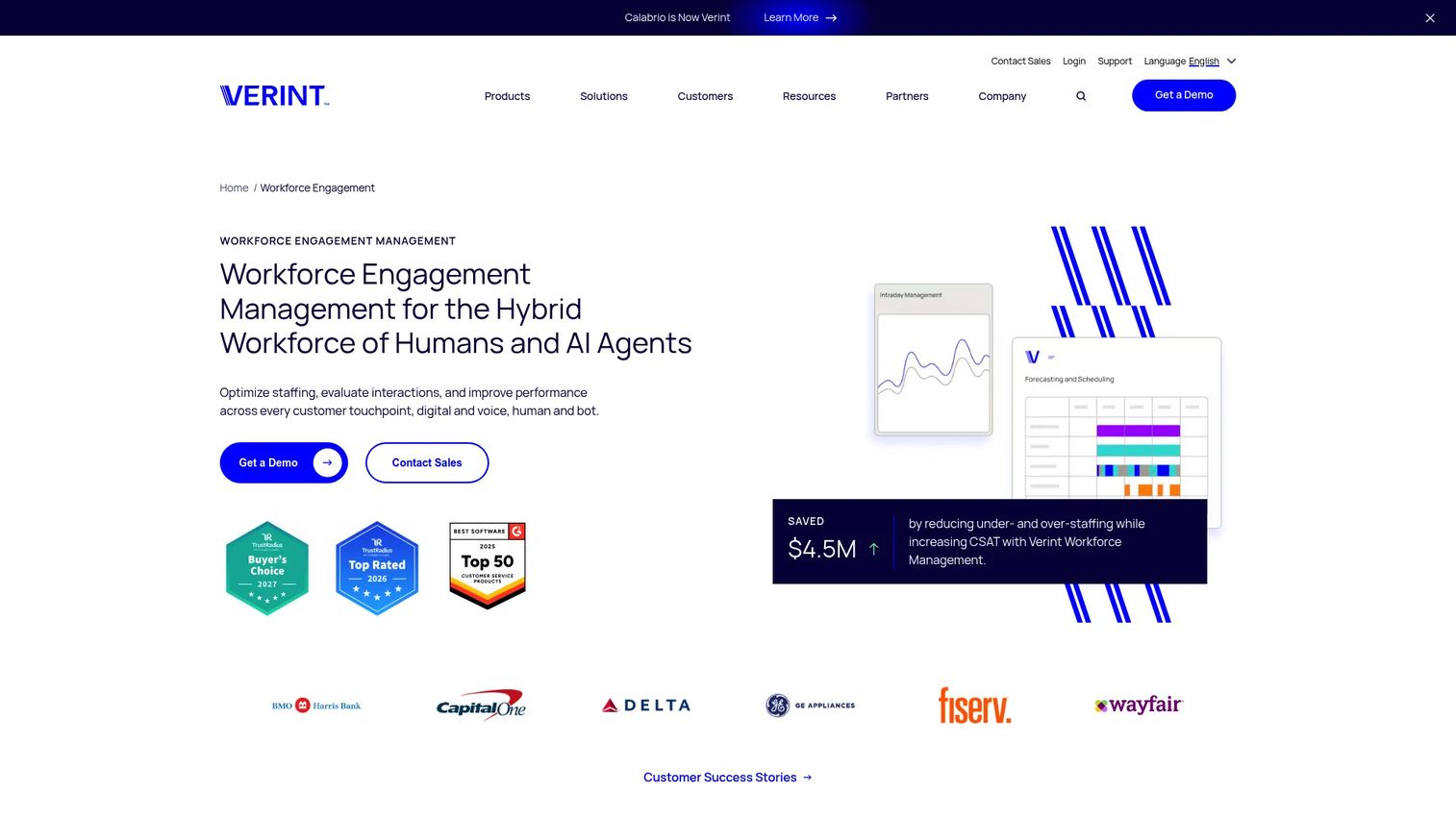
Calabrio ONE Workforce Management supports multichannel forecasting, multiskill scheduling, adherence monitoring, and intraday staffing management. It connects those functions with quality management and workforce analytics.
Agent features include self-scheduling, shift bidding, and shift trading. Employees can also submit time-off, overtime, or absence requests through scheduling workflows.
Best for: Mid-market and enterprise teams that want forecasting and quality management in the same workforce engagement environment.
Key features
- Multichannel forecasting
- Multiskill schedule optimization
- Real-time and historical adherence
- Intraday staffing management
- Self-scheduling and shift trading
Why choose Calabrio ONE Workforce Management: Calabrio fits support organizations that want workforce planning and quality programs to inform each other. Its MyTime capability also supports agent schedules and communications.
G2 states that Calabrio ONE is now Verint. Buyers should clarify current ownership, packaging, support arrangements, and roadmap during evaluation.
Calabrio ONE Workforce Management pricing: Contact Calabrio for a quote. The sales process should clarify agent volume, required modules, deployment, and integration scope.
G2 rating: 4.4/5.
6. Talkdesk Workforce Management
Talkdesk Workforce Management provides intelligent forecasting, skills based scheduling, adherence monitoring, and analytics. It operates within the Talkdesk contact center platform.
Smart request workflows help manage agent schedule changes. A mobile application gives agents and supervisors access to scheduling tasks away from the desktop.
Best for: Talkdesk contact centers that want workforce planning connected to customer interaction data.
Key features
- Intelligent demand forecasting
- Automated skills based scheduling
- Omnichannel workforce planning
- Adherence monitoring
- Mobile agent request workflows
Why choose Talkdesk Workforce Management: Talkdesk suits teams standardizing customer service operations within its CX platform. Combining interaction data with staffing workflows can simplify same day planning.
Workforce Management is included in the Elite package. Buyers comparing lower Talkdesk plans should account for that package requirement.
Talkdesk Workforce Management pricing: The Elite plan costs $165 per user monthly. Additional add-ons require a quote from Talkdesk.
G2 rating: 4.4/5 for Talkdesk.
7. Playvox Workforce Management
Playvox Workforce Management focuses on digital and omnichannel contact center operations. It covers capacity planning, forecasting, scheduling, intraday planning, and real-time activity visibility.
Shift swaps and leave requests support agent schedule control. Adherence, occupancy monitoring, and reporting help operations teams understand whether planned coverage matches current work.
Best for: Digital support teams that want workforce management connected with quality and coaching workflows.
Key features
- AI supported capacity planning
- Digital and omnichannel forecasting
- Scheduling and intraday planning
- Shift swaps and leave requests
- Adherence and occupancy monitoring
Why choose Playvox Workforce Management: Playvox is relevant when chat, email, tickets, and messaging drive a meaningful share of workload. Its workforce and quality focus also suits support organizations managing coaching alongside staffing.
Digital teams should test how forecast models handle asynchronous backlogs. Backlog age and required completion windows differ from live voice demand.
Playvox Workforce Management pricing: Contact Playvox for a quote. Pricing discussions cover agent count, channel mix, and selected workforce engagement modules.
G2 rating: 4.7/5.
8. Assembled Workforce Management
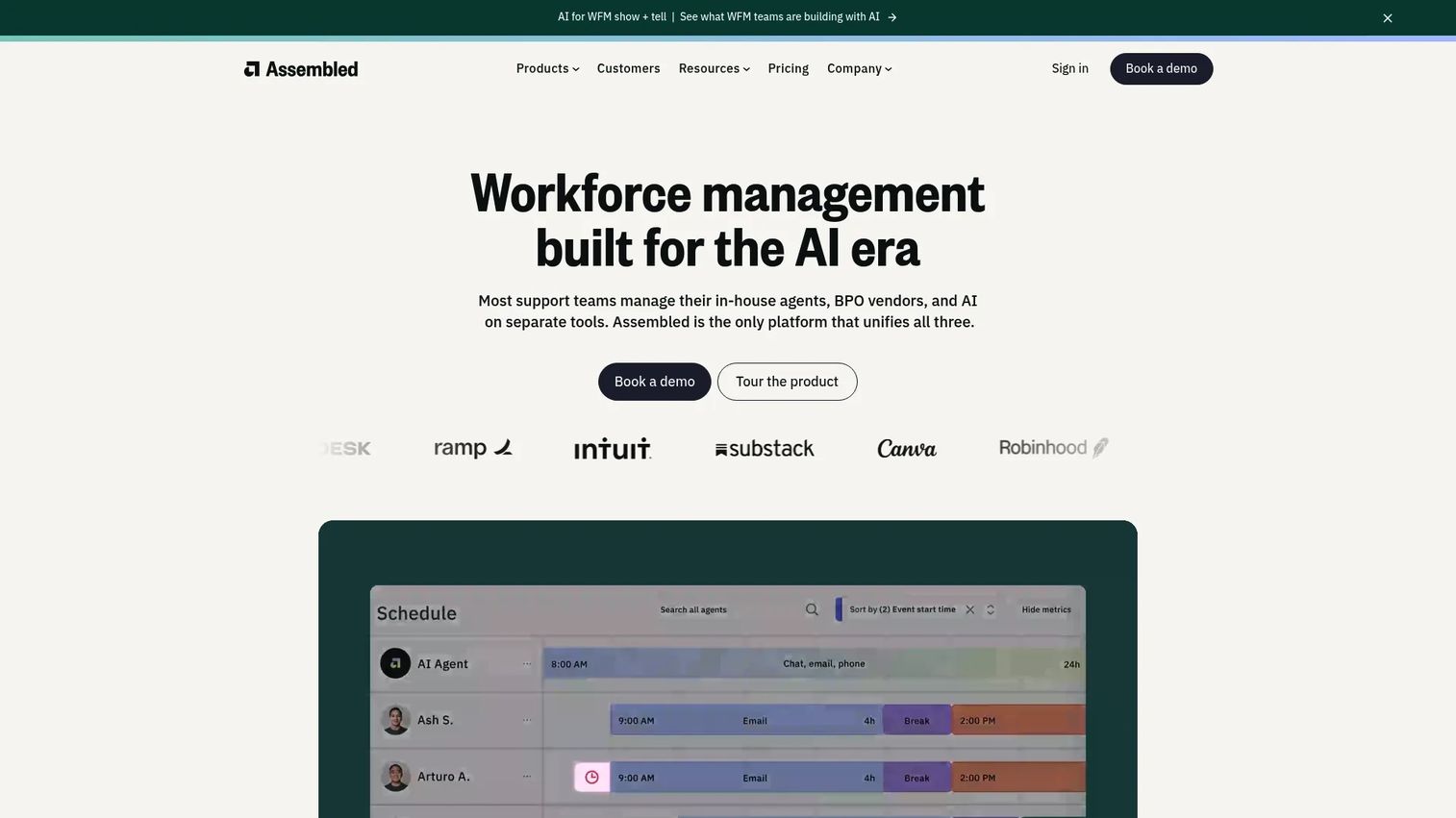
Assembled Workforce Management is designed around support operations managing in-house agents, external partners, and AI agents. Its platform combines forecasting, scheduling, real-time management, and staffing analytics.
Machine learning supports multichannel forecasting. Real-time adherence alerts help managers spot coverage changes while queues are still active.
Best for: SaaS support organizations staffing chat, email, ticket queues, and other customer service channels.
Key features
- Machine learning multichannel forecasting
- AI powered schedule generation
- Real-time adherence alerts
- Staffing analytics
- BPO and AI agent visibility
Why choose Assembled Workforce Management: Assembled speaks directly to support operations teams moving beyond spreadsheet schedules. Its pricing is also easier to model than many quote-only enterprise products.
Core covers scheduling, time tracking, and adherence monitoring. Pro adds AI scheduling, machine learning forecasts, automated time off, and shift swaps.
Assembled Workforce Management pricing: Core costs $25 per agent monthly, plus a platform fee. Pro costs $45, while Enterprise costs $75 per agent monthly.
G2 rating: 4.6/5.
9. Alvaria Workforce
Alvaria Workforce provides enterprise forecasting, schedule generation, schedule tracking, and real-time adherence. The product also includes employee self-service for contact center operations.
Its planning scope suits established organizations with formal staffing requirements. Capacity planning and productivity monitoring support large teams with complicated coverage models.
Best for: Large contact centers managing enterprise workforce planning, adherence, and employee scheduling.
Key features
- Enterprise demand forecasting
- Staffing requirement planning
- Schedule generation and tracking
- Real-time adherence monitoring
- Employee self-service
Why choose Alvaria Workforce: Alvaria suits contact centers with established planning teams and complex staffing models. It is also relevant when an organization is modernizing older WFM processes.
Buyers should examine deployment requirements and integration coverage early. These factors determine how well the platform fits existing contact routing and HR systems.
Alvaria Workforce pricing: Contact Alvaria for a quote. Expect the sales process to cover deployment, integrations, agent count, and selected modules.
10. RingCentral Workforce Management
RingCentral Workforce Management supports AI driven forecasting, schedule generation, and intraday staffing control. Real-time adherence and automatic attendance tracking help supervisors compare plans with current agent activity.
Agents can bid for shifts, request time off, and review schedules through mobile workforce management tools. The product connects with RingCentral contact center and communications services.
Best for: RingCentral contact center teams that want WFM inside their existing communications environment.
Key features
- AI driven forecasting
- Automated schedule generation
- Intraday staffing management
- Attendance and adherence tracking
- Mobile agent self-service
Why choose RingCentral Workforce Management: RingCentral offers a direct buying path for customers already using its contact center products. Existing customers can add WFM without starting a separate vendor relationship.
The add-on has a published entry price. Buyers can also access workforce capabilities through specific RingCX and enterprise contact center packages.
RingCentral Workforce Management pricing: The AI Workforce Management add-on starts at $20 per user monthly. RingCX plans start at $65 per user monthly when paid annually.
G2 rating: 4.2/5 for RingCentral Contact Center.
Considerations when choosing call center workforce management software
Forecast accuracy by channel and skill
A blended forecast can hide serious coverage gaps. Check whether the platform forecasts by interval, queue, channel, language, skill, and priority.
Ask how it measures forecast accuracy. Support teams should also test chat concurrency and asynchronous ticket backlogs separately from voice.
Shrinkage and capacity planning
A schedule becomes unreliable when shrinkage assumptions exclude meetings, breaks, PTO, training, coaching, absenteeism, or system issues.
Review how the platform stores planned and unplanned shrinkage. Small errors become expensive when repeated across a large support organization.
Intraday replanning
Forecast accuracy matters, but same day response matters too. Test how the platform handles late arrivals, outages, campaign traffic, and sudden queue imbalance.
Look for reforecasting, automated alerts, overtime workflows, and voluntary time-off controls. Managers should remain responsible for high impact schedule changes.
Agent self-service
Mobile schedules and shift swaps can remove repetitive administration from team leads. Time-off requests, bidding, and preference capture also give agents clearer control.
Check approval rules carefully. Self-service should protect coverage rather than create new gaps during peak intervals.
Integrations with the support stack
Confirm connections with your CCaaS, help desk, CRM, HRIS, payroll system, and BI environment. Quality management data may also affect coaching schedules.
For SaaS support teams, help desk integration matters as much as voice routing data. Ticket backlog must feed the staffing model.
Conclusion
The right call center workforce management software depends on your operating model.
Enterprise teams should evaluate Verint, NiCE, Five9, Genesys, and Calabrio first. These products offer broad planning depth or connect WFM with established contact center platforms.
Modern SaaS support teams should pay close attention to Assembled and Playvox. Their positioning fits multichannel service operations where chat and ticket backlogs matter alongside live queues.
Platform alignment can simplify the decision. If your contact center already runs on Five9, Genesys, Talkdesk, or RingCentral, compare the native WFM module before adding another vendor.
Whichever route you choose, test the product against a difficult week. Include absences, a product incident, a chat spike, and a growing email backlog. A polished schedule builder means little if intraday replanning cannot keep pace.
Once staffing is under control, repetitive “how do I” tickets often become the next operational bottleneck. Interactive product demos support help centers, ticket replies, onboarding, and customer training with guided product experiences.
Start your journey with Guideflow today!
FAQs
Call center workforce management software forecasts contact demand and converts expected workload into staffing requirements. It also supports scheduling, adherence monitoring, intraday changes, and capacity planning.
The aim is to place the right agents on the right activities at the required time. Modern products can plan voice and digital channels together.
There is no universal winner because team size and platform strategy change the decision. Enterprise contact centers often need deeper forecasting, governance, and workforce engagement capabilities.
CCaaS aligned teams may prefer the WFM module from their existing platform. SaaS support organizations should prioritize help desk integrations and asynchronous workload planning.
WFM in a call center is the operating process for forecasting demand and scheduling enough skilled agents to meet it. It includes long range capacity planning and same day coverage management.
The function also tracks adherence, shrinkage, and forecast accuracy. These measurements help planners improve later schedules.
Schedule adherence software compares current agent status with the scheduled activity. Supervisors can see late starts, extended breaks, unexpected offline time, or agents working the wrong queue.
Alerts support timely intervention. Historical reports reveal recurring patterns and show how exceptions affected service levels.
Intraday management is the same day monitoring and adjustment of staffing plans. It starts when actual volume, handle time, or attendance diverges from the forecast.
Common responses include reforecasting, queue moves, overtime offers, voluntary time off, and schedule edits. The aim is to restore coverage without causing unnecessary disruption.
Shrinkage includes paid time when agents cannot handle customer contacts. Typical categories include breaks, meetings, PTO, training, coaching, absenteeism, and technical issues.
Track planned and unplanned shrinkage separately. Use historical data by team or interval rather than applying one assumption across every queue.
Small teams can often begin with spreadsheets when schedules remain simple. Dedicated WFM becomes useful as channels, skills, time zones, and service targets multiply.
Warning signs include frequent overtime, repeated understaffing, manual shift changes, and unclear forecast accuracy. Those problems indicate that scheduling has become an operational system.
Voice operations need connections with the CCaaS or automatic call distributor. Digital support teams also need help desk data for chat, email, messaging, and ticket backlogs.
HRIS and payroll integrations support employee records and time data. CRM, BI, quality management, and communication tools can extend reporting and operational workflows.