A calibration due date slips. The certificate sits in somebody’s shared folder. Then a customer or auditor requests proof, and the search begins.
Calibration management software replaces that scramble with structured instrument records, scheduled reminders, certificate storage, and standards traceability. For support teams, the payoff is practical. Agents can answer “is this instrument ready?” without waiting for quality or operations.
The market reflects that demand. Future Market Insights valued calibration management software at $371.7 million in 2025. Its 2025 report forecasts the market will reach $607.4 million by 2035.
The harder question is choosing the right system. A calibration lab needs different controls from a support team retrieving certificates. Your choice should reflect the records people need, how quickly they need them, and what auditors expect to see.
What’s inside
This guide compares 12 calibration management software options for quality, metrology, maintenance, and support operations teams.
We selected products based on category relevance, workflow fit, buyer usefulness, and current search visibility. You’ll find:
- Tools for calibration due dates, certificates, and standards traceability
- A comparison of pricing, G2 ratings, and primary use cases
- Options for labs, regulated operations, and asset-heavy teams
- A buyer checklist covering records, deployment, integrations, and mobile access
- Practical guidance for reducing certificate and instrument-status escalations
TL;DR
- Best free-first option: GageList supports 25 gages and five users on its Free plan
- Best for automated metrology procedures: MET/CAL supports procedure creation, measurement uncertainty, and work-order history
- Best for regulated calibration operations: IndySoft combines calibration tracking with tooling and maintenance workflows
- Best for asset-heavy teams: Reftab emphasizes inventory visibility, while Asset Infinity covers broader asset operations
- Best for QMS workflows: CERDAAC and Qualcy QMS connect calibration records with wider quality processes
- Best practical filter: Test certificate retrieval, due-date alerts, traceability, and support access before buying
What is calibration management software?
Calibration management software is a system for tracking instruments, calibration due dates, certificates, standards traceability, work orders, and audit-ready records.
It creates a calibration database that replaces disconnected spreadsheets, PDFs, and email reminders. Each instrument record can hold its identifying information, status, calibration history, supporting documents, and next scheduled activity.
Calibration tracking software usually includes these capabilities:
- Instrument records: Asset IDs, serial numbers, locations, owners, and status
- Due-date management: Calibration intervals, reminders, and overdue notifications
- Certificate control: Digital calibration certificates linked to instrument histories
- Standards traceability: Records connecting instruments to relevant reference standards
- Audit trails: Historical changes, results, approvals, and digital sign-offs
- Work management: Technician assignments, work orders, and preventive maintenance
- Field access: Mobile workflows, QR codes, barcode scanning, and remote updates
- Reporting: Overdue lists, calibration histories, performance data, and audit exports
The terms gage calibration software and gauge calibration software usually describe the same category. “Gage” is common in manufacturing, while “gauge” appears frequently in general searches.
Some products focus narrowly on gage tracking software. Others combine calibration with maintenance management, asset inventory, or broader quality processes.
Support teams may not own calibration. They still feel the operational cost when records are hard to retrieve. A reliable calibration database helps agents find certificates, confirm instrument status, and check history before replying.
Software can organize evidence for ISO 9001 or ISO/IEC 17025 audits. It doesn’t guarantee compliance. Your procedures, training, validation, and internal controls still determine the outcome.
When to use calibration management software
Replace spreadsheet-based due-date tracking
Move to calibration software when spreadsheet ownership becomes a bottleneck. A missing reminder or outdated row can leave an overdue instrument in service.
Centralized scheduling assigns ownership and creates automatic alerts. Teams can see upcoming calibration due dates without relying on one person’s workbook.
Prepare calibration records for audits
Use a dedicated system when auditors regularly request historical results, certificates, approvals, or standards traceability. Organized records reduce last-minute searches across shared drives.
This need often appears in ISO 9001, ISO/IEC 17025, FDA-regulated, and aerospace quality contexts. The software stores evidence, while your quality system governs how that evidence gets created and approved.
Give teams faster answers about instrument status
Calibration management software helps when support, maintenance, and quality teams repeatedly receive status questions. Agents can look up certificate availability, service history, or out-of-service status before escalating.
That access can shorten handle time and improve reply accuracy. It also keeps help center instructions aligned with the current source record.
Calibration management software comparison
The table below is a buyer shortcut, rather than a universal ranking. Start with the workflow that causes the most disruption today.
If support spends hours chasing calibration certificates, prioritize search and access. Metrology teams should focus on procedure automation and measurement data. Distributed operations may care more about mobile calibration management and multi-site visibility.
| # | Product | Best for | Key differentiator | Pricing | G2 rating |
|---|---|---|---|---|---|
| 1 | GageList | Free-first gage tracking | Cloud calibration records and scheduling | Free for 25 gages, paid from $99/month | 4.0/5 |
| 2 | MET/CAL | Automated metrology procedures | Procedure-driven calibration automation | Custom pricing | N/A |
| 3 | IndySoft | Regulated calibration operations | Calibration, tooling, and maintenance workflows | Custom pricing | 5.0/5 |
| 4 | Reftab | Asset-centered tracking | Inventory, assignments, scanning, and maintenance | Free for 50 assets, paid from $125/month | 4.3/5 |
| 5 | MeazureUp | Distributed operational audits | Mobile checklists and field assessments | Custom pricing, free trial available | 5.0/5 |
| 6 | Asset Infinity | Enterprise asset operations | Modular asset lifecycle and maintenance controls | Asset Register from $130/month | 4.6/5 |
| 7 | CERDAAC | Regulated maintenance and calibration | Calibration controls within compliance workflows | Custom pricing | 4.4/5 |
| 8 | Qualcy QMS | QMS-centered calibration records | Calibration linked with wider quality processes | User pricing from $21/month, plus support fee | 4.7/5 |
| 9 | metquay.ai | Calibration laboratory workflows | Offline worksheets and AI interval optimization | Custom pricing, free trial available | N/A |
| 10 | SPC-PC IV Explorer | Statistical process control | Process analysis and configurable control charts | Starts at $995 | N/A |
| 11 | NEOGAGE | Gage-focused calibration tracking | Instrument history, reminders, and QR identification | Free plan, paid tiers by quote | 4.5/5 |
| 12 | TrackPro | Lightweight calibration databases | Windows-based recurring activity tracking | Free for up to 100 items | N/A |
Best 12 tools for calibration management software
1. GageList
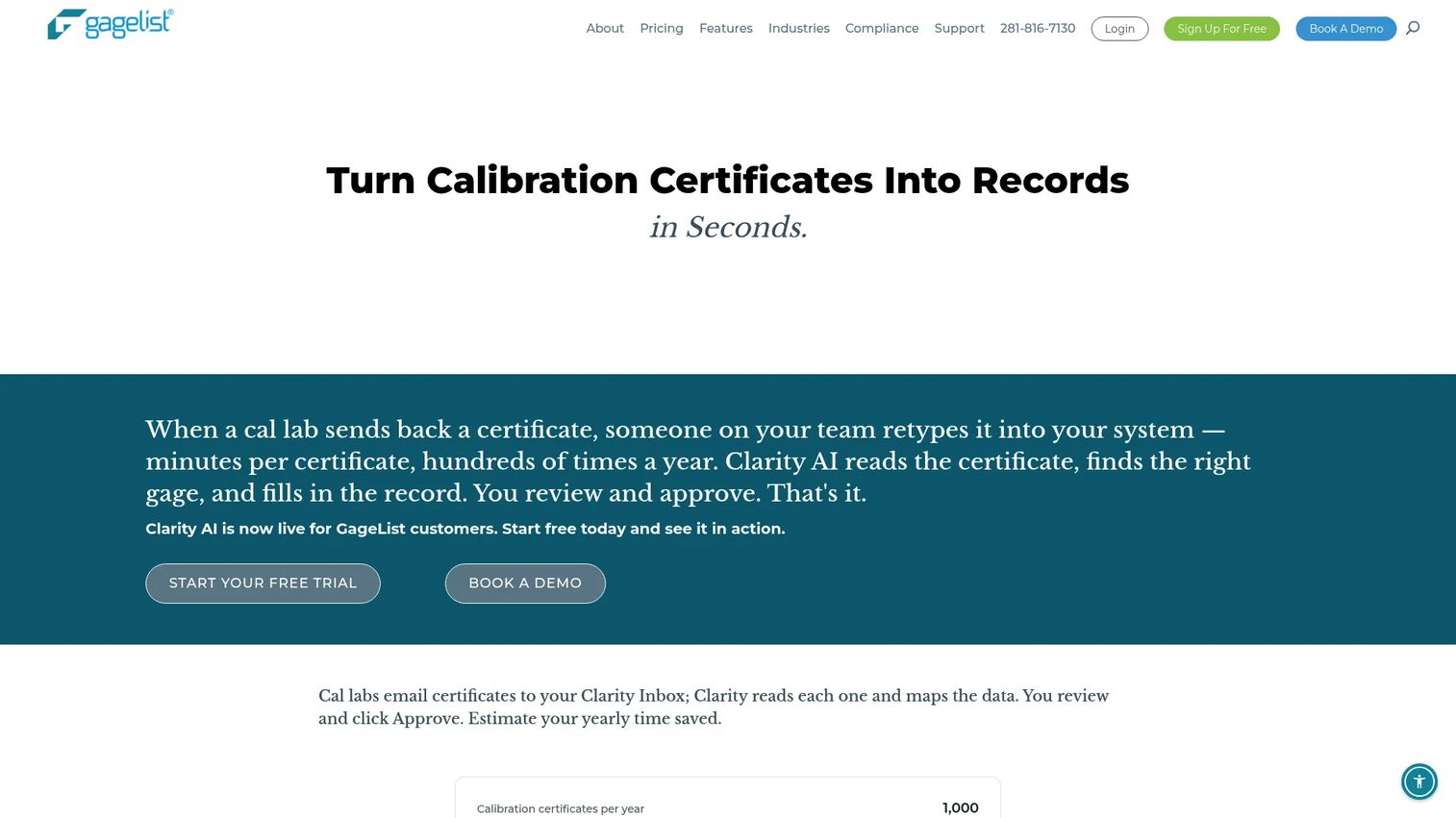
GageList is web-based and mobile gage calibration software. It manages calibration records, scheduled events, certificates, labels, and automated notifications.
Its multi-site tools suit teams replacing spreadsheets with cloud-based calibration software. Support agents can retrieve a gage record without searching separate folders for its latest certificate.
Best for: Small and mid-sized quality teams that need practical cloud gage tracking.
Key features
- Gage and calibration event records
- Automated calibration notifications
- Digital certificate management
- Label printing and mobile access
- Multi-site gage visibility
Why choose GageList: The Free plan creates a low-cost starting point for spreadsheet replacement. Paid tiers expand capacity and add controls for larger operations.
GageList pricing: The Free plan includes 25 gages and five users. Paid monthly plans start at $99 for Core and reach $499 for Max.
G2 rating: 4.0/5
2. MET/CAL
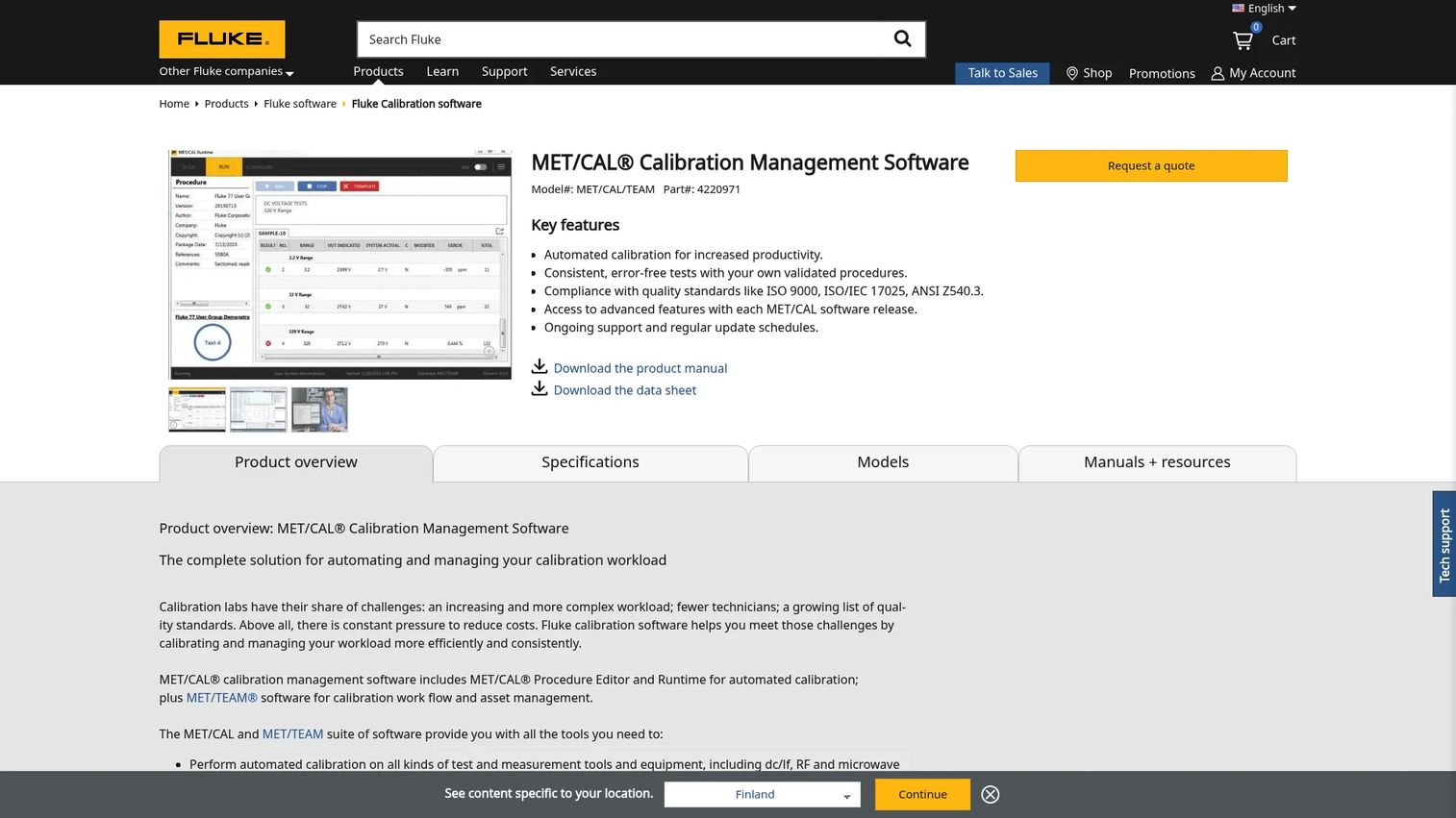
MET/CAL is designed for procedure-heavy calibration environments. It supports automated procedures through its Procedure Editor and Runtime components.
Technical teams can create, edit, test, and document procedures. The system also manages assets, work-order history, measurement uncertainty, verification data, and audit trails.
Best for: Calibration laboratories and metrology teams running technical, repeatable procedures.
Key features
- Automated calibration procedures
- Procedure creation and testing
- Work-order history
- Measurement uncertainty configuration
- Audit trail reporting
Why choose MET/CAL: Choose it when procedure automation and technical measurement data drive the buying decision. It fits structured laboratory workflows better than a basic due-date database.
MET/CAL also supports quality environments working with ISO 9000, ISO/IEC 17025, NRC 10 CFR, and ANSI Z540.3 requirements. These capabilities help teams organize evidence without replacing their quality procedures.
MET/CAL pricing: Custom pricing. Buyers request a quote and select from available licenses and modules.
3. IndySoft
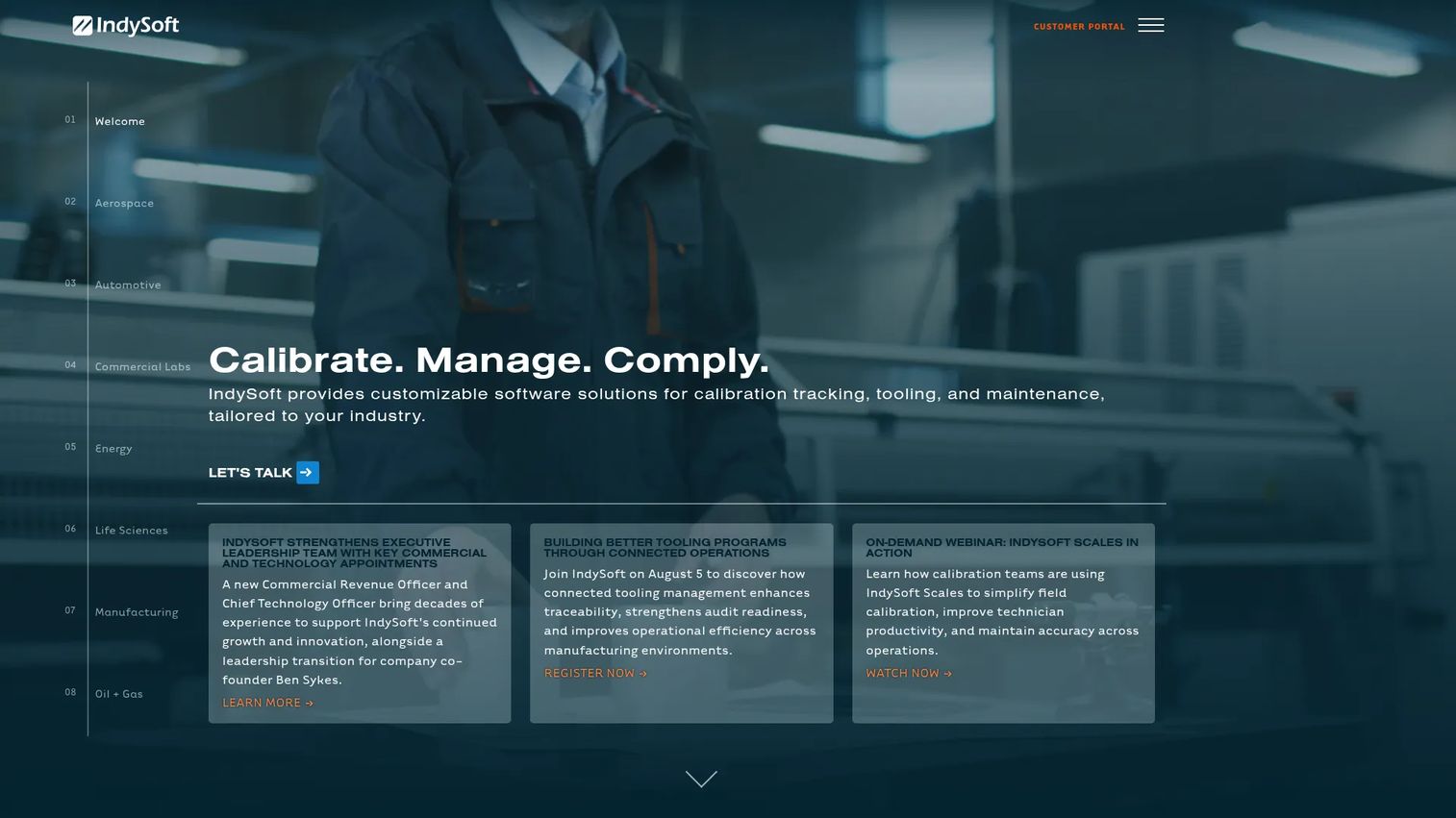
IndySoft combines calibration tracking with tooling, inventory, repair, and preventive maintenance. It supports cloud and on-premises deployment.
Calibration workflows include uncertainty calculations, pass or fail readings, automated alerts, barcoding, and digital sign-offs. Teams can also configure searches, reports, views, and multi-site processes.
Best for: Enterprise operations and commercial labs managing regulated calibration workflows.
Key features
- Calibration tracking and uncertainty calculations
- Tooling and inventory management
- Repair and preventive maintenance
- Barcoding and digital sign-offs
- Multi-site workflow configuration
Why choose IndySoft: It suits mature operations where calibration connects directly with tooling and maintenance. Commercial calibration labs can also use it to manage customer-facing work.
Support teams benefit from having operational records in a structured system. That reduces internal handoffs when an agent needs an asset status or signed record.
IndySoft pricing: Custom pricing. Buyers contact sales for package and deployment details.
G2 rating: 5.0/5
4. Reftab
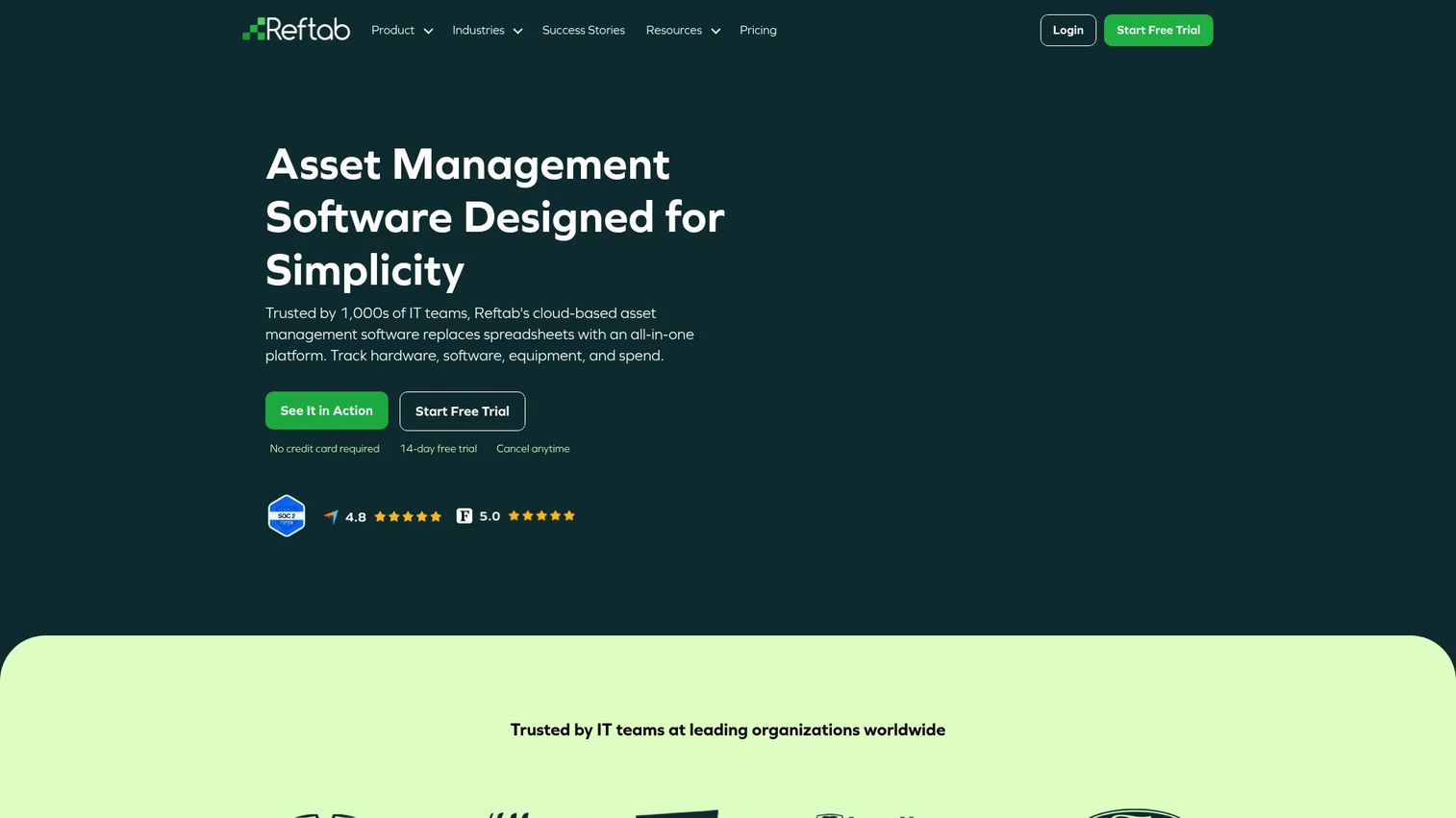
Reftab is a cloud-based asset management platform. It covers hardware inventory, software licenses, equipment assignments, audits, and maintenance work orders.
Its calibration fit comes from the asset record and maintenance foundation. QR codes, barcode scanning, mobile apps, and assignment histories help teams understand where an instrument sits and who holds it.
Best for: Teams connecting calibration schedules with wider asset inventory workflows.
Key features
- Hardware asset tracking
- Assignment and location history
- QR and barcode scanning
- Maintenance work orders
- Mobile asset audits
Why choose Reftab: Pick Reftab when calibration is one part of an asset control problem. It gives support and operations teams a fast way to locate equipment and review its history.
Dedicated calibration labs may require more technical procedure controls. Asset-heavy organizations gain a broader inventory view that basic gage tracking software may not provide.
Reftab pricing: The Free plan supports 50 assets. Hardware Asset Management costs $125 monthly, while Complete ITAM uses custom pricing.
G2 rating: 4.3/5
5. MeazureUp
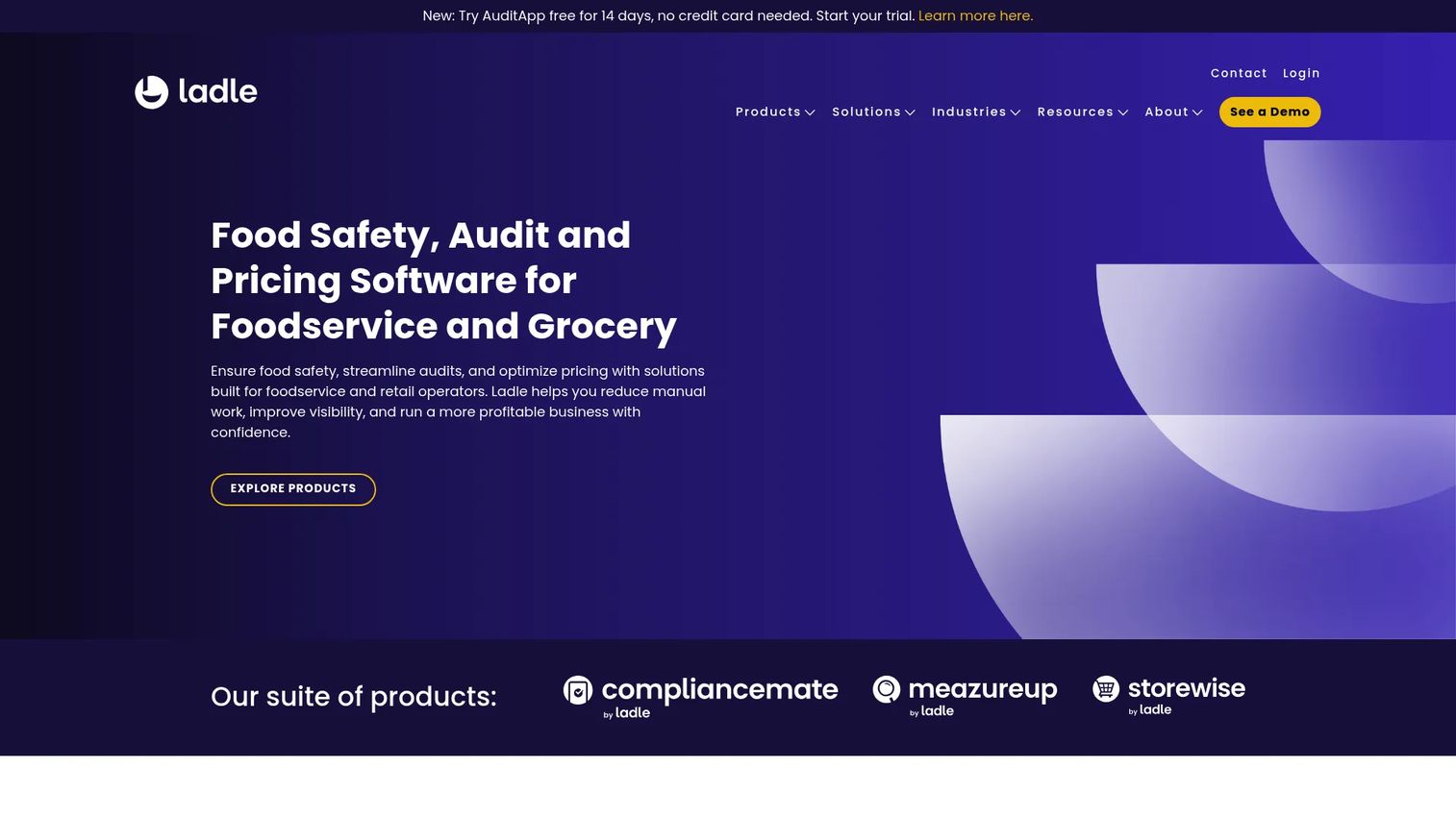
MeazureUp focuses on cloud-based operational audits and quality assessments for multi-location businesses. Mobile users complete digital inspections with photos, comments, and signatures.
The platform serves restaurant, retail, grocery, and convenience-store operations. Calibration-related checks can sit within broader site inspections, temperature logs, or corrective action workflows.
Best for: Distributed operations that prioritize mobile field checks and location-level consistency.
Key features
- Digital inspection forms
- Mobile photos and comments
- Multi-location reporting
- Corrective action plans
- Temperature monitoring logs
Why choose MeazureUp: Choose it when calibration appears inside a broader operational audit. It suits field execution better than technical metrology procedure management.
Support operations can use the resulting records to answer location questions with more context. Agents can see submitted evidence instead of asking site managers to repeat a completed check.
MeazureUp pricing: Custom pricing. A free trial is available through the vendor.
G2 rating: 5.0/5
6. Asset Infinity
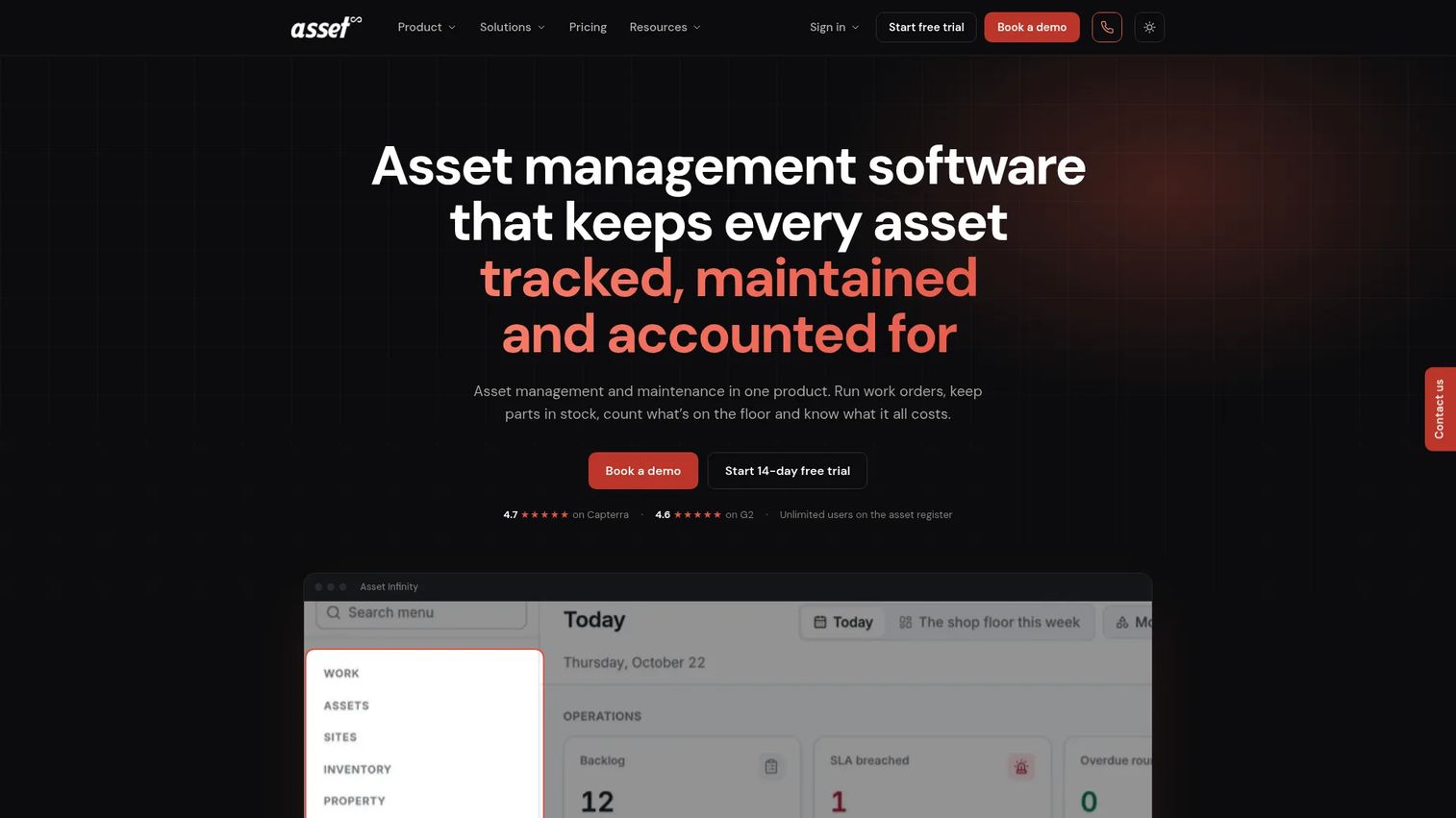
Asset Infinity manages physical assets across tracking, maintenance, procurement, inventory, and accounting workflows. It supports barcodes, QR codes, RFID, and GPS tracking.
Preventive maintenance and inspection tools help operations teams manage recurring work. Calibration schedules can sit alongside helpdesk requests, work orders, vendor records, and asset histories.
Best for: Organizations managing many asset types beyond gages and measurement instruments.
Key features
- Asset lifecycle tracking
- Preventive maintenance schedules
- Work orders and inspections
- Barcode and QR labels
- Inventory and purchasing records
Why choose Asset Infinity: It fits organizations where calibration belongs within wider asset operations. Modular pricing lets buyers add maintenance or analytics functions separately.
The asset history can also give support teams context before escalating a request. That matters when equipment ownership or location changes frequently.
Asset Infinity pricing: Asset Register starts at $130 monthly for 500 assets. A 14-day free trial is available.
G2 rating: 4.6/5
7. CERDAAC
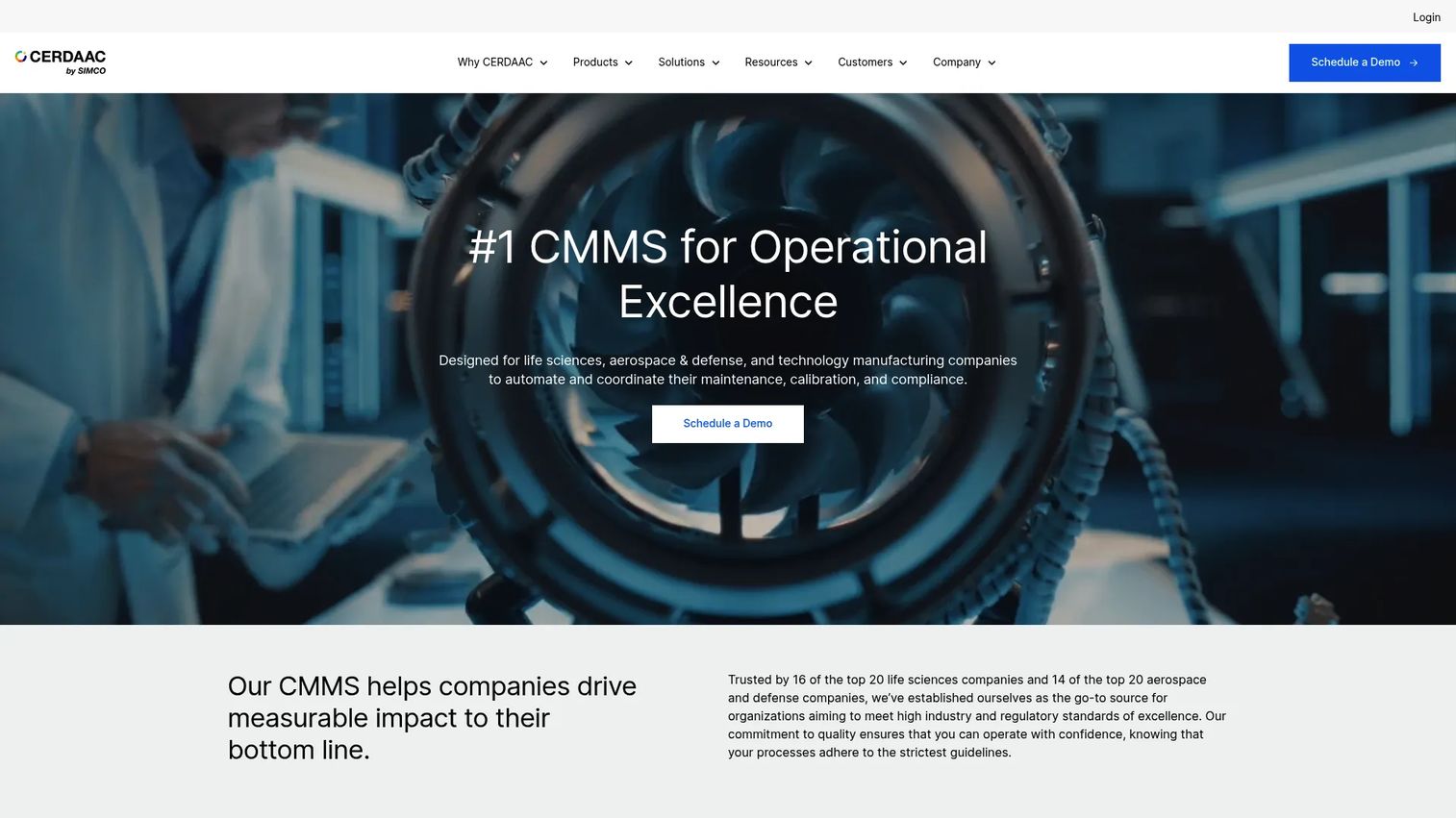
CERDAAC is a computerized maintenance management system for regulated manufacturers. It coordinates calibration, maintenance, assets, facilities, and compliance documentation.
Calibration functions include measurement-uncertainty calculations and traceability. Teams can also manage preventive maintenance, repair histories, inspections, permits, and work orders.
Best for: Regulated manufacturers connecting calibration with maintenance and compliance controls.
Key features
- Calibration and uncertainty management
- Asset and work-order control
- Preventive maintenance scheduling
- Compliance dashboards
- Audit trails and document management
Why choose CERDAAC: It suits life sciences, aerospace, defense, and technology manufacturing environments. The wider workflow helps teams connect calibration evidence with maintenance activity.
Support teams serving regulated customers can use controlled records to answer certificate and service-history questions. Access still needs to follow the organization’s permissions and approval process.
CERDAAC pricing: Custom pricing. Buyers request a quote covering the required modules and services.
G2 rating: 4.4/5
8. Qualcy QMS
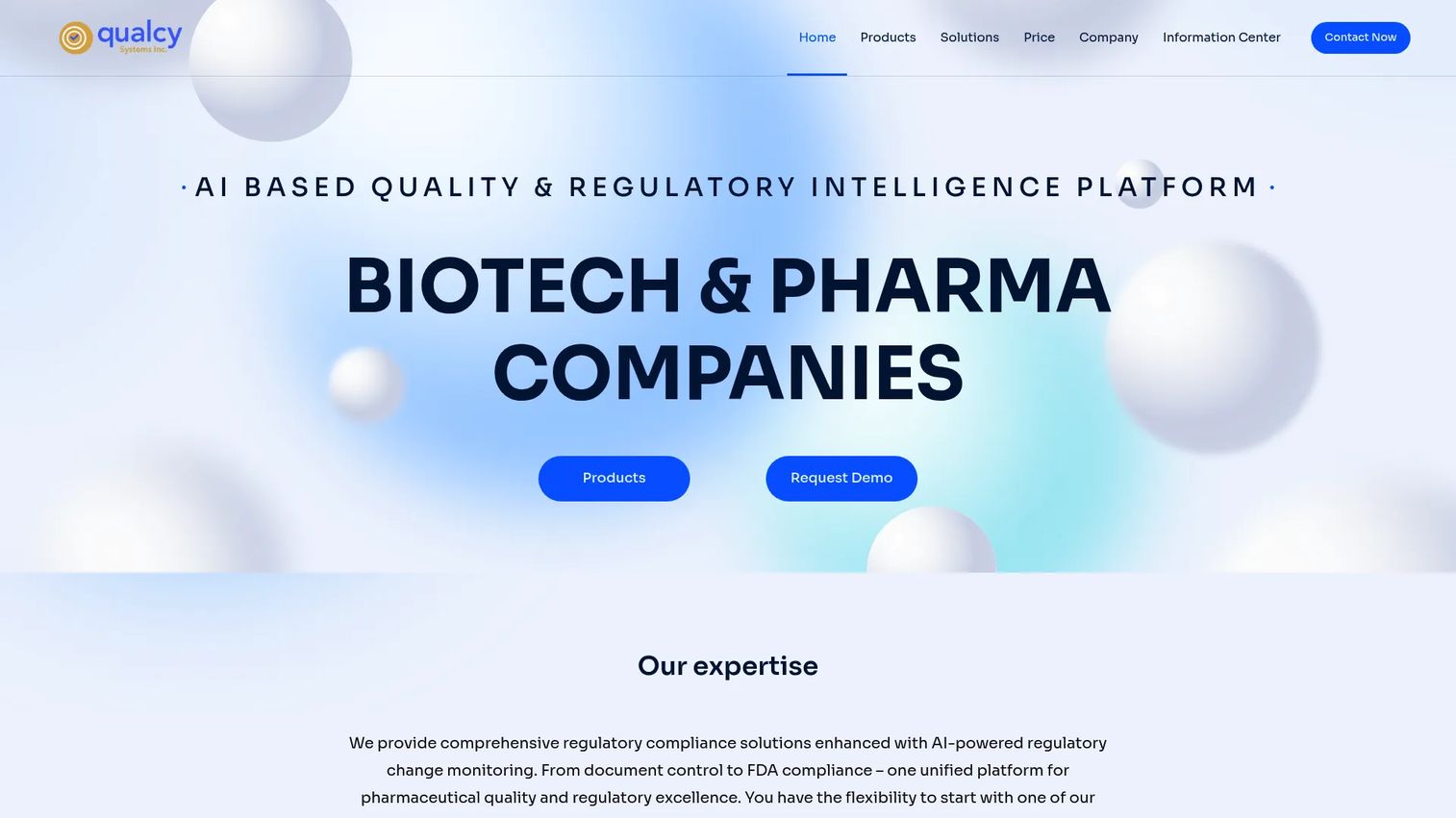
Qualcy QMS connects calibration and preventive maintenance with broader electronic quality management. It targets biotech, pharmaceutical, and medical-device organizations.
Available functions include document control, audits, training records, CAPA, risk management, and design controls. Calibration records therefore sit beside related quality events rather than in an isolated database.
Best for: Regulated quality teams that want calibration inside a wider QMS.
Key features
- QMS-linked calibration management
- Document control
- Audit management
- CAPA and nonconformance records
- Training record management
Why choose Qualcy QMS: Select it when calibration affects document control, corrective actions, or staff training. A connected QMS helps teams follow the record into related quality processes.
The platform includes electronic-record capabilities for 21 CFR Part 11 contexts. Buyers still need to validate the software and their procedures for their intended use.
Qualcy QMS pricing: Basic users cost $21 to $39 monthly, plus a $99 monthly support fee. A 30-day free trial is available.
G2 rating: 4.7/5
9. metquay.ai
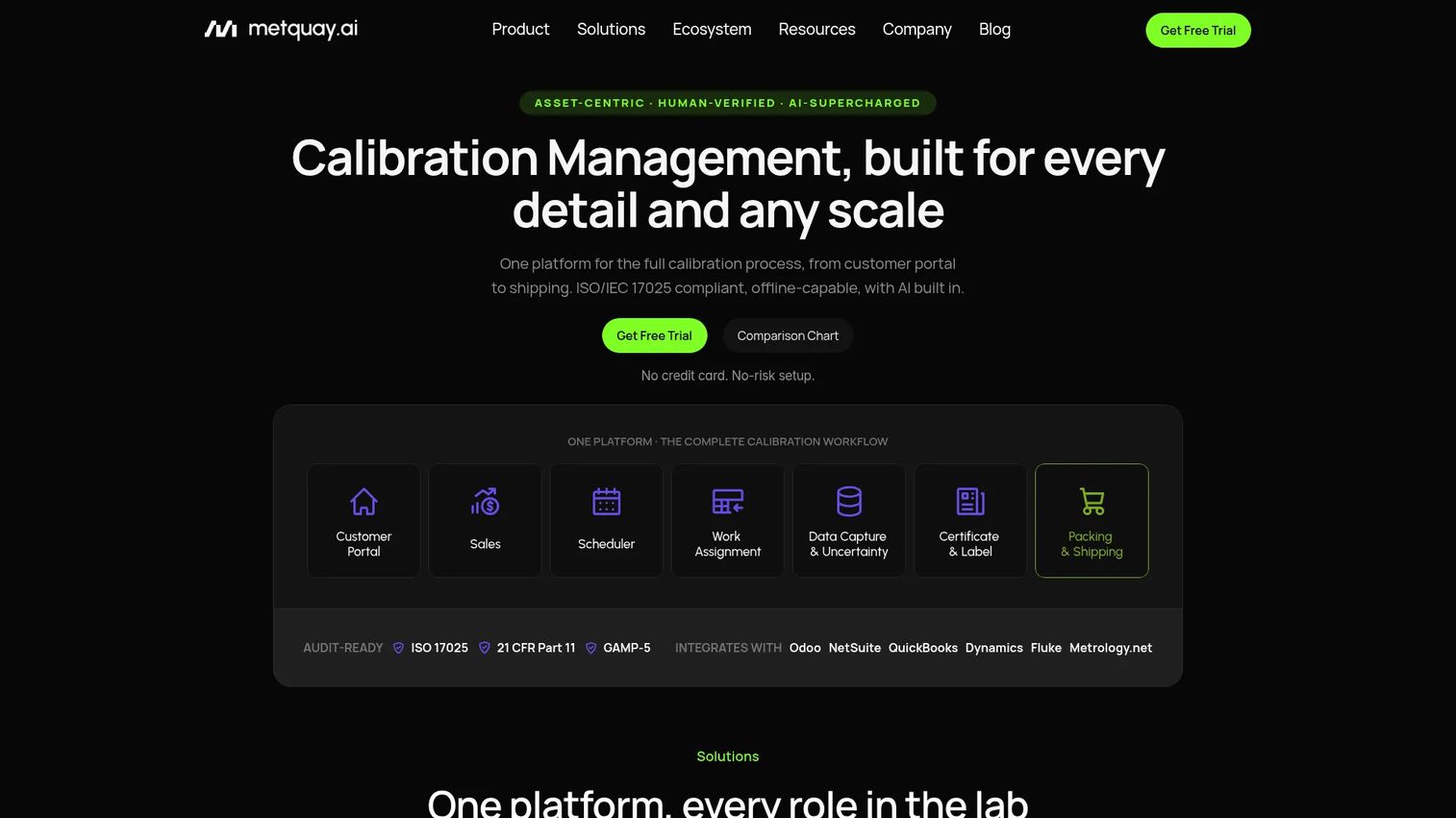
metquay.ai manages end-to-end calibration laboratory workflows. Its scope covers scheduling, measurement capture, certificates, labels, packing, and customer delivery.
Offline-first worksheets support mobile and progressive web app use. The platform also includes barcode scanning, QR workflows, customer portals, and multi-workspace access controls.
Best for: Calibration laboratories seeking mobile workflows and customer certificate delivery.
Key features
- Offline-first calibration worksheets
- AI interval optimization
- Barcode and QR scanning
- Customer portal access
- Certificate delivery workflows
Why choose metquay.ai: It suits labs that need more than internal recordkeeping. Customer portals and delivery functions help move completed certificates from the laboratory to the requester.
The platform also supports ISO/IEC 17025, 21 CFR Part 11, and GAMP-5 contexts. Treat those as workflow support rather than a compliance guarantee.
metquay.ai pricing: Custom pricing. Buyers can request access through a free trial.
10. SPC-PC IV Explorer
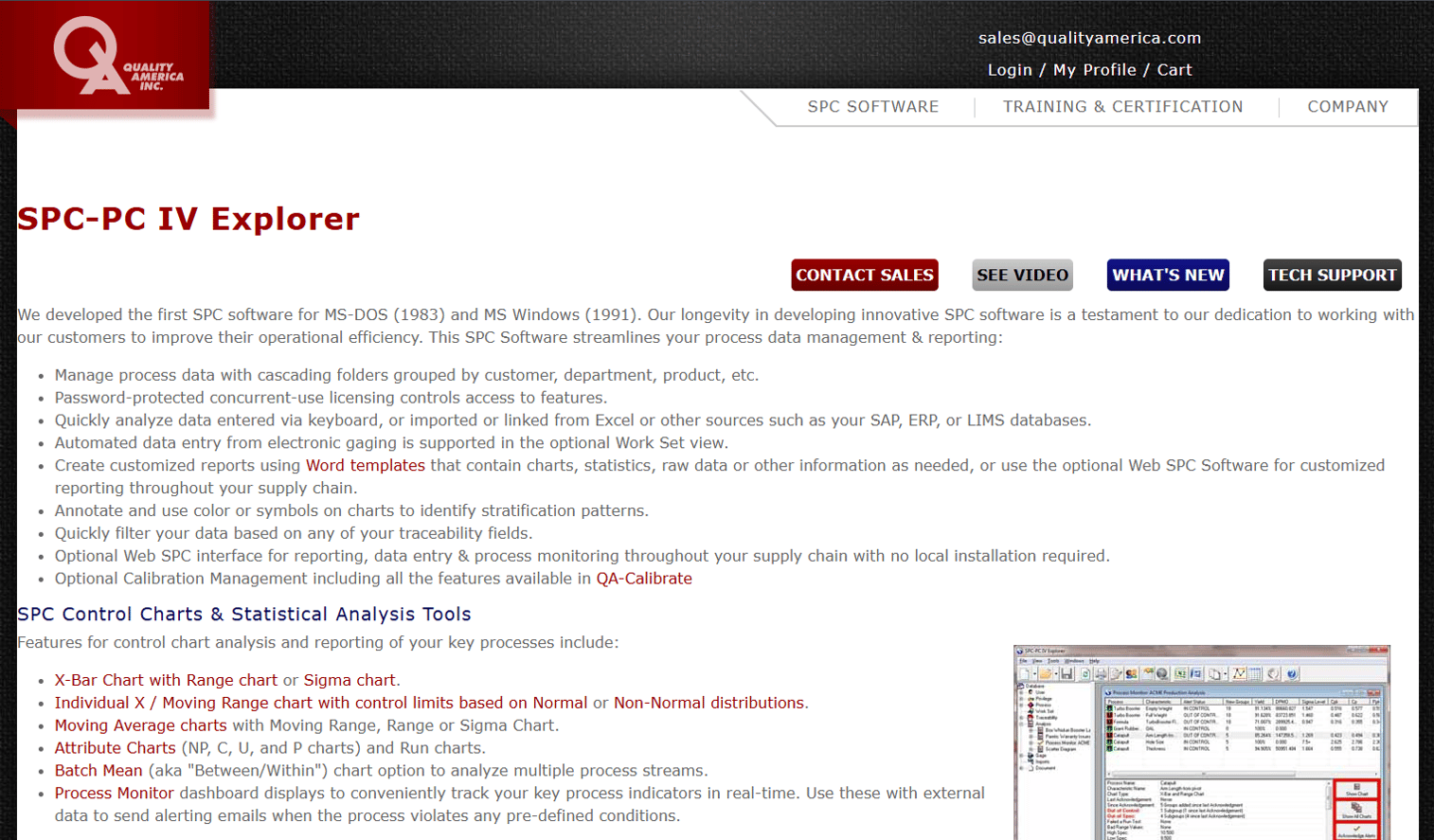
SPC-PC IV Explorer is statistical process control software for manufacturing quality teams. It creates control charts, analyzes process capability, and monitors production data.
Its connection to calibration is indirect but relevant. Teams can place measurement quality within wider process analysis, using imported, linked, internal, or database data.
Best for: Manufacturing teams connecting measurement control with statistical process analysis.
Key features
- Statistical process control charts
- Process capability analysis
- Configurable data folders
- Real-time quality dashboards
- Custom reports and alerts
Why choose SPC-PC IV Explorer: Choose it when statistical quality analysis drives the requirement. It offers more process context than a lightweight calibration database.
The optional Work Set view supports production data entry, electronic gauging, equipment connections, and automated alerts. Dedicated gage calibration workflows may still require another system.
SPC-PC IV Explorer pricing: Pricing starts at $995. Perpetual-use licenses and optional modules are available.
11. NEOGAGE
NEOGAGE digitizes industrial quality, metrology, machine-control, and tool-management processes. Its measuring-equipment module handles calibration status and usage history.
Automatic reminders support due-date control. QR codes and RFID can identify equipment, while loan tracking helps teams see where an instrument is being used.
Best for: Manufacturing and metrology teams needing focused measuring-equipment control.
Key features
- Measuring-equipment registration
- Calibration status tracking
- Automatic due-date reminders
- QR and RFID identification
- Usage and loan history
Why choose NEOGAGE: It gives quality teams a focused way to manage instrument records, traceability, and calibration documentation. MSA and SPC reporting add manufacturing quality context.
The Free plan suits smaller inventories. Larger teams can move to plans supporting more users and instruments.
NEOGAGE pricing: The Free plan supports one user and 50 instruments. Basic, Standard, and Premium plans use custom pricing, with a 30-day trial available.
G2 rating: 4.5/5
12. TrackPro
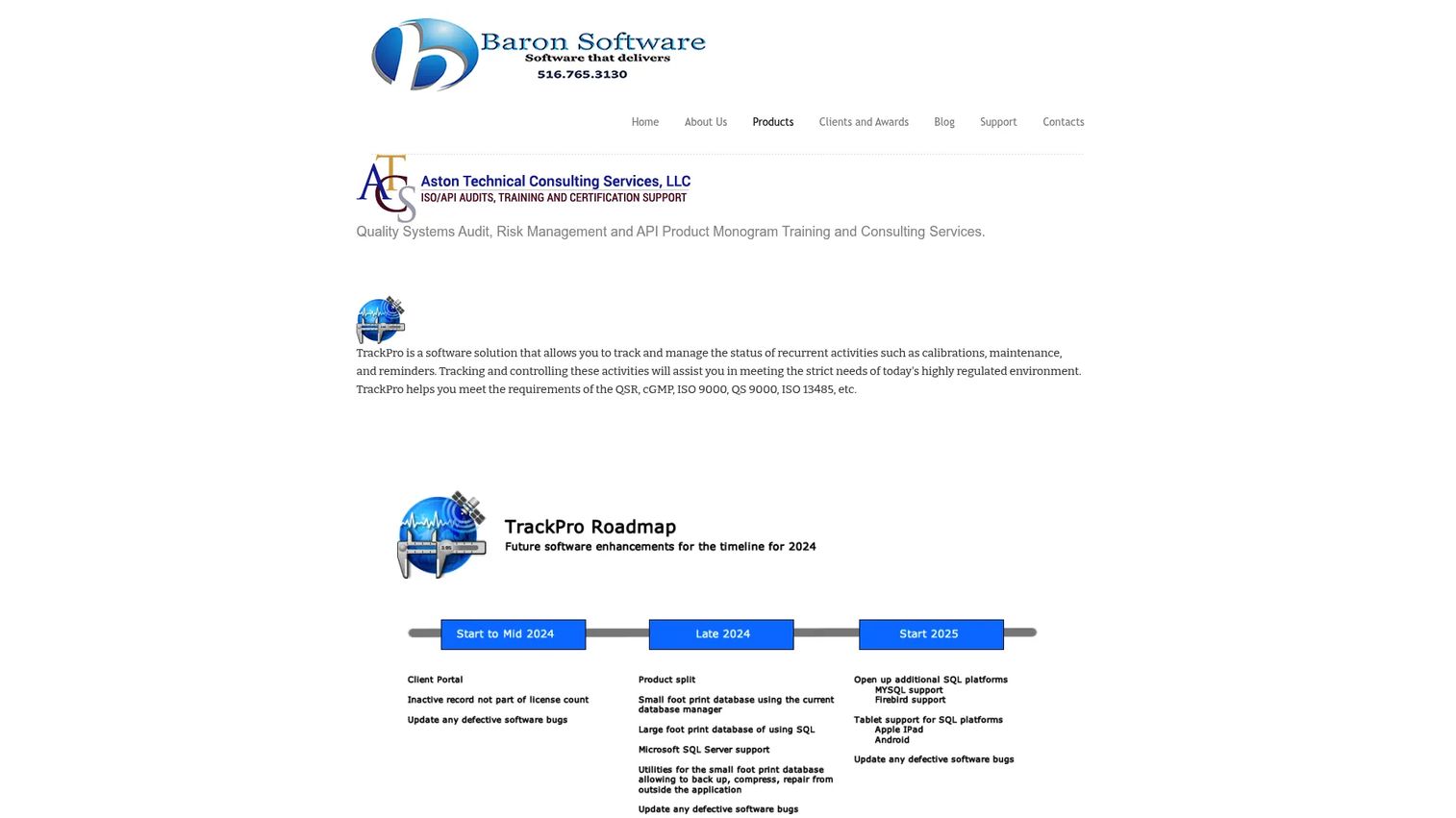
TrackPro is Windows-based calibration database software for recurring activities. It tracks calibrations, maintenance tasks, reminders, equipment locations, and due dates.
The platform includes an audit trail and report designer. Teams can print calibration labels, export records, and send automated email notifications for upcoming work.
Best for: Small regulated organizations seeking a focused desktop calibration database.
Key features
- Automatic due-date calculations
- Calibration email reminders
- Equipment location tracking
- Audit trail capability
- Report and label printing
Why choose TrackPro: It suits smaller teams that need a practical spreadsheet replacement without a broad enterprise platform. Its Windows model also fits organizations that prefer local desktop software.
Support teams can export records to Word, text, CSV, or PDF. That makes it easier to provide requested evidence in a usable format.
TrackPro pricing: The Free version supports up to 100 items. Contact the vendor about paid use beyond that limit.
Considerations when choosing calibration management software
Start with the calibration record
The instrument record is the foundation. Check whether it stores asset ID, serial number, owner, location, calibration interval, and current status.
It should also connect the last result with the next due date. Support agents need that context in one view.
Verify certificate and audit workflows
Test whether users can upload, generate, approve, search, and export calibration certificates. A certificate that exists but can’t be found still creates an escalation.
Review audit trails as well. Confirm the system records changes, approvals, results, and relevant timestamps.
Check standards traceability
Traceability should show which reference standard supported each calibration. Buyers may also need that standard’s status and related history.
ISO/IEC 17025 and ANSI Z540.3 are common contexts. The software organizes evidence, while your quality controls determine whether the process meets requirements.
Evaluate deployment and mobile access
Decide whether you need cloud, on-premises, desktop, or mobile deployment. Field technicians may require barcode scanning or offline work.
Multi-site buyers should test permissions and record visibility. Confirm whether every location follows the same structure without losing local ownership.
Map integrations before buying
List the QMS, ERP, maintenance, and asset systems involved in the workflow. Then identify which platform owns each record.
Support operations should also check how agents retrieve data. A separate login may create more work unless the lookup process is clear.
Conclusion
The right calibration management software depends on the questions your team must answer fastest.
GageList provides a practical free-first route into cloud gage tracking. MET/CAL suits technical calibration labs that rely on automated procedures and measurement data. IndySoft connects calibration with tooling and maintenance.
Reftab and Asset Infinity fit asset-centered operations. CERDAAC and Qualcy QMS place calibration inside wider compliance or quality workflows. NEOGAGE and TrackPro offer more focused instrument tracking.
Before buying, shortlist three products around your current calibration maturity. Map where records live today, then test the workflows that cause the most disruption.
Ask each vendor to demonstrate:
- Finding a calibration certificate
- Identifying overdue instruments
- Tracing a result to its reference standard
- Exporting an audit history
- Giving support teams appropriate record access
A polished dashboard matters less than a reliable answer when the SLA timer is running.
Start your journey with Guideflow today!
FAQs
Calibration management software tracks measurement instruments, calibration schedules, certificates, and historical results. It can also manage work orders, standards traceability, audit trails, and reporting.
Teams use it to identify overdue assets and retrieve calibration records without searching disconnected files.
Calibration tracking software usually focuses on asset status, due dates, reminders, and basic history. Calibration management software often adds work orders, certificate control, standards traceability, and audit reporting.
The terms overlap in vendor descriptions. Compare the underlying workflows rather than relying on the category label.
Start with instrument records, due-date alerts, certificate storage, traceability, audit trails, and reporting. Mobile access matters when technicians update records in the field.
Regulated teams should also evaluate access controls, electronic signatures, validation support, and change histories. Test each capability against your internal procedures.
Yes. It can organize calibration records, certificates, approvals, and traceability evidence for an audit.
Software alone doesn’t guarantee compliance with ISO 9001 or ISO/IEC 17025. Compliance also depends on your procedures, staff training, controls, and validation activities.
GageList offers a Free plan for 25 gages and five users. NEOGAGE provides a Free plan for one user and 50 instruments, while TrackPro supports 100 items.
Compare limits for assets, users, certificate storage, exports, and reminders. A free plan works only if it covers the records your team must maintain.
Support teams use calibration records to answer questions about certificate status, instrument readiness, due dates, and historical results. Clear access can reduce escalations to quality or maintenance.
The system can also improve macro accuracy. Agents can link instructions to a dependable source record instead of an outdated screenshot.
Gage calibration software manages measurement gages, including identification, calibration intervals, current status, certificates, and history. Manufacturing teams often use it to control gages across production sites.
Gauge calibration software is an alternate spelling of the same category. Product capabilities matter more than the spelling a vendor uses.
Choose a standalone tool when your main requirement is tracking gages, calibration due dates, certificates, and standards. This approach keeps the workflow focused.
Choose a QMS-centered product when calibration connects with CAPA, document control, staff training, supplier quality, or audit management. Base the decision on workflow ownership and audit expectations.