How to view projects as grid in Canva
Here is how to view projects as grid in canva
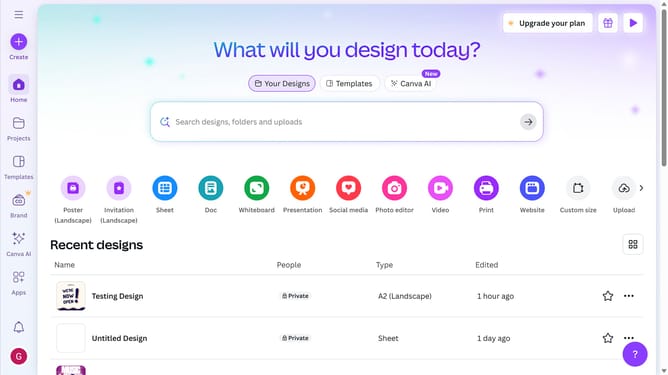
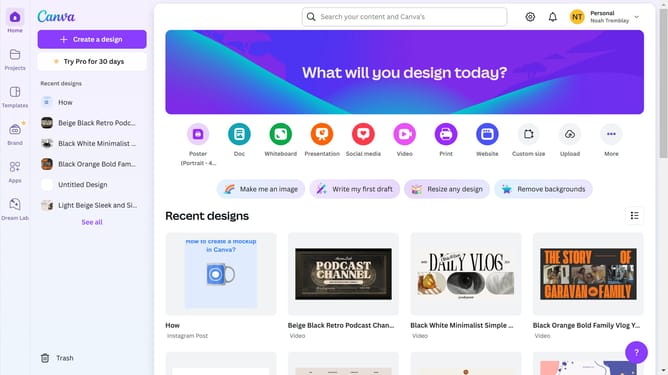
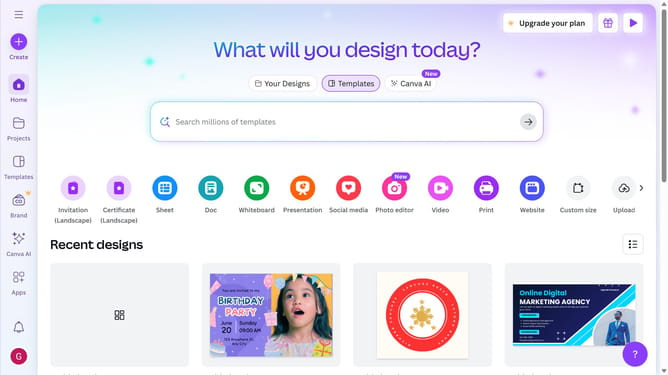
- First click on the "Projects" icon in the left sidebar
- Then click on the "View as grid" button in the top-right corner of the projects page
Why should you view projects as grid in Canva
Canva is a versatile design platform empowering individuals to create stunning visual content effortlessly.
Viewing projects as a grid in Canva enhances the user experience by offering a clear and organized layout of all your designs.
This feature is perfect for quickly comparing multiple projects side by side, allowing for effortless navigation and selection.
Ultimately, utilizing the grid view accelerates workflow efficiency, streamlining the creative process to save time and improve productivity.
Last update