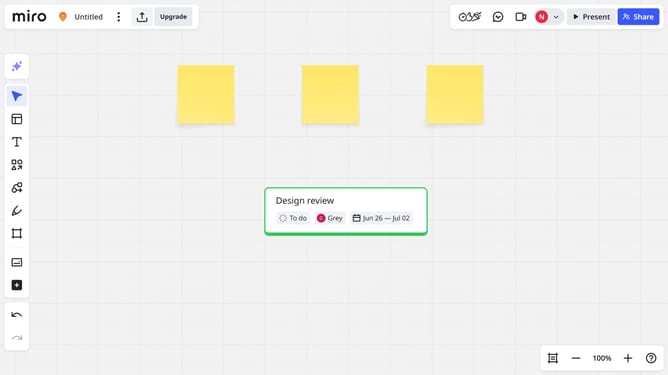
How to upload an image to a Miro board
Here is how to upload an image to a miro board
- First open a board and click on the "+" button in the left sidebar to open the tools menu
- Next, type "Upload" in the search bar at the top of the panel
- Click on the "Upload" option from the search results
- Click "My device" in the upload menu, then browse your computer and select the image file you want to upload
- Finally, the selected image will be added directly on your board
Why should you upload an image to a Miro board
Miro is an innovative visual collaboration platform designed to empower teams to create, brainstorm, and manage projects seamlessly.
Uploading an image to a Miro board is a game-changer for enriching visual communication. This feature allows for the infusion of creative elements directly into the workspace, enhancing the brainstorming process.
Integrating images aids in conveying complex ideas clearly, sparking creativity, and facilitating more engaging and dynamic collaboration among team members.
Last update