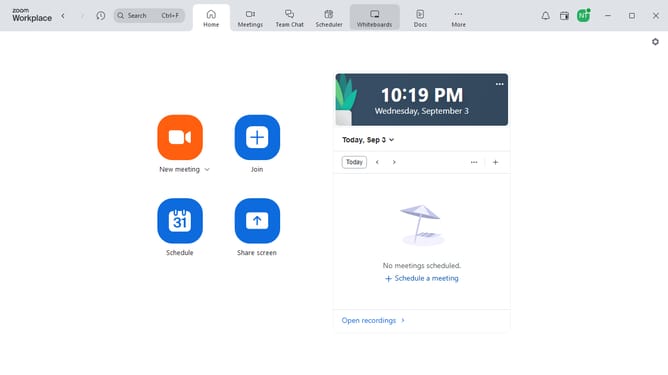
How to upload a file from your computer in Zoom Docs
Here is how to upload a file from your computer in zoom docs
- First click on the "Docs" option in the left sidebar menu
- Then open the document where you want to embed the YouTube video
- Next click on the "Plus" (+) button in the bottom toolbar to add new content
- Finally select "File" from the dropdown menu to upload a file
Why should you upload a file from your computer in Zoom Docs
Zoom is a dynamic platform designed to seamlessly connect people through video conferencing, collaboration, and file sharing.
One of its standout features, Zoom Docs, allows you to effortlessly upload files from your computer. This capability enhances collaboration by enabling real-time access and document sharing with colleagues and clients during meetings.
Uploading files directly from your computer into Zoom Docs ensures convenience and efficiency, fostering a collaborative environment where productivity and clarity are prioritized.
Last update