Zoom
Zoom is a unified communications platform for video, phone, chat, and webinars. It helps teams connect, collaborate, and boost productivity with powerful, intuitive tools.
Website
Industry
Collaboration
Share this article:

How to create a new data table in Zoom Docs

Here is how to create a new data table in zoom docs

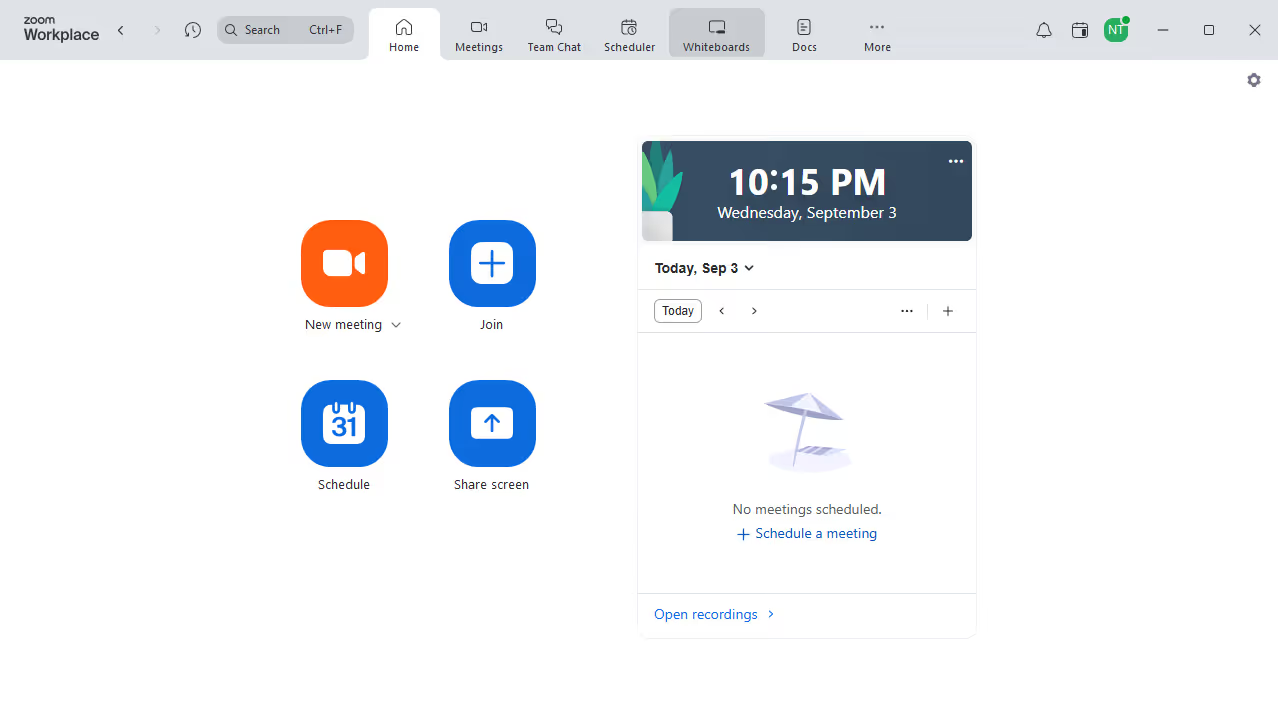
  1. First click on the "Docs" option in the left sidebar menu
  2. Then click on the "New data table" button
  3. Click on the "Untitled" document name at the top of the page to rename it
  4. Finally click in the data table editor to begin entering data

Create your own interactive guide with Guideflow

Why should you create a new data table in Zoom Docs

Zoom revolutionizes virtual interactions by seamlessly connecting people across the globe.

Create a new data table in Zoom Docs effortlessly and achieve organization in your documents. This feature integrates smoothly within the document interface, empowering users to structure information clearly and logically.

Benefit from enhanced collaboration through shared documents where data tables can help teams analyze, compare, and present information efficiently. Keep your workspaces neat and your data accessible, elevating productivity to new heights!


Last update
February 3, 2026
Cursor MariaA cursor points to a button labeled "James."

Create your first demo in less than 30 seconds.