How to see the creation date of a document in Zoom Docs
Here is how to see the creation date of a document in zoom docs
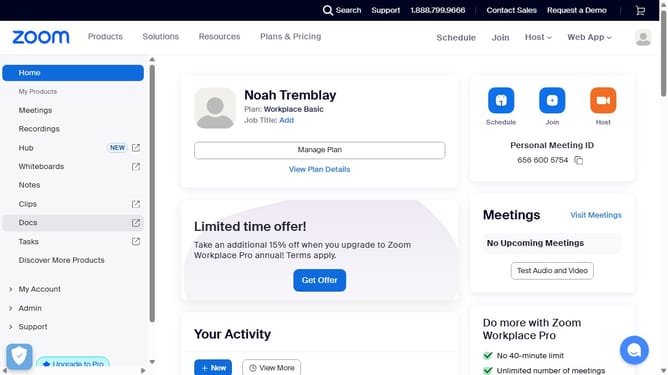
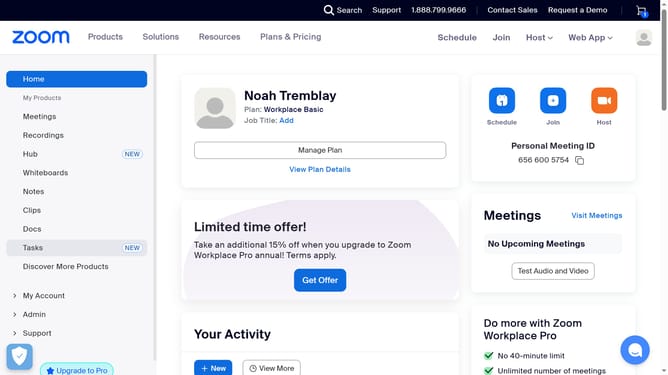
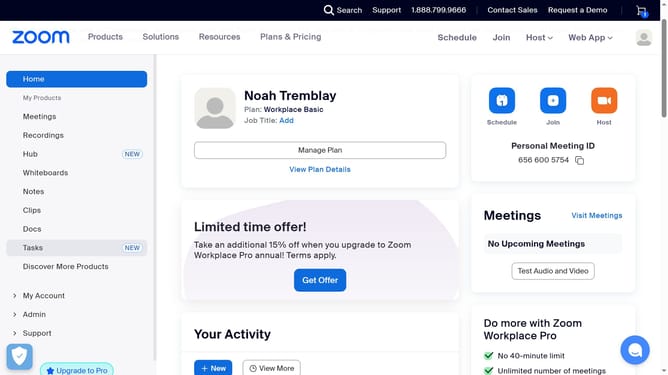
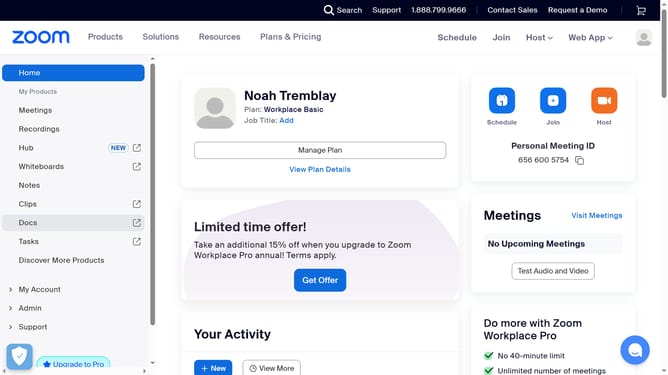
- First click on the "Docs" option in the left sidebar menu
- Then open the document you want to check the creation date for
- Next click on the “More” menu button in the top toolbar
- Then select “Page info” from the dropdown menu
- Finally locate the “Created” field to view the document’s creation date
Why should you see the creation date of a document in Zoom Docs
Zoom provides seamless communication and collaboration solutions for individuals and businesses worldwide.
One notable feature in Zoom Docs is its ability to display the creation date of a document.
Understanding when a document was first created can enhance organization and simplify project tracking.
This feature not only aids in managing document timelines but also ensures clear record-keeping, contributing to more efficient workflow management.
Last update