Zoom
Zoom is a unified communications platform for video, phone, chat, and webinars. It helps teams connect, collaborate, and boost productivity with powerful, intuitive tools.
Website
Industry
Collaboration
Share this article:

How to change a task's due date in Zoom

Here is how to change a task's due date in zoom

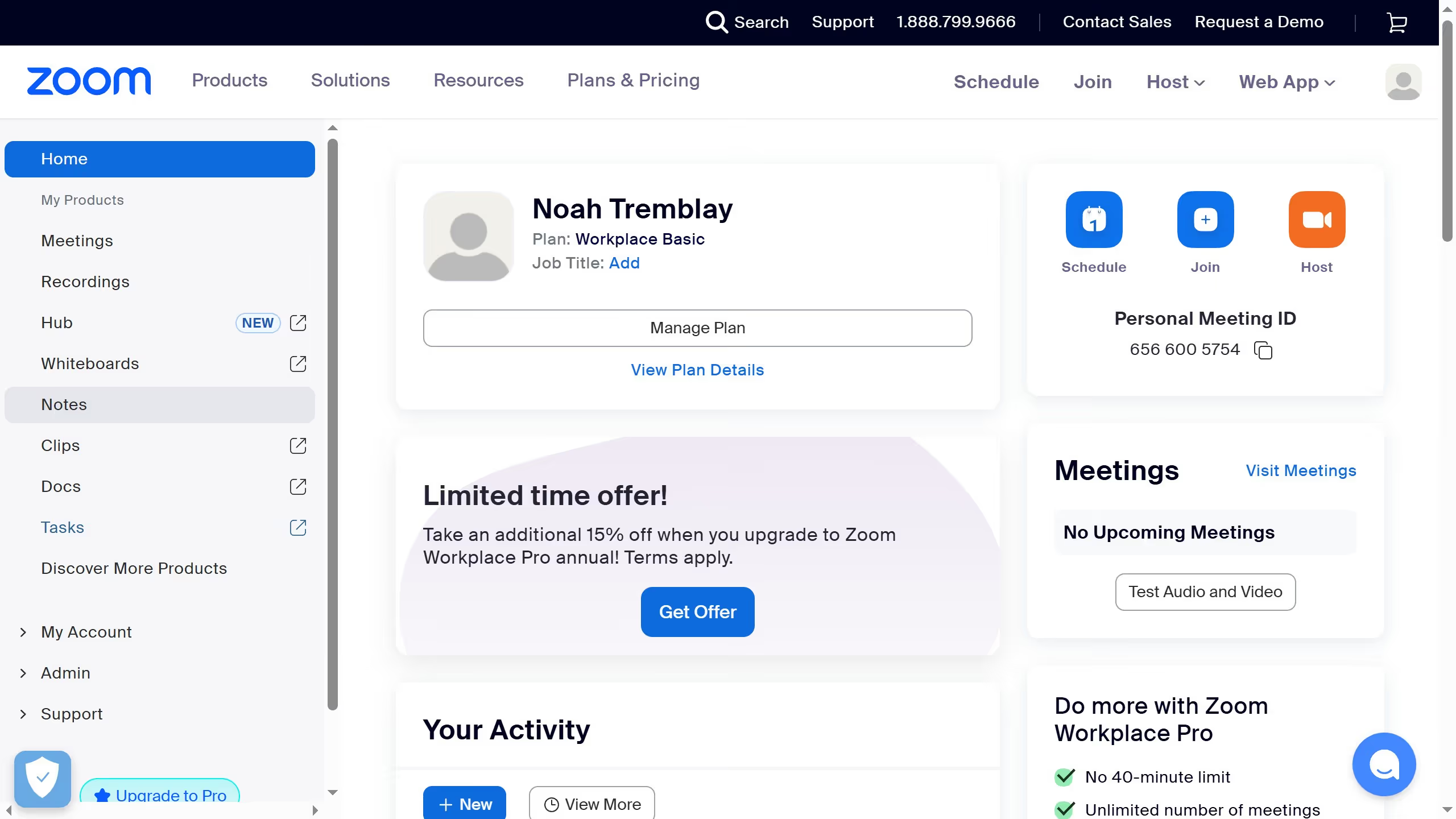
  1. First click on "Tasks" in the left sidebar navigation
  2. Then click on "My tasks" in the tasks menu
  3. Next select the task you want to update from the task list
  4. In the task details window, click on the existing "Due date" field
  5. Finally choose a new date from the calendar picker to change the due date

Create your own interactive guide with Guideflow

Why should you change a task's due date in Zoom

Zoom is a seamless communication platform enhancing virtual collaboration worldwide.

Changing a task's due date in Zoom is a feature that boosts productivity and flexibility, allowing users to adapt to changing priorities seamlessly.

This feature ensures that deadlines are always current, helping individuals and teams stay organized and focused on executing tasks efficiently.

By enabling real-time adjustments, it minimizes the risk of missing deadlines, ensuring that projects progress smoothly even when schedules shift.


Last update
February 3, 2026
Cursor MariaA cursor points to a button labeled "James."

Create your first demo in less than 30 seconds.