How to create a template from an existing document in Zoom Docs
Here is how to create a template from an existing document in zoom docs
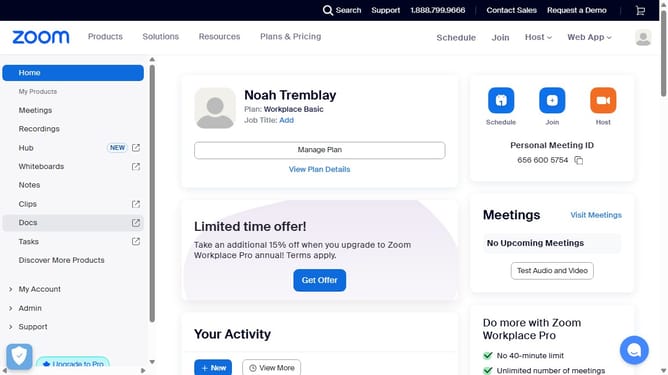
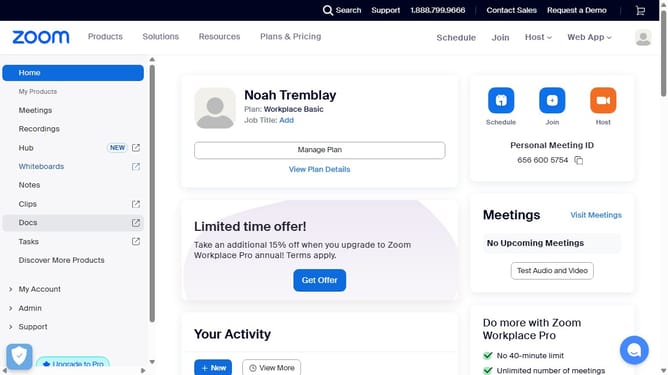
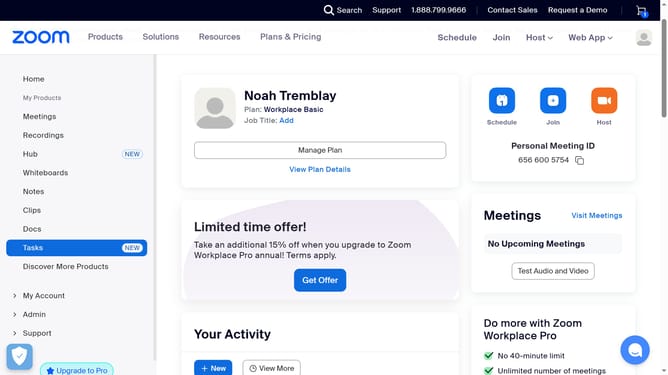
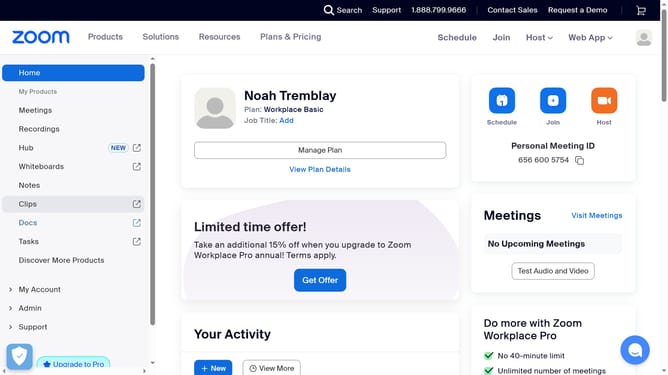
- First click on the "Docs" option in the left sidebar menu
- Then open the existing document you want to turn into a template
- Next click on the “More” button (three dots) in the top toolbar
- Finally click “Save to my templates” to create a reusable template from the document
Why should you create a template from an existing document in Zoom Docs
Zoom, a powerful tool designed for seamless communication, elevates document creation with ease and efficiency.
Creating a template from an existing document in Zoom Docs maximizes productivity and ensures consistency across projects. This feature allows users to transform any document into a reusable format, saving precious time and effort.
Utilizing this function helps maintain uniformity in branding and styling, making it ideal for both teams and individuals aiming to streamline their workflow and enhance collaborative efforts.
Last update