How to change a code block to default theme in Zoom Docs
Here is how to change a code block to default theme in zoom docs
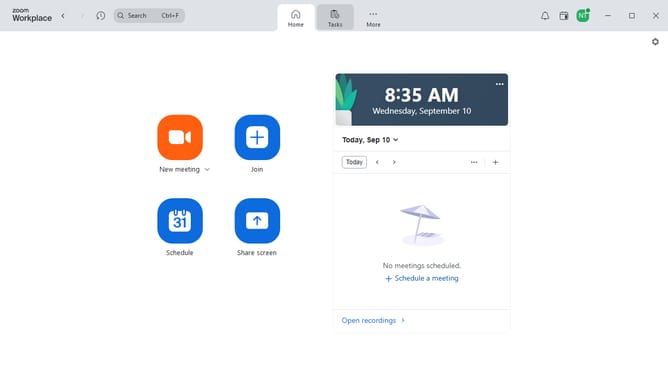
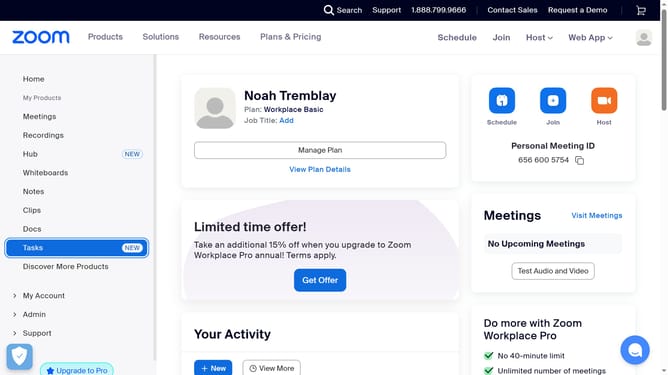
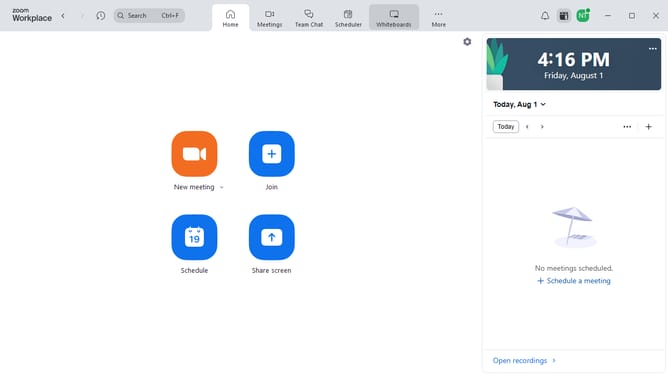
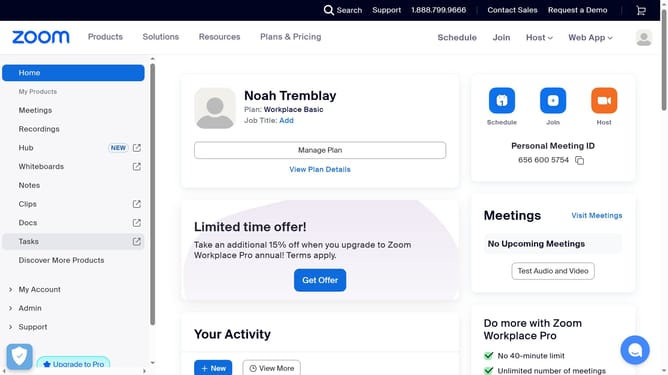
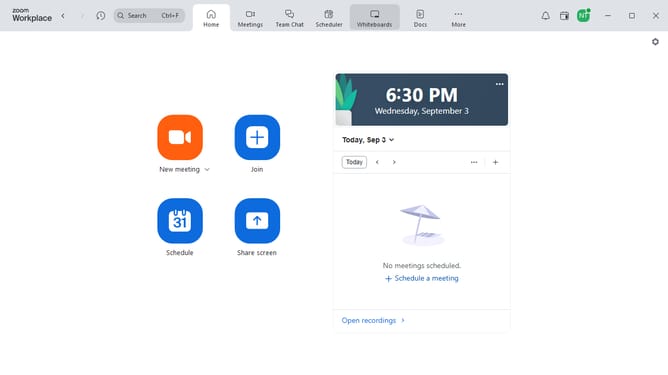
- First click on the "Docs" option in the left sidebar menu
- Then open the document containing the code block you want to modify
- Next click on the code block to begin editing
- Click on the "More" button in the code block toolbar
- Select "Choose theme" option from the dropdown menu
- Finally click on "Default theme" in the theme selection dropdown
Why should you change a code block to default theme in Zoom Docs
Zoom is a versatile platform designed to connect people with seamless video conferencing and collaboration tools.
Changing a code block to the default theme in Zoom Docs enhances the readability and aesthetic of shared documents. This feature simplifies the presentation of codes, allowing all users to have a consistent view, which is crucial for collaborative environments.
Using the default theme ensures that your documents maintain a professional and unified appearance, facilitating better understanding and communication among team members. Embracing this feature can significantly elevate the quality of your documentation process.
Last update