Zoom
Zoom is a unified communications platform for video, phone, chat, and webinars. It helps teams connect, collaborate, and boost productivity with powerful, intuitive tools.
Website
Industry
Collaboration
Share this article:

How to edit a note in Zoom

Here is how to edit a note in zoom

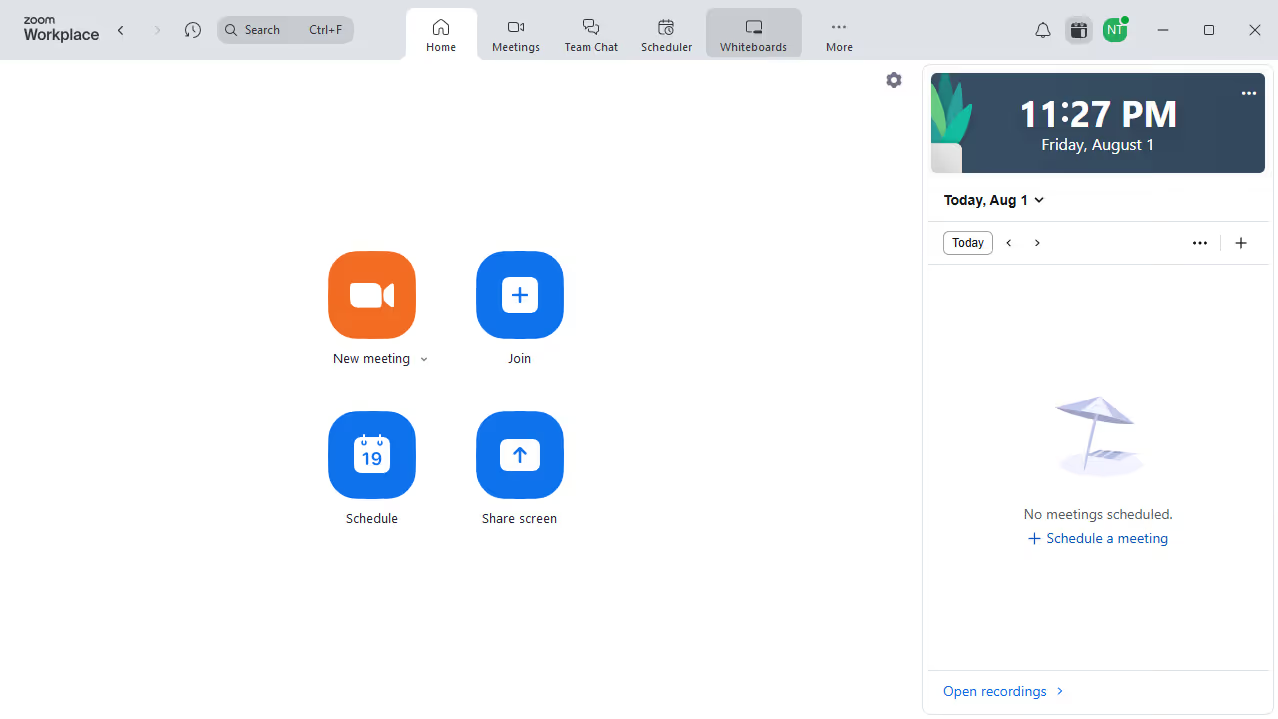
  1. First click on the "Notes" option in the left sidebar menu
  2. Then select the note you want to edit from the list
  3. Click directly in the note content area to start making your edits
  4. Once done, your changes will automatically be saved

Create your own interactive guide with Guideflow

Why should you edit a note in Zoom

Zoom is an innovative platform designed to enhance communication and collaboration through virtual meetings.

Editing a note in Zoom is a feature that offers incredible flexibility, allowing users to adapt and refine shared information seamlessly.

This capability is invaluable for maintaining accurate records and ensuring everyone is on the same page during collaborative efforts.

As a result, it streamlines communication, boosts productivity, and facilitates smoother, more effective teamwork.

Last update
February 3, 2026
Cursor MariaA cursor points to a button labeled "James."

Create your first demo in less than 30 seconds.