How to add a flowchart in Zoom Docs
Here is how to add a flowchart in zoom docs
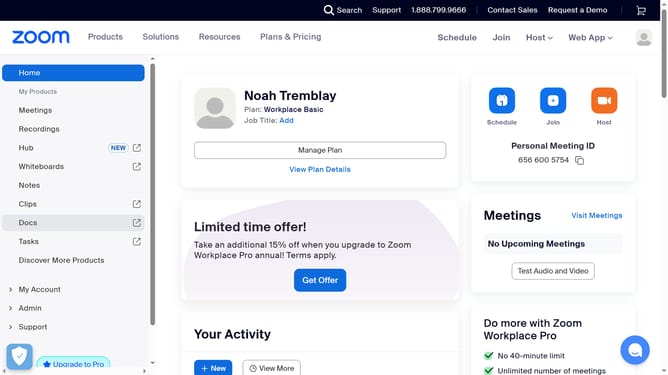
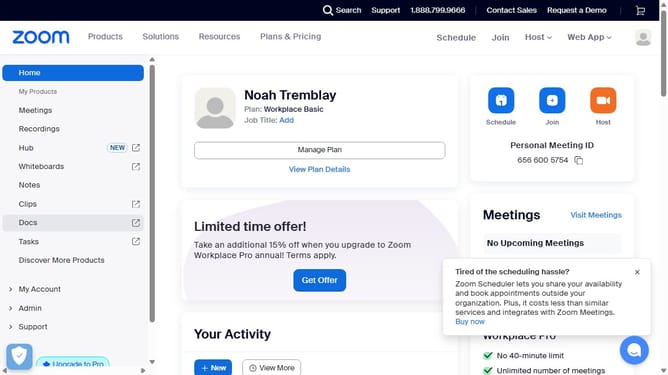
- First click on "Docs" in the left sidebar menu
- Then open the document where you want to add a flowchart
- Next click on the "+" button in the document editor to add new content
- Finally select "Flowchart" from the dropdown menu
Why should you add a flowchart in Zoom Docs
Zoom is a versatile communications platform designed to bring people together, anywhere and anytime.
In Zoom Docs, adding a flowchart is a powerful way to visually organize ideas, processes, or tasks, enhancing collaboration and understanding among team members.
Using flowcharts in Zoom Docs can streamline communication, foster creativity, and make complex information accessible, driving productivity and efficiency in both remote and onsite teams.
This feature encourages dynamic engagement, making it easier to align everyone towards shared goals.
Last update