How to create a link to another Zoom Docs document in Zoom Docs
Here is how to create a link to another zoom docs document in zoom docs
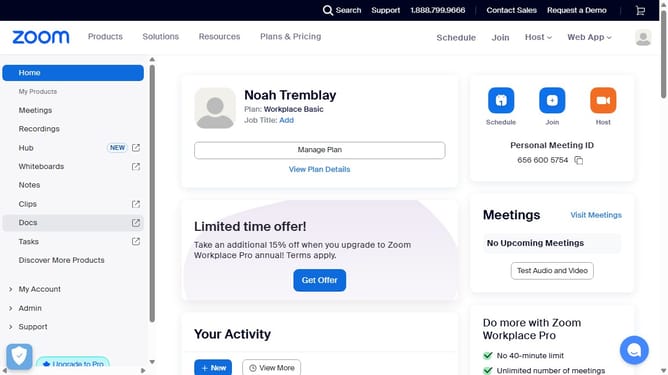
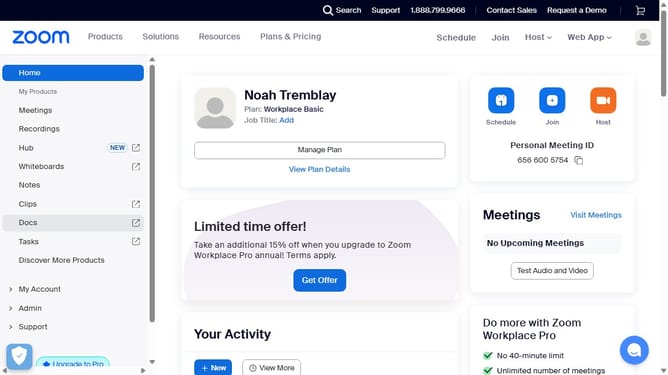
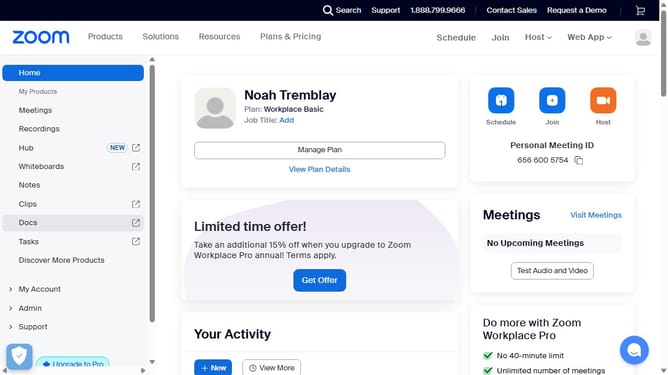
- First click on the "Docs" option in the left sidebar menu
- Then open the document where you want to create a heading link
- Next click the "Add" button (plus sign) in the document interface
- Then select "Page" from the dropdown menu of insertable elements
- Finally choose the document you want to link from the list of available pages
Why should you create a link to another Zoom Docs document in Zoom Docs
Zoom is a versatile platform designed to foster seamless communication and collaboration across the globe.
With the feature to create a link to another Zoom Docs document, users can effortlessly interconnect their workspace. This enhances navigation and boosts productivity, making it easier to reference and access information.
By linking documents, teams can maintain context and continuity in their collaborative projects. This feature streamlines workflows, ensuring users can swiftly leap from one document to another, keeping their momentum and focus intact.
Last update