How to enable light mode in Zoom Docs
Here is how to enable light mode in zoom docs
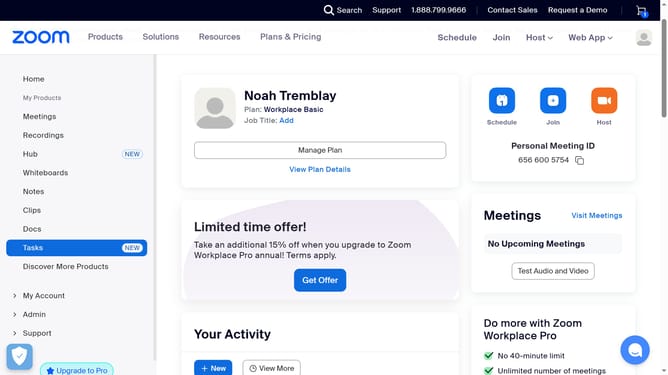
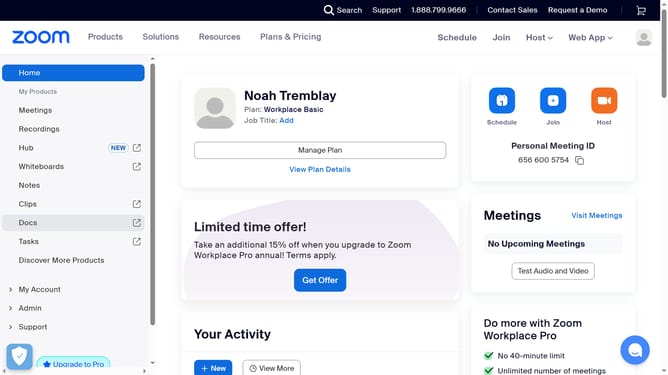
- First click on the "Docs" option in the left sidebar menu
- Then click on the "Settings" icon in the bottom-left corner of the Docs dashboard
- Next click on the "Appearance" dropdown in the settings panel
- Finally select "Light" from the list of available appearance options to switch to light mode
Why should you enable light mode in Zoom Docs
Zoom is a versatile platform designed to enhance virtual communication and collaboration.
Enabling light mode in Zoom Docs makes your workspace look brighter and more inviting.
This feature can help reduce eye strain and improve visibility in varying lighting conditions.
It provides a clean and modern interface, making it easier to focus on your document and boosting productivity.
Last update