How to enable wrap code in a code block in Zoom Docs
Here is how to enable wrap code in a code block in zoom docs
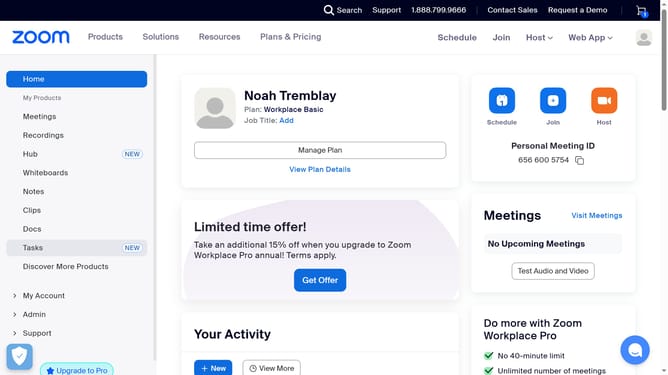
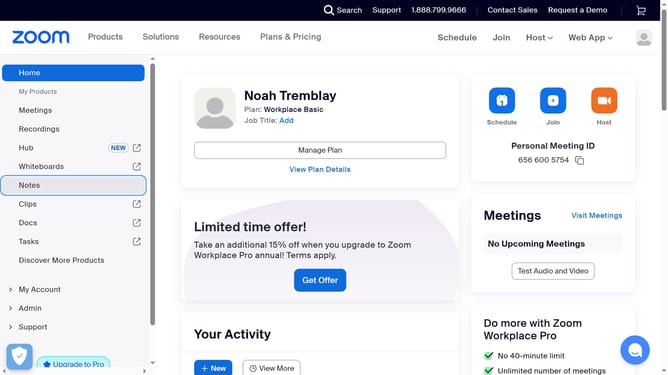
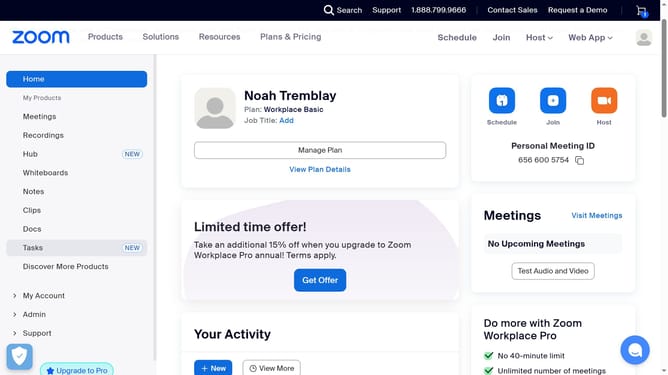
- First click on "Docs" in the left sidebar menu
- Then open the document containing the code block you want to edit
- Next click anywhere inside the code block to activate the editor
- Then click on the "More options" button (three dots) in the code block toolbar
- Finally toggle the "Wrap code" switch in the code block settings menu
Why should you enable wrap code in a code block in Zoom Docs
Zoom is a powerful platform designed to enhance virtual communication and collaboration worldwide.
Enabling code wrap in a code block within Zoom Docs ensures that your code is presented clearly without the need for horizontal scrolling. This feature is essential for maintaining readability, especially when dealing with long lines of code.
By using code wrap, users can focus on understanding code logic rather than navigating through it, promoting more efficient and effective collaboration in technical discussions.
Last update