Zoom
Zoom is a unified communications platform for video, phone, chat, and webinars. It helps teams connect, collaborate, and boost productivity with powerful, intuitive tools.
Website
Industry
Collaboration
Share this article:

How to remove an attachment from a task in Zoom

Here is how to remove an attachment from a task in zoom

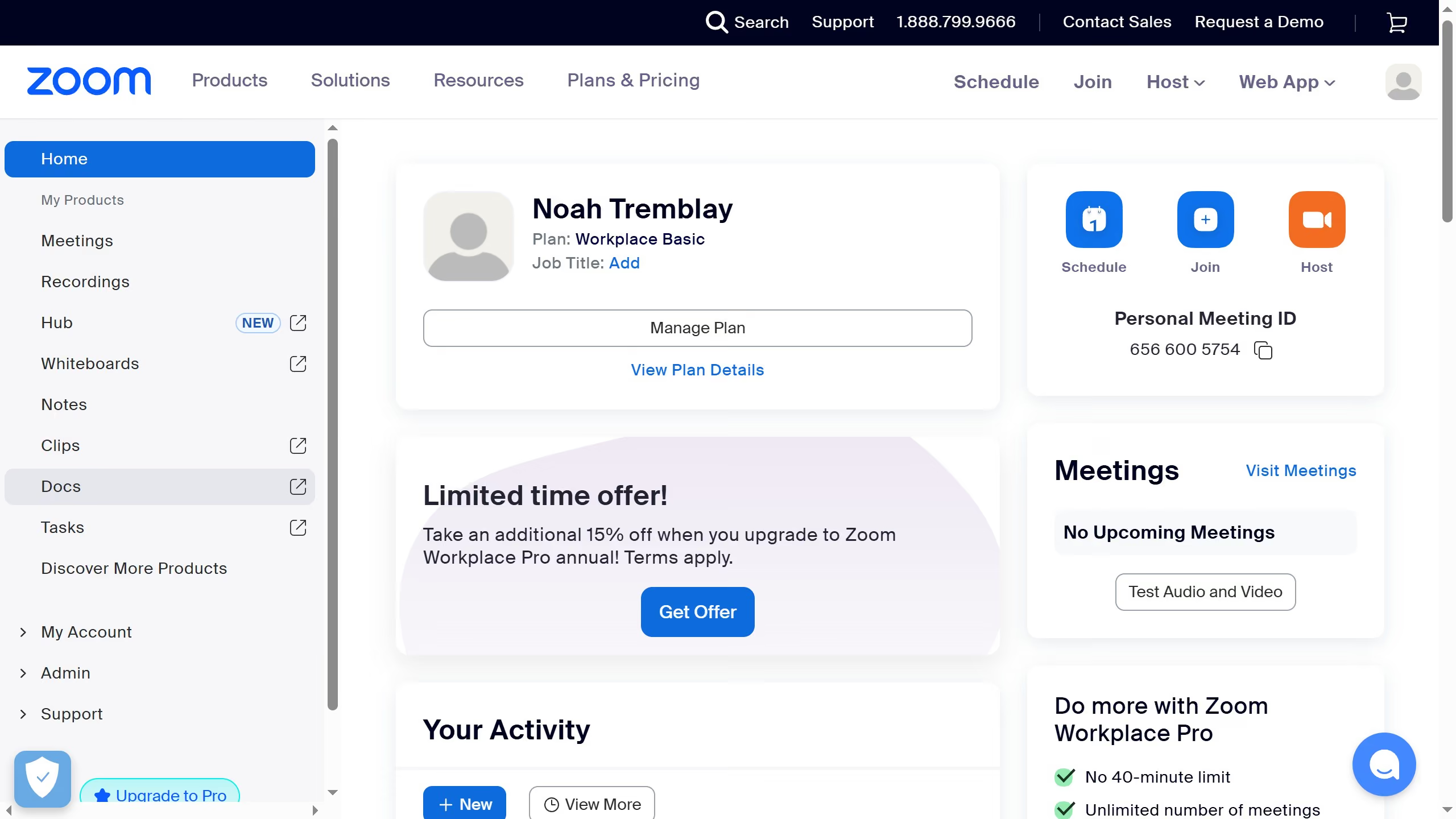
  1. First click on the "Tasks" option in the left sidebar menu
  2. Then click on "My tasks" in the left panel task list
  3. Next select the task you want to remove an attachment from in the task list
  4. Finally click on "Remove attachments" button next to the attached file you want to delete from the task

Create your own interactive guide with Guideflow

Why should you remove an attachment from a task in Zoom

Zoom is a versatile platform designed to effortlessly connect people across the globe through video, audio, and chat.

Removing an attachment from a task in Zoom can help streamline your workflow by decluttering tasks and ensuring only relevant documents are accessible.

This feature enhances productivity by allowing you to refine the task list, which ultimately aids in better organization and focus on priority items.

With just a few clicks, maintaining an organized and efficient task management system within Zoom becomes seamless and effective.


Last update
February 3, 2026
Cursor MariaA cursor points to a button labeled "James."

Create your first demo in less than 30 seconds.