Zoom
Zoom is a unified communications platform for video, phone, chat, and webinars. It helps teams connect, collaborate, and boost productivity with powerful, intuitive tools.
Website
Industry
Collaboration
Share this article:

How to create your own document template in Zoom Docs

Here is how to create your own document template in zoom docs

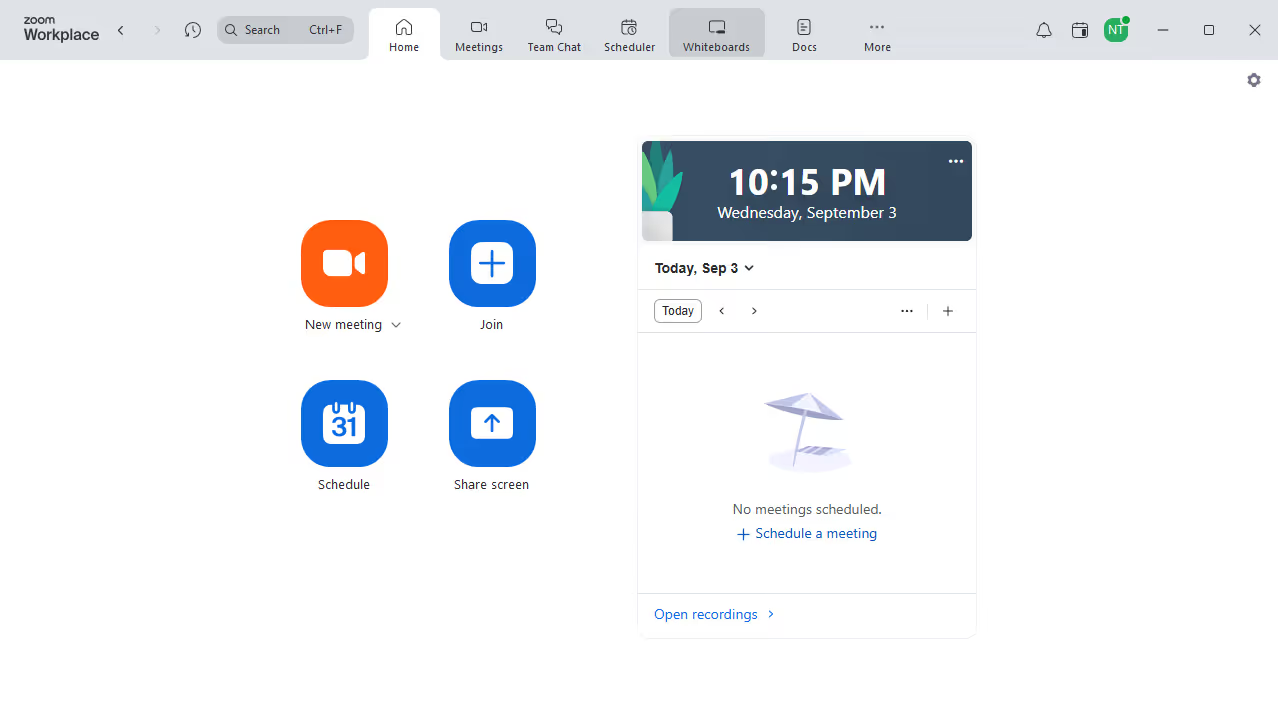
  1. First click on the "Docs" option in the left sidebar menu
  2. Then open or create the document you want to use as a template
  3. Next click on the “More” button (three dots) in the top toolbar
  4. Then select the “Export” option from the dropdown menu
  5. Finally click "Save to my templates" to add it to your template library

Create your own interactive guide with Guideflow

Why should you create your own document template in Zoom Docs

Zoom is a versatile communication platform that connects people through video, audio, and collaboration.

Creating your own document template in Zoom Docs streamlines the process of generating consistent and professional documents. This feature empowers users to customize templates that suit their unique needs, ensuring every document meets specific standards while saving valuable time.

Utilizing custom templates reduces repetitive work, fosters brand consistency, and boosts productivity, allowing users to focus on what truly matters—effective communication and collaboration.


Last update
May 29, 2026
Cursor MariaA cursor points to a button labeled "James."

Create your first demo in less than 30 seconds.