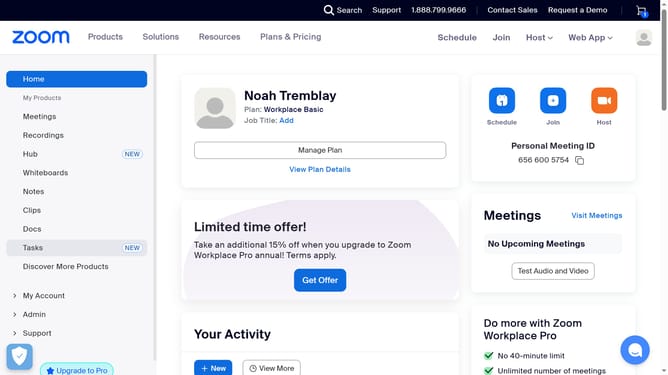
How to turn on title in Zoom Docs
Here is how to turn on title in zoom docs
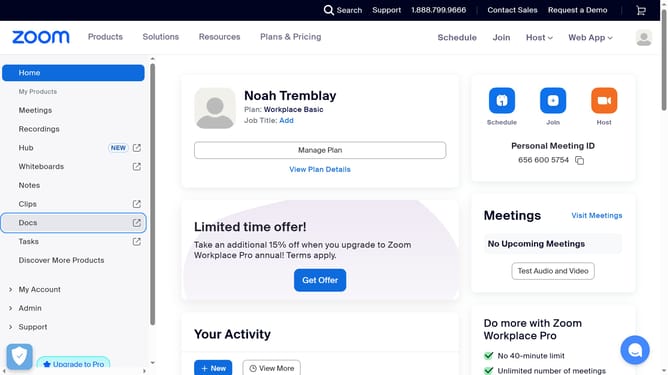
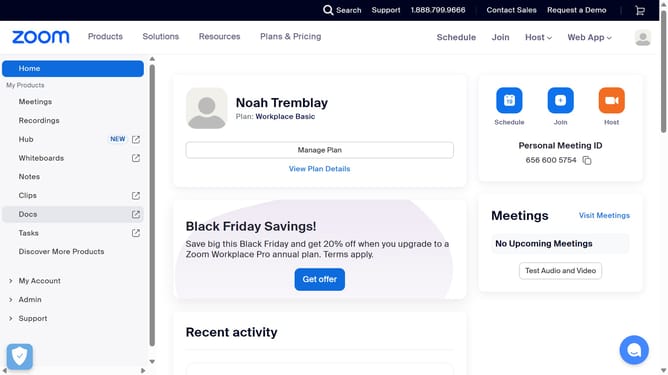
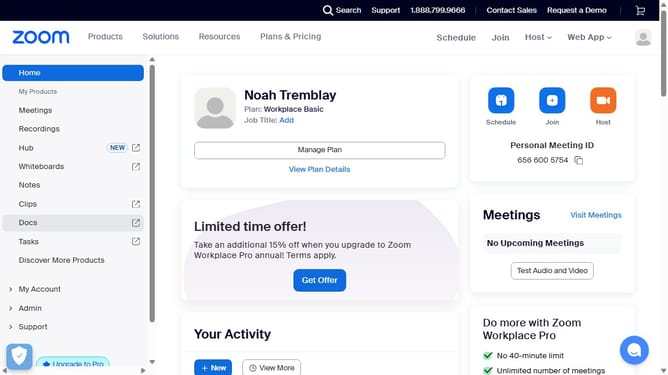
- First click on the "Docs" option in the left sidebar menu
- Then open the document where you want to show the title
- Next click on the "More" menu button in the top toolbar
- Then select "Page options" from the dropdown menu
- Finally turn on the "Title" toggle to display the document title
Why should you turn on title in Zoom Docs
Zoom is a leading platform that enables seamless virtual communication and collaboration.
Turning on the title feature in Zoom Docs enhances document organization by clearly displaying the document's name.
This feature provides clarity and context, particularly when juggling multiple documents, making it an essential tool for efficient workflow management.
With the title feature, users can easily navigate through their documents, improving productivity and ensuring a more streamlined virtual collaboration experience.
Last update