How to switch to board view in a data table in Zoom Docs
Here is how to switch to board view in a data table in zoom docs
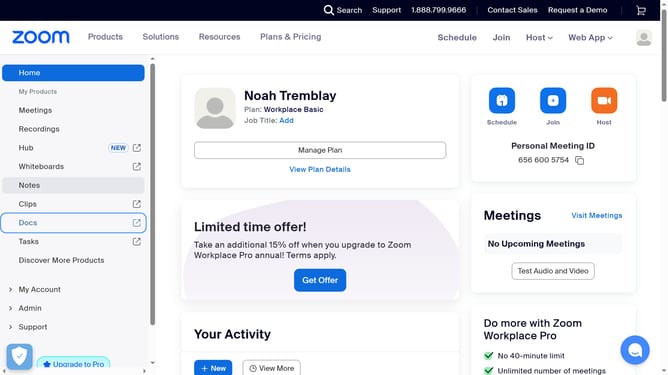
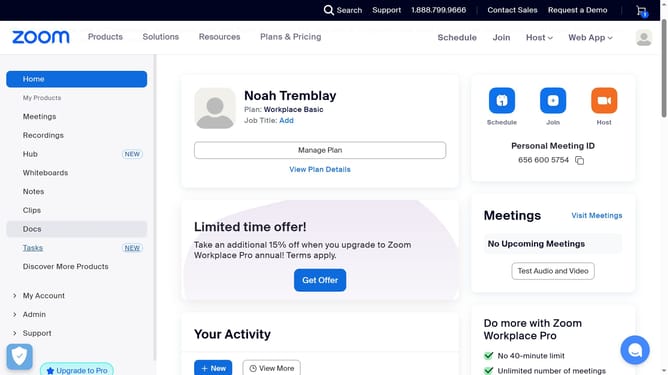
- First click on the "Docs" link in the left sidebar navigation menu
- Then open the data table you want to switch to board view
- Next click the three-dot settings button located below the document title
- Then click on the "Change view to" option in the dropdown menu
- Finally select the "Board view" option from the view options submenu
Why should you switch to board view in a data table in Zoom Docs
Zoom, a leading platform in connecting people seamlessly, enhances productivity through its versatile document management tools.
Switching to board view in a data table within Zoom Docs transforms complex data into an intuitive visual layout. This user-friendly feature aids quick comprehension and fosters better collaboration among team members.
Utilizing the board view empowers teams to streamline their workflow, enabling more efficient decision-making processes and reducing the time spent navigating extensive datasets.
Last update