Zoom
Zoom is a unified communications platform for video, phone, chat, and webinars. It helps teams connect, collaborate, and boost productivity with powerful, intuitive tools.
Website
Industry
Collaboration
Share this article:

How to embed a YouTube video in Zoom Docs

Here is how to embed a youtube video in zoom docs

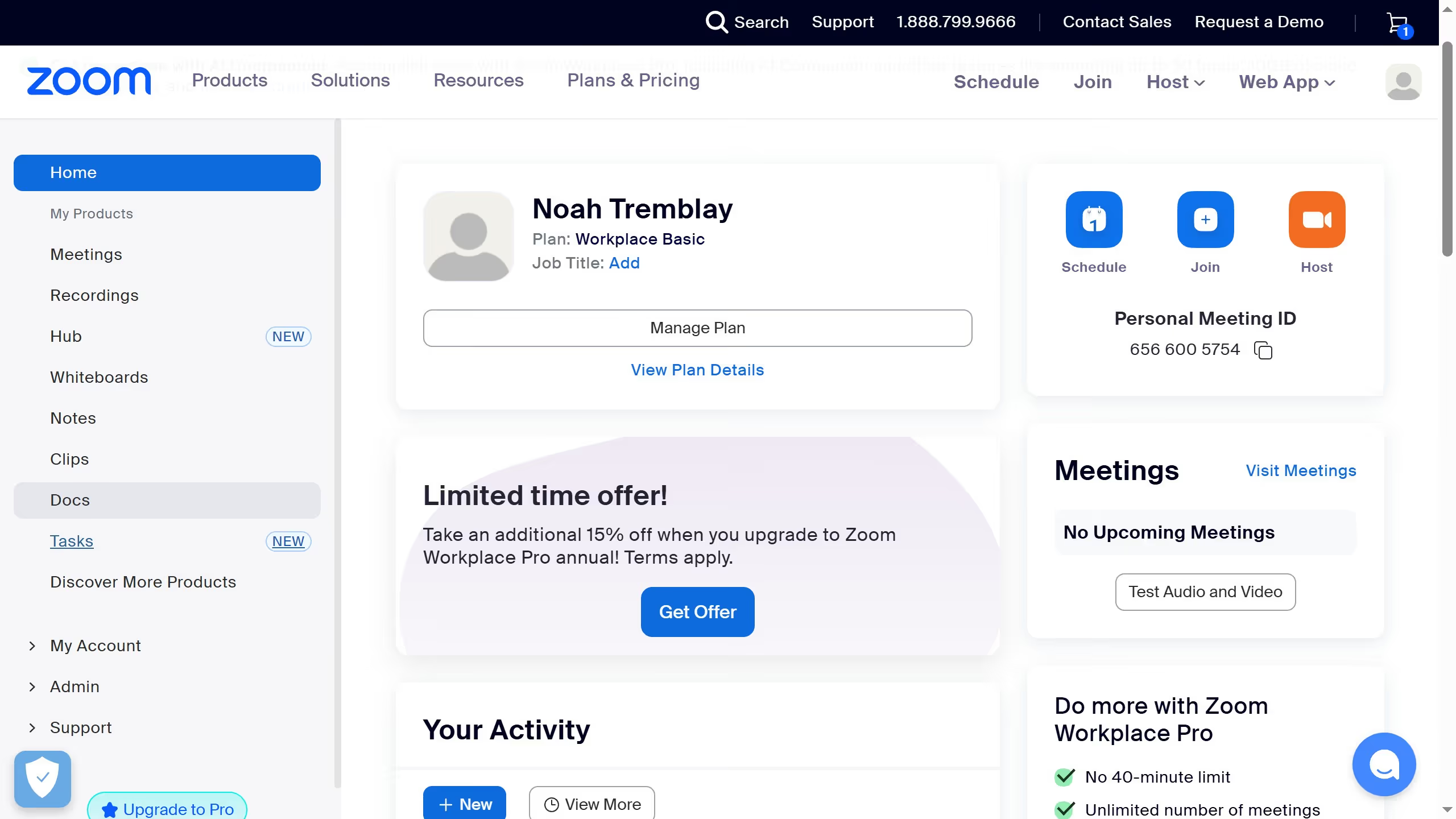
  1. First click on the "Docs" option in the left sidebar menu
  2. Then open the document where you want to embed the YouTube video
  3. Next click on the "+" button in the document editor to add new content
  4. Then select "Youtube" from the embed dropdown menu
  5. Next click on the URL input field to enter the YouTube video link
  6. Finally click the "Save" button to embed the YouTube video

Create your own interactive guide with Guideflow

Why should you embed a YouTube video in Zoom Docs

Zoom is a versatile platform designed for seamless communication and collaboration.

Embedding a YouTube video in Zoom Docs elevates document sharing by integrating dynamic multimedia content directly within your collaborative workspace.

This feature enriches presentations, making them more engaging and informative, and allows for a more interactive experience for teams and audiences alike.

By incorporating videos, you transform static documents into dynamic learning tools or marketing materials, enhancing comprehension and retention.


Last update
February 3, 2026
Cursor MariaA cursor points to a button labeled "James."

Create your first demo in less than 30 seconds.