Zoom
Zoom is a unified communications platform for video, phone, chat, and webinars. It helps teams connect, collaborate, and boost productivity with powerful, intuitive tools.
Website
Industry
Collaboration
Share this article:

How to align text to the center in a note in Zoom

Here is how to align text to the center in a note in zoom

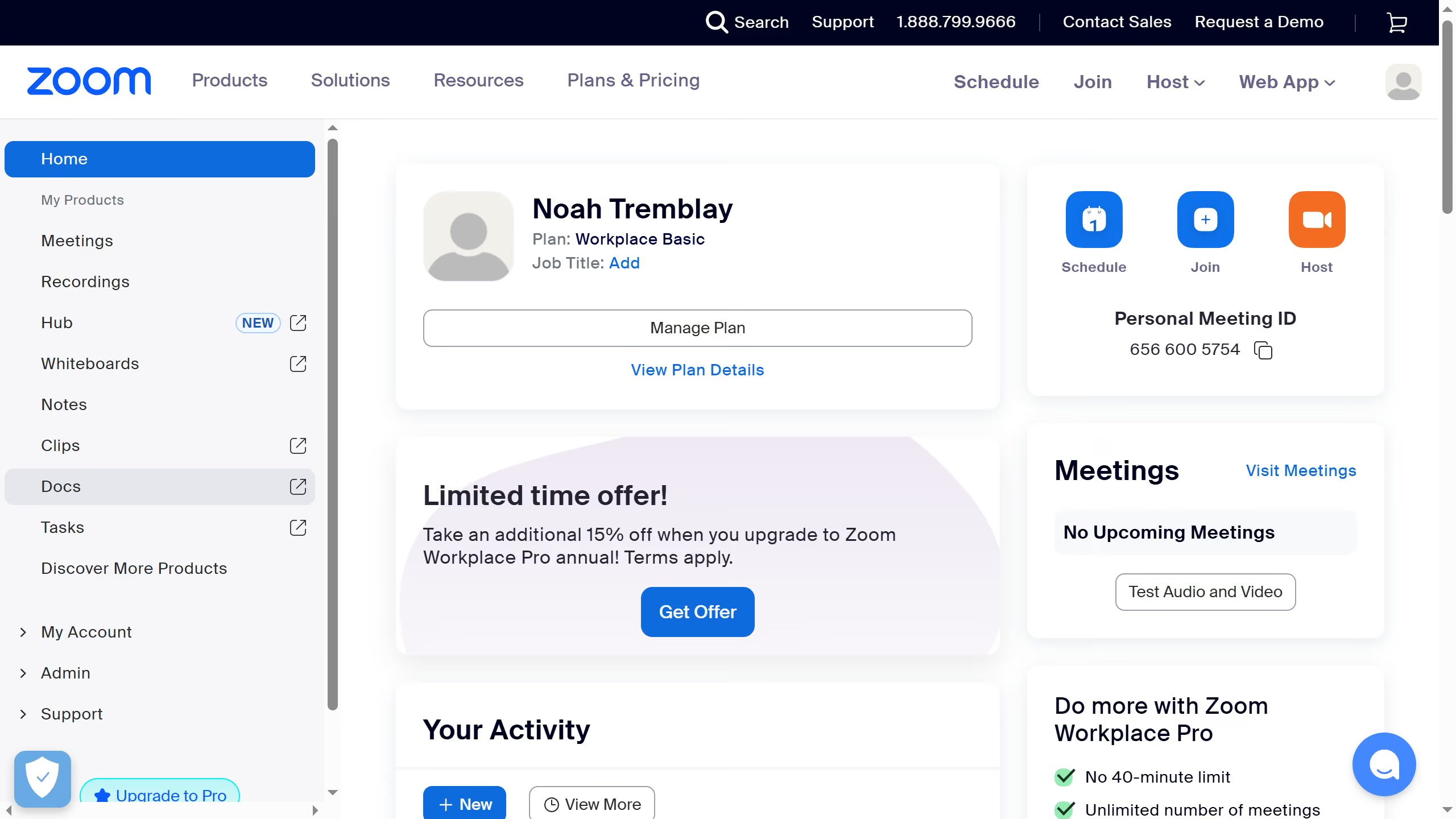
  1. First click on the "Notes" option in the left sidebar menu
  2. Then open or create a note you want to edit
  3. Next highlight the text you want to align
  4. Then click on the "Format Options" button in the top toolbar
  5. Next click on the "Text Align" button in the formatting menu
  6. Finally click on the "Align Center" button and the selected text will be aligned to the center in your note

Create your own interactive guide with Guideflow

Why should you align text to the center in a note in Zoom

Zoom is a leading platform for virtual meetings and collaboration, connecting people across the globe effortlessly.

Center-aligning text within a Zoom note can enhance readability and create a visually appealing layout for your content. This feature provides a consistent and organized look, helping your information stand out during meetings or collaborative sessions.

Utilizing centered text alignment in Zoom notes ensures that your audience remains engaged and focused, delivering a professional touch to your presentations and discussions.


Last update
February 3, 2026
Cursor MariaA cursor points to a button labeled "James."

Create your first demo in less than 30 seconds.