

Zoom
Zoom is a unified communications platform for video, phone, chat, and webinars. It helps teams connect, collaborate, and boost productivity with powerful, intuitive tools.
Website
Industry
Collaboration
Share this article:

How to add an attachment to a task in Zoom

Here is how to add an attachment to a task in zoom

  1. First click on "Tasks" in the left sidebar navigation menu
  2. Then click on "My tasks" in the left panel task list
  3. Next select the task you want to add an attachment to from the task list
  4. Finally click on the "Attachments" option and choose a file from your device to upload it as a task attachment
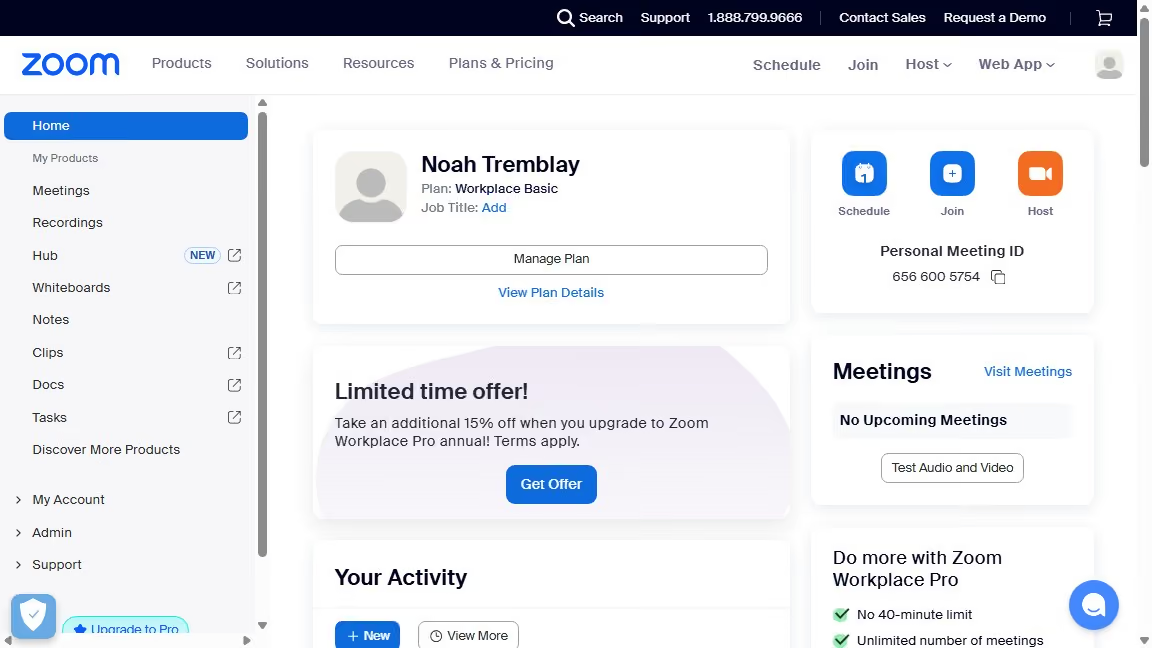
Create your own interactive guide with Guideflow

Why should you add an attachment to a task in Zoom

Zoom is a versatile platform designed to enhance virtual communication and collaboration.

Adding an attachment to a task in Zoom streamlines project management by consolidating essential documents within the task interface.

This feature enhances efficiency by allowing team members to quickly access and reference necessary files, fostering seamless collaboration.

Moreover, attaching documents directly to tasks reduces chances of confusion, ensuring everyone stays informed and organized.

Last update
February 3, 2026
Cursor MariaA cursor points to a button labeled "James."

Create your first demo in less than 30 seconds.


