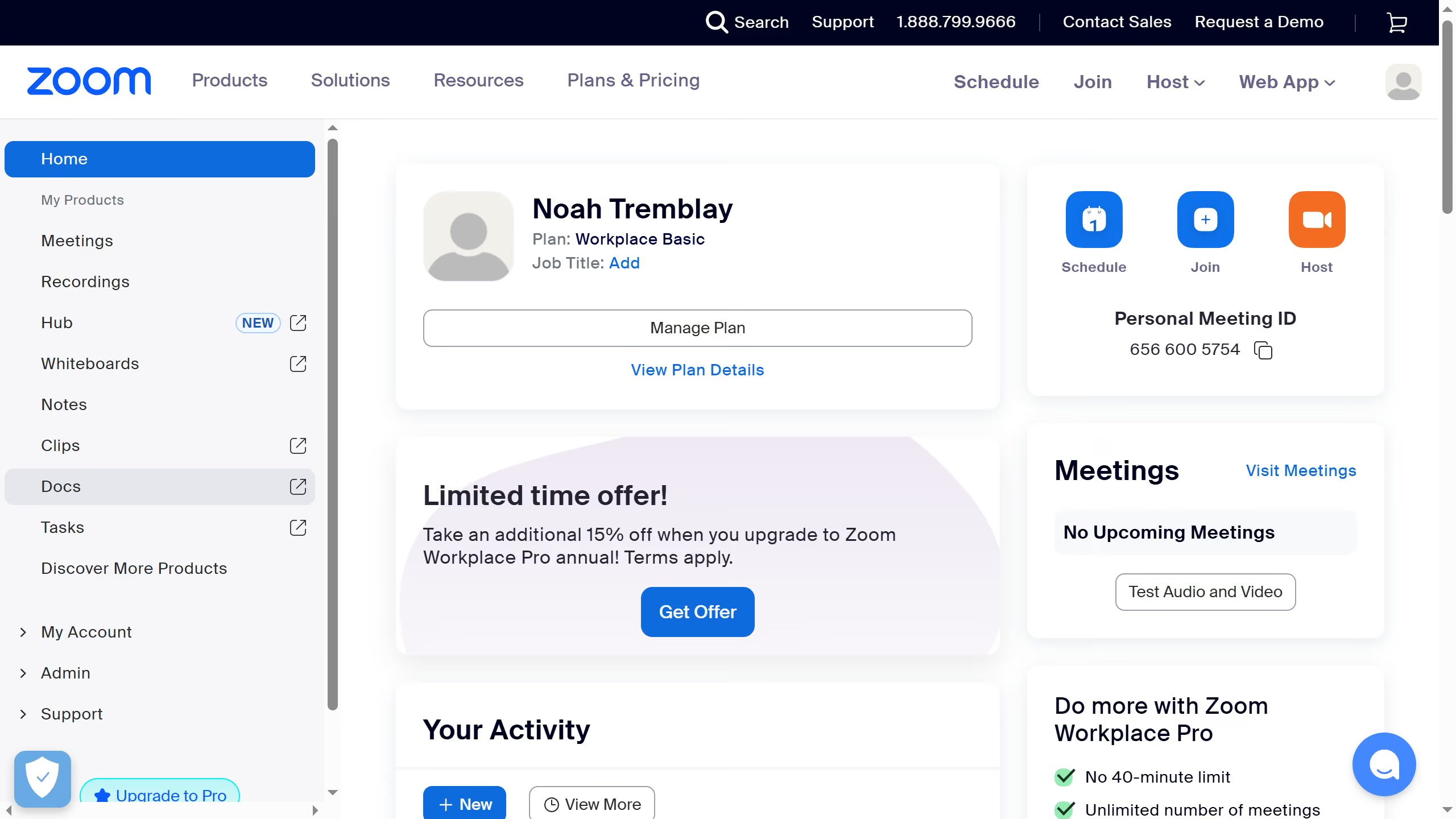
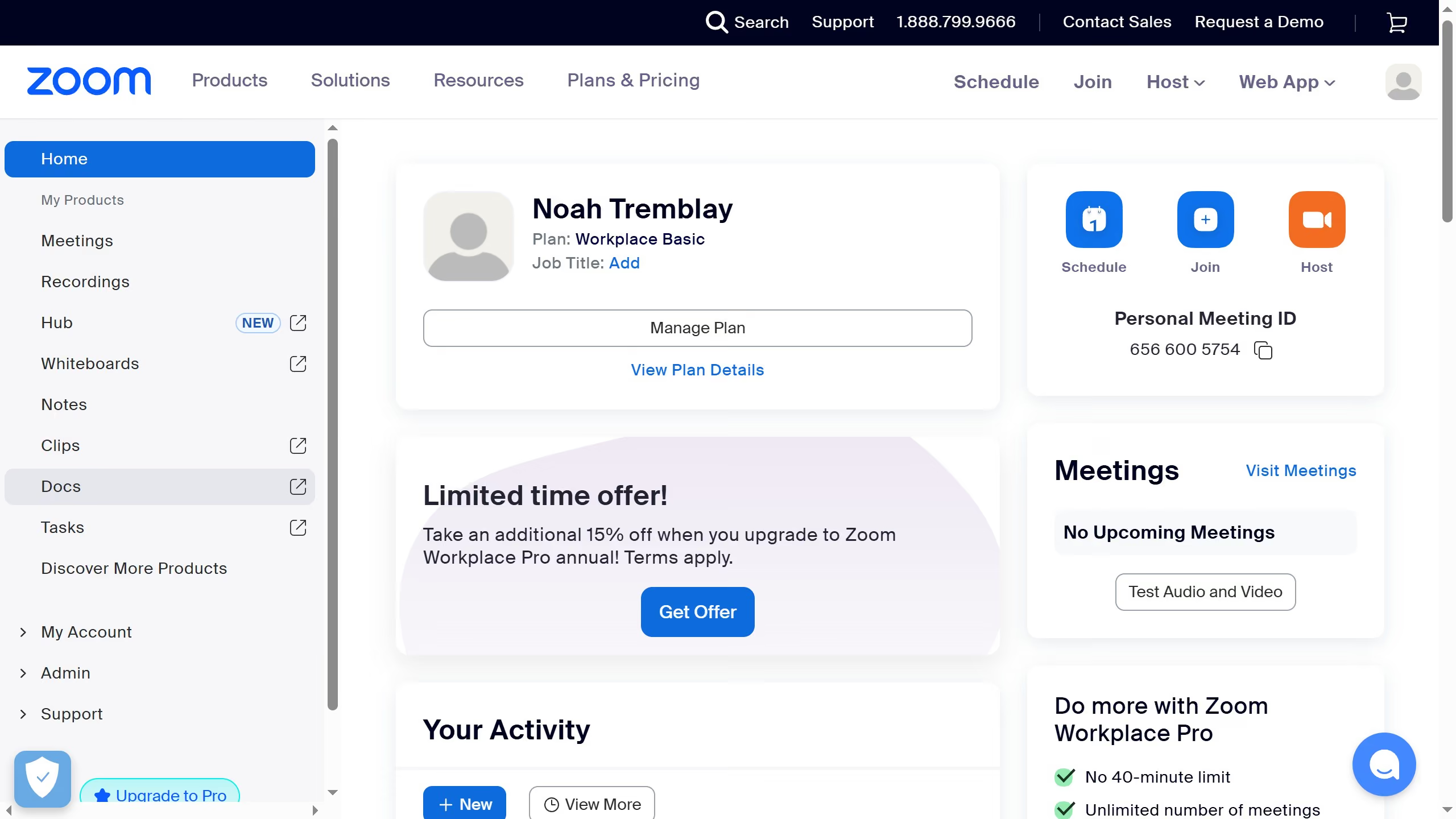
Here is how to unstar a document in zoom docs
- First click on the "Docs" option in the left sidebar menu
- Then open the document you previously starred
- Finally click on the star icon in the document header to remove the document from starred items


Create your own interactive guide with Guideflow
Zoom is a premier platform designed to streamline virtual communication and collaboration worldwide.
In Zoom Docs, being able to unstar a document offers a simple yet effective way to manage your workspace and prioritize content. By unmarking documents that are no longer critical, your starred files remain focused and relevant.
This feature enhances your productivity by minimizing distractions, allowing you to quickly access and organize the documents that matter most. Efficient document management is a cornerstone of a seamless digital workspace experience.
Why leading companies build with Guideflow