Zoom
Zoom is a unified communications platform for video, phone, chat, and webinars. It helps teams connect, collaborate, and boost productivity with powerful, intuitive tools.
Website
Industry
Collaboration
Share this article:

How to change the text font in Zoom Docs

Here is how to change the text font in zoom docs

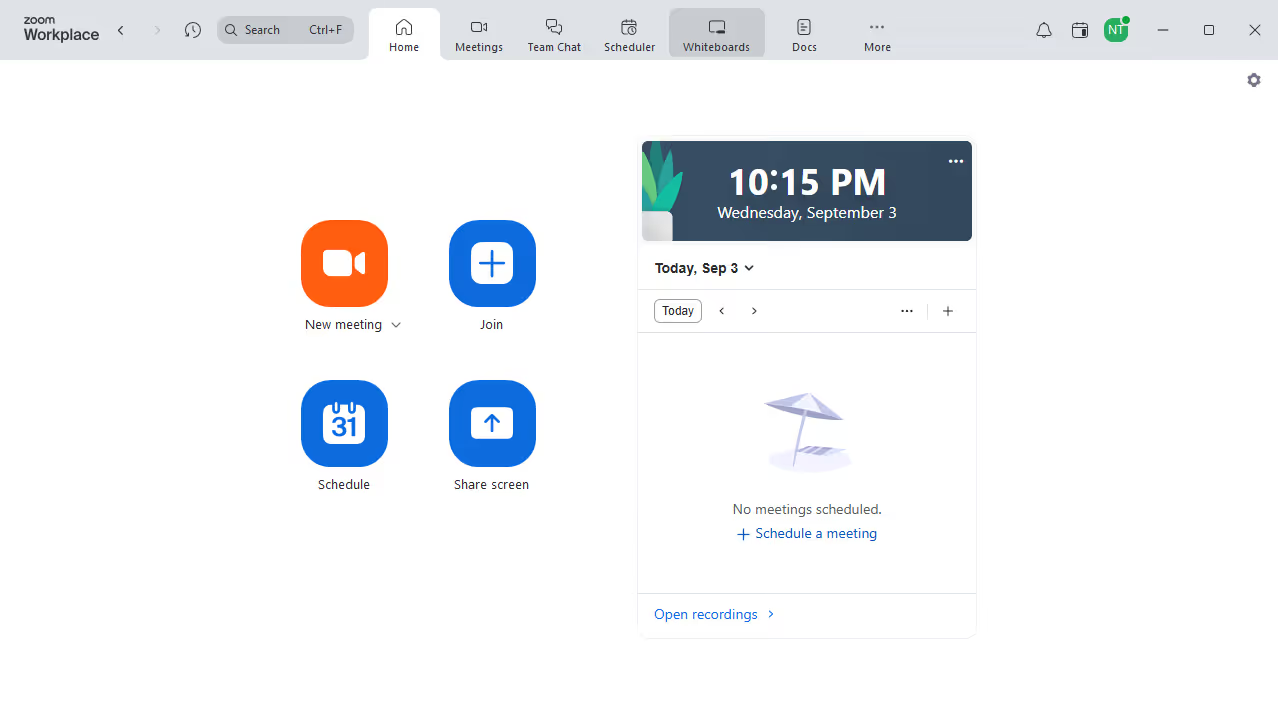
  1. First click on "Docs" in the left sidebar menu
  2. Then open the document where you want to change the text font
  3. Next click the "More" button in the top-right toolbar
  4. Then select "Page options" from the dropdown menu
  5. Finally select your preferred font from the list to apply the change

Create your own interactive guide with Guideflow

Why should you change the text font in Zoom Docs

Zoom revolutionizes communication by providing seamless virtual meeting and collaboration solutions.

One standout feature is the ability to change the text font in Zoom Docs, enhancing your documents with a personal touch.

This feature helps in ensuring clarity and emphasizing key points by allowing users to customize the font style, size, and weight according to their preference.

Ultimately, it aids in creating more engaging and visually appealing documents, making information more digestible for the reader.


Last update
February 3, 2026
Cursor MariaA cursor points to a button labeled "James."

Create your first demo in less than 30 seconds.