Here is how to resize an image in zoom docs
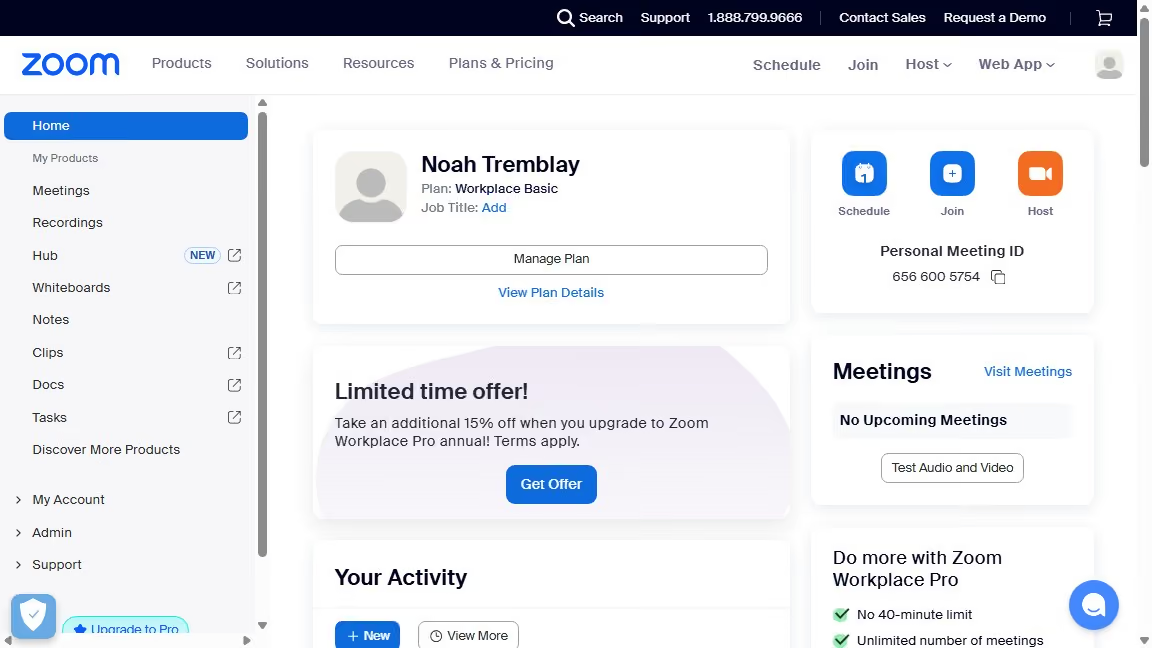
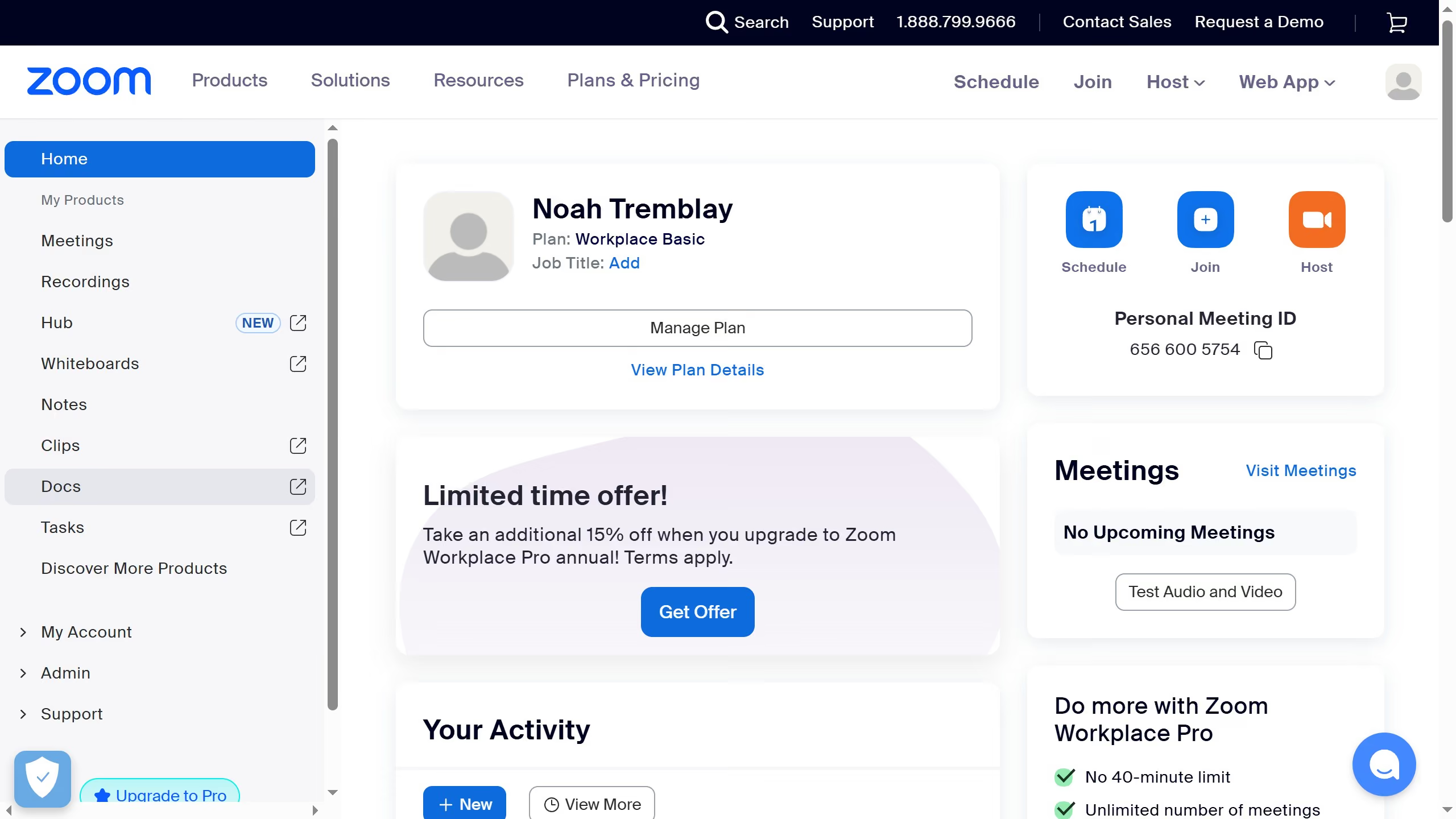
- First click on the "Docs" option in the left sidebar menu
- Then open the document containing the image you want to resize
- Next click on the image to select it
- Then click and hold one of the corner handles of the image
- Finally drag and drop the corner handle to adjust the image to your desired dimensions