How to share a template with your team in Zoom Docs
Here is how to share a template with your team in zoom docs
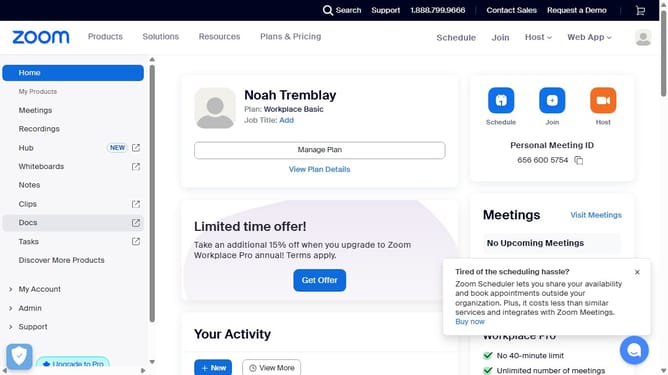
- First click on the "Docs" option in the left sidebar menu
- Then click on "More" in the Docs dashboard
- Next select "Templates" from the dropdown menu
- Then click on the "My templates" tab to view your saved templates
- Next click on the "More options" (three dots) button beside the template you want to share
- Then click on "Share" from the options
- Finally click "Copy link" to share the template with your teammates
Why should you share a template with your team in Zoom Docs
Zoom is a premier platform designed for seamless virtual collaboration.
Sharing a template with your team in Zoom Docs is a powerful feature that enhances teamwork and productivity. It allows you to easily distribute consistent materials, ensuring everyone is aligned and working efficiently.
By using this feature, you streamline workflows, save time, and maintain uniformity across projects. This collaborative approach fosters an organized and unified working environment, driving your team's success.
Last update