How to see the last person who edited a document in Zoom Docs
Here is how to see the last person who edited a document in zoom docs
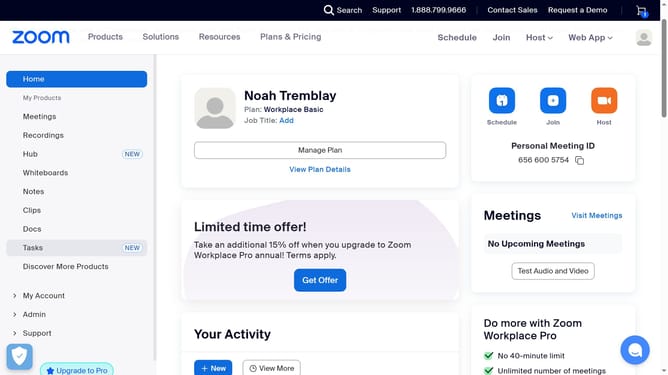
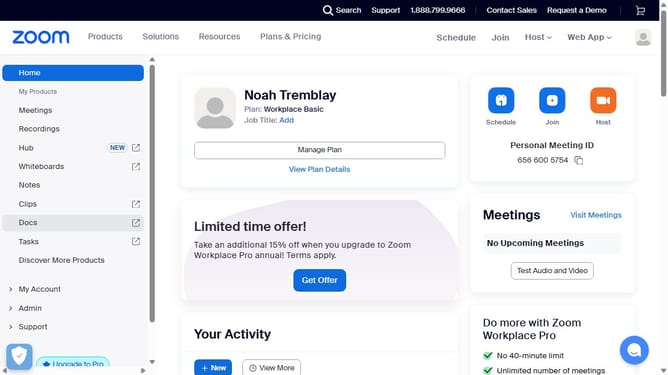
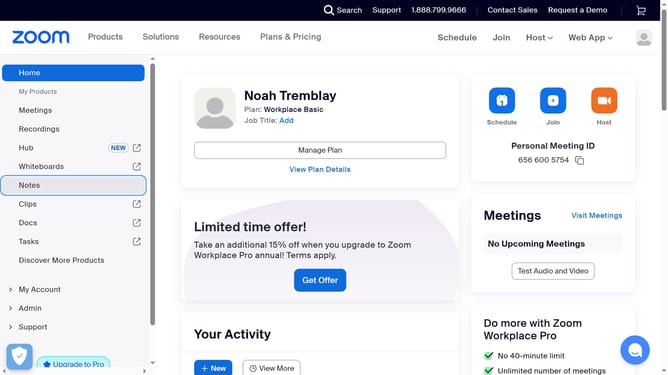
- First click on the "Docs" option in the left sidebar menu
- Then open the document you want to check edit history for
- Next click on the "More" menu button in the top toolbar
- Finally click on "Version history" option in the dropdown menu
Why should you see the last person who edited a document in Zoom Docs
Zoom is a versatile communication platform designed to connect people seamlessly across the globe.
One of the valuable features of Zoom Docs is its ability to display the last person who edited a document. This feature enhances collaboration by providing transparency and accountability in document management.
Knowing the last editor can streamline team workflows, facilitate clear communication, and ensure everyone is up-to-date with the latest changes. This helps in maintaining document integrity and boosts team efficiency.
Last update