How to send a private chat message in a Zoom meeting
Here is how to send a private chat message in a zoom meeting
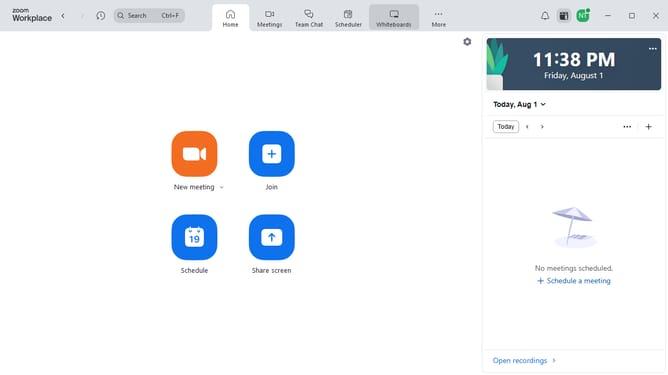
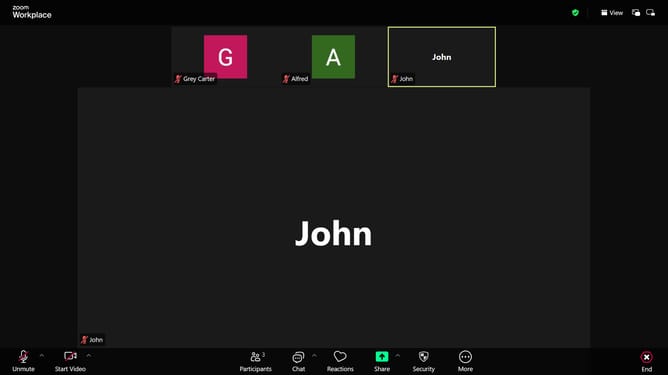
- First join or start the Zoom meeting
- Next click on the "Chat" button in the bottom menu bar to open the Chat panel
- In the chat panel, click the "To:" dropdown menu
- Then select the name of the participant you want to message privately from the dropdown list
- Next type your direct message in the chat input field
- Finally click on the "Send" button to send the message
- Only the selected participant will now see your message
Why should you send a private chat message in a Zoom meeting
Zoom is a revolutionary platform designed to facilitate seamless virtual communication.
The ability to send a private chat message in a Zoom meeting enhances the user experience by allowing discreet communication among participants. This feature is essential for fostering collaboration and maintaining privacy during group discussions.
Using private messaging can enhance your communication strategy by enabling you to share specific thoughts or information without disrupting the flow of the main conversation. It allows for real-time clarification and feedback, contributing to more effective and efficient meetings.
Last update