How to disable line numbers in a code block in Zoom Docs
Here is how to disable line numbers in a code block in zoom docs
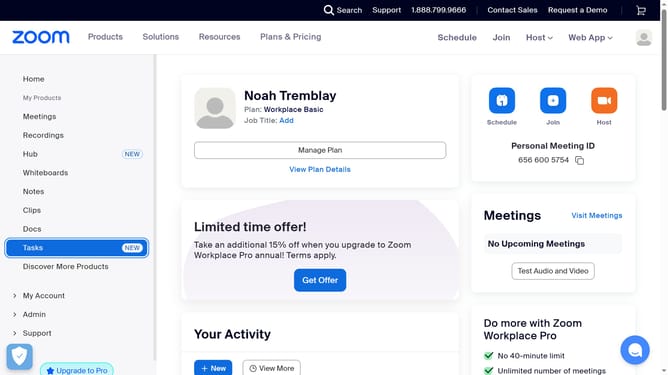
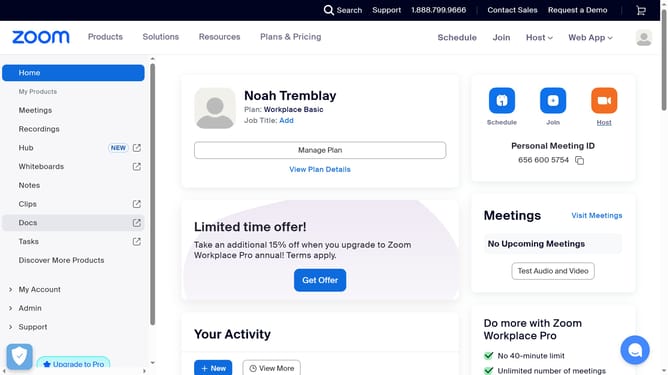
- First click on the "Docs" option in the left sidebar menu
- Then open the document containing the code block you want to edit
- Next click anywhere inside the code block to activate the editor
- Then click on the "More" menu button in the top toolbar
- Finally toggle off the "Line number" switch in the code block settings menu
Why should you disable line numbers in a code block in Zoom Docs
Zoom, a leading platform, excels in seamless communication and collaboration.
Disabling line numbers in a code block in Zoom Docs enhances clarity and focus, especially during collaborative document editing or presentations.
This feature is particularly beneficial when sharing snippets of code or scripts where line numbers may cause distraction or unnecessary clutter.
By opting out of line numbering, you streamline visual experience, making documents cleaner and easier to interpret for all users involved.
Last update